Sony BRAVIA Sound Bars
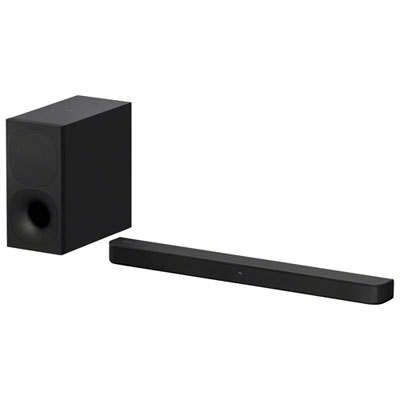
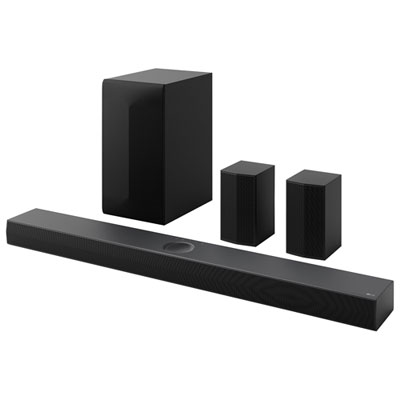
Find a Sony BRAVIA sound bar for your TV setup by comparing models by size, connection options and audio features. Check each model’s specifications for compatibility with your TV and details on what’s included to choose a setup that suits your space.


FAQ
Compatibility depends on the connections supported by both devices, rather than the TV brand alone. Check the TV and sound bar specifications for a matching connection, such as HDMI ARC, HDMI eARC, or optical audio. Some features may require a compatible Sony BRAVIA TV.
Both connections let a TV send audio to a sound bar through an HDMI cable. HDMI eARC supports higher-bandwidth audio formats than ARC. The formats available depend on the TV, sound bar, source device, and content.
Check the model’s specifications for Bluetooth, Wi-Fi, or supported streaming services. Bluetooth lets you pair a compatible phone directly, while Wi-Fi streaming requires a compatible service or app and a network connection. Available options vary by model.
With a compatible HDMI connection and HDMI-CEC enabled, your TV remote may control the sound bar’s volume and power. Available controls depend on both devices and their settings. An optical audio connection alone does not carry HDMI-CEC control commands.
The model’s specifications list supported formats, such as Dolby Digital, Dolby Atmos, or DTS variants. Format support also depends on the connection used and the capabilities of your TV or source device. Your streaming app, subscription, and selected content can also determine which formats are available.
Top selling and popular products
Discover more categories related to Sony BRAVIA Sound Bars

Some products may be subject to Environmental Handling Fees (EHF) depending on your province. Learn more about EHFs.