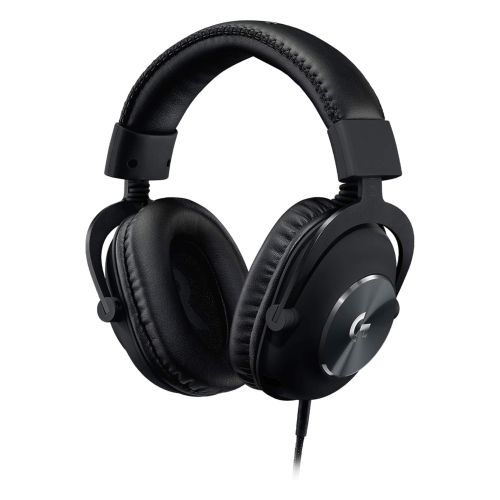
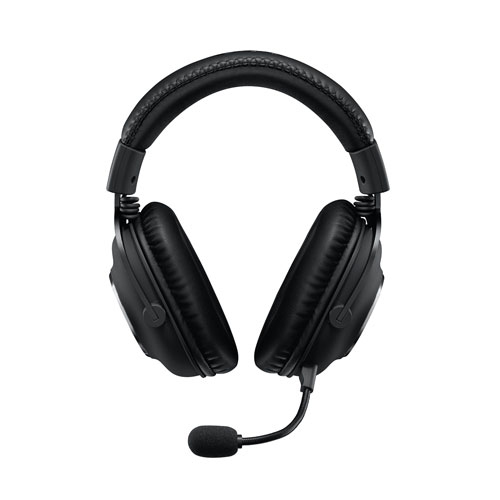
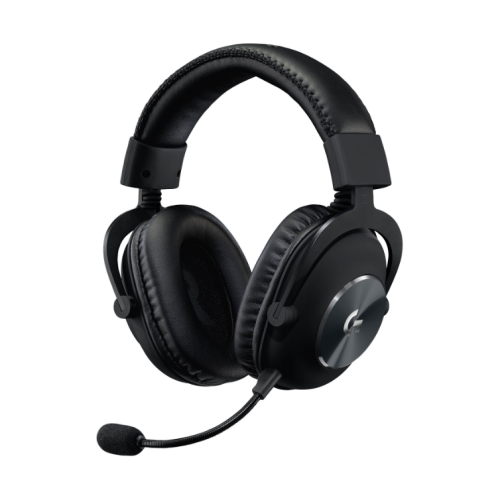
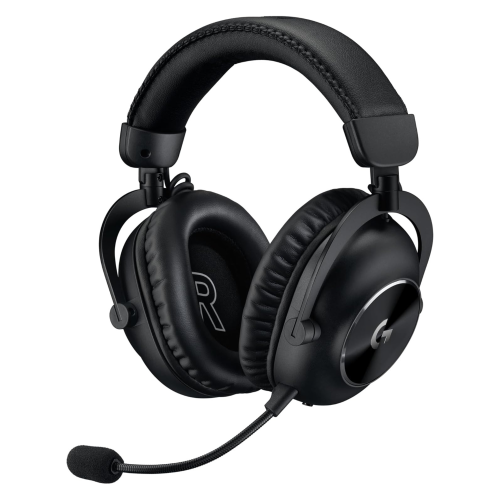
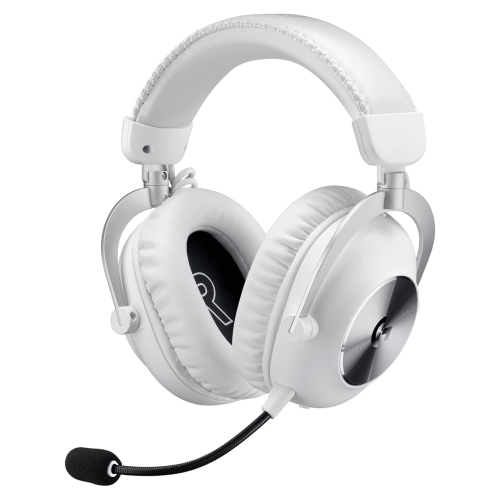
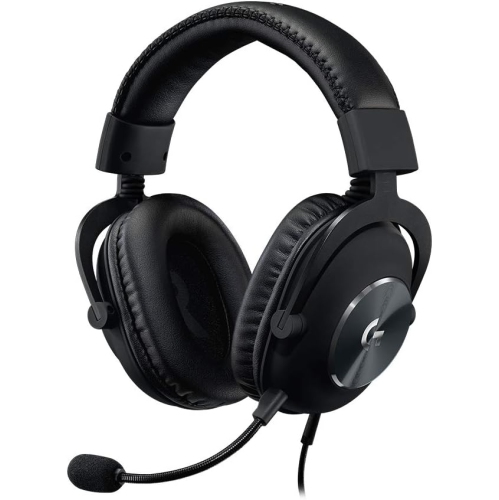
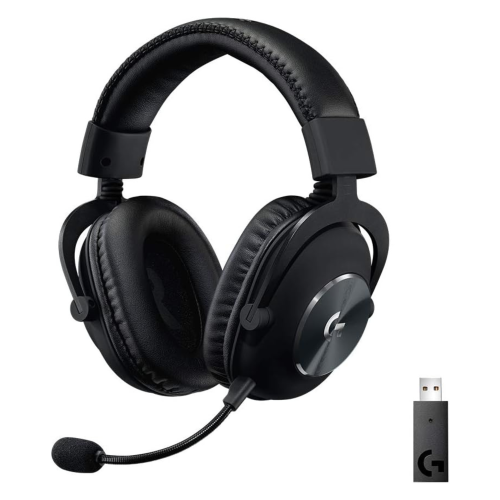
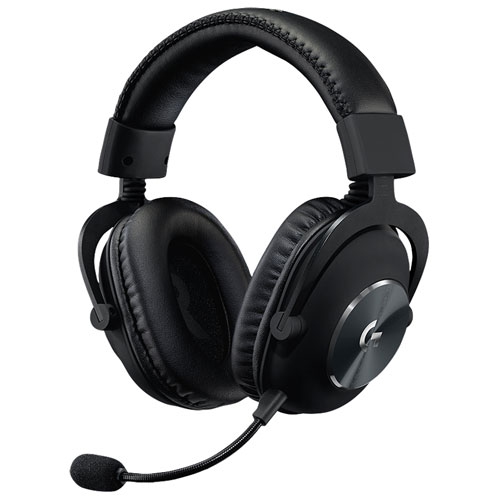
Logitech Pro Gaming Headsets

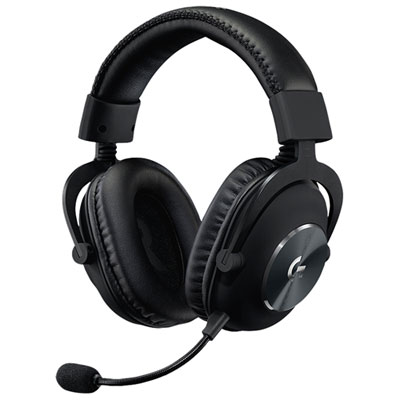
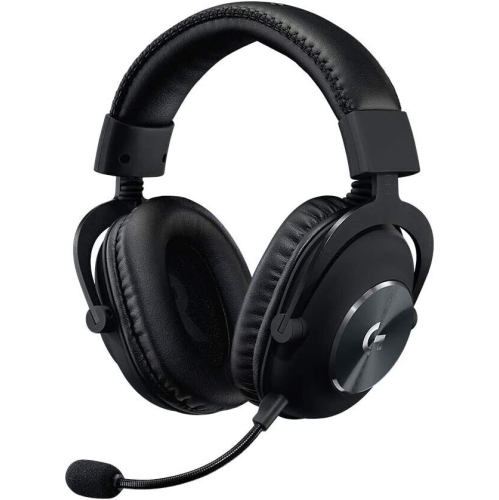
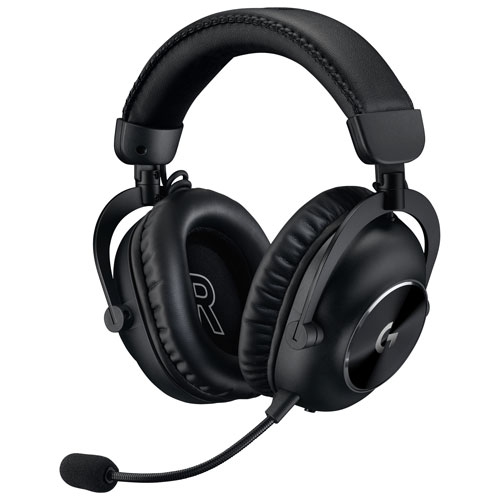
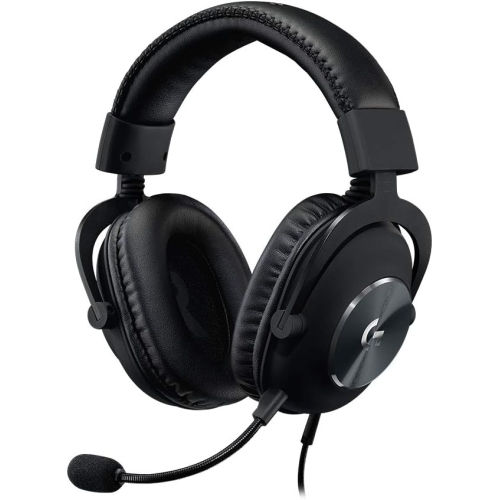
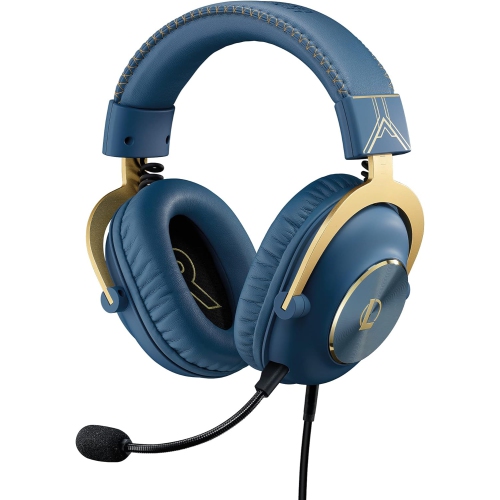
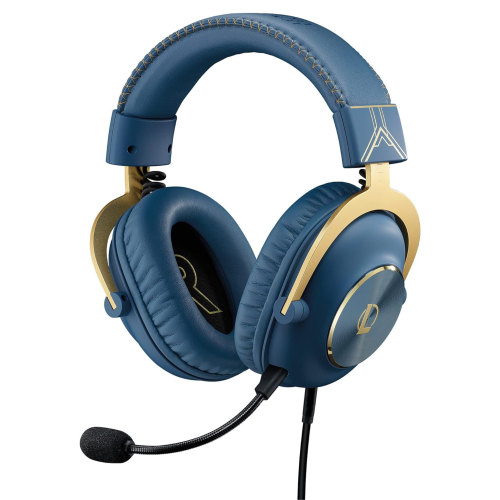
Find Logitech Pro Gaming Headsets for your gaming setup, and compare options based on platform compatibility, connection type, and microphone features. Consider fit and headset controls to choose a model that suits how you play and communicate with teammates.
Read More

Sort

Clear game audio starts with more than bass

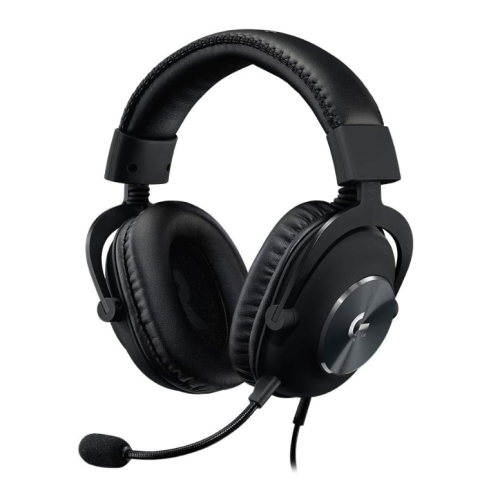
Pro gaming headsets bring game audio and team communication into a single wearable setup, supporting everything from tightly coordinated multiplayer matches to long stretches of story-driven play. Their appeal goes beyond loud explosions or heavy bass. The rustle of movement behind a doorway, the direction of approaching footsteps, and a teammate’s brief callout can all matter when several sounds compete for attention. A balanced sound profile helps keep dialogue, effects, and background music distinct, while clear stereo separation can make left-to-right movement easier to follow. Some headsets also support virtual surround sound or spatial audio, although the experience depends on the game, platform, software, and individual listening preferences. These features can add a sense of space, but they do not replace a comfortable fit or clear, well-defined audio. For players interested in Precision Gaming Headsets, the useful distinction is often how readily important details remain audible during a busy scene rather than how forcefully every effect lands. Microphone performance deserves similar attention. A boom positioned near the mouth can help keep speech consistent, while a directional pickup pattern or supported noise-reduction processing may reduce some unwanted room sound. Neither feature guarantees that a nearby keyboard or conversation will disappear from chat. A flexible boom makes positioning easier, and a foam windscreen can soften breath sounds when fitted correctly. Microphone monitoring, sometimes called sidetone, lets players hear some of their own voice through the headset, which can help prevent unintentional shouting. Accessible mute controls are useful when someone enters the room or a player needs to step away between rounds. For shared spaces, closed-back earcups can also limit sound leakage and provide some passive isolation, though they are not necessarily equipped with active noise cancellation. Together, these details shape a headset’s usefulness for competitive play, cooperative adventures, casual matches, and conversations that continue after the game has ended. A natural-sounding microphone can be just as valuable for a relaxed group session as it is for a closely contested match.

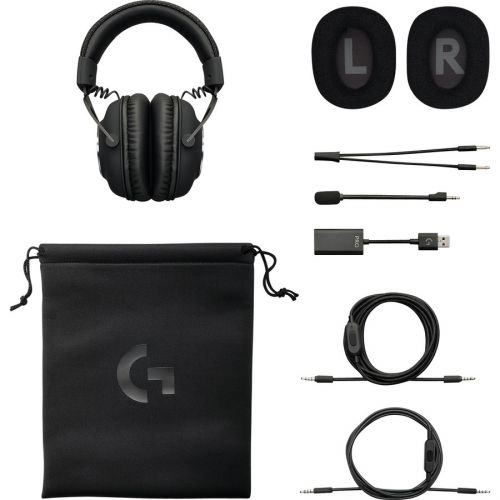
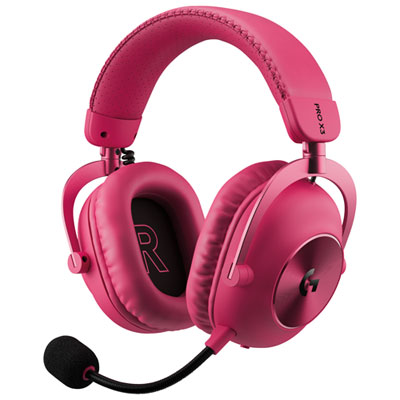
Comfort becomes especially noticeable once a quick match turns into an extended session. Headband adjustment, earcup depth, cushioning, and overall weight all influence how a gaming headset feels over time. A headset that rests comfortably at first may feel different after an hour if the ear cushions press against the outer ears or the headband concentrates pressure in one spot. Over-ear designs generally aim to surround the ears, but the size and shape of the openings still matter. Players who wear glasses may prefer softer cushions that accommodate the arms without creating a pronounced pressure point, while an adjustable headband helps position the earcups evenly. Cushion materials also change the feel. Fabric coverings tend to feel less enclosed, while leatherette surfaces are often easier to wipe clean and may help form a more consistent seal. Memory foam can conform around the head, although its softness and thickness vary. That seal can affect perceived bass and passive isolation, so comfort and sound are closely connected. Frames may combine moulded plastic with metal reinforcement to balance weight and strength; material alone does not establish how well a headset will withstand daily handling. Hinges, adjustment sliders, cable connections, and microphone joints are all parts that receive repeated use. Gentle handling helps protect them, particularly when removing the headset with both hands rather than pulling one earcup sideways. For day-to-day care, a soft cloth can remove surface dust, and a lightly dampened cloth may be suitable for exterior surfaces when permitted by the manufacturer’s care directions. Moisture should stay away from drivers, ports, and microphone openings. Removable cushions are not automatically washable, and harsh cleaners can damage finishes or coverings. Allowing cushions to dry fully before use, keeping cables loosely arranged, and storing the headset where it will not be crushed can help preserve its condition. Replaceable ear cushions, detachable cables, and removable microphones, where supported, can make individual parts easier to maintain without assuming that every component is interchangeable.

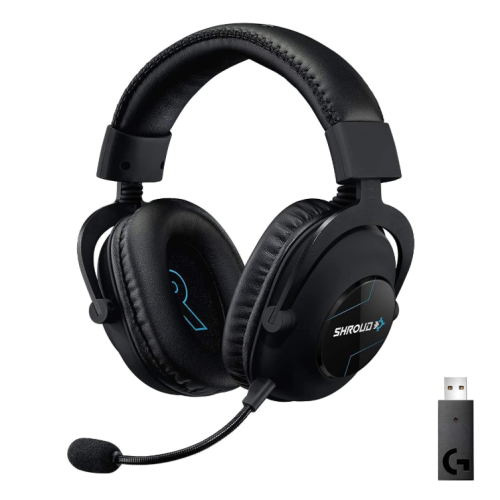
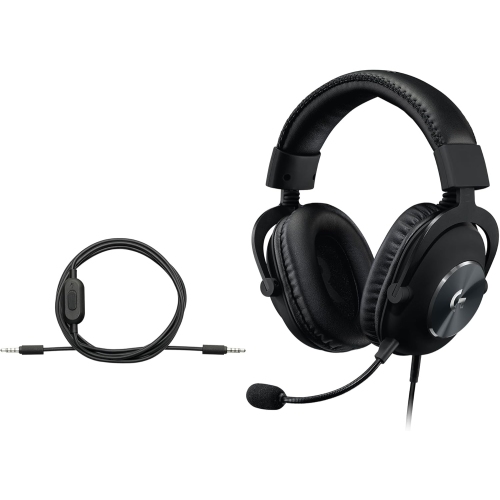
Connection options determine how naturally a pro gaming headset fits into an existing setup. A wired connection avoids the need to recharge the headset for audio playback, although some features may still require USB power or software. A compatible analogue connection can be convenient for a controller or computer, but plug size alone does not confirm that microphone input and every control will work as expected. USB connections may support additional processing or settings on compatible systems, while those same functions may be limited on another platform. Wireless headsets remove the cable between the player and the connected device, which can make a desk feel less crowded and give a player more freedom to move. A supported gaming receiver may offer a lower-latency connection than Bluetooth, but compatibility, connection stability, and charging requirements remain important considerations. Battery figures can vary with volume, lighting, wireless mode, and other enabled features. Some designs allow listening while charging; others do not, making that detail relevant for frequent, lengthy sessions. Physical controls also affect everyday convenience. A clearly distinguishable volume wheel, an easy-to-find mute button, or supported game-and-chat balance can be easier to manage by touch when attention stays on the screen. Software-based equalizer settings may help tailor audio, but access to those settings can depend on the device and operating system. For someone who switches between a gaming computer and a console, confirmed support for both matters more than a long feature list that applies to only one. These headsets can also suit students, remote collaborators, and people who use the same desk for games and voice calls, provided the connection and microphone work with their applications. As a gift, a gaming headset is most useful when it matches the recipient’s platform, preference for wired or wireless use, and comfort needs. Whatever the setup, moderate listening levels and regular breaks help make longer sessions more comfortable without relying on excessive volume to hear important details.
Read More

FAQ

Some products may be subject to Environmental Handling Fees (EHF) depending on your province. Learn more about EHFs.