Mac Mini Configuration for Small Businesses
Mac Mini Configuration For Small Businesses offers versatile computing solutions designed to meet the unique needs of growing companies. Explore a range of options that can help streamline daily operations, support multiple users, and fit seamlessly into limited office spaces. Whether upgrading your current setup or expanding your team, find configurations that provide reliable performance and scalability for busy work environments. Discover how Mac Mini Configuration For Small Businesses can enhance productivity and keep your business running smoothly.
Sort
Flexible Mac Mini setups for growing small business teams
For small businesses seeking a streamlined, efficient computing solution, configuring a Mac Mini can be a game-changer, especially as the pace of work picks up through late spring and into the summer. These compact desktop computers are well-suited for a variety of professional environments, from bustling creative studios to boutique consulting firms and even remote or hybrid workspaces. Their small footprint allows them to fit seamlessly into tight office layouts or shared desks, leaving more room for collaboration and productivity tools. Many business owners appreciate how Mac Mini systems can be customized to meet unique workflow requirements, whether you need more memory for multitasking, additional storage for large project files, or advanced connectivity for a suite of peripherals. IT managers often favour the ease of deployment and management, while team members enjoy the smooth, responsive experience that supports everything from video conferencing to cloud-based collaboration.
When considering a Mac Mini configuration for your small business, it’s important to think about the specific needs of your team and the nature of your day-to-day operations. During the warmer months, when staff may be splitting time between the office and remote locations, a compact desktop like the Mac Mini makes it easy to maintain consistency and security across workstations. Its versatility means it can serve as a central hub for client presentations in a meeting room, power a dedicated workstation for design or accounting, or even act as a server for lightweight file sharing and backup. For businesses with seasonal staff or interns, setting up additional workstations is straightforward—just connect a monitor, keyboard, and mouse, and you’re ready to go. The Mac Mini is also a thoughtful gift for entrepreneurs launching a new venture or for employees celebrating a milestone, offering a reliable foundation for future growth. If you’re outfitting an office for the first time or upgrading your current setup, you’ll find that a well-chosen configuration can scale with your business as it evolves.
To ensure you’re making the most of your investment, consider pairing your Mac Mini with the right accessories and peripherals for your specific workflow. Ergonomic keyboards, high-resolution monitors, and fast external drives can all enhance productivity and comfort throughout the workday. For those looking to create a cohesive, professional workspace, exploring options for cable management, docking stations, and collaborative tools can make a significant difference in both appearance and efficiency. If you’re not sure where to begin or want inspiration for designing a workspace that reflects your business’s personality and needs, take a look at the Mac Mini Office Setup page for helpful ideas and solutions tailored to small business environments. Whether you’re preparing for a busy summer season or simply refreshing your office as the weather warms, configuring a Mac Mini can help your team stay connected, organized, and ready to tackle new opportunities.
When considering a Mac Mini configuration for your small business, it’s important to think about the specific needs of your team and the nature of your day-to-day operations. During the warmer months, when staff may be splitting time between the office and remote locations, a compact desktop like the Mac Mini makes it easy to maintain consistency and security across workstations. Its versatility means it can serve as a central hub for client presentations in a meeting room, power a dedicated workstation for design or accounting, or even act as a server for lightweight file sharing and backup. For businesses with seasonal staff or interns, setting up additional workstations is straightforward—just connect a monitor, keyboard, and mouse, and you’re ready to go. The Mac Mini is also a thoughtful gift for entrepreneurs launching a new venture or for employees celebrating a milestone, offering a reliable foundation for future growth. If you’re outfitting an office for the first time or upgrading your current setup, you’ll find that a well-chosen configuration can scale with your business as it evolves.
To ensure you’re making the most of your investment, consider pairing your Mac Mini with the right accessories and peripherals for your specific workflow. Ergonomic keyboards, high-resolution monitors, and fast external drives can all enhance productivity and comfort throughout the workday. For those looking to create a cohesive, professional workspace, exploring options for cable management, docking stations, and collaborative tools can make a significant difference in both appearance and efficiency. If you’re not sure where to begin or want inspiration for designing a workspace that reflects your business’s personality and needs, take a look at the Mac Mini Office Setup page for helpful ideas and solutions tailored to small business environments. Whether you’re preparing for a busy summer season or simply refreshing your office as the weather warms, configuring a Mac Mini can help your team stay connected, organized, and ready to tackle new opportunities.
Top selling and popular products
-
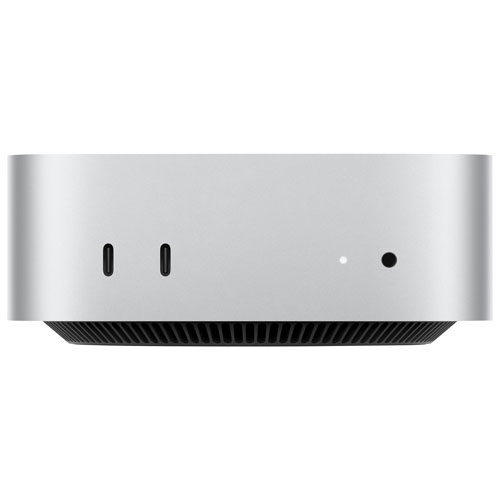 Your price for this item is $1149.99
 -
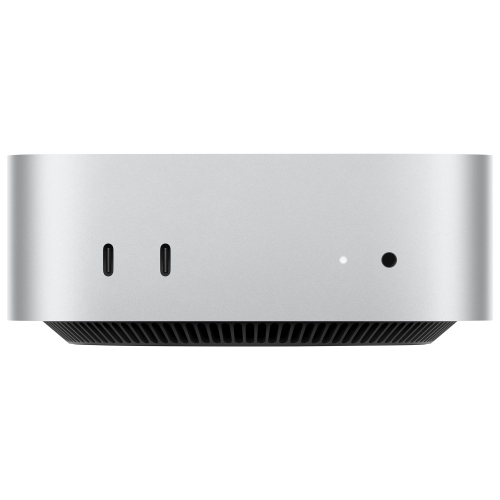 Your price for this item is $2449.99
 -
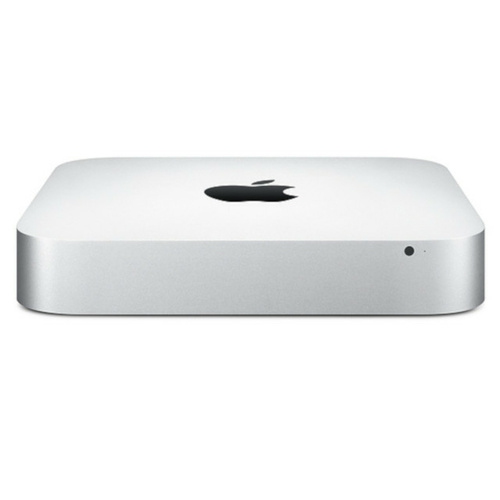 Your price for this item is $215
 -
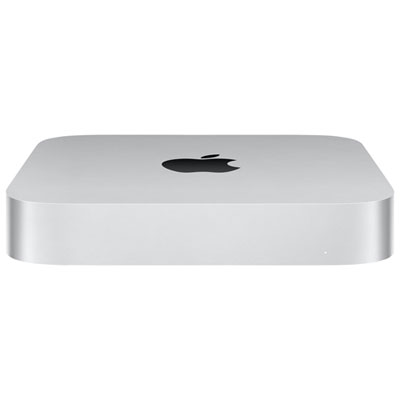 Your price for this item is $1699.99
 -
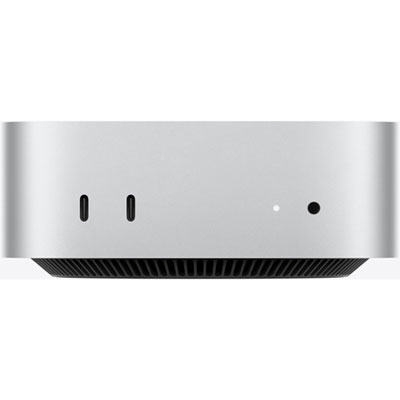 Your price for this item is $1249.99
 -
 Your price for this item is $649.99
 -
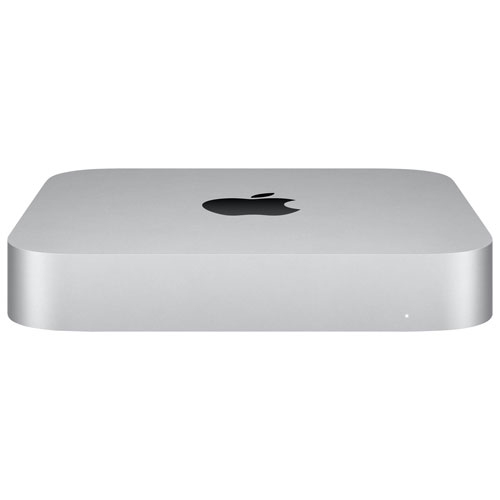 Your price for this item is $799.77
 -
 Your price for this item is $1299.99
Discover more categories related to Mac Mini Configuration for Small Businesses
Top Collections:
Pokemon Centers, Budget 4K TVs, Best Budget Office Chairs, Kindle Devices, Canon G7X Cameras, Apple iPhones 16, iPhone 15 Apple, Laptops for Business Work, Xiaomi Phones, Flip Phones
Some products may be subject to Environmental Handling Fees
(EHF) depending on your province.
Learn more about EHFs.