Mac Mini for Business Use
Mac Mini For Business Use offers a compact and versatile solution for modern workplaces seeking reliable computing power. Designed to fit seamlessly into any office setup, these devices are ideal for handling daily tasks, supporting productivity, and integrating with existing business systems. Explore a range of Mac Mini options tailored to meet the demands of your business operations and help keep your team connected and efficient.
Sort
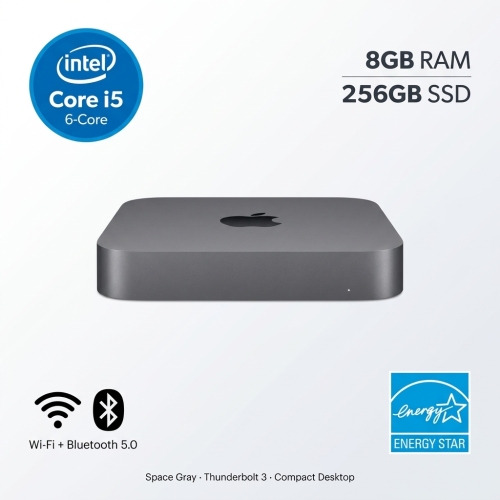


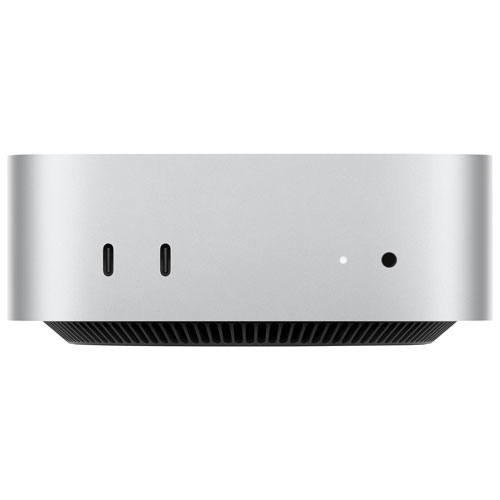
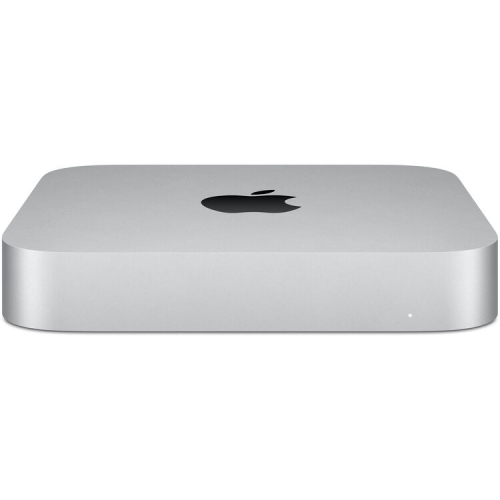
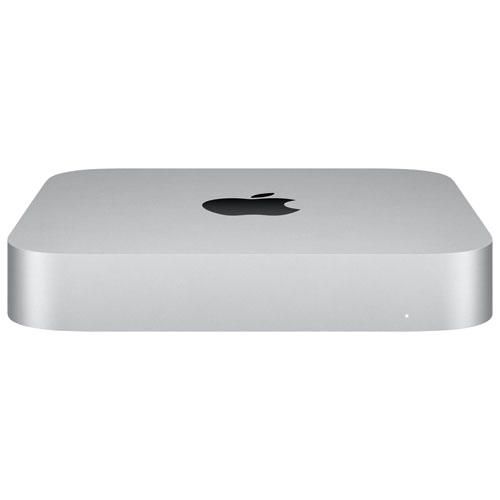
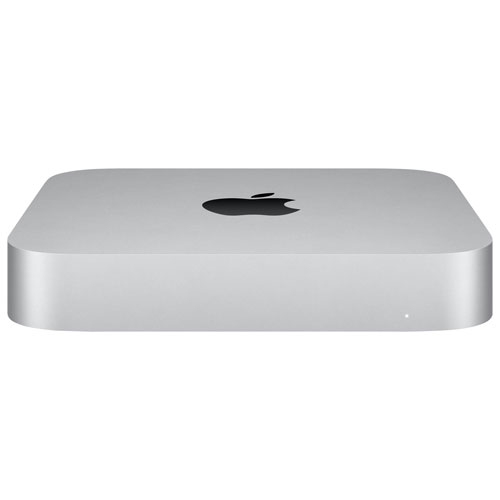
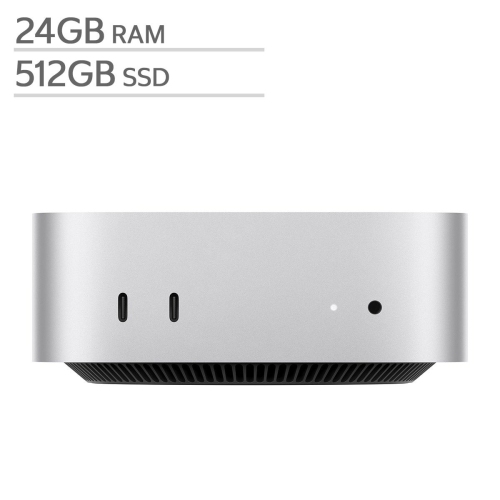
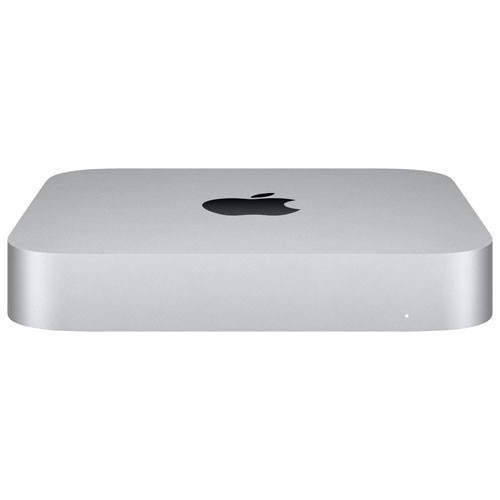
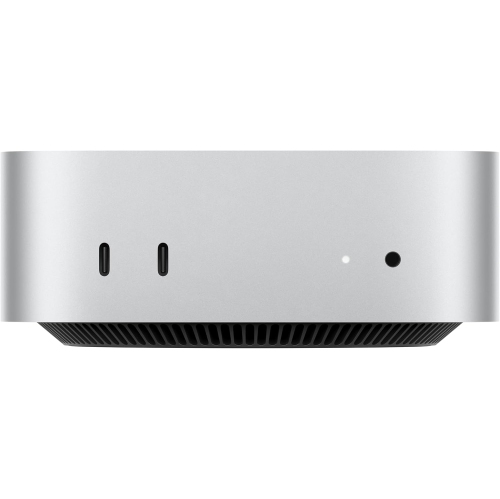




A dedicated workstation without the full-size tower
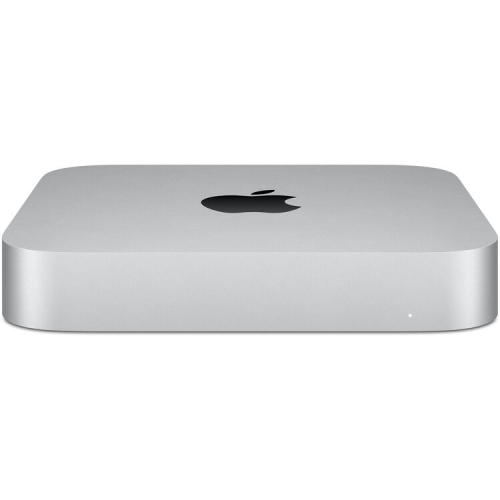
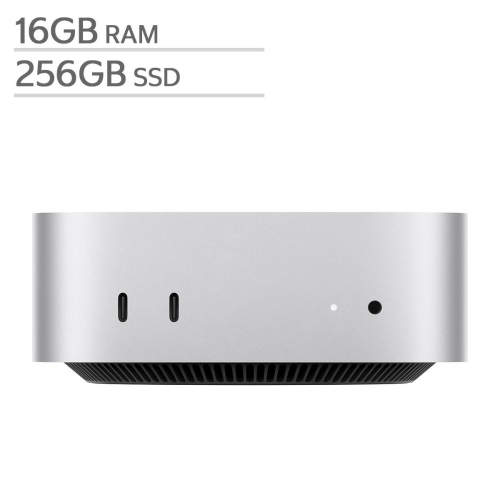
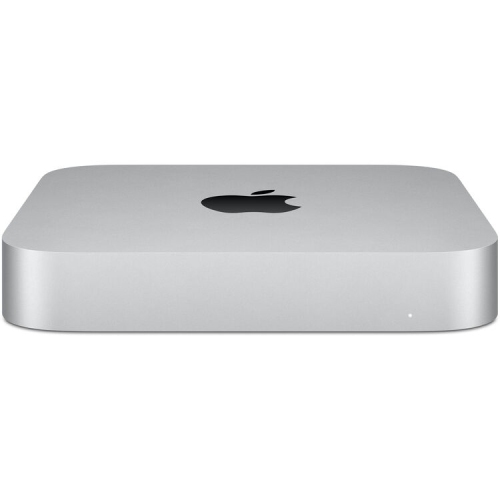
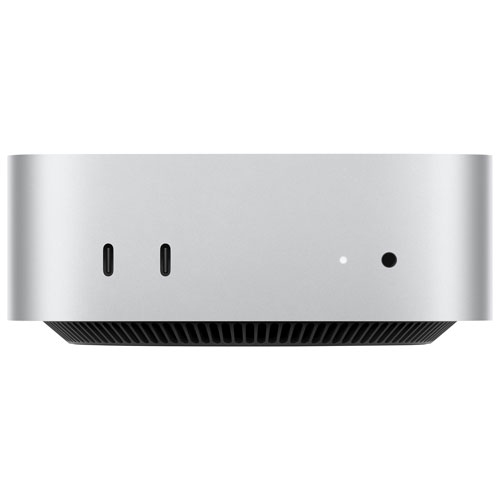
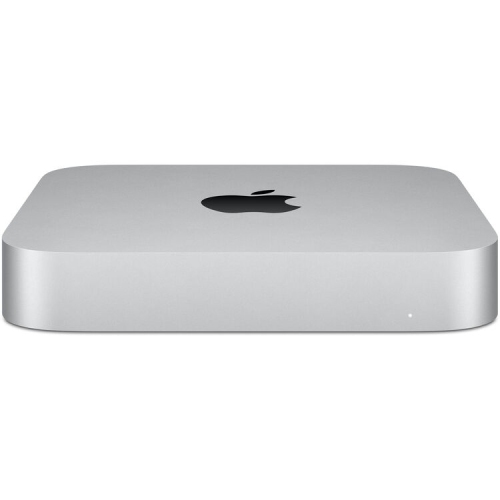
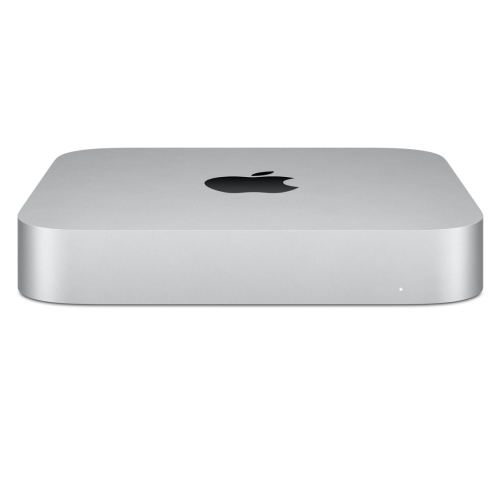
A compact desktop computer for business use provides a fixed workstation for office applications, online meetings, customer records and shared dashboards without taking up the space of a full-size tower. Its small footprint suits reception counters, individual offices, shared desks and home offices where the work surface also needs room for paperwork, a phone or a payment terminal. For an administrator, a typical day might involve moving between appointment scheduling, spreadsheets, email and a browser-based accounting tool. For a creative professional, the same desktop format can support layout work, image editing or presentations when its processing power and memory match the workload. The appeal is a dedicated computer that stays connected to the equipment used throughout the day. Unlike a laptop, a compact desktop normally requires a separate display, keyboard and mouse, along with a continuous power connection. That arrangement gives businesses flexibility to choose a comfortable screen size, retain compatible accessories and organize the desk around the person using it. A receptionist may benefit from a single display that leaves the counter open for visitors, while a bookkeeper may prefer two screens for comparing invoices with transaction records. In a meeting room, a compact computer can provide a consistent connection to a large display and conferencing equipment, reducing the need to reconnect a different personal device for every discussion. An aluminium enclosure offers a solid exterior for routine office use, and the restrained shape fits neatly beside a monitor or on a suitable shelf. Physical fit still includes space for plugs, cable bends and airflow, not just the dimensions of the computer itself. Although compact desktops are easy to relocate between workstations, they are intended primarily for stationary use rather than working during travel. Their usefulness comes from keeping a familiar set of tools ready at a dedicated desk.
The right business configuration depends on the applications running together and the size of the files they handle. Email, document editing and browser-based administration place different demands on a computer than large design projects, software development or frequent video exports. Memory is particularly relevant when several applications remain open throughout the day: a busy office workstation may have a customer database, a video call, a spreadsheet and many browser tabs active at once. Processing capability affects how comfortably more demanding work fits alongside those routine tasks. Internal storage needs reflect both the amount of data kept locally and the working space required by applications, downloads and temporary project files. Memory and storage choices deserve attention from the outset because later upgrade options can be limited. External drives can add room for archives and project transfers, but they serve a different purpose from a reliable backup system. A separate, regularly checked backup helps protect business records if files are deleted, a drive fails or a computer needs replacement. Software compatibility is equally important, especially for businesses that depend on specialized accounting tools, industry applications, older peripherals or particular document workflows. Browser-based services can simplify access across different computers, but connected printers, scanners, card readers and other equipment still need compatible software or drivers. Display support also varies by configuration, including the number of screens, their resolution and the connections they require. A workstation used for detailed spreadsheets may benefit more from a clear, comfortably positioned display than from additional processing power that its applications rarely use. Wired networking can provide a steady connection for large file transfers and shared resources, while Wi-Fi offers flexibility where a network cable is impractical. Connection planning includes enough suitable ports for everyday accessories, with compatible hubs or docks where needed. A well-matched setup leaves room for the equipment employees actually use without turning the desktop into a tangle of adapters and trailing cables.
Long-term business use also depends on how easily the workstation can be maintained, secured and shared. The compact enclosure is straightforward to keep tidy with a soft, dry cloth, while unobstructed ventilation helps the computer operate as intended. A crowded cupboard, a stack of folders or a position directly beside a spill-prone drink can undermine an otherwise practical desk layout. Cables kept clear of feet and chair wheels are less likely to be pulled loose during a busy day, and accessible connections make routine peripheral changes easier. In shared offices, separate user accounts help keep individual files and preferences organized, while appropriate access controls limit who can open sensitive records. Device encryption, supported software updates and a clear backup arrangement are useful parts of a business setup, alongside any requirements set by the organization’s IT provider. For teams considering Mac mini for small business operations, these everyday details matter as much as the space saved on a desk. Some configurations can also support a dedicated information display, an internal dashboard or lightweight local services when the software, network and access permissions are suitable. Those roles need defined responsibilities for maintenance and recovery, particularly when other employees depend on the computer being reachable. A desktop used for a reception dashboard has different requirements from one holding shared working files, even if both occupy very little space. For a small office, consistency across workstations can make support and employee handovers simpler: familiar connections, compatible accessories and a repeatable account setup reduce interruptions when someone changes desks. Ergonomics remain part of the overall fit, with the display positioned comfortably and the keyboard and mouse suited to extended use. A compact business desktop works best as part of a complete workstation, combining enough capability for daily tasks with dependable connections, sensible file protection and a layout that keeps the work surface usable.
The right business configuration depends on the applications running together and the size of the files they handle. Email, document editing and browser-based administration place different demands on a computer than large design projects, software development or frequent video exports. Memory is particularly relevant when several applications remain open throughout the day: a busy office workstation may have a customer database, a video call, a spreadsheet and many browser tabs active at once. Processing capability affects how comfortably more demanding work fits alongside those routine tasks. Internal storage needs reflect both the amount of data kept locally and the working space required by applications, downloads and temporary project files. Memory and storage choices deserve attention from the outset because later upgrade options can be limited. External drives can add room for archives and project transfers, but they serve a different purpose from a reliable backup system. A separate, regularly checked backup helps protect business records if files are deleted, a drive fails or a computer needs replacement. Software compatibility is equally important, especially for businesses that depend on specialized accounting tools, industry applications, older peripherals or particular document workflows. Browser-based services can simplify access across different computers, but connected printers, scanners, card readers and other equipment still need compatible software or drivers. Display support also varies by configuration, including the number of screens, their resolution and the connections they require. A workstation used for detailed spreadsheets may benefit more from a clear, comfortably positioned display than from additional processing power that its applications rarely use. Wired networking can provide a steady connection for large file transfers and shared resources, while Wi-Fi offers flexibility where a network cable is impractical. Connection planning includes enough suitable ports for everyday accessories, with compatible hubs or docks where needed. A well-matched setup leaves room for the equipment employees actually use without turning the desktop into a tangle of adapters and trailing cables.
Long-term business use also depends on how easily the workstation can be maintained, secured and shared. The compact enclosure is straightforward to keep tidy with a soft, dry cloth, while unobstructed ventilation helps the computer operate as intended. A crowded cupboard, a stack of folders or a position directly beside a spill-prone drink can undermine an otherwise practical desk layout. Cables kept clear of feet and chair wheels are less likely to be pulled loose during a busy day, and accessible connections make routine peripheral changes easier. In shared offices, separate user accounts help keep individual files and preferences organized, while appropriate access controls limit who can open sensitive records. Device encryption, supported software updates and a clear backup arrangement are useful parts of a business setup, alongside any requirements set by the organization’s IT provider. For teams considering Mac mini for small business operations, these everyday details matter as much as the space saved on a desk. Some configurations can also support a dedicated information display, an internal dashboard or lightweight local services when the software, network and access permissions are suitable. Those roles need defined responsibilities for maintenance and recovery, particularly when other employees depend on the computer being reachable. A desktop used for a reception dashboard has different requirements from one holding shared working files, even if both occupy very little space. For a small office, consistency across workstations can make support and employee handovers simpler: familiar connections, compatible accessories and a repeatable account setup reduce interruptions when someone changes desks. Ergonomics remain part of the overall fit, with the display positioned comfortably and the keyboard and mouse suited to extended use. A compact business desktop works best as part of a complete workstation, combining enough capability for daily tasks with dependable connections, sensible file protection and a layout that keeps the work surface usable.
Top selling and popular products
-
 Your price for this item is $1199.99
-
 Your price for this item is $999.77
-
 Your price for this item is $1199.99
-
 Your price for this item is $1494.9
-
 Your price for this item is $999.77
-
 Your price for this item is $688
-
 Your price for this item is $555
-
 Your price for this item is $1094.99
Discover more categories related to Mac Mini for Business Use
Top Collections:
Pokemon Centers, Pokémon 30th Celebration Cards, Best Budget Office Chairs, Kindle Devices, Best Cameras for Sports Photography, Canon G7X Cameras, Best Black Friday Deals On Electronics, Best Laptops for Writers, iPhone 15 Apple, Jackery Power Stations
Some products may be subject to Environmental Handling Fees
(EHF) depending on your province.
Learn more about EHFs.