Mac Mini Business Productivity Essentials
Mac Mini Business Productivity Essentials offer a streamlined selection of tools designed to help keep your workspace efficient and organized. From compact desktops and monitors to accessories that enhance connectivity and workflow, these essentials support seamless day-to-day operations. Whether setting up a new office or upgrading your current setup, discover solutions that complement the power and versatility of your Mac Mini for optimal business performance.
Sort
Productivity essentials for a connected, comfortable Mac workspace
When it comes to setting up an efficient, reliable workspace, the right combination of Mac Mini business productivity essentials can make all the difference. Whether you’re working from a bustling downtown office, a quiet home setup, or a shared coworking space, the compact footprint and versatile performance of the Mac Mini make it a favourite for professionals who value both power and flexibility. These essentials cater to a broad spectrum of users—from entrepreneurs launching new ventures to established teams looking to streamline their operations. The Mac Mini’s adaptability means it fits seamlessly into environments where desk space is at a premium, such as creative studios or remote work nooks, while still delivering the robust performance needed for everything from data analysis to graphic design. As the weather shifts from the warmth of summer into the cooler days of fall, many businesses take the opportunity to refresh their technology and optimize their workflows, making this an ideal time to consider which accessories and tools can help you get the most from your Mac Mini.
Choosing the right productivity essentials involves thinking about how you or your team will use the Mac Mini day to day. For some, the focus might be on creating a clutter-free, ergonomic workspace—think wireless keyboards, adjustable monitors, and comfortable mice that allow for hours of seamless work. Others may prioritize connectivity options, such as docking stations and hubs, to ensure all necessary peripherals and devices can be easily integrated. If your work involves frequent video calls or virtual meetings, investing in high-quality webcams and noise-cancelling headsets can dramatically improve communication and collaboration, especially as teams become more distributed. Storage and backup solutions, like external drives and secure cloud integrations, are also top considerations for professionals handling large files or sensitive information. These essentials are not just practical purchases; they can also make thoughtful gifts for recent graduates entering the workforce, colleagues celebrating a promotion, or anyone setting up a new home office. The right combination of tools can transform the Mac Mini into a productivity powerhouse, supporting everything from creative brainstorming sessions to data-driven decision-making.
As you explore the possibilities for enhancing your workspace, remember that every professional’s needs are unique. Some may find value in software solutions that streamline project management or enable secure remote access, while others benefit most from hardware upgrades that boost speed and efficiency. The beauty of building out your Mac Mini setup is that it can evolve alongside your work style—what serves you well during the busy summer months might shift as autumn brings new projects and fresh goals. Whether you’re optimizing for solo productivity or outfitting an entire team, you’ll find a range of essentials designed to help you work smarter and stay connected. For more inspiration and guidance on tailoring your setup to your business needs, visit the dedicated Mac Mini for Business Use page, where you’ll discover additional tips and curated solutions to support your success throughout the year.
Choosing the right productivity essentials involves thinking about how you or your team will use the Mac Mini day to day. For some, the focus might be on creating a clutter-free, ergonomic workspace—think wireless keyboards, adjustable monitors, and comfortable mice that allow for hours of seamless work. Others may prioritize connectivity options, such as docking stations and hubs, to ensure all necessary peripherals and devices can be easily integrated. If your work involves frequent video calls or virtual meetings, investing in high-quality webcams and noise-cancelling headsets can dramatically improve communication and collaboration, especially as teams become more distributed. Storage and backup solutions, like external drives and secure cloud integrations, are also top considerations for professionals handling large files or sensitive information. These essentials are not just practical purchases; they can also make thoughtful gifts for recent graduates entering the workforce, colleagues celebrating a promotion, or anyone setting up a new home office. The right combination of tools can transform the Mac Mini into a productivity powerhouse, supporting everything from creative brainstorming sessions to data-driven decision-making.
As you explore the possibilities for enhancing your workspace, remember that every professional’s needs are unique. Some may find value in software solutions that streamline project management or enable secure remote access, while others benefit most from hardware upgrades that boost speed and efficiency. The beauty of building out your Mac Mini setup is that it can evolve alongside your work style—what serves you well during the busy summer months might shift as autumn brings new projects and fresh goals. Whether you’re optimizing for solo productivity or outfitting an entire team, you’ll find a range of essentials designed to help you work smarter and stay connected. For more inspiration and guidance on tailoring your setup to your business needs, visit the dedicated Mac Mini for Business Use page, where you’ll discover additional tips and curated solutions to support your success throughout the year.
Top selling and popular products
-
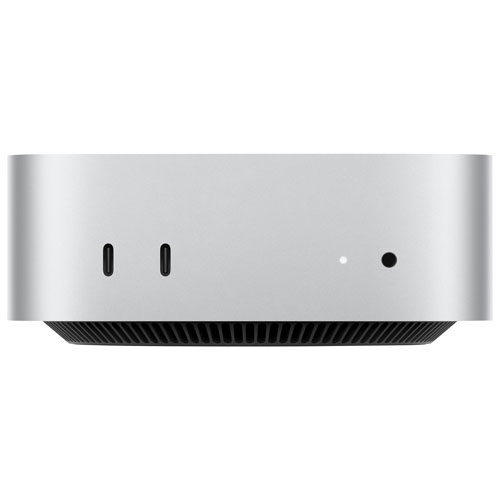 Your price for this item is $1149.99
 -
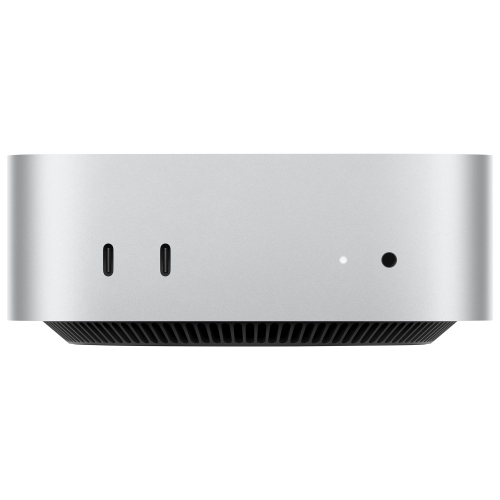 Your price for this item is $2449.99
 -
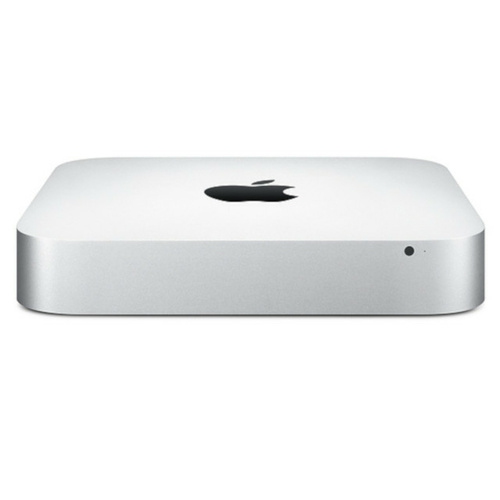 Your price for this item is $215
 -
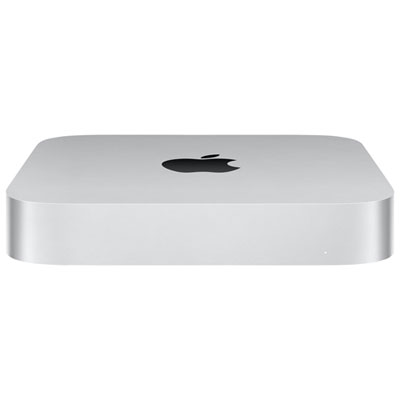 Your price for this item is $1699.99
 -
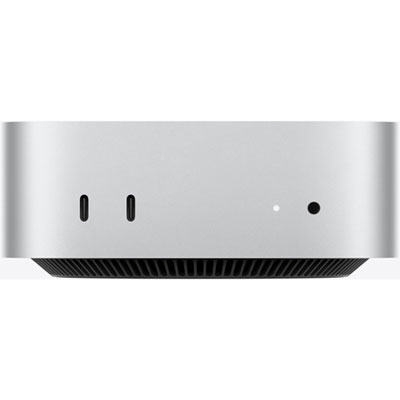 Your price for this item is $1249.99
 -
 Your price for this item is $649.99
 -
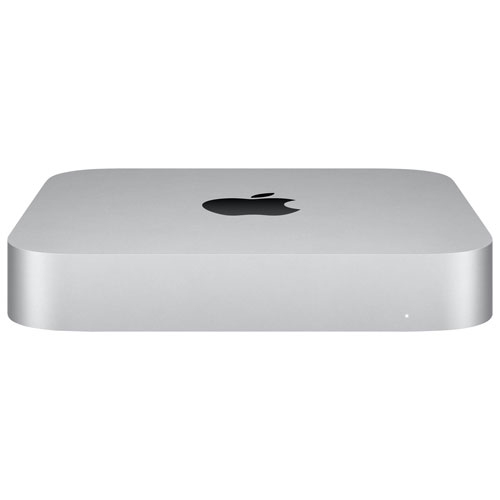 Your price for this item is $799.77
 -
 Your price for this item is $1299.99
Discover more categories related to Mac Mini Business Productivity Essentials
Top Collections:
Pokemon Centers, Budget 4K TVs, Best Budget Office Chairs, Kindle Devices, Canon G7X Cameras, Apple iPhones 16, iPhone 15 Apple, Laptops for Business Work, Xiaomi Phones, Flip Phones
Some products may be subject to Environmental Handling Fees
(EHF) depending on your province.
Learn more about EHFs.