Mac Mini Creative Workspace Solution
Elevate your productivity with the Mac Mini Creative Workspace Solution, designed to support a streamlined and efficient workflow. Explore a curated selection of essential accessories and equipment to complement your setup, whether you're editing, designing, or managing multiple projects. Find everything you need to create a comfortable and organized workspace that enhances your creative process and helps you stay focused on what matters most.
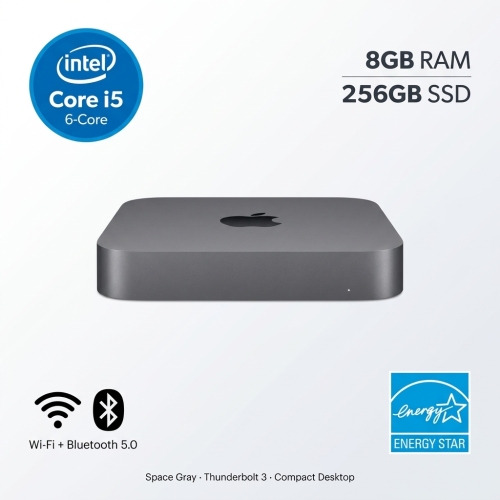


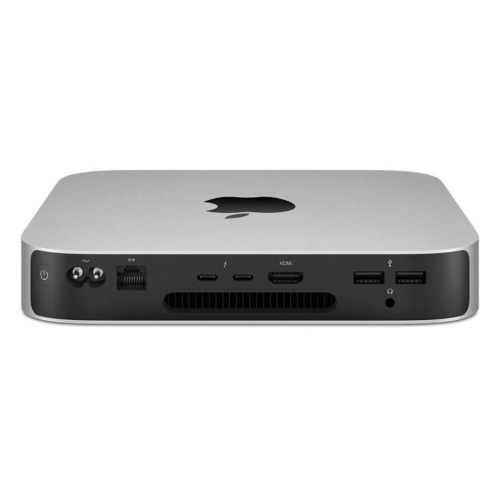
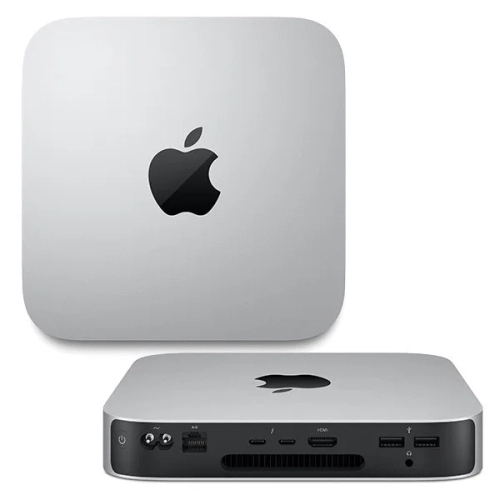


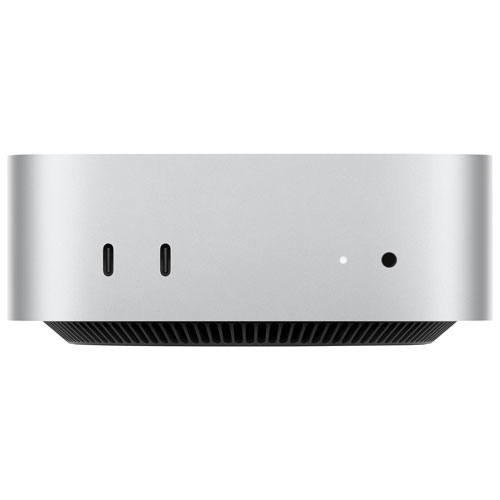
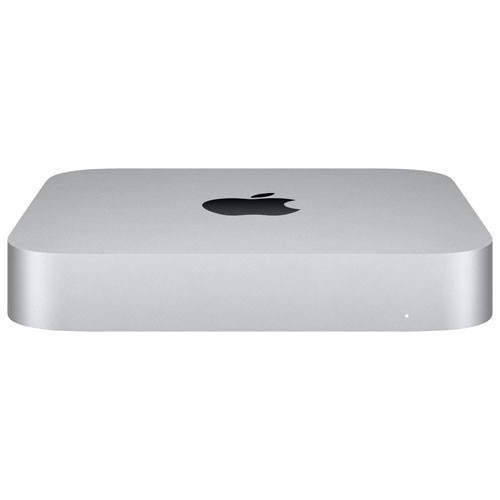
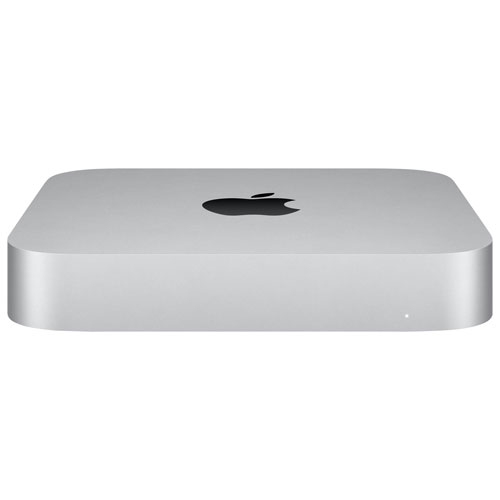
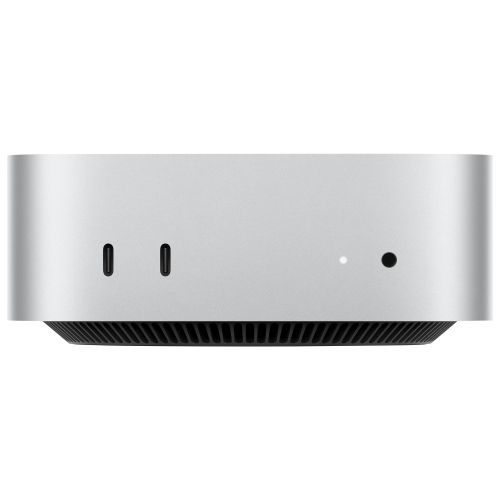
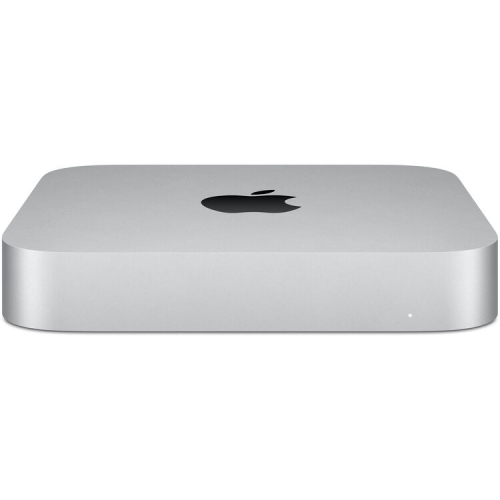
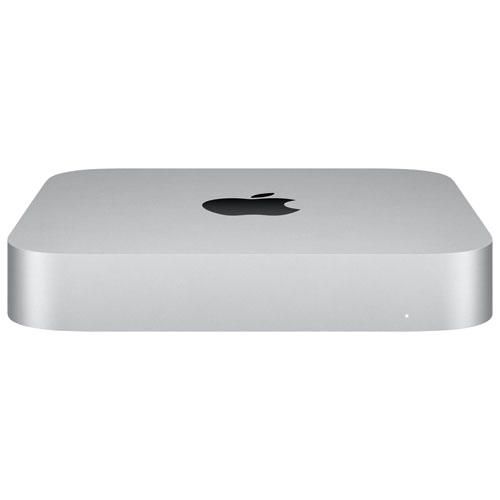
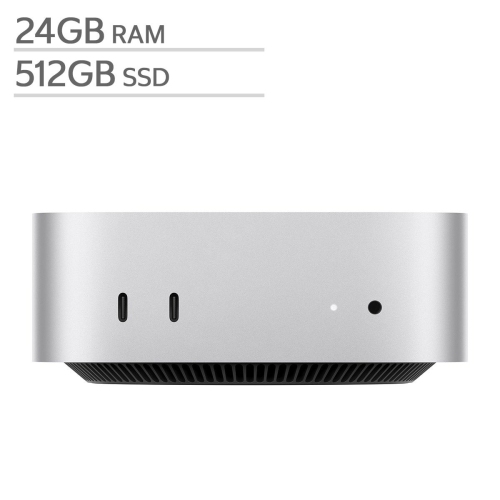
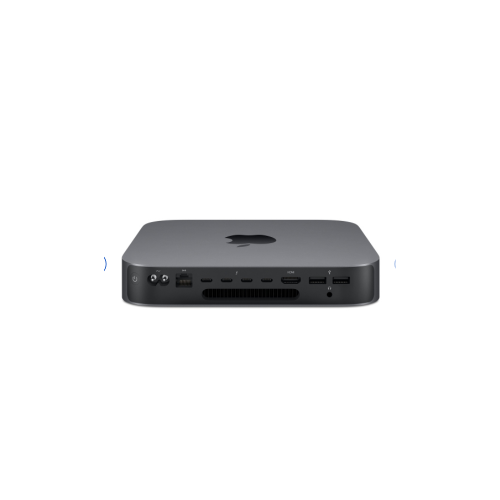
Flexible setups for focused creative work in any space
Selecting the right components for a Mac Mini creative workspace involves balancing performance needs with personal style and comfort. High-resolution displays can make a dramatic difference for photographers and video editors, while quality speakers or headphones are a must for audio production. Adjustable desks and supportive seating help maintain energy and focus during extended creative sessions, and efficient lighting can reduce eye strain as projects stretch from bright mornings into the evening. Accessories like external storage, drawing tablets, or specialized input devices can further tailor the space to your workflow, making it easy to switch between tasks or share your workspace with collaborators. As the pace of life shifts from the vibrant energy of summer to the more settled rhythms of early fall, having a dedicated, well-equipped area for creative pursuits can make all the difference—whether you’re working on a passion project, launching a side business, or simply enjoying the process of making something new. For those looking to expand beyond creative tasks and into professional productivity, explore the Mac Mini Business Workspace for a range of options tailored to business needs.
FAQ
What makes the Mac Mini a good choice for a creative workspace?
The Mac Mini is compact yet powerful, offering high-performance processors and ample memory options. Its small footprint allows for a clutter-free desk, making it ideal for creative professionals who need space for other tools and equipment.
Can the Mac Mini handle demanding creative applications like video editing or graphic design?
Yes, the Mac Mini is equipped with advanced processors and graphics capabilities that can efficiently run demanding creative software such as Adobe Creative Cloud, Final Cut Pro, and Logic Pro, making it suitable for video editing, graphic design, and music production.
How can I connect multiple monitors to my Mac Mini for an enhanced creative workflow?
The Mac Mini supports multiple displays through its Thunderbolt and HDMI ports. You can connect up to two or three monitors depending on the model, allowing you to expand your workspace and multitask more efficiently.
What accessories are recommended to complete a Mac Mini creative workspace setup?
To optimize your creative workspace with a Mac Mini, consider adding a high-resolution monitor, an ergonomic keyboard and mouse, external storage solutions for large files, and quality speakers or headphones for audio work.
Is the Mac Mini compatible with popular creative peripherals like drawing tablets and audio interfaces?
Yes, the Mac Mini is compatible with most USB- and Bluetooth-enabled creative peripherals such as drawing tablets, MIDI controllers, audio interfaces, and external hard drives. This flexibility makes it easy to customize your workspace to fit your specific needs.
Top selling and popular products
-
 Your price for this item is $1199.99
-
 Your price for this item is $999.77
-
 Your price for this item is $1199.99
-
 Your price for this item is $1494.9
-
 Your price for this item is $999.77
-
 Your price for this item is $688
-
 Your price for this item is $555
-
 Your price for this item is $1094.99