MacBook For Remote Collaboration
MacBook For Remote Collaboration offers a range of options designed to support seamless teamwork from anywhere. Whether you’re joining virtual meetings, sharing files, or working together on projects in real time, these laptops provide the tools needed for productive remote work. Explore models that help keep you connected and efficient while collaborating with colleagues across different locations. Find the right MacBook for remote collaboration and enhance your workflow today.
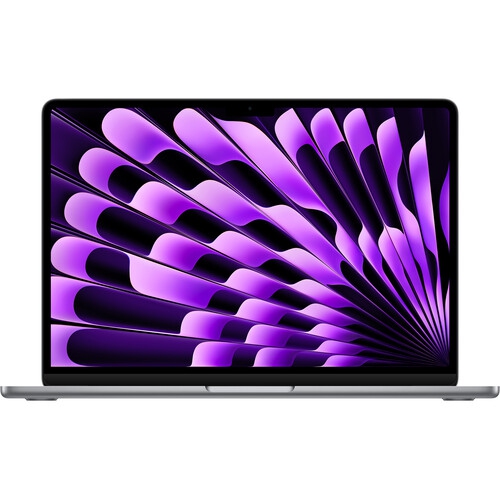

Reliable performance for calls, files, and multitasking
A MacBook is also a thoughtful gift for students starting summer internships, recent graduates preparing for their first remote roles, or professionals who are upgrading their work-from-home setup ahead of the busy autumn season. The intuitive interface and reliable performance help reduce tech-related stress, letting you focus on the work that matters most. If you’re shopping for a device that will support creative projects, facilitate seamless video conferencing, or handle demanding multitasking, consider factors like screen size, processor speed, and storage capacity to match your specific needs. Many users appreciate the built-in camera and microphone quality, which enhances virtual collaboration and makes every conversation feel more personal. Whether you’re leading a project, joining team stand-ups, or catching up with friends and family, a MacBook offers the flexibility and dependability you need in a remote environment. If you’re interested in exploring more options tailored to remote work, you can browse the full range of Apple Laptops For Remote Work Setup to find the perfect fit for your workspace.
FAQ
What features make a MacBook ideal for remote collaboration?
MacBooks are equipped with high-quality webcams, advanced microphones, and powerful processors, making them excellent for video conferencing and multitasking. Their seamless integration with collaboration tools like FaceTime, Zoom, and Microsoft Teams enhances productivity during remote work.
How does macOS support remote teamwork?
macOS offers built-in apps like Messages, FaceTime, and Notes for easy communication and sharing. It also supports third-party collaboration platforms such as Slack, Google Workspace, and Microsoft Office, allowing teams to work together efficiently from anywhere.
Can I share my screen or files easily on a MacBook during virtual meetings?
Yes, MacBooks allow you to share your screen or specific windows in most video conferencing apps. You can also use AirDrop for quick file transfers between Apple devices or cloud services like iCloud Drive, Dropbox, and Google Drive for sharing documents with colleagues.
Are MacBooks compatible with popular remote collaboration software?
Absolutely. MacBooks support a wide range of collaboration software including Zoom, Microsoft Teams, Slack, Google Meet, and more. Most major productivity and communication tools offer full-featured macOS versions.
What connectivity options do MacBooks offer for remote work?
MacBooks feature fast Wi-Fi and Bluetooth connectivity for reliable internet access and peripheral connections. Many models also support Thunderbolt/USB-C ports for connecting external monitors, webcams, or other accessories to enhance your remote workspace.
Top selling and popular products
-
 Your price for this item is $2399.99
-
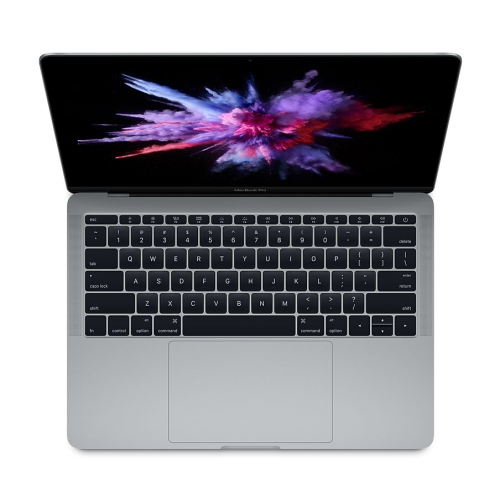 Your price for this item is $499.99
-
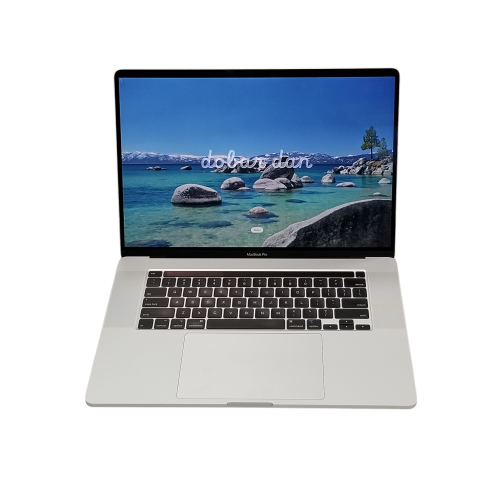 Your price for this item is $699.44
-
 Your price for this item is $929
-
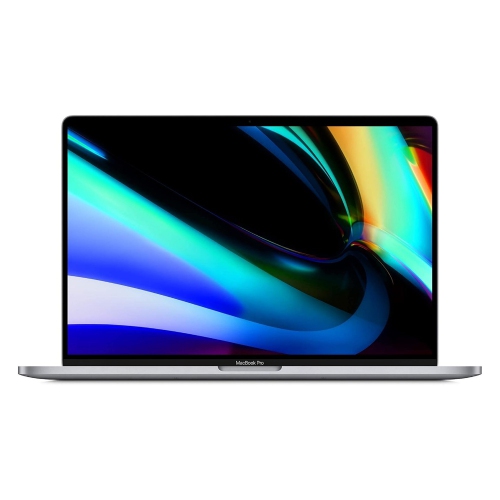 Your price for this item is $799.77
-
 Your price for this item is $379.99
-
 Your price for this item is $1649.99
-
 Your price for this item is $549.98