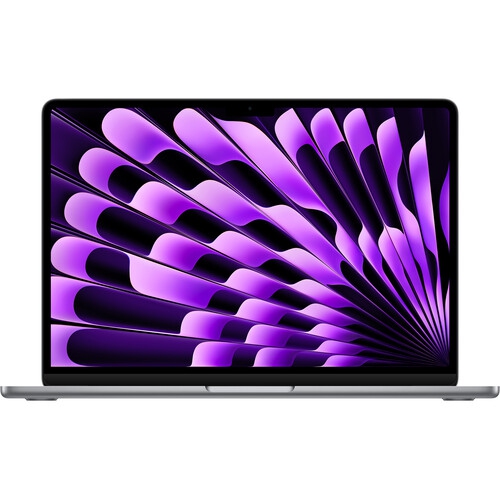
Mac Mini For Remote Team Collaboration
Mac Mini For Remote Team Collaboration offers a compact and reliable solution for teams working from different locations. With its streamlined design and versatile connectivity options, the Mac Mini can help facilitate seamless communication, file sharing, and workflow management. Equip your remote team with the right tools to stay productive and connected, ensuring smooth collaboration no matter where your team members are located. Explore a range of Mac Mini models designed to support the demands of modern remote work environments.
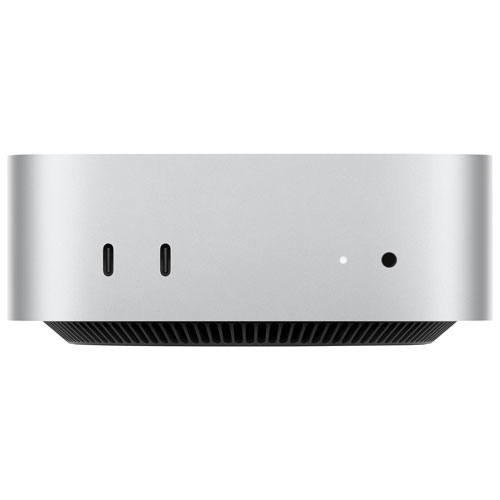

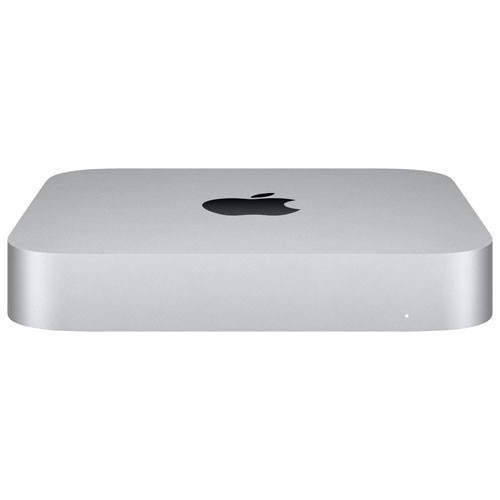
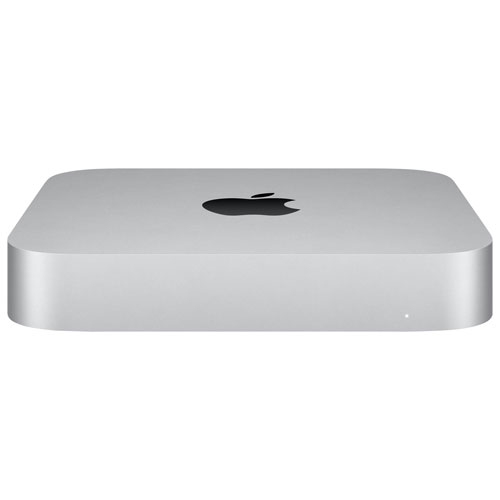
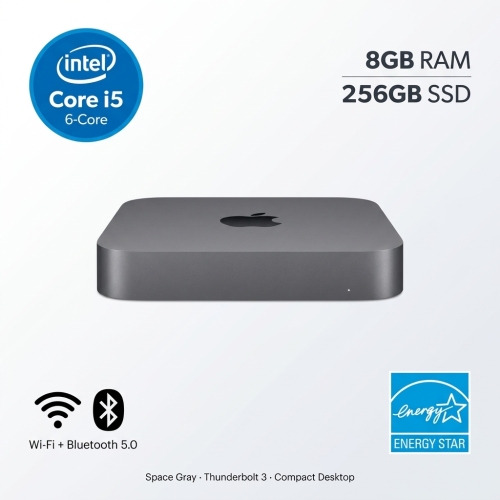
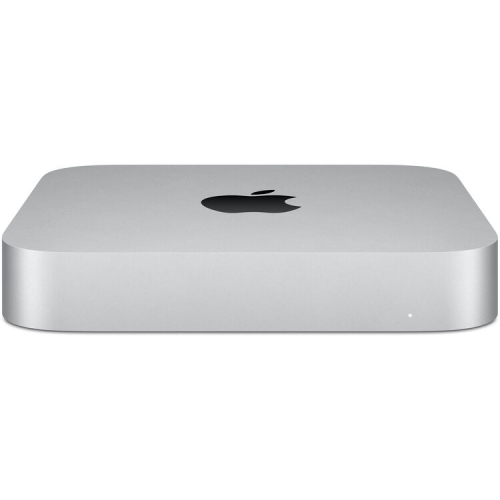
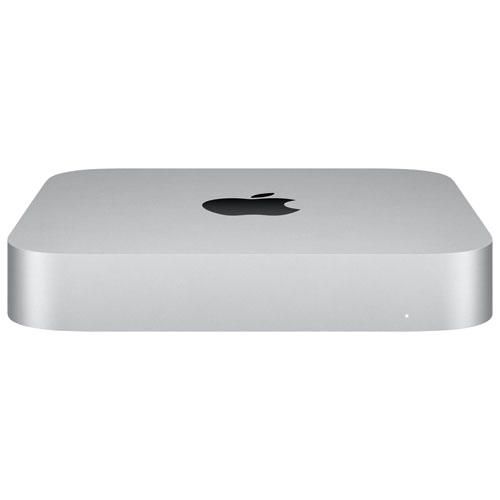
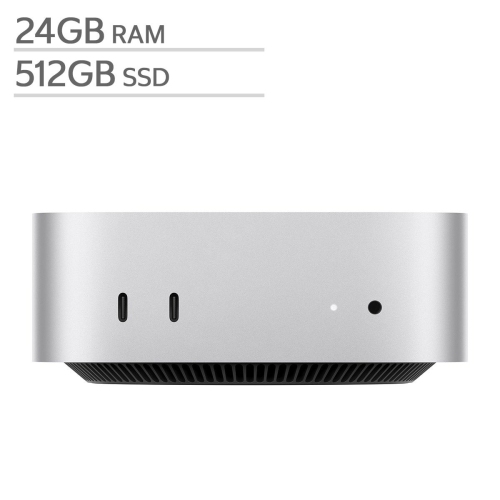


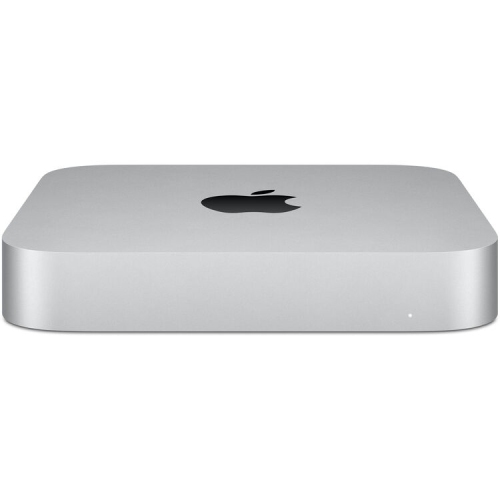


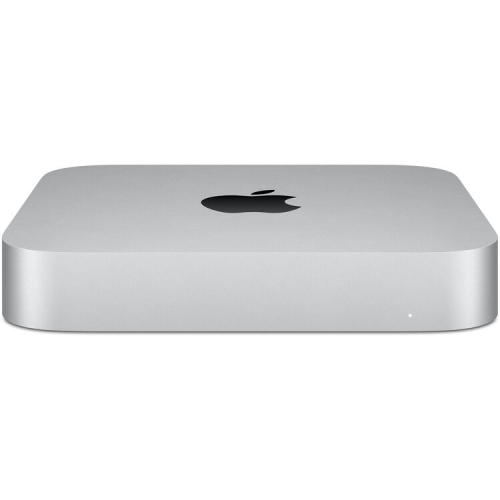
Compact power for seamless work from anywhere
These compact desktops are well-suited for a wide range of users, from tech professionals who require a stable and secure environment for coding and design, to project managers overseeing distributed teams, and even educators coordinating virtual classrooms. The Mac Mini’s versatility also makes it a thoughtful gift for university students embarking on remote internships, or for friends and family members starting new work-from-home roles. Its compatibility with a variety of peripherals means users can customize their setup with the monitors, keyboards, and accessories that best suit their workflow, turning any space into a productive hub. As the days grow shorter and routines shift with the changing seasons, having a dependable desktop can help maintain focus and foster collaboration, whether you’re brainstorming with colleagues across time zones or catching up on deliverables after a weekend at the lake. For those who prefer the portability of a laptop for collaboration on the go, you can also explore options on our MacBook For Remote Collaboration page.
Investing in a Mac Mini for remote team collaboration is about more than just hardware—it’s about creating an environment where ideas flow freely and teamwork thrives no matter where each member is located. With the ability to support high-resolution displays and advanced connectivity options, these desktops are designed to keep up with the demands of modern work life. Whether you’re leading a brainstorming session, sharing large design files, or troubleshooting IT issues remotely, the Mac Mini’s reliability and speed can help keep everyone on the same page. As teams navigate the transition between the relaxed pace of summer and the renewed focus that often comes with autumn, having a centralized and powerful workstation can help ensure that collaboration remains effortless and effective. Whether outfitting a home office for the first time or upgrading an existing setup, a Mac Mini is a practical and versatile choice for anyone committed to staying connected and productive in a remote work environment.
FAQ
How can a Mac mini support remote team collaboration?
A Mac mini can serve as a reliable workstation for remote teams by running essential collaboration tools like video conferencing, file sharing, and project management apps. Its compact size and powerful performance make it easy to set up in any workspace, enabling seamless communication and productivity from anywhere.
What software can be used on a Mac mini for team collaboration?
Mac minis are compatible with popular collaboration software such as Slack, Microsoft Teams, Zoom, Google Workspace, and Trello. These applications help teams stay connected, share files, and manage projects efficiently.
Can multiple users access a Mac mini remotely?
Yes, multiple users can access a Mac mini remotely using remote desktop solutions like Apple Remote Desktop or third-party apps such as TeamViewer and AnyDesk. This allows team members to collaborate on shared tasks or access resources securely from different locations.
Is the Mac mini suitable for running virtual meetings?
Absolutely. The Mac mini is well-equipped to handle virtual meetings with high-quality audio and video through platforms like Zoom or Microsoft Teams. You can connect external webcams, microphones, and monitors to enhance the meeting experience.
How does the Mac mini integrate with cloud-based collaboration tools?
The Mac mini seamlessly integrates with cloud-based services such as Google Drive, Dropbox, and OneDrive. This enables team members to store, share, and edit documents in real time, ensuring everyone stays up-to-date regardless of their location.
Top selling and popular products
-
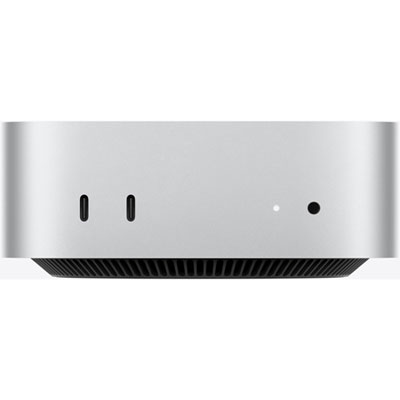 Your price for this item is $1249.99
-
 Your price for this item is $999.77
-
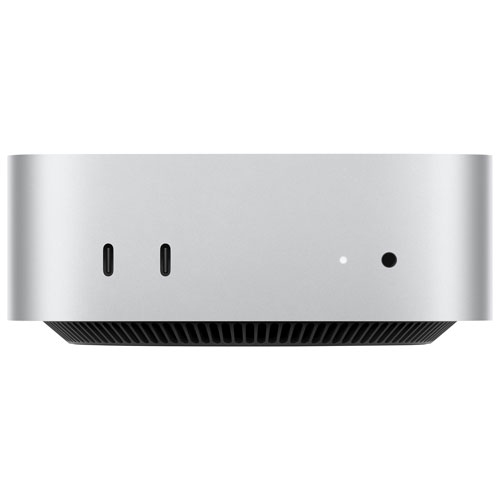 Your price for this item is $1199.99
-
 Your price for this item is $999.77
-
 Your price for this item is $688
-
 Your price for this item is $555
-
 Your price for this item is $299.99
-
 Your price for this item is $1069.99