Mice for Work
Whether you're a graphic designer, an engineer, or a project manager, these mice are perfect for your work. These are ergonomic, fast-performing and some are wireless and Bluetooth-supported. Here are some of the top picks for mice perfect for work available today.
Sort
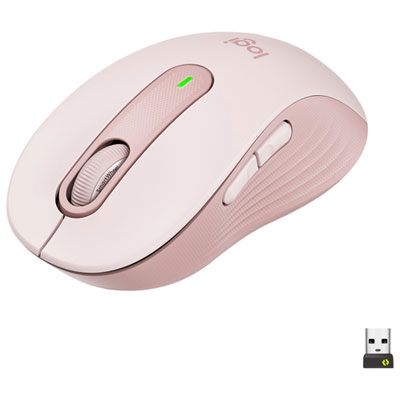

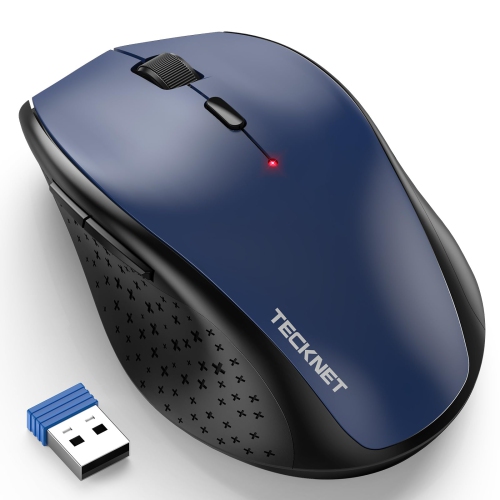
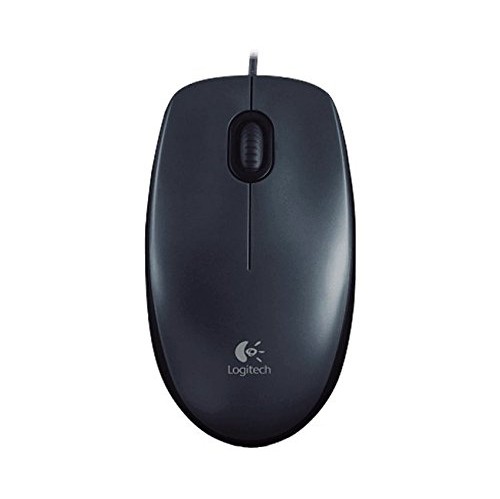
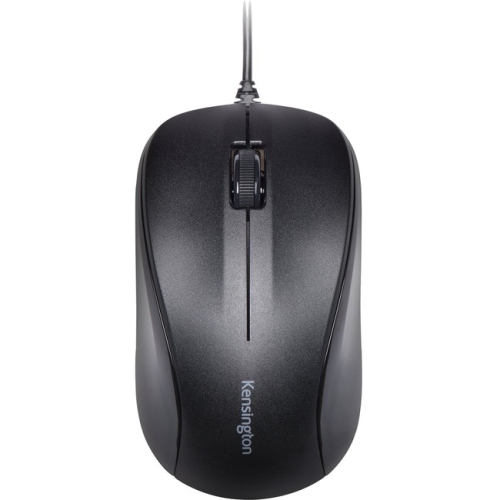
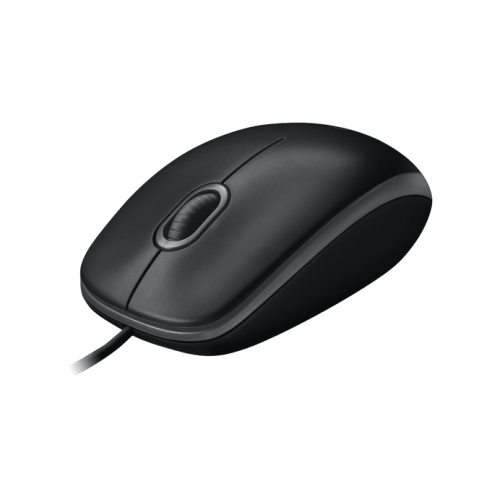


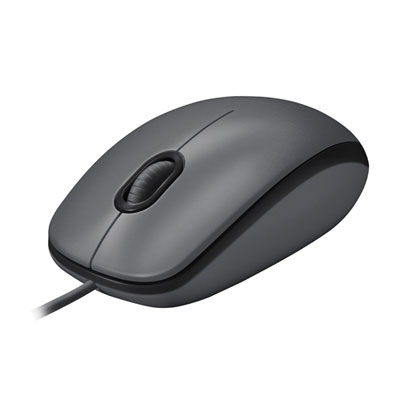
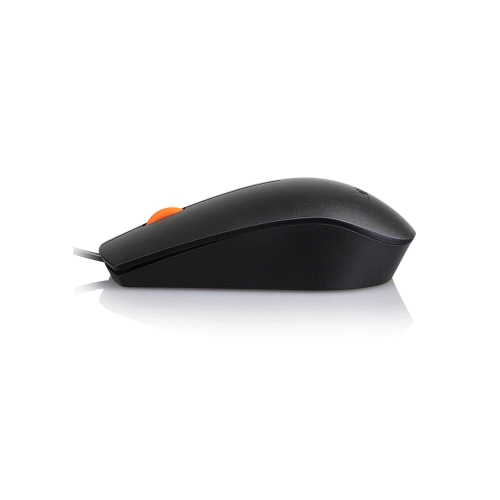
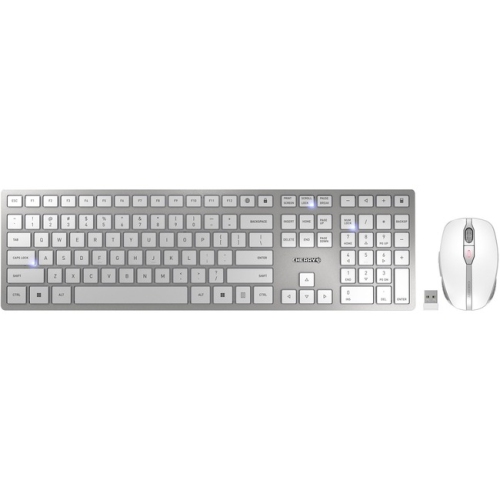
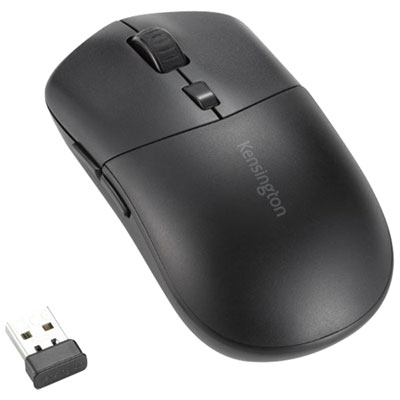
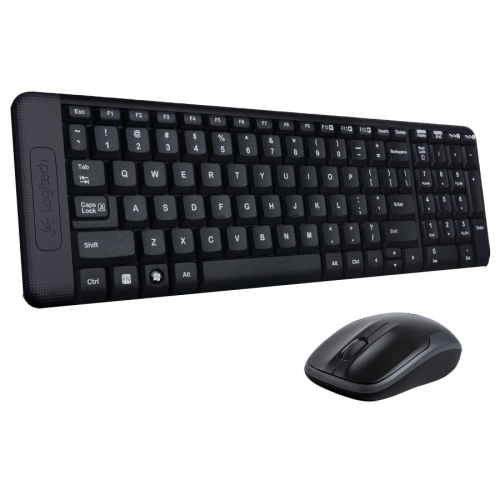
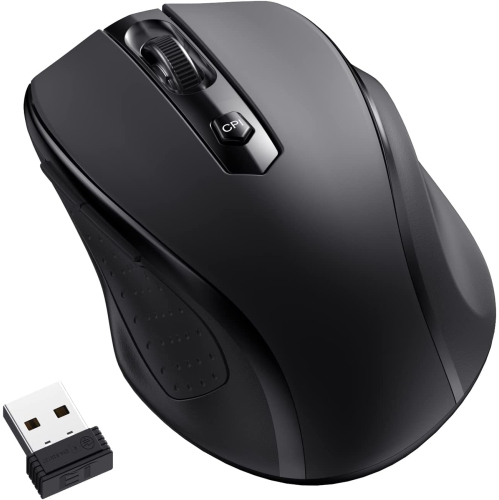
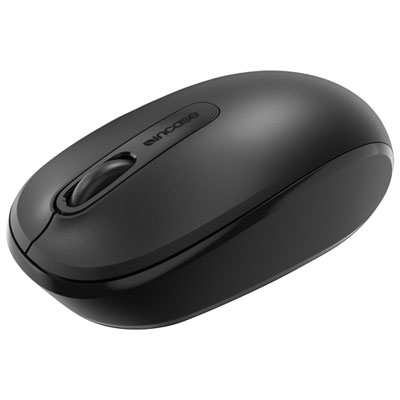
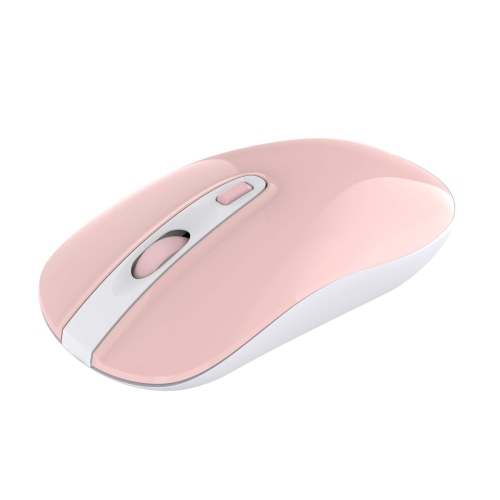
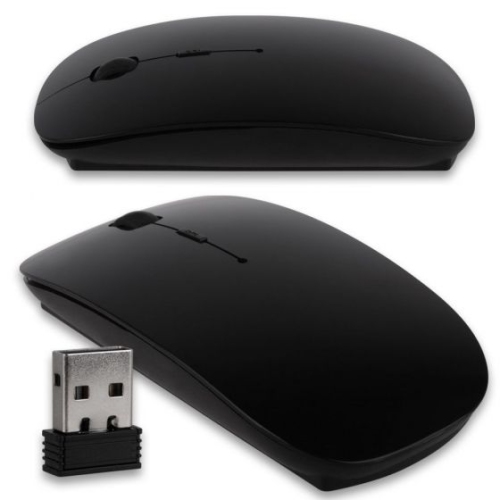
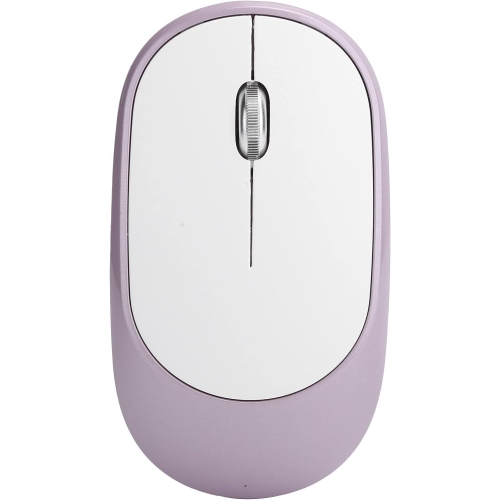
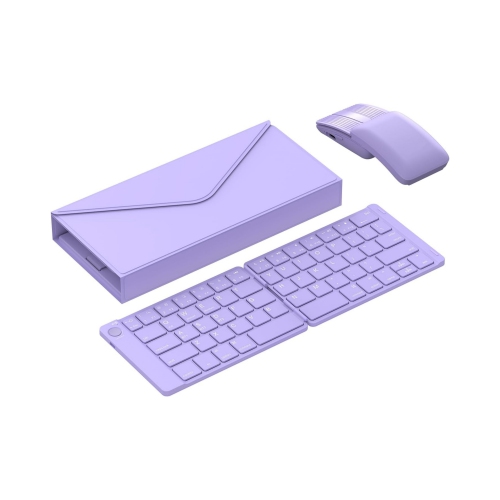


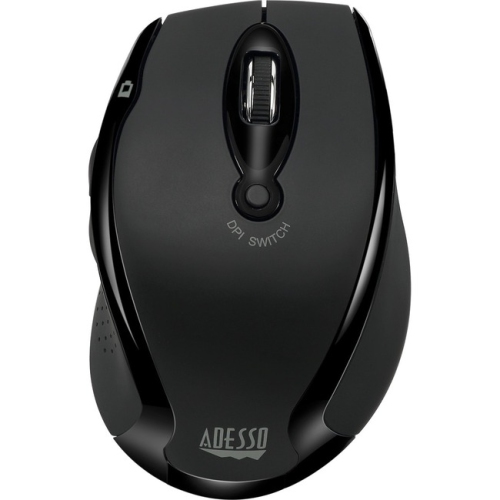
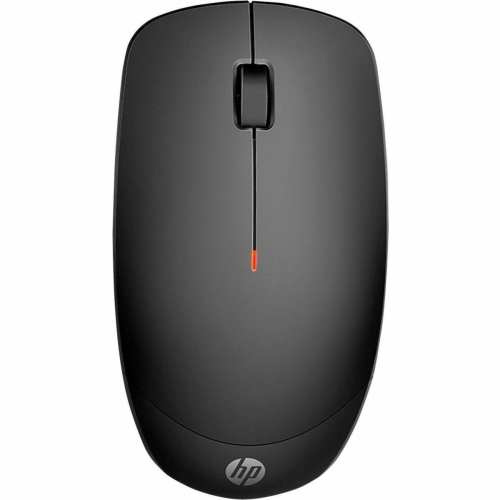
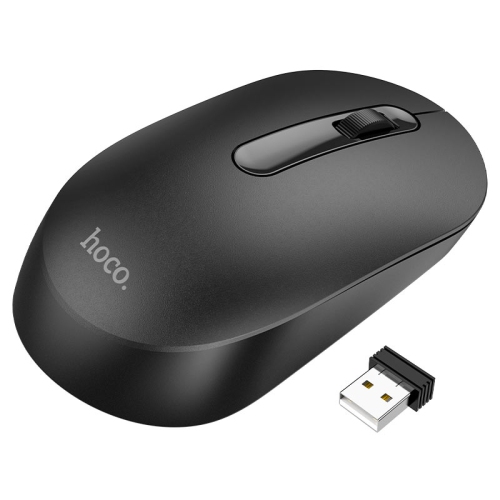
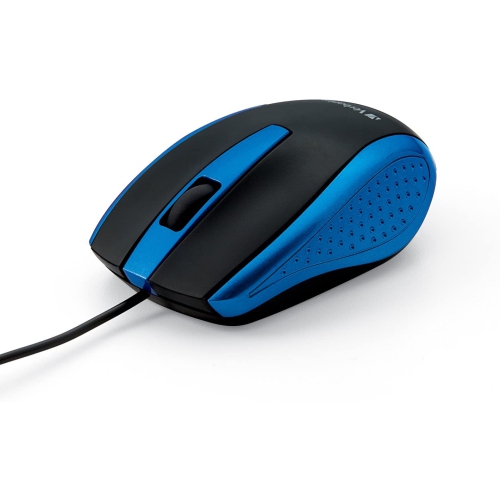
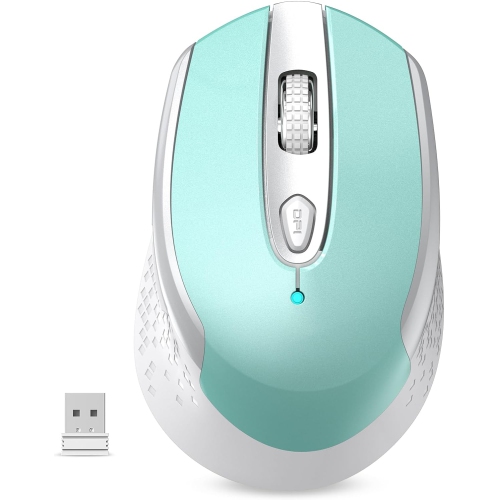
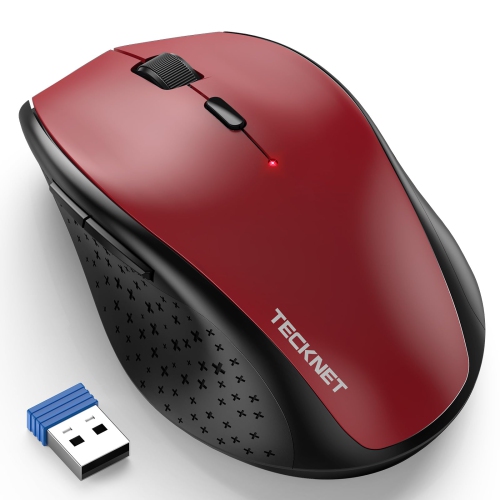
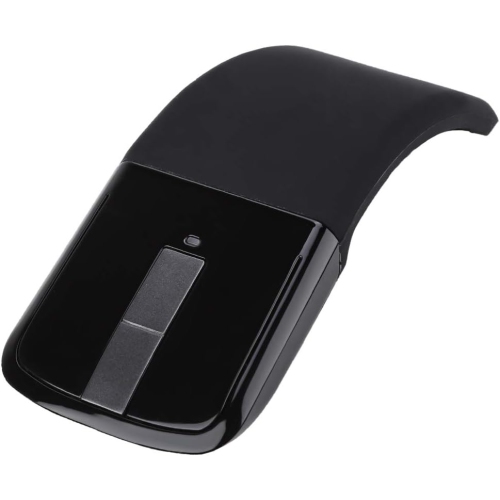
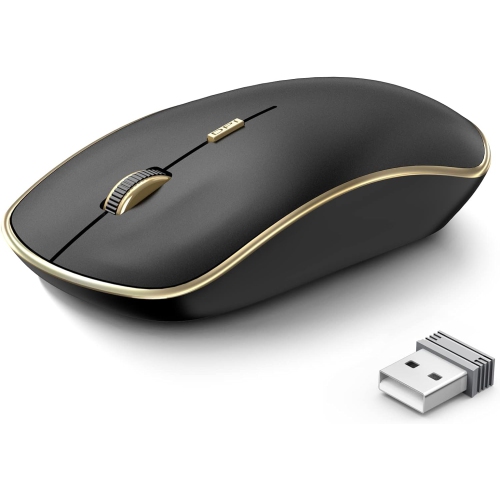
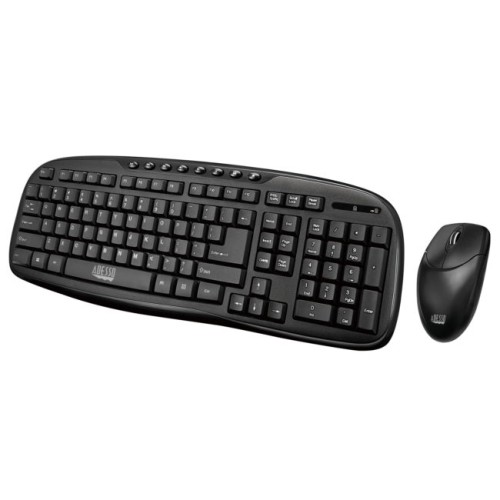
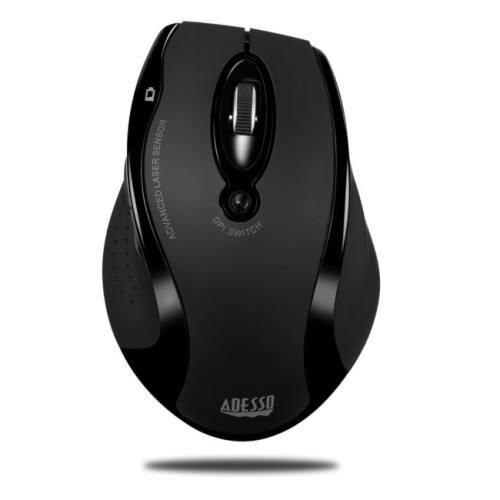
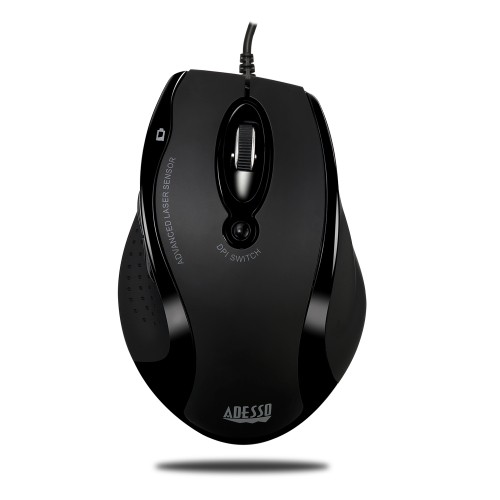
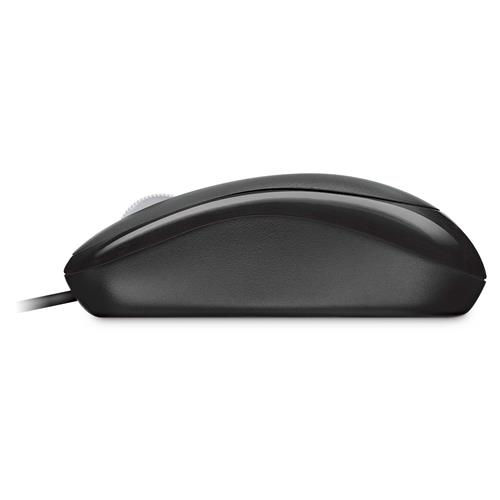
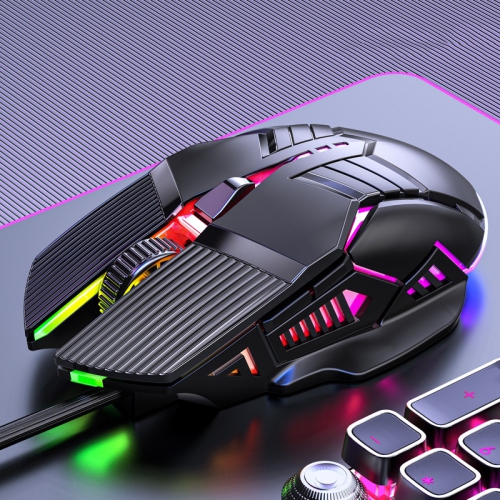
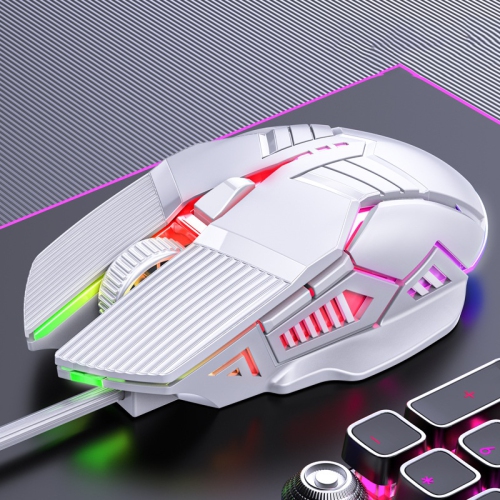
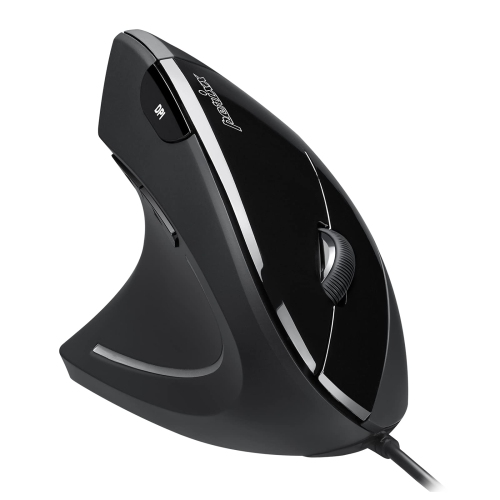
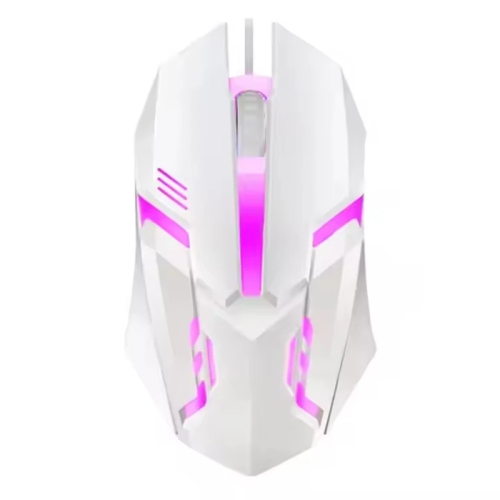
What to consider for comfort, connection, and control
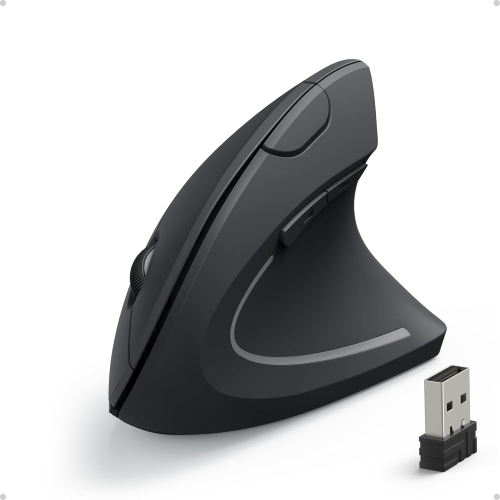
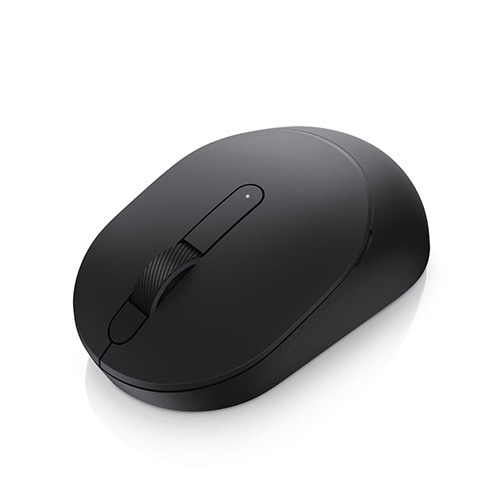
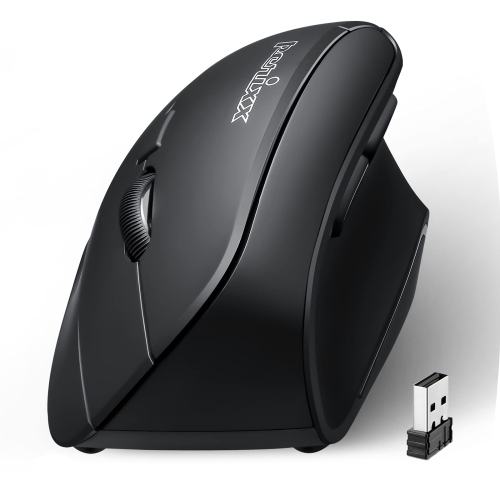
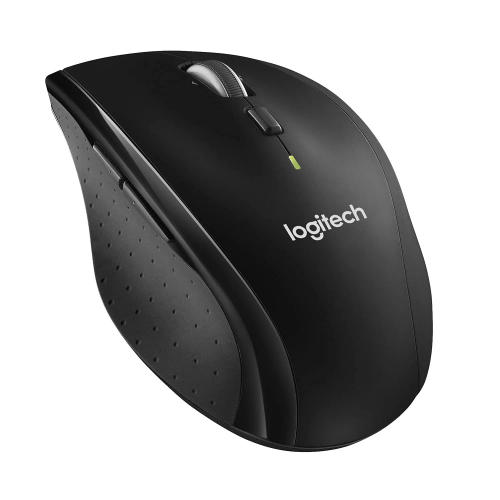
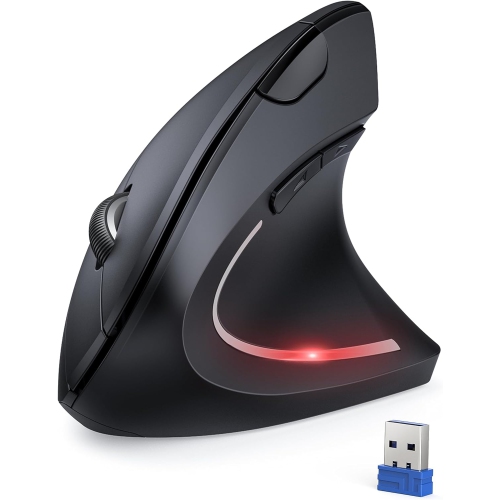
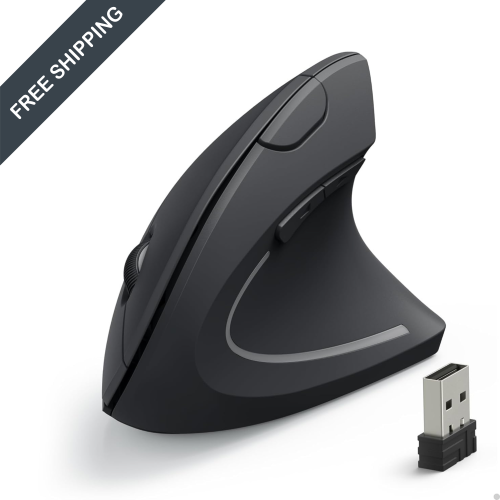
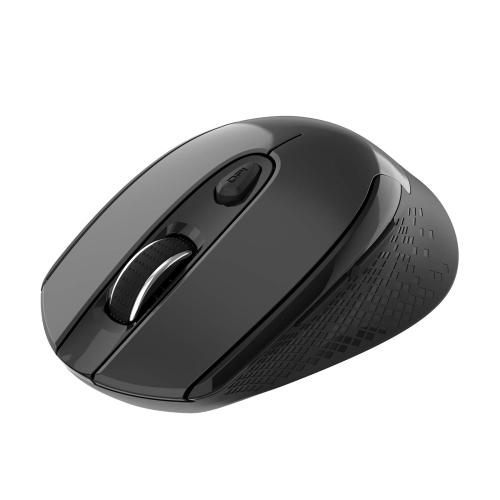
Choosing the right mouse for work can make a noticeable difference to the way a desk feels and functions throughout the day. A reliable mouse supports everyday tasks such as navigating documents, selecting text, moving between browser tabs, reviewing spreadsheets, editing images, and joining online meetings, while a comfortable design helps your hand stay relaxed during long sessions. The best option depends on the way you work and the devices you use. A traditional mouse with a familiar rounded shape may suit general office tasks, schoolwork, home administration, and shared workspaces. An ergonomic mouse may be a better fit for someone who spends many hours at a computer and prefers a shape that supports the hand in a more natural position. Vertical designs place the hand in a handshake-like orientation, which can help reduce the amount of twisting in the wrist and forearm. Since comfort is personal, pay attention to the size of the mouse, the height of its profile, the position of the thumb rest, and whether your fingers can rest naturally over the main buttons. A mouse that feels comfortable in the first few minutes should also feel manageable after a full afternoon of spreadsheets or a long stretch of creative work. Shape matters particularly for people with larger or smaller hands, those who switch between a laptop and desktop, and anyone who has noticed fatigue after repeated clicking. Browse the selection of Computer Mice For Work to compare styles suited to different workstations and routines.
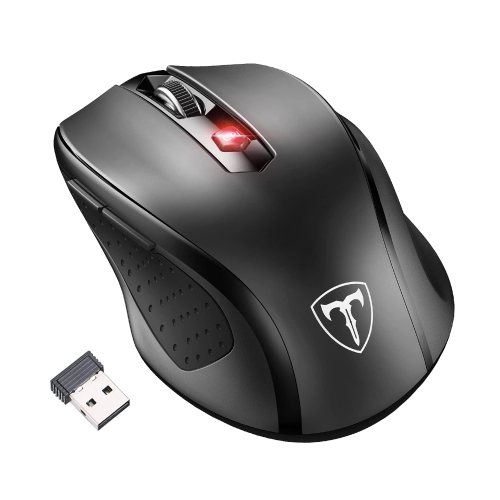
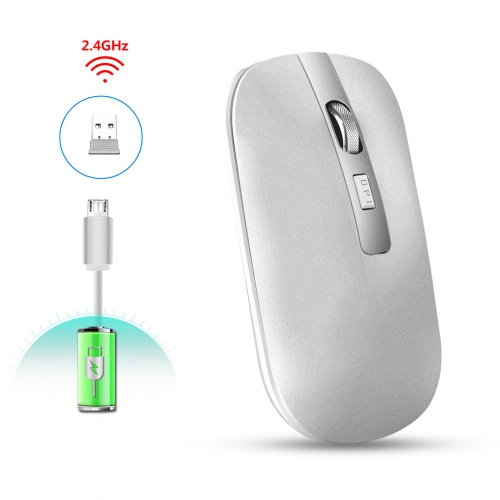
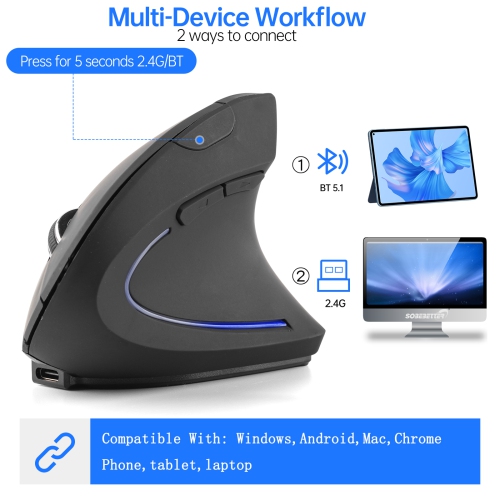
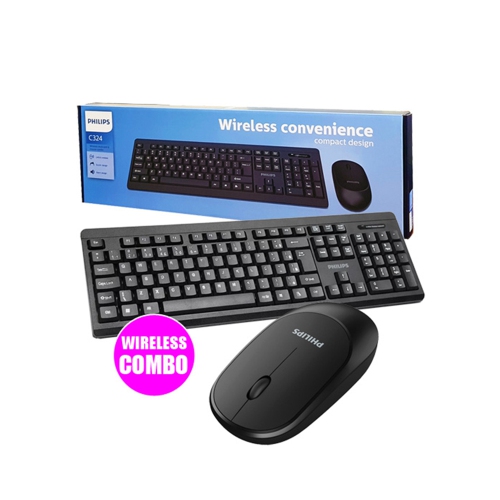
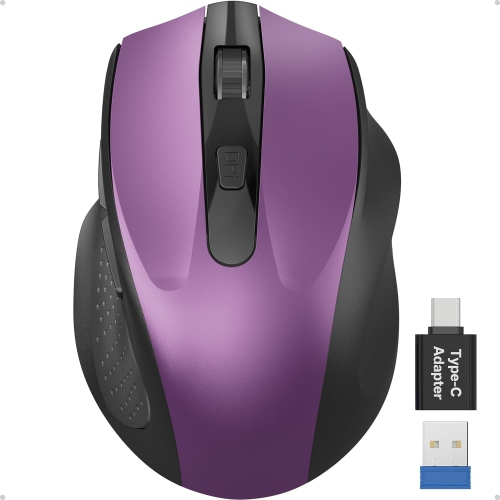
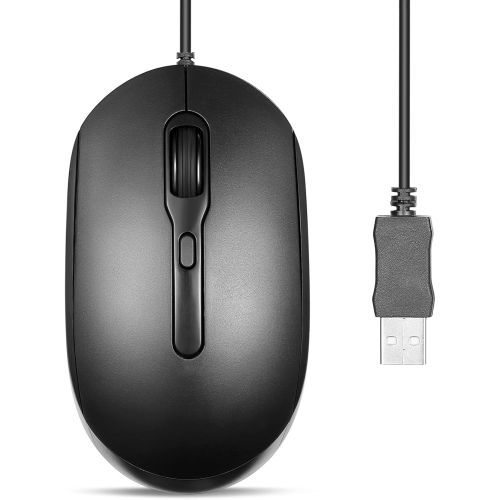
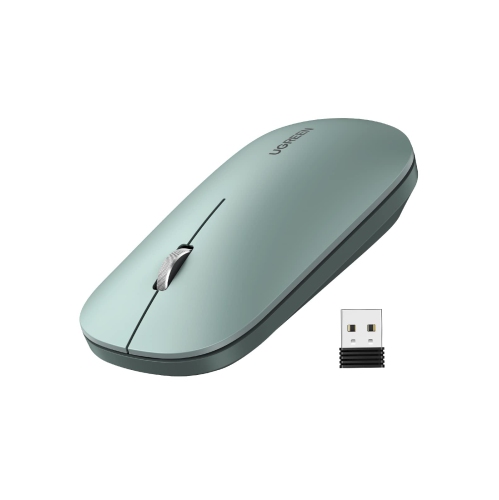
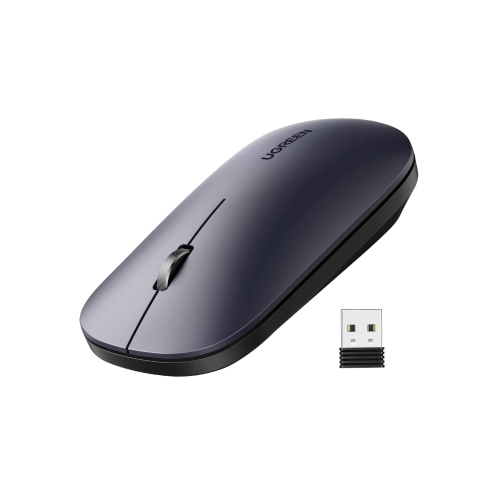
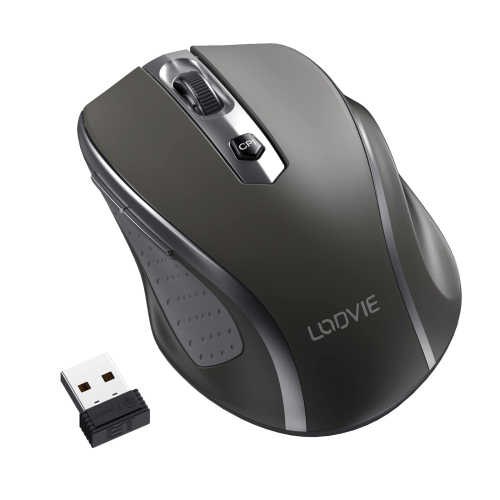
Connection type is another important consideration. Wireless mice help keep a desk clear of cable clutter and are convenient for laptops, hot desks, meeting rooms, and home offices where the computer may be positioned farther from the edge of the desk. Some connect through a small USB receiver, while others use Bluetooth, and certain models support both methods for added flexibility. Bluetooth can be especially useful with compatible laptops and tablets that have limited USB ports, while a receiver may provide a simple plug-and-use connection on a desktop computer. Check compatibility before choosing, particularly if your work setup includes multiple operating systems or a mix of computers and tablets. Multi-device mice can pair with more than one computer and let you switch between them with a button press, which is useful for anyone who moves between a personal laptop, an office computer, and a second screen setup. A graphic designer reviewing a file on one machine and reference material on another can avoid reaching across the desk to change accessories, while a student working between class notes and a project computer can keep a single mouse ready for both. Battery life also deserves attention. Rechargeable models can be topped up between work sessions, and some offer extended use between charges; replaceable-battery designs can be convenient when a quick battery change is preferable. Wired mice remain a dependable choice for fixed desks, shared computer stations, and users who prefer a direct connection without charging or pairing. Look for a cable with enough length to reach comfortably and a construction that can withstand regular movement without pulling at the port.
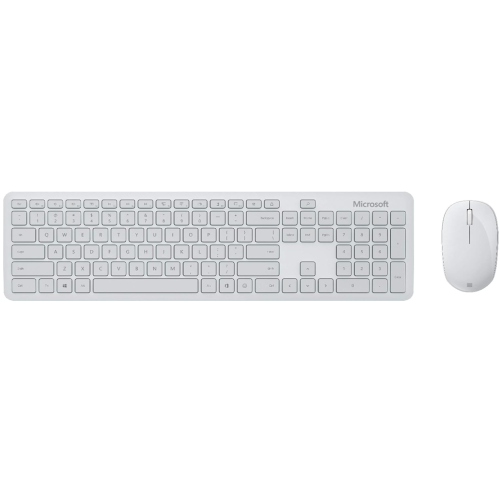
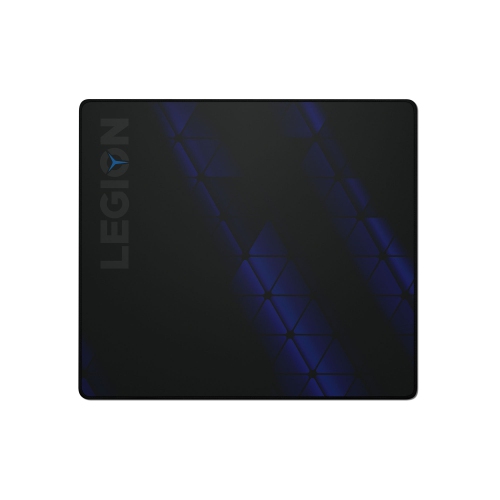
The sensor and controls influence how quickly and accurately a mouse responds. Optical sensors are common for office work and perform well across many desk surfaces, although a mouse pad can provide smoother tracking on glass, highly polished desks, or textured materials. Adjustable sensitivity lets you tailor cursor movement to your screen size and personal preference. A lower setting can offer careful control when working on detailed layouts or selecting small interface elements, while a higher setting can reduce the amount of hand movement needed across a wide monitor. Scroll wheels are equally important for navigating long documents, web pages, email conversations, and large spreadsheets. A textured wheel can make precise line-by-line movement easier, while fast scrolling can help move through lengthy files more efficiently. Some work-focused mice include a second wheel or additional controls for horizontal scrolling, making them useful for wide spreadsheets, timelines, design programs, and other applications where content extends beyond the standard vertical view. Programmable buttons can be assigned to frequent commands such as copy, paste, back, forward, mute, or application-specific shortcuts, helping reduce repetitive movements. Keep the number and placement of buttons in mind: extra controls are valuable when they are easy to reach, but a simpler layout may feel more natural for someone who prefers a straightforward setup. Quiet-click designs may be appreciated in libraries, shared offices, bedrooms, and video calls where sharp clicks can interrupt nearby work. Mice for work can also make thoughtful gifts for a new graduate, a remote worker setting up a home office, a family member replacing an older accessory, or a colleague moving into a role that involves more computer time. A comfortable, responsive mouse is a practical addition to a workstation, especially when paired with a suitable keyboard, monitor, laptop stand, or desk mat. During the cooler months, when more time may be spent working indoors, small improvements such as smoother scrolling, easier device switching, and better hand support can make a familiar desk feel more comfortable from the first task of the day to the final email.
Connection type is another important consideration. Wireless mice help keep a desk clear of cable clutter and are convenient for laptops, hot desks, meeting rooms, and home offices where the computer may be positioned farther from the edge of the desk. Some connect through a small USB receiver, while others use Bluetooth, and certain models support both methods for added flexibility. Bluetooth can be especially useful with compatible laptops and tablets that have limited USB ports, while a receiver may provide a simple plug-and-use connection on a desktop computer. Check compatibility before choosing, particularly if your work setup includes multiple operating systems or a mix of computers and tablets. Multi-device mice can pair with more than one computer and let you switch between them with a button press, which is useful for anyone who moves between a personal laptop, an office computer, and a second screen setup. A graphic designer reviewing a file on one machine and reference material on another can avoid reaching across the desk to change accessories, while a student working between class notes and a project computer can keep a single mouse ready for both. Battery life also deserves attention. Rechargeable models can be topped up between work sessions, and some offer extended use between charges; replaceable-battery designs can be convenient when a quick battery change is preferable. Wired mice remain a dependable choice for fixed desks, shared computer stations, and users who prefer a direct connection without charging or pairing. Look for a cable with enough length to reach comfortably and a construction that can withstand regular movement without pulling at the port.
The sensor and controls influence how quickly and accurately a mouse responds. Optical sensors are common for office work and perform well across many desk surfaces, although a mouse pad can provide smoother tracking on glass, highly polished desks, or textured materials. Adjustable sensitivity lets you tailor cursor movement to your screen size and personal preference. A lower setting can offer careful control when working on detailed layouts or selecting small interface elements, while a higher setting can reduce the amount of hand movement needed across a wide monitor. Scroll wheels are equally important for navigating long documents, web pages, email conversations, and large spreadsheets. A textured wheel can make precise line-by-line movement easier, while fast scrolling can help move through lengthy files more efficiently. Some work-focused mice include a second wheel or additional controls for horizontal scrolling, making them useful for wide spreadsheets, timelines, design programs, and other applications where content extends beyond the standard vertical view. Programmable buttons can be assigned to frequent commands such as copy, paste, back, forward, mute, or application-specific shortcuts, helping reduce repetitive movements. Keep the number and placement of buttons in mind: extra controls are valuable when they are easy to reach, but a simpler layout may feel more natural for someone who prefers a straightforward setup. Quiet-click designs may be appreciated in libraries, shared offices, bedrooms, and video calls where sharp clicks can interrupt nearby work. Mice for work can also make thoughtful gifts for a new graduate, a remote worker setting up a home office, a family member replacing an older accessory, or a colleague moving into a role that involves more computer time. A comfortable, responsive mouse is a practical addition to a workstation, especially when paired with a suitable keyboard, monitor, laptop stand, or desk mat. During the cooler months, when more time may be spent working indoors, small improvements such as smoother scrolling, easier device switching, and better hand support can make a familiar desk feel more comfortable from the first task of the day to the final email.
Top selling and popular products
-
 Your price for this item is $29.99
 -
 Your price for this item is $50.44
 -
 Your price for this item is $39.99
 -
 Your price for this item is $49.99
 -
 Your price for this item is $159.95
 -
 Your price for this item is $44.68
 -
 Your price for this item is $44.68
 -
 Your price for this item is $31
Discover more categories related to Mice for Work
Top Collections:
Pokemon Centers, Kindle Devices, Best Budget Office Chairs, Apple iPhones 16, Best Laptops for Writers, iPhone 15 Apple, Canon G7X Cameras, Refurbished Apple Laptops, Alarm Clock, Motorola Razr Phones
Some products may be subject to Environmental Handling Fees
(EHF) depending on your province.
Learn more about EHFs.