Wireless Programmable Mice
Wireless mice are a great option for anyone who needs to move their mouse around while they're using a laptop. They eliminate the need to worry about wires getting tangled up or getting in the way, and they give you more freedom of movement. These are also programmable, meaning that you can customize the mouse to fit your specific needs. Here are some great wireless programmable mice options.
Sort
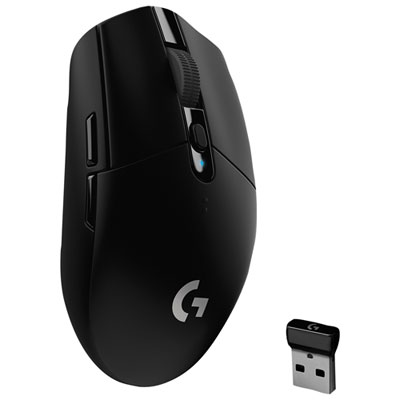
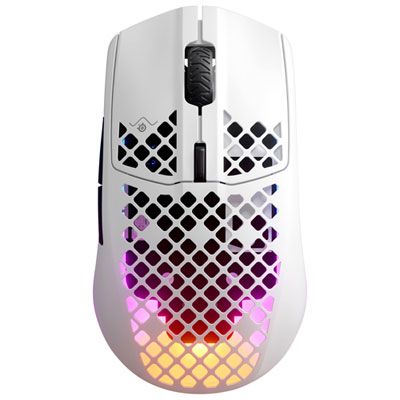
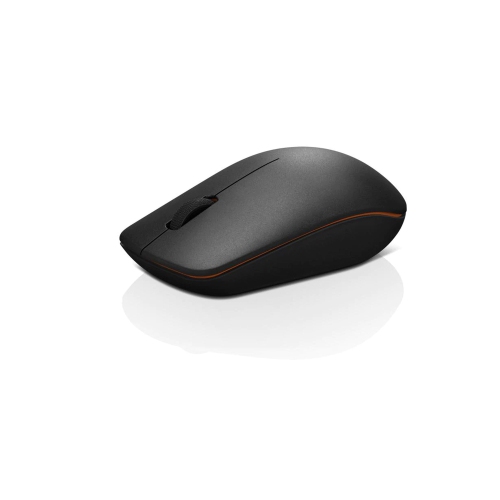
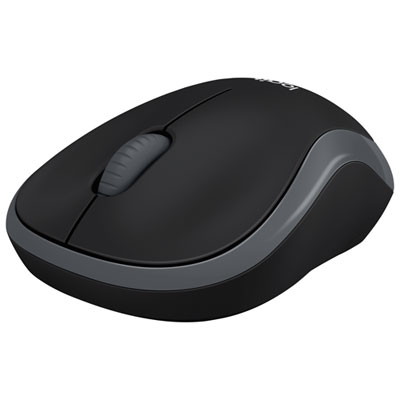
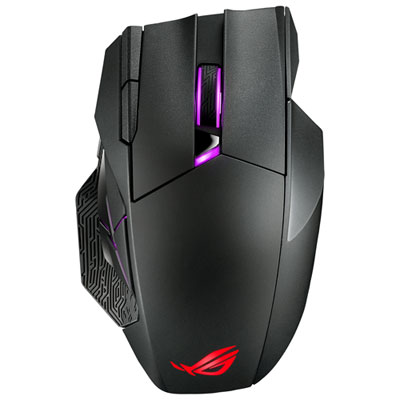
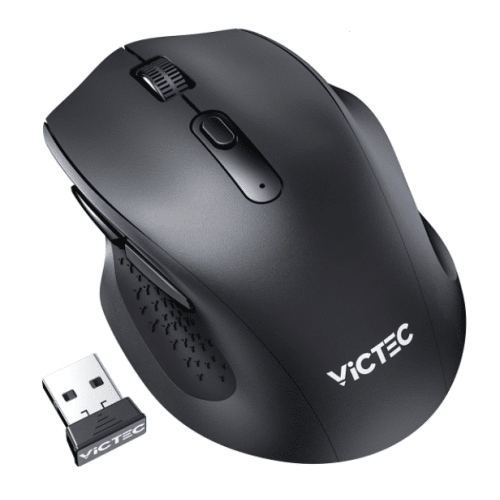
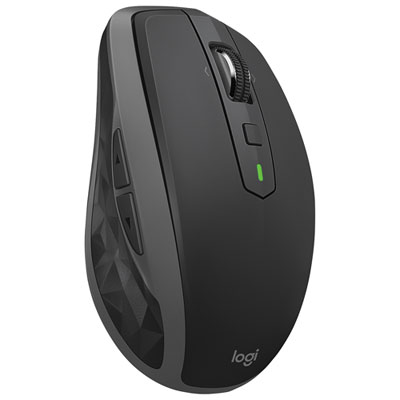
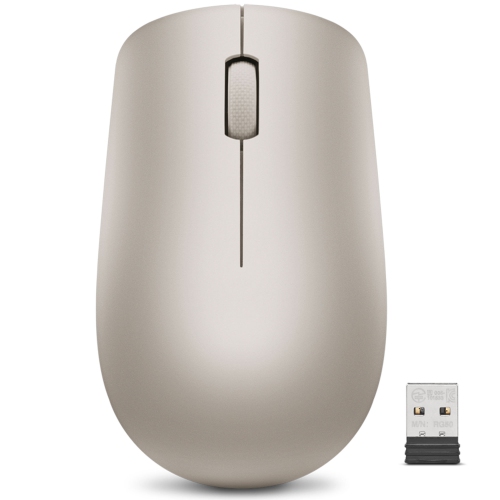
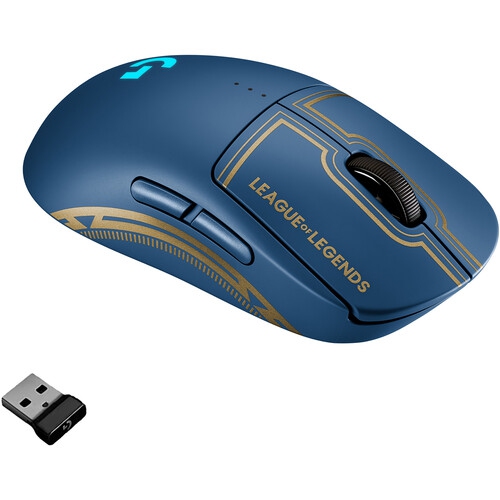
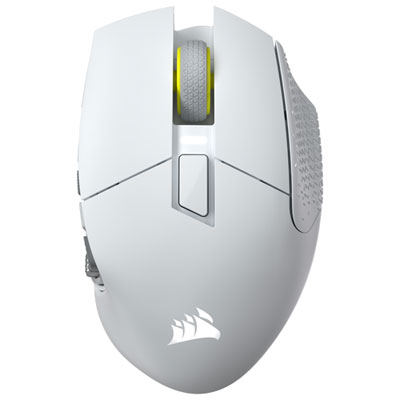
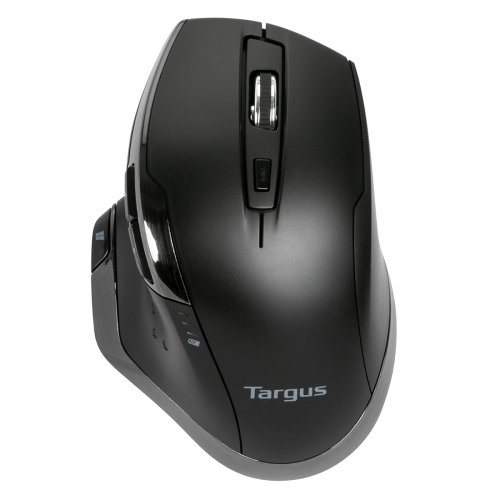
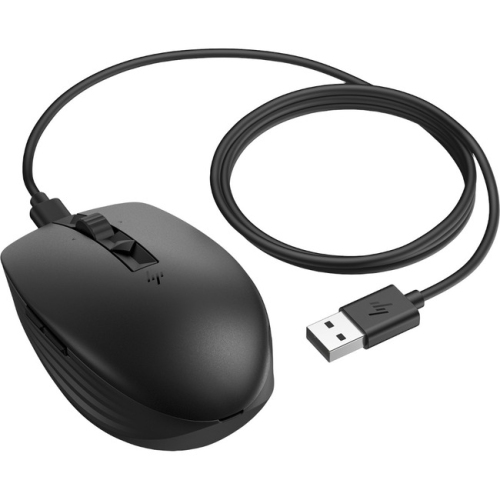
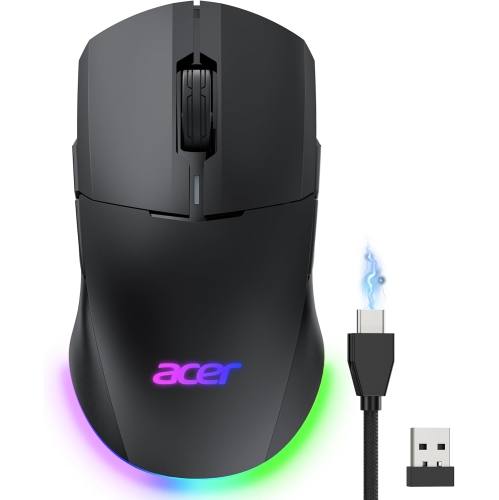
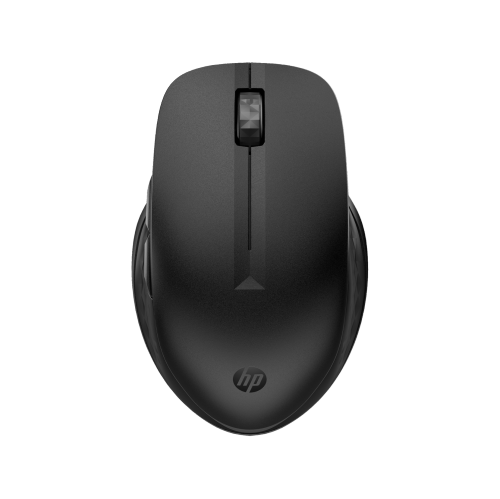

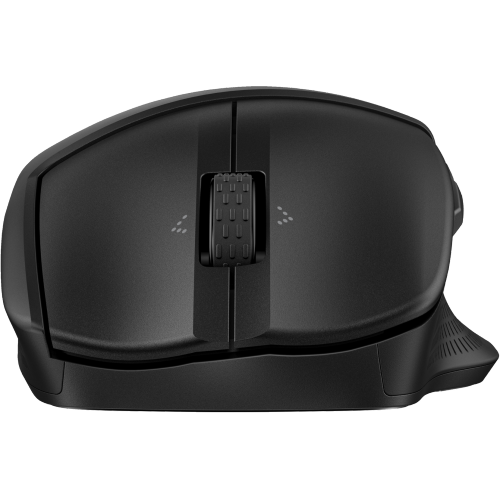
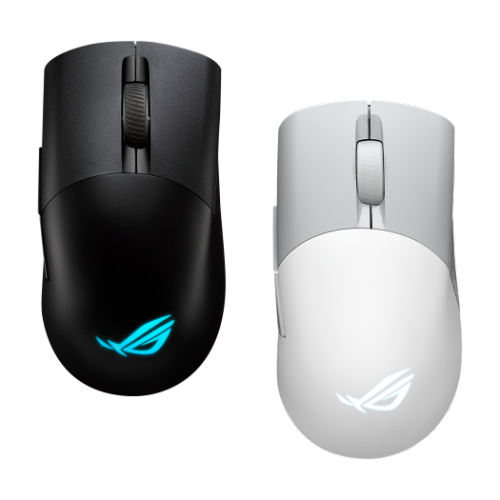
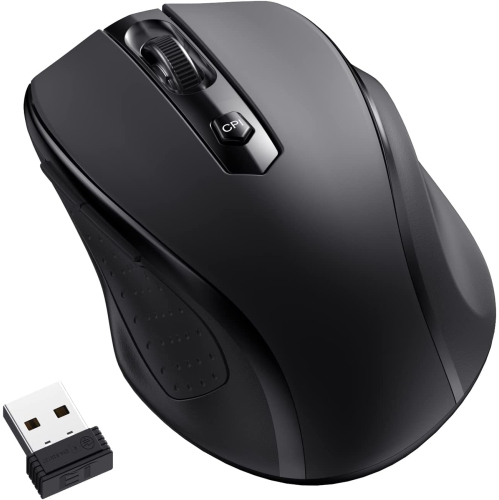
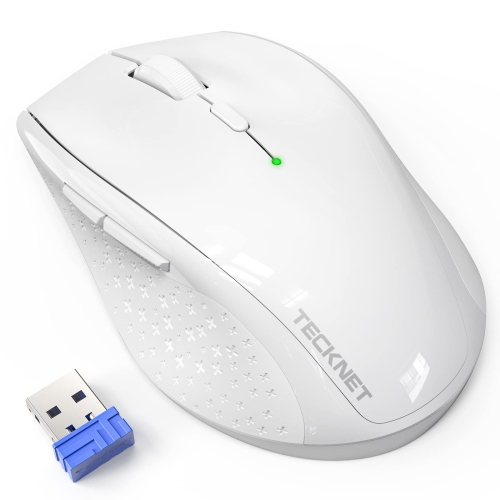
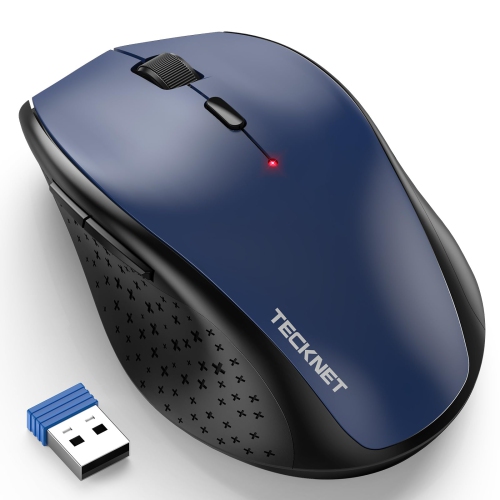
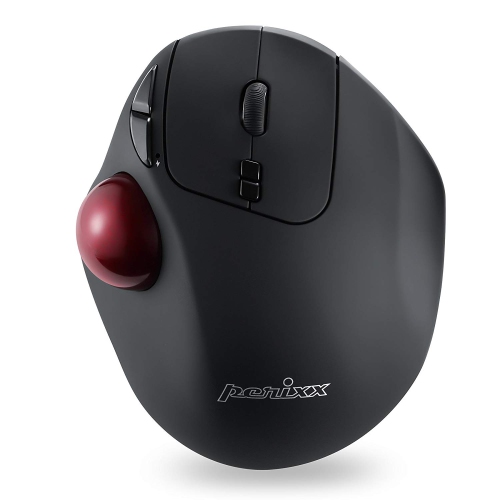
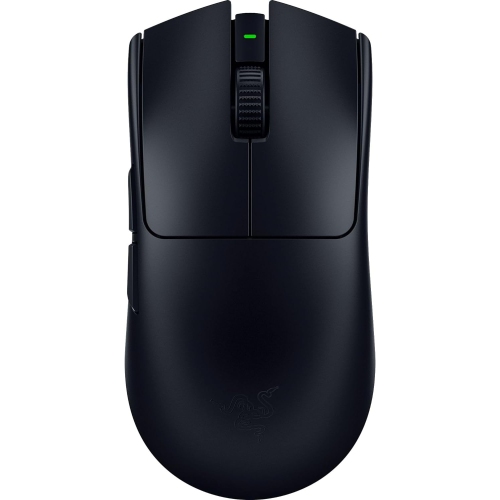
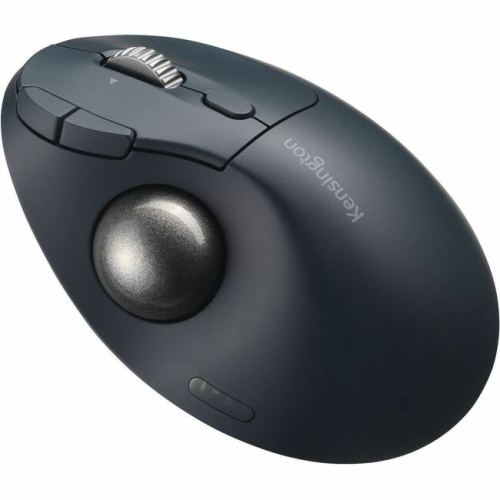
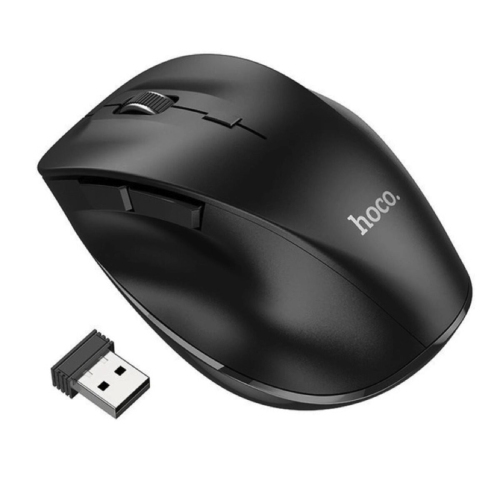

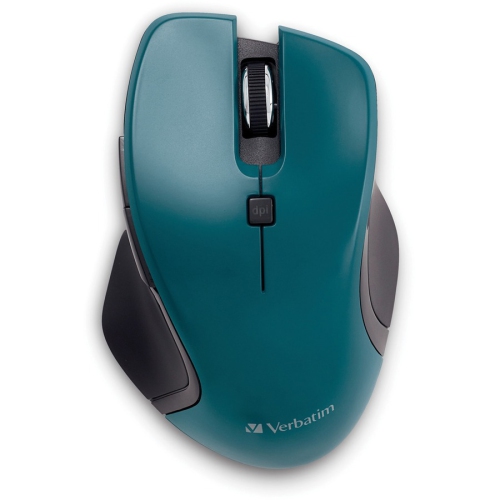
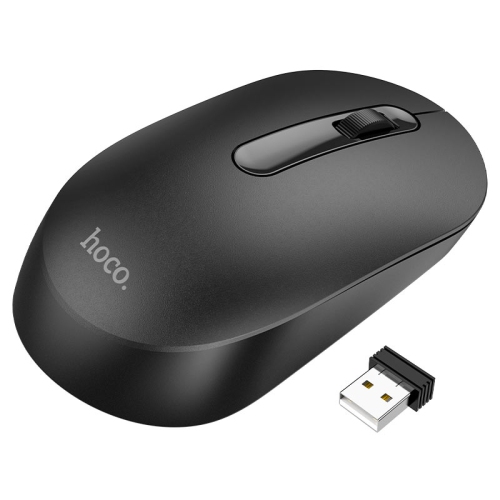
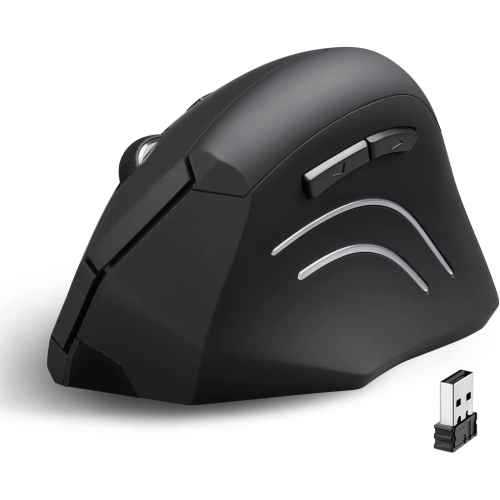
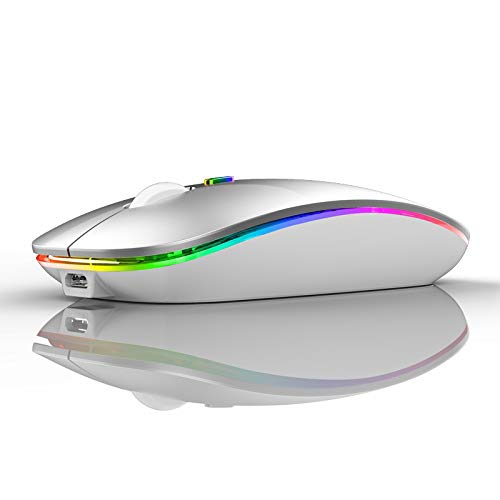
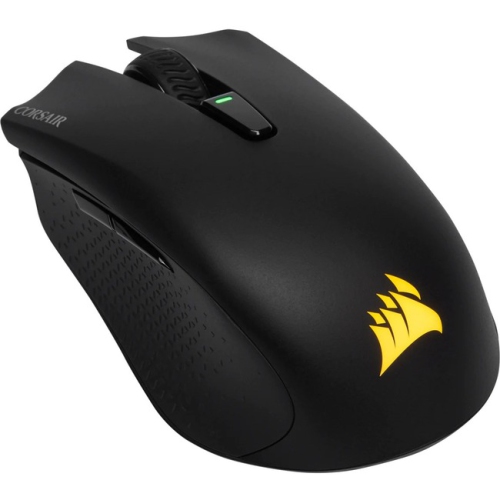
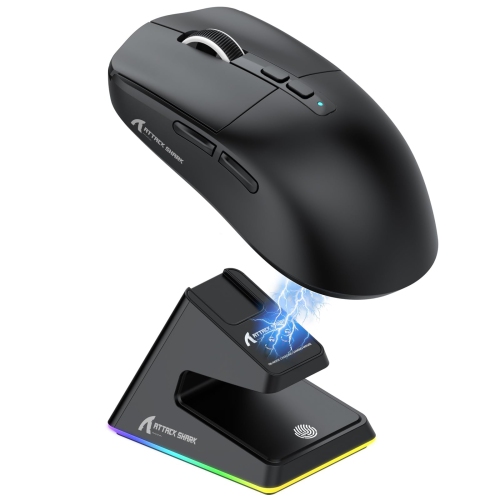
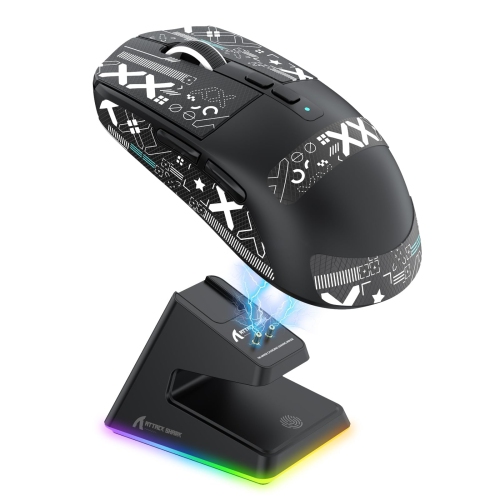
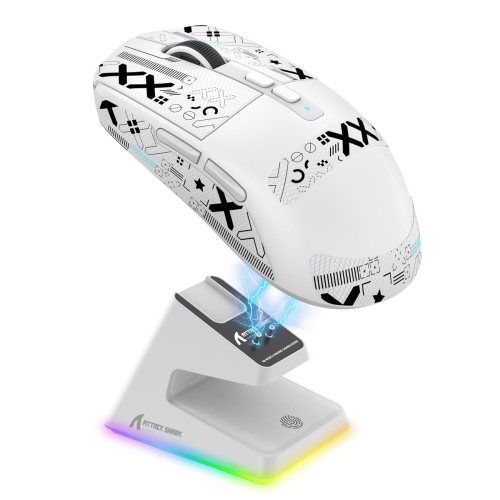
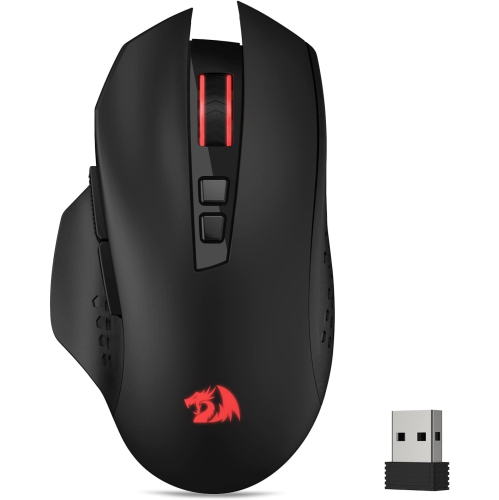
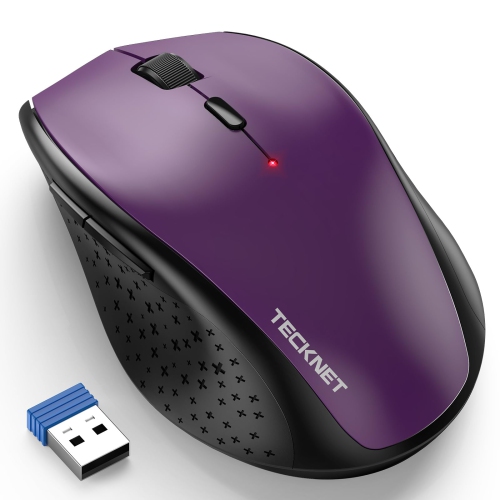
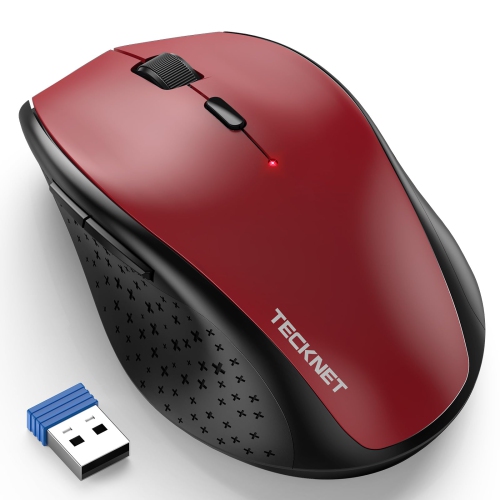
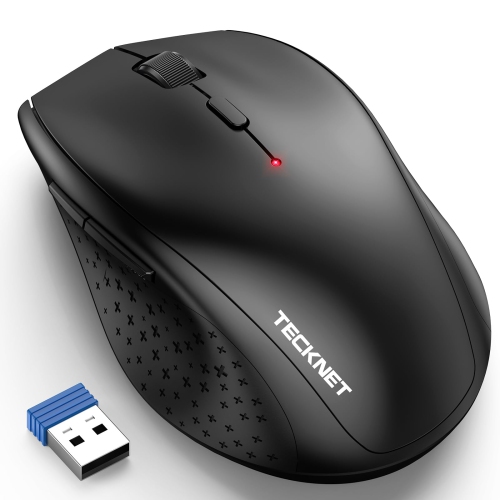
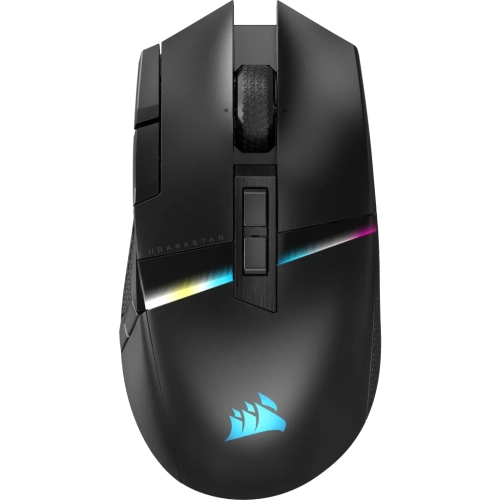
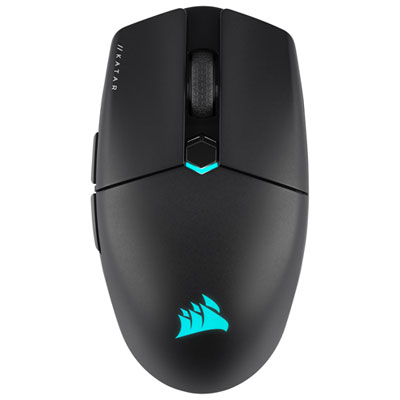
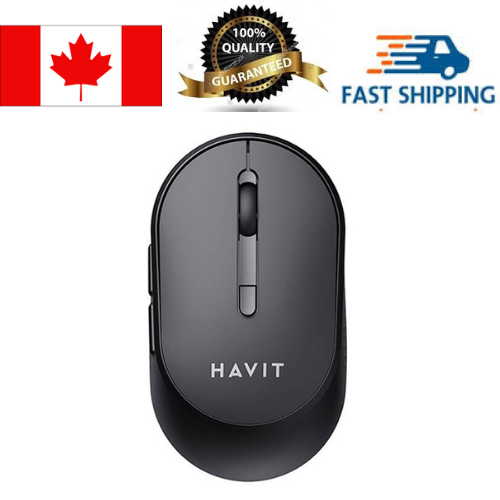
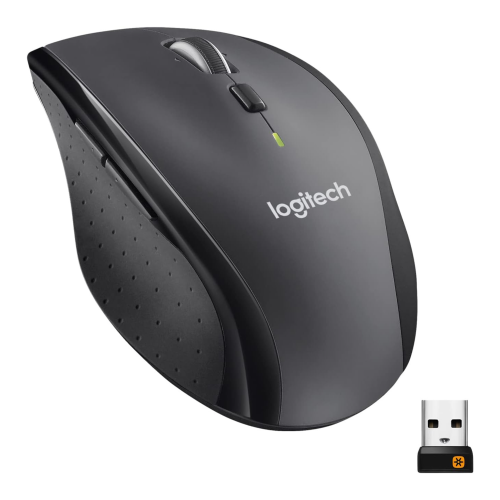
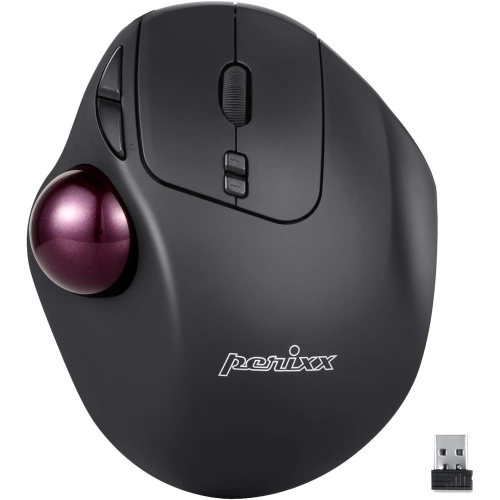
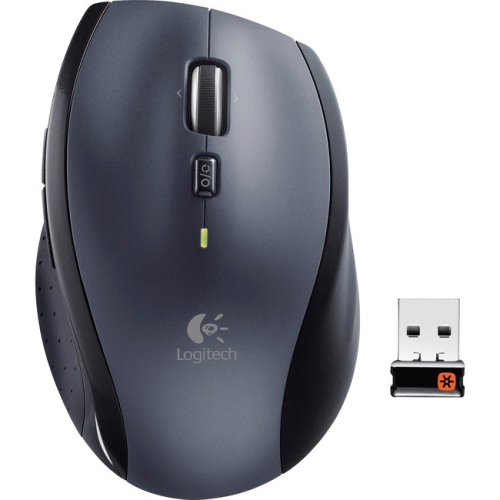
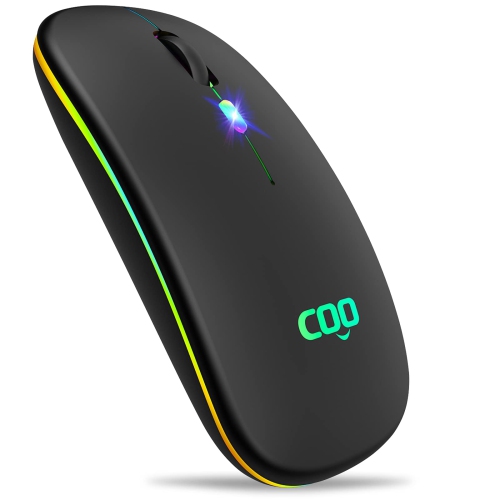
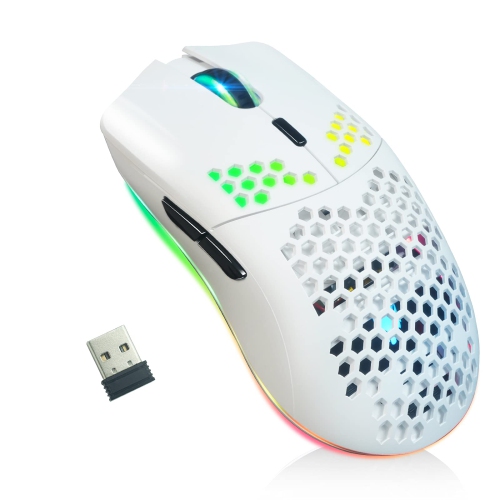
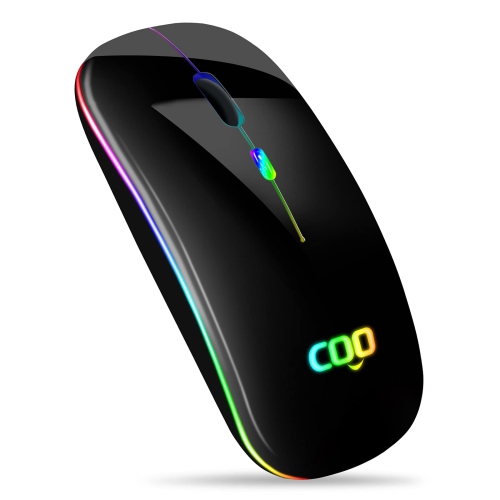
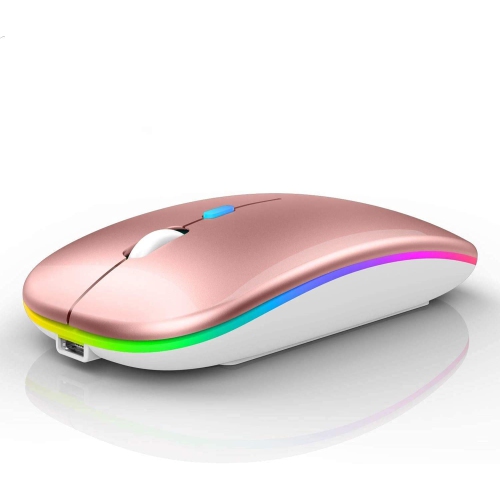
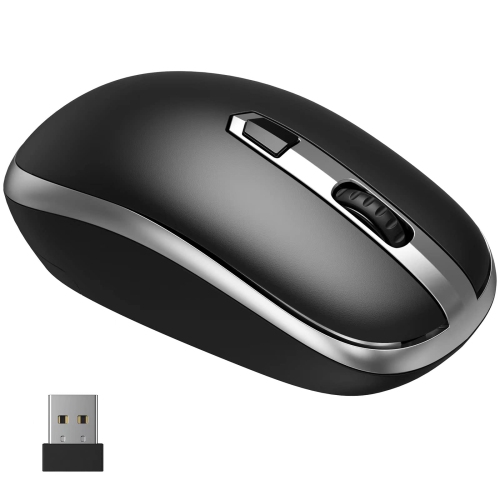
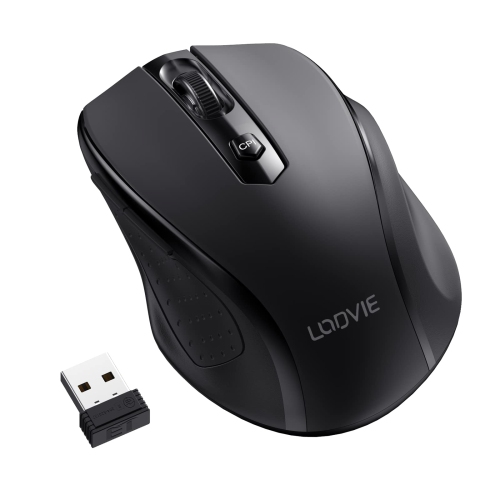
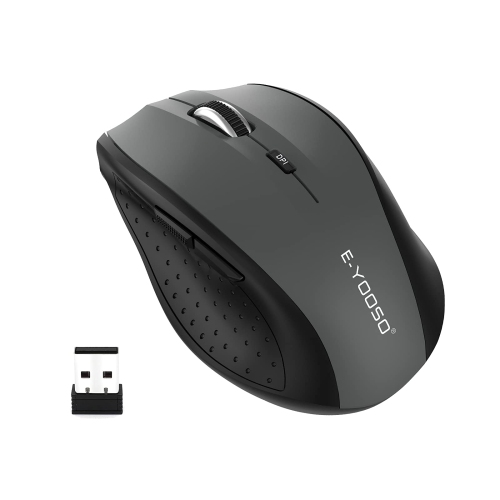
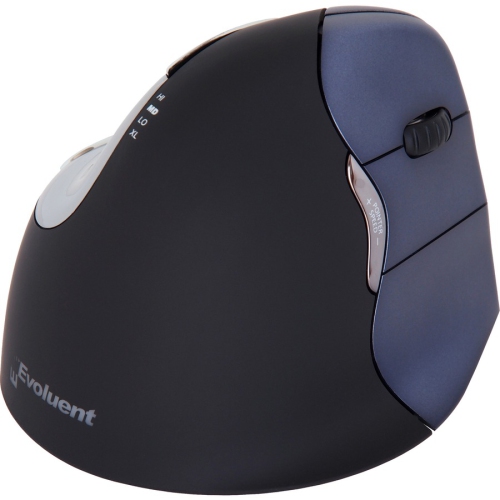
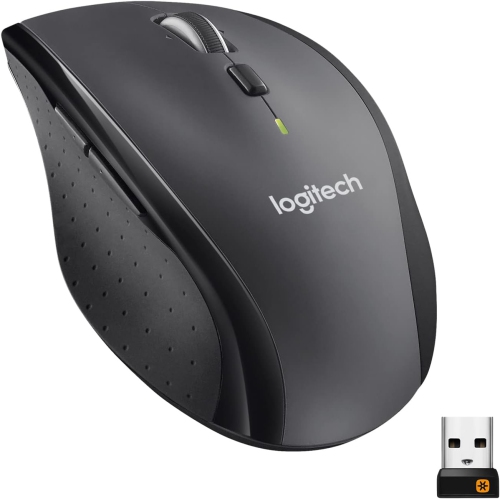
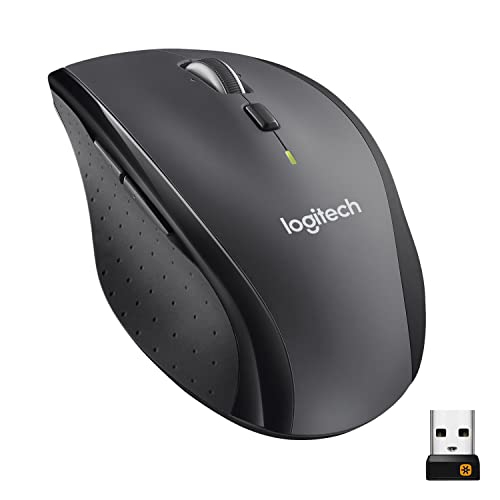
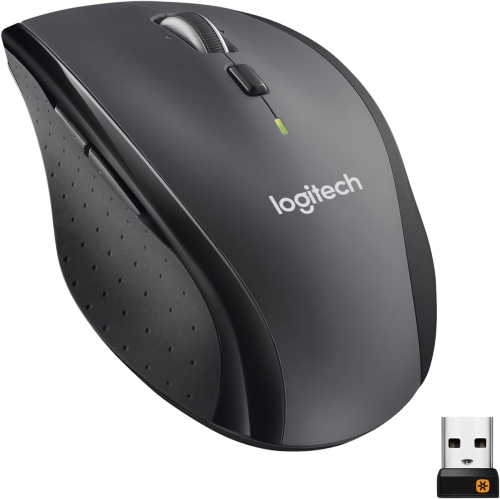
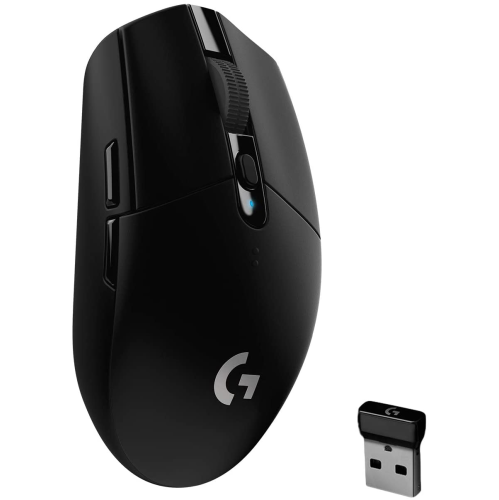
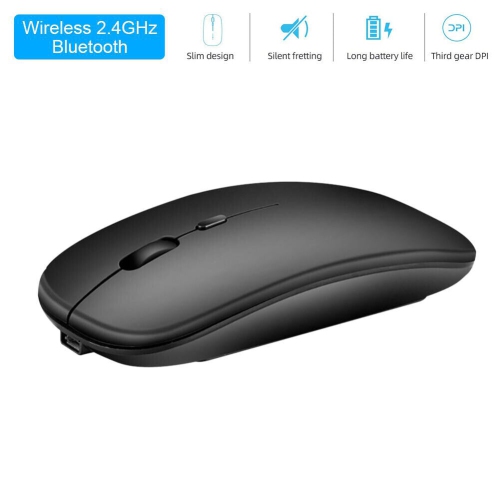
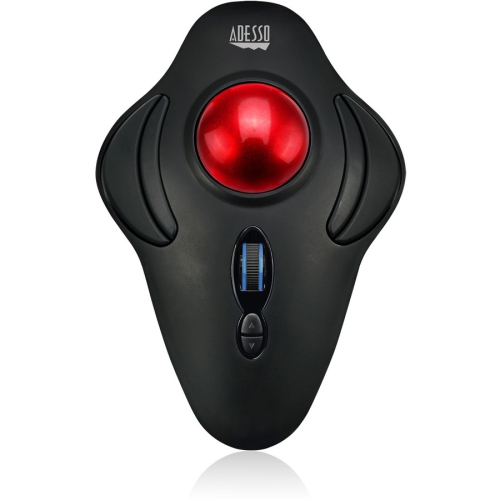
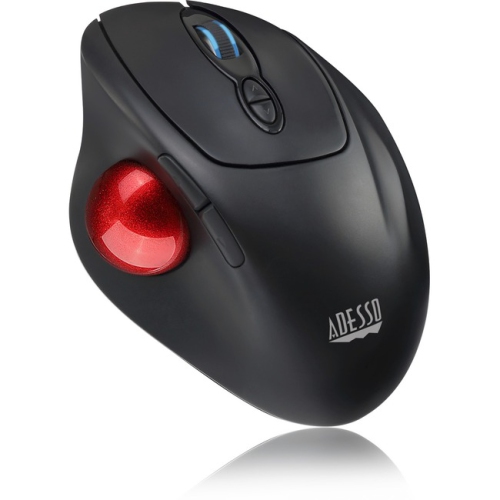
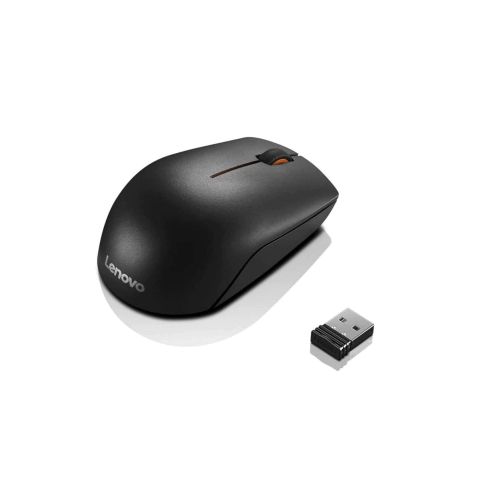
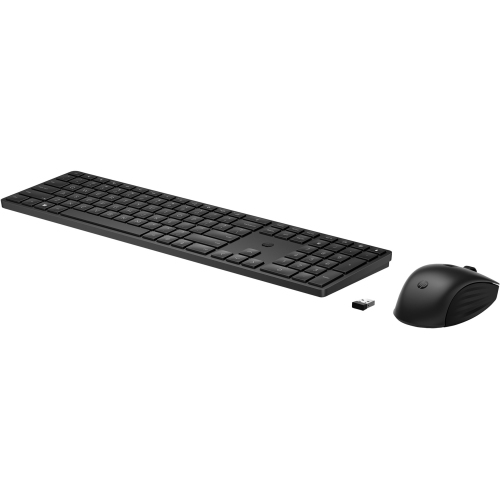
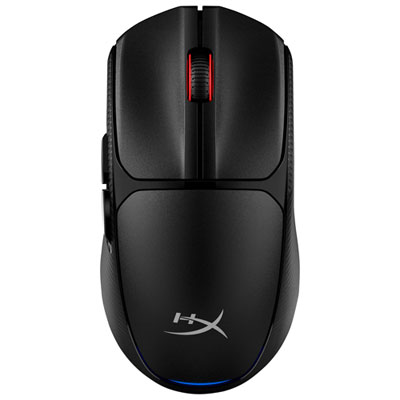
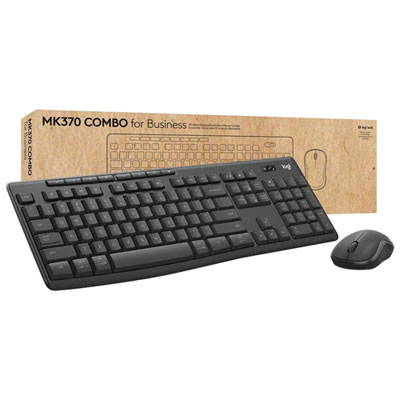
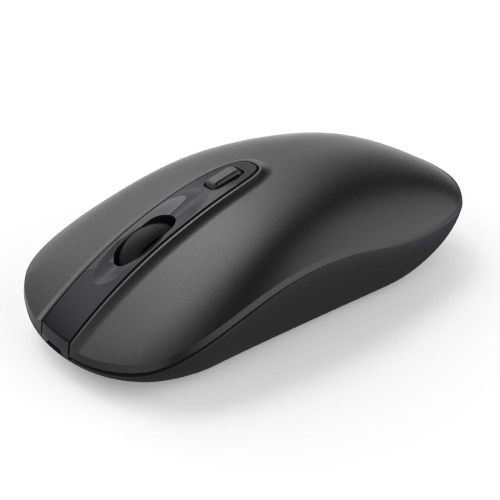
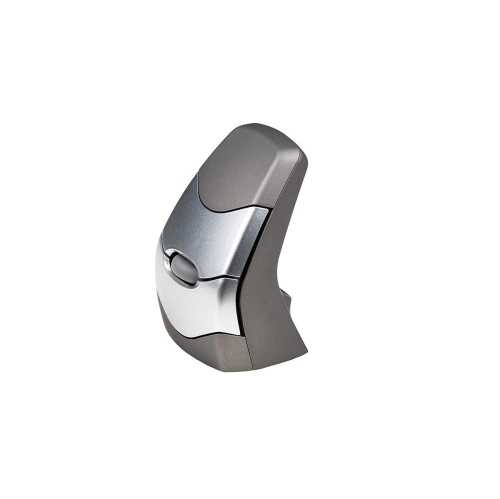
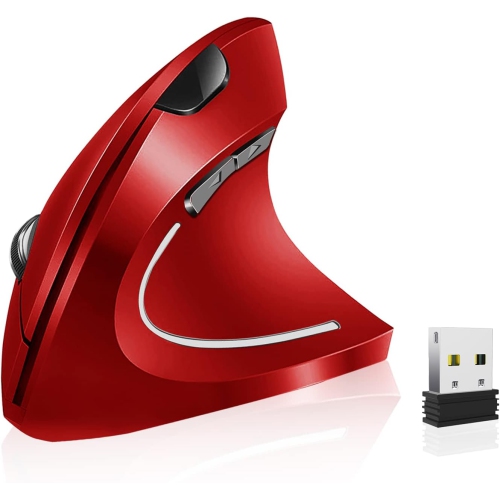
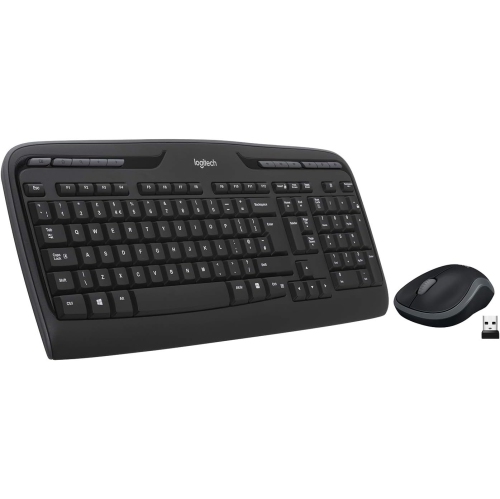
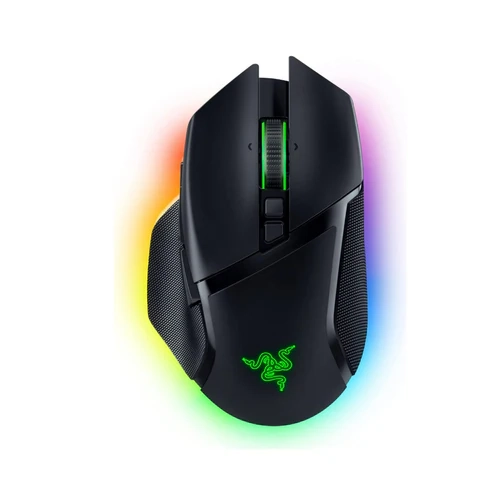
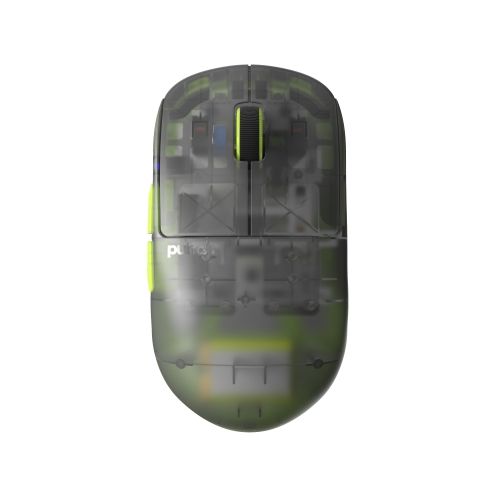
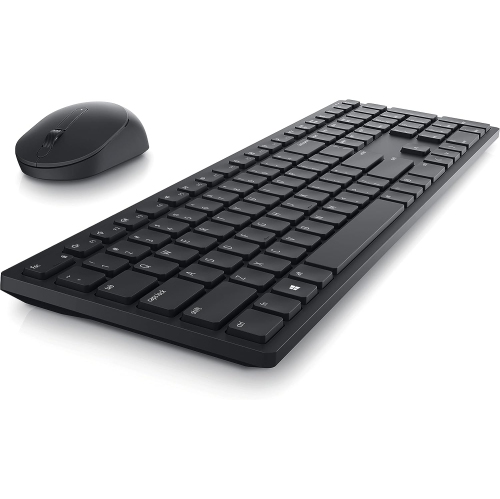
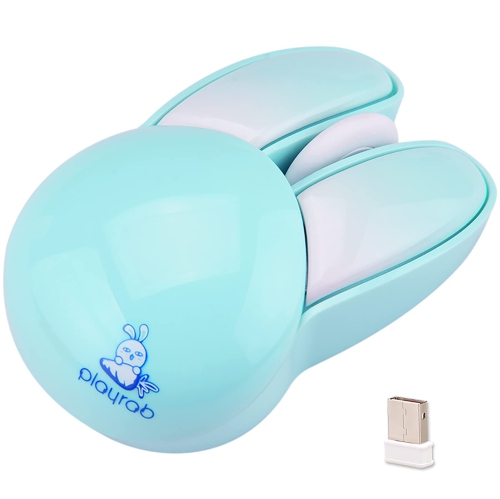
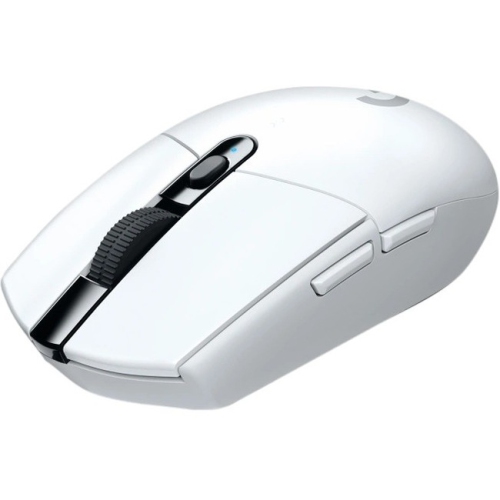
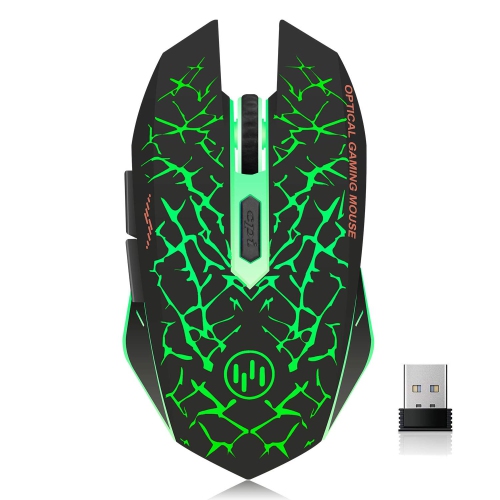
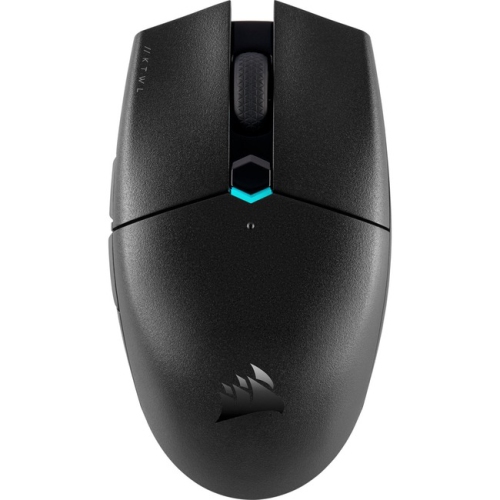
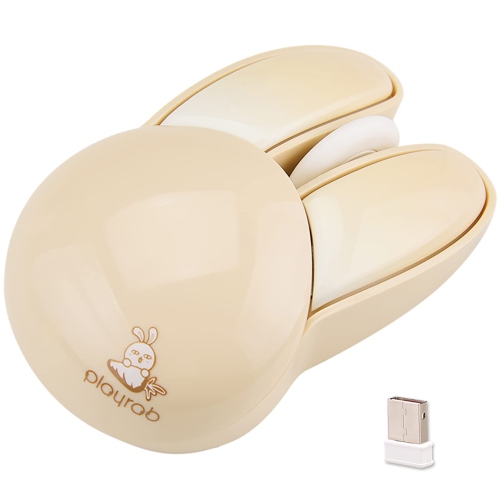
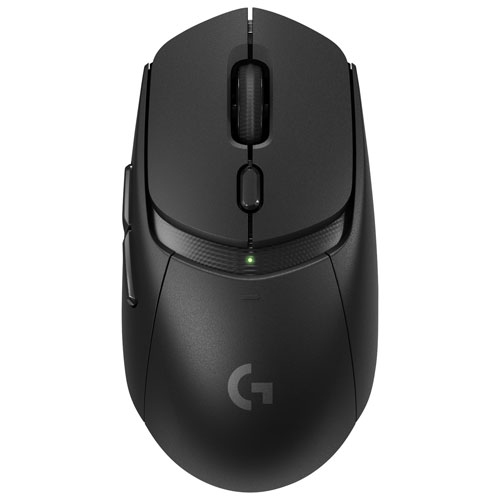
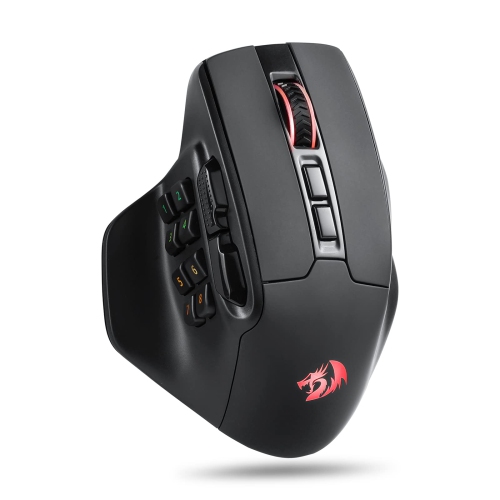
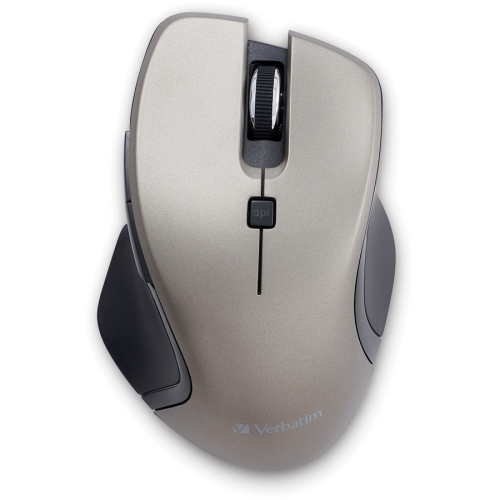
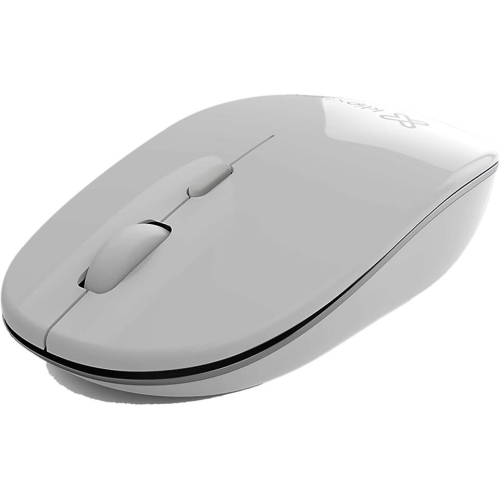
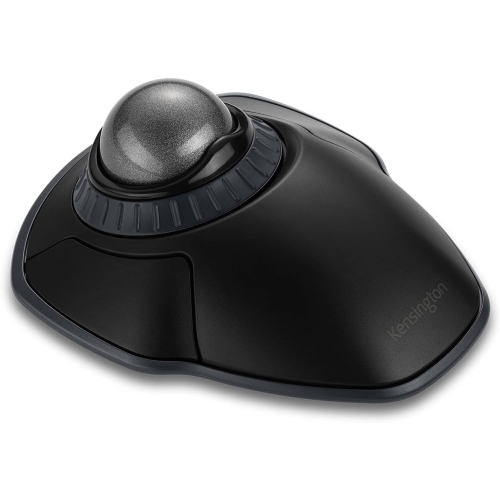
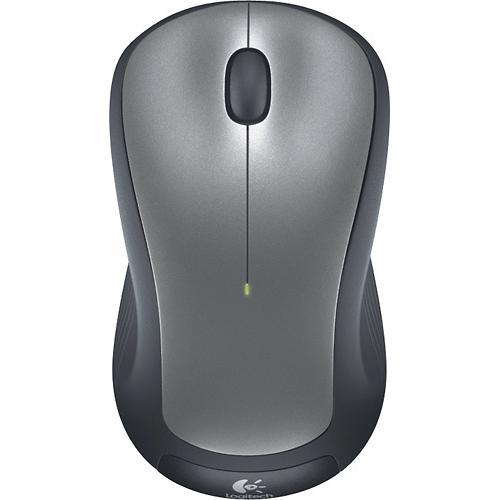
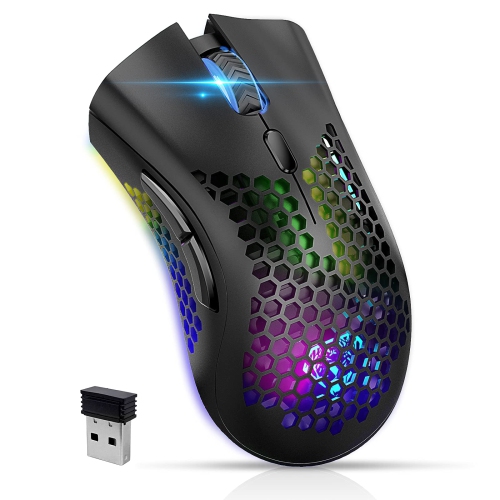
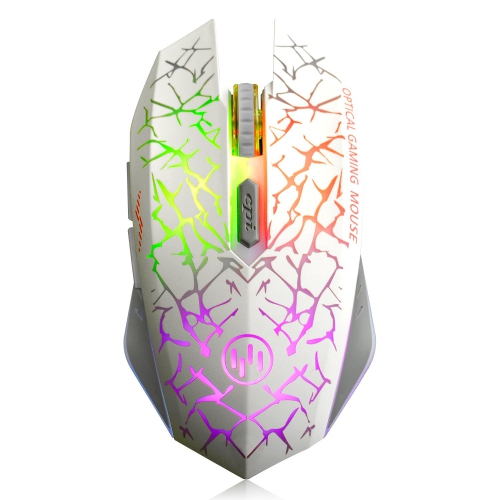
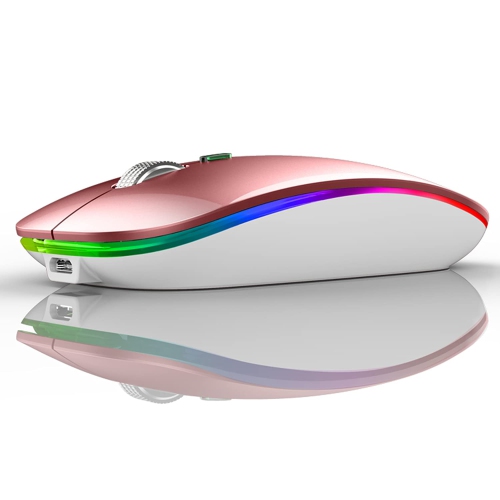

Everyday shortcuts within reach of your thumb
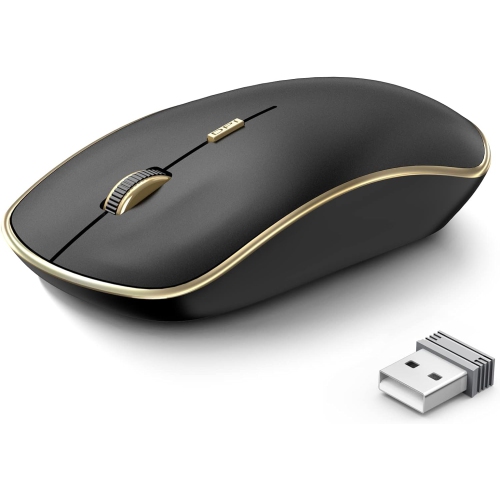
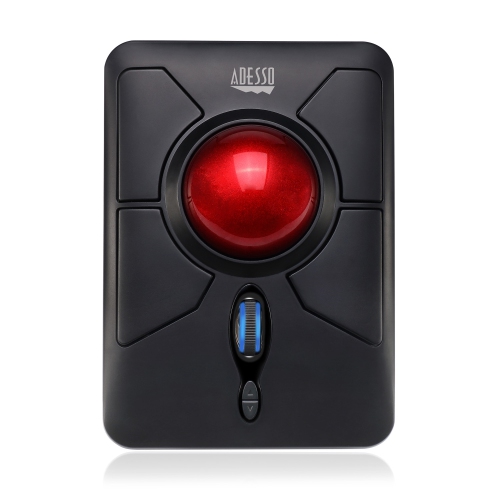
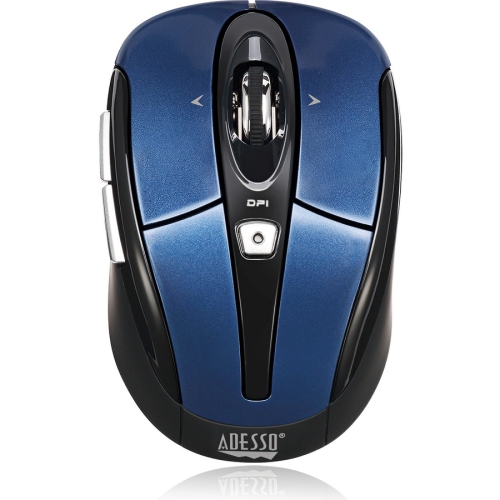
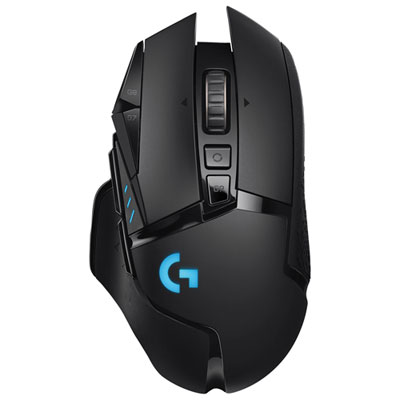
Wireless programmable mice combine cable-free control with buttons that can be assigned to shortcuts, commands, or sequences of actions. They connect to a compatible computer through Bluetooth, a wireless USB receiver, or both, depending on the model. Beyond standard left-click and right-click functions, programmable controls can put frequently used actions within reach of a thumb or fingertip. For someone working through spreadsheets, that might mean copying cells, pasting values, or moving between worksheets without repeatedly reaching for the keyboard. A video editor might assign controls to playback and timeline navigation, while a gamer might use side buttons for actions that would otherwise require a stretch across several keys. Customization usually depends on companion software, so supported operating systems and software requirements matter as much as the number of buttons. Basic pointer functions may work on a computer even when advanced programming features do not. Some mice support application-specific profiles that change button assignments when switching programs; others offer onboard memory that can retain supported settings when the mouse moves to another computer. The distinction is useful for people who alternate between a home desktop and a work laptop, particularly when workplace computers restrict software installation. A macro is a programmed sequence of inputs rather than a single shortcut, and support for recording, editing, and storing macros varies. Games and workplace applications may also have rules governing their use. More buttons are not automatically better: two well-positioned thumb controls can be more practical for everyday browsing than a tightly packed grid that takes time to learn. A larger button array can suit repeated editing tasks or games with many commands, provided each control is easy to identify by touch. Clear spacing, distinct shapes, and a comfortable reach help make those extra controls useful without encouraging accidental presses. Wireless programmable mice are especially practical for people who want to tailor familiar computer tasks to the way they already work or play.
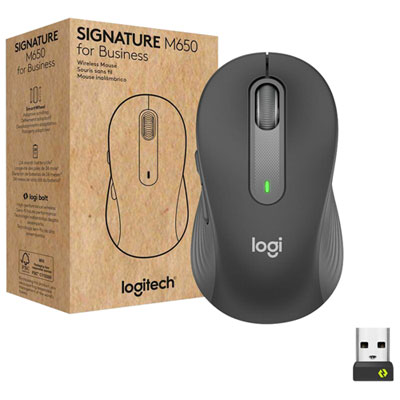
Connection options influence how a wireless programmable mouse fits into a desk setup. Bluetooth can pair directly with a compatible laptop or tablet without occupying a USB port, which is helpful on devices with limited connections. Receiver-based wireless typically uses a dedicated 2.4 GHz connection, and gaming-focused implementations often prioritize responsiveness. Actual performance depends on the mouse, the host device, interference, and the surrounding setup, rather than the connection label alone. For a receiver-based mouse, the receiver connector needs to match an accessible port, or a suitable adapter may be required. Dual-mode designs offer a choice between Bluetooth and receiver-based operation, while some mice also support a wired data connection. A charging cable does not necessarily provide wired mouse operation, so those capabilities are worth distinguishing. For a receiver-free connection, Bluetooth mice with programmable buttons pair direct wireless connectivity with customizable controls, subject to device and software compatibility. Multi-device pairing can be useful for moving between a personal computer and a work system, although the number of stored connections and the switching method vary. Sensor specifications are another part of the experience. DPI describes pointer sensitivity: a higher setting moves the pointer farther for a given physical movement, while a lower setting allows broader hand movements for fine control. A very high maximum DPI is not, by itself, a measure of accuracy or comfort. Adjustable sensitivity is often more useful, allowing someone to move quickly across a large display and then slow down for detailed photo adjustments. Polling rate describes how frequently the mouse reports to the computer; higher settings can improve responsiveness in supported setups but may increase power consumption. Battery life also depends on connection mode, lighting, polling settings, and daily use. Rechargeable designs need access to charging, while models with replaceable batteries require the appropriate battery type. For long sessions, the ability to operate while charging can be helpful when supported. Scroll-wheel features also deserve attention: horizontal scrolling, tilt controls, or a free-spinning mode can make wide spreadsheets and lengthy documents easier to navigate.
Shape, size, and surface materials determine how comfortably those features come together in the hand. A taller shell can support a palm grip, where much of the hand rests on the mouse, while a lower or shorter shape may suit fingertip control or a claw grip. These are starting points rather than fixed rules; hand size, desk height, and preferred movement all affect fit. A compact mouse can slip neatly into a laptop bag, but someone with larger hands may find its side buttons cramped during an afternoon of editing. A broader body may feel steadier at a desk yet take up more space during travel. Left-handed users should look closely at both shell shape and button placement, since a symmetrical body does not guarantee equally accessible programmable controls on each side. Weight matters, too. A lighter mouse can feel easier to reposition during repeated sweeping movements, while a heavier design may offer the sense of steadiness some users prefer. Common construction details include rigid plastic shells, textured side panels, rubberized grips, and low-friction feet. Texture can improve purchase, but grooves and grip panels may need extra attention during cleaning. With the mouse switched off and unplugged, a soft cloth and care methods approved by the manufacturer help remove everyday residue; liquid should not be sprayed directly into buttons, seams, or the sensor opening. Keeping the mouse pad clean can also reduce grit collecting around the feet. Tracking depends partly on the surface, and glass or highly reflective desktops require a sensor designed for those materials or a suitable mouse pad. Durability involves more than a stated switch lifespan: firm button action, secure wheel movement, intact feet, and a well-protected charging port all contribute to everyday usability. A travel pouch and a dedicated receiver storage slot, where included, help protect small components between locations. As a gift for a student, frequent computer user, creator, or gamer, a wireless programmable mouse is most useful when its fit, connection options, and software support match the recipient’s routine. The strongest match brings practical shortcuts within comfortable reach without adding unnecessary complexity to the desk.
Connection options influence how a wireless programmable mouse fits into a desk setup. Bluetooth can pair directly with a compatible laptop or tablet without occupying a USB port, which is helpful on devices with limited connections. Receiver-based wireless typically uses a dedicated 2.4 GHz connection, and gaming-focused implementations often prioritize responsiveness. Actual performance depends on the mouse, the host device, interference, and the surrounding setup, rather than the connection label alone. For a receiver-based mouse, the receiver connector needs to match an accessible port, or a suitable adapter may be required. Dual-mode designs offer a choice between Bluetooth and receiver-based operation, while some mice also support a wired data connection. A charging cable does not necessarily provide wired mouse operation, so those capabilities are worth distinguishing. For a receiver-free connection, Bluetooth mice with programmable buttons pair direct wireless connectivity with customizable controls, subject to device and software compatibility. Multi-device pairing can be useful for moving between a personal computer and a work system, although the number of stored connections and the switching method vary. Sensor specifications are another part of the experience. DPI describes pointer sensitivity: a higher setting moves the pointer farther for a given physical movement, while a lower setting allows broader hand movements for fine control. A very high maximum DPI is not, by itself, a measure of accuracy or comfort. Adjustable sensitivity is often more useful, allowing someone to move quickly across a large display and then slow down for detailed photo adjustments. Polling rate describes how frequently the mouse reports to the computer; higher settings can improve responsiveness in supported setups but may increase power consumption. Battery life also depends on connection mode, lighting, polling settings, and daily use. Rechargeable designs need access to charging, while models with replaceable batteries require the appropriate battery type. For long sessions, the ability to operate while charging can be helpful when supported. Scroll-wheel features also deserve attention: horizontal scrolling, tilt controls, or a free-spinning mode can make wide spreadsheets and lengthy documents easier to navigate.
Shape, size, and surface materials determine how comfortably those features come together in the hand. A taller shell can support a palm grip, where much of the hand rests on the mouse, while a lower or shorter shape may suit fingertip control or a claw grip. These are starting points rather than fixed rules; hand size, desk height, and preferred movement all affect fit. A compact mouse can slip neatly into a laptop bag, but someone with larger hands may find its side buttons cramped during an afternoon of editing. A broader body may feel steadier at a desk yet take up more space during travel. Left-handed users should look closely at both shell shape and button placement, since a symmetrical body does not guarantee equally accessible programmable controls on each side. Weight matters, too. A lighter mouse can feel easier to reposition during repeated sweeping movements, while a heavier design may offer the sense of steadiness some users prefer. Common construction details include rigid plastic shells, textured side panels, rubberized grips, and low-friction feet. Texture can improve purchase, but grooves and grip panels may need extra attention during cleaning. With the mouse switched off and unplugged, a soft cloth and care methods approved by the manufacturer help remove everyday residue; liquid should not be sprayed directly into buttons, seams, or the sensor opening. Keeping the mouse pad clean can also reduce grit collecting around the feet. Tracking depends partly on the surface, and glass or highly reflective desktops require a sensor designed for those materials or a suitable mouse pad. Durability involves more than a stated switch lifespan: firm button action, secure wheel movement, intact feet, and a well-protected charging port all contribute to everyday usability. A travel pouch and a dedicated receiver storage slot, where included, help protect small components between locations. As a gift for a student, frequent computer user, creator, or gamer, a wireless programmable mouse is most useful when its fit, connection options, and software support match the recipient’s routine. The strongest match brings practical shortcuts within comfortable reach without adding unnecessary complexity to the desk.
Top selling and popular products
-
 Your price for this item is $29.99
 -
 Your price for this item is $50.44
 -
 Your price for this item is $39.99
 -
 Your price for this item is $49.99
 -
 Your price for this item is $159.95
 -
 Your price for this item is $44.68
 -
 Your price for this item is $44.68
 -
 Your price for this item is $31
Discover more categories related to Wireless Programmable Mice

Top Collections:
Pokemon Centers, Kindle Devices, Best Budget Office Chairs, Apple iPhones 16, Best Laptops for Writers, iPhone 15 Apple, Canon G7X Cameras, Refurbished Apple Laptops, Alarm Clock, Motorola Razr Phones
Some products may be subject to Environmental Handling Fees
(EHF) depending on your province.
Learn more about EHFs.