Programmable Mice for Mac
A programmable mouse can be programmed to perform specific functions, such as scrolling a certain amount or moving in a certain direction. This can be useful for people who spend hours at their computer and want to customize their experience. Here are some of the best programmable mice for Mac.
Sort
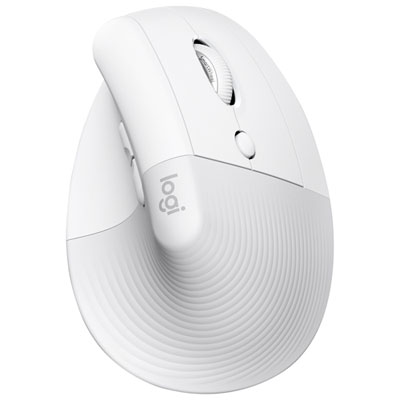
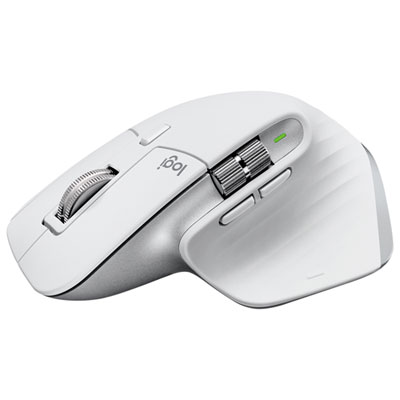
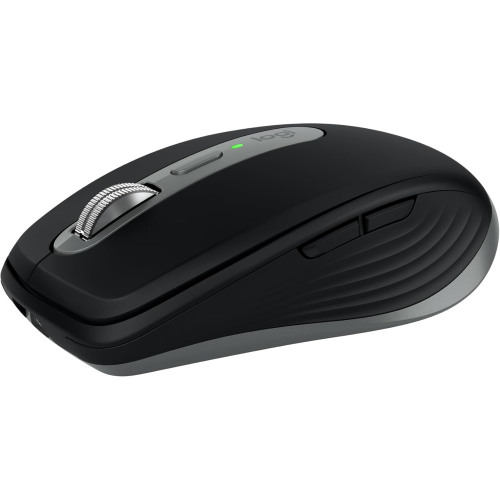
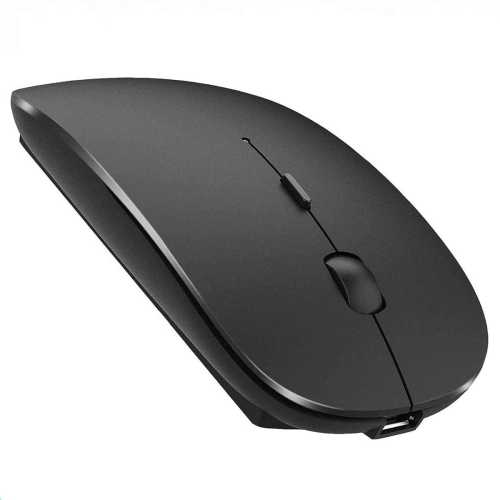
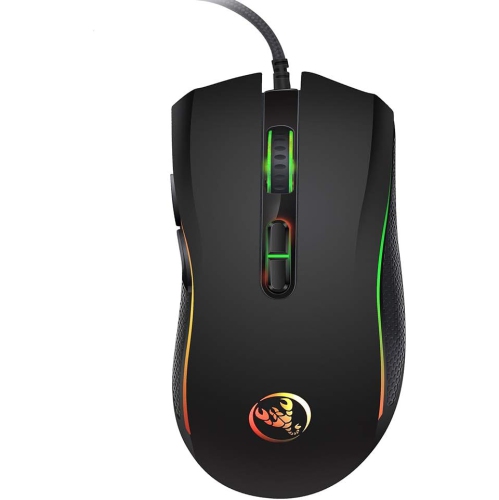
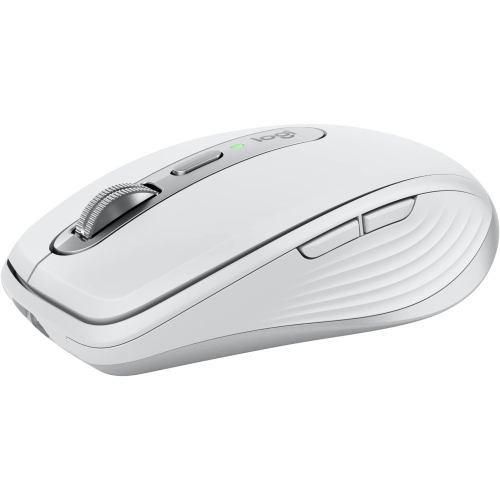
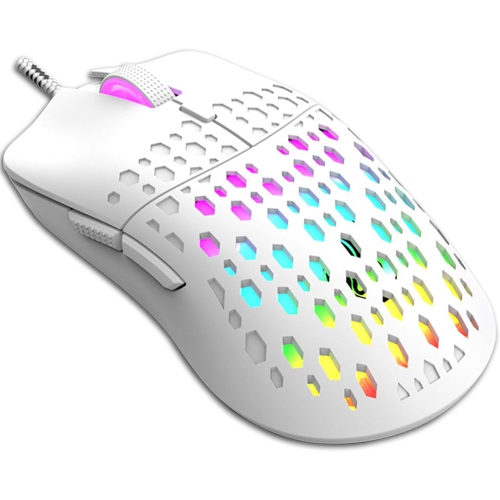
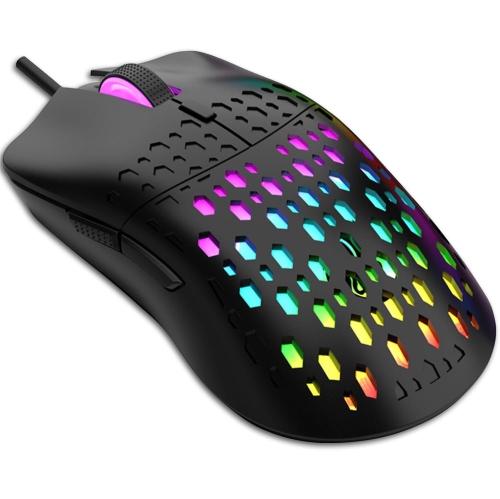

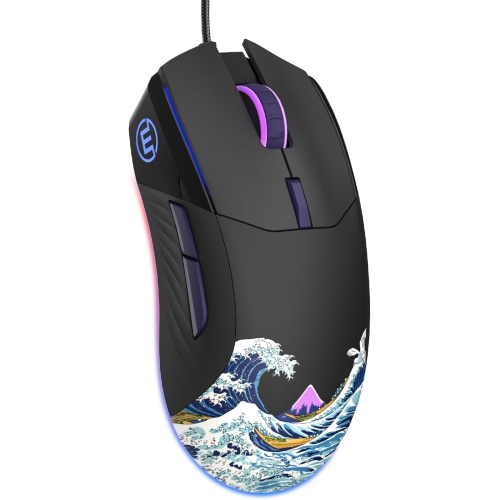
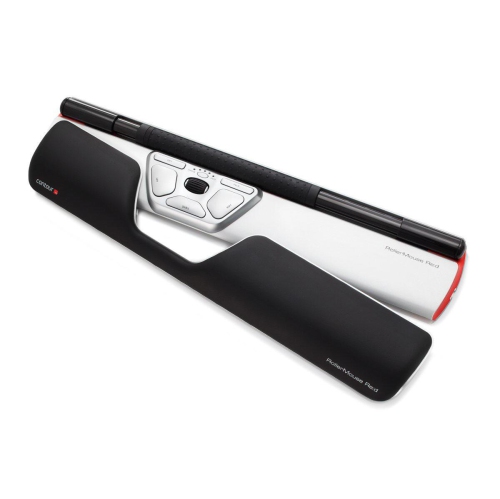
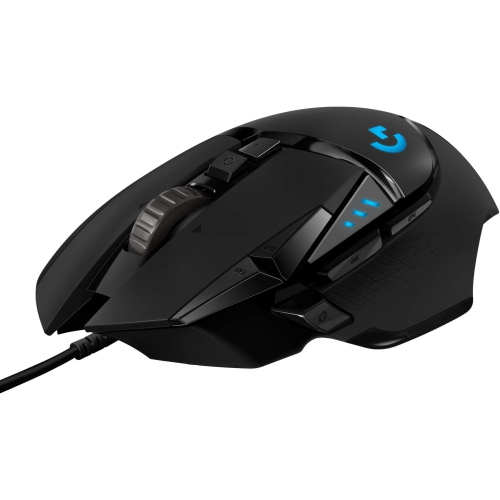
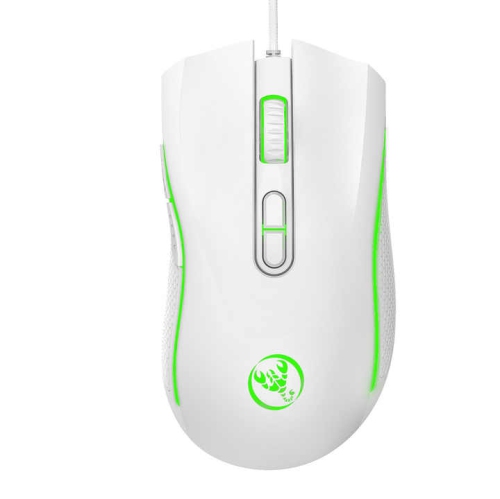
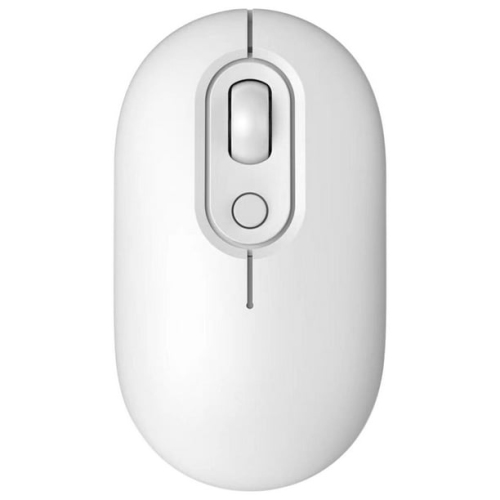

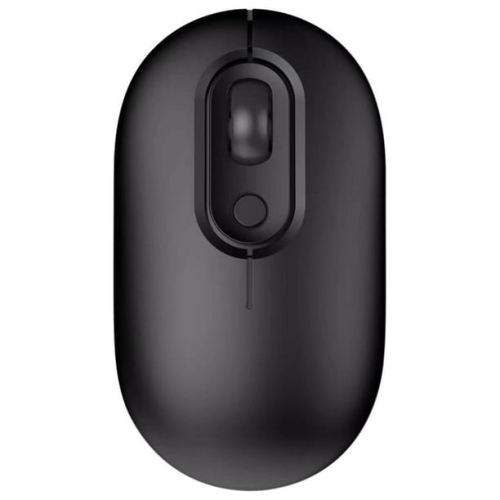
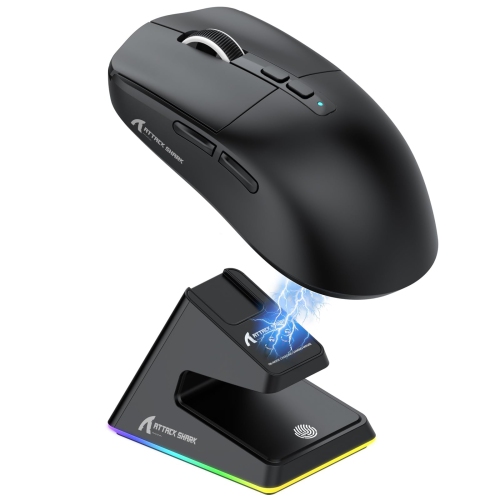
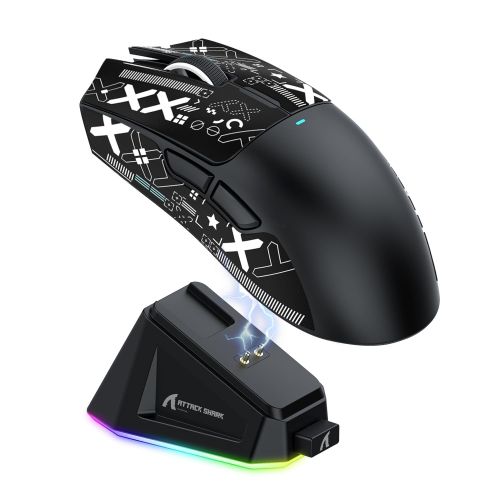
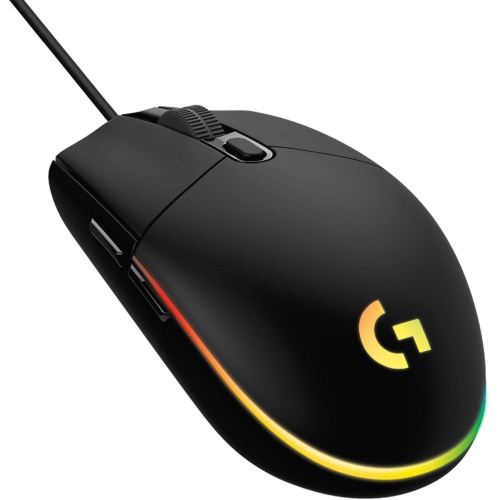
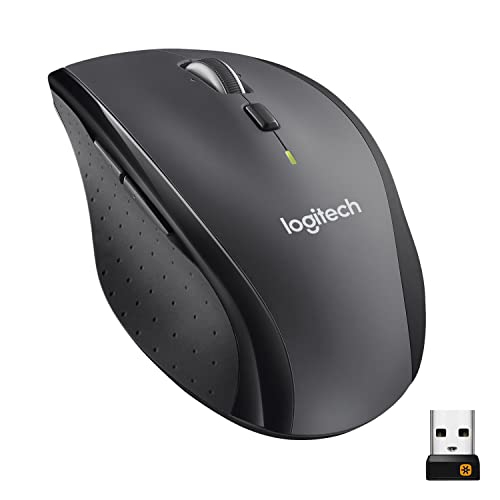
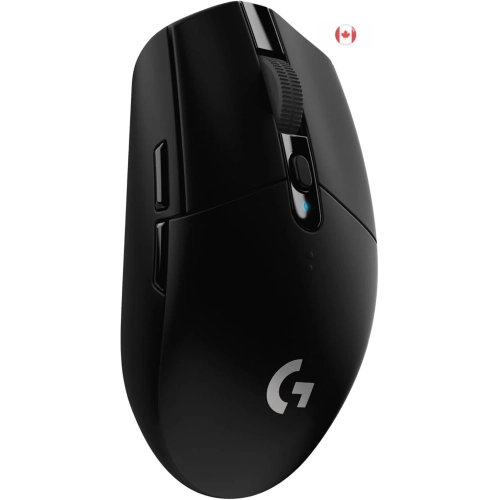
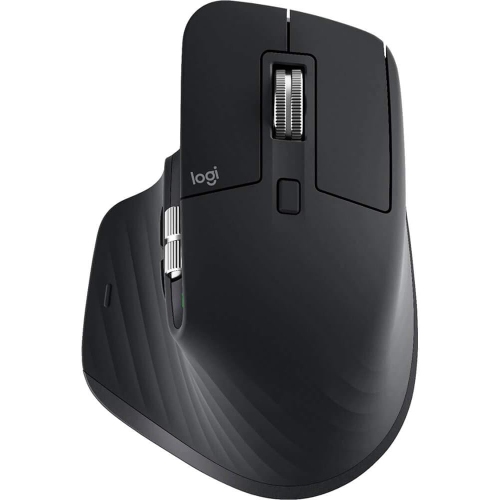
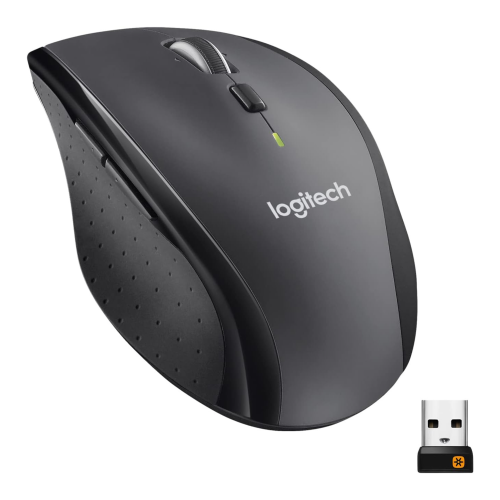
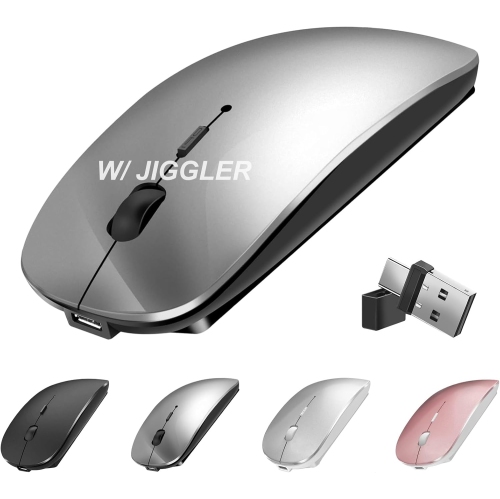
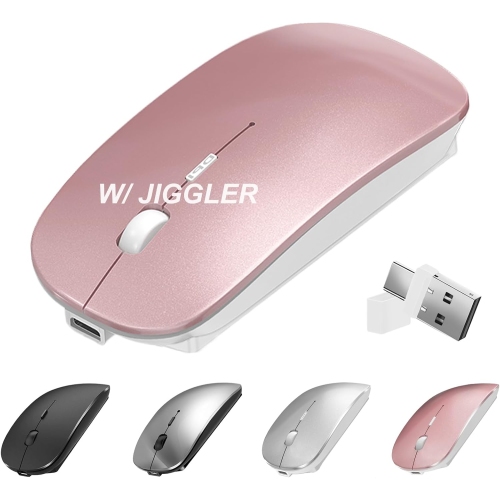
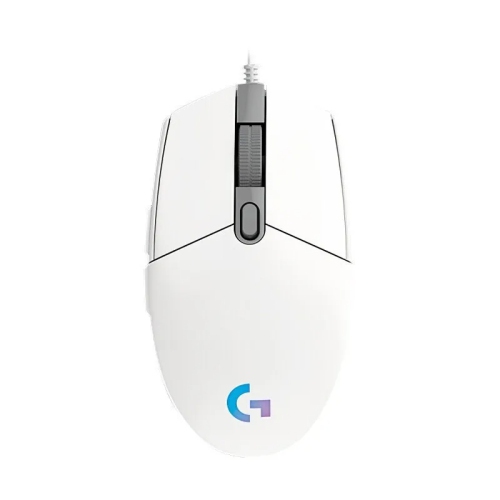
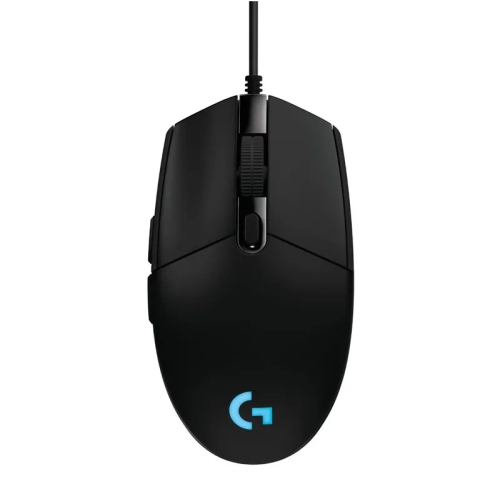
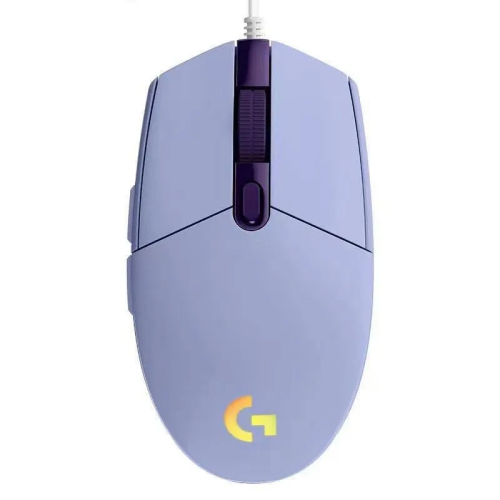

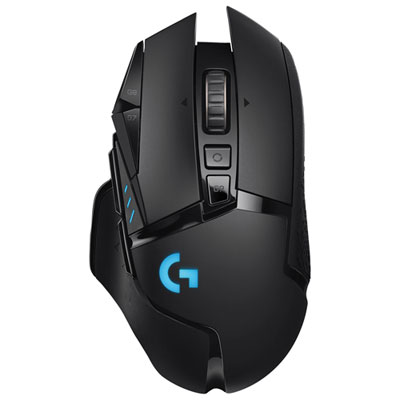
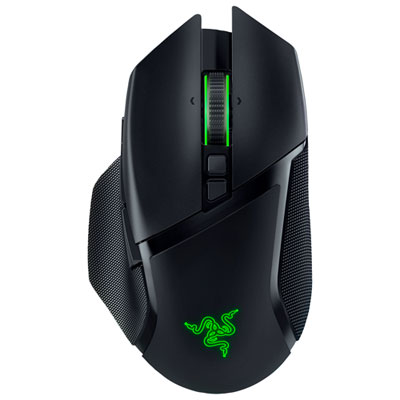
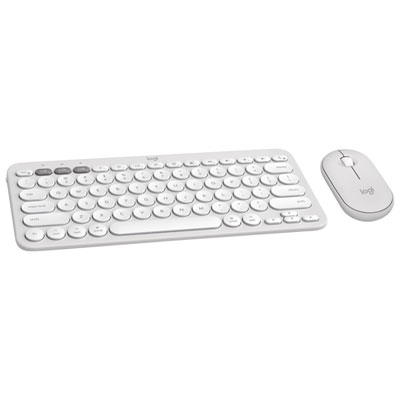
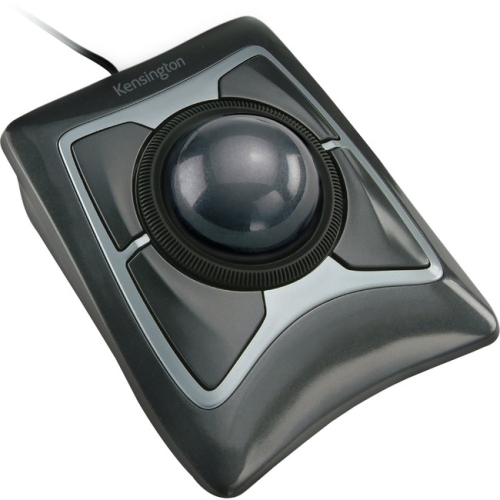

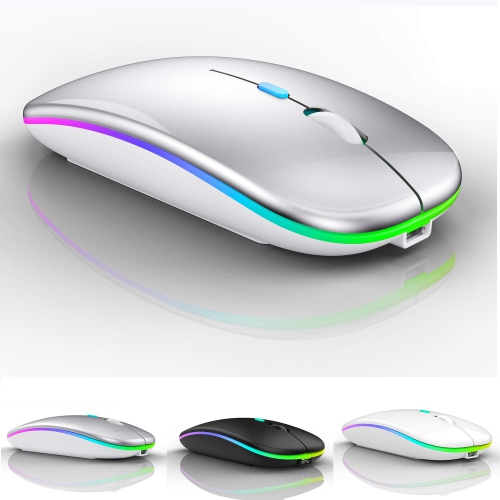
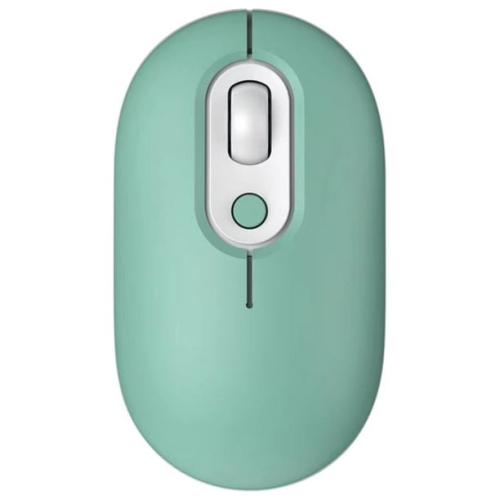
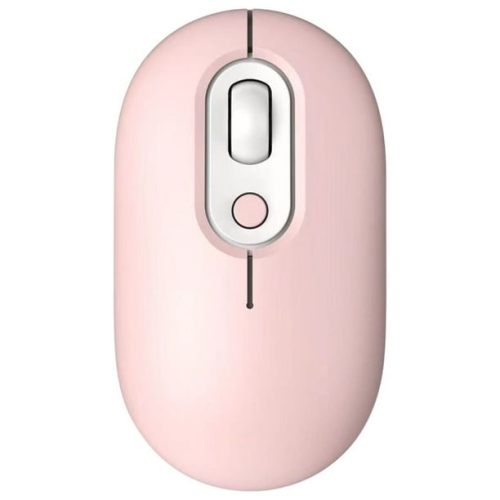
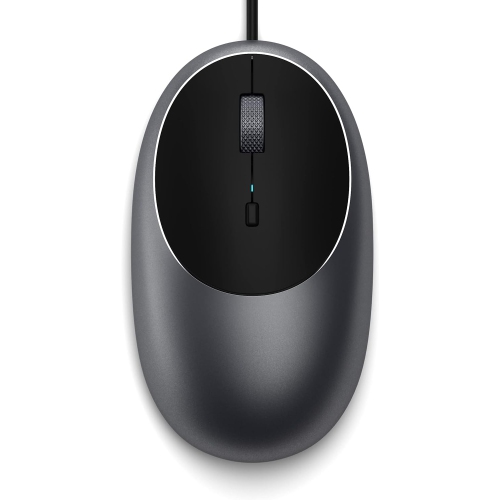
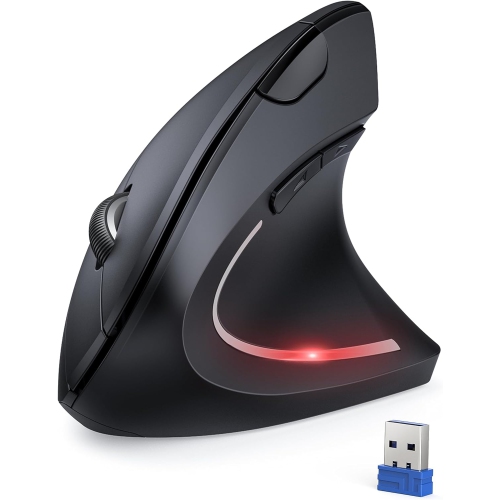
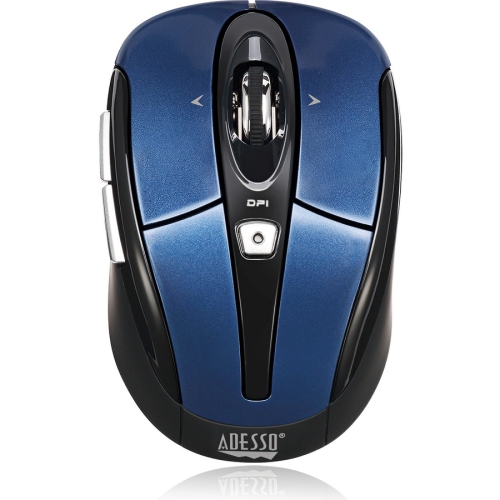
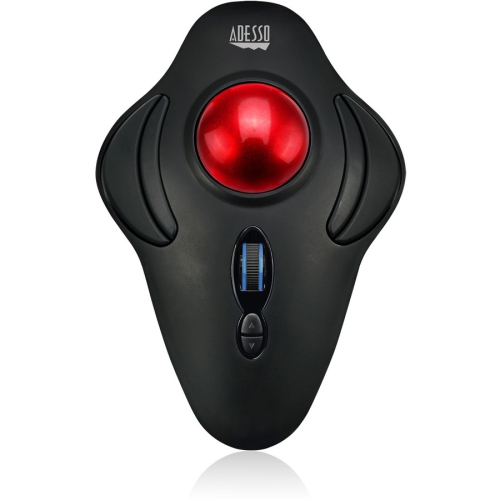
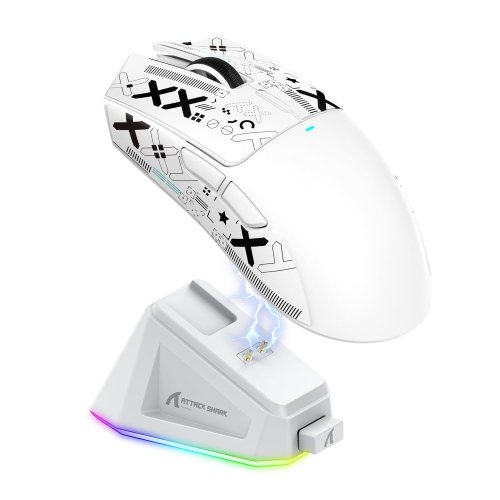
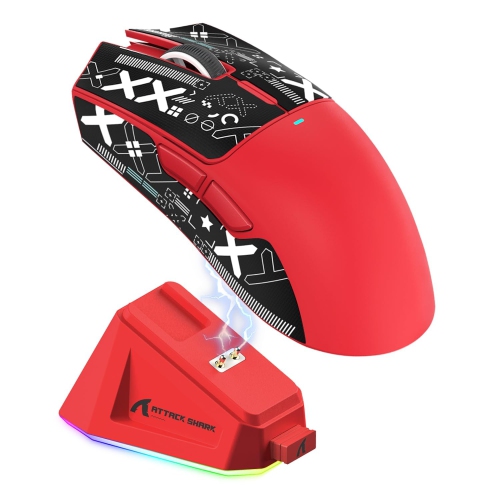
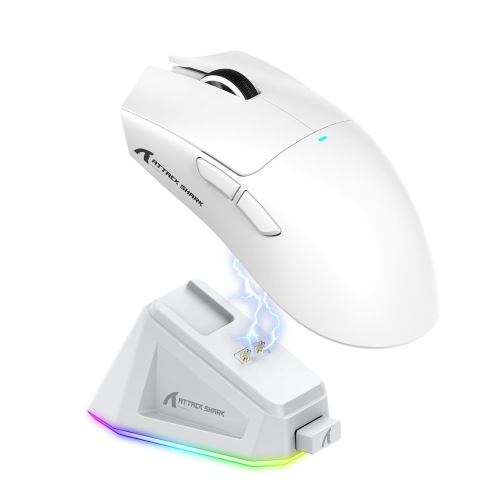
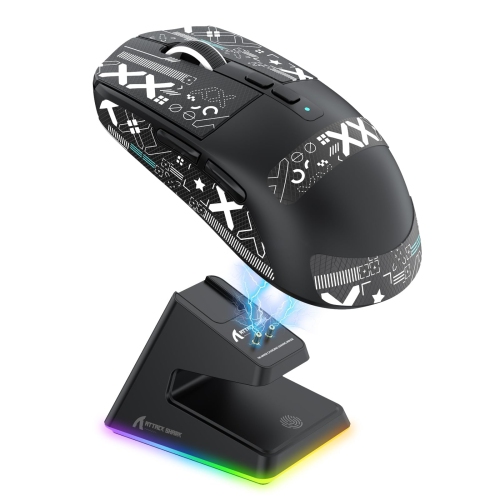
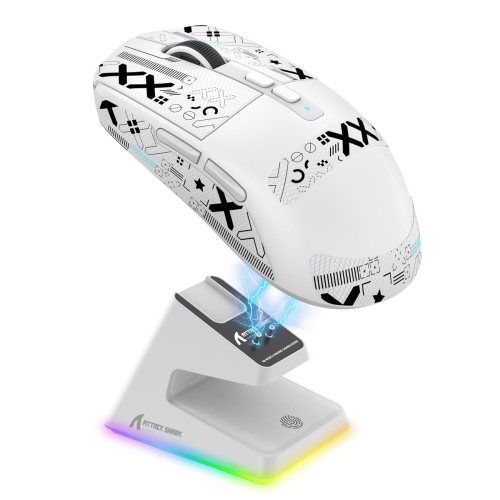
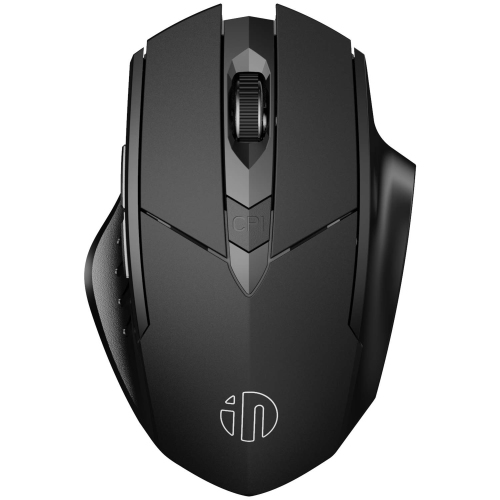
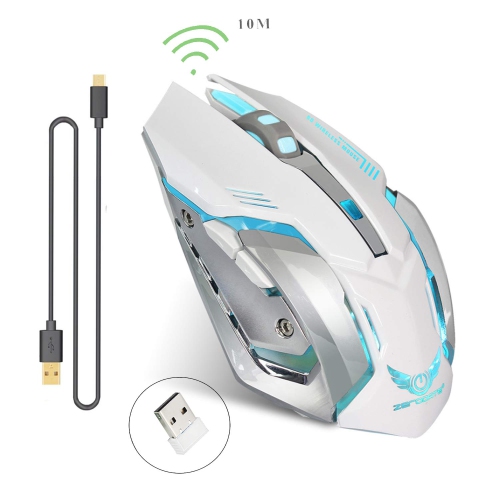
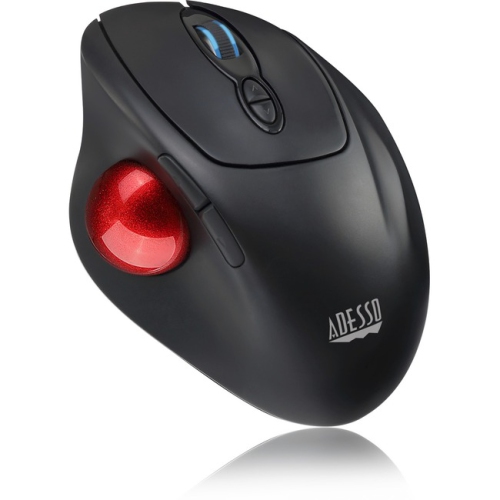
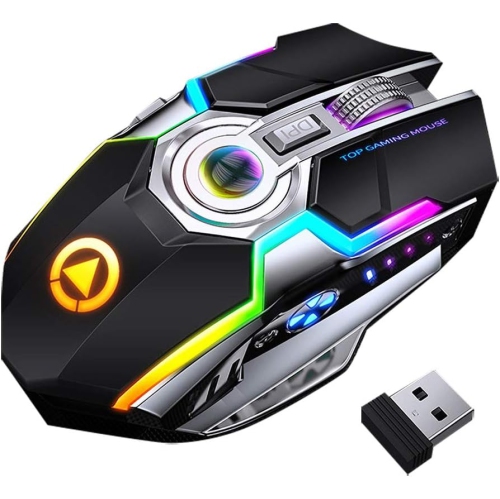
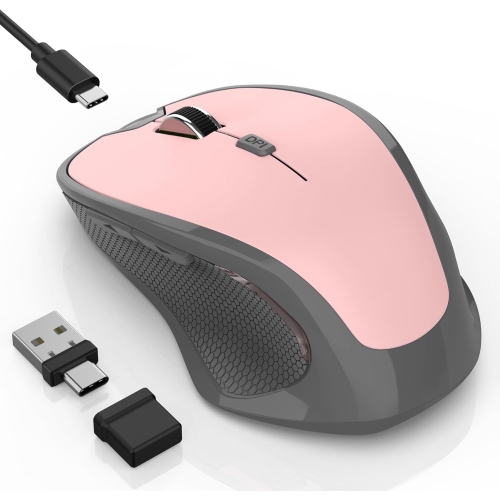
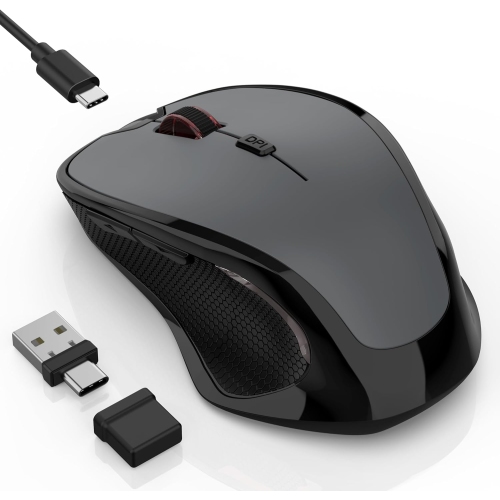
Custom shortcuts and comfort for every Mac workflow
Programmable mice for Mac give you more control over everyday tasks by placing frequently used commands within easy reach. Instead of relying entirely on menus, keyboard combinations, or trackpad gestures, you can assign actions to extra buttons and create a setup that suits the way you work. Depending on the model and its companion software, programmable controls may be used for copy and paste, opening applications, switching between browser tabs, moving between virtual desktops, muting a microphone, adjusting volume, or launching a frequently used tool. Some mice include a thumb button for gesture commands, a side-scrolling wheel for wide spreadsheets and timelines, or separate controls for forward and back navigation. These features can make a noticeable difference during a long work session: a designer can keep common editing commands close at hand, a student can move through research tabs with fewer interruptions, and someone managing several projects can switch between windows without repeatedly reaching for the keyboard. Look for customization software that supports macOS and check the operating system requirements before purchasing, since button mapping and advanced functions may vary between Mac models and software versions. A mouse with onboard memory can also be useful when you move between computers, while app-specific profiles let the same buttons perform different actions in a browser, creative application, office program, or game. For a broad selection of configurable options, explore Mouse Programmable and compare the controls, software support, and connection options that best match your Mac setup.
Comfort is just as important as the number of programmable buttons. A mouse should feel natural through a full afternoon of work, with a shape that supports your palm and allows your fingers to rest without excessive tension. Larger designs can provide a fuller palm grip, while compact models are easier to carry in a laptop sleeve and may suit smaller hands or people who prefer a fingertip grip. Pay attention to the position of side buttons, since controls that are easy to reach with your thumb should not be so close together that accidental presses become common. Smooth, precise tracking is helpful for detailed design work, photo adjustments, spreadsheets, and large displays, while adjustable sensitivity allows you to move quickly across the screen or make careful selections without repeatedly lifting the mouse. Scroll wheel design also matters. A notched wheel can provide controlled movement through documents, and a free-scrolling mode can help you move rapidly through long pages, code, or project files. Some models offer a horizontal scroll function that is especially handy for wide tables and editing timelines. Quiet clicks may be appreciated in shared offices, libraries, bedrooms, or video calls, whereas a more pronounced click can provide reassuring tactile feedback. Wireless models connect through Bluetooth, a USB receiver, or both; Bluetooth can preserve a USB port on a MacBook, while a receiver may provide a straightforward connection on compatible desktop setups. Rechargeable batteries reduce the need to keep spare batteries nearby, and USB-C charging can make it easier to use a cable already shared with other devices. Battery life, charging time, wireless range, and the ability to use the mouse while charging are all practical details worth checking. If a mouse is intended for several computers, multi-device switching can simplify a home office that includes a Mac, tablet, or Windows computer, although the available programmable functions may not be identical across operating systems.
A programmable mouse can be a thoughtful gift for a Mac user who spends considerable time studying, creating, communicating, or working from home. It is particularly useful for someone who has recently added a MacBook or desktop Mac to their workspace, since a more configurable mouse can complement the built-in trackpad without replacing its gestures. Remote workers may appreciate assigning meeting controls or window-management shortcuts to buttons, while photographers, video editors, illustrators, programmers, and spreadsheet-heavy professionals can benefit from reducing repetitive hand movements. It can also suit a student preparing assignments at a compact desk, a family member who wants easier navigation, or a frequent traveller who needs a small pointing device for a laptop. When choosing for someone else, consider whether they prefer a quiet, compact shape or a larger ergonomic design, whether they use Bluetooth accessories, and whether they are comfortable installing customization software. A simpler layout with a few well-placed buttons can be more useful than a crowded design if the recipient values an uncluttered workspace. For advanced users, extensive button mapping, gesture support, adjustable sensitivity, and profile switching can help tailor the mouse to multiple applications. It is also worth confirming left- or right-hand suitability, surface compatibility, and whether the receiver requires an adapter for the Mac. During the warmer part of the year and through the cooler months, a reliable programmable mouse can make a home office, study corner, or creative workstation feel more personal and efficient. With the right fit and macOS-compatible controls, it becomes a practical part of the daily setup, helping routine actions feel smoother without changing the familiar Mac experience.
Comfort is just as important as the number of programmable buttons. A mouse should feel natural through a full afternoon of work, with a shape that supports your palm and allows your fingers to rest without excessive tension. Larger designs can provide a fuller palm grip, while compact models are easier to carry in a laptop sleeve and may suit smaller hands or people who prefer a fingertip grip. Pay attention to the position of side buttons, since controls that are easy to reach with your thumb should not be so close together that accidental presses become common. Smooth, precise tracking is helpful for detailed design work, photo adjustments, spreadsheets, and large displays, while adjustable sensitivity allows you to move quickly across the screen or make careful selections without repeatedly lifting the mouse. Scroll wheel design also matters. A notched wheel can provide controlled movement through documents, and a free-scrolling mode can help you move rapidly through long pages, code, or project files. Some models offer a horizontal scroll function that is especially handy for wide tables and editing timelines. Quiet clicks may be appreciated in shared offices, libraries, bedrooms, or video calls, whereas a more pronounced click can provide reassuring tactile feedback. Wireless models connect through Bluetooth, a USB receiver, or both; Bluetooth can preserve a USB port on a MacBook, while a receiver may provide a straightforward connection on compatible desktop setups. Rechargeable batteries reduce the need to keep spare batteries nearby, and USB-C charging can make it easier to use a cable already shared with other devices. Battery life, charging time, wireless range, and the ability to use the mouse while charging are all practical details worth checking. If a mouse is intended for several computers, multi-device switching can simplify a home office that includes a Mac, tablet, or Windows computer, although the available programmable functions may not be identical across operating systems.
A programmable mouse can be a thoughtful gift for a Mac user who spends considerable time studying, creating, communicating, or working from home. It is particularly useful for someone who has recently added a MacBook or desktop Mac to their workspace, since a more configurable mouse can complement the built-in trackpad without replacing its gestures. Remote workers may appreciate assigning meeting controls or window-management shortcuts to buttons, while photographers, video editors, illustrators, programmers, and spreadsheet-heavy professionals can benefit from reducing repetitive hand movements. It can also suit a student preparing assignments at a compact desk, a family member who wants easier navigation, or a frequent traveller who needs a small pointing device for a laptop. When choosing for someone else, consider whether they prefer a quiet, compact shape or a larger ergonomic design, whether they use Bluetooth accessories, and whether they are comfortable installing customization software. A simpler layout with a few well-placed buttons can be more useful than a crowded design if the recipient values an uncluttered workspace. For advanced users, extensive button mapping, gesture support, adjustable sensitivity, and profile switching can help tailor the mouse to multiple applications. It is also worth confirming left- or right-hand suitability, surface compatibility, and whether the receiver requires an adapter for the Mac. During the warmer part of the year and through the cooler months, a reliable programmable mouse can make a home office, study corner, or creative workstation feel more personal and efficient. With the right fit and macOS-compatible controls, it becomes a practical part of the daily setup, helping routine actions feel smoother without changing the familiar Mac experience.
Top selling and popular products
-
 Your price for this item is $29.99
 -
 Your price for this item is $50.44
 -
 Your price for this item is $39.99
 -
 Your price for this item is $49.99
 -
 Your price for this item is $159.95
 -
 Your price for this item is $44.68
 -
 Your price for this item is $44.68
 -
 Your price for this item is $31
Discover more categories related to Programmable Mice for Mac

Top Collections:
Pokemon Centers, Kindle Devices, Best Budget Office Chairs, Apple iPhones 16, Best Laptops for Writers, iPhone 15 Apple, Canon G7X Cameras, Refurbished Apple Laptops, Alarm Clock, Motorola Razr Phones
Some products may be subject to Environmental Handling Fees
(EHF) depending on your province.
Learn more about EHFs.