Micro SD Cards For Digital Cameras
Capture more memories and expand your storage options with micro sd cards for digital cameras. Whether you’re a professional photographer or an enthusiastic hobbyist, having the right memory card ensures you never miss a shot. Browse a wide selection of capacities and speeds to find the perfect fit for your camera and shooting style. With micro sd cards for digital cameras, you can store more photos and videos, making it easy to keep your creative projects organized and accessible.
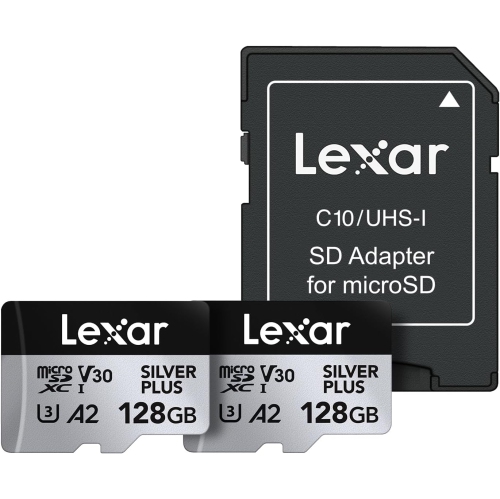
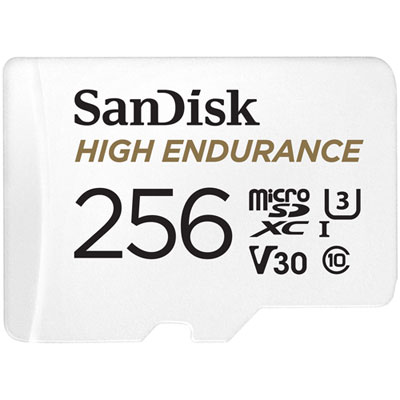
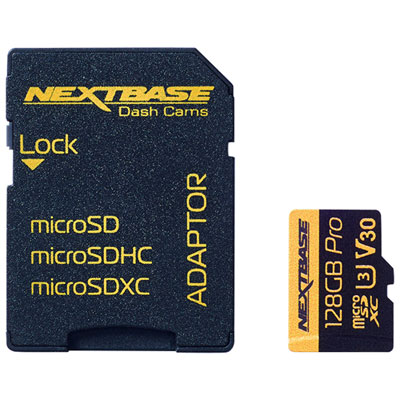
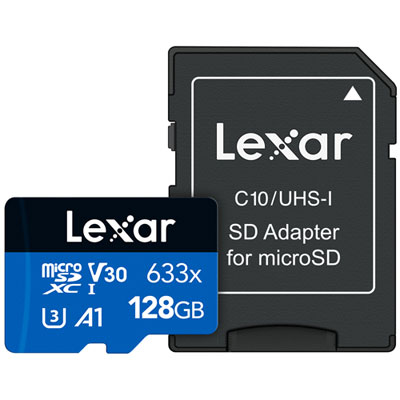
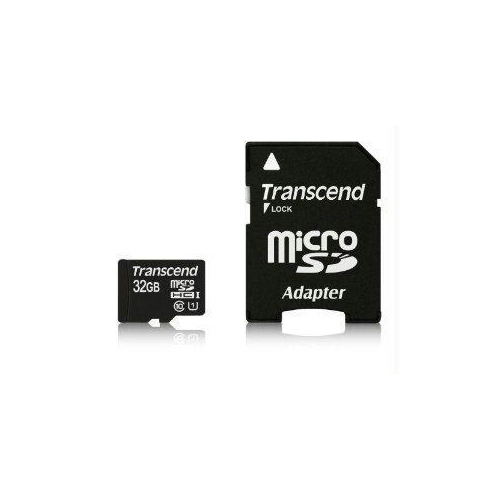
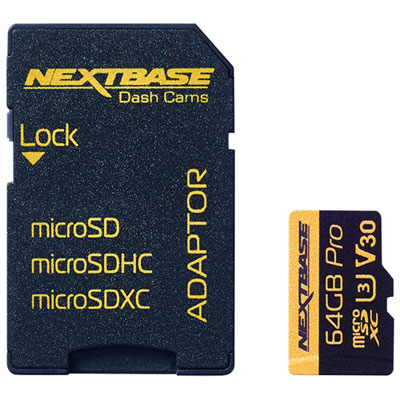
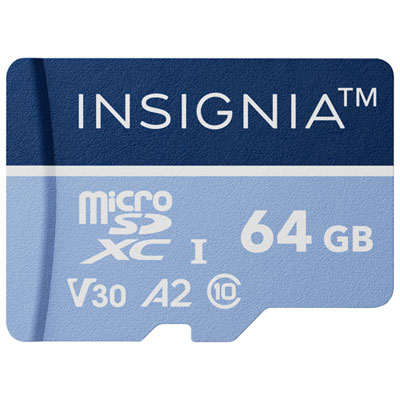
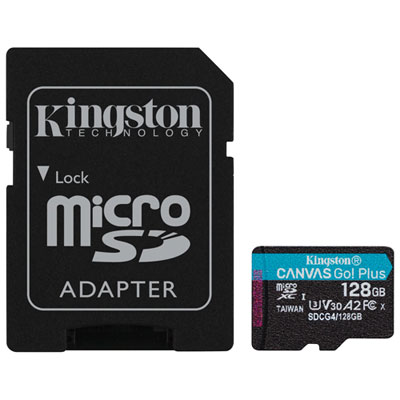
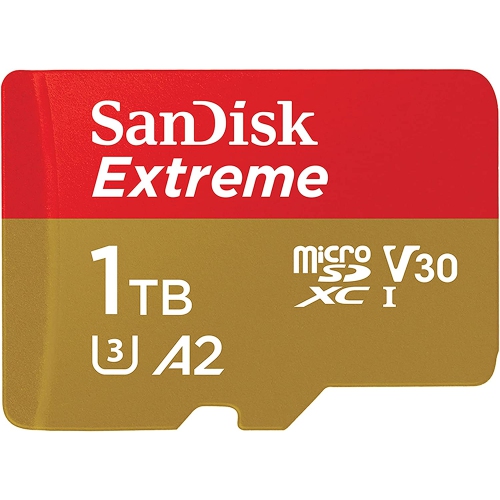

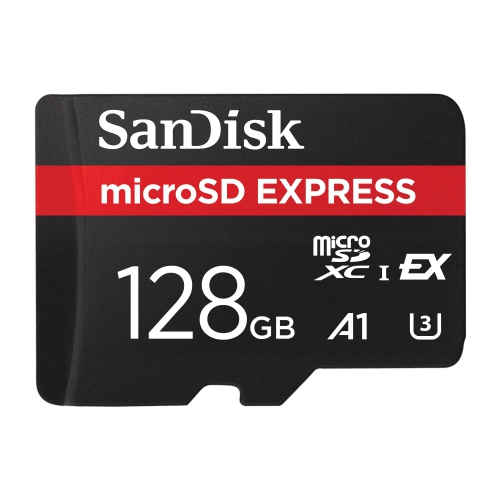
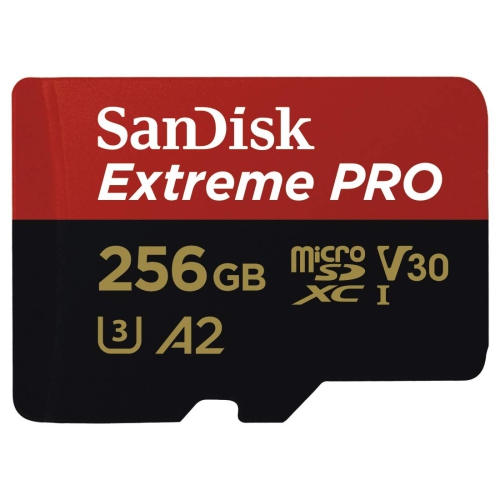
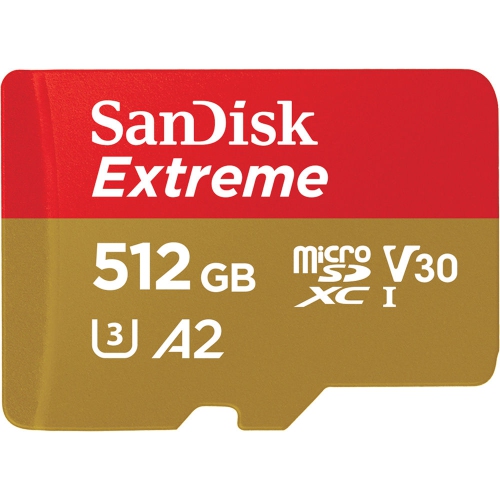
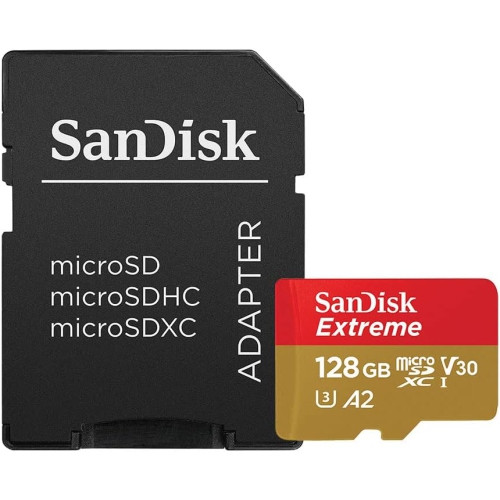
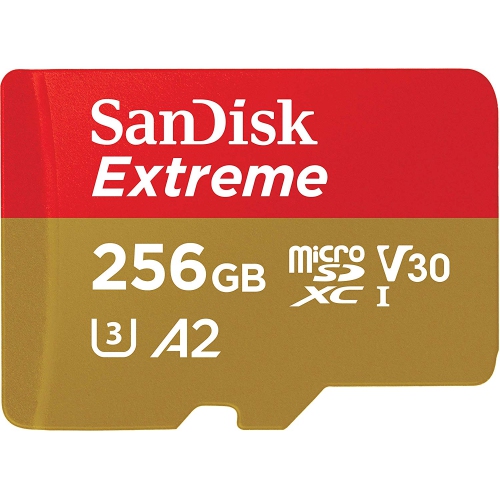
Reliable storage for high-resolution photos and 4K video
Micro SD cards also make practical and thoughtful gifts for photography enthusiasts of all skill levels. As summer adventures unfold and special occasions fill the calendar, gifting a high-capacity micro SD card can help a friend or loved one expand their creative horizons. Students heading off to summer camps, travellers setting out on cross-country road trips, and content creators looking to document their journeys will all appreciate the flexibility that comes with extra storage. With so many options available, it’s important to consider not just the storage size—ranging from modest capacities suitable for casual snapshots to expansive cards ideal for professionals—but also compatibility with specific camera models. Some digital cameras require UHS-I or UHS-II cards for optimal performance, while others benefit from cards with advanced error correction and waterproofing features for added peace of mind. If you’re upgrading your gear or simply want a backup for your next outing, the best buy micro sd card is one that matches your camera’s requirements and your shooting style.
As you browse through the selection of micro SD cards for digital cameras, keep in mind that these versatile storage devices are also compatible with a wide range of other electronics, from drones to action cams. This makes them especially valuable during the transition from the warmer to the cooler months, when outdoor activities shift and new creative projects take centre stage. For those using mirrorless cameras, you may also want to explore specialized options tailored to those systems—discover more by visiting the dedicated page for Micro SD Cards For Mirrorless Cameras. No matter your experience level or photographic ambition, investing in a reliable micro SD card ensures that your digital camera is always ready to capture the scenes that matter most, season after season.
FAQ
What features should I look for in a micro SD card for my digital camera?
When choosing a micro SD card for your digital camera, consider factors such as read/write speeds, durability (waterproof, shockproof, temperature resistance), and compatibility with your camera model. Look for cards labeled with UHS (Ultra High Speed) ratings or Video Speed Class if you plan to record high-resolution video.
Are all micro SD cards compatible with digital cameras?
Not all micro SD cards are compatible with every digital camera. It's important to check your camera's specifications to ensure it supports micro SD cards and the specific type (such as microSDHC or microSDXC). Using an incompatible card may result in errors or limited functionality.
How do I properly insert and remove a micro SD card from my digital camera?
To insert a micro SD card, locate the memory card slot on your camera, gently push the card in until it clicks into place, and close the slot cover. To remove it, turn off the camera, open the slot cover, and gently press the card until it pops out. Always handle memory cards carefully to avoid damage.
Can I use a micro SD card adapter in my digital camera?
Yes, many digital cameras that accept standard SD cards can also use micro SD cards with an appropriate adapter. Simply insert the micro SD card into the adapter and then place it in your camera's SD card slot. Ensure the adapter is of good quality to maintain reliable performance.
How can I maintain and care for my micro SD card used in a digital camera?
To prolong the life of your micro SD card, avoid exposing it to extreme temperatures or moisture, handle it by the edges, and store it in a protective case when not in use. Regularly back up your data and format the card in your camera after transferring files to keep it functioning optimally.
Top selling and popular products
-
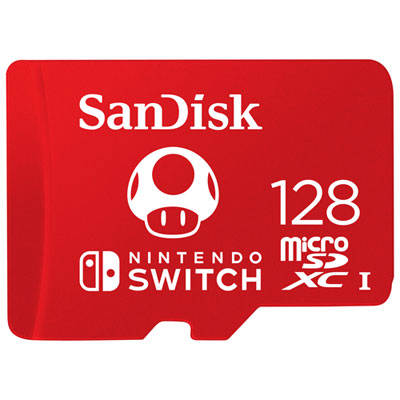 Your price for this item is $50.95
-
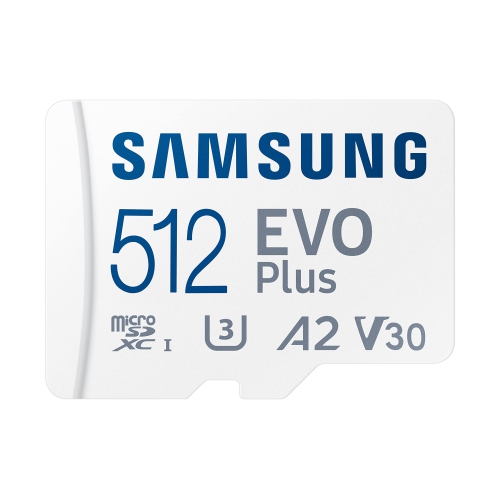 Your price for this item is $159.99
-
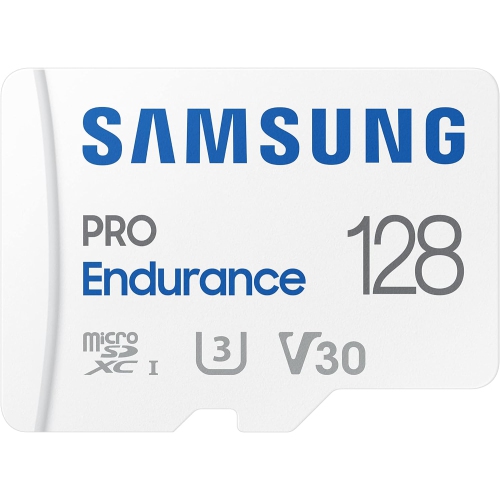 Your price for this item is $120.22
-
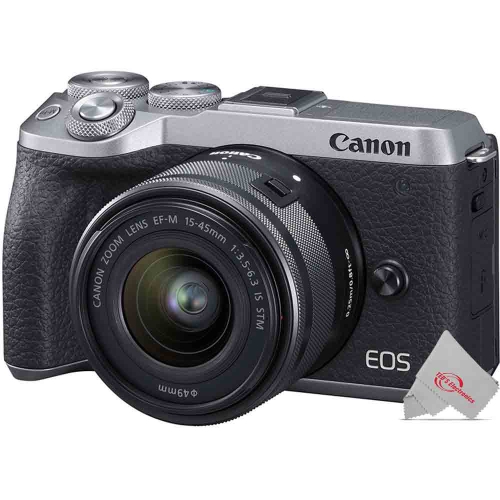 Your price for this item is $113.99
-
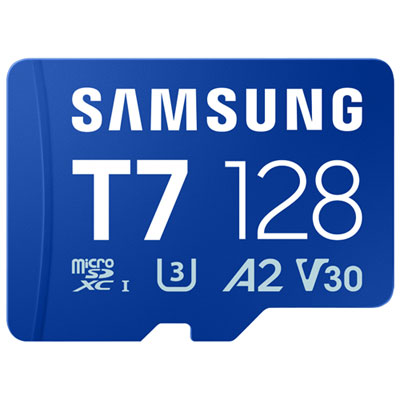 Your price for this item is $69.99
-
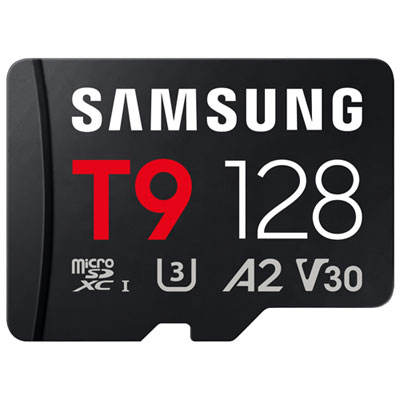 Your price for this item is $84.99
-
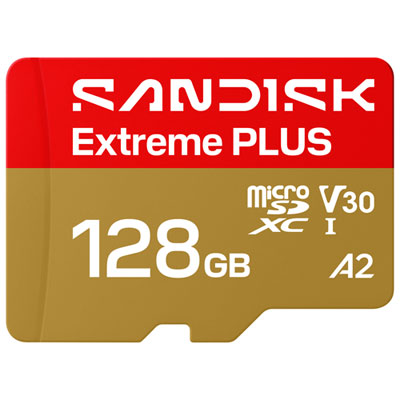 Your price for this item is $77.99
-
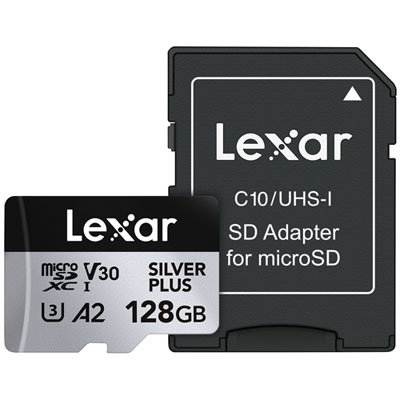 Your price for this item is $89.99