MicroSD Cards For Home Security Systems
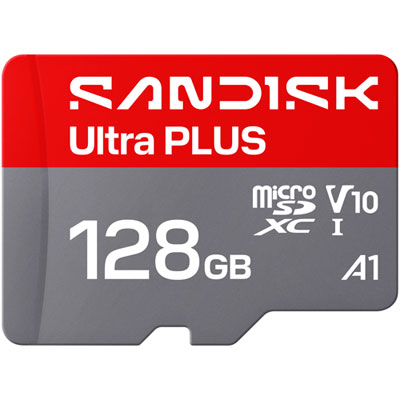
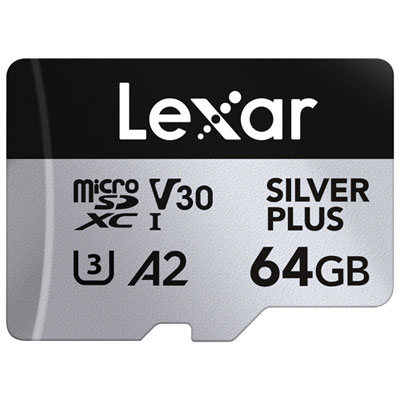
MicroSD Cards For Home Security Systems provide reliable storage solutions to help keep your security footage safe and accessible. Whether you are upgrading your current setup or expanding your storage capacity, choosing the right microSD card can make a significant difference in managing video recordings from your cameras. Explore a wide selection of microSD cards designed to support continuous recording and playback for home security systems, ensuring you have the space you need to monitor what matters most.
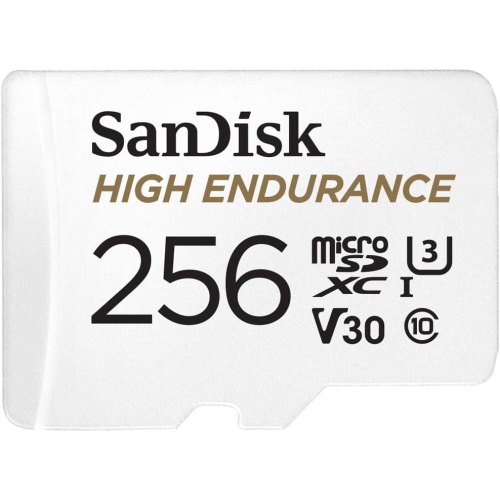

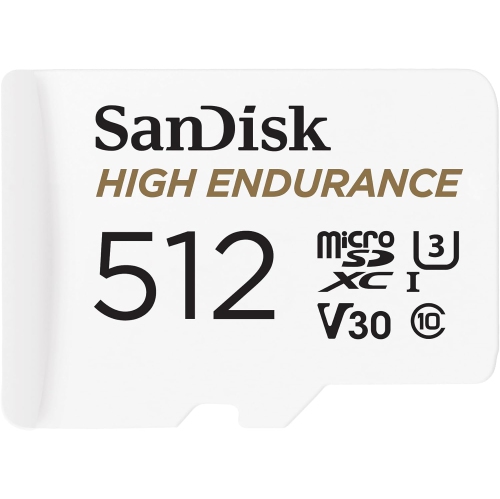

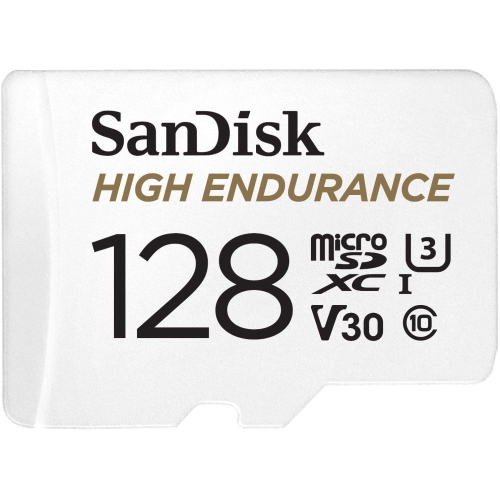
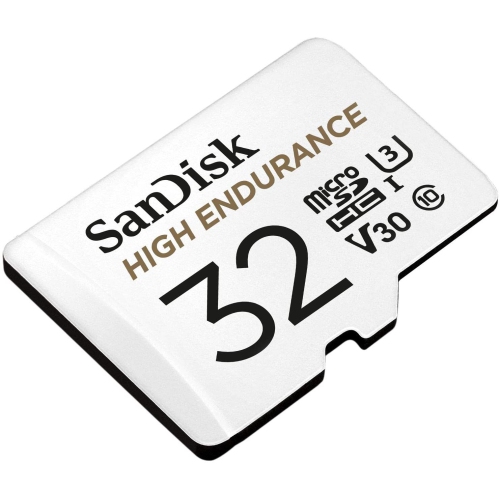
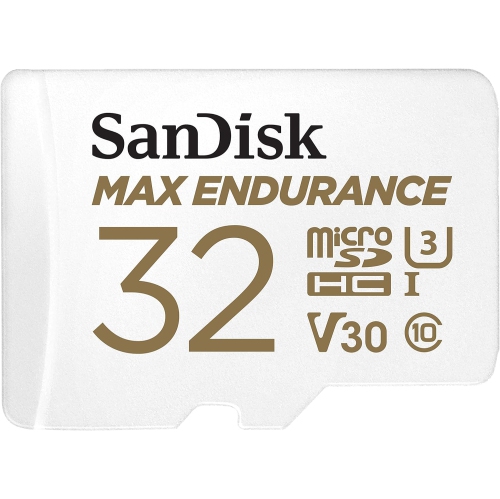
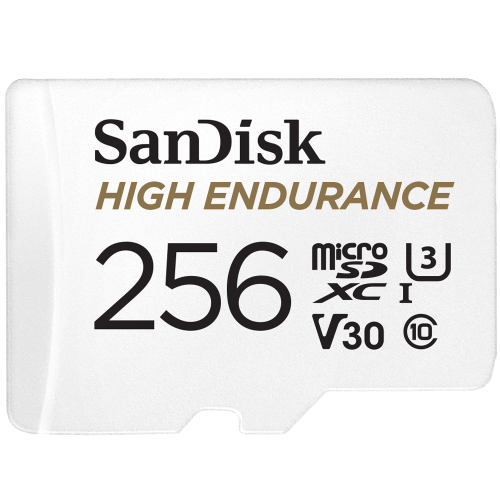
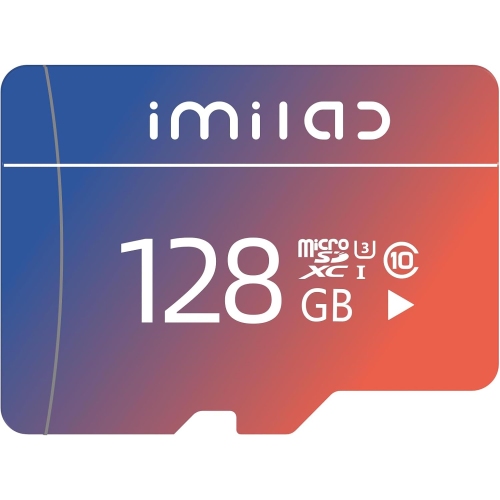
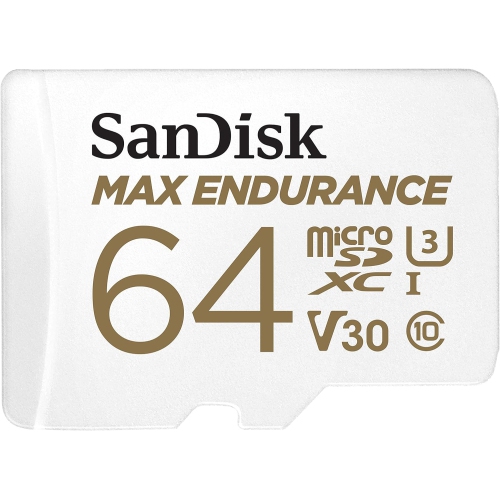
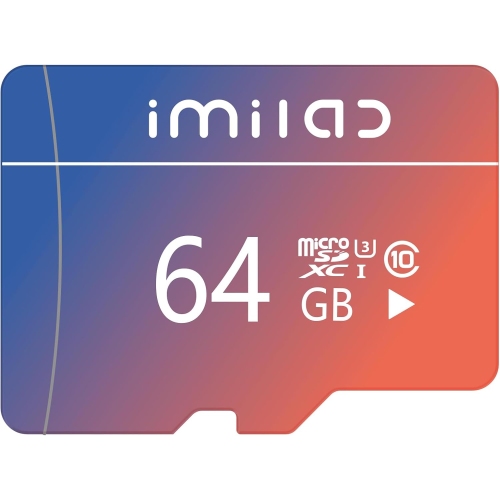
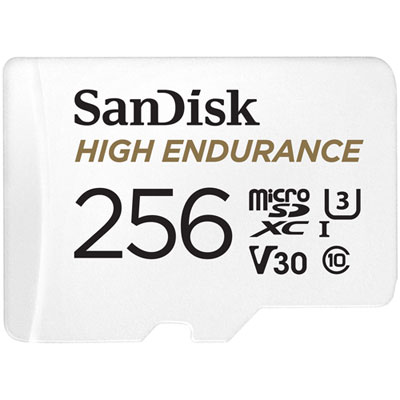
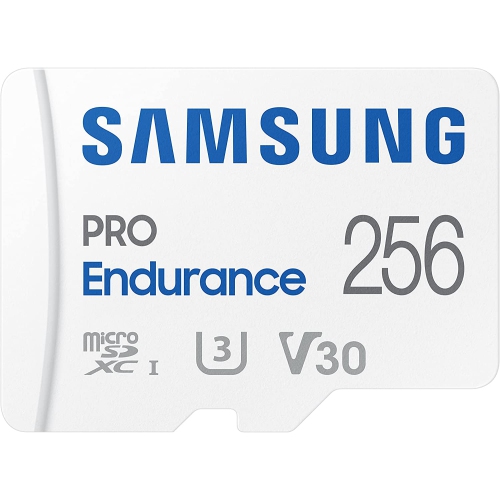
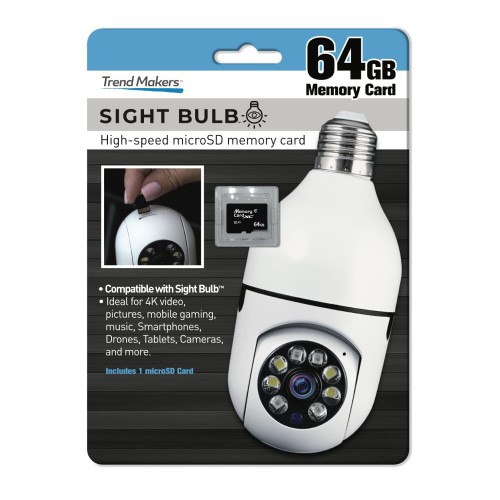

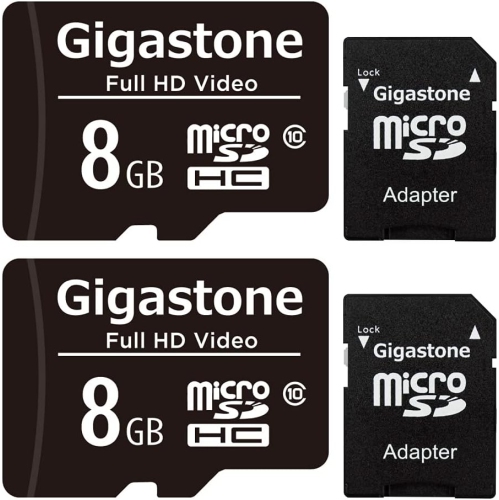
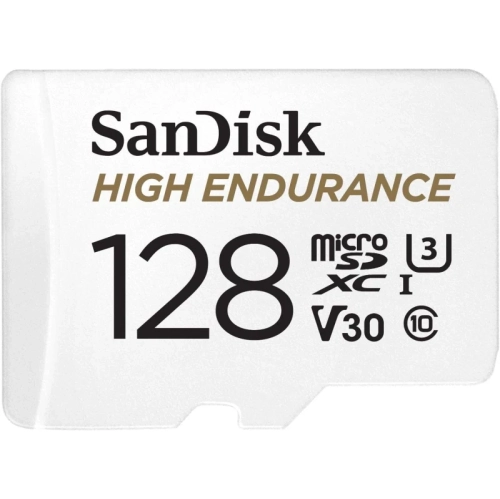
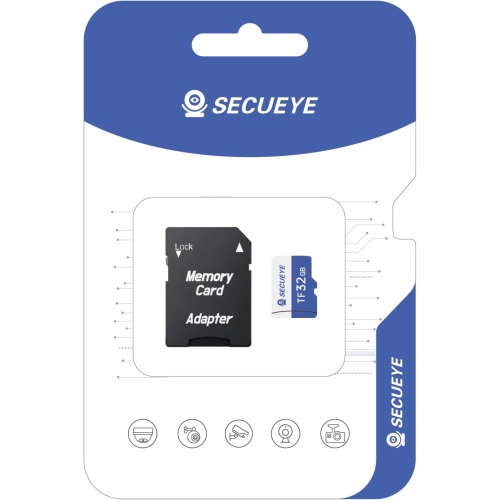
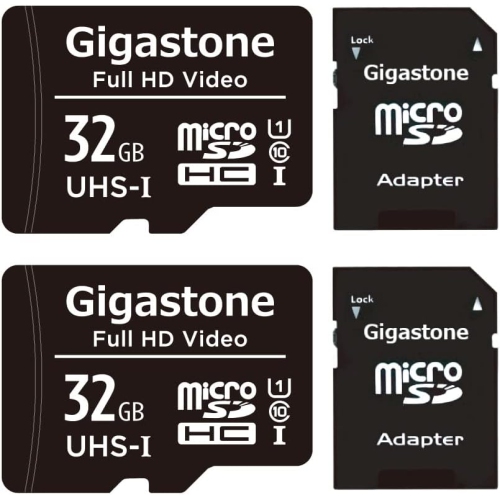
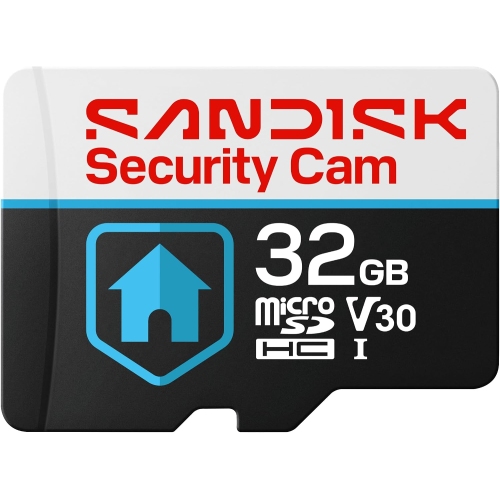
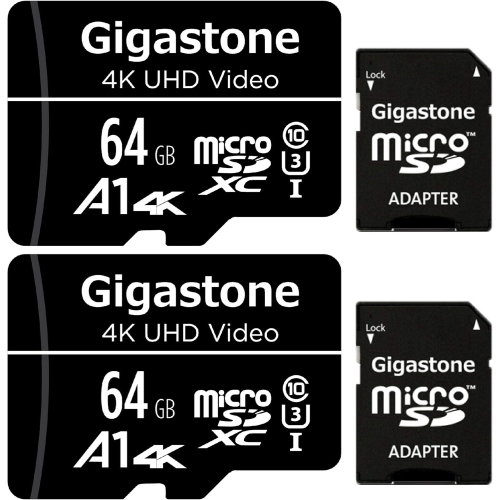
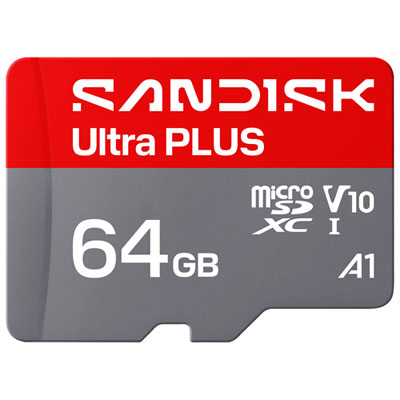
Reliable local storage for continuous home security footage
Choosing the right microSD card for your home security system involves a few important considerations. Capacity is key—look for cards with enough storage to retain several days or even weeks of footage, especially if your cameras record in high resolution or operate with motion detection. Durability matters, too; cards designed for high-endurance use are built to withstand continuous writing and re-writing, making them well-suited for the demands of security surveillance. Weather can be unpredictable during the transition from summer into fall, so a card that is resilient to temperature swings and humidity is a wise choice for outdoor cameras. Speed class ratings are another factor to keep in mind, as faster cards help ensure smooth, uninterrupted video recording and playback. If you’re gifting a security system to someone moving into a new home or apartment, including a high-quality microSD card is a thoughtful touch that helps them get started right away. Families with children, pet owners, and those who travel frequently all benefit from having reliable local storage for their security footage, providing instant access and control over their recordings without monthly fees.
For anyone looking to upgrade or expand their home security setup, it’s helpful to browse a dedicated selection of cards made specifically for these needs. Whether you’re outfitting a single camera or a whole network across your property, the right microSD card makes a noticeable difference in performance and peace of mind. To explore more options tailored for surveillance systems, visit Micro SD Cards For Security Cameras and discover a range of choices designed to keep your home’s footage safe and accessible throughout the changing seasons.
FAQ
What features should I look for in a microSD card for home security systems?
When choosing a microSD card for home security systems, look for cards with high endurance ratings, fast read/write speeds, and compatibility with continuous recording. Cards labeled as 'high endurance' or 'surveillance grade' are designed to handle frequent overwriting and extended use.
Are all microSD cards compatible with home security cameras?
Not all microSD cards are compatible with every home security camera. It's important to check your camera's specifications for supported formats and maximum storage capacity. Some cameras may require specific types of microSD cards, such as those rated for high endurance.
How do I properly install a microSD card in my home security system?
To install a microSD card, first power off your security camera if recommended by the manufacturer. Locate the microSD card slot, insert the card with the correct orientation, and ensure it clicks into place. Power the device back on and follow any setup instructions provided by your camera's app or manual.
Can I use the same microSD card in multiple home security cameras?
MicroSD cards are generally formatted for use in one device at a time. If you move a card between different cameras, you may need to reformat it, which will erase existing footage. For best results, dedicate one microSD card per camera.
How often should I check or replace my microSD card in a home security system?
It's recommended to periodically check your microSD card for signs of wear or data corruption, especially if it's used for continuous recording. High-endurance cards can last several years, but regular checks help ensure reliable performance and uninterrupted video storage.
Top selling and popular products
-
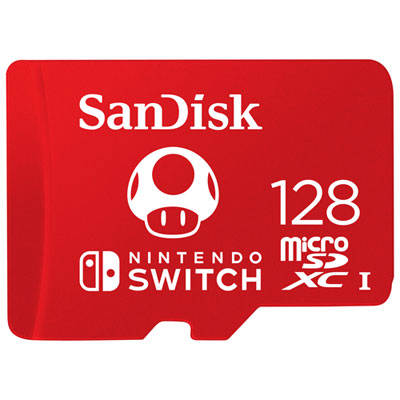 Your price for this item is $50.95
-
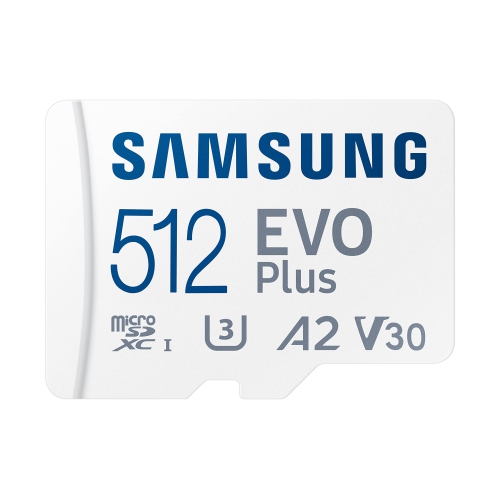 Your price for this item is $159.99
-
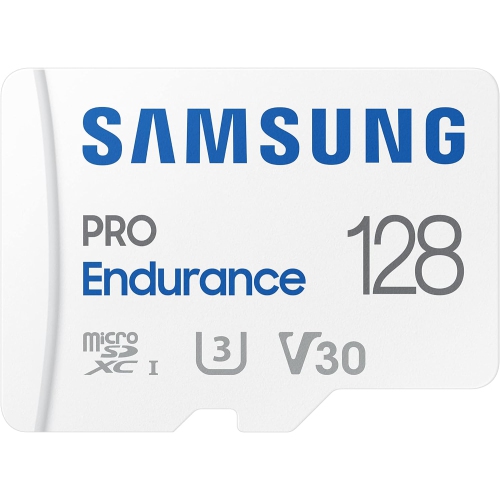 Your price for this item is $120.22
-
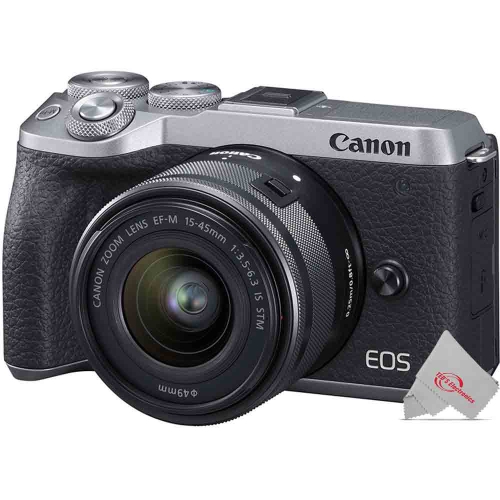 Your price for this item is $113.99
-
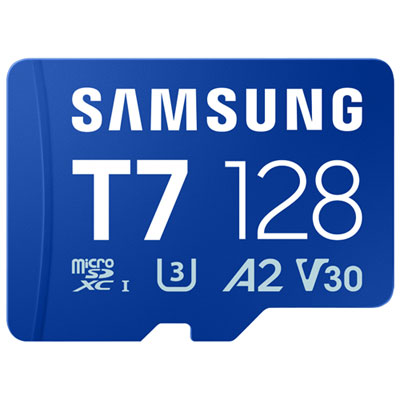 Your price for this item is $69.99
-
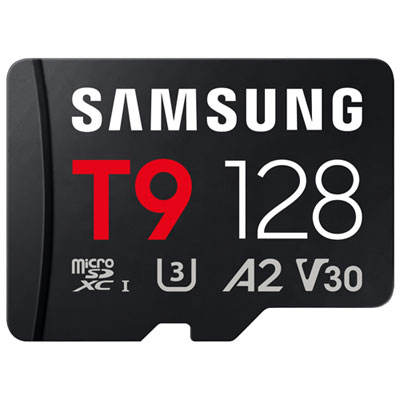 Your price for this item is $84.99
-
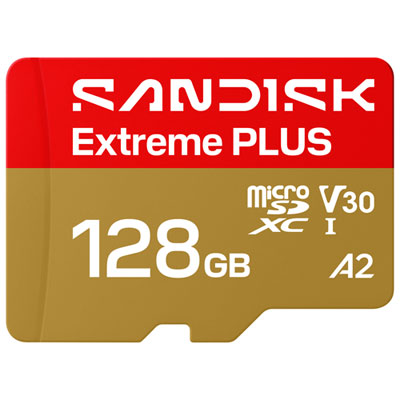 Your price for this item is $77.99
-
 Your price for this item is $89.99