Minimalist Gaming Desk Mats
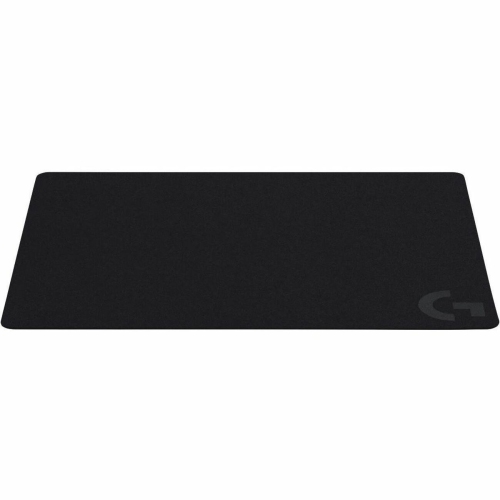
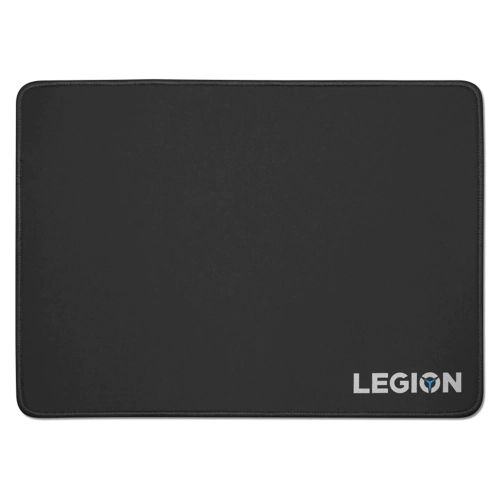
Minimalist gaming desk mats offer a clean and streamlined look for any gaming setup, blending seamlessly with modern decor while providing a dedicated space for your keyboard, mouse, and accessories. Designed to complement a clutter-free workspace, these mats are ideal for gamers who appreciate simplicity and style. Explore a variety of minimalist gaming desk mats to find the perfect addition to your desktop.
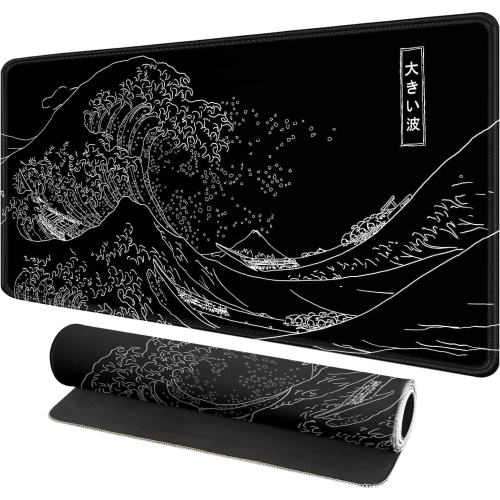
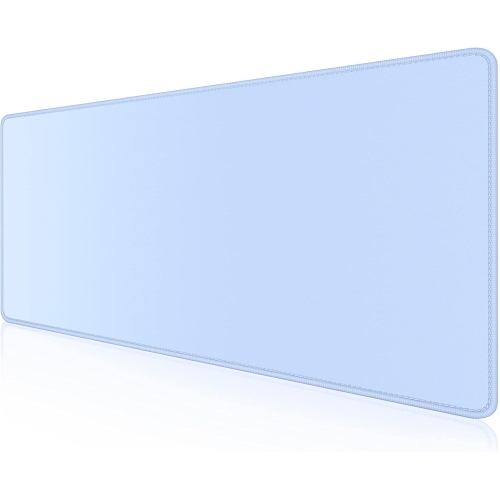
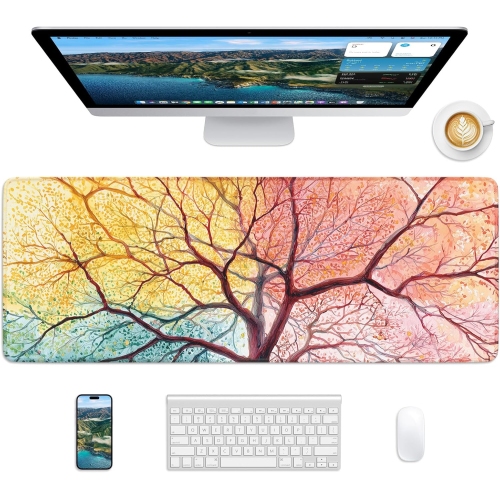
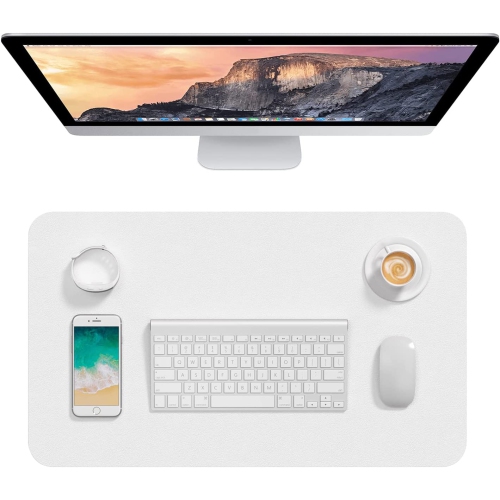
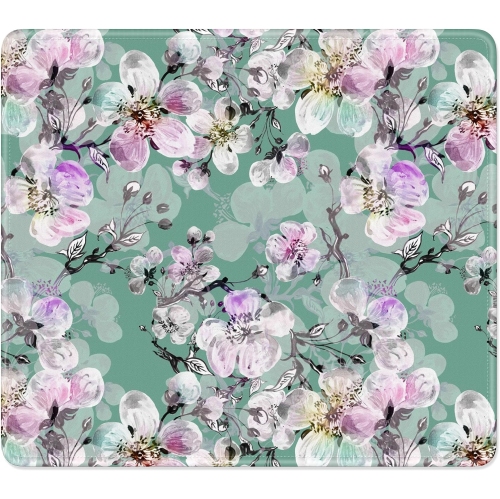
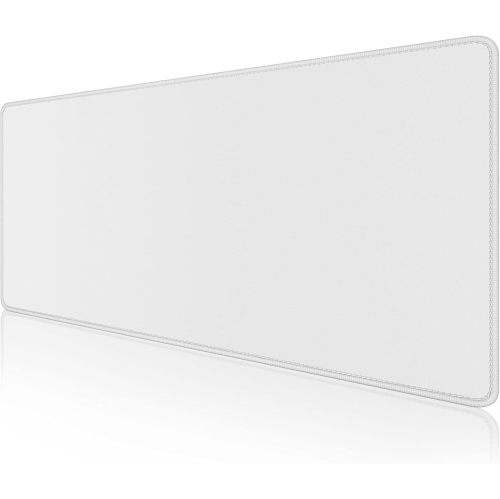
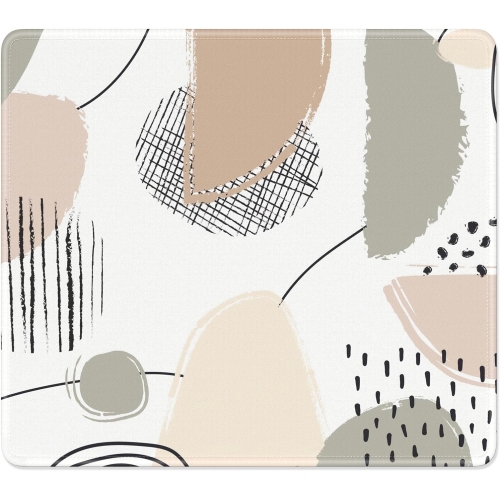
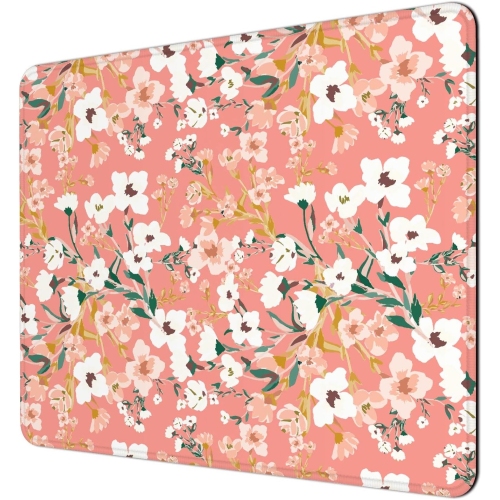
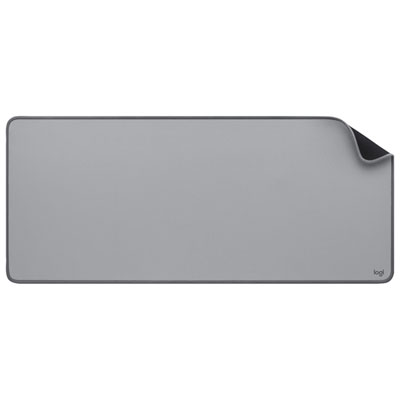
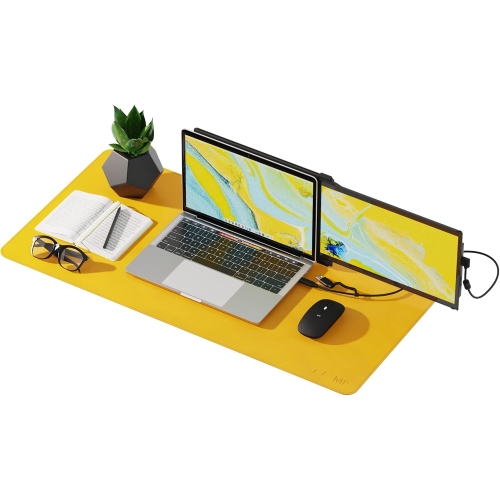
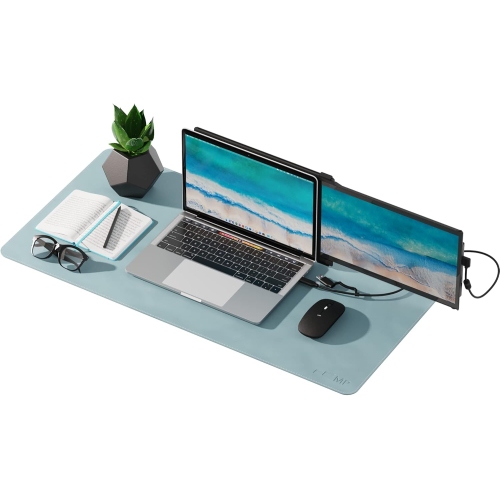
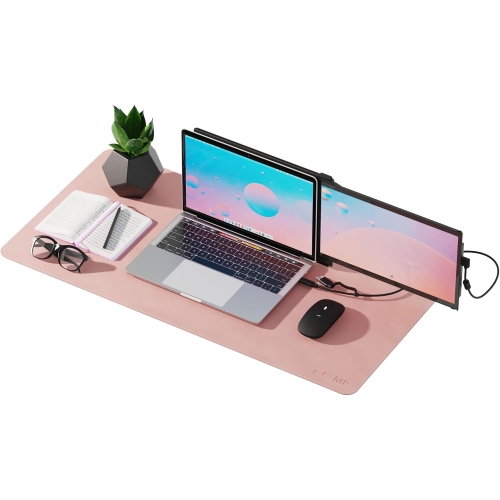
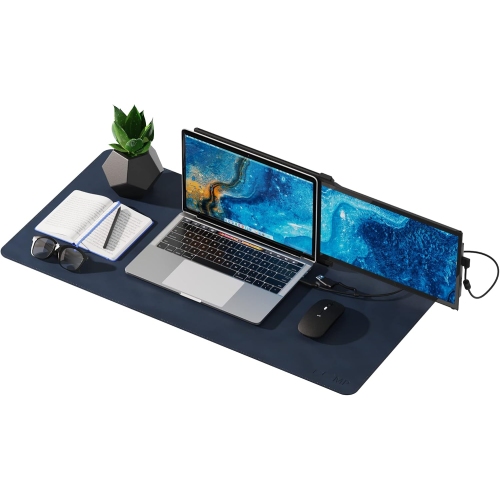

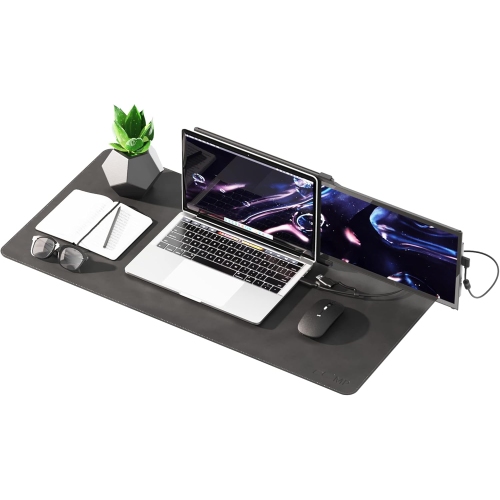
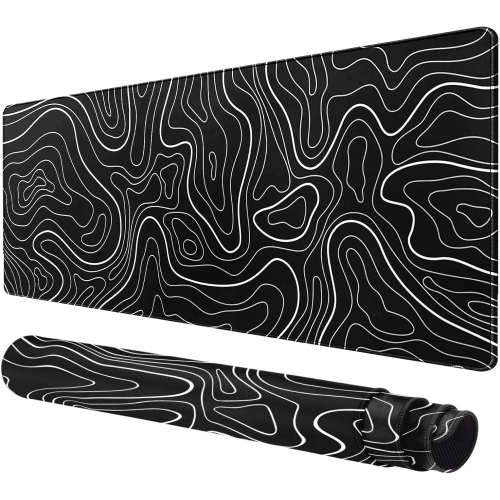
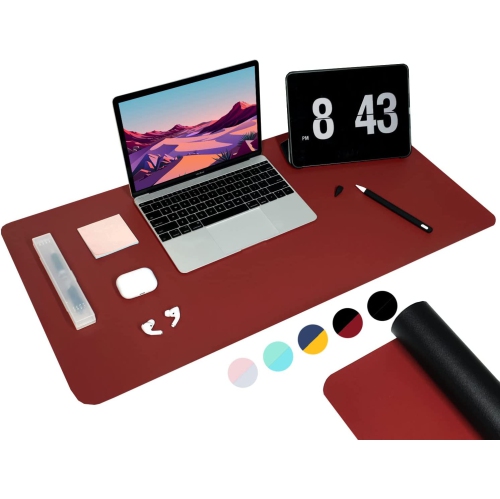

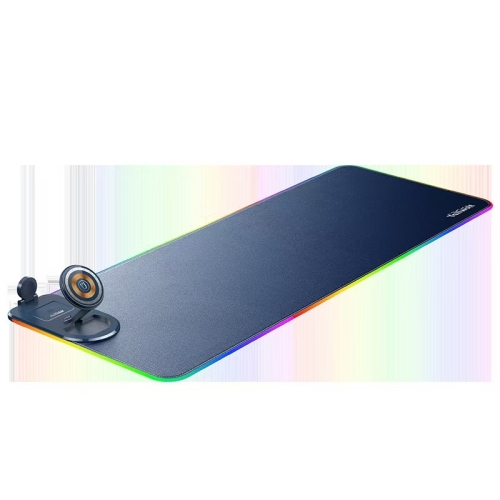
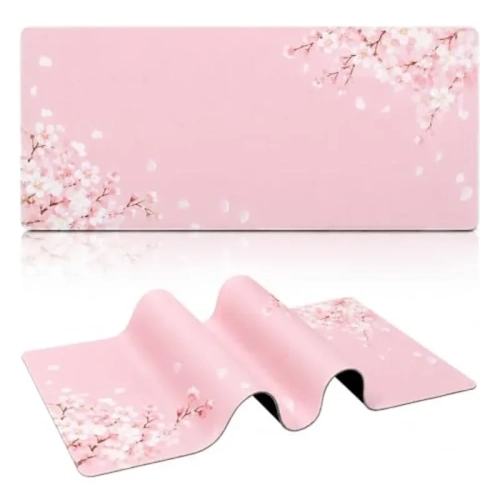
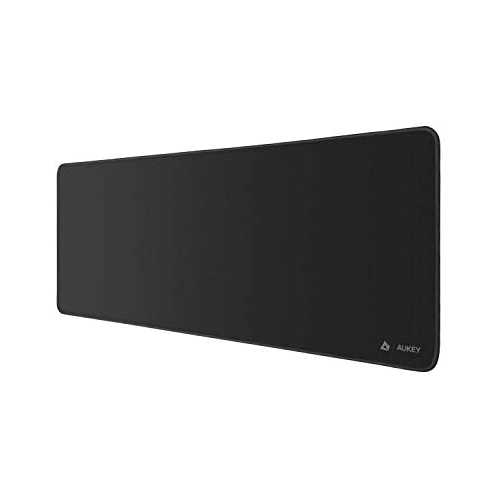
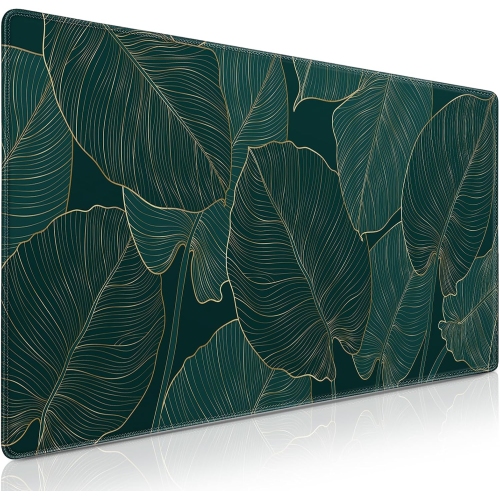
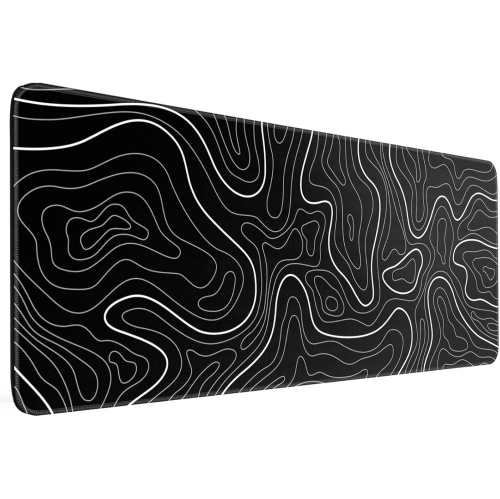
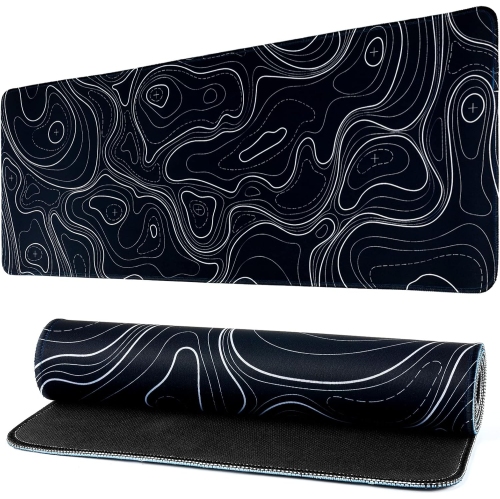
A defined space for gaming without the visual clutter
The surface material shapes how a gaming desk mat feels and performs in daily use. Woven fabric offers a familiar, lightly textured contact area, and its particular weave can influence both mouse glide and the amount of resistance felt during movement. A smoother surface may appeal to players who prefer a lighter glide, while a more textured finish may suit those who like a little more resistance when making small adjustments. These characteristics vary between materials and constructions; appearance alone does not indicate how a mat will feel with a particular mouse or set of mouse feet. Coated and leather-look surfaces bring a different tactile quality and can complement an understated desk arrangement, though their suitability for gaming depends on sensor compatibility and tracking consistency. The underside matters just as much as the visible finish. A grippy backing helps limit movement when the mouse changes direction quickly, provided the desktop beneath it is clean, dry, and compatible with the backing material. Thickness also changes the experience: a thinner mat creates a smaller step up from the desktop, while a thicker one can feel more cushioned beneath the forearms. Neither replaces a comfortable desk height or suitable wrist positioning. Edge construction deserves attention because this is where hands, sleeves, and chair arms may repeatedly brush the mat. Neatly stitched edges can help limit fraying on fabric designs, while a low-profile edge may feel less noticeable against the forearm. Over time, durability depends on the combination of surface quality, edge finishing, backing, and care. Dust, crumbs, and oils from hands can affect the feel of the surface, making regular gentle cleaning useful. Care methods should match the material and the manufacturer’s directions: some fabric surfaces tolerate mild spot cleaning, while coated finishes may need a different approach. Machine washing, soaking, strong cleaners, and direct heat are not suitable for every construction. After cleaning, a mat should be fully dry before it returns to the desk, particularly when moisture could become trapped against a wood or finished surface.
Fit is about usable space rather than simply choosing the largest mat that can cover the desk. The keyboard’s width, the mouse area, and the position of monitor feet all affect how much of the surface remains practical for play. Someone who uses lower mouse sensitivity may need a broad, uninterrupted area for sweeping movements, while a player who makes smaller movements may be comfortable with a more compact layout. A full-size keyboard with a number pad takes up more room than a compact keyboard, so two desks of the same width can need quite different mat proportions. Depth matters, too: the front edge should sit comfortably beneath the hands without forcing the keyboard too far back or crowding the monitor stand. On a smaller desktop, leaving some uncovered space for a notebook or other everyday essentials can be more useful than covering every centimetre. Rounded corners may soften the outline of a large mat, while a rectangular profile can align neatly with the desk’s edges. A flat surface is especially important where mouse movement crosses the area beside the keyboard, and cables should have room to pass without pulling against the mat. These details make minimalist gaming desk mats useful for more than one style of play. They can suit competitive mouse-and-keyboard sessions, relaxed simulation games, and mixed setups where a controller sits nearby between uses. For students and people who work from home, the same mat can provide a consistent surface for everyday computer tasks without introducing a strongly themed accessory into the room. As a gift, a restrained design can be a thoughtful choice for someone whose gaming preferences are easier to identify than their favourite artwork or colours. Desk dimensions, preferred surface feel, and any material sensitivities are still worth knowing. The strongest fit is a mat that gives the mouse enough room, stays comfortable through regular use, and looks at home with the equipment already on the desk.
FAQ
What are the benefits of using a minimalist gaming desk mat?
Minimalist gaming desk mats provide a clean, clutter-free surface that enhances the look of your gaming setup while offering smooth mouse movement and protecting your desk from scratches and spills.
How do minimalist gaming desk mats differ from traditional mouse pads?
Minimalist gaming desk mats typically feature a larger, seamless design with simple aesthetics, covering more of your desk area compared to traditional mouse pads, which are usually smaller and may have more elaborate designs.
Can I use a minimalist gaming desk mat for both work and gaming?
Yes, minimalist gaming desk mats are versatile and suitable for both work and gaming environments, providing a comfortable surface for keyboards, mice, and other accessories.
What materials are commonly used in minimalist gaming desk mats?
Most minimalist gaming desk mats are made from high-quality fabric or microfiber surfaces with non-slip rubber bases to ensure stability during use.
How do I clean and maintain a minimalist gaming desk mat?
To clean a minimalist gaming desk mat, gently wipe it with a damp cloth or follow the manufacturer's care instructions. Regular cleaning helps maintain its appearance and performance.
Top selling and popular products
-
 Your price for this item is $9.95
-
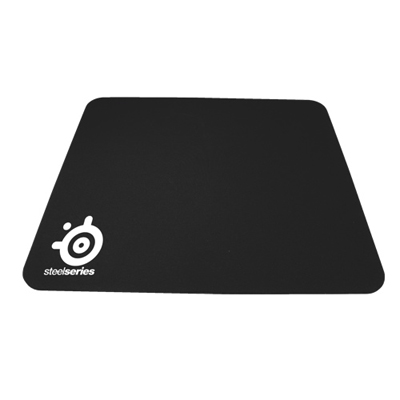 Your price for this item is $14.99
-
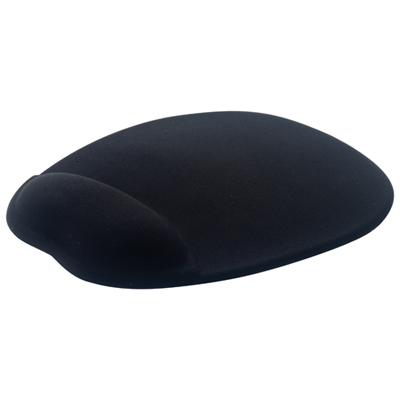 Your price for this item is $19.95
-
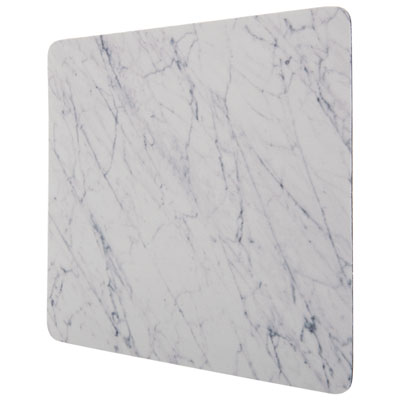 Your price for this item is $9.95
-
 Your price for this item is $7.95
-
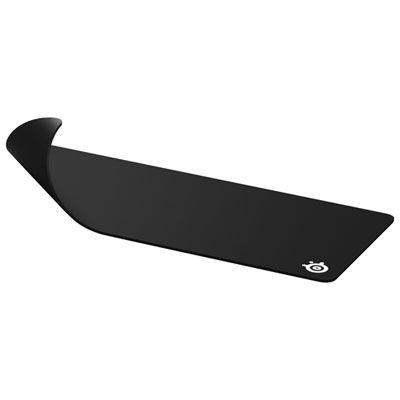 Your price for this item is $49.99
-
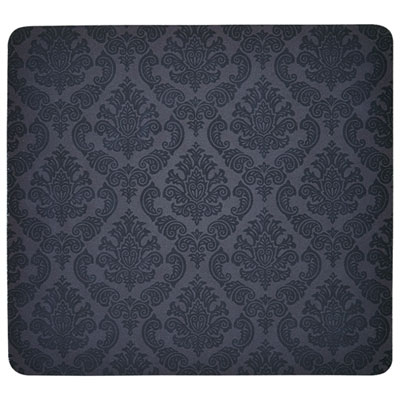 Your price for this item is $7.95
-
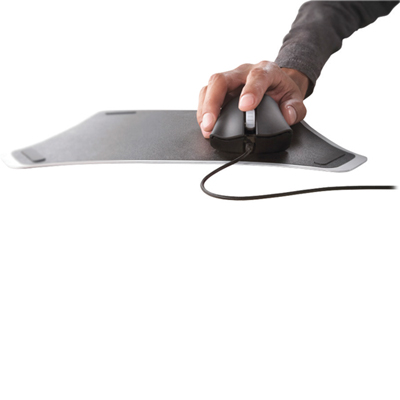 Your price for this item is $19.95