3.5 Mm Jack To Lightning
Discover the perfect solution for connecting your favorite audio devices with the 3.5 Mm Jack To Lightning adapters. Ideal for enjoying music, podcasts, and more, these adapters offer a simple way to bridge devices with different ports. Whether you’re looking to connect headphones, speakers, or other audio equipment, the 3.5 Mm Jack To Lightning options available make it easy to enjoy seamless audio experiences on the go or at home. Explore a variety of choices designed to suit your needs and enhance your listening experience.
Sort
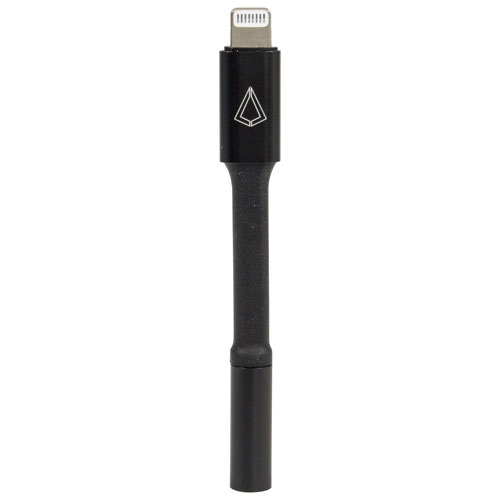
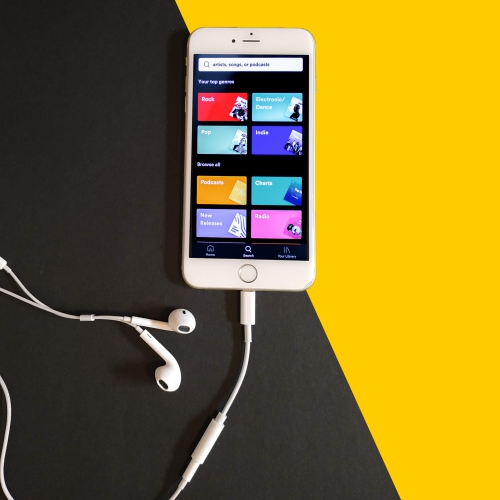
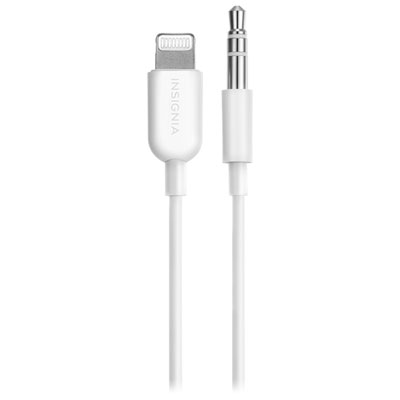
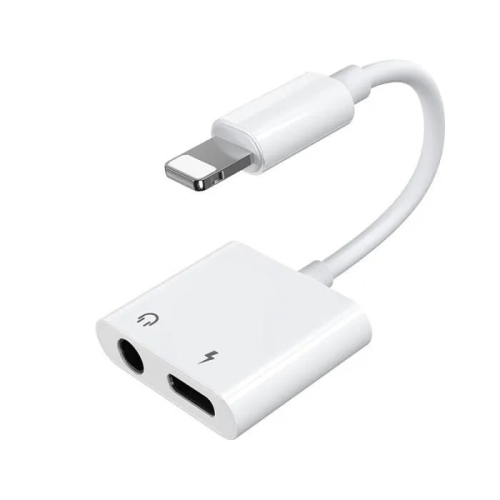
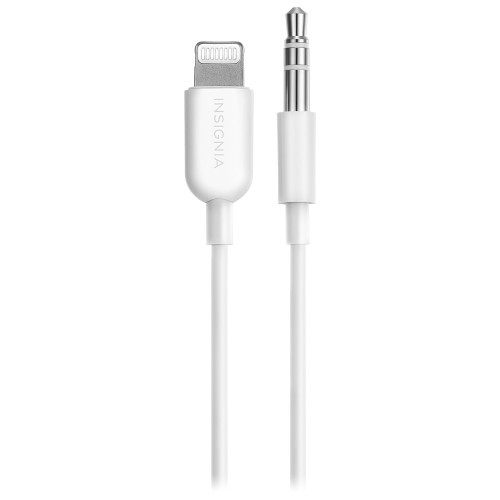
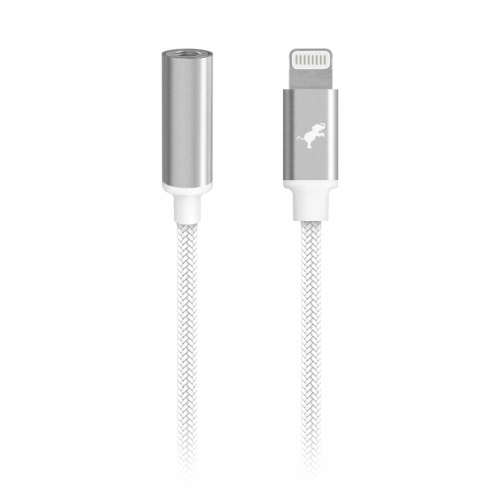
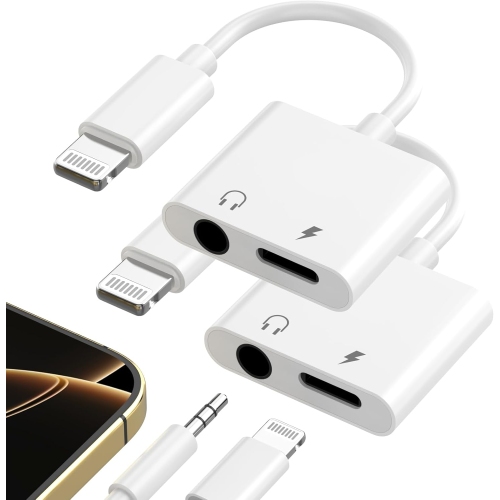
![HLD Lightning Adapter[2-Pack], Lightning Connector to 3.5MM Headphone Earphone Extender Jack Adapter for Iphone](https://multimedia.bbycastatic.ca/multimedia/products/500x500/129/12965/12965809.jpg)
![EIGELIU [Apple Mfi Certified] Iphone Dongle Headphone Adapter, Lightning to 3.5MM Headphone Jack Adapter Audio Aux Connector](https://multimedia.bbycastatic.ca/multimedia/products/500x500/147/14789/14789986.jpg)
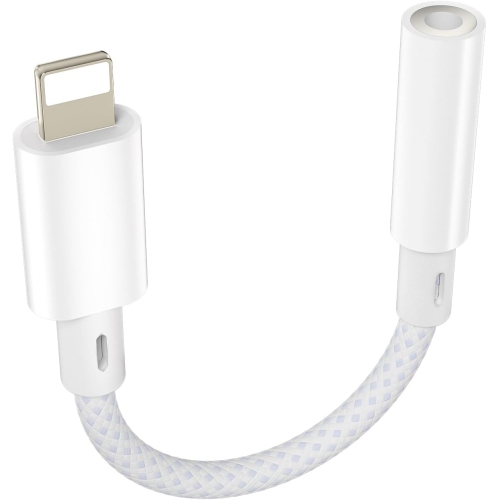
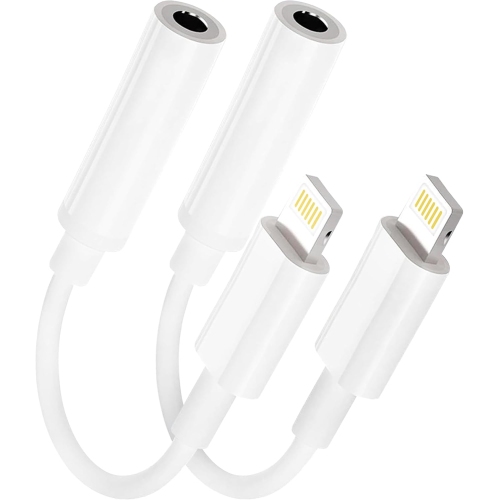
Wired audio compatibility goes beyond matching plugs
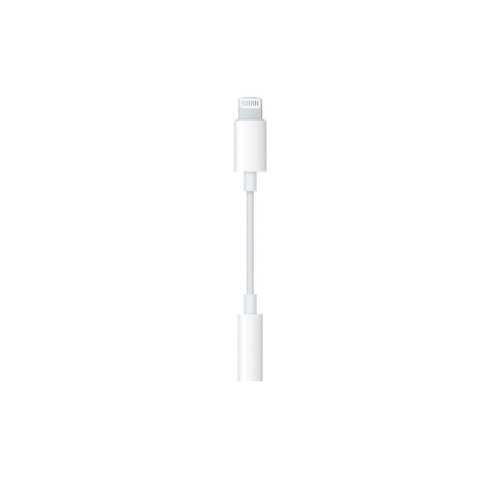
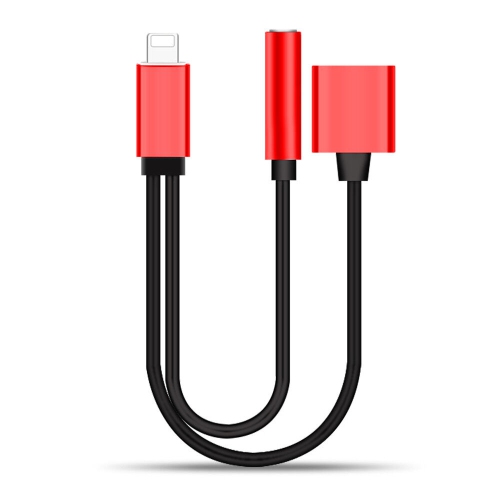
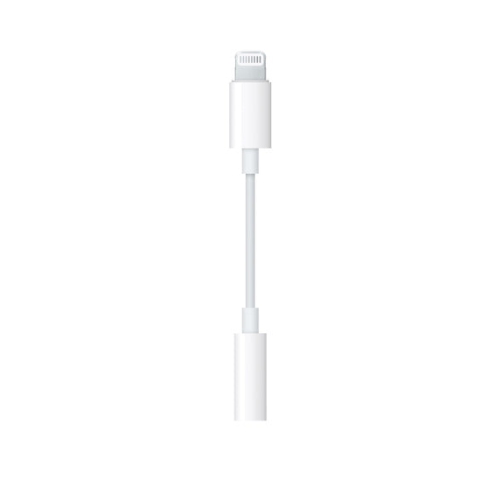
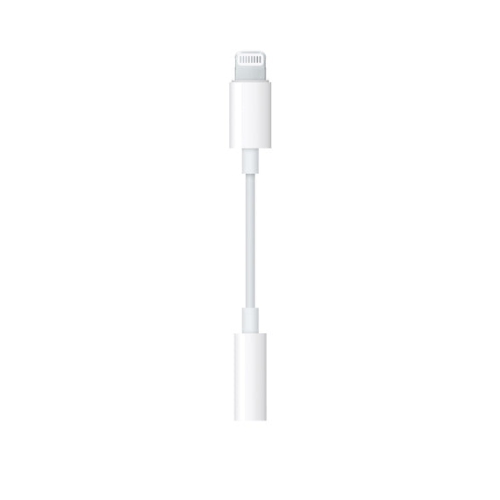
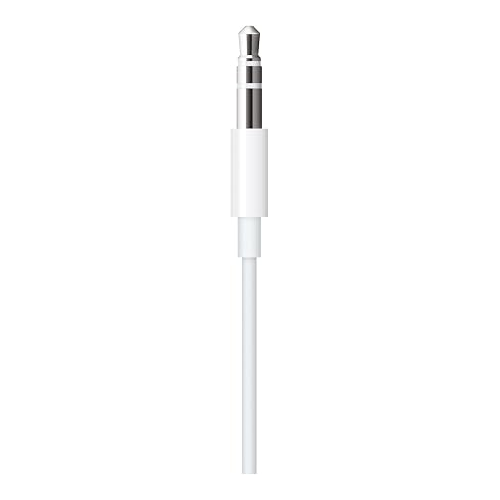
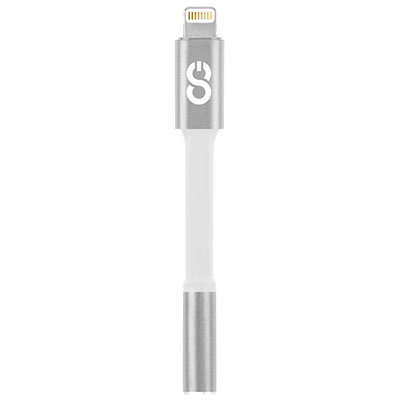
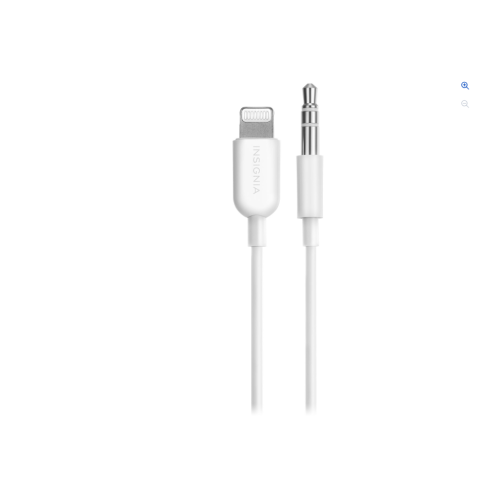
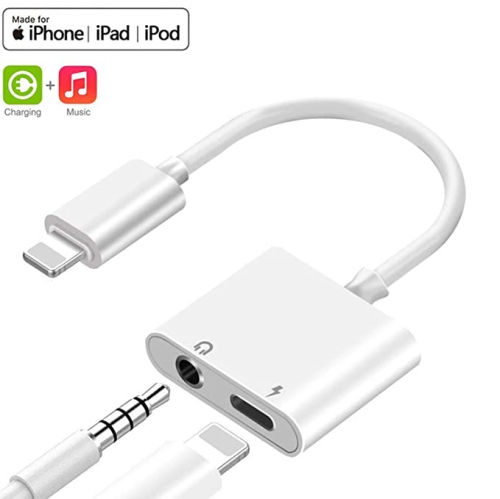
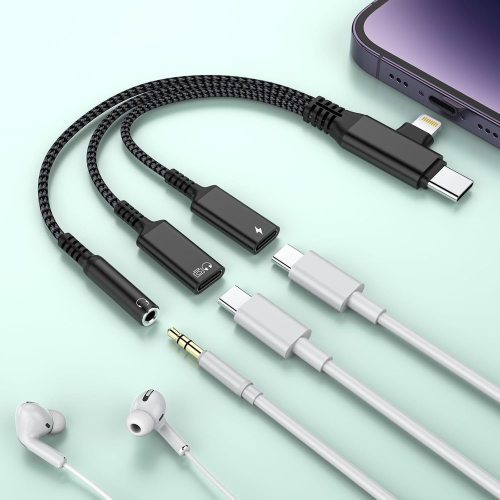
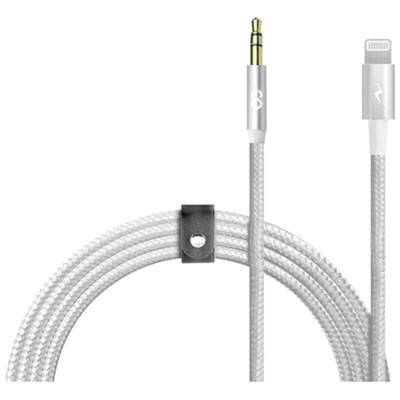
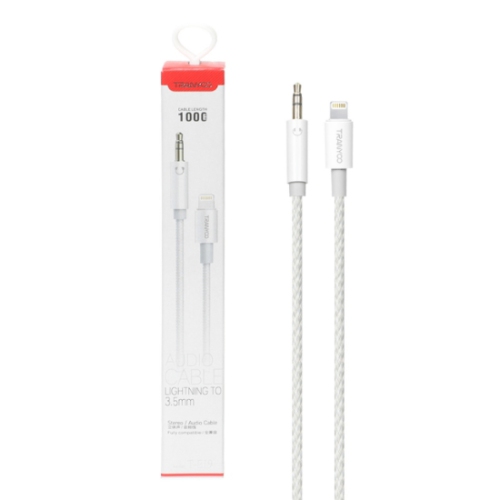
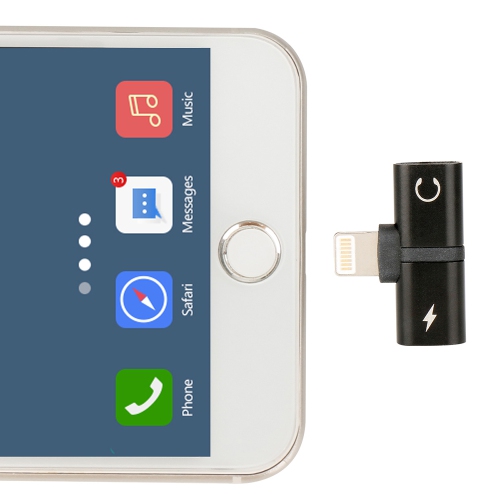
A 3.5 mm jack to Lightning adapter connects wired headphones or an auxiliary audio cable to a compatible phone or tablet with a Lightning port. It provides a way to keep using familiar audio equipment when the device has no built-in headphone socket. For headphones with a standard 3.5 mm plug, the usual format is a short adapter with a Lightning connector at one end and a female 3.5 mm socket at the other. A direct Lightning-to-3.5 mm audio cable serves a different purpose: its male 3.5 mm plug can connect to the auxiliary input on a car stereo, powered speaker, or home audio system. Both formats can carry sound from the device to compatible listening equipment, but the connector shapes and supported functions matter. Lightning carries digital audio, so an adapter designed for analogue headphones includes circuitry that converts that signal into sound the headphones can reproduce. A simple change in plug shape is not enough. Compatibility also depends on the device having a Lightning port; a USB-C port requires a different connection. For listening to music, podcasts, audiobooks, or video dialogue, an audio-output adapter may provide everything needed. Calls and voice recording introduce another consideration, since microphone input is not supported by every adapter or cable. Headsets commonly use a four-contact 3.5 mm plug, often described as TRRS, while conventional stereo headphones typically use a three-contact TRS plug. Even when a headset fits the socket, its microphone and inline controls need explicit support from the adapter and connected device. Volume buttons, playback controls, and call functions can therefore behave differently across combinations. These distinctions are especially relevant for someone who moves between listening at a desk and taking calls on the same headset. A wired connection avoids wireless pairing and does not require a separate charge for ordinary passive headphones, although the phone or tablet still supplies power to the adapter’s audio circuitry.
The construction of a Lightning-to-3.5 mm connection affects how comfortably it fits into everyday use. A compact adapter adds little length to a headphone cable and can sit neatly beside a phone in a pocket or small bag. A longer direct audio cable offers more reach between a device and an auxiliary input, such as a stereo socket positioned across a desk or inside a vehicle’s centre console. Extra length is useful when the equipment sits apart, but loose cable can catch on chair arms, bag zippers, or nearby controls. For portable use, a flexible jacket and reinforced areas where the cable meets each connector help manage the repeated bending that happens during packing and unpacking. Some cables have a smooth outer jacket, while others use a braided covering; neither finish alone establishes durability, since connector assembly, strain relief, and the way the cable is handled also matter. A firm connector housing makes the plug easier to grasp without pulling on the wire. Fit deserves attention when a phone has a protective case with a narrow opening around its charging port. A bulky housing may meet the case before the Lightning plug is fully seated, while a slimmer housing can offer more clearance. The same issue can arise around a recessed auxiliary socket. Students listening to recorded lectures, commuters using wired earbuds, and people watching videos at a desk may prefer a small adapter that stays attached to the headphone cable. Someone connecting a phone to a powered speaker may find a direct cable less cumbersome than an adapter joined to a separate auxiliary lead. For either arrangement, cable routing should leave enough slack that moving the device does not pull against its port. In a vehicle, the cable should stay clear of driving controls, and the audio connection is best arranged before setting off. A well-matched connection feels unobtrusive rather than leaving a heavy plug or a tight cable hanging from the device.
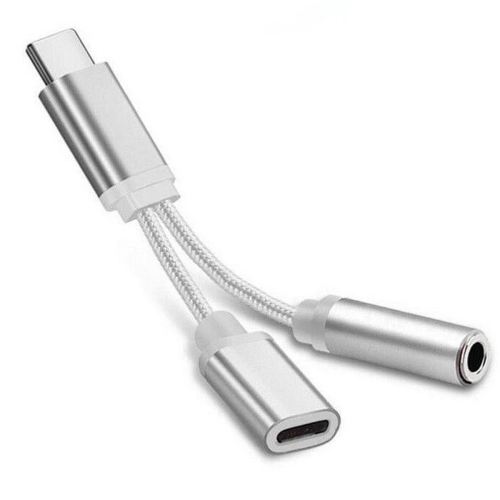
Audio performance depends on the whole connection, not simply the presence of a Lightning plug. The adapter’s conversion circuitry, the headphones or speaker system, and the original audio all influence the result. Everyday earbuds and many portable headphones can work well with a suitable adapter, while headphones that need more power may require equipment with an appropriate output level. A connector change does not automatically make headphones louder or improve their sound. With an auxiliary input, the device’s volume and the receiving system’s volume work together; a balanced setting helps avoid sound that is either too quiet or distorted. Direction is another important distinction. A cable intended to send audio from a Lightning device to a stereo does not necessarily send sound from an external audio source into the device. Microphones, recording equipment, and line-level audio sources may need a compatible input interface rather than a headphone-output adapter. Related Lightning cable to 3.5mm connections cover another format for linking a Lightning device with compatible analogue audio equipment. Some adapter designs also include a charging connection, but simultaneous charging, audio playback, microphone use, and inline controls are separate capabilities that should be confirmed in the specifications. For someone who listens through long study sessions or extended calls, that distinction can matter more than cable length. Day-to-day care is straightforward: hold the connector housing when unplugging, store the cable in loose curves, and avoid sharply folding it at either end. Keeping connectors clean and dry helps maintain a reliable fit, while storing a small adapter in a pouch can keep its socket free from loose debris. Crackling, intermittent sound, or a connection that works only when the cable is bent can indicate wear or a poor fit. As a practical gift, an adapter can suit someone who already enjoys wired headphones or uses an auxiliary-input stereo, provided the device port and required audio functions are known. Matching those details keeps the accessory useful for the listening setup it is meant to serve.
The construction of a Lightning-to-3.5 mm connection affects how comfortably it fits into everyday use. A compact adapter adds little length to a headphone cable and can sit neatly beside a phone in a pocket or small bag. A longer direct audio cable offers more reach between a device and an auxiliary input, such as a stereo socket positioned across a desk or inside a vehicle’s centre console. Extra length is useful when the equipment sits apart, but loose cable can catch on chair arms, bag zippers, or nearby controls. For portable use, a flexible jacket and reinforced areas where the cable meets each connector help manage the repeated bending that happens during packing and unpacking. Some cables have a smooth outer jacket, while others use a braided covering; neither finish alone establishes durability, since connector assembly, strain relief, and the way the cable is handled also matter. A firm connector housing makes the plug easier to grasp without pulling on the wire. Fit deserves attention when a phone has a protective case with a narrow opening around its charging port. A bulky housing may meet the case before the Lightning plug is fully seated, while a slimmer housing can offer more clearance. The same issue can arise around a recessed auxiliary socket. Students listening to recorded lectures, commuters using wired earbuds, and people watching videos at a desk may prefer a small adapter that stays attached to the headphone cable. Someone connecting a phone to a powered speaker may find a direct cable less cumbersome than an adapter joined to a separate auxiliary lead. For either arrangement, cable routing should leave enough slack that moving the device does not pull against its port. In a vehicle, the cable should stay clear of driving controls, and the audio connection is best arranged before setting off. A well-matched connection feels unobtrusive rather than leaving a heavy plug or a tight cable hanging from the device.
Audio performance depends on the whole connection, not simply the presence of a Lightning plug. The adapter’s conversion circuitry, the headphones or speaker system, and the original audio all influence the result. Everyday earbuds and many portable headphones can work well with a suitable adapter, while headphones that need more power may require equipment with an appropriate output level. A connector change does not automatically make headphones louder or improve their sound. With an auxiliary input, the device’s volume and the receiving system’s volume work together; a balanced setting helps avoid sound that is either too quiet or distorted. Direction is another important distinction. A cable intended to send audio from a Lightning device to a stereo does not necessarily send sound from an external audio source into the device. Microphones, recording equipment, and line-level audio sources may need a compatible input interface rather than a headphone-output adapter. Related Lightning cable to 3.5mm connections cover another format for linking a Lightning device with compatible analogue audio equipment. Some adapter designs also include a charging connection, but simultaneous charging, audio playback, microphone use, and inline controls are separate capabilities that should be confirmed in the specifications. For someone who listens through long study sessions or extended calls, that distinction can matter more than cable length. Day-to-day care is straightforward: hold the connector housing when unplugging, store the cable in loose curves, and avoid sharply folding it at either end. Keeping connectors clean and dry helps maintain a reliable fit, while storing a small adapter in a pouch can keep its socket free from loose debris. Crackling, intermittent sound, or a connection that works only when the cable is bent can indicate wear or a poor fit. As a practical gift, an adapter can suit someone who already enjoys wired headphones or uses an auxiliary-input stereo, provided the device port and required audio functions are known. Matching those details keeps the accessory useful for the listening setup it is meant to serve.
Top selling and popular products
-
 Your price for this item is $0.99
 -
 Your price for this item is $34.99
 -
![ANDOBIL Phone Holder Car Vent, [Military Sturdy, Firmly Grip & Never Slip] Car Phone Holder Mount Universal Vent Cell Phone Holder Car, Fit For](https://multimedia.bbycastatic.ca/multimedia/products/500x500/196/19675/19675335.jpeg) Your price for this item is $59.49
Your price for this item is $59.49 -
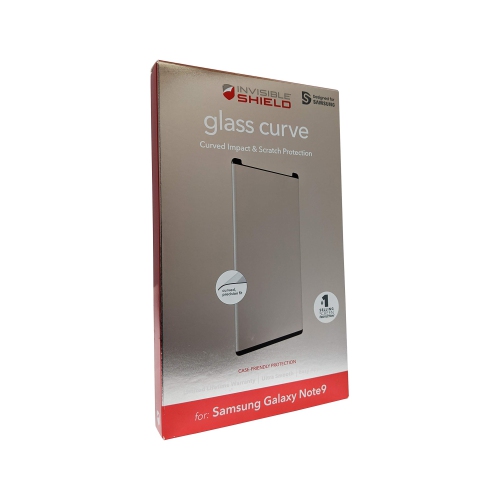 Your price for this item is $40.49
 -
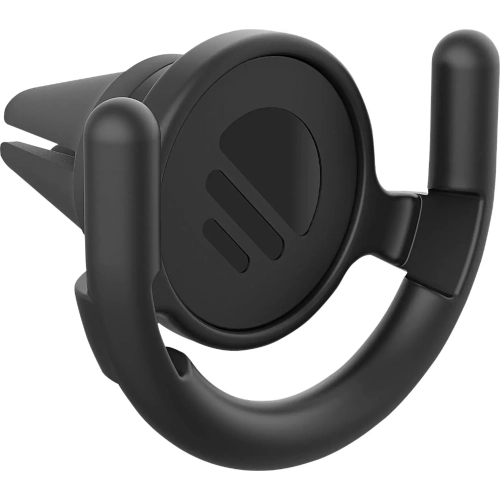 Your price for this item is $49.99
 -
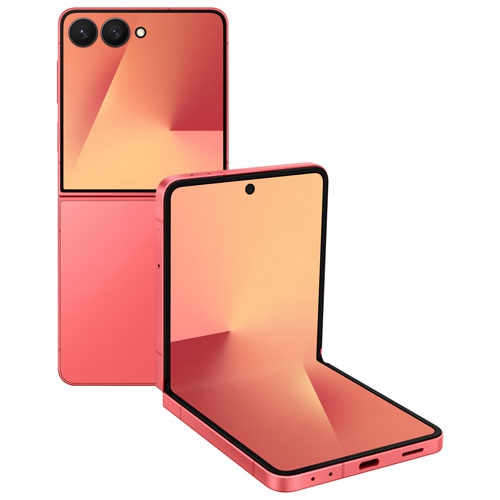 Your price for this item is $1099
 -
 Your price for this item is $79.99
 -
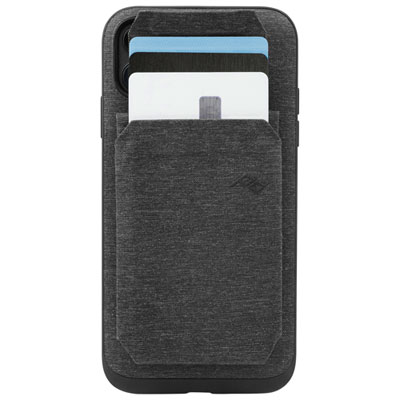 Your price for this item is $69.99
Discover more categories related to 3.5 Mm Jack To Lightning
Top Collections:
Pokemon Centers, Best Cameras for Sports Photography, Kindle Devices, Samsung Galaxy Phones, Canon G7X Cameras, Pokémon 30th Celebration Cards, Refurbished Apple Laptops, iPhone 15 Apple, Laptops for Students, Budget Smartphones
Some products may be subject to Environmental Handling Fees
(EHF) depending on your province.
Learn more about EHFs.