Android Phones With AI Features
Android Phones With AI Features offer a new level of convenience and innovation for users seeking smarter mobile experiences. Designed to keep up with your busy lifestyle, these smartphones leverage advanced technology to help streamline everyday tasks, enhance productivity, and provide intuitive interactions. Whether you’re capturing memories, staying connected, or exploring the latest apps, Android Phones With AI Features deliver powerful performance and intelligent capabilities to fit your needs. Discover a selection of models that bring the future of mobile technology right to your fingertips.
Sort
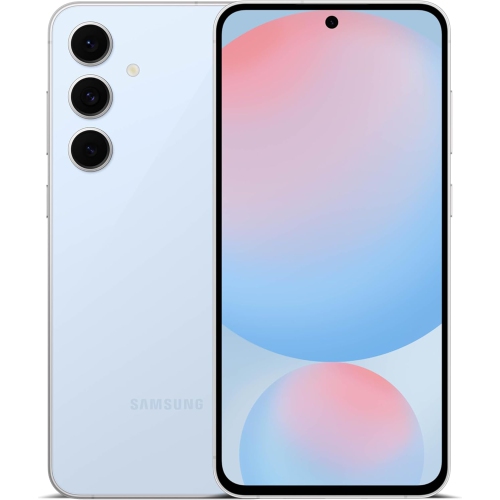
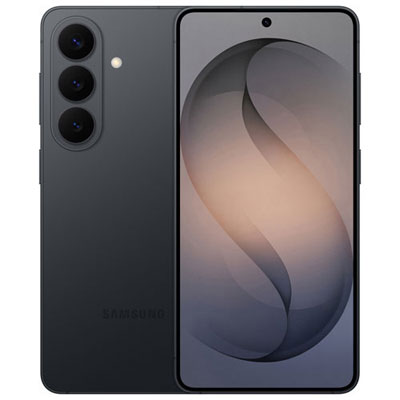

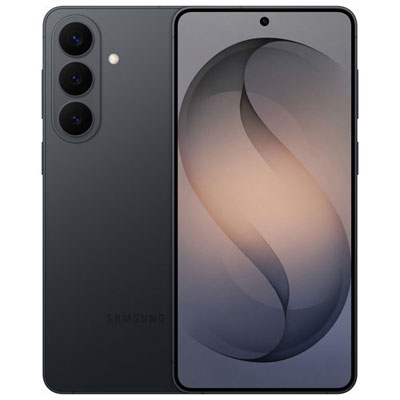
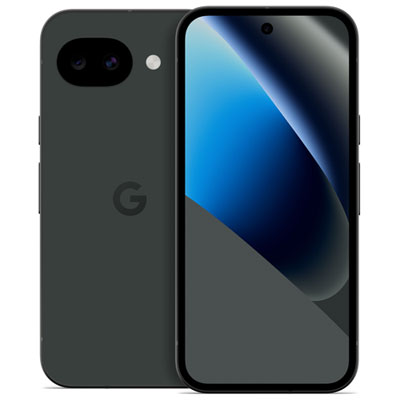




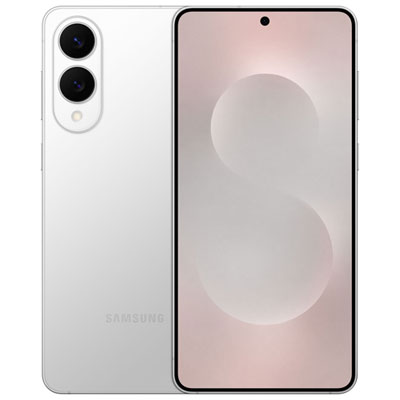
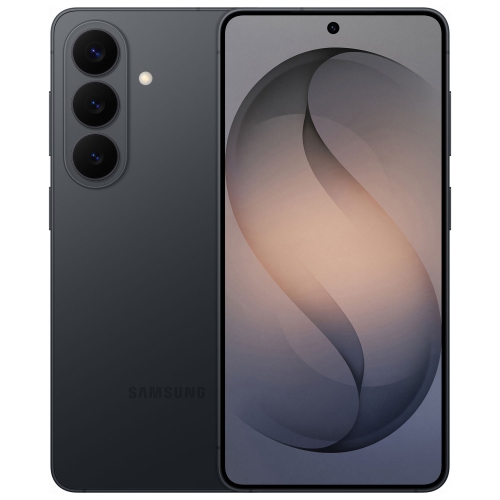
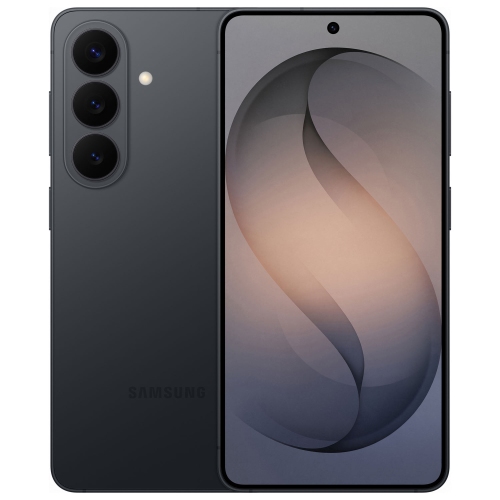

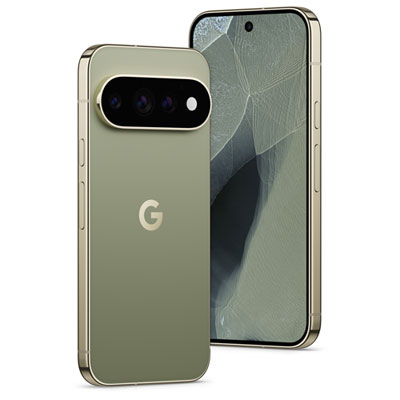
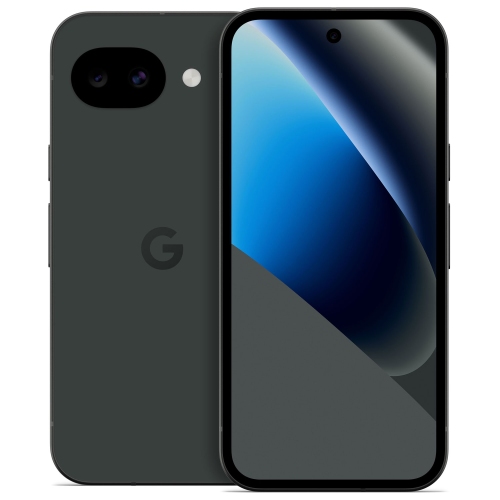
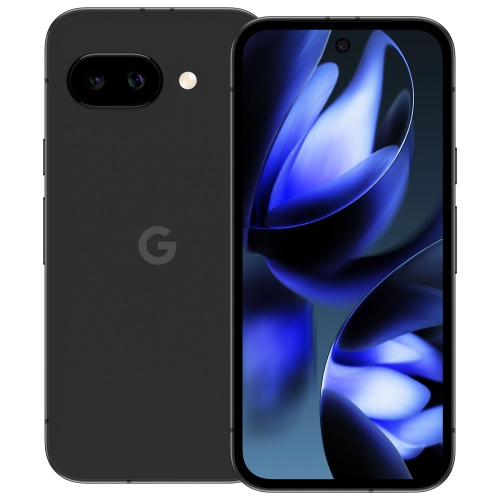
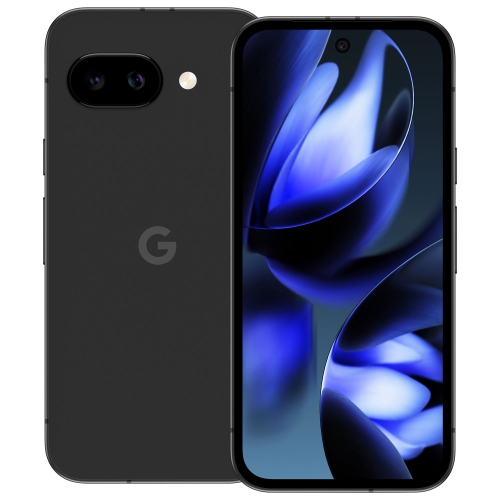
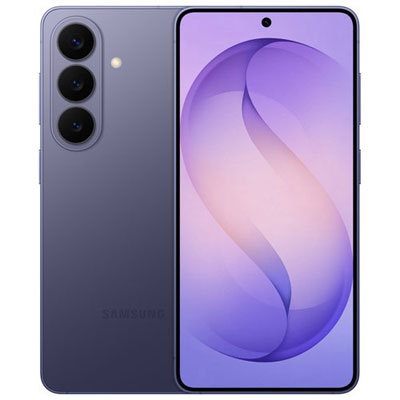

How AI helps with everyday photos and conversations
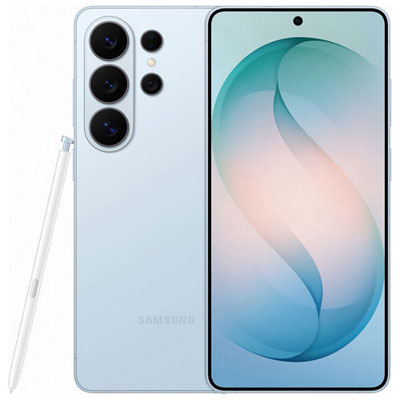
Android phones with AI features use artificial intelligence and machine learning to help with tasks such as editing photos, understanding spoken requests, translating conversations, and organizing information. These capabilities can be built into the phone’s software, offered through compatible apps, or supported by online services. The practical difference often shows up in small, familiar moments: removing a distracting passerby from a holiday photo, turning a lengthy message into a shorter summary, or finding information about something visible on the screen without typing a detailed search. Depending on the phone and software, an AI assistant may respond to conversational requests, help draft a reply, or explain text shown in an image. Camera features can use machine learning to recognize scenes, adjust exposure, reduce noise, and improve the appearance of photos taken in challenging lighting. Some editing tools can remove unwanted objects or generate parts of an image, while others concentrate on simpler adjustments such as sharpening details or improving a portrait. Translation and transcription features may help travellers follow a conversation, students revisit spoken notes, or busy households keep track of information shared during a call. Supported languages, accents, apps, and regional requirements vary, so a feature’s usefulness depends on how well it fits the situations in which the phone will be used. AI-generated summaries can miss important details, and translated phrases may not capture the original tone. Keeping the original message or recording accessible makes it easier to check names, dates, and instructions before acting on them. These phones are still everyday communication devices first, with calling, messaging, navigation, photography, and entertainment at the centre of their appeal. The most useful AI features complement those routines rather than adding extra steps, whether that means making a photo easier to share, helping someone compose a clear message, or reducing the effort involved in finding a detail buried in a long conversation.
The hardware behind an AI-enabled Android phone matters because some tasks run directly on the device while others send information to an online service for processing. On-device AI can reduce reliance on an internet connection for supported functions and may keep certain information on the handset, although it does not automatically mean every feature works offline or that no data is shared. Cloud-based tools generally need a suitable connection, and their operation can depend on account settings and service requirements. A capable processor and sufficient memory help the phone handle demanding apps and multitasking, but a hardware specification alone does not establish which AI functions are included. Storage capacity is also worth considering for people who keep large photo libraries, downloaded media, or recordings on their phones. Battery life remains important when a handset is used for navigation, camera work, video calls, and repeated AI tasks throughout the day; actual endurance varies with screen brightness, signal strength, and usage. A readable display, responsive touch controls, and comfortable text sizing can make tools such as image editing and transcription easier to use. Camera quality still depends on the lenses, sensors, focusing system, and image processing working together, rather than on an AI label alone. For everyday photos, consistent focus and natural-looking skin tones can be more useful than dramatic edits. People who review documents, sketch ideas, or work with several apps across a larger display may also find Tablets With AI Features relevant, while a phone keeps those capabilities close at hand for calls, quick photos, and tasks away from a desk. Privacy controls deserve attention whenever an assistant can access personal information. Permissions for the microphone, camera, contacts, and photos should match the functions being used, and sensitive details need careful handling before being entered into an online tool. Software support, security updates, and clear controls for saving or deleting activity contribute to a more dependable experience over time.
An AI feature set is only one part of living with a phone, and the handset’s size, construction, and everyday comfort can matter just as much. A compact design may suit someone who uses the phone one-handed or carries it in a small pocket, while a larger screen can make captions, maps, and photo adjustments easier to see. Glass backs, metal frames, and composite housings offer different textures and handling characteristics, and a smooth finish may benefit from a case that adds grip. Colour and styling can help a gift feel personal, but the recipient’s preferred screen size, charging setup, and familiarity with Android are usually more important to daily use. A student might appreciate help transcribing spoken notes where recording is permitted, a frequent traveller may value supported translation tools, and someone who takes family photos may use editing features to tidy up a favourite image before sharing it. For users who benefit from captions, voice input, or text-reading functions, the details of accessibility support are especially relevant; these capabilities should be checked separately rather than assumed from the presence of AI. Durability also varies by design. A water- or dust-resistance rating describes performance under specified test conditions and does not make a phone immune to damage. A well-fitting protective case and compatible screen protector can help with ordinary knocks and scratches, while a soft, lint-free cloth supports routine care when used according to the manufacturer’s cleaning instructions. Keeping charging ports clear and avoiding harsh cleaning chemicals helps protect everyday usability. Compatibility with a Canadian mobile carrier, the required SIM or eSIM setup, and suitable charging accessories are practical considerations for both personal purchases and gifts. People moving from another phone may also need to transfer photos, contacts, authentication apps, and accessibility settings before the new device feels familiar. Reliable calling, comfortable handling, useful software support, and AI tools that suit real routines together make an Android phone a practical companion for work, study, travel, and staying connected.
Top selling and popular products
-
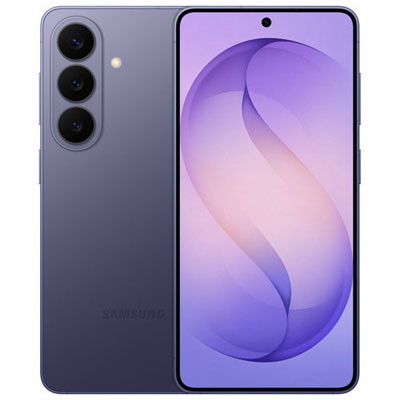 Your price for this item is $1679.99
-
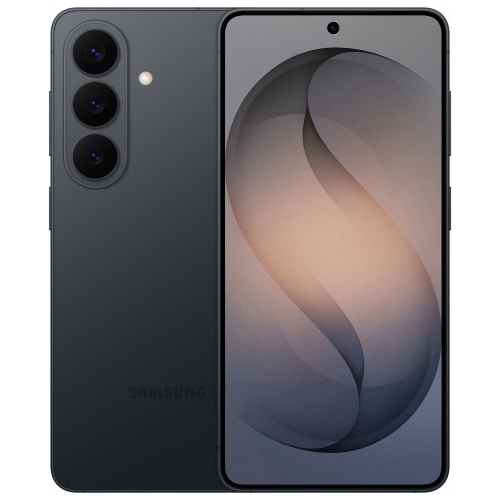 Your price for this item is $1384.99
-
 Your price for this item is $1299
-
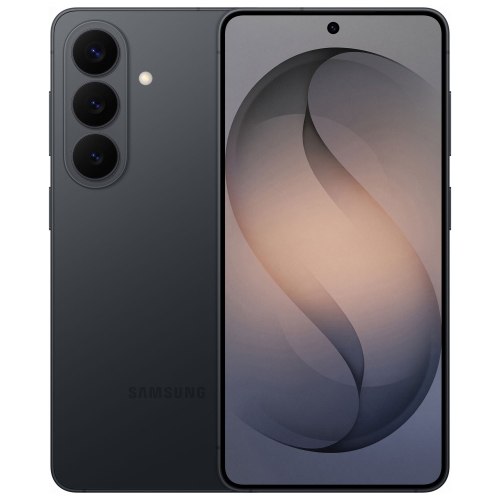 Your price for this item is $929.99
-
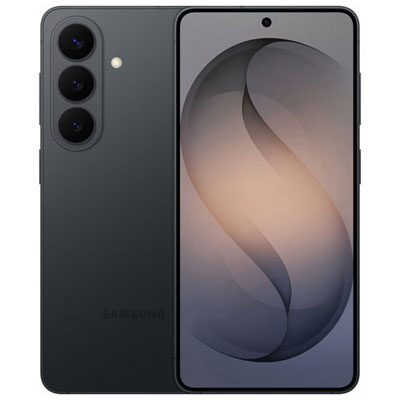 Your price for this item is $1119.99
-
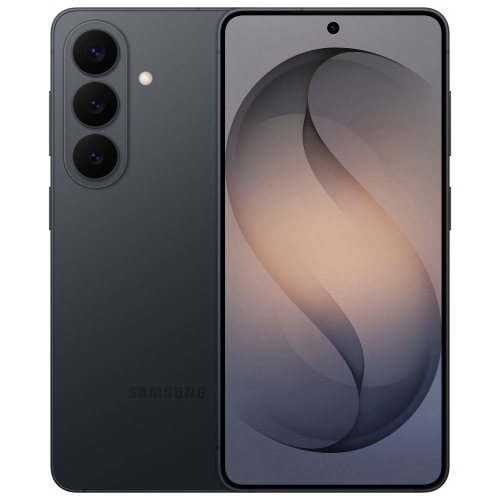 Your price for this item is $1039.99
-
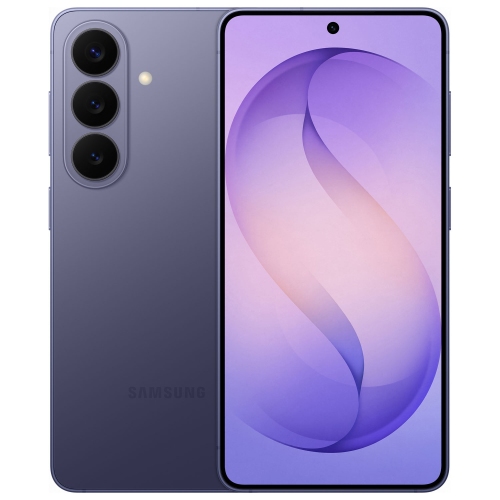 Your price for this item is $980.97
-
 Your price for this item is $1299
Discover more categories related to Android Phones With AI Features

Top Collections:
Best Black Friday Deals This Year, Best Black Friday Deals On Electronics, Kindle Devices, Pokemon Centers, Best Black Friday Deals On Apple Products, Best Cameras for Sports Photography, Dyson Airwrap, Pokémon 30th Celebration Cards, Apple iPhone 17 Pro, Canon G7X Cameras
Some products may be subject to Environmental Handling Fees
(EHF) depending on your province.
Learn more about EHFs.