Tablets With AI Features
Tablets With AI Features offer enhanced versatility for work, learning, and entertainment. These advanced devices are designed to streamline everyday tasks, provide smarter interactions, and support a wide range of creative and productivity applications. Whether you’re looking to boost efficiency or enjoy seamless connectivity, Tablets With AI Features deliver innovative solutions to match your needs. Explore a variety of models and find the right tablet to complement your lifestyle.
Sort
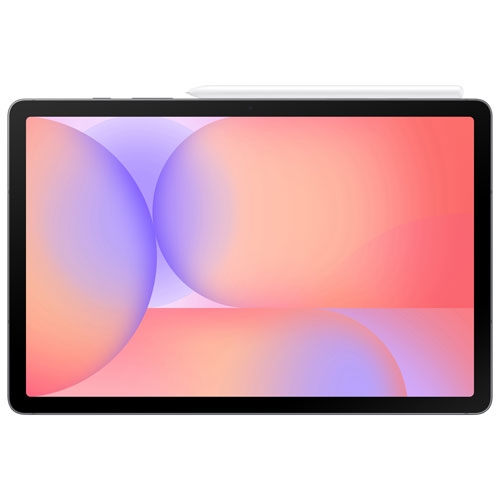
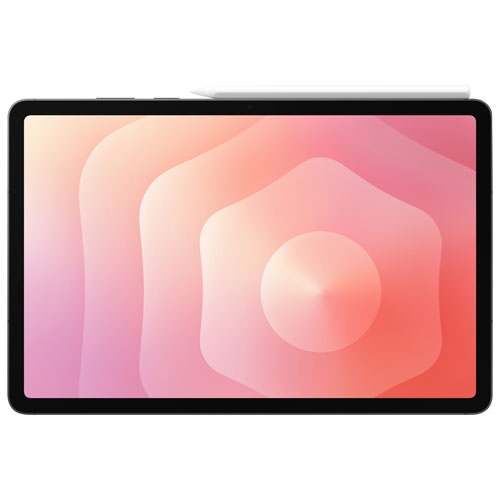
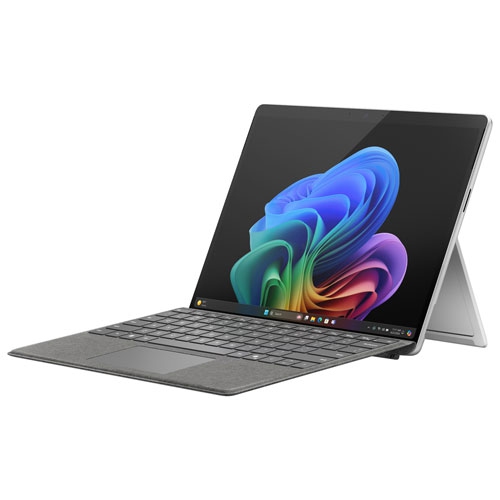

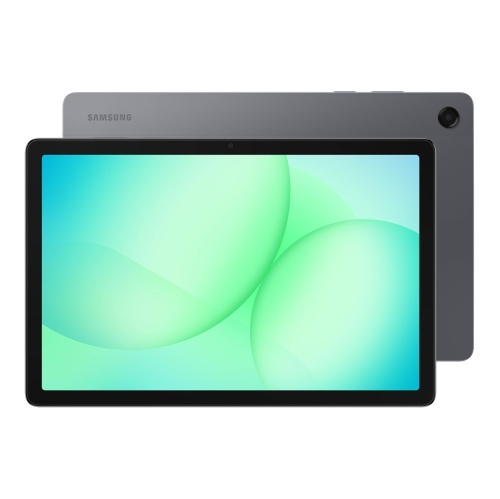

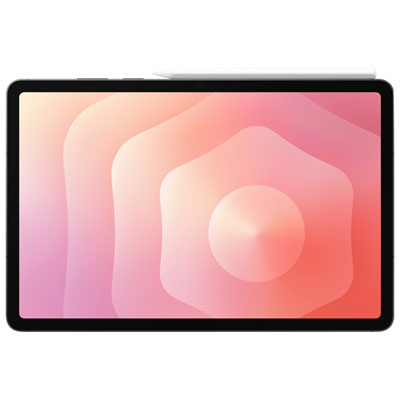

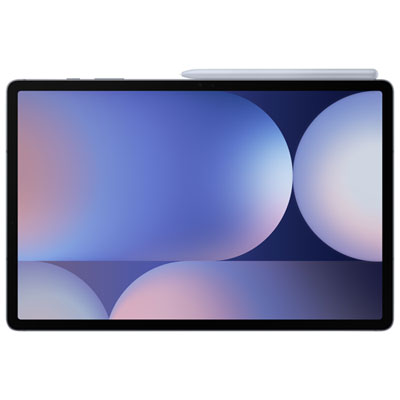
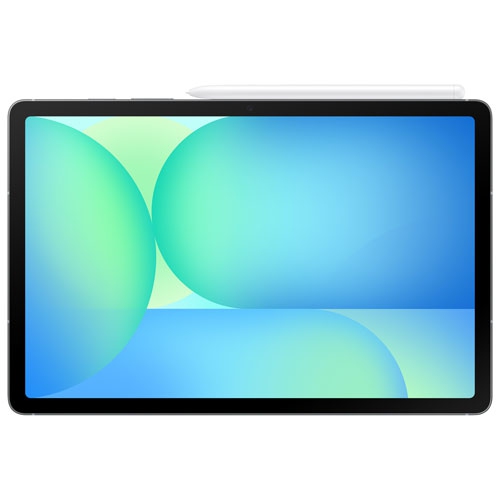
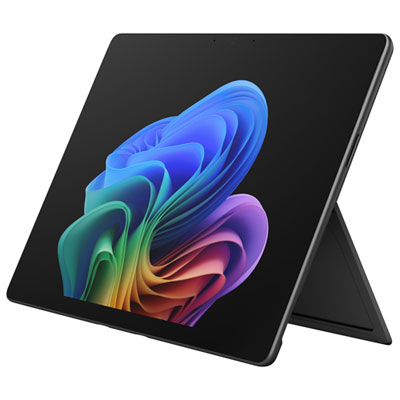
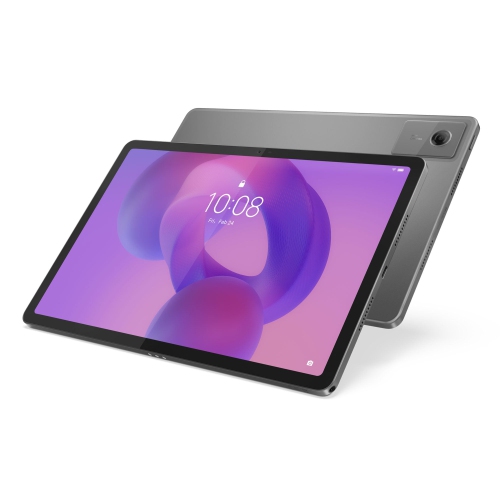
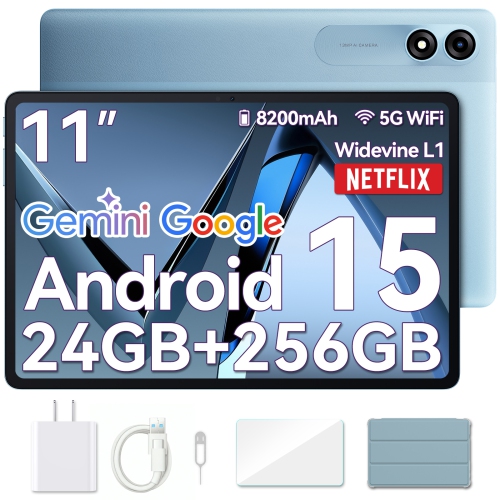

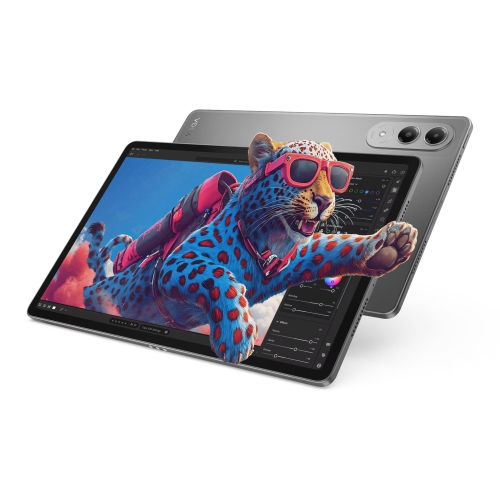
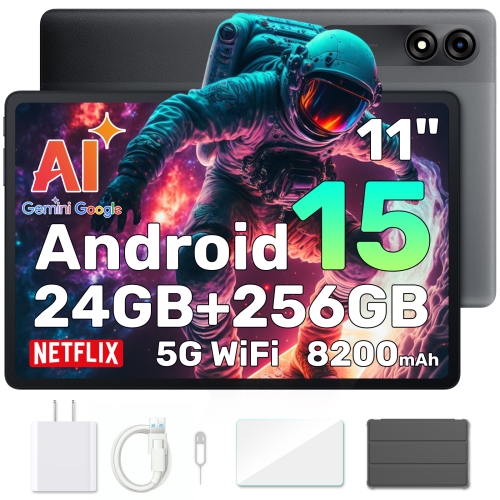
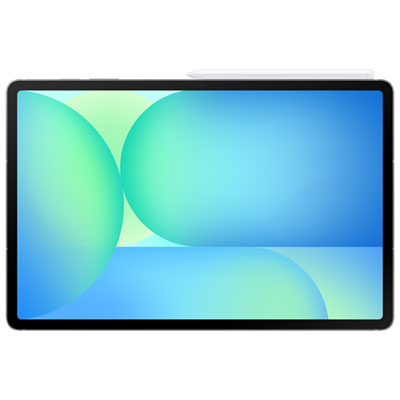


From handwritten ideas to searchable notes and clearer drafts
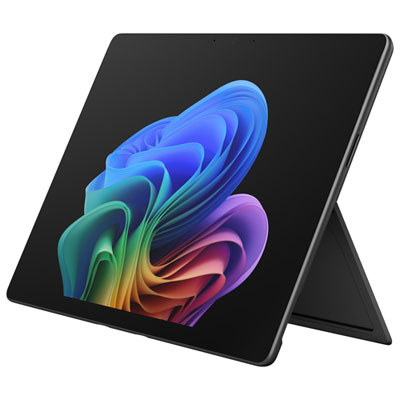
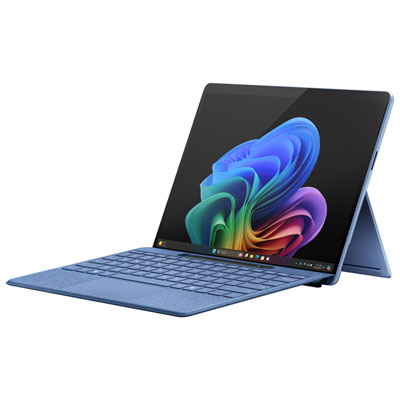
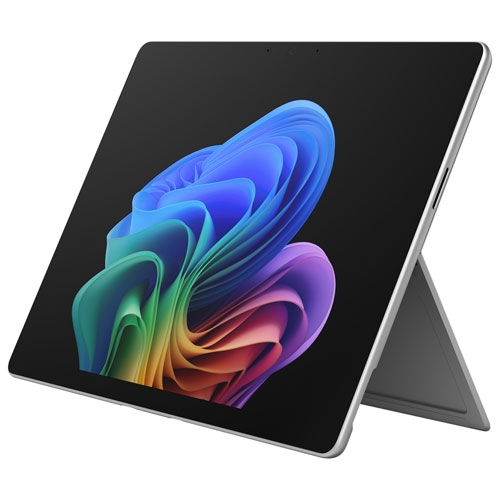
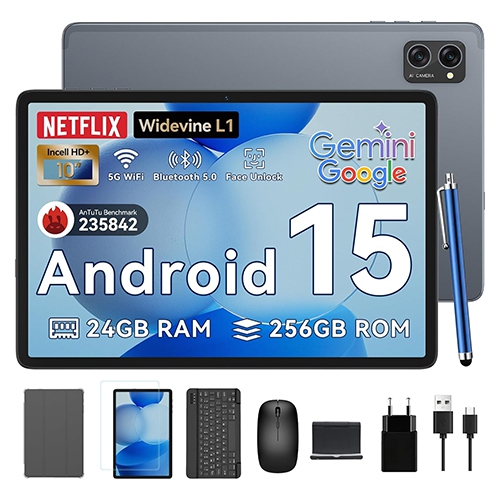
Tablets with AI features combine a portable touchscreen with software that can help summarize information, refine writing, organize notes, edit images, or make everyday tasks easier to manage. Their appeal is practical: a page of handwritten ideas can become searchable text, a lengthy document can become a shorter overview, and a rough message can become a clearer draft. The exact capabilities depend on the tablet, its operating system, the apps being used, and the languages supported. Some AI tools run directly on the device, while others send requests to online services for processing. A dedicated neural processing unit, or NPU, can accelerate supported on-device AI tasks, but its presence alone does not determine which features a tablet offers. Software support matters just as much as the processor. For someone who moves between reading, video calls, note-taking, and creative work, the most useful features are often those built into familiar activities rather than a separate tool that interrupts them. A student might use supported handwriting recognition to find a concept in pages of lecture notes; a professional might turn meeting notes into a draft task list; a hobbyist might remove a distracting object from a photo. These functions are not universal, and some require compatible accessories, an account, or an internet connection. Language support can also vary between tools, including support for Canadian English or French. AI-generated text, summaries, and translations still need review, particularly when names, figures, technical terms, or important decisions are involved. A summary is useful for getting oriented, but it should not replace the original source when accuracy matters. Tablets in this category remain everyday tablets as well: screen quality, app compatibility, comfortable controls, and reliable performance still shape the experience long after the novelty of an AI feature has worn off. The strongest fit is a device whose AI capabilities complement the work, study, communication, or entertainment it will actually handle.
The physical design of a tablet influences how comfortably those features fit into daily routines. A lighter model is easier to hold while reading on the sofa or reviewing notes during a commute, while a larger display gives documents, drawing tools, and split-screen apps more room. Text clarity, brightness, reflections, and adjustable display settings can matter more than a small difference in screen size, especially during long reading sessions. For handwritten notes or illustration, stylus compatibility, palm rejection, and pen responsiveness deserve attention; not every tablet supports an active stylus, and compatible pens may be sold separately. A keyboard cover can make longer writing sessions more comfortable, although its key spacing, trackpad, stand stability, and viewing angles affect how well it works away from a table. A tablet balanced on a lap can feel quite different from the same device on a firm desktop. Metal housings can offer a solid feel, while other materials may keep weight down, but the display and corners still benefit from a well-fitting protective case. A raised edge around the screen, secure pen storage, and a stand that stays put can be useful details for a device carried between home, school, and work. Everyday care is straightforward: follow the manufacturer’s cleaning directions, use a soft cloth, keep moisture away from openings, and avoid placing heavy objects against the screen inside a bag. Processing power, memory, and storage also influence usefulness beyond AI. Large drawing files, downloaded videos, and several open apps place different demands on a tablet than reading and messaging do. Battery life varies with screen brightness, video calls, connected accessories, and demanding tasks, so general battery estimates may not reflect every routine. Wi-Fi is sufficient for many home and classroom uses, while cellular-capable models offer another connection option with a compatible mobile plan. Offline access depends on the app and feature, not simply on whether the tablet includes AI processing hardware.
Different users will find value in different combinations of these capabilities. For students, searchable notes, document annotation, and supported transcription can help keep course material organized, provided the tools fit school requirements and recording is permitted. For someone handling correspondence, presentations, or project planning, writing assistance and document summaries can reduce the time spent turning scattered thoughts into a first draft. Creative users may appreciate supported photo-editing tools, image organization, or ways to develop an initial visual idea, while still relying on their own judgement for the final result. Accessibility features can be equally important: supported speech input, text-to-speech, captions, and display adjustments may make everyday interactions more comfortable, although their accuracy and operation vary. A tablet can also make a thoughtful gift for a reader, sketcher, student, or family member who enjoys video calls, especially when its size, controls, and app compatibility suit that person’s habits. Familiarity matters; a feature-rich device is less helpful if routine tasks become frustrating. Privacy settings deserve similar attention. On-device processing can keep certain tasks local, but it does not mean every AI function operates without sharing data. Account settings, app permissions, cloud processing, and data-retention options should be understood before entering personal documents, workplace information, or recordings of other people. Software-update support and compatibility with essential apps also affect how useful the tablet remains over time. For workflows centred on desktop applications, extensive file management, or hours of keyboard-based work, Laptops With AI Features provide a related category to consider. Tablets are particularly well suited to touch-first tasks, handwritten input, reading, and portable media use, with AI adding assistance where the available software supports it. A device that feels comfortable to carry, handles essential apps smoothly, and offers genuinely useful AI tools is more likely to become part of a daily routine than one chosen around a single headline feature.
Top selling and popular products
-
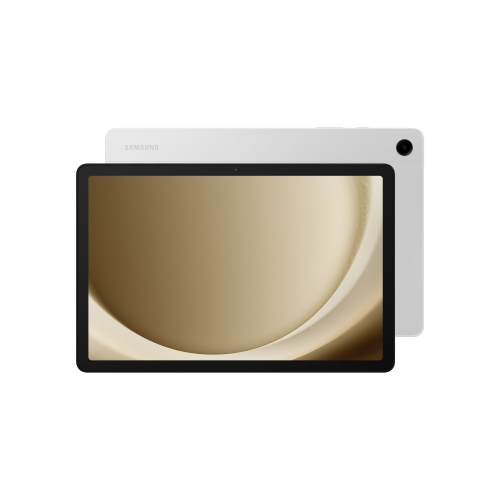 Your price for this item is $499.99
-
 Your price for this item is $350
-
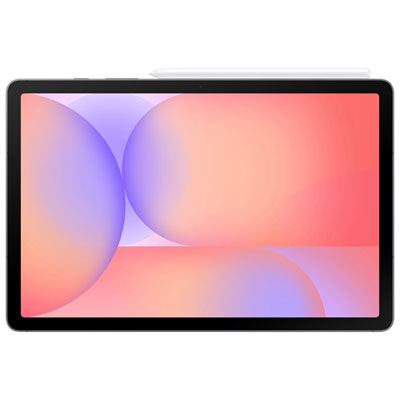 Your price for this item is $399.99
-
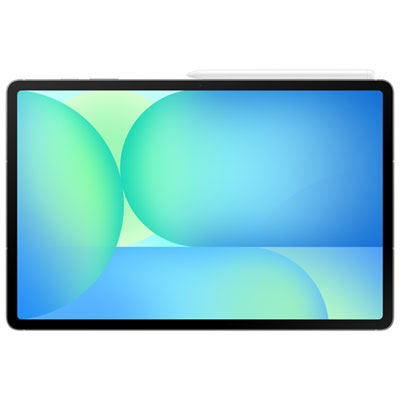 Your price for this item is $979.99
-
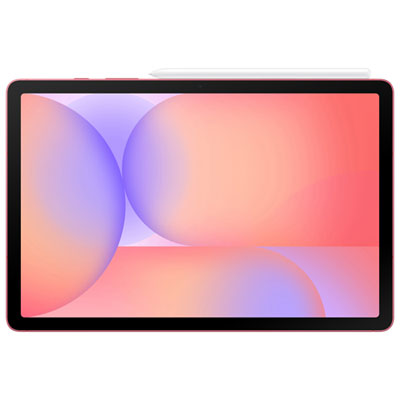 Your price for this item is $399.99
-
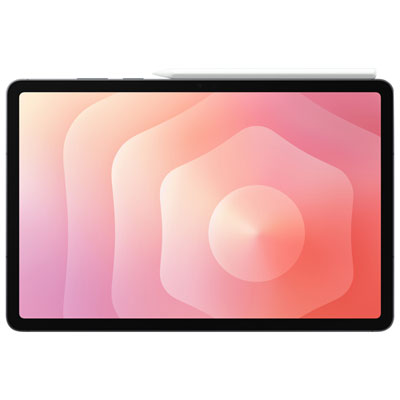 Your price for this item is $1399.99
-
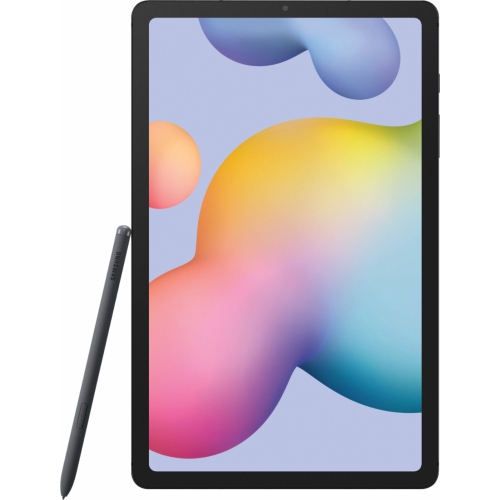 Your price for this item is $699.99
-
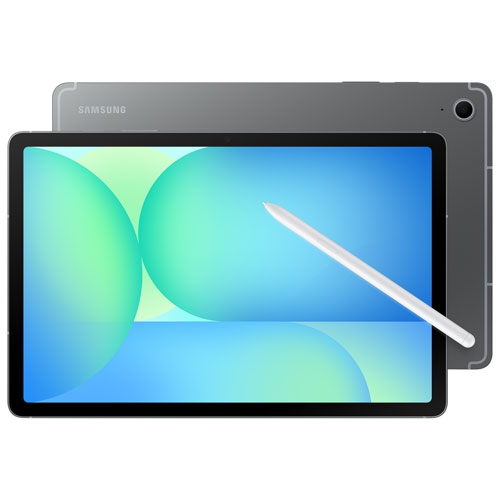 Your price for this item is $664.95
Discover more categories related to Tablets With AI Features
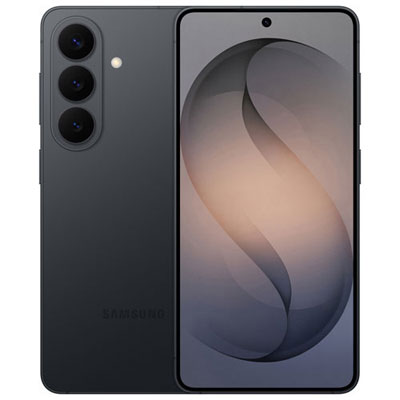
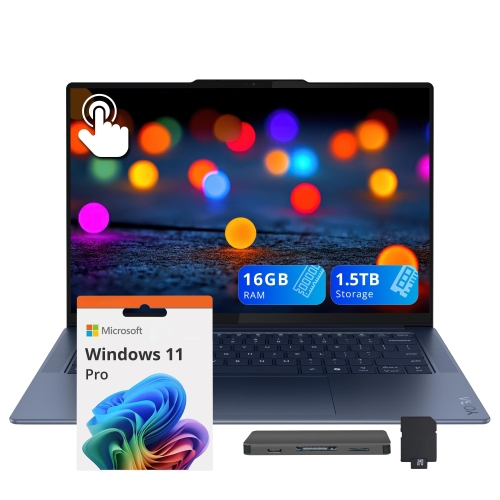
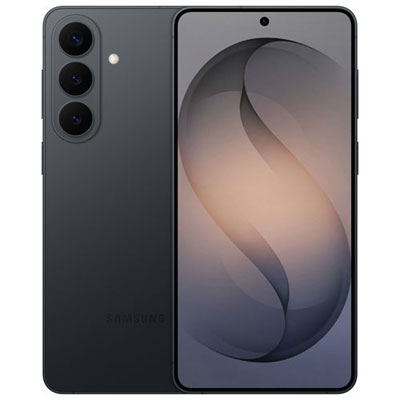
Top Collections:
Best Black Friday Deals This Year, Best Black Friday Deals On Electronics, Kindle Devices, Pokemon Centers, Best Black Friday Deals On Apple Products, Best Cameras for Sports Photography, Dyson Airwrap, Pokémon 30th Celebration Cards, Apple iPhone 17 Pro, Canon G7X Cameras
Some products may be subject to Environmental Handling Fees
(EHF) depending on your province.
Learn more about EHFs.