Back To School USB-C Cables
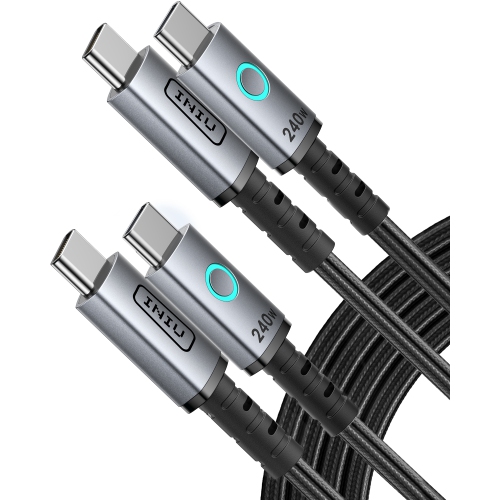
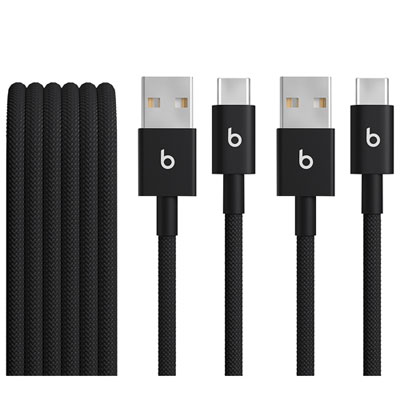
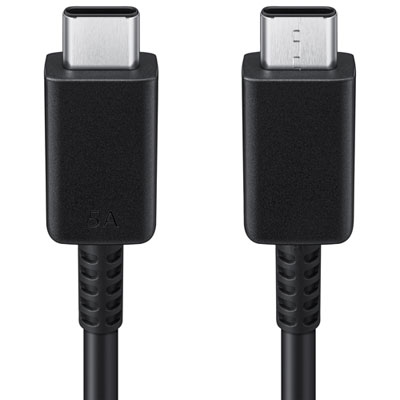
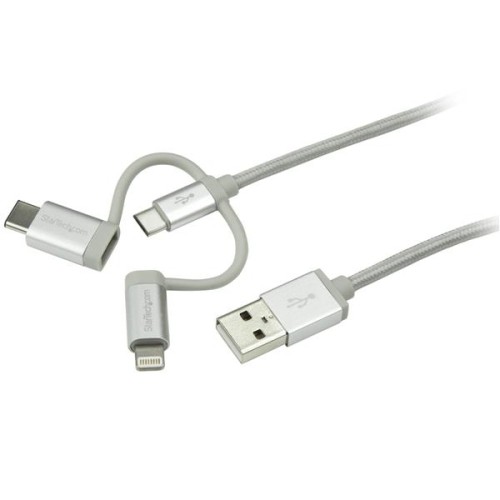
Get ready for back to school with USB-C cables for charging compatible laptops, tablets and phones, or transferring files between devices. Compare connector types, cable lengths, charging capacity and data transfer speeds to find the right fit for your devices, study space and backpack.



FAQ
USB-C is a reversible connector found on many laptops, tablets, phones and accessories. Depending on the device and cable specifications, a USB-C connection can carry power, data or video, making it a common connection type for student tech.
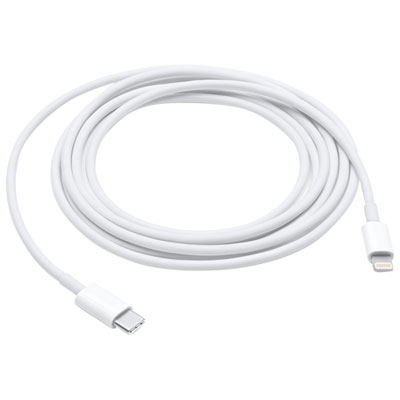
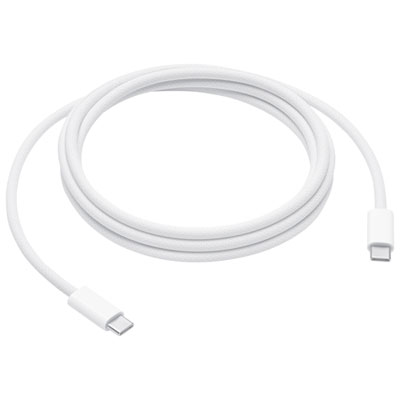
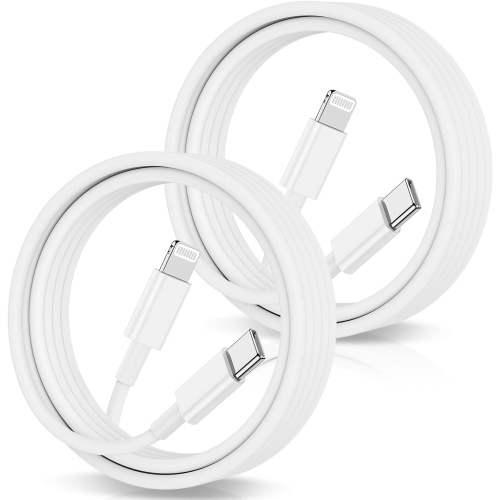
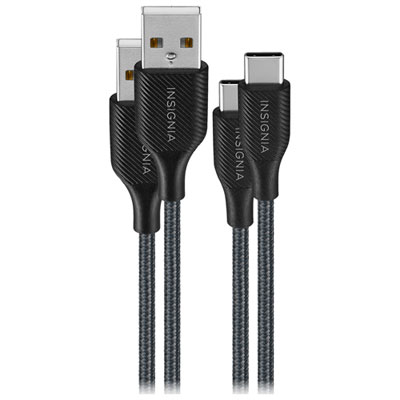
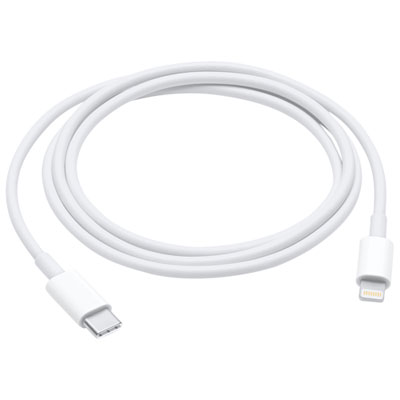
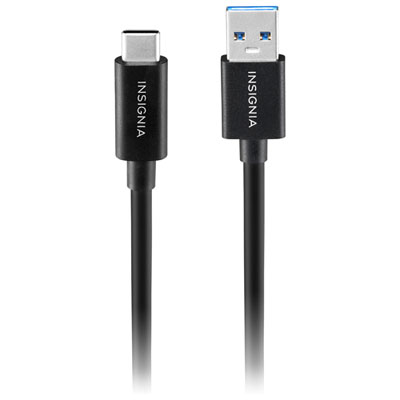
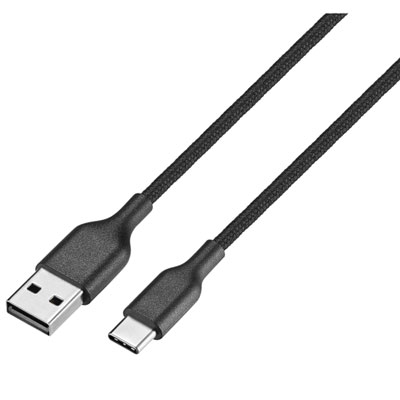
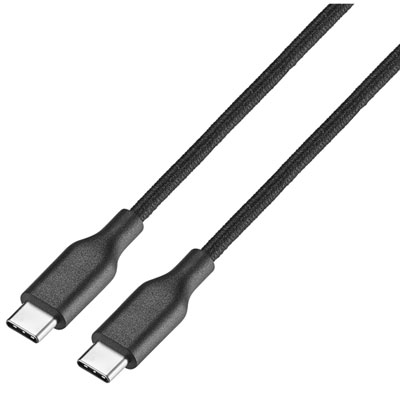
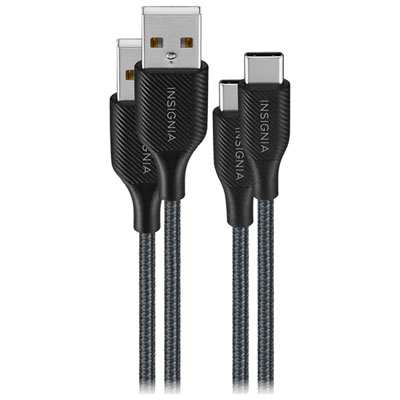
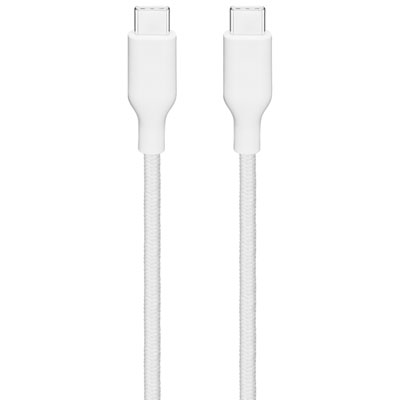
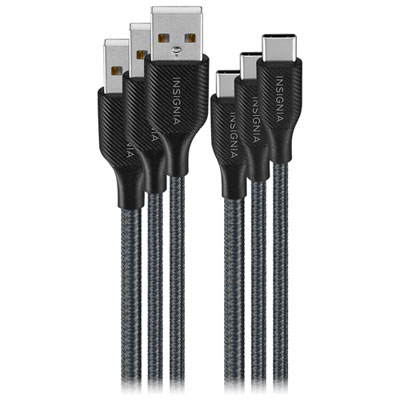
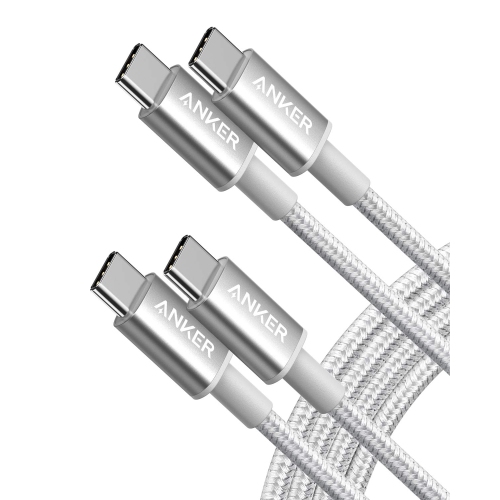
USB-C to USB-C cables have a USB-C connector at both ends. USB-A to USB-C cables connect a USB-C device to a rectangular USB-A port, often found on older computers and chargers. Choose the connector combination that matches the ports on your devices and accessories.
USB-C describes the connector, while labels such as USB 2.0, USB 3.2 and USB4 describe the supported USB standard. Cables with the same connector can have different data, charging and video capabilities. Check these specifications separately when choosing cables for school devices.
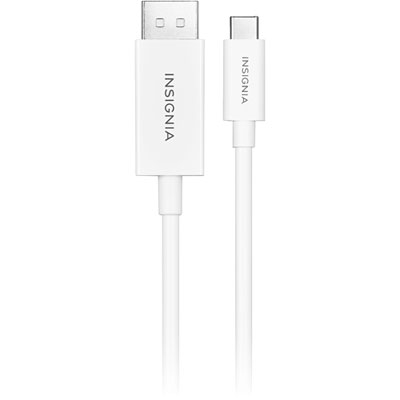
Some USB-C cables support video connections, but not all do. The laptop port, cable and monitor must support a compatible video connection, such as DisplayPort Alt Mode or an appropriate Thunderbolt connection. A monitor with only HDMI or DisplayPort inputs may require an adapter or a cable with different connectors at each end.
Reusable cable ties, labelled pouches and separate accessory compartments can help keep cables organised in a backpack. Labels can identify which cable belongs with a laptop, phone or other accessory, especially when several cables look alike.
Top selling and popular products
Discover more categories related to Back To School USB-C Cables

Some products may be subject to Environmental Handling Fees (EHF) depending on your province. Learn more about EHFs.