Back To School USB C Hubs
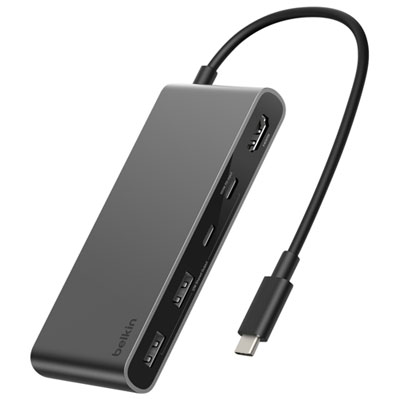
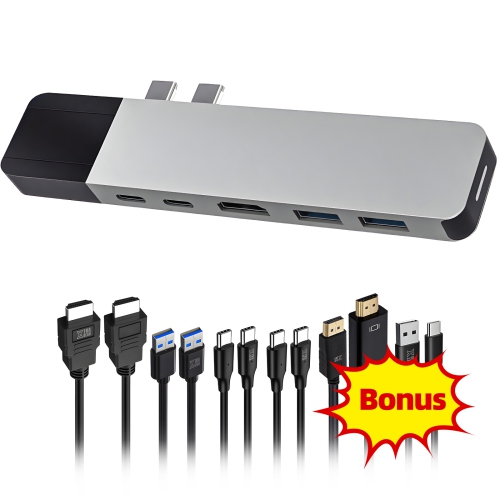
Back-to-school USB-C hubs help you connect study essentials to a laptop with limited ports. Browse hubs with different port combinations to suit your setup, whether you need USB connections for accessories, HDMI for an external monitor, or a memory card reader. Check your laptop’s compatibility and the hub’s charging support before choosing.




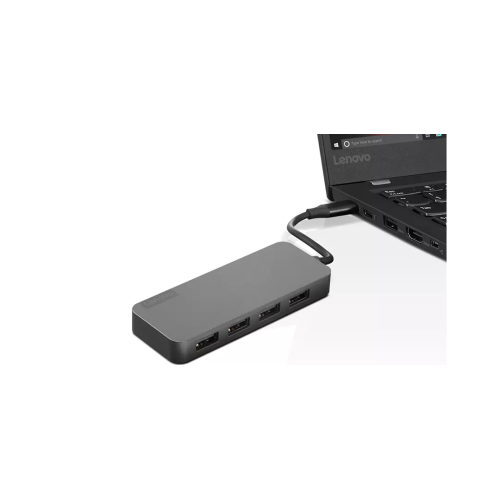
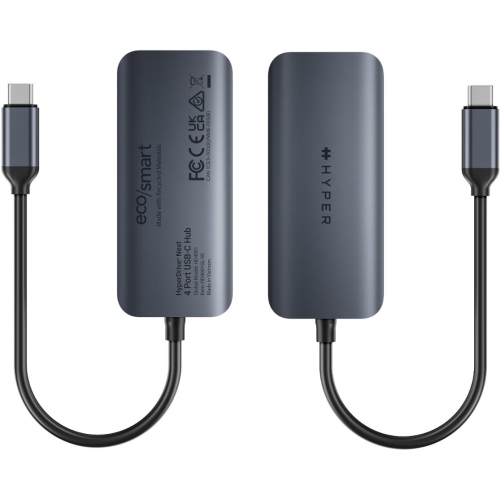
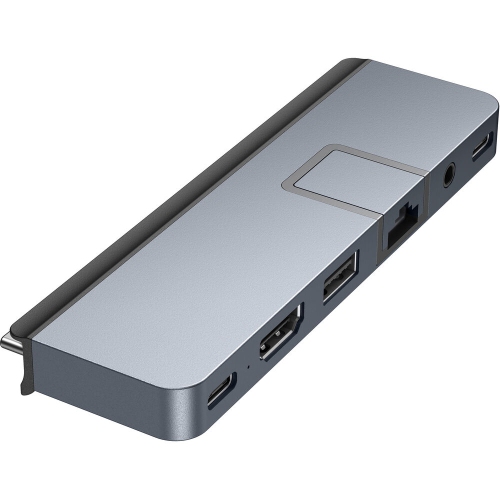
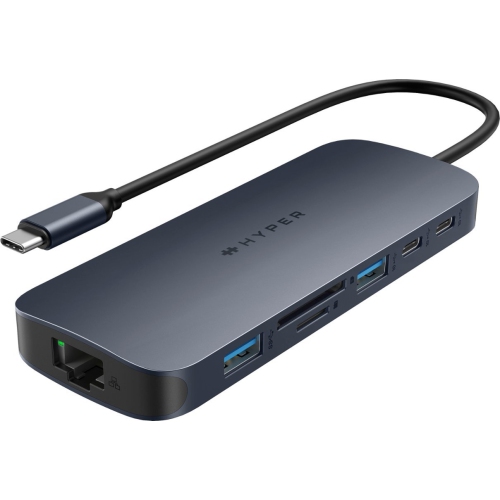
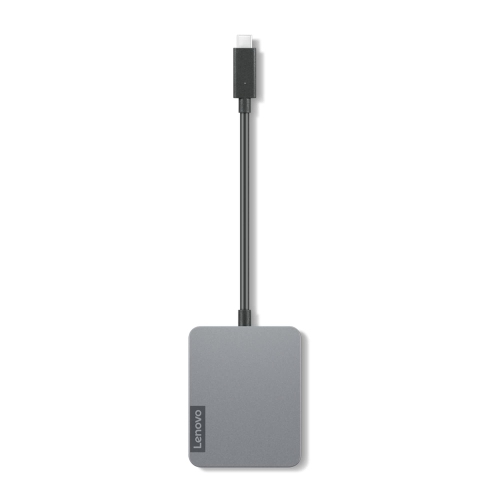
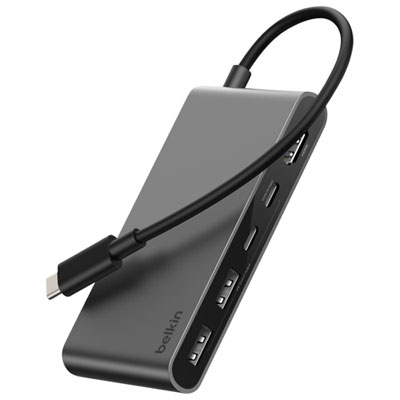
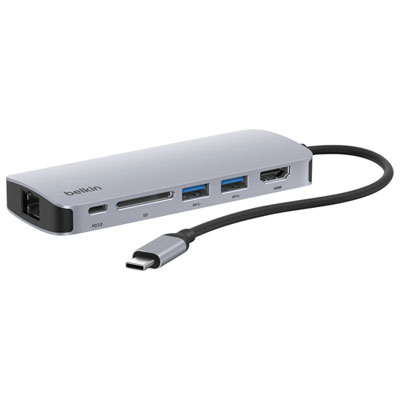
FAQ
A USB-C hub connects to a laptop or tablet and adds ports for accessories such as a keyboard, mouse, USB drive, or external monitor. It can be useful when moving between class, the library, and a study space at home.
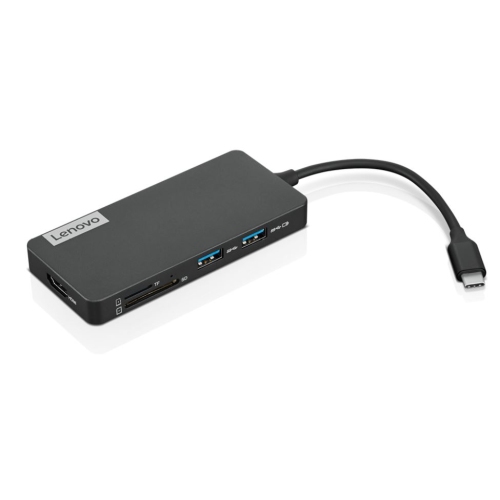
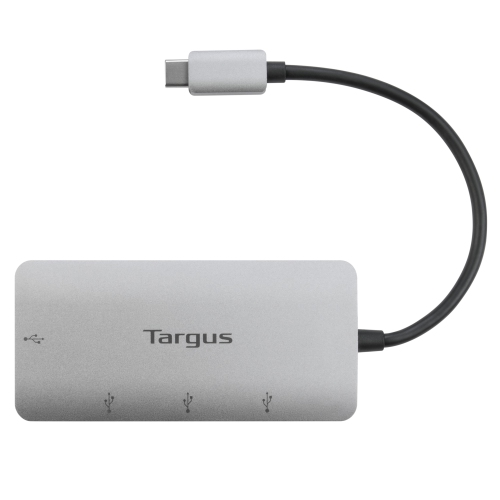
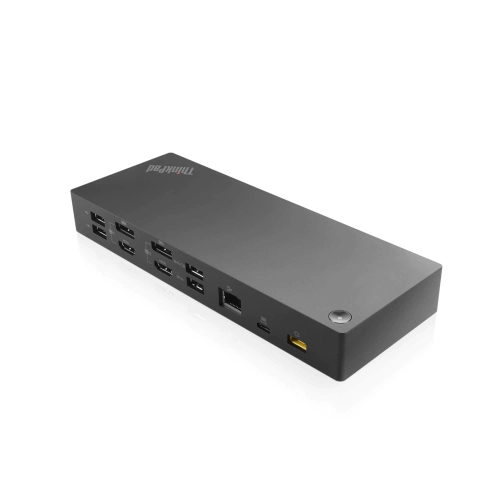
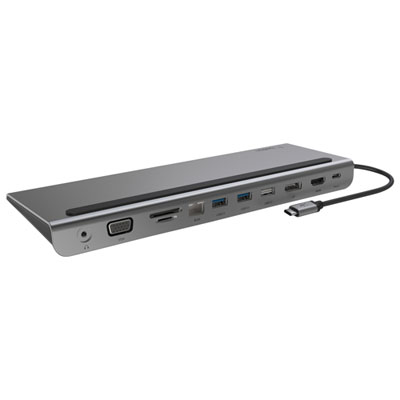
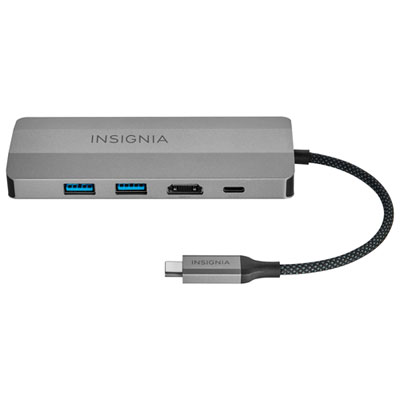
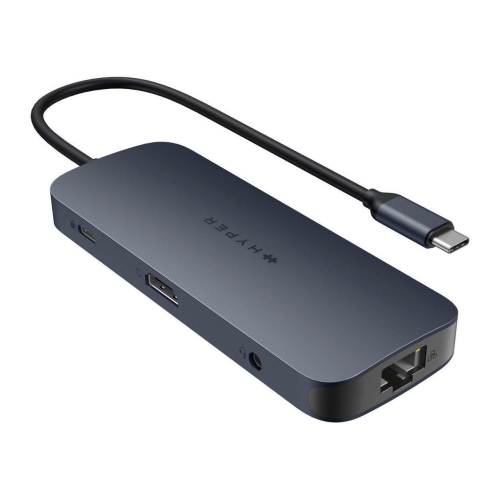
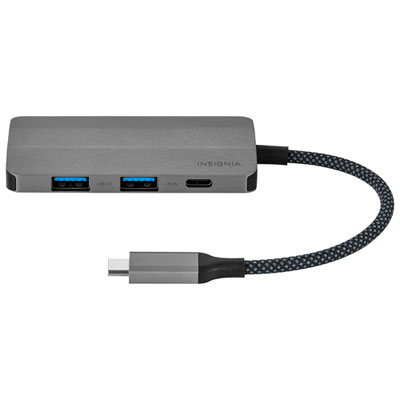
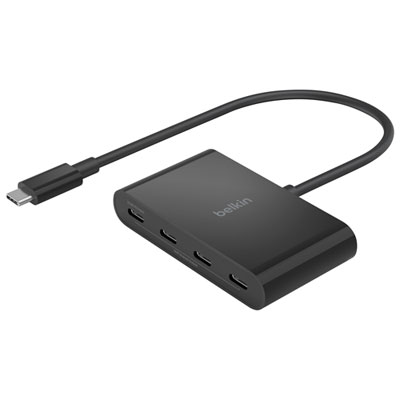
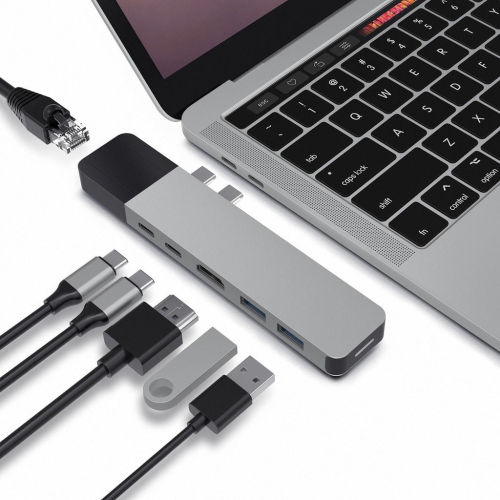
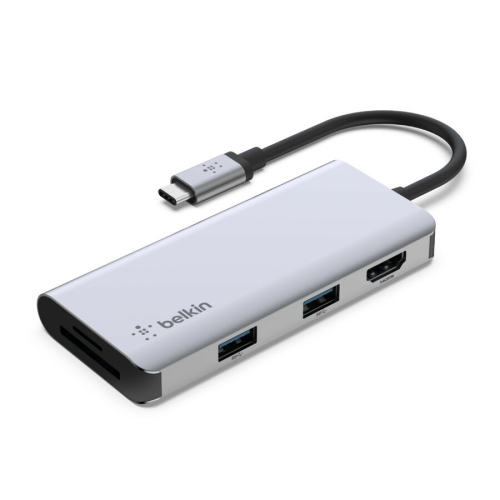
Choose ports that match your study accessories. USB-A ports connect many keyboards and mice, HDMI or DisplayPort can connect a monitor, and an SD card reader supports file transfers from compatible memory cards. An Ethernet port provides a wired network connection where available.
Compatibility depends on the device’s USB-C port capabilities, operating system, and the hub’s requirements. A USB-C connector alone does not guarantee support for video output or charging. Check your device specifications for the features you plan to use.
Some hubs offer USB-C Power Delivery pass-through, which lets a compatible charger supply power to the laptop through the hub while other ports are in use. The laptop, hub, charger, and cable must support the required charging specifications, and the hub uses some of the supplied power.
Check that the laptop’s USB-C port supports video output and that the hub has the connections your monitors need. Supported resolutions, refresh rates, and the number of extended displays vary by laptop, operating system, and hub. Some display setups also require additional software.
Top selling and popular products
Discover more categories related to Back To School USB C Hubs

Some products may be subject to Environmental Handling Fees (EHF) depending on your province. Learn more about EHFs.