Google Pixel 9 XL
Discover the latest in mobile innovation with the Google Pixel 9 XL. Explore a range of options designed to keep you connected, productive, and entertained wherever you go. Whether you're upgrading your device or searching for advanced technology, the Google Pixel 9 XL offers impressive performance and sleek design. Find the perfect model to suit your lifestyle and enjoy a seamless experience every day.
Sort


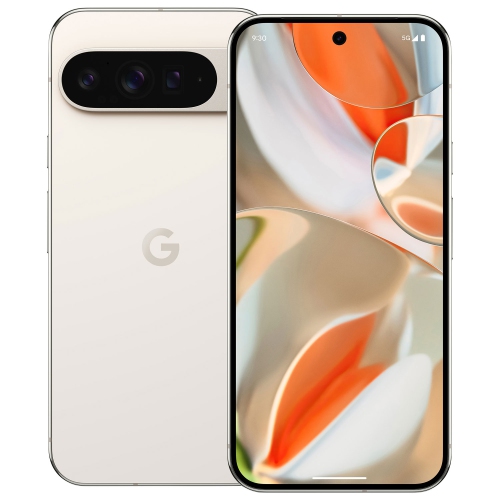
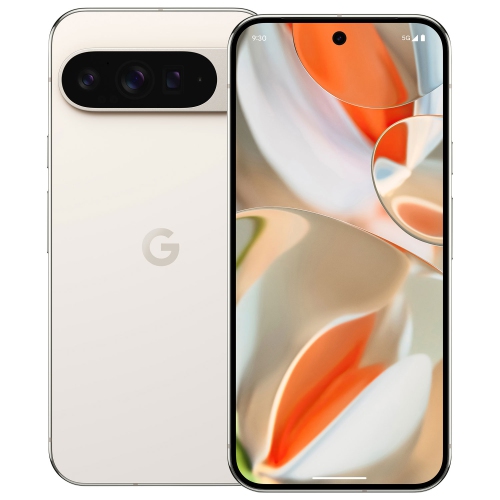
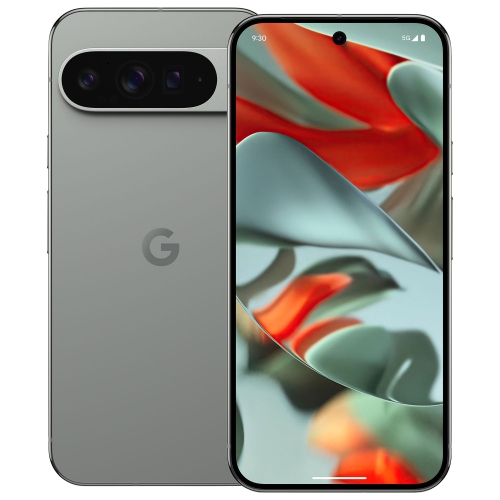
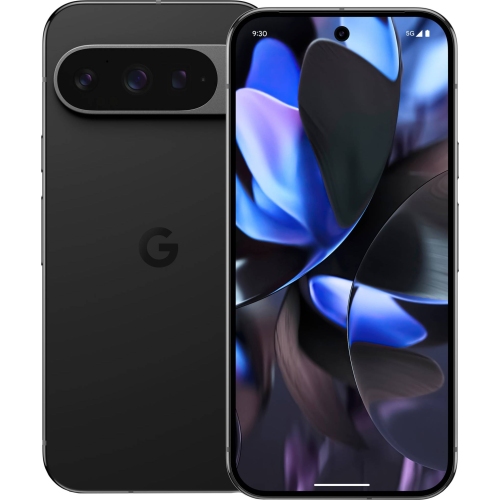
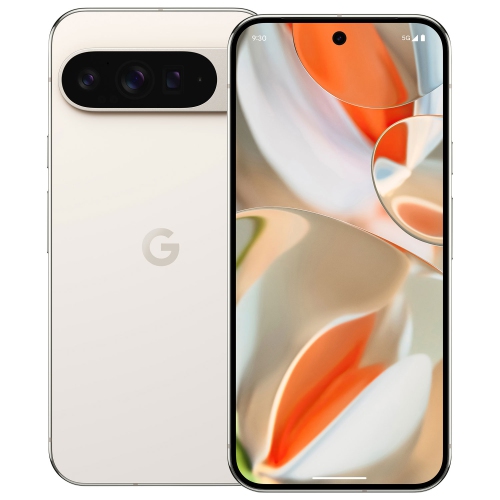


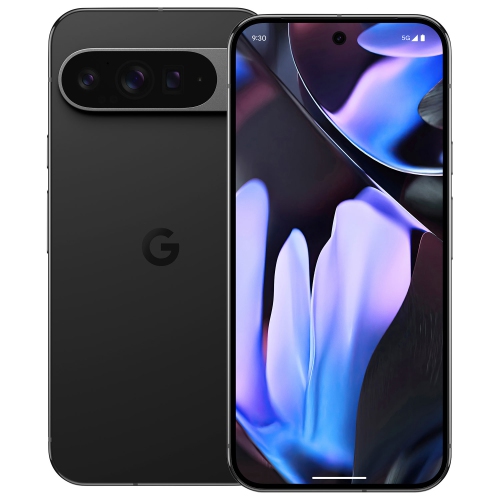


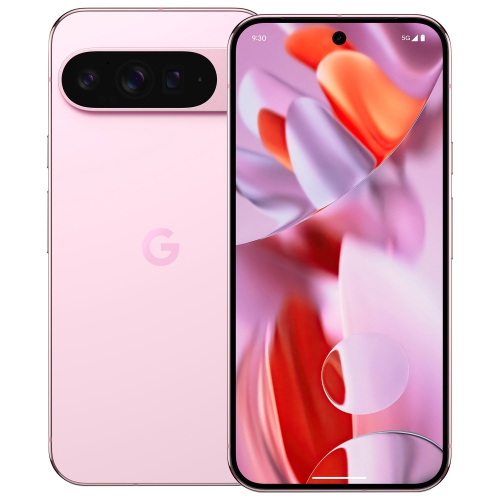
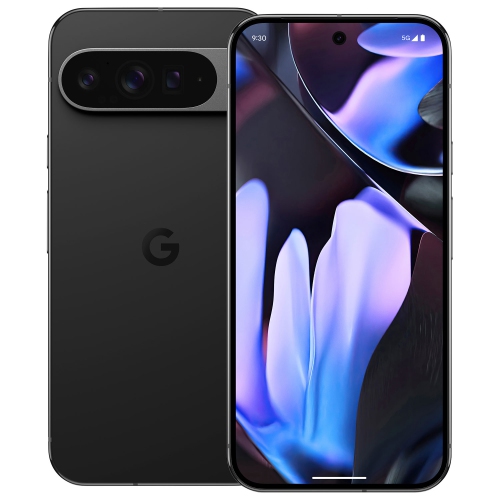
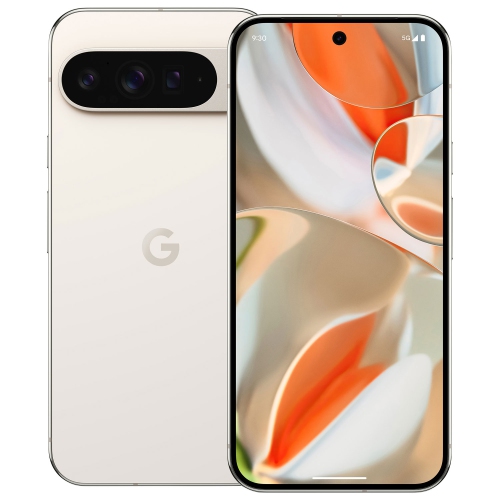
A spacious screen still needs a comfortable fit
Large-screen smartphones bring everyday communication, photography, entertainment, and work into a format that gives each task more room. A generous display can make a transit map easier to follow, keep small details visible in a photo, and show more of a document without constant scrolling. For someone who reads on a phone, larger text settings can improve comfort while still leaving useful space around menus and messages. Display quality involves more than size alone: resolution affects fine detail, contrast helps separate dark and bright areas, and brightness influences readability under strong lighting. OLED screens are known for deep blacks and strong contrast, while a high refresh rate can make scrolling and supported games look smoother. An adaptive refresh rate adjusts to the content being shown, balancing fluid movement with power use. The physical fit deserves equal attention. A spacious screen is useful for two-handed typing and video calls, but the phone’s width, weight, and case thickness influence how comfortably it sits in a hand, pocket, or small bag. Someone who often carries groceries or holds a child’s hand may value easy-to-reach controls and one-handed settings as much as display size. Processing power and memory also shape the experience, particularly when switching between navigation, messaging, a camera, and a video meeting. Memory, often listed as RAM, supports active tasks; storage holds apps, photos, downloads, and other files. These specifications serve different purposes and are not interchangeable. Responsive performance is especially valuable when capturing an unplanned moment or opening a boarding pass with people waiting behind. Accessibility features, including screen magnification, captions, voice input, and adjustable text, can make a large phone more practical for different needs. For entertainment, screen proportions and speaker placement affect comfort during longer viewing sessions. A secure grip and balanced weight matter when reading on a commute or holding the phone through a lengthy call. The most comfortable choice balances a clear, spacious display with dimensions that suit the way the phone will actually be carried and used.
Camera versatility is another important consideration for a premium large-screen smartphone, particularly when one device handles family pictures, travel memories, video calls, and quick scans of paperwork. A main camera typically covers everyday scenes, an ultrawide camera fits more of a room or landscape into the frame, and a telephoto camera brings distant details closer without requiring the photographer to move. Optical zoom and digital zoom work differently: optical magnification uses the lens system, while digital zoom enlarges or processes part of the image. Results depend on the camera hardware, software, lighting, and how steadily the phone is held, so megapixel counts alone do not describe overall image quality. Capturing a child running across a playground calls for different strengths than photographing a still plate of food. Focus speed, motion handling, exposure, and processing can all influence whether the final image matches the moment. Video adds other considerations, including stabilization, microphone performance, resolution, and file size. A higher-resolution recording can preserve detail for editing, but it also takes up more storage and may require more time to transfer. Storage needs are a useful starting point when exploring Pixel 9 Pro XL 256GB, especially for someone who keeps original photos, downloaded playlists, and videos close at hand. A stated capacity of 256GB describes total storage rather than the space remaining after the operating system and preinstalled software. Actual usable space is lower, and individual apps can grow as messages, attachments, and downloads accumulate. Cloud storage can support backups and access across devices, but offline files remain helpful on a flight or wherever a connection is unreliable. Someone who films frequently or keeps several years of pictures on a phone will have different needs from someone who streams most content. Automatic backups, occasional file reviews, and a clear plan for transferring an existing photo library help keep treasured images accessible without letting storage management become a daily chore.
Materials, protection, connectivity, and battery habits determine how well a large smartphone fits into daily routines over time. Glass surfaces and metal frames can create a refined feel, although smooth finishes may benefit from a case that adds grip. Case fit is specific to the phone’s dimensions, button positions, camera layout, and charging features; a similar-looking shape does not guarantee compatibility. Raised edges can help keep the screen and camera area away from a flat surface, while a screen protector adds a replaceable layer against everyday scratches. Neither accessory makes a phone damage-proof. Water-resistance ratings also describe tested conditions rather than unlimited protection, and resistance can diminish through wear or damage. Gentle cleaning with a soft, lint-free cloth, along with the manufacturer’s care guidance, helps preserve the finish; charging ports should be dry and free of debris before a cable is connected. Battery capacity is only part of the power picture because screen brightness, gaming, navigation, video recording, and network conditions all affect consumption. Wired and wireless charging have separate compatibility requirements, and supported charging speeds depend on both the phone and the charger. For Canadian mobile service, carrier compatibility, supported network bands, and SIM or eSIM requirements are worth checking before moving an existing number. Wi-Fi calling, hotspot use, and contactless payments can be useful, but access may depend on the carrier, account, or service involved. Software support matters beyond the first setup, with security updates helping address newly identified vulnerabilities and operating system updates potentially adding features. Fingerprint or face authentication, a strong screen lock, and device-location tools support everyday privacy. As a gift, a large-screen smartphone is most useful when its size, storage, accessibility settings, and carrier requirements suit the recipient. For students, frequent travellers, busy parents, and anyone who handles much of daily life on a phone, those practical details can matter as much as the camera or display.
Top selling and popular products
-
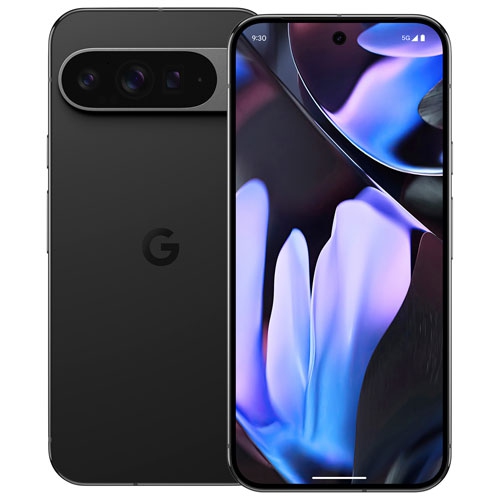 Your price for this item is $924
-
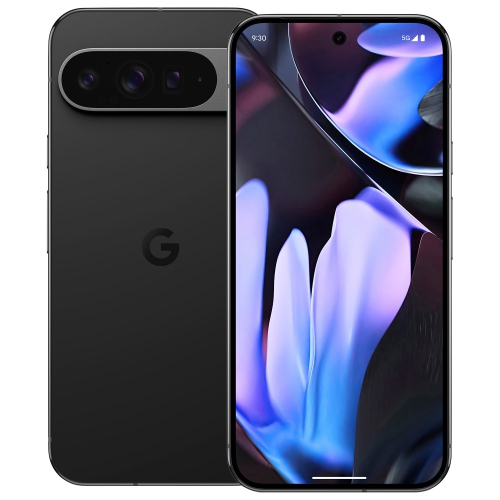 Your price for this item is $793.65
-
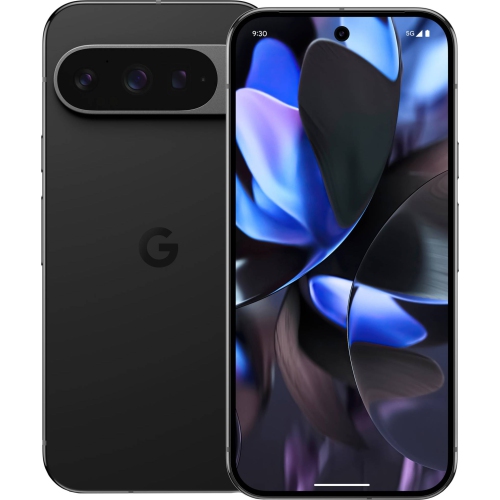 Your price for this item is $979.89
-
 Your price for this item is $859.98
-
 Your price for this item is $677
-
 Your price for this item is $614.99
-
 Your price for this item is $579.99
-
 Your price for this item is $1062.47
Discover more categories related to Google Pixel 9 XL
Top Collections:
Best Black Friday Deals This Year, Best Black Friday Deals On Electronics, Kindle Devices, Pokemon Centers, Best Black Friday Deals On Apple Products, Best Cameras for Sports Photography, Dyson Airwrap, Pokémon 30th Celebration Cards, Apple iPhone 17 Pro, Canon G7X Cameras
Some products may be subject to Environmental Handling Fees
(EHF) depending on your province.
Learn more about EHFs.