iPhone 6 S
Discover the iPhone 6 S, a versatile smartphone designed to keep you connected and organized throughout your day. Whether you're looking to upgrade your device or find a reliable option for everyday use, the iPhone 6 S offers a seamless experience for communication, entertainment, and productivity. Explore a range of models and storage capacities to find the perfect fit for your needs. Shop now and enjoy convenient features that make staying in touch and managing tasks effortless with the iPhone 6 S.
Sort

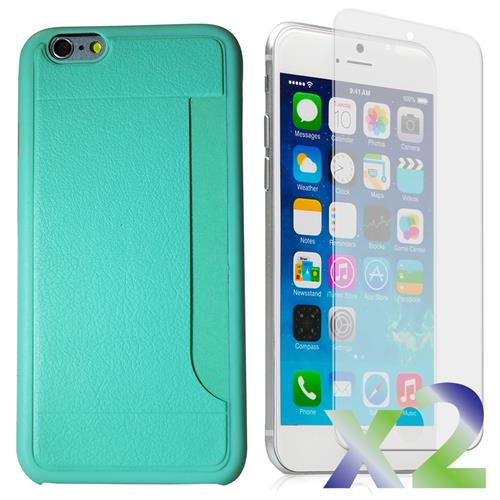
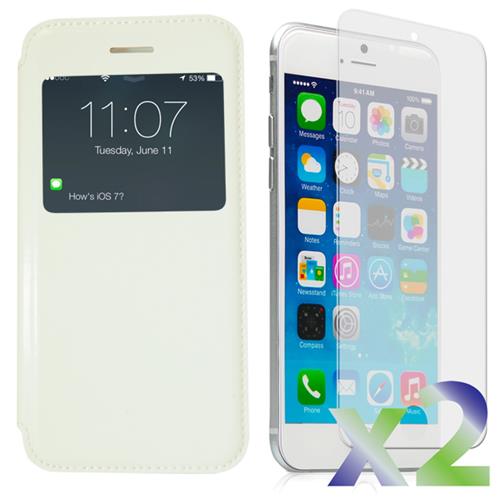
Familiar controls meet the limits of older smartphones
Compact smartphones with a 4.7-inch display offer a familiar balance of pocket-friendly size, straightforward controls, and enough screen space for everyday communication. The appeal is practical: a handset that slips into a jacket pocket, feels manageable in one hand, and handles calls, text messages, photos, and light browsing without the bulk of a larger device. Designs from the mid-2010s often combine an aluminium body with a glass front, a physical home button, and fingerprint access, giving them a different feel from larger, all-screen phones. Some also retain a 3.5 mm headphone jack, useful for wired earphones or connecting to an older car stereo with an auxiliary input. These details can make an older handset comfortable for someone who values familiar controls, but its age matters as much as its shape. A phone introduced in 2015 belongs to an earlier generation of mobile hardware, with less processing power and a lower ceiling for operating system support than newer devices. Support for 4G LTE does not mean support for 5G, and the presence of Wi-Fi does not guarantee that every online service will work. Banking, messaging, navigation, and streaming apps can require software versions that an older phone cannot install. Even an app that opens successfully may have features that no longer function as expected. For Canadian mobile service, the exact handset model, carrier compatibility, and support for voice calls over LTE deserve attention, particularly as older network technologies are retired. An unlocked phone still needs to meet the chosen carrier’s technical requirements. For shoppers comparing a compact older handset with a newer generation, the iPhone 16 128GB page provides another point of comparison for storage, design, and everyday use. The most useful distinction is whether the phone can reliably support the tasks its owner actually needs, rather than whether its familiar appearance seems sufficient.
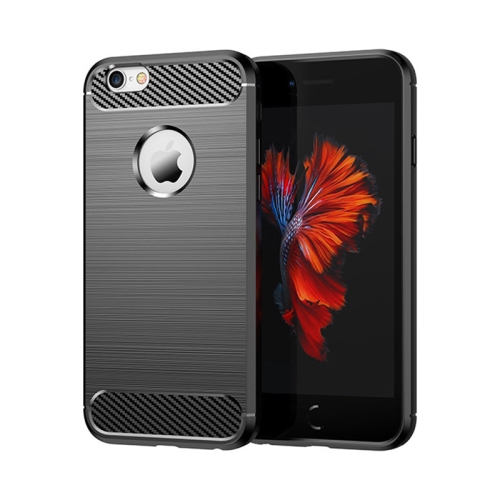
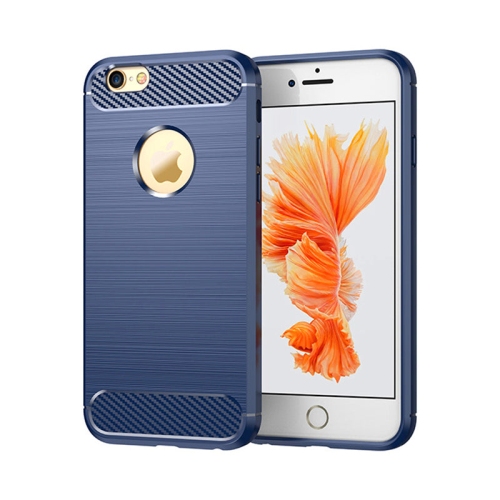
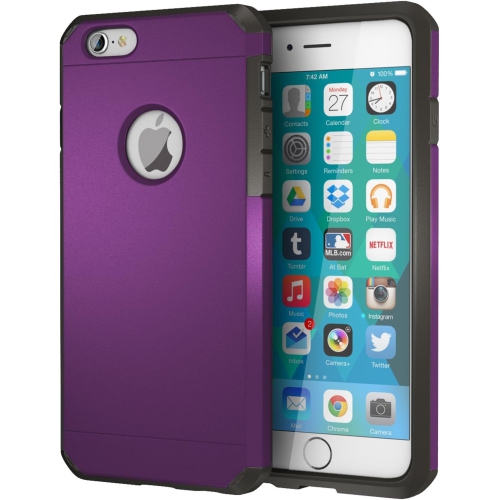
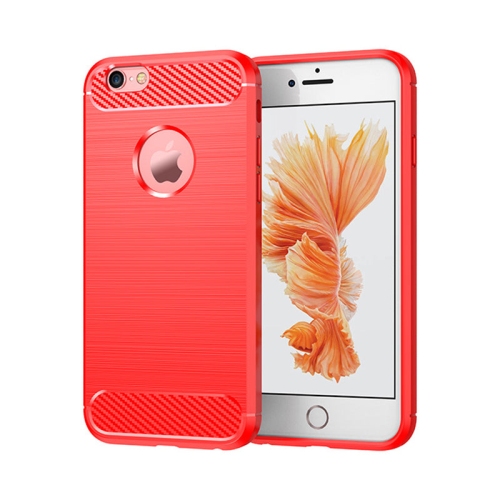
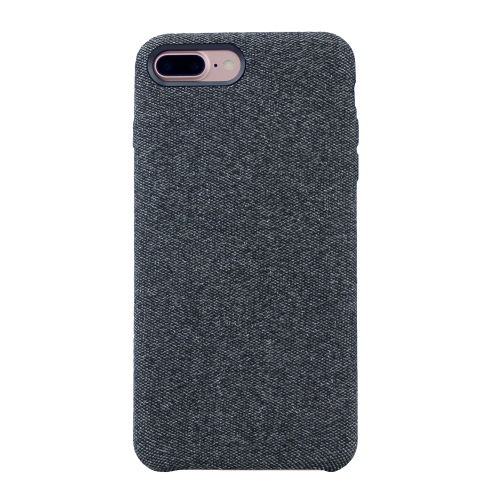
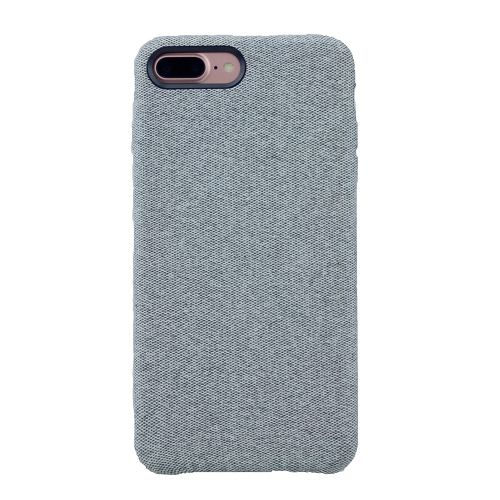
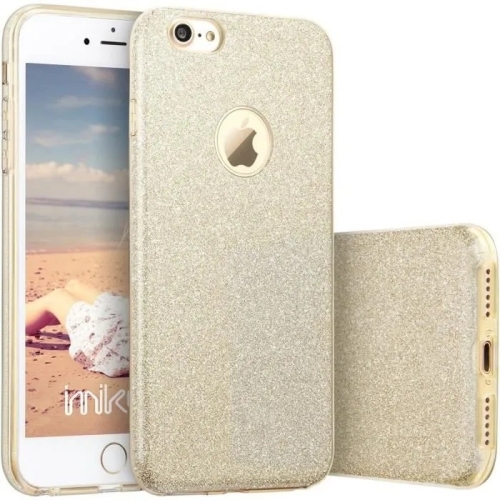
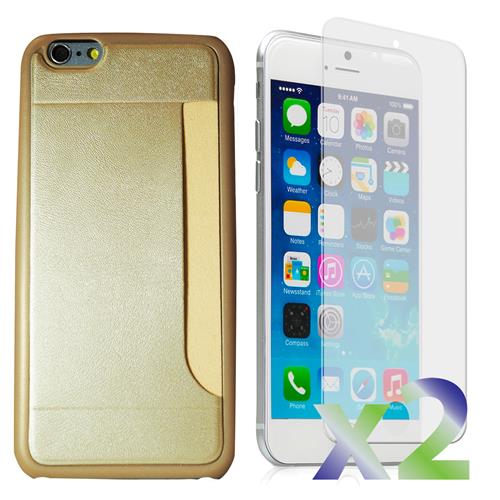
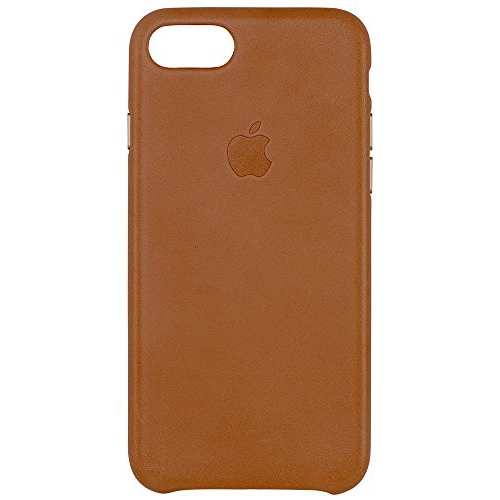
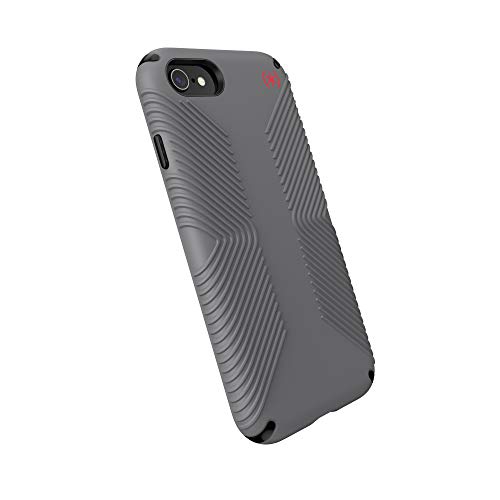
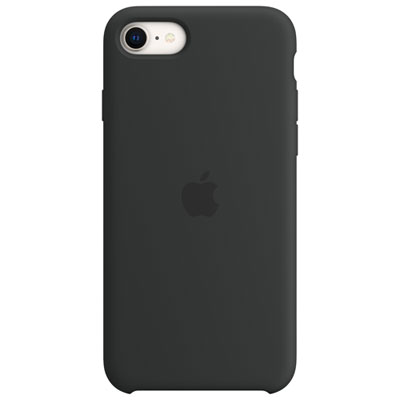
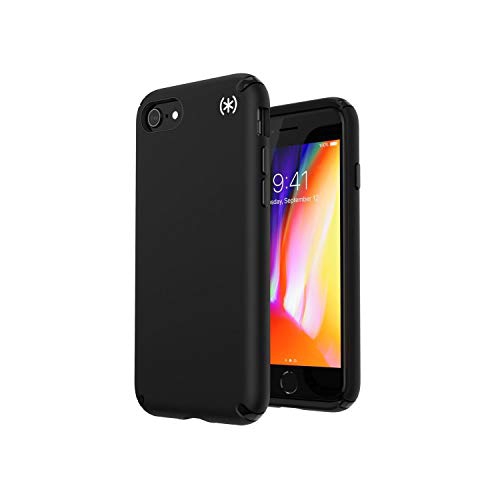
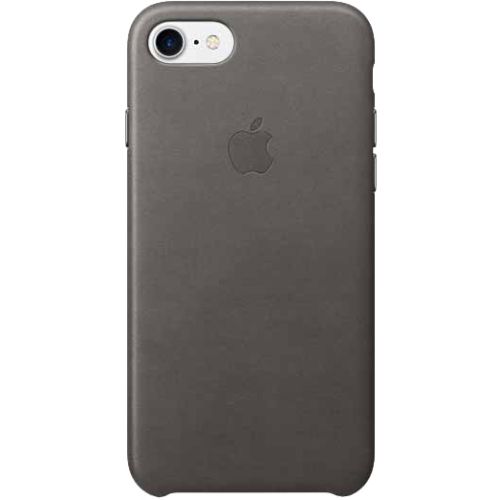
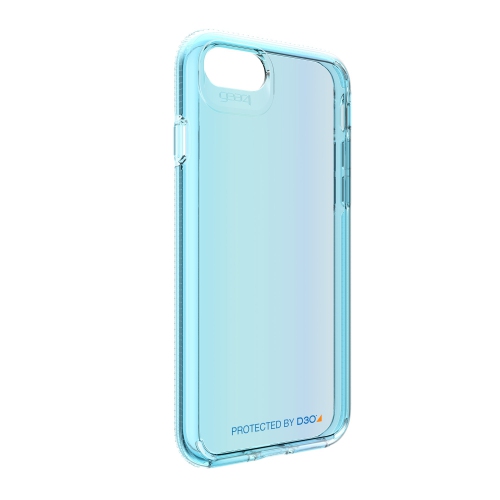
The physical condition of an older smartphone affects everything from grip to charging reliability. Aluminium can feel light and solid in the hand, although dents around corners or a bent frame warrant closer attention than a small surface mark. Glass should be checked for chips, cracks, and areas where touch input does not respond consistently. A protective case can soften everyday knocks and add traction when taking a phone out of a coat pocket, but the fit needs to match the exact handset. Two phones with similar screen sizes can differ in thickness, camera placement, button alignment, and charging-port position. A well-fitted case leaves microphones and speakers unobstructed, allows the charging cable to seat properly, and keeps side controls easy to press. Flexible materials can make a case easier to remove for cleaning, while firmer shells provide a more structured feel; a raised edge may help keep the screen from resting directly on a tabletop. Screen protectors also need the correct outline and cut-outs so they do not interfere with the home button, front camera, or sensors. Neither a case nor a screen protector makes a phone waterproof, and older handsets should not be assumed to tolerate rain, spilled drinks, or condensation. During the cooler months, keeping a phone in an inside pocket can limit prolonged exposure to low temperatures, which may temporarily reduce battery performance. Routine care is simple: a soft, lint-free cloth removes fingerprints, and moisture should be kept away from ports and openings. Charging cables should have intact insulation and a connector suited to the device, without forcing or wiggling the plug into place. Battery condition is especially important on an older phone because age and repeated charging reduce usable capacity. Unexpected shutdowns, excessive heat, or a screen lifting away from the frame are not ordinary cosmetic wear; a device showing signs of battery swelling should not be charged or used and needs professional assessment.
Everyday suitability depends on how much is expected of the phone. An older compact handset may suit someone who mainly makes calls, exchanges short messages, listens to downloaded audio, or takes occasional photos, provided the necessary services remain compatible. It can also have a role as a spare household phone or a dedicated music player, although emergency communication should never depend on an untested device or inactive service. A student travelling between home and school, a family member who prefers a physical home button, or someone who wants a smaller device for short outings may appreciate the manageable dimensions. As a gift, an older phone is most thoughtful when its recipient’s accessibility needs, preferred apps, and charging habits are already understood. A smaller display is easier to carry but can make long messages, maps, and fine print harder to read; increasing text size may help, while reducing the amount of information visible at once. Storage is another everyday consideration. Capacity measured in gigabytes is shared by the operating system, apps, photos, messages, and downloaded files, so the stated capacity is not all free space. On phones without expandable internal storage, a modest photo library and a few essential apps are very different from keeping years of videos and offline entertainment on the device. Higher-resolution video fills space quickly, and transferring important files regularly helps avoid an unexpectedly full phone during a family outing. Camera condition matters too: a clean, unscratched lens and working autofocus can be more useful than a specification alone, particularly for photographing documents or capturing faces indoors. For previously owned or refurbished handsets, cosmetic condition, battery health, repair history, and functional testing are separate considerations. A tidy exterior does not establish that the microphones, cameras, fingerprint sensor, or charging port work properly. The phone also needs to be free of the previous owner’s account lock and ready for activation. Matching these practical details to the intended use gives a clearer picture of whether an older smartphone will be a comfortable everyday companion or better suited to a limited, specific role.
The physical condition of an older smartphone affects everything from grip to charging reliability. Aluminium can feel light and solid in the hand, although dents around corners or a bent frame warrant closer attention than a small surface mark. Glass should be checked for chips, cracks, and areas where touch input does not respond consistently. A protective case can soften everyday knocks and add traction when taking a phone out of a coat pocket, but the fit needs to match the exact handset. Two phones with similar screen sizes can differ in thickness, camera placement, button alignment, and charging-port position. A well-fitted case leaves microphones and speakers unobstructed, allows the charging cable to seat properly, and keeps side controls easy to press. Flexible materials can make a case easier to remove for cleaning, while firmer shells provide a more structured feel; a raised edge may help keep the screen from resting directly on a tabletop. Screen protectors also need the correct outline and cut-outs so they do not interfere with the home button, front camera, or sensors. Neither a case nor a screen protector makes a phone waterproof, and older handsets should not be assumed to tolerate rain, spilled drinks, or condensation. During the cooler months, keeping a phone in an inside pocket can limit prolonged exposure to low temperatures, which may temporarily reduce battery performance. Routine care is simple: a soft, lint-free cloth removes fingerprints, and moisture should be kept away from ports and openings. Charging cables should have intact insulation and a connector suited to the device, without forcing or wiggling the plug into place. Battery condition is especially important on an older phone because age and repeated charging reduce usable capacity. Unexpected shutdowns, excessive heat, or a screen lifting away from the frame are not ordinary cosmetic wear; a device showing signs of battery swelling should not be charged or used and needs professional assessment.
Everyday suitability depends on how much is expected of the phone. An older compact handset may suit someone who mainly makes calls, exchanges short messages, listens to downloaded audio, or takes occasional photos, provided the necessary services remain compatible. It can also have a role as a spare household phone or a dedicated music player, although emergency communication should never depend on an untested device or inactive service. A student travelling between home and school, a family member who prefers a physical home button, or someone who wants a smaller device for short outings may appreciate the manageable dimensions. As a gift, an older phone is most thoughtful when its recipient’s accessibility needs, preferred apps, and charging habits are already understood. A smaller display is easier to carry but can make long messages, maps, and fine print harder to read; increasing text size may help, while reducing the amount of information visible at once. Storage is another everyday consideration. Capacity measured in gigabytes is shared by the operating system, apps, photos, messages, and downloaded files, so the stated capacity is not all free space. On phones without expandable internal storage, a modest photo library and a few essential apps are very different from keeping years of videos and offline entertainment on the device. Higher-resolution video fills space quickly, and transferring important files regularly helps avoid an unexpectedly full phone during a family outing. Camera condition matters too: a clean, unscratched lens and working autofocus can be more useful than a specification alone, particularly for photographing documents or capturing faces indoors. For previously owned or refurbished handsets, cosmetic condition, battery health, repair history, and functional testing are separate considerations. A tidy exterior does not establish that the microphones, cameras, fingerprint sensor, or charging port work properly. The phone also needs to be free of the previous owner’s account lock and ready for activation. Matching these practical details to the intended use gives a clearer picture of whether an older smartphone will be a comfortable everyday companion or better suited to a limited, specific role.
Top selling and popular products
-
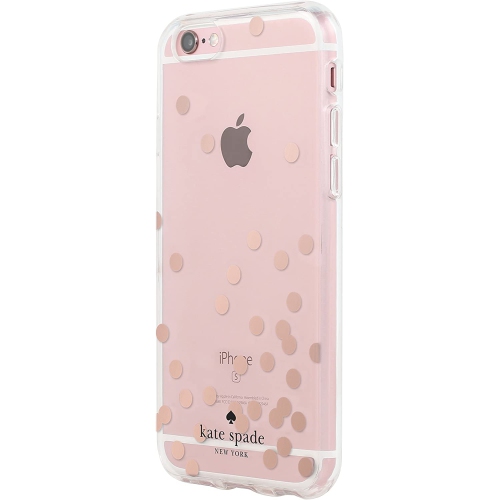 Your price for this item is $10.99
 -
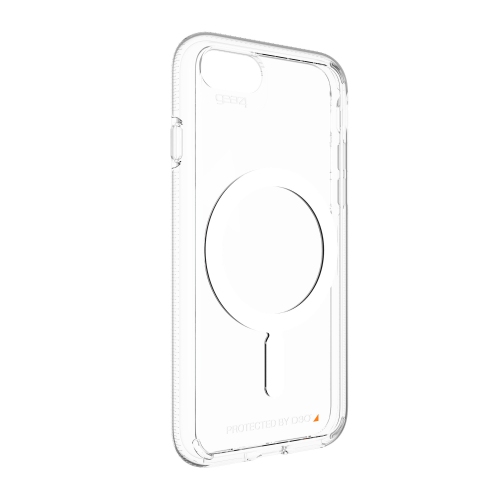 Your price for this item is $59.99
 -
 Your price for this item is $49.99
 -
 Your price for this item is $53.99
 -
 Your price for this item is $29.97
 -
 Your price for this item is $54
 -
 Your price for this item is $39.99
 -
 Your price for this item is $39.99
Discover more categories related to iPhone 6 S
Top Collections:
Pokemon Centers, Kindle Devices, Best Cameras for Sports Photography, Samsung Galaxy Phones, Laptops for Business Work, Canon G7X Cameras, Pokémon 30th Celebration Cards, Refurbished Apple Laptops, iPhone 15 Apple, Cordless Dyson Vacuums
Some products may be subject to Environmental Handling Fees
(EHF) depending on your province.
Learn more about EHFs.