Mobile Phones With Keyboards
Mobile Phones With Keyboards offer a classic approach to communication, combining tactile keys with modern mobile technology. Perfect for those who prefer physical buttons for texting, dialing, and navigating menus, these devices deliver a familiar and reliable user experience. Explore a range of styles and designs to find the ideal Mobile Phones With Keyboards that fit your preferences and keep you connected with ease.
Sort
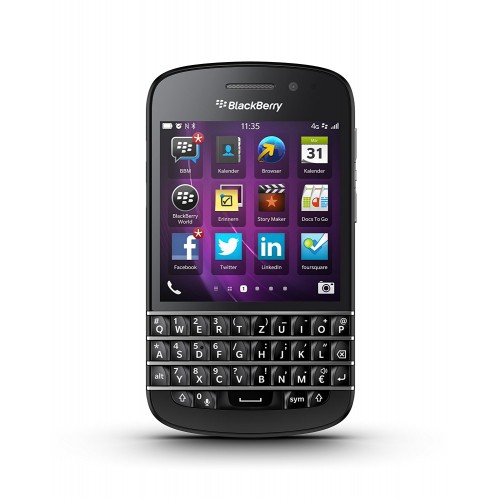
![BLACKBERRY Refurbished (Excellent) - Berry Keyone Unlocked Cellphone In [Certified Refurbished]](https://multimedia.bbycastatic.ca/multimedia/products/500x500/136/13612/13612571.jpeg)


Physical keys change how everyday messages feel
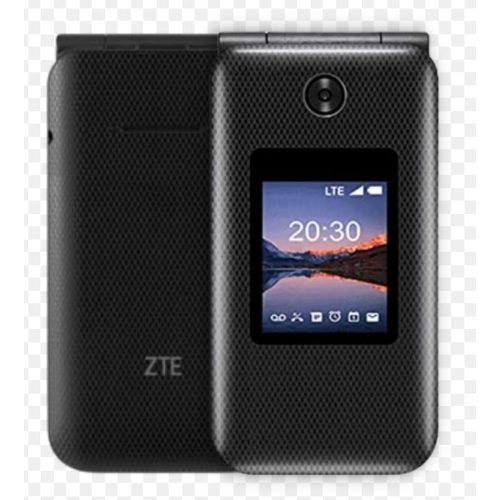
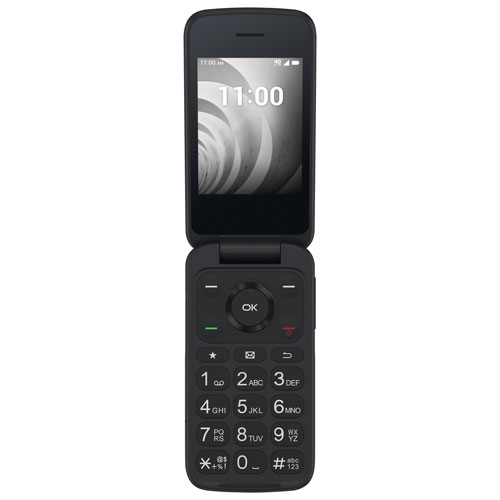
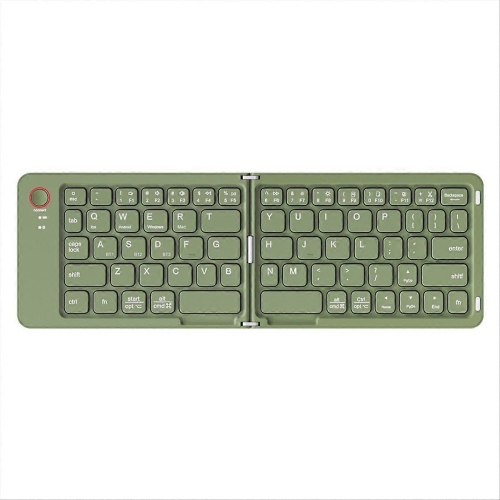
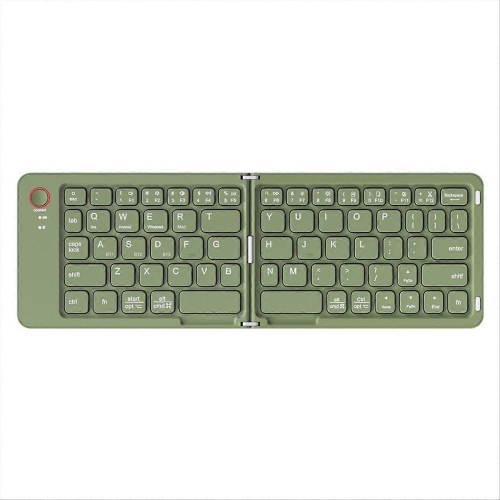
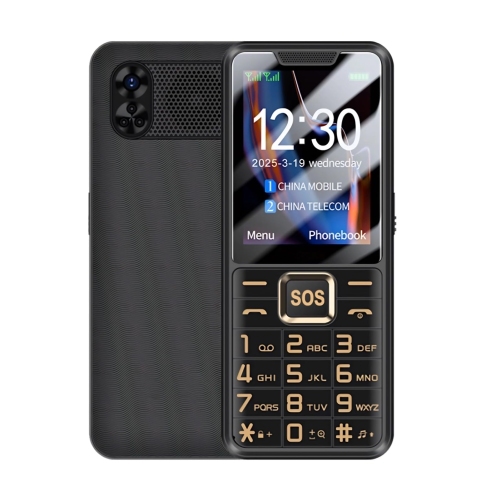
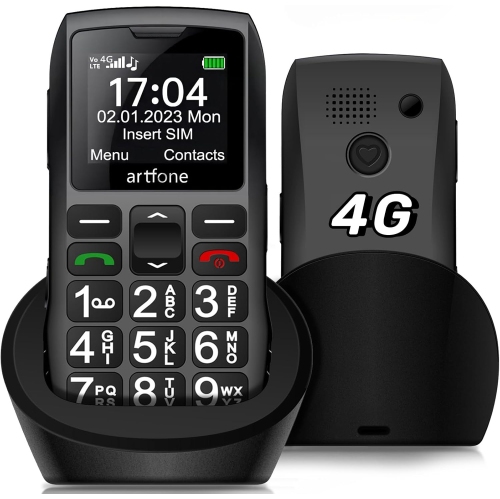
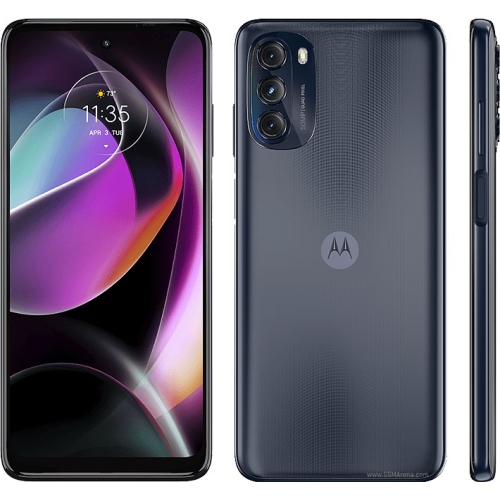
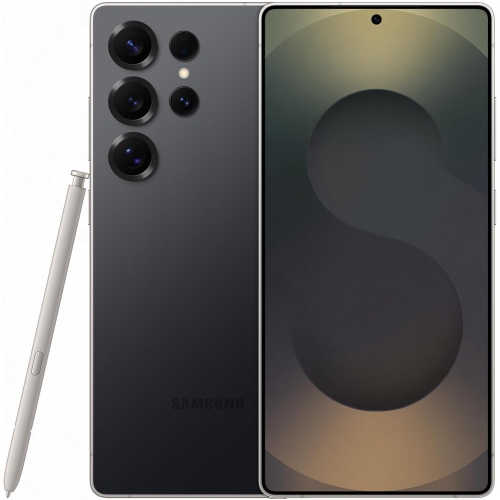
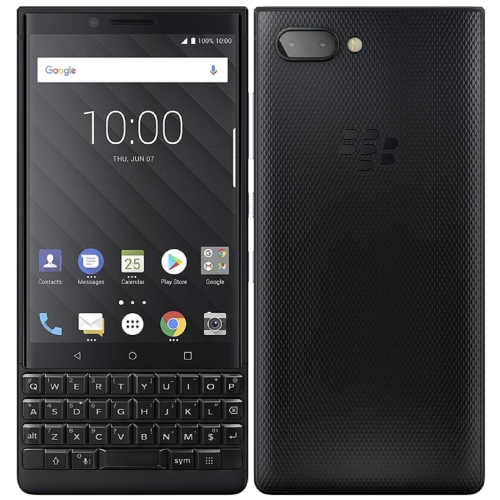
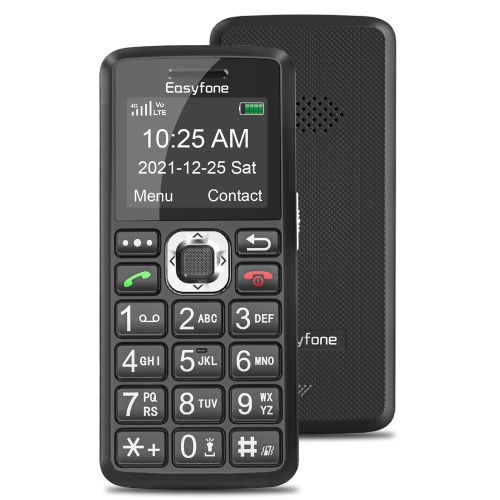
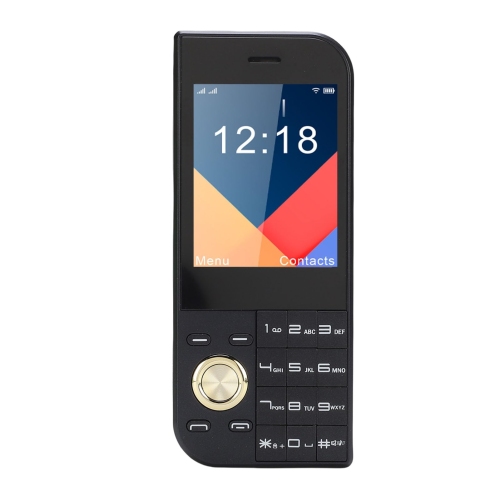
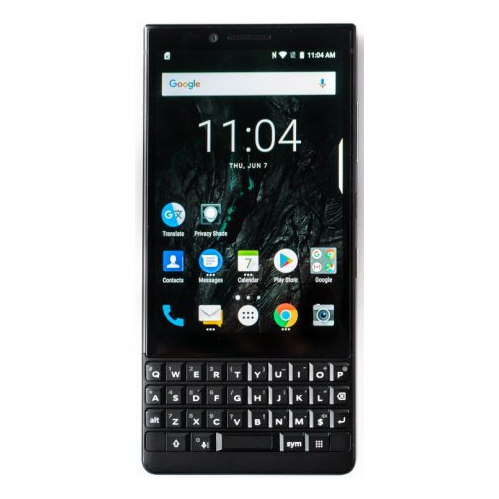
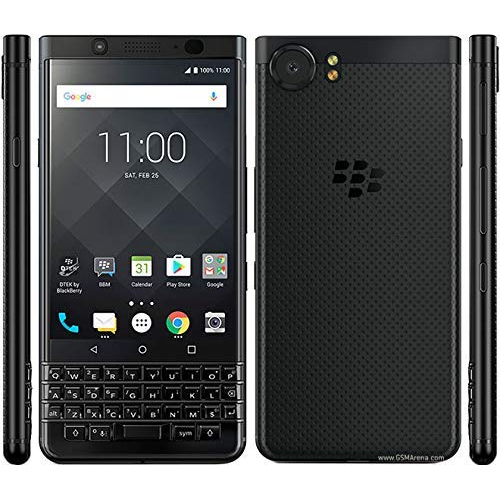
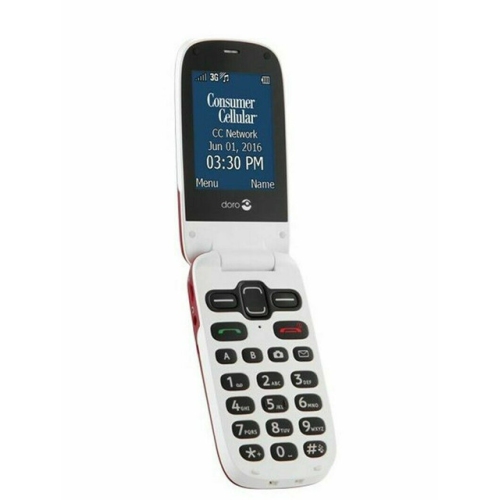
Mobile phones with keyboards pair calling and messaging features with physical keys, giving each letter or number a distinct place beneath the fingertips. For people who prefer a tactile response to typing on glass, that difference can make everyday communication feel more deliberate: a quick reply to a colleague, a shopping list written on the bus, or a longer message to family. A physical QWERTY keyboard follows the familiar letter arrangement of a computer keyboard, while a traditional numeric keypad groups several letters onto each number key and may rely on predictive text. These layouts serve different habits, so the distinction matters more than the general label “keyboard phone.” Full QWERTY designs tend to suit frequent messaging and email, whereas numeric keypads can suit people whose main priorities are calls and short texts. Some phones place the keyboard below the display; others use a sliding mechanism that keeps it tucked away between typing sessions. A fixed keyboard is ready without an extra movement, while a slider can leave more of the front surface for the screen when closed. Neither arrangement guarantees a comfortable fit for every hand. Key spacing, the raised shape of each button, the force needed for a press, and the balance of the handset all affect how it feels during a conversation typed with both thumbs. A wider body may give the keys more room but feel less manageable in one hand. Clearly printed characters and keyboard backlighting, where included, can improve visibility, while dedicated number or symbol access can reduce the steps involved in entering passwords and addresses. Physical keys do not automatically make a phone accessible to every user; people with limited dexterity or vision may also need adjustable text size, screen-reading support, or voice input. The most suitable design brings the keyboard, display, and controls together around the tasks its owner performs most often.
A keyboard is only one part of a mobile phone’s usefulness. Models in this category can range from basic calling devices to smartphones that support email, maps, web browsing, and downloadable apps, with capabilities determined by their hardware and operating system. A physical keyboard does not itself indicate whether a phone supports a particular app, mobile network, or accessibility feature. For use in Canada, compatibility depends on the exact model variant, supported network bands, and the carrier’s requirements. An unlocked handset is not automatically compatible with every Canadian carrier. Support for 4G LTE or 5G data also does not, on its own, confirm that voice calls will work as expected; carrier support for voice over LTE, often called VoLTE, is an important consideration. Wi-Fi calling is another feature that depends on both the phone and the service provider. These details are particularly relevant to older keyboard designs, which may still power on and connect to Wi-Fi but lack the network support needed for dependable mobile service. Software matters just as much for someone who plans to access work messages, banking, or personal accounts. An operating system that no longer receives security updates can limit suitability for sensitive tasks, and app requirements may prevent older devices from running essential services. For everyday smartphone use, a practical match combines the preferred keyboard layout with compatible connectivity, supported software, and enough storage for the intended apps and files. Screen shape deserves attention too: a compact or unusually proportioned display may show less of a document, make navigation controls smaller, or affect how an app presents its menus. Battery life varies with signal strength, screen use, background activity, and battery condition rather than keyboard style alone. Charging connection type, charger compatibility, and whether the battery can be replaced are useful details for a phone expected to handle regular calls and messages over an extended period.
The construction of a keyboard phone has a noticeable effect on daily comfort and long-term care. Plastic housings can help keep weight down, while metal frames may add rigidity and a different feel in the hand; neither material alone establishes how well a device will withstand a fall. Textured backs, rounded edges, and the position of side buttons influence grip when lifting the phone from a desk or holding it through a long call. Raised keys introduce small gaps where pocket lint and dust can collect, and sliding designs add moving parts that benefit from gentle handling. Routine care generally means switching the phone off, disconnecting charging cables, and wiping accessible surfaces with a soft, lint-free cloth according to the manufacturer’s directions. Liquid sprayed directly onto keys or ports can reach internal components, and harsh cleaners can damage coatings or printed lettering. Water and dust resistance should be judged by the stated rating and its conditions, not by a sturdy appearance. A correctly fitted case should leave enough clearance for comfortable typing, keep microphones and ports unobstructed, and allow any sliding mechanism to move freely. For a frequent traveller, pocket dimensions and overall weight may matter as much as typing speed; for someone answering messages at a desk, stable placement and easy access to punctuation may carry more weight. Keyboard shortcuts, when supported, can make repeated actions more convenient, but their functions differ between devices. People exploring related typing setups can also browse Phone and Keyboards, keeping the distinction between an integrated handset keyboard and a separate accessory in mind. As a gift, a keyboard phone is most thoughtful when it reflects an established preference rather than an assumption about age or technical confidence. Someone who misses the feel of physical buttons may appreciate the familiar feedback, while still needing the apps and account access used every day. Matching those habits, the recipient’s carrier, and their preferred hand fit makes the keyboard a useful part of the phone rather than simply a nostalgic detail.
A keyboard is only one part of a mobile phone’s usefulness. Models in this category can range from basic calling devices to smartphones that support email, maps, web browsing, and downloadable apps, with capabilities determined by their hardware and operating system. A physical keyboard does not itself indicate whether a phone supports a particular app, mobile network, or accessibility feature. For use in Canada, compatibility depends on the exact model variant, supported network bands, and the carrier’s requirements. An unlocked handset is not automatically compatible with every Canadian carrier. Support for 4G LTE or 5G data also does not, on its own, confirm that voice calls will work as expected; carrier support for voice over LTE, often called VoLTE, is an important consideration. Wi-Fi calling is another feature that depends on both the phone and the service provider. These details are particularly relevant to older keyboard designs, which may still power on and connect to Wi-Fi but lack the network support needed for dependable mobile service. Software matters just as much for someone who plans to access work messages, banking, or personal accounts. An operating system that no longer receives security updates can limit suitability for sensitive tasks, and app requirements may prevent older devices from running essential services. For everyday smartphone use, a practical match combines the preferred keyboard layout with compatible connectivity, supported software, and enough storage for the intended apps and files. Screen shape deserves attention too: a compact or unusually proportioned display may show less of a document, make navigation controls smaller, or affect how an app presents its menus. Battery life varies with signal strength, screen use, background activity, and battery condition rather than keyboard style alone. Charging connection type, charger compatibility, and whether the battery can be replaced are useful details for a phone expected to handle regular calls and messages over an extended period.
The construction of a keyboard phone has a noticeable effect on daily comfort and long-term care. Plastic housings can help keep weight down, while metal frames may add rigidity and a different feel in the hand; neither material alone establishes how well a device will withstand a fall. Textured backs, rounded edges, and the position of side buttons influence grip when lifting the phone from a desk or holding it through a long call. Raised keys introduce small gaps where pocket lint and dust can collect, and sliding designs add moving parts that benefit from gentle handling. Routine care generally means switching the phone off, disconnecting charging cables, and wiping accessible surfaces with a soft, lint-free cloth according to the manufacturer’s directions. Liquid sprayed directly onto keys or ports can reach internal components, and harsh cleaners can damage coatings or printed lettering. Water and dust resistance should be judged by the stated rating and its conditions, not by a sturdy appearance. A correctly fitted case should leave enough clearance for comfortable typing, keep microphones and ports unobstructed, and allow any sliding mechanism to move freely. For a frequent traveller, pocket dimensions and overall weight may matter as much as typing speed; for someone answering messages at a desk, stable placement and easy access to punctuation may carry more weight. Keyboard shortcuts, when supported, can make repeated actions more convenient, but their functions differ between devices. People exploring related typing setups can also browse Phone and Keyboards, keeping the distinction between an integrated handset keyboard and a separate accessory in mind. As a gift, a keyboard phone is most thoughtful when it reflects an established preference rather than an assumption about age or technical confidence. Someone who misses the feel of physical buttons may appreciate the familiar feedback, while still needing the apps and account access used every day. Matching those habits, the recipient’s carrier, and their preferred hand fit makes the keyboard a useful part of the phone rather than simply a nostalgic detail.
Top selling and popular products
-
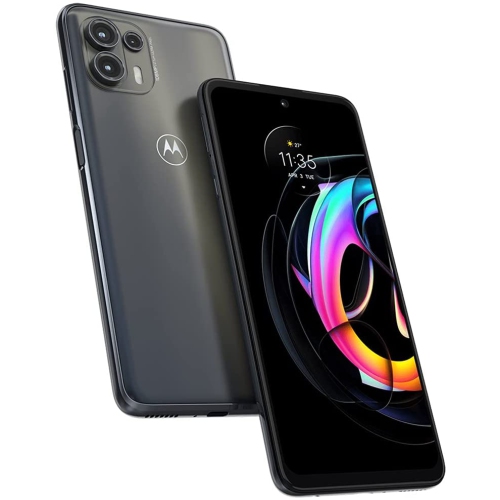 Your price for this item is $139
 -
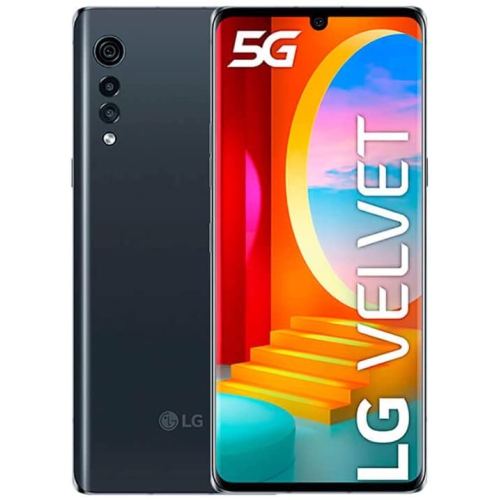 Your price for this item is $292.99
 -
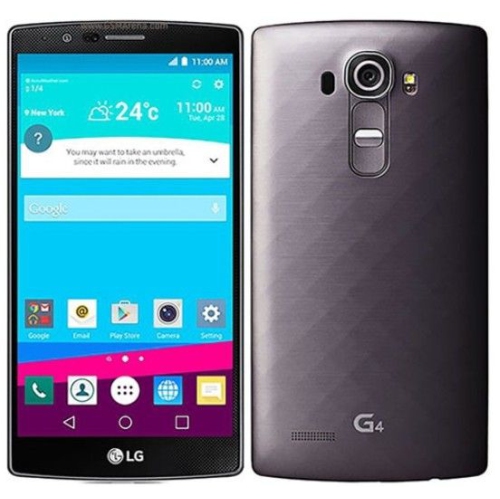 Your price for this item is $120
 -
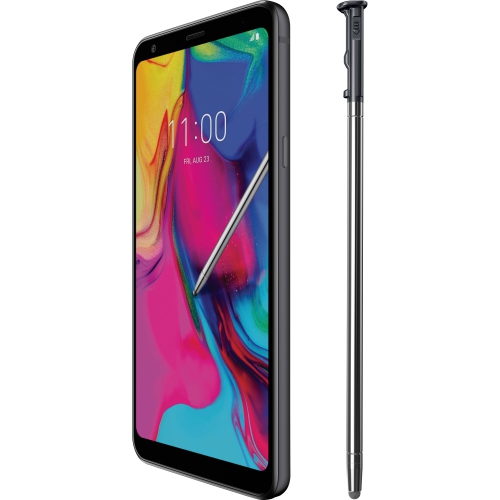 Your price for this item is $221.01
 -
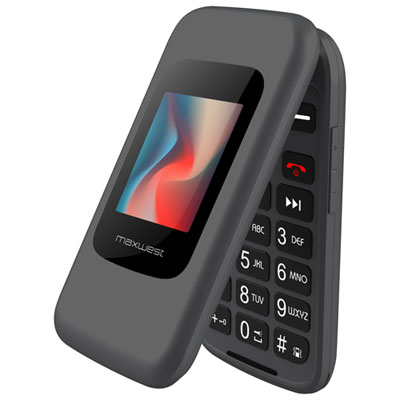 Your price for this item is $89.99
 -
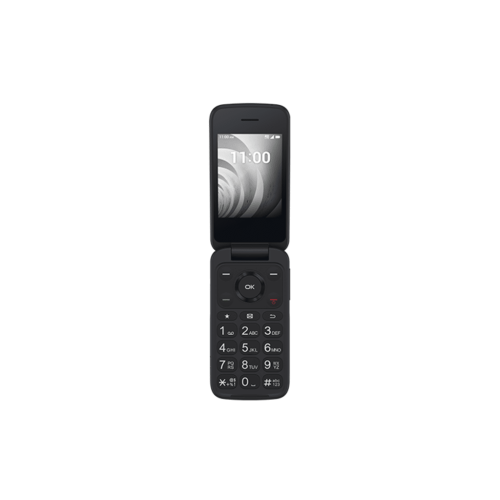 Your price for this item is $184.99
 -
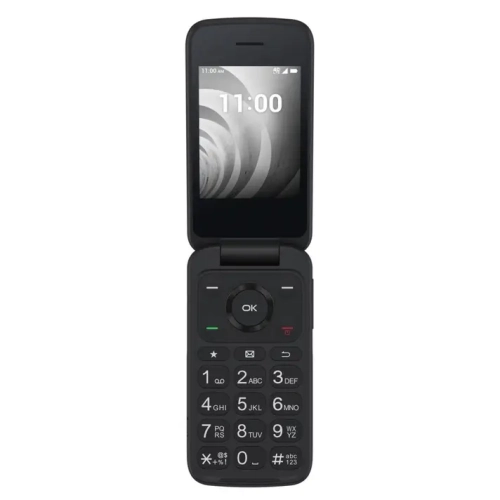 Your price for this item is $219
 -
 Your price for this item is $177.1
Discover more categories related to Mobile Phones With Keyboards
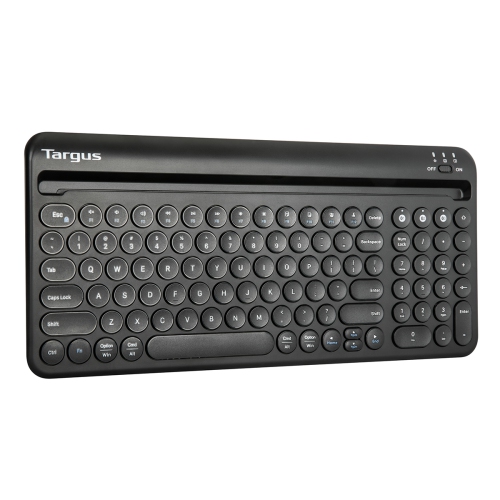
Top Collections:
Pokemon Centers, Best Cameras for Sports Photography, Kindle Devices, Samsung Galaxy Phones, Canon G7X Cameras, Pokémon 30th Celebration Cards, Refurbished Apple Laptops, iPhone 15 Apple, Laptops for Students, Budget Smartphones
Some products may be subject to Environmental Handling Fees
(EHF) depending on your province.
Learn more about EHFs.