Phone and Keyboards
Find everything you need to stay connected and productive with our Phone and Keyboard selection. Whether you're upgrading your mobile device or looking for a reliable keyboard to enhance your workspace, explore a wide variety of options designed to suit different preferences and needs. Shop the latest in Phone and Keyboard technology and discover products that help you communicate, create, and get more done every day.
Sort
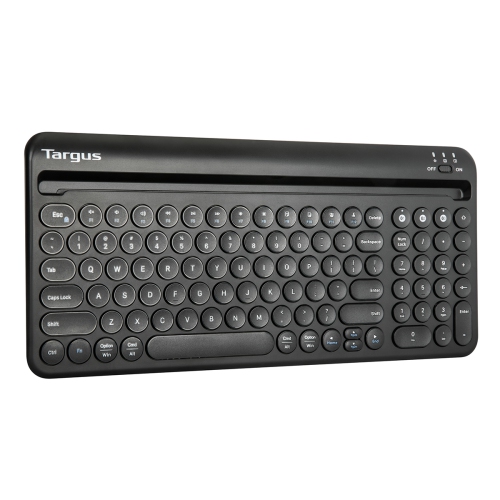
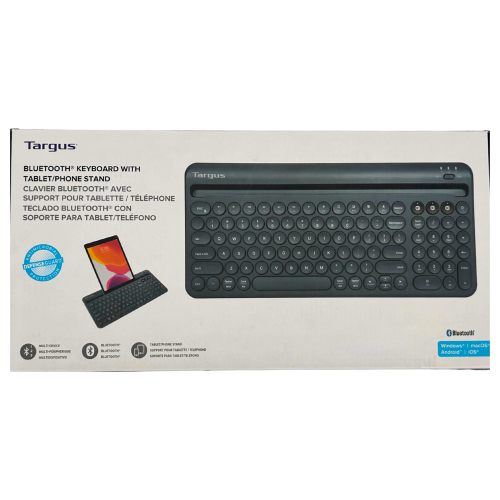
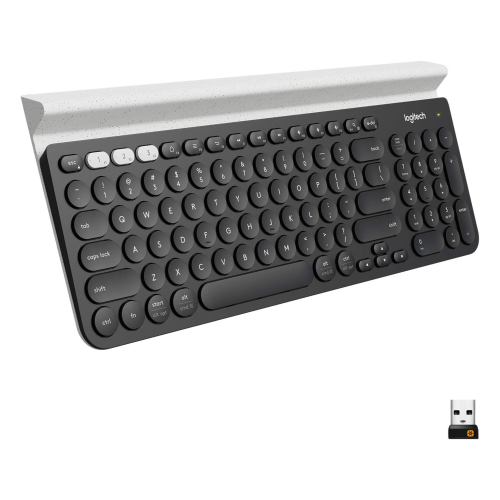
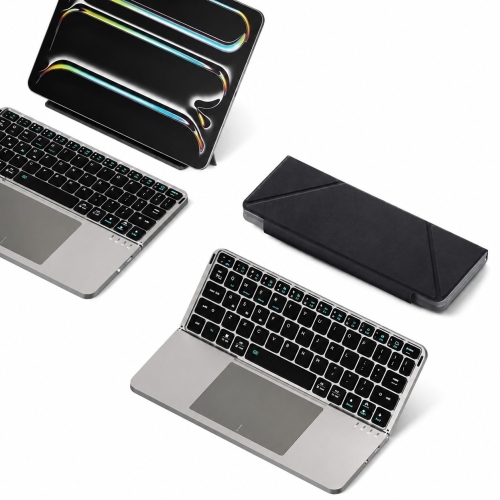
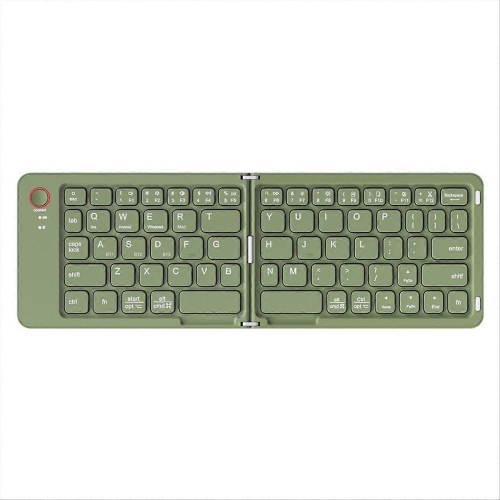
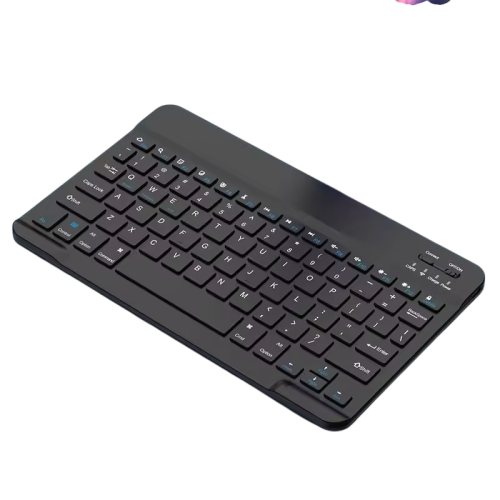
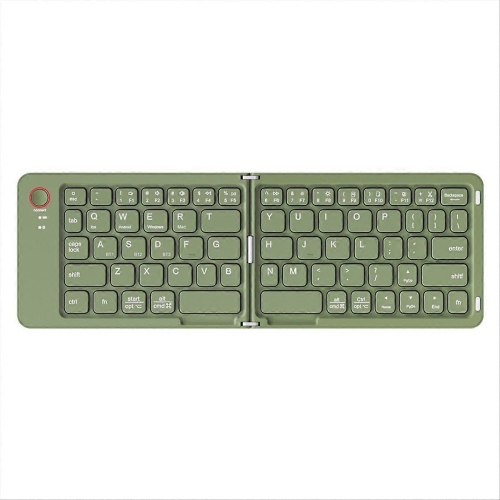
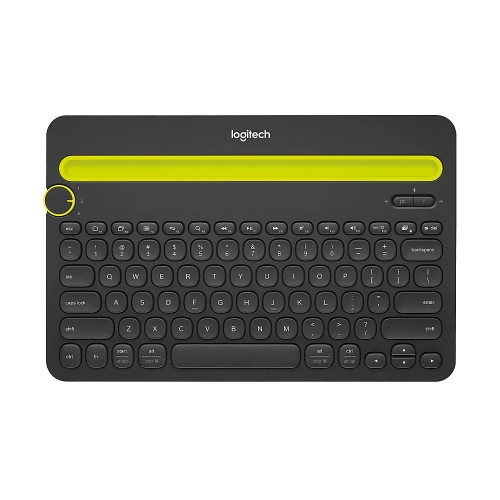
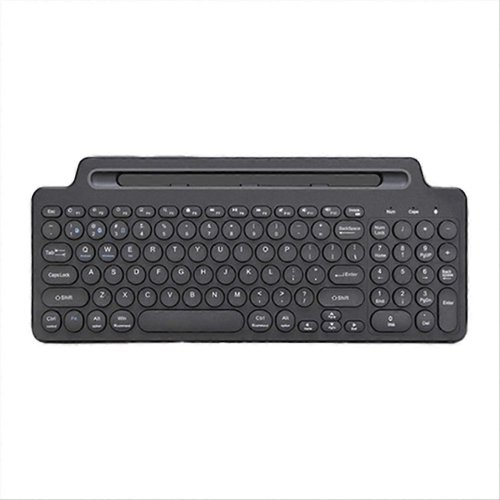
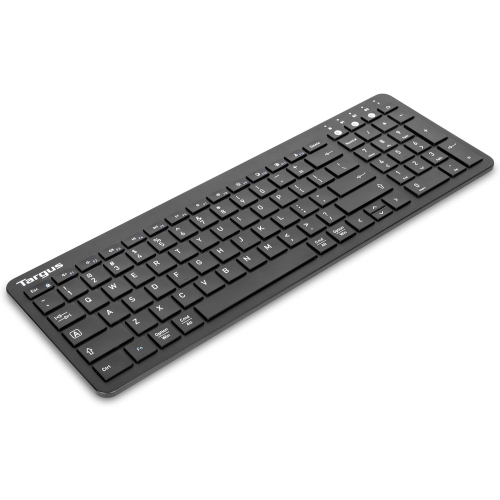
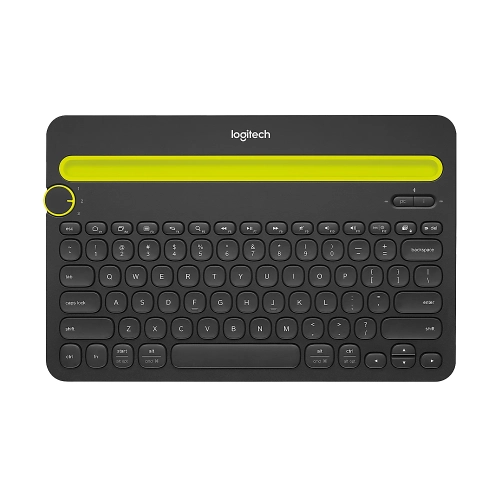
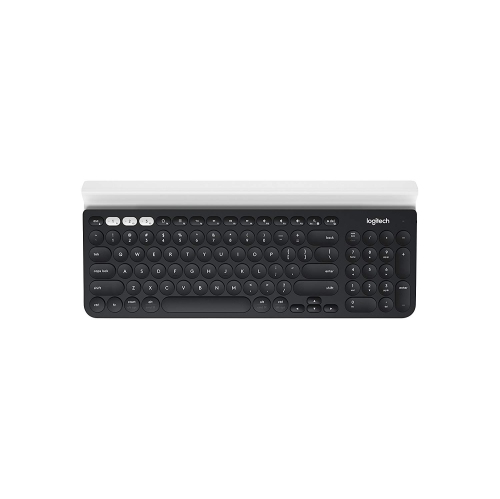
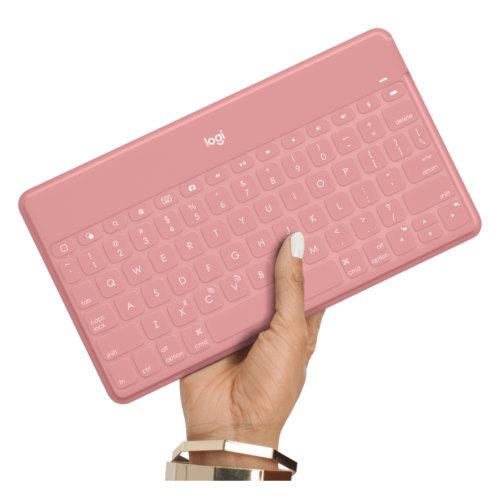
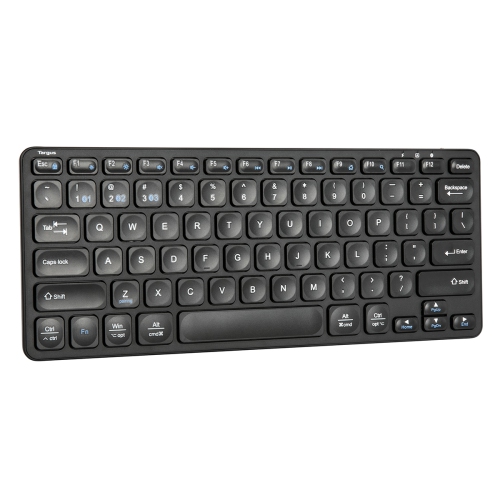

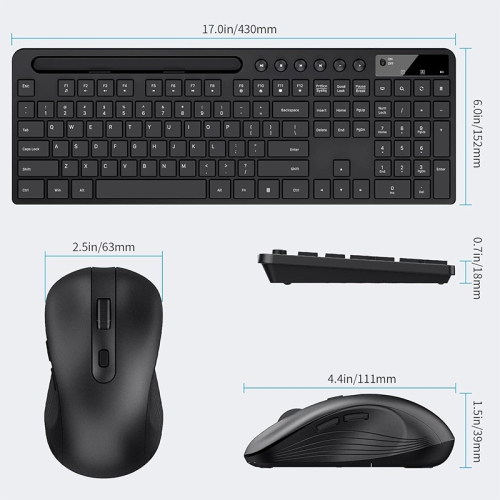
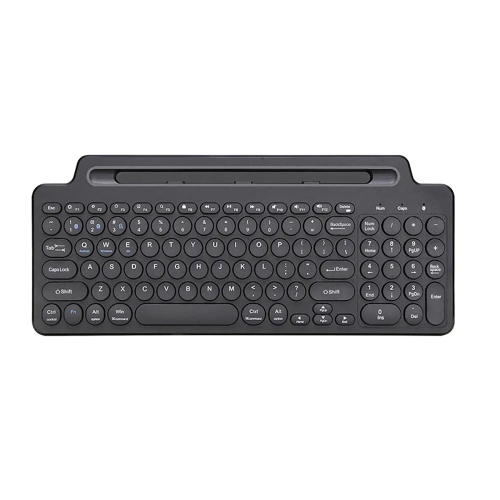
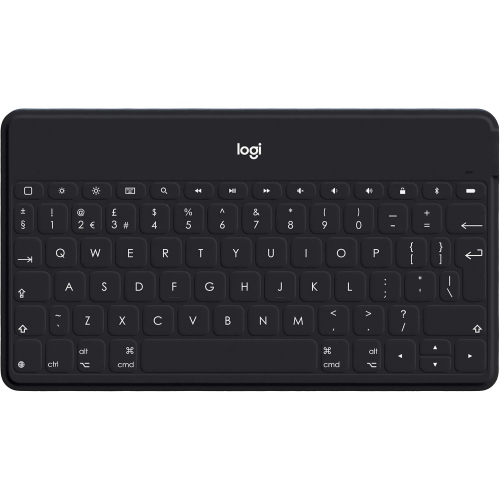
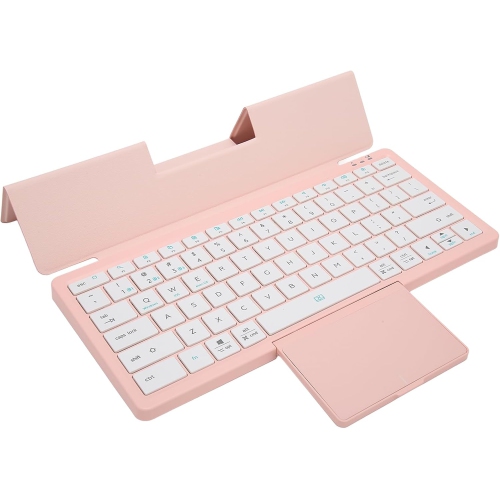
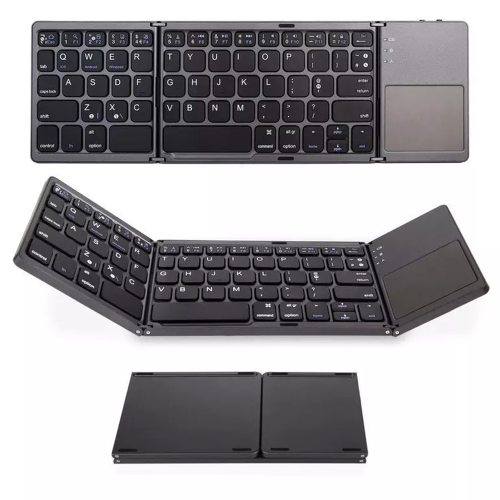
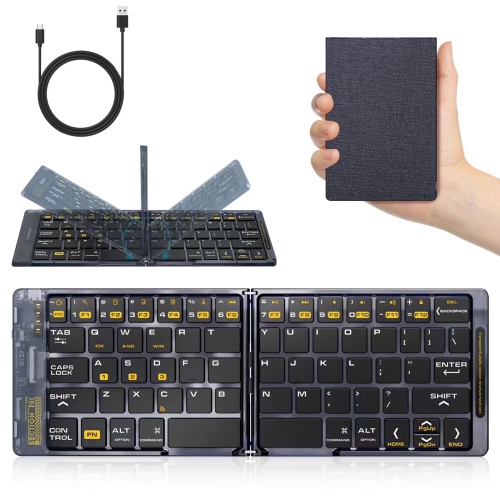
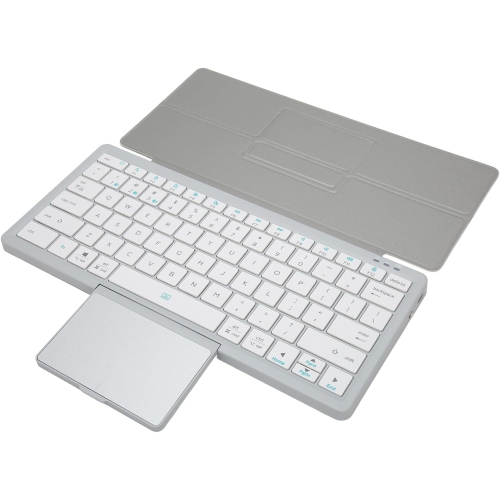
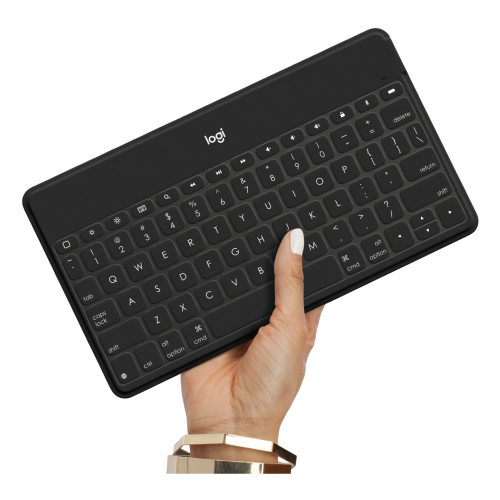
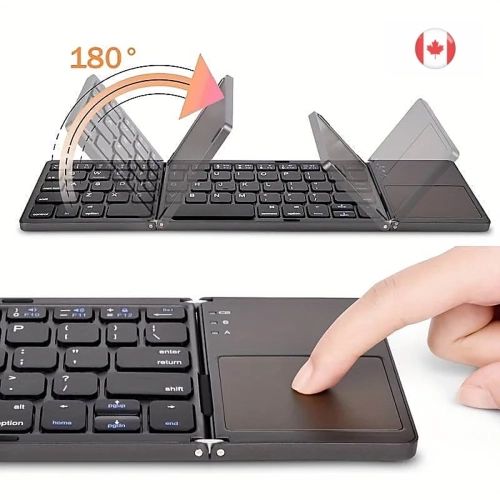
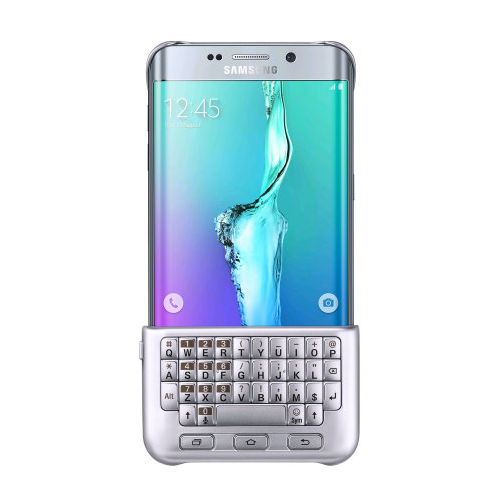
Physical keys for longer writing on your phone
Phone keyboards add physical keys to a smartphone, making longer messages, documents, and everyday text entry feel more familiar to anyone accustomed to typing on a computer. The main formats include keyboard cases that attach directly to a compatible phone, compact Bluetooth keyboards that sit separately on a desk, and folding keyboards designed to tuck into a bag. Each suits a different kind of routine. An attached keyboard keeps the screen and keys together for handheld typing, while a separate keyboard creates room for a wider layout and a phone stand. For someone replying to detailed emails between appointments, editing class notes, or drafting a report away from a laptop, that distinction matters more than appearance alone. Physical keys provide a defined surface beneath the fingers, and a supported external keyboard can allow the onscreen keyboard to hide, leaving more space for text. Behaviour varies by app and operating system, so a physical keyboard does not remove the need to touch the display for every task. Bluetooth models pair wirelessly with compatible phones, while wired models need a supported connector and may require an adapter or additional power. A matching plug alone does not establish compatibility; the phone must also support the keyboard connection. Shoppers exploring iPhone keyboards can consider both model-specific attachments and separate keyboards with stated support for their phone and operating system. Android phones can also work with compatible external keyboards, though shortcuts, language settings, and app controls may differ. These accessories are most useful when the task involves substantial typing rather than a quick tap or short reply. A student working through lecture notes, a traveller keeping a journal, or a professional answering lengthy messages may appreciate the extra room and tactile feedback without needing to carry a larger device for every outing.
Size, layout, and fit shape the daily experience of using a phone with a keyboard. A slim keyboard attachment can make a phone longer and alter its balance in the hand, particularly when typing with both thumbs. Model-specific cases need to match the phone’s dimensions, camera position, buttons, and charging port, not simply its screen size. Fit can also be affected by another case or accessory already attached to the phone. With a separate keyboard, key spacing becomes an important consideration: a compact layout saves bag space, but narrow keys may feel cramped during a full page of notes. A wider layout can offer more familiar finger placement, while folding designs introduce hinges and sometimes gaps or altered key positions that take practice. Key travel, resistance, and sound also influence comfort. Low-profile keys generally require less movement than taller designs, but a light touch or quiet action is a matter of preference rather than a guarantee of easier typing. Clear lettering and good contrast help with finding punctuation and less frequently used keys; backlighting, where included, can improve visibility in a dim room. English and French typing needs deserve attention as well. The printed layout, supported language settings, and access to accented characters should suit the person using the keyboard. Shortcut keys may handle functions such as volume, search, or media playback, but their behaviour depends on the phone and software. Multi-device pairing, where supported, can be useful for moving between a phone and another compatible device, although switching methods vary. For desk use, a stable stand with an appropriate viewing angle is just as valuable as the keyboard itself. A stand should support the phone’s size and weight in the desired orientation without tipping when the screen is tapped. Keeping the display raised and the keyboard within comfortable reach can make a longer writing session less awkward than bending over a phone lying flat on the table.
Materials and construction affect how well a phone keyboard handles repeated packing, typing, and travel. Plastic housings can keep weight down, while metal panels may add rigidity and a firmer feel; neither material alone establishes overall durability. The strength of hinges, the security of a case attachment, and the stability of the keyboard on a smooth surface are equally relevant. Rubber feet help limit sliding, and a protective sleeve can keep loose objects in a bag from pressing against keys or scratching the housing. Keyboard cases may include a flexible bumper or rigid shell, but an attached keyboard should not be assumed to provide drop or liquid protection unless that protection is stated. Care is usually straightforward: disconnect a wired keyboard or turn off a wireless model before cleaning, remove loose dust gently, and follow the manufacturer’s directions for wiping surfaces. Liquid should not be sprayed directly onto keys, charging ports, or folding joints. For carrying, a separate pocket helps keep crumbs, grit, and pressure from heavier objects away from the keyboard. Power needs also influence convenience. Wireless keyboards may use replaceable batteries or charge through a cable, while some phone attachments draw power from the phone itself. Battery life depends on use and features such as backlighting, and pass-through charging is only relevant when the attachment specifically supports it. Access to the charging port, compatibility with a phone stand, and support for wireless charging should all be checked rather than assumed. These practical details matter when giving a phone keyboard as a gift: the recipient’s exact phone model, preferred language layout, and usual typing habits are more useful than colour alone. Someone who writes at a kitchen table may value a separate keyboard and sturdy stand, while someone who types standing up may prefer an attachment designed for handheld use. The best fit supports the way the phone is actually used, whether that means composing thoughtful messages, working through shared documents, or keeping personal notes organized.
Size, layout, and fit shape the daily experience of using a phone with a keyboard. A slim keyboard attachment can make a phone longer and alter its balance in the hand, particularly when typing with both thumbs. Model-specific cases need to match the phone’s dimensions, camera position, buttons, and charging port, not simply its screen size. Fit can also be affected by another case or accessory already attached to the phone. With a separate keyboard, key spacing becomes an important consideration: a compact layout saves bag space, but narrow keys may feel cramped during a full page of notes. A wider layout can offer more familiar finger placement, while folding designs introduce hinges and sometimes gaps or altered key positions that take practice. Key travel, resistance, and sound also influence comfort. Low-profile keys generally require less movement than taller designs, but a light touch or quiet action is a matter of preference rather than a guarantee of easier typing. Clear lettering and good contrast help with finding punctuation and less frequently used keys; backlighting, where included, can improve visibility in a dim room. English and French typing needs deserve attention as well. The printed layout, supported language settings, and access to accented characters should suit the person using the keyboard. Shortcut keys may handle functions such as volume, search, or media playback, but their behaviour depends on the phone and software. Multi-device pairing, where supported, can be useful for moving between a phone and another compatible device, although switching methods vary. For desk use, a stable stand with an appropriate viewing angle is just as valuable as the keyboard itself. A stand should support the phone’s size and weight in the desired orientation without tipping when the screen is tapped. Keeping the display raised and the keyboard within comfortable reach can make a longer writing session less awkward than bending over a phone lying flat on the table.
Materials and construction affect how well a phone keyboard handles repeated packing, typing, and travel. Plastic housings can keep weight down, while metal panels may add rigidity and a firmer feel; neither material alone establishes overall durability. The strength of hinges, the security of a case attachment, and the stability of the keyboard on a smooth surface are equally relevant. Rubber feet help limit sliding, and a protective sleeve can keep loose objects in a bag from pressing against keys or scratching the housing. Keyboard cases may include a flexible bumper or rigid shell, but an attached keyboard should not be assumed to provide drop or liquid protection unless that protection is stated. Care is usually straightforward: disconnect a wired keyboard or turn off a wireless model before cleaning, remove loose dust gently, and follow the manufacturer’s directions for wiping surfaces. Liquid should not be sprayed directly onto keys, charging ports, or folding joints. For carrying, a separate pocket helps keep crumbs, grit, and pressure from heavier objects away from the keyboard. Power needs also influence convenience. Wireless keyboards may use replaceable batteries or charge through a cable, while some phone attachments draw power from the phone itself. Battery life depends on use and features such as backlighting, and pass-through charging is only relevant when the attachment specifically supports it. Access to the charging port, compatibility with a phone stand, and support for wireless charging should all be checked rather than assumed. These practical details matter when giving a phone keyboard as a gift: the recipient’s exact phone model, preferred language layout, and usual typing habits are more useful than colour alone. Someone who writes at a kitchen table may value a separate keyboard and sturdy stand, while someone who types standing up may prefer an attachment designed for handheld use. The best fit supports the way the phone is actually used, whether that means composing thoughtful messages, working through shared documents, or keeping personal notes organized.
Top selling and popular products
-
 Your price for this item is $39.99
 -
 Your price for this item is $49.72
 -
 Your price for this item is $159
 -
 Your price for this item is $219.99
 -
 Your price for this item is $189.99
 -
 Your price for this item is $44.99
 -
 Your price for this item is $29.99
 -
 Your price for this item is $159.99
Discover more categories related to Phone and Keyboards

Top Collections:
Pokemon Centers, Best Cameras for Sports Photography, Kindle Devices, Samsung Galaxy Phones, Canon G7X Cameras, Pokémon 30th Celebration Cards, Refurbished Apple Laptops, iPhone 15 Apple, Laptops for Students, Budget Smartphones
Some products may be subject to Environmental Handling Fees
(EHF) depending on your province.
Learn more about EHFs.