Multi-Port USB Chargers For School Use
Multi-port USB chargers for school use provide a convenient solution for keeping multiple devices powered throughout the day. Whether you need to charge tablets, smartphones, or other electronics in classrooms, libraries, or dorm rooms, these chargers help ensure that everyone stays connected and ready to learn. With a variety of options available, it’s easy to find multi-port USB chargers for school use that fit your charging needs and space requirements.
Sort
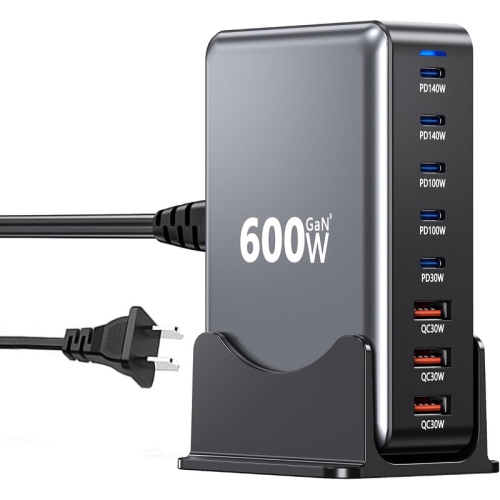
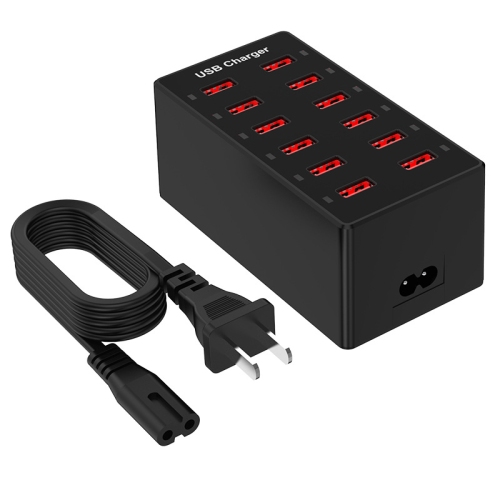
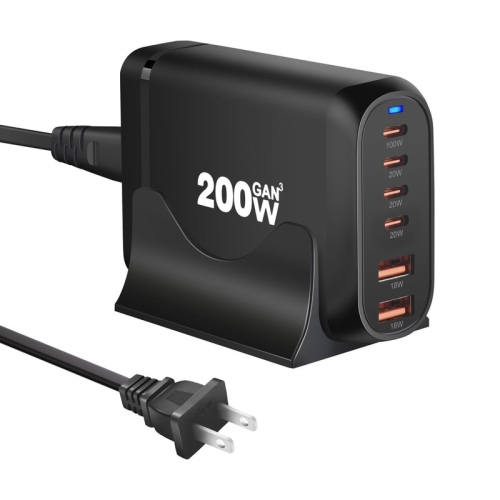
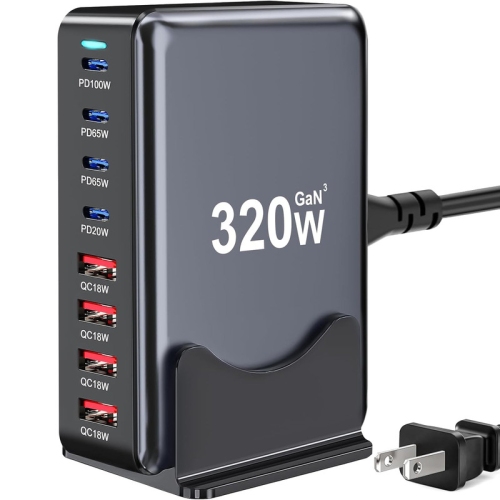
More ports do not always mean more charging power
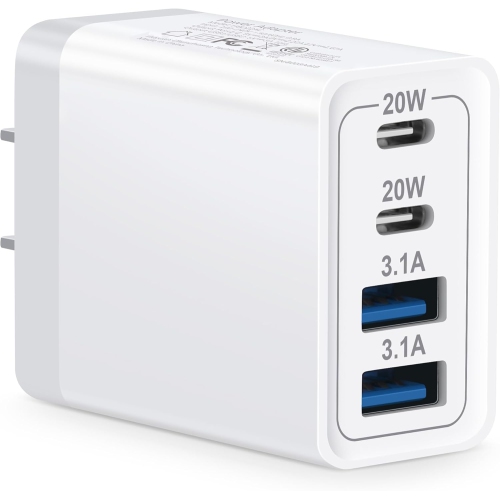
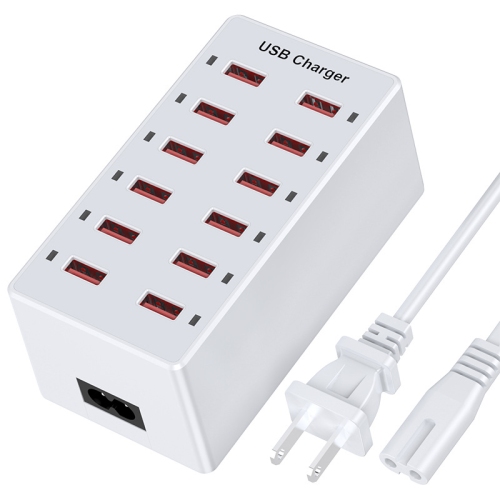
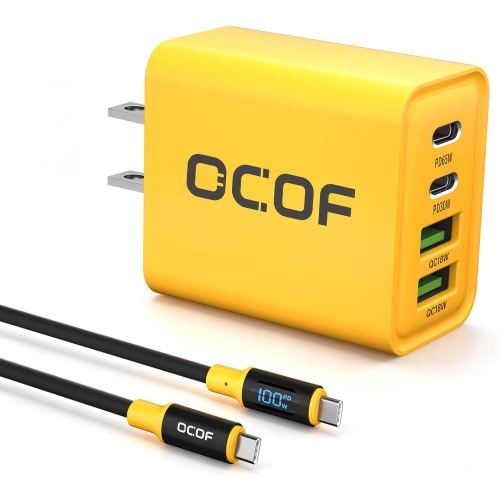
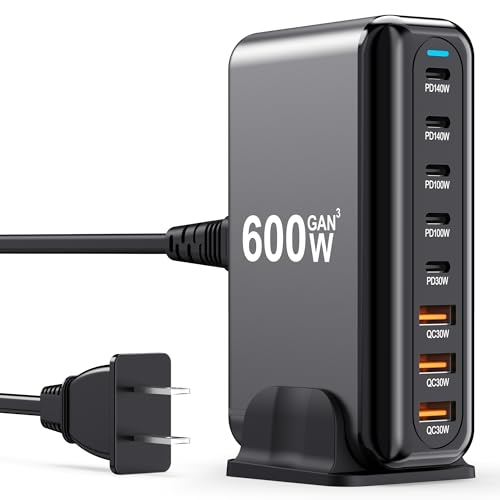
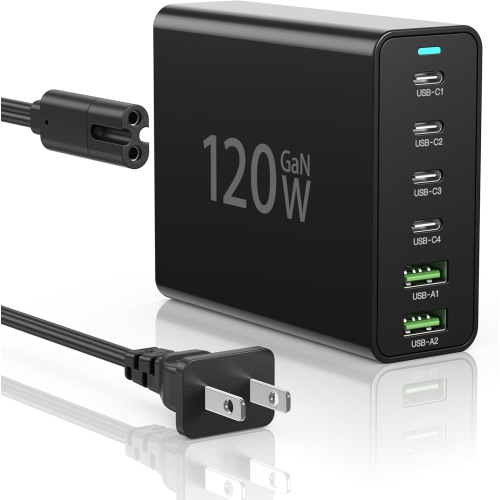
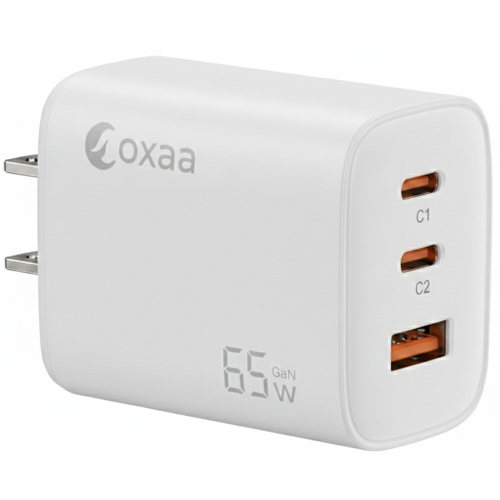
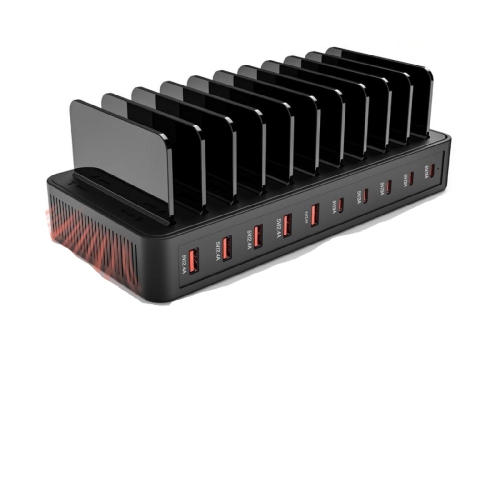
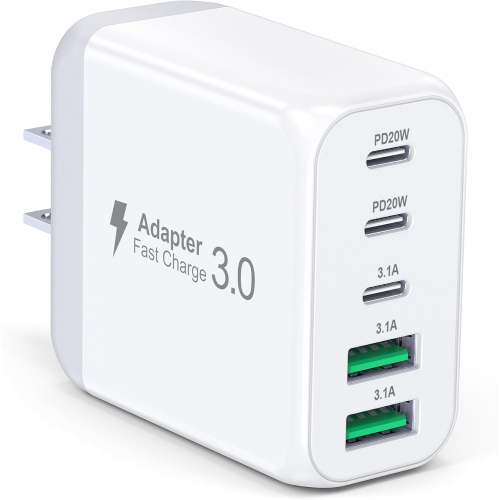
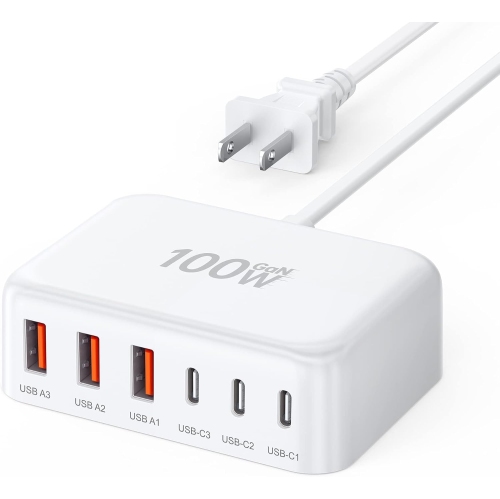
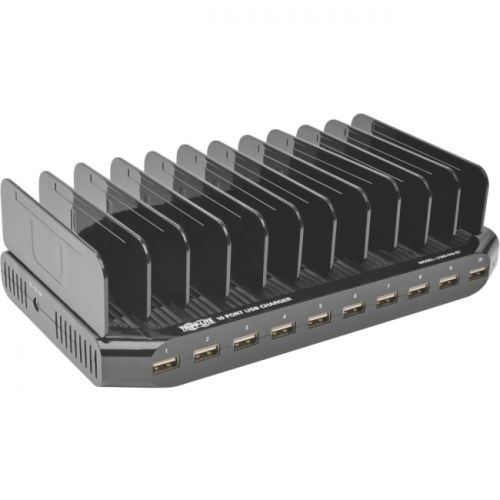
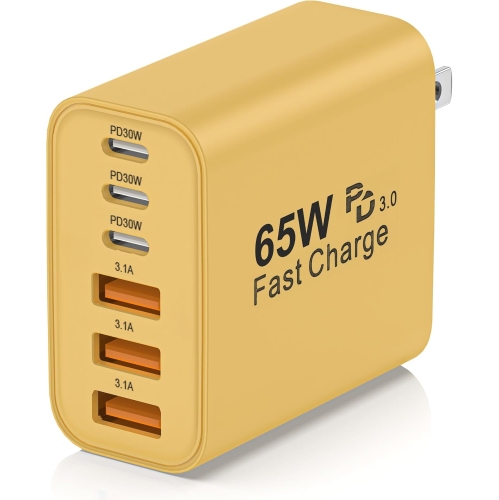
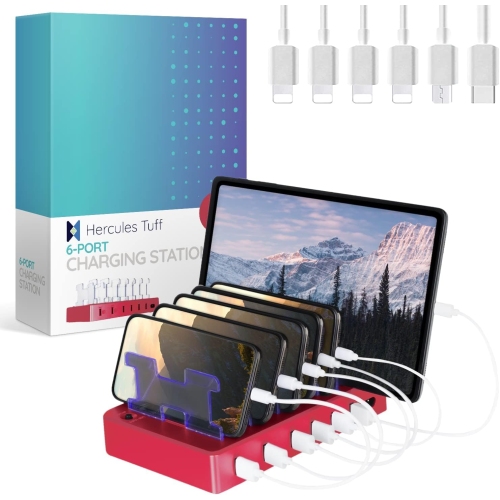
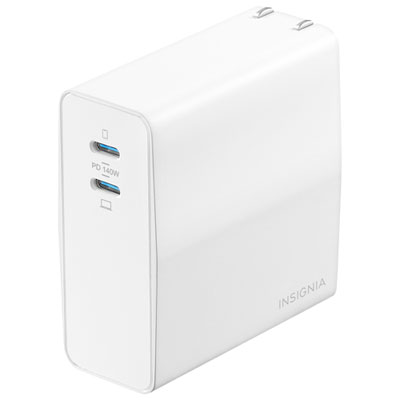
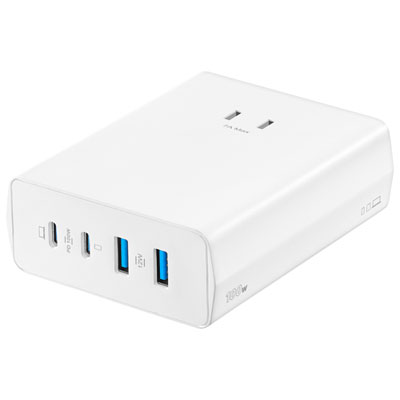
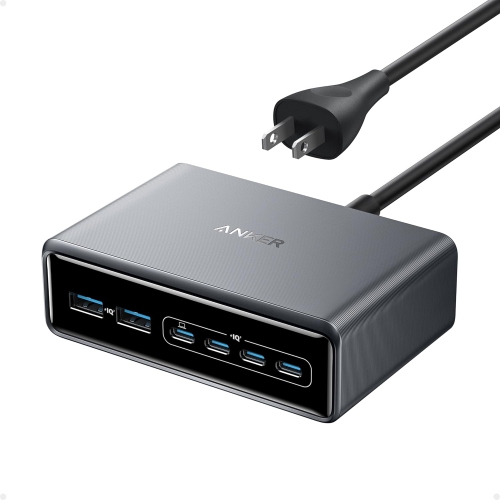
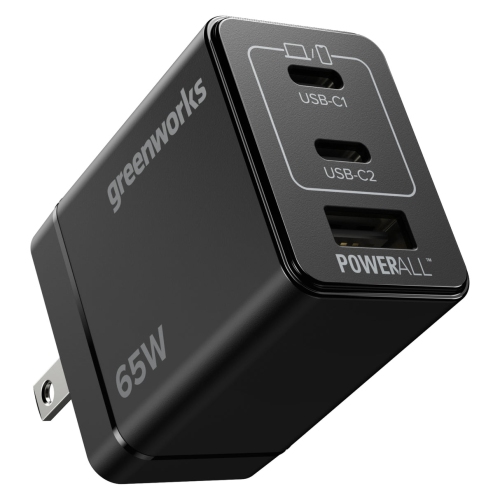
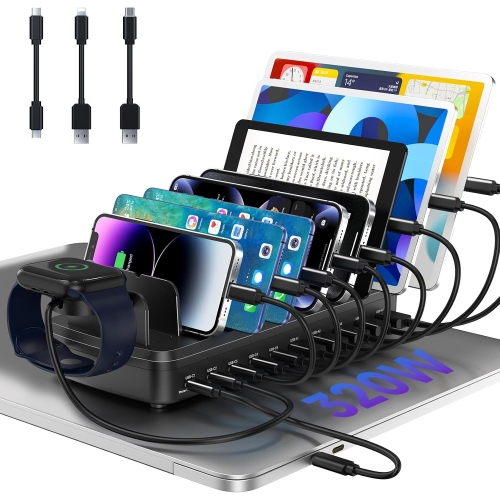
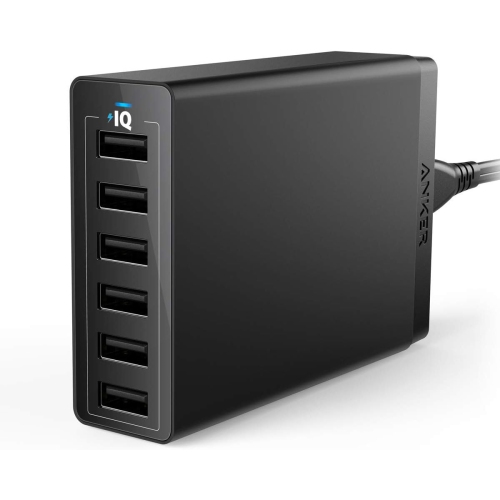
Multi-port USB chargers for school use bring several charging connections together, helping students and educators keep everyday devices ready without filling every wall outlet with a separate adapter. Their usefulness depends on the setting: a student moving between classrooms needs something different from a teacher charging a group of tablets or a household sharing a homework desk. For a backpack, a compact wall charger with folding prongs can be easier to pack alongside notebooks, while a desktop charger with a power cord can place USB ports within reach when the nearest outlet sits behind furniture. A larger charging station may suit a shared classroom, particularly when it includes dividers that keep devices upright and cables separated. Port count matters, but the mix of connections matters just as much. USB-C ports suit many newer phones, tablets, and laptops, while USB-A ports remain useful for compatible headphones, accessories, and older charging cables. Checking both ends of each cable helps avoid a setup with plenty of sockets but no suitable connection for a device. Cable length also affects daily comfort: a short lead keeps a desktop tidy, but a longer one may be necessary to reach a tablet stand without pulling on the charging port. These chargers generally supply power rather than transferring files or connecting peripherals, so a charging station should not be confused with a USB data hub or docking station. Most also need a wall outlet and do not store energy like a portable battery pack. That distinction is useful for students who expect to charge a phone while travelling between school and home. For a related selection for classroom and study-space routines, explore Back To School Multi Port USB Chargers. The most practical format is one that fits the devices, available space, and way the charger will be carried or shared.
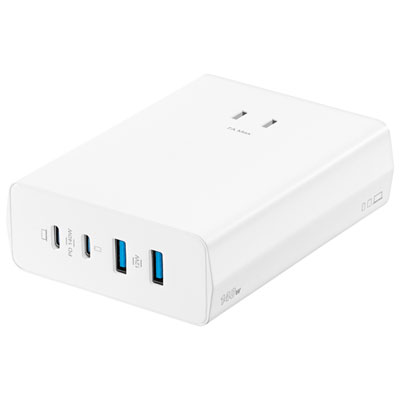
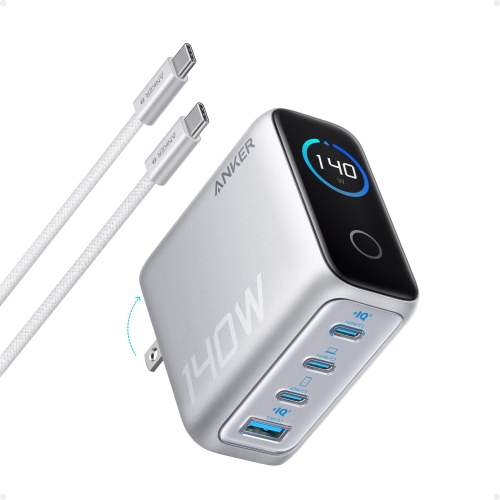
Power output deserves as much attention as the number of ports, especially when a laptop shares a charger with smaller devices. The total wattage describes the power available across the charger, while the per-port rating shows what an individual connection can supply under specified conditions. A charger advertised with a high maximum output may deliver that figure through only one port, and connecting additional devices can reduce the power available to that connection. For example, a laptop needing 65W, a tablet needing 20W, and a phone needing 15W represent a combined demand of 100W, but a charger must also support that particular distribution across its ports to meet all three requirements together. The manufacturer's power-sharing chart is more informative than the headline wattage alone. Many lightweight laptops use adapters in the 45W to 65W range, while some larger models need 90W, 100W, or substantially more; the laptop's specifications should determine the requirement. A low-output charger may charge a compatible laptop slowly, fail to keep pace while it is being used, or not charge it at all. USB-C describes a connector shape, not a promise of laptop charging or a particular charging speed. For devices that use USB Power Delivery, both the charger and cable need to support the required power level, and the device must accept charging through that connection. Other fast-charging features likewise depend on compatibility between the device, charger, and cable. A compatible higher-rated charger does not simply force its maximum wattage into a phone; supported charging systems regulate power delivery. Some multi-port chargers may briefly interrupt charging when another device is connected as they redistribute power, which can explain a laptop's charging notification appearing again. Gallium nitride, often abbreviated to GaN, can allow compact charger designs with substantial output, but size and material alone do not establish compatibility or safety. For school use, dependable power sharing is often more valuable than having extra ports that cannot adequately charge the devices connected to them.
Physical design and care make a noticeable difference when a charger is handled daily. A sturdy housing, well-fitted ports, and secure prongs or cord connections are useful features for repeated trips in a school bag. Desktop models benefit from a stable base and enough spacing between ports to accommodate cable connectors without crowding. Where device slots are included, their width should suit tablets with their protective cases attached; removing cases every afternoon adds handling and leaves another component to keep track of. Charger housings commonly use durable plastics, while cables may have flexible moulded or braided coverings. Neither appearance nor a braided finish guarantees long service life, so protecting connectors from sideways pressure remains important. Packing the charger in an accessory pouch, loosely coiling cables, and unplugging by the connector rather than pulling the cord can reduce strain. Inspect cables and housings for fraying, cracks, loose connections, or discolouration, and stop using damaged equipment. For cleaning, disconnect the charger from power and follow the manufacturer's instructions, generally using a soft, dry cloth rather than spraying liquid near the ports. In classrooms and shared study areas, place charging equipment on a stable, uncovered surface with ventilation, away from drinks, sinks, and walking routes. Keep cables from hanging across aisles or pulling devices towards the edge of a desk. Look for a recognized Canadian electrical safety certification mark, such as CSA, cUL, or cETL, and check the manufacturer's stated protections against electrical faults and overheating. Multiple USB ports do not automatically mean that surge protection is included, and a charger should not be treated as a substitute for any protection required by school policy. Teachers may also need to follow purchasing rules and device-management procedures before introducing shared charging equipment. At home, labelled cables and a consistent charging spot can help siblings keep track of their accessories without moving the entire setup. As a practical gift for a student, a multi-port charger is most useful when its connections and output match the devices already in that student's school bag.
Top selling and popular products
-
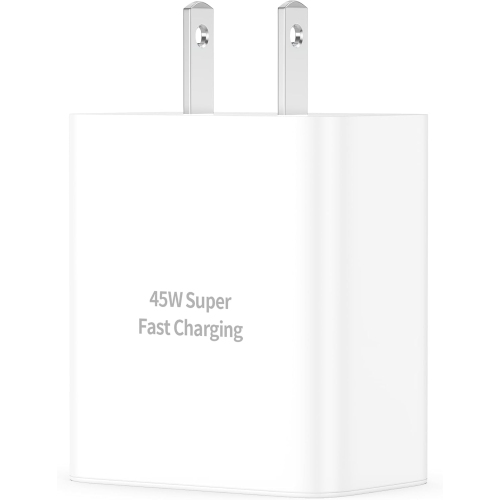 Your price for this item is $27.99
-
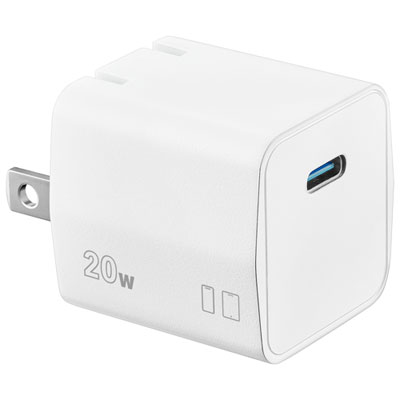 Your price for this item is $16.99
-
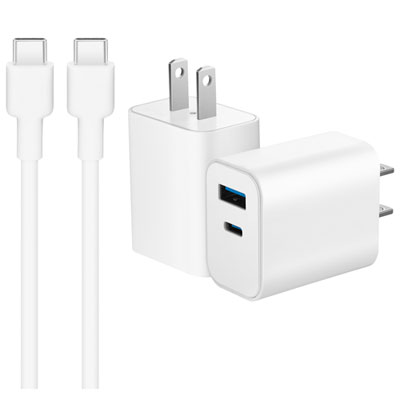 Your price for this item is $24.99
-
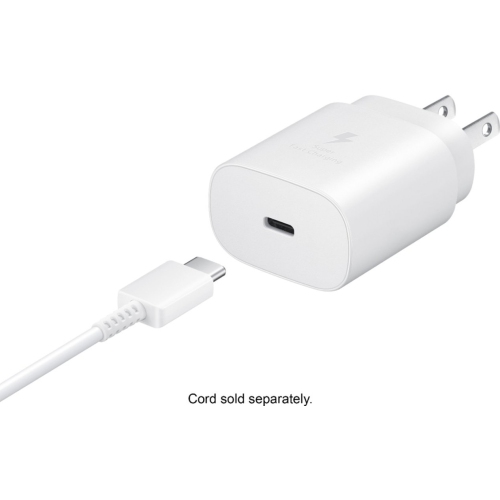 Your price for this item is $25
-
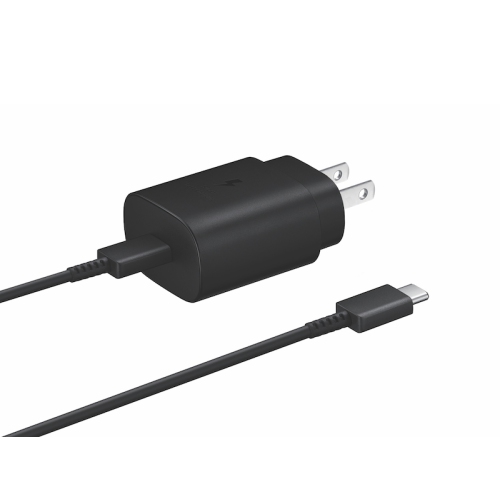 Your price for this item is $14.99
-
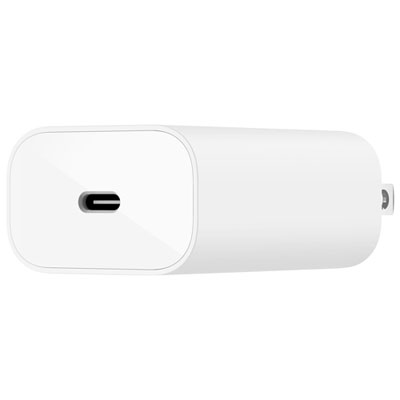 Your price for this item is $19.99
-
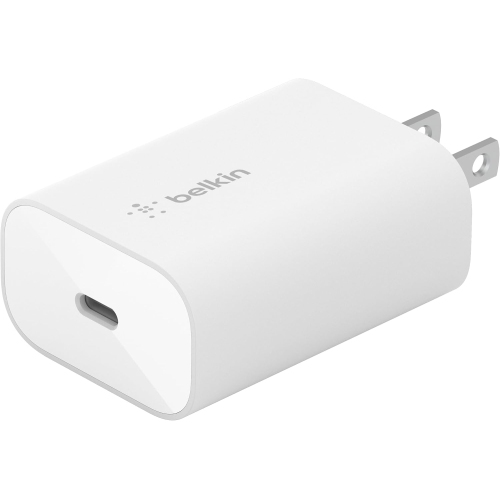 Your price for this item is $43.49
-
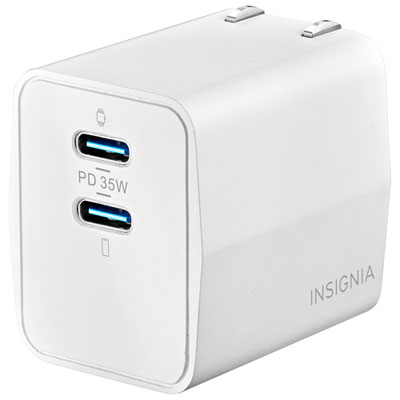 Your price for this item is $39.99
Discover more categories related to Multi-Port USB Chargers For School Use

Top Collections:
Best Black Friday Deals This Year, Best Black Friday Deals On Electronics, Kindle Devices, Pokemon Centers, Best Black Friday Deals On Apple Products, Best Cameras for Sports Photography, Dyson Airwrap, Pokémon 30th Celebration Cards, Apple iPhone 17 Pro, Canon G7X Cameras
Some products may be subject to Environmental Handling Fees
(EHF) depending on your province.
Learn more about EHFs.