Printers With USB Cable
Printer With USB Cable options offer a convenient and straightforward way to connect your device for seamless printing at home or in the office. Whether you’re setting up a new workspace or upgrading your current setup, finding the right printer with a USB cable ensures reliable performance and easy installation. Explore a variety of models designed to meet everyday printing needs, making it simple to produce documents, photos, and more with confidence. Discover top choices that combine practicality and value to help you stay productive.
Sort
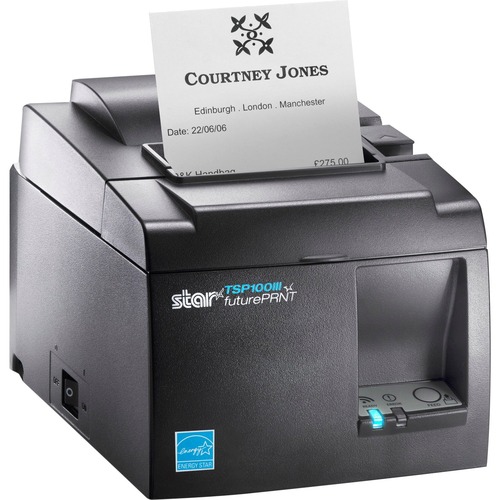
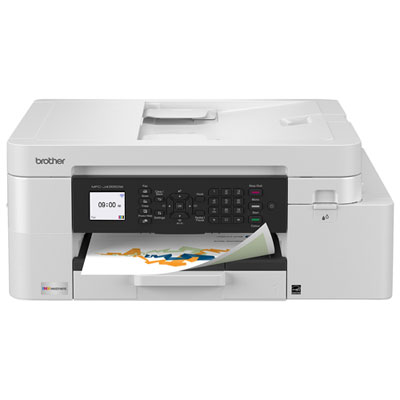
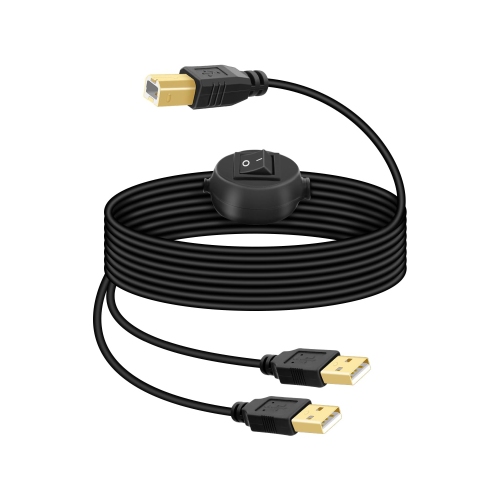
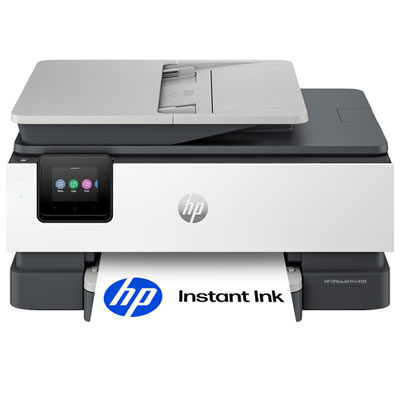
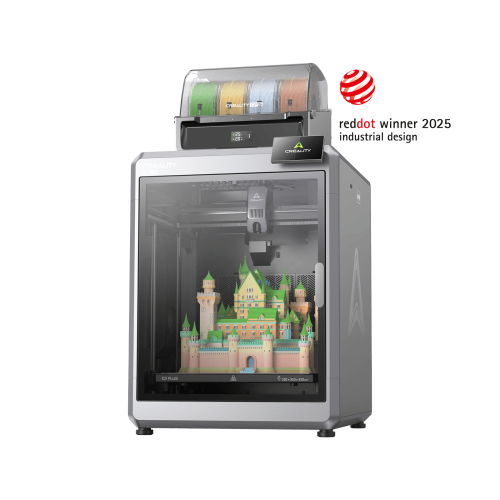
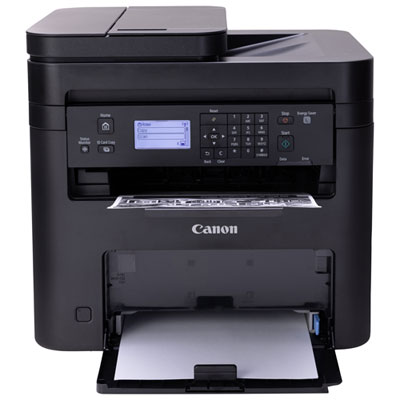
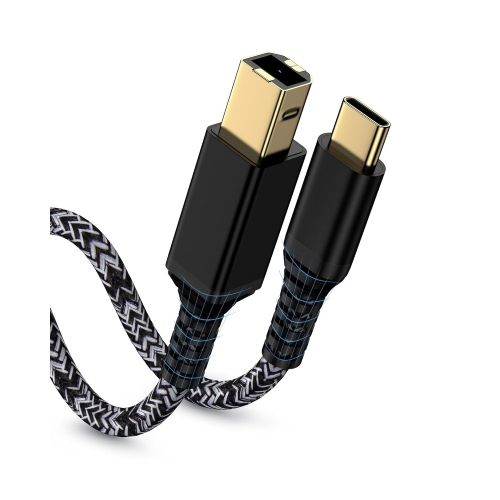
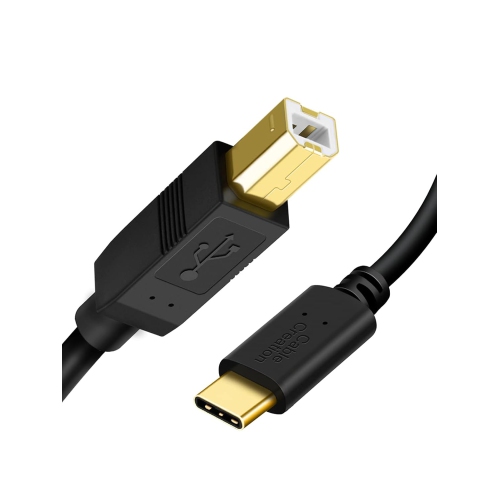
A USB port does not guarantee a cable
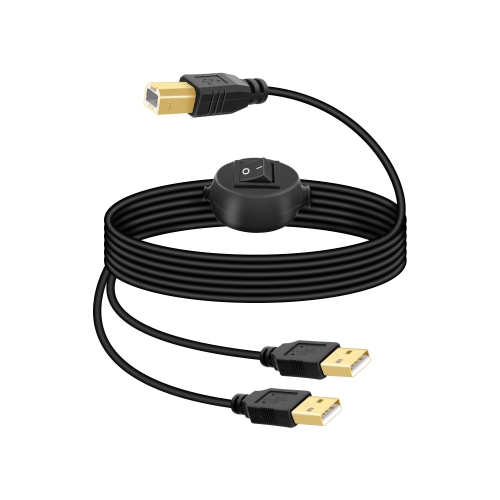
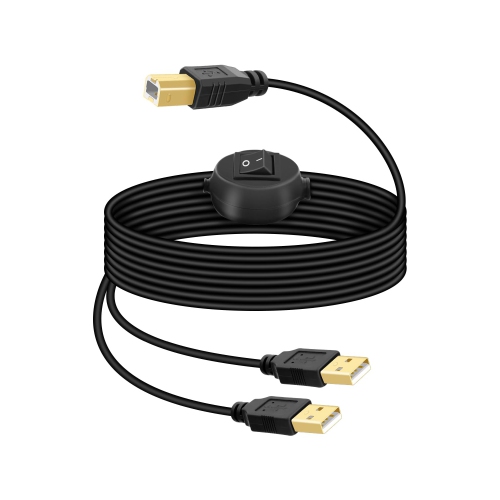
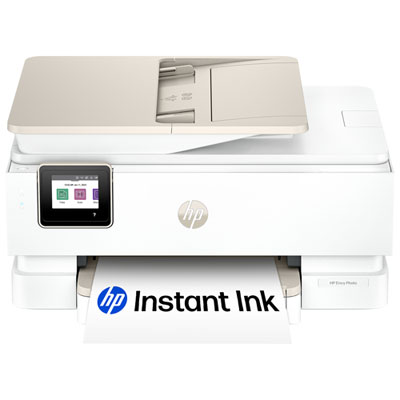
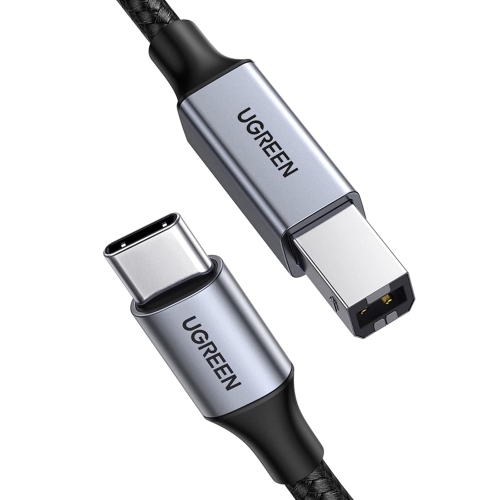
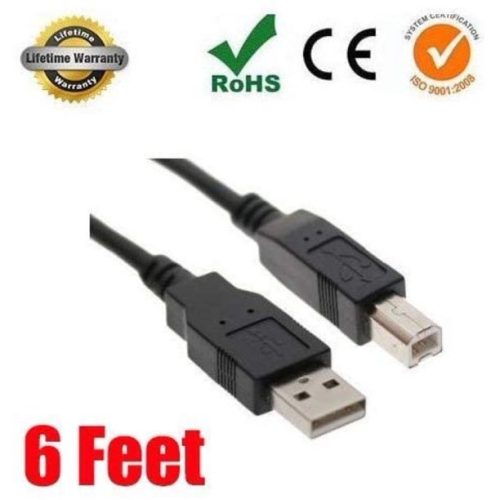
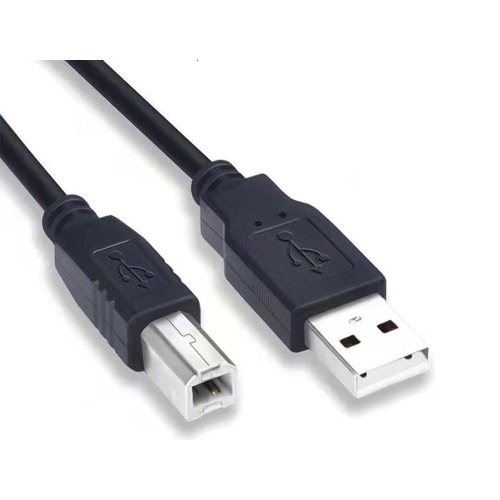
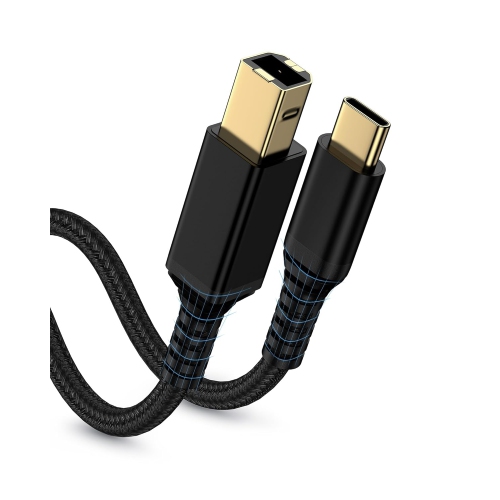
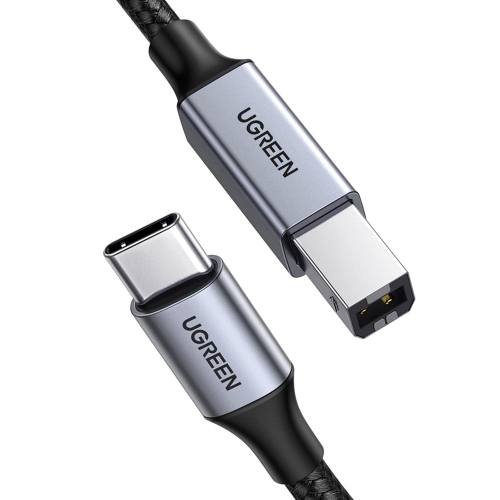
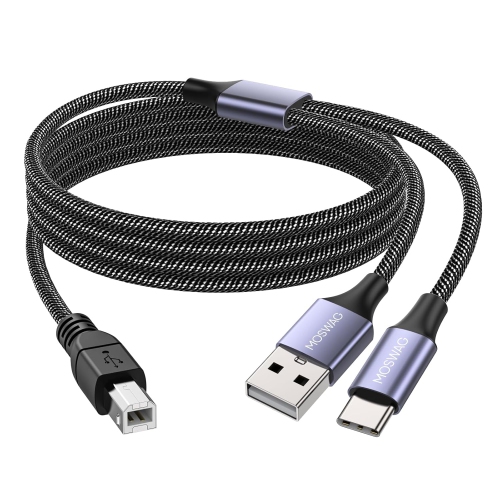
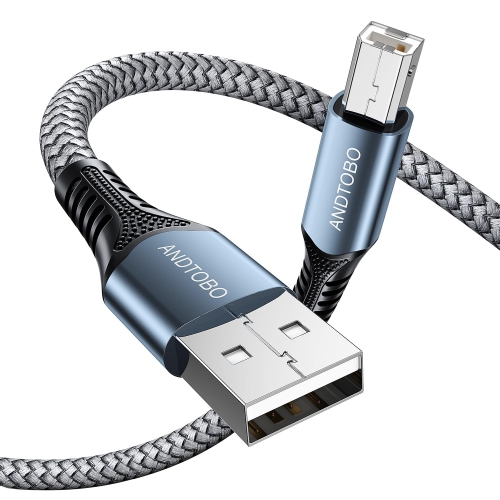
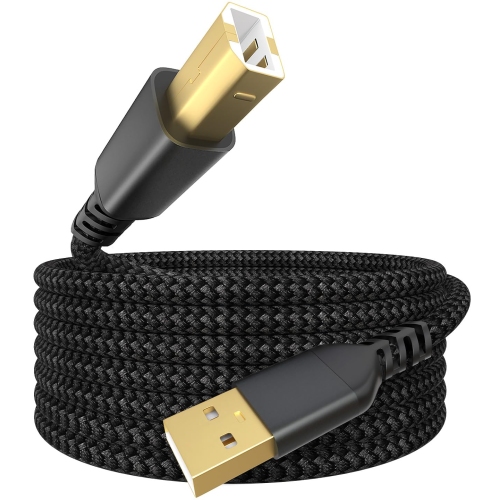
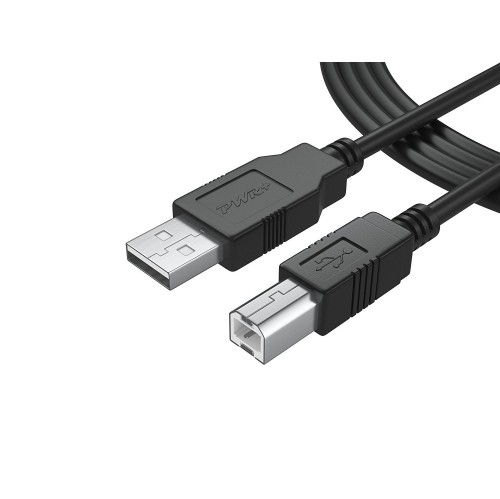
Printers with a USB cable provide a direct wired connection between a compatible computer and printer, allowing documents and photos to be printed without relying on a Wi-Fi network. That straightforward connection suits a home office desk, a student’s study space, or a reception counter where one computer handles most printing. A USB connection carries print data; the printer generally still needs its own power connection. It is also worth distinguishing USB connectivity from cable inclusion: a printer can have a USB port without a cable being supplied in the box. Package contents and connection specifications clarify whether a separate cable is needed. Many desktop printers use a square-shaped USB Type-B socket at the printer end, while the computer end may require USB Type-A or USB Type-C. Some compact printers use different connectors, so matching both ends matters more than choosing a cable by appearance alone. A laptop with only USB-C ports may work with a suitable USB-C-to-printer cable or a compatible adapter, depending on the equipment. Cable length also affects how comfortably a printer fits into a workspace. A short connection keeps a nearby desk tidy, while a longer cable can accommodate a printer on an adjacent cabinet, provided it remains within the supported length for the connection. USB printing does not require a wireless network, but initial setup may still involve downloading drivers or printer software. Operating system support remains important, especially for older computers or devices with limited software installation options. A physical connector alone does not guarantee that a printer will work with every laptop, tablet, or phone. For a shared household, a wired connection is particularly practical when printing usually comes from one workstation; access from several computers depends on the printer’s additional networking features or a separately configured sharing arrangement. Wireless capability and USB connectivity can also coexist in the same printer, allowing different connection methods where supported. The wired connection itself does not determine print quality, speed, or whether the printer supports colour output.
The main differences among USB-connected printers come from their printing technology and intended workload. Monochrome laser printers are well suited to text-heavy tasks such as printing essays, invoices, shipping paperwork, and reference documents. Their toner-based printing produces crisp lettering and can suit intermittent use because toner does not dry out like liquid ink. Colour laser printers add charts, diagrams, and presentation materials to that mix, although photo appearance depends on the printer and suitable paper. Inkjet printers are often a good fit for households that print a combination of documents, colour schoolwork, and photographs. Some use replaceable ink cartridges, while others use refillable ink tanks; the appropriate choice depends on printing frequency, expected volume, and the consumables required. For either technology, stated page yields are measured under defined test conditions, so pages filled with images or dense colour can use supplies differently from lightly printed text. An all-in-one printer adds scanning and copying, which can be useful for signed forms, receipts, and handwritten notes. Scanning to a computer over USB requires compatible software and support for that function. A flatbed scanner accommodates single sheets and suitable bound materials, while an automatic document feeder makes multipage paperwork easier to process. Automatic two-sided printing and two-sided scanning are separate capabilities, so one does not necessarily imply the other. Paper handling deserves equal attention: letter-size documents, legal-size forms, envelopes, labels, cardstock, and photo paper can have different tray and media requirements. A printer’s supported paper weights and sizes are more useful than assuming that any sheet will feed correctly. Borderless printing also varies by paper size and model. For frequent short jobs, the time until the first page appears may be more noticeable than the maximum pages-per-minute figure. For longer documents, print speed, tray capacity, output capacity, and automatic duplex printing can make a bigger difference. A student producing occasional assignments has different needs from a small office processing batches of forms, even when both use the same type of USB connection.
Physical size, access, and routine care help determine how well a printer fits into daily life. A compact body can be appealing on a narrow desk, but the working footprint includes open paper trays, extended output supports, and room to lift a scanner lid. Rear-feed paper paths and rear access panels may need clearance from the wall. A firm, level surface supports reliable paper feeding, while a cable routed away from chair wheels and busy walkways reduces strain on the plugs. Printer housings commonly combine plastic outer panels with internal metal components; practical durability also depends on tray construction, hinges, rollers, and use within the recommended monthly print volume. That recommended volume is a better reference for routine use than a maximum duty-cycle figure, which represents a different limit. Keeping loose paper clean, flat, and dry helps prevent feeding problems, and using supported media reduces the risk of jams. Inkjet printers benefit from the manufacturer’s recommended usage and maintenance routines, including nozzle checks when needed. Laser printers require appropriate toner replacement and may also have drums or other components with separate service intervals. Internal cleaning should follow the printer’s instructions rather than involve household sprays or improvised tools. USB cable printing is also different from printing files stored on a USB memory stick. The cable connection normally sends a print job from a computer, whereas a compatible flash-drive port lets the printer read supported files directly from removable storage. For that separate function, Printers With USB Flash Drive focuses on a different way to submit documents or images. Even a printer with a front USB port may support only certain file formats or storage devices, so the port’s purpose matters. For a dependable everyday setup, compatible software, the correct cable, suitable paper handling, and a printing system matched to the workload all matter alongside the convenience of a direct wired connection.
Top selling and popular products
-
 Your price for this item is $39.99
-
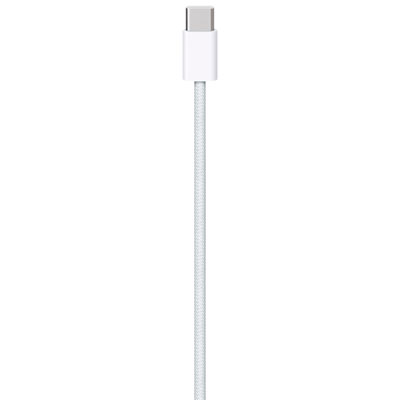 Your price for this item is $24.99
-
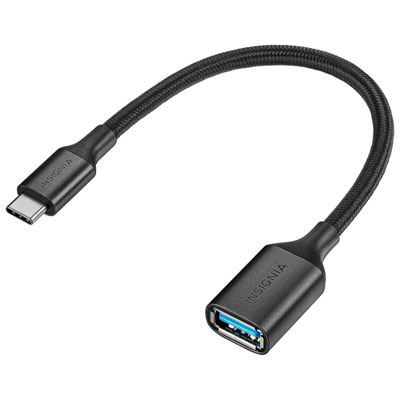 Your price for this item is $19.99
-
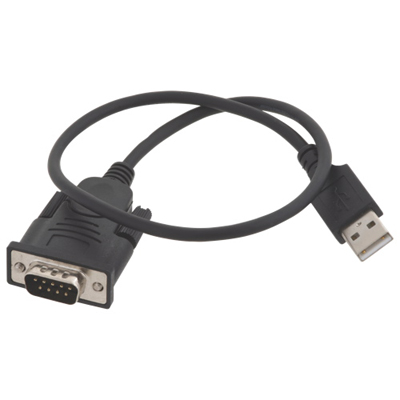 Your price for this item is $29.99
-
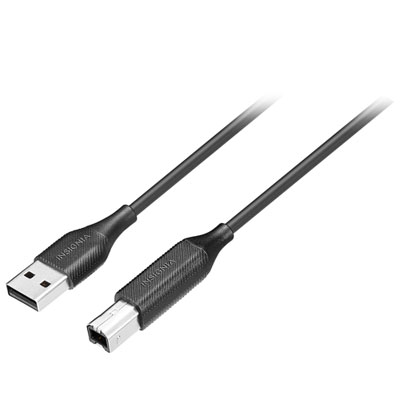 Your price for this item is $29.99
-
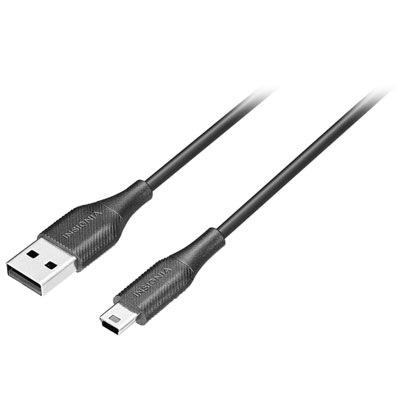 Your price for this item is $19.99
-
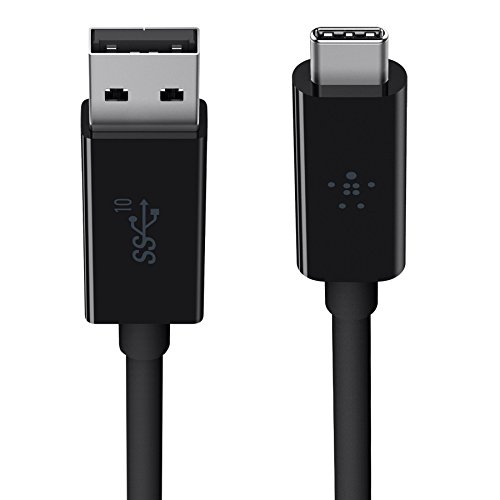 Your price for this item is $31.99
-
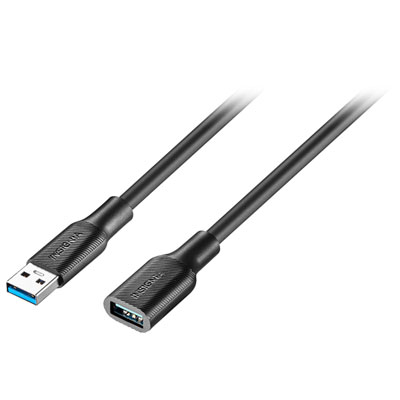 Your price for this item is $24.99
Discover more categories related to Printers With USB Cable
Top Collections:
Best Black Friday Deals This Year, Best Black Friday Deals On Electronics, Kindle Devices, Pokemon Centers, Best Black Friday Deals On Apple Products, Best Cameras for Sports Photography, Dyson Airwrap, Pokémon 30th Celebration Cards, Apple iPhone 17 Pro, Canon G7X Cameras
Some products may be subject to Environmental Handling Fees
(EHF) depending on your province.
Learn more about EHFs.