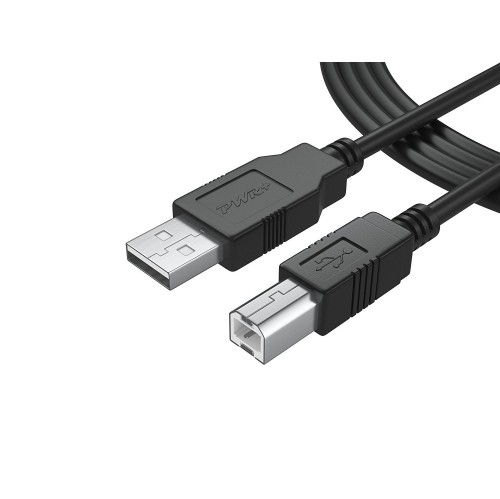
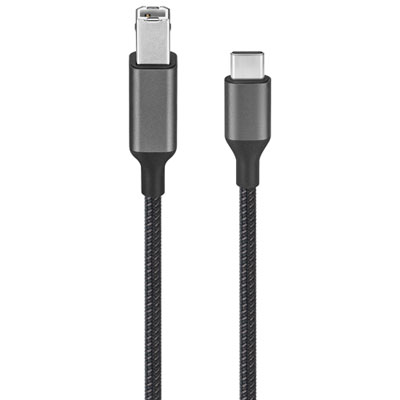
Printer Cables for Home Office
Printer Cables for Home Office are essential for connecting your devices and ensuring smooth, reliable printing. Whether you need to set up a new printer or replace an existing cable, you'll find a variety of options designed to fit your home office setup. Explore different lengths and connector types to match your specific requirements and keep your workspace organized and efficient. Find the right Printer Cables for Home Office to help maintain seamless productivity with every print job.
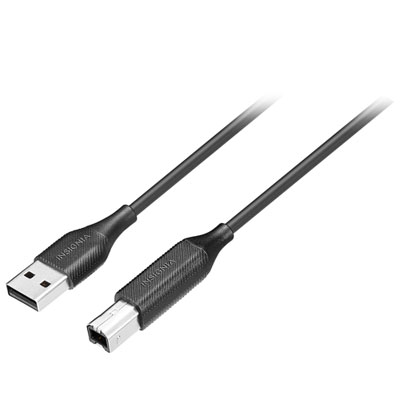
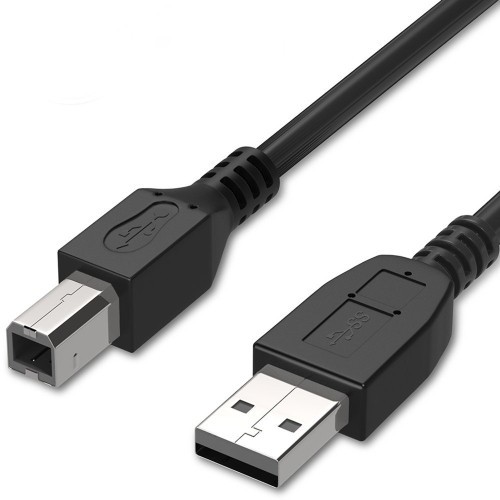
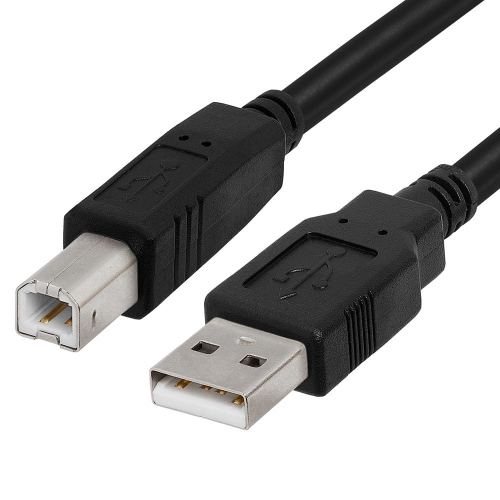

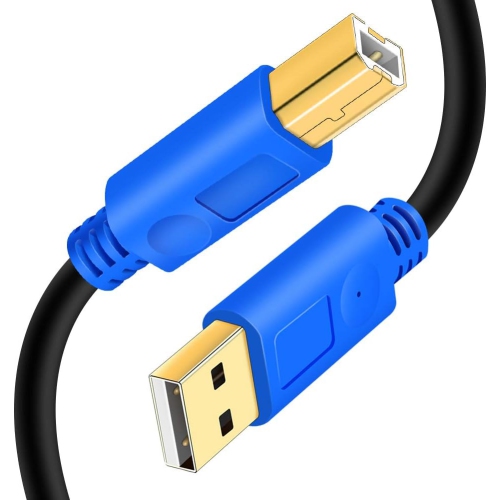
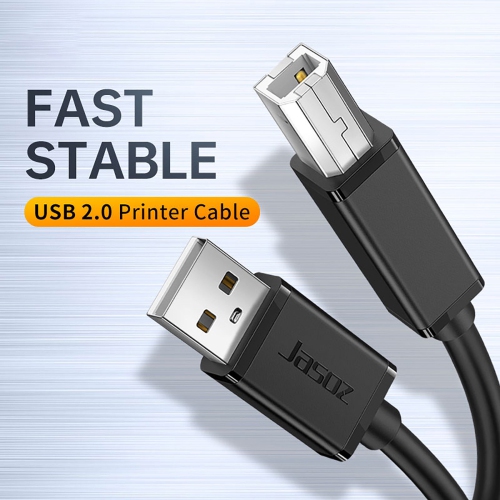

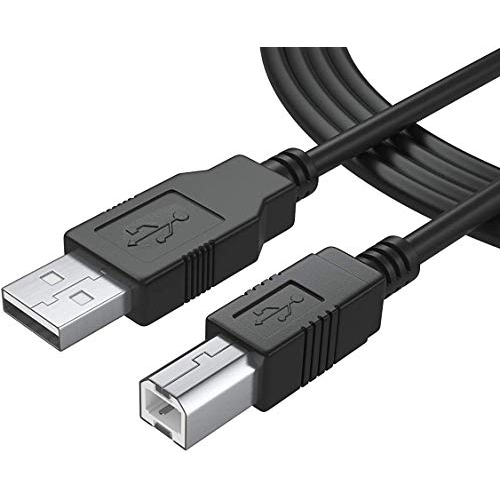
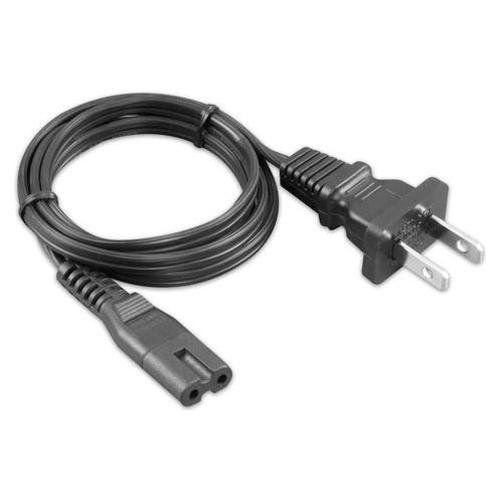
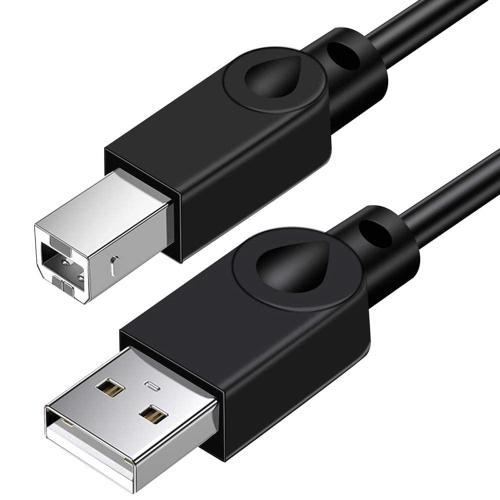

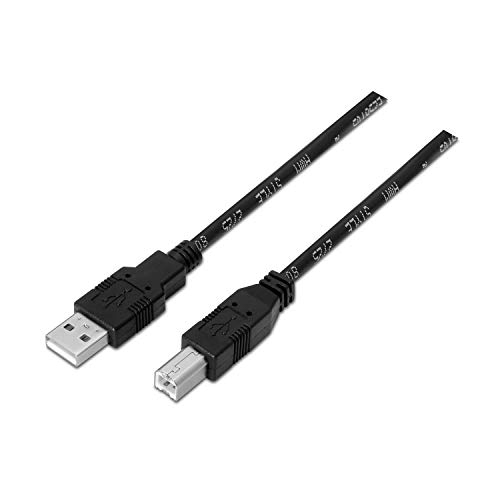
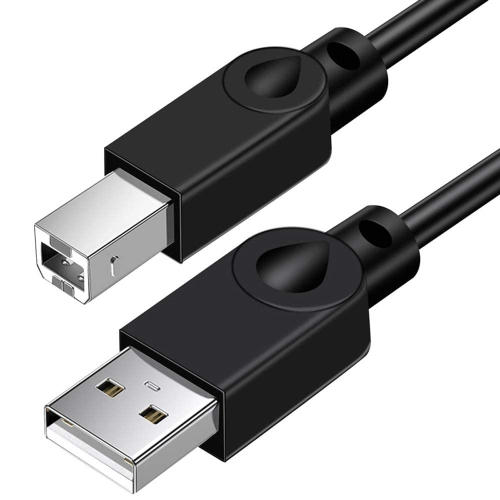
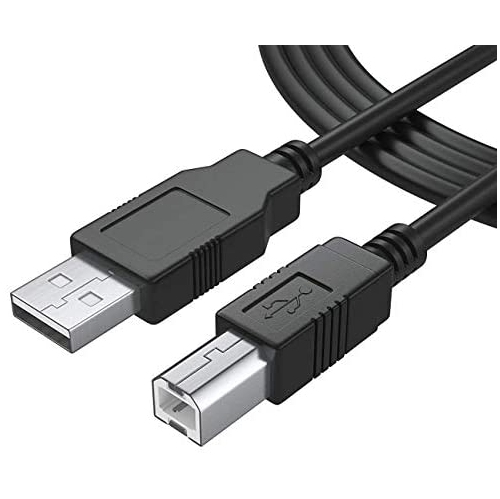
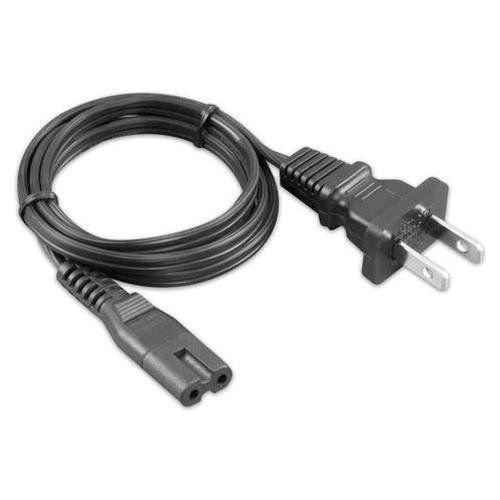
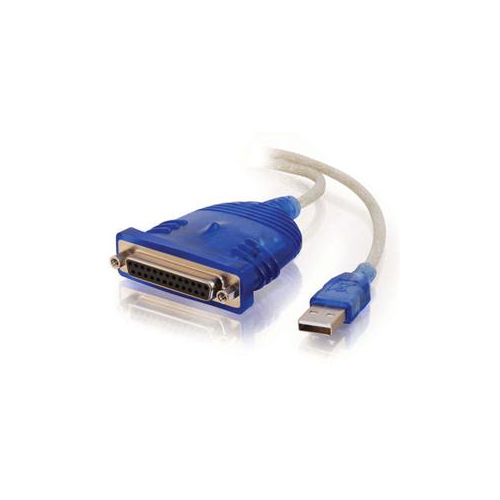
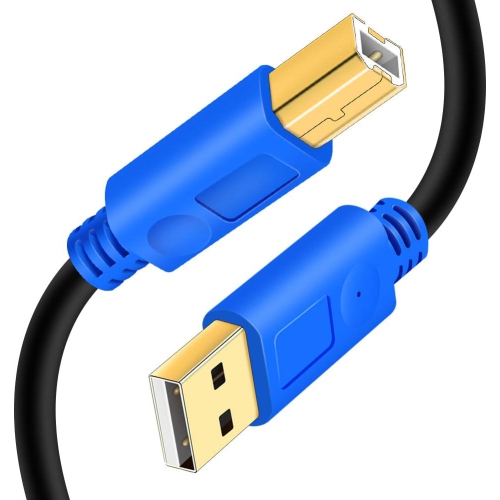
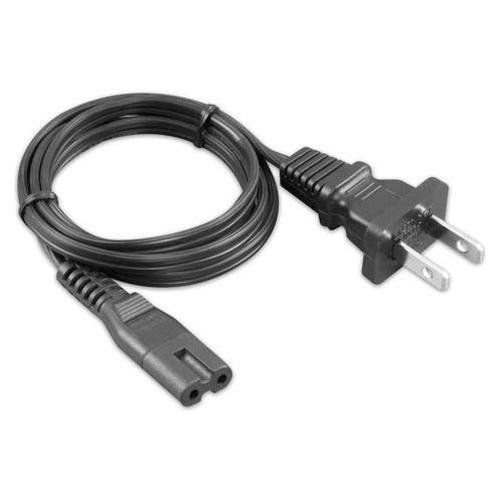
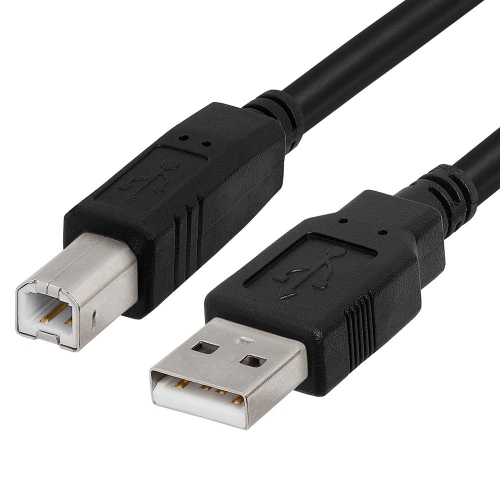
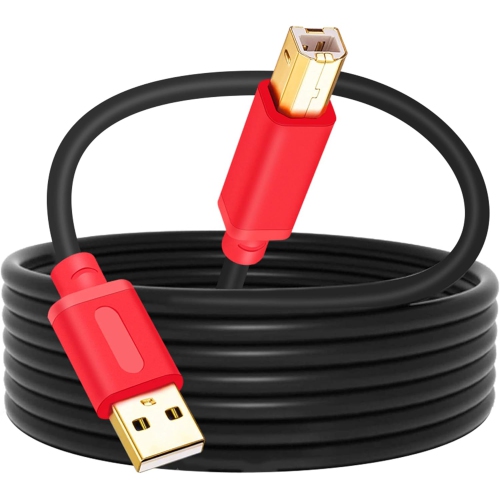
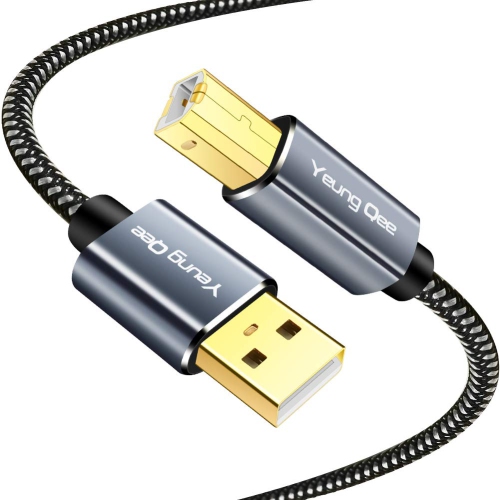
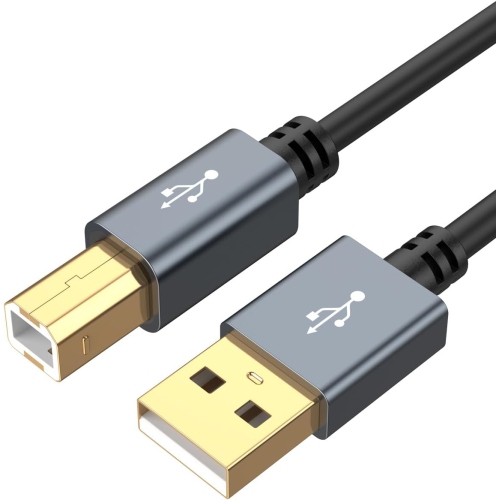
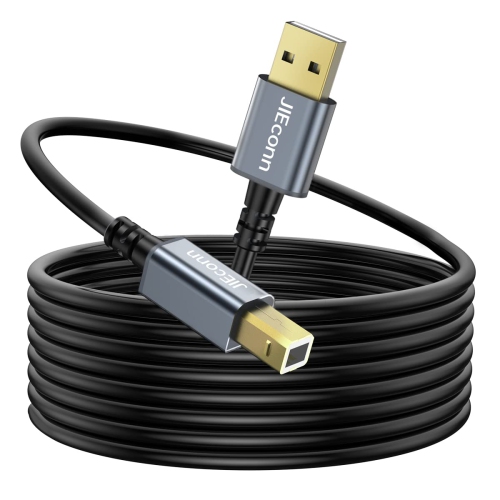
The right connections keep home office workflows running smoothly
When choosing printer cables for your home office, it’s important to consider compatibility, length, and durability. Take a moment to check which type of connection your printer and computer require—USB-A, USB-B, USB-C, or even parallel ports for older models. The right cable will ensure a stable connection, minimizing the risk of dropped print jobs or frustrating disruptions during busy days. Cable length is another key factor: a cable that’s too short can limit where you place your printer, while a longer cable offers flexibility for creative desk setups or shared spaces. For those who frequently rearrange their workspace or need to connect devices across a larger room, a longer, high-quality cable can make all the difference. Durability matters, too, especially in high-traffic areas or homes with curious pets and children. Look for cables with reinforced connectors and sturdy insulation to withstand everyday use. If your setup includes a specific printer brand, such as HP, it’s worth exploring options tailored to those models for optimal performance; you can find a dedicated selection of Printer Cables for HP to ensure a perfect fit.
Printer cables are a staple for anyone who values efficiency and reliability in their home office. They support a wide range of tasks, from printing colourful school projects and professional presentations to scanning signed documents or making quick photocopies for household records. As families prepare for the return of regular routines in the cooler months, or as professionals settle into new work rhythms, having the right cables on hand means one less thing to worry about. Whether you’re setting up a new workspace, helping a loved one get organized, or simply replacing a worn-out cable, investing in quality printer cables can make everyday tasks easier and more enjoyable. With the right connections, your home office is ready for whatever the season brings—be it a flurry of summer activities or the return of fall schedules.
FAQ
What types of printer cables are commonly used for home office printers?
The most common types of printer cables for home office use are USB cables (such as USB-A to USB-B), Ethernet cables for network printers, and sometimes parallel cables for older models. USB is the most widely used connection type for modern home office printers.
How do I know which printer cable is compatible with my printer?
To determine compatibility, check your printer's user manual or look at the port on the back of your printer. Most modern printers use a USB-B port, which requires a USB-A to USB-B cable. Some network printers may require an Ethernet cable.
Can I use a longer printer cable without losing print quality?
Yes, you can use a longer printer cable, but it's recommended to keep USB cables under 16 feet (5 meters) to maintain optimal performance and signal integrity. For longer distances, consider using active extension cables or network connections.
Are there differences between USB 2.0 and USB 3.0 printer cables?
USB 3.0 cables offer faster data transfer speeds compared to USB 2.0, but most home office printers only require USB 2.0 speeds. However, USB 3.0 cables are backward compatible and can be used with devices that have USB 2.0 ports.
Do I need any special software or drivers when connecting my printer with a cable?
Most operating systems will automatically detect and install basic drivers when you connect your printer via cable. However, it's often recommended to download the latest drivers from the manufacturer's website for full functionality and features.
Top selling and popular products
-
 Your price for this item is $180.75
-
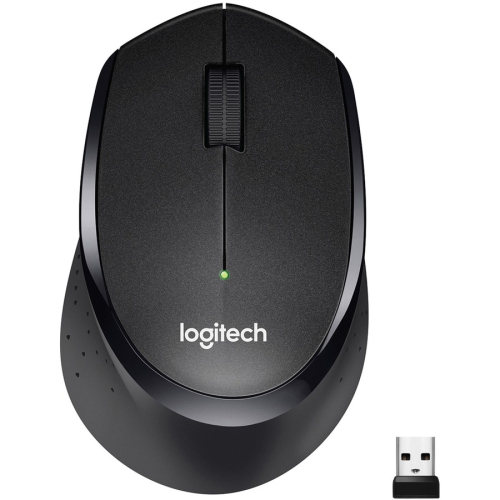 Your price for this item is $29.99
-
 Your price for this item is $14.98
-
 Your price for this item is $107.68
-
 Your price for this item is $234.68
-
 Your price for this item is $379.97
-
 Your price for this item is $112.37
-
 Your price for this item is $74.99