Samsung Galaxy A06
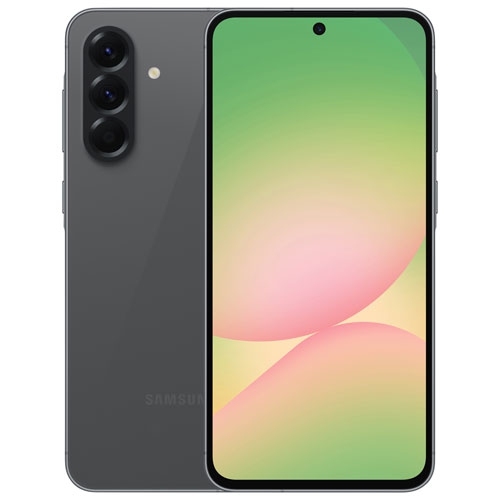
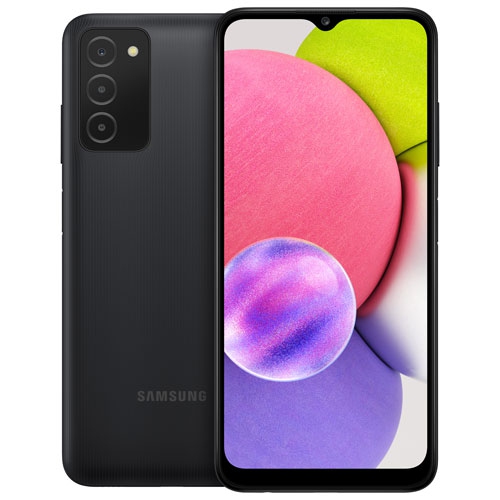
Discover the latest in mobile technology with the Samsung Galaxy A06. Explore a range of options designed to fit your lifestyle, whether you’re looking for everyday convenience or enhanced performance. The Samsung Galaxy A06 offers seamless connectivity and modern design, making it a great choice for staying connected on the go. Find the perfect model that matches your needs and enjoy a smooth, intuitive experience with every use.
Sort
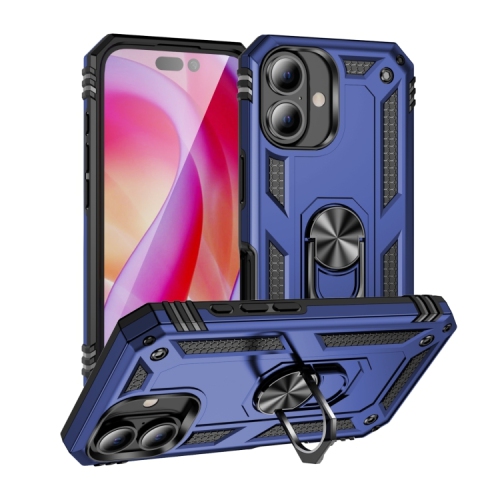
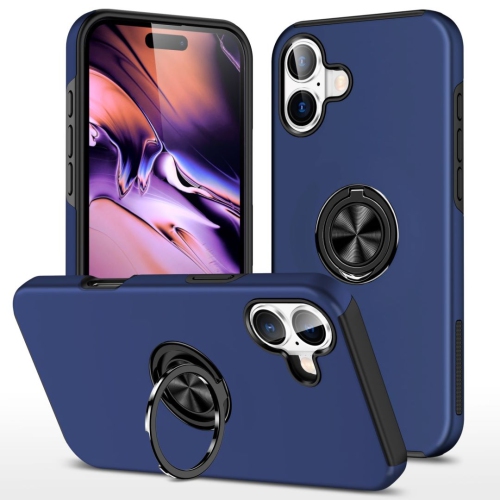
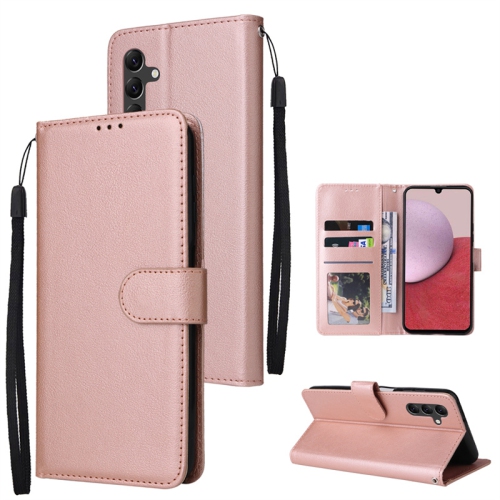
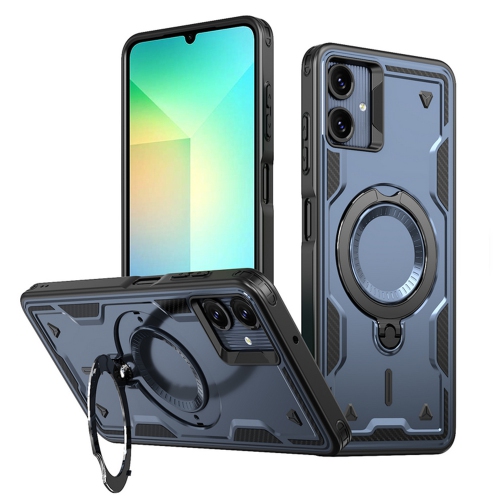
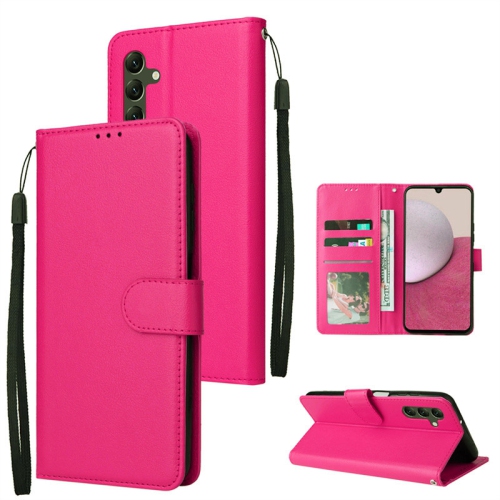
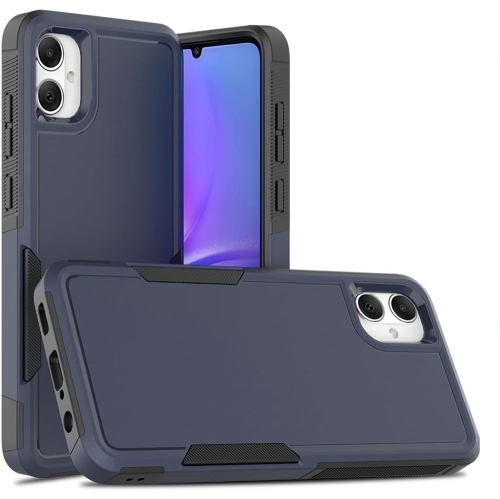
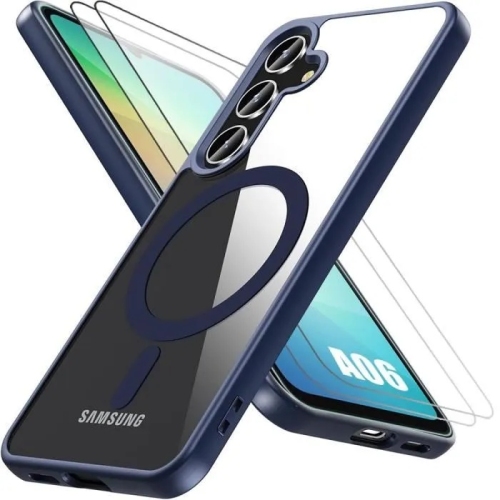
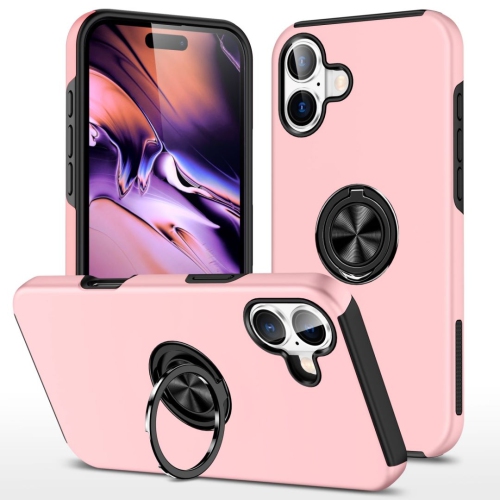
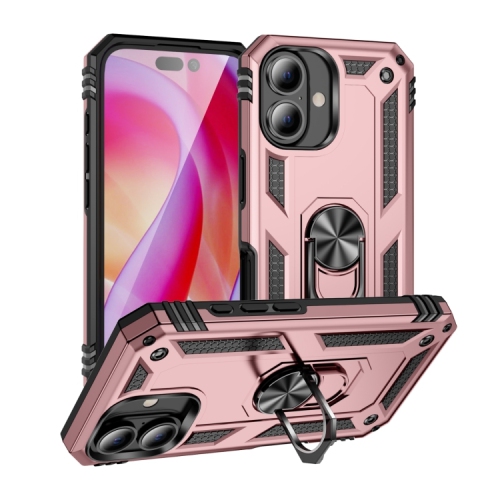
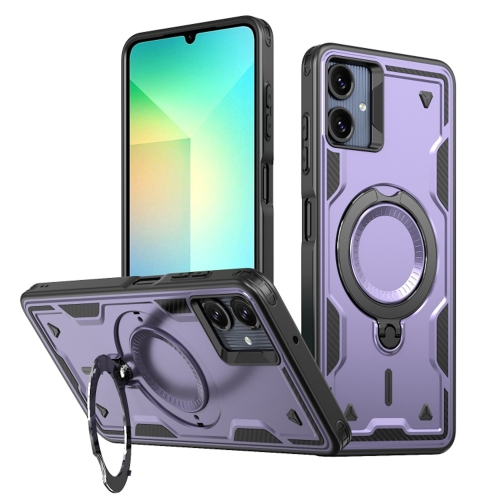
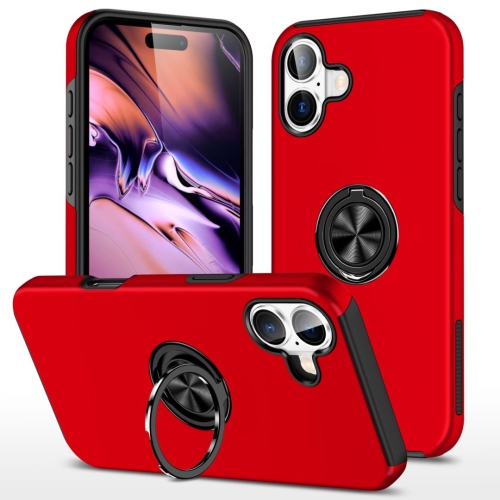
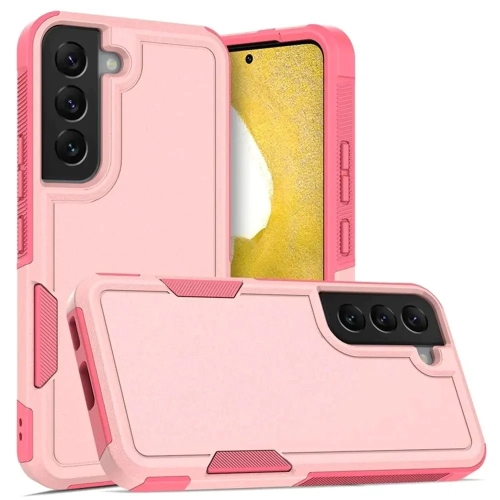

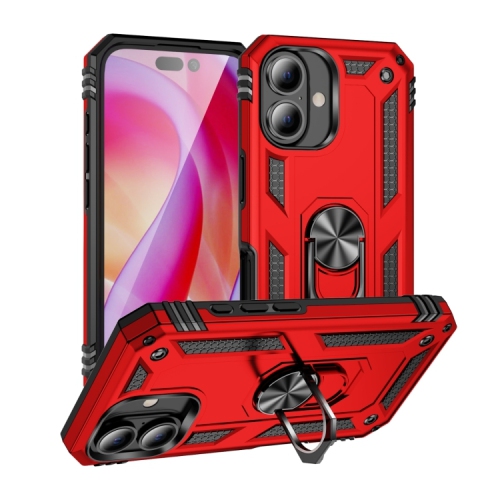
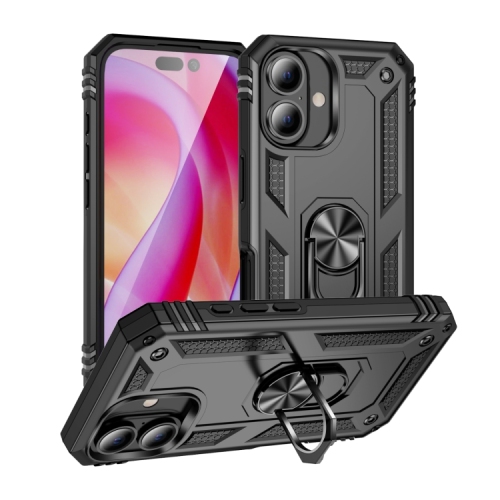
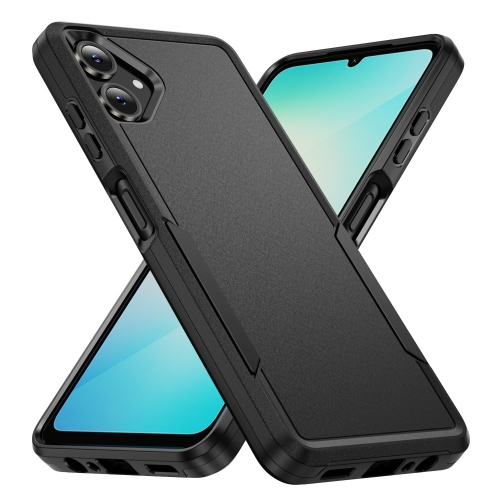
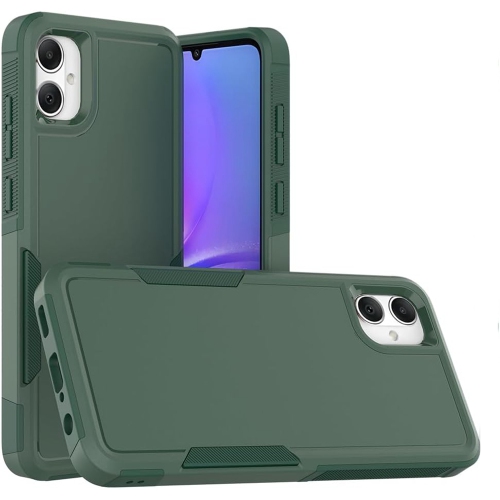
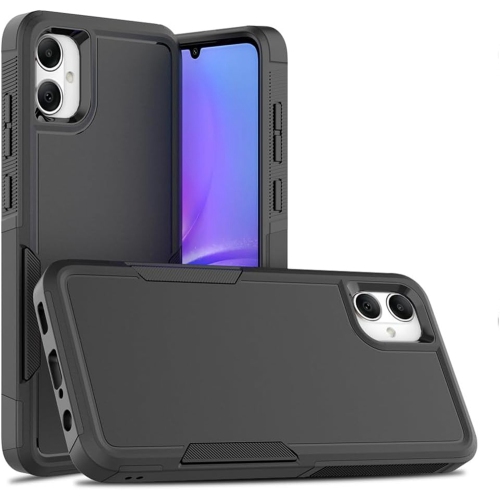
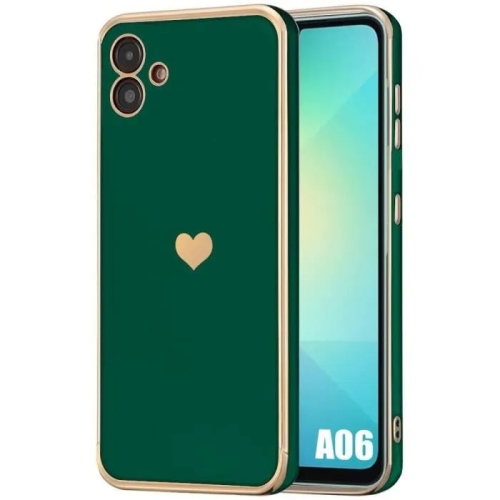
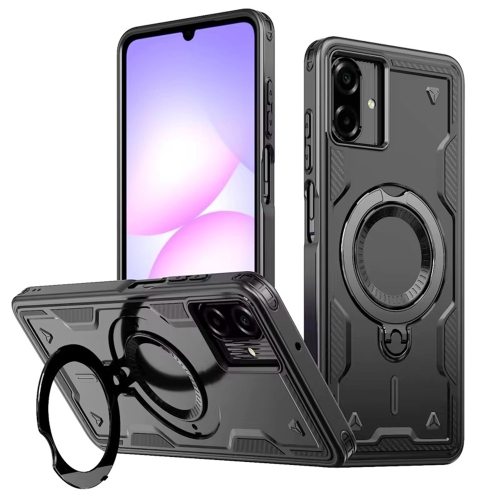
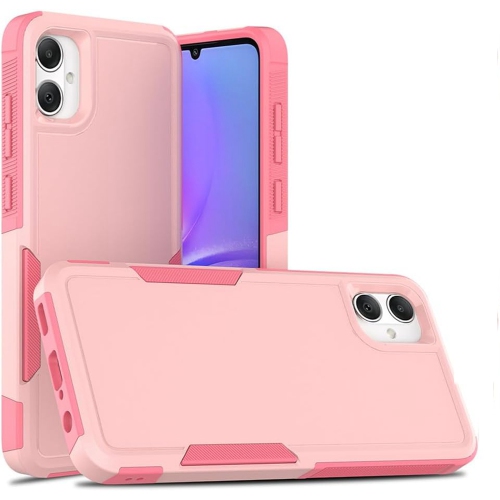
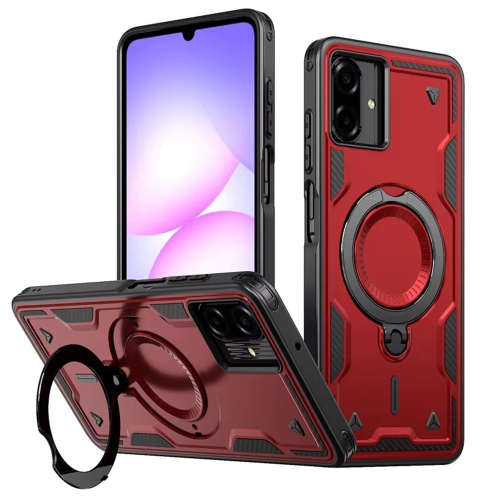
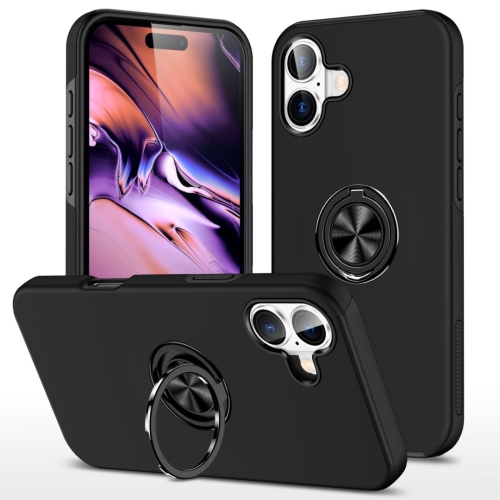
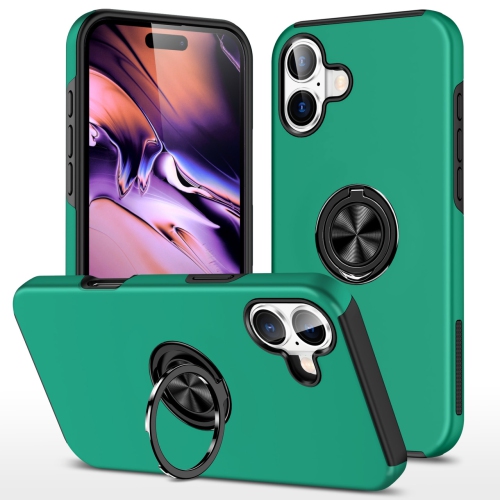
Everyday phone essentials that matter beyond the specs
An entry-level smartphone puts everyday communication, entertainment and useful apps into a device that is easy to carry between home, work and school. Its main role is straightforward: keeping calls clear, messages close at hand and essential information readable without making ordinary tasks feel complicated. For someone who mainly checks transit times, exchanges family photos, reads email and watches videos, a practical balance of screen size, battery capacity and storage can matter more than advanced features used only occasionally. A larger display gives map labels, recipe instructions and video captions more room, while adjustable text sizes can make reading more comfortable. Screen dimensions alone do not tell the whole story, though. Brightness, resolution and viewing angles affect how easily details can be seen, and a wider phone may be less comfortable to hold in one hand. The shape of the edges, the position of the buttons and the weight with a case attached all influence daily comfort. Plastic-backed designs can feel light and practical, while the glass display still benefits from protection against scratches and accidental knocks. Inside the phone, the processor and memory affect how smoothly apps open and how readily the device switches between tasks. Basic messaging and browsing place different demands on a phone than graphics-heavy games or editing long videos. Storage also deserves attention because the capacity listed for a device includes space needed by its software, leaving less room for personal files. Downloaded music, messaging attachments and short video clips can gradually fill that remaining space. Where supported, a compatible memory card can provide additional room for photos and other files, although it does not necessarily replace internal storage for apps. These details help distinguish a phone suited to occasional use from one that will comfortably handle a busy daily routine. They also make everyday usability easier to assess than a specification considered on its own.
Mobile connectivity is another important distinction, especially when similarly named phones have different network capabilities. LTE and 5G refer to cellular connection technologies; they do not, by themselves, describe camera quality, battery endurance or how responsive an app will feel. An LTE phone can support everyday calling, messaging, browsing and streaming on a compatible network. A 5G-capable phone can connect to 5G services where the carrier, plan and local coverage support them, with actual speeds affected by signal strength and network traffic. The exact model and supported frequency bands matter in Canada, particularly for devices originally intended for another region. Carrier compatibility should include voice calling as well as mobile data, since access to one service does not automatically establish support for every network feature. Wi-Fi offers a separate connection for home, school or workplace use and can be helpful for larger downloads and video calls. Battery performance depends just as much on habits as on the stated capacity. Long navigation sessions, bright screens, video recording and weak cellular signals can use more power than occasional messages and brief calls. Charging support also varies: the connector, supported charging rate and compatible power adapter all need to work together, and a higher-rated adapter cannot make a phone charge beyond its own limit. For photography, megapixel counts are only one part of the picture. Focus, image processing, available light and camera stability influence whether a photo captures readable notes, a clear face or a moving pet. A clean lens and steady grip can improve everyday snapshots, while indoor movement and strong backlighting can be more challenging. Front-camera placement and video-call quality may matter more than elaborate camera options for someone who uses the phone mainly to stay in touch. For that person, dependable sound, readable controls and comfortable handling during a long conversation deserve attention alongside the camera specifications.
The right fit also depends on who will use the phone and how it will be carried, protected and maintained. A first smartphone for a younger user may need straightforward parental controls, a secure screen lock and enough storage for school apps and family communication. Someone who prefers a simpler setup may appreciate a tidy home screen, larger text, fewer notifications and quick access to a few important contacts. For a family member receiving a phone as a gift, familiarity can be especially helpful: a device that supports their preferred calling, messaging and accessibility features is more useful than one chosen only for its appearance. Audio options deserve a check as well, including whether headphones connect wirelessly or through a compatible physical port, and whether accessibility settings meet the user’s needs. Accessories should match the exact model rather than just the general appearance of the phone. Someone replacing a Galaxy A6, for example, should check the full model name before reusing a case or screen protector, because similar names do not establish matching dimensions, button positions or camera cut-outs. A well-fitted case should leave charging ports, microphones and speakers unobstructed, while a screen protector should sit flat without interfering with touch response. Raised edges and textured sides can add practical protection and grip, but no accessory makes a phone immune to damage. Water resistance should never be assumed unless it is explicitly stated for the exact device. Routine care is simple: use a soft, lint-free cloth, follow the manufacturer’s cleaning directions and avoid forcing objects into ports. Software updates, regular backups and a secure sign-in method are equally important parts of ownership. Before moving from an older phone, checking how contacts, photos and authentication apps will transfer can prevent a frustrating interruption. Together, these practical details help an everyday smartphone remain comfortable to use, suited to its owner’s routine and ready for the small tasks that fill a day.
Top selling and popular products
-
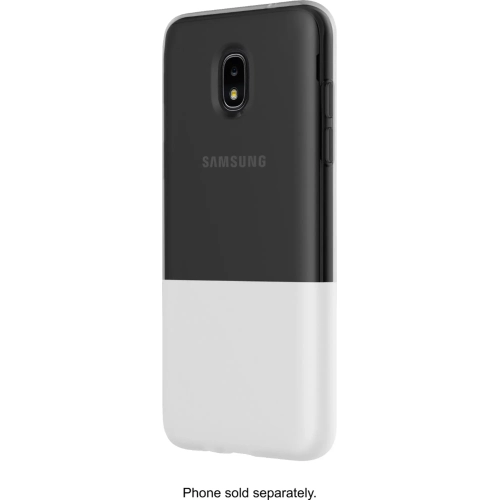 Your price for this item is $56.99
-
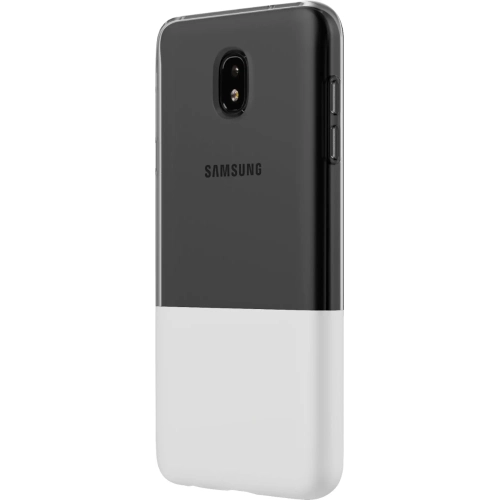 Your price for this item is $60.75
-
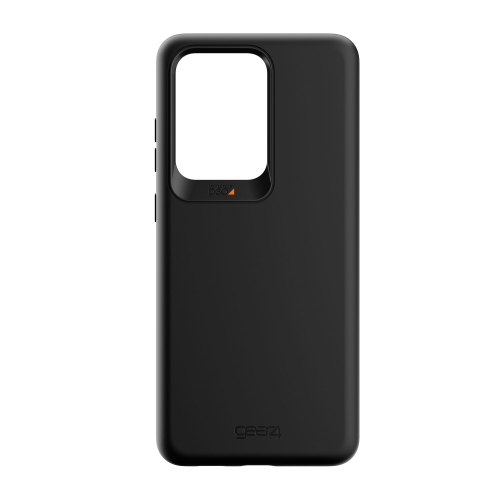 Your price for this item is $369
-
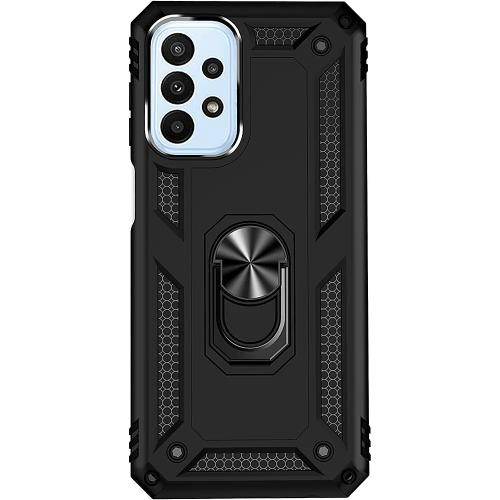 Your price for this item is $59.99
-
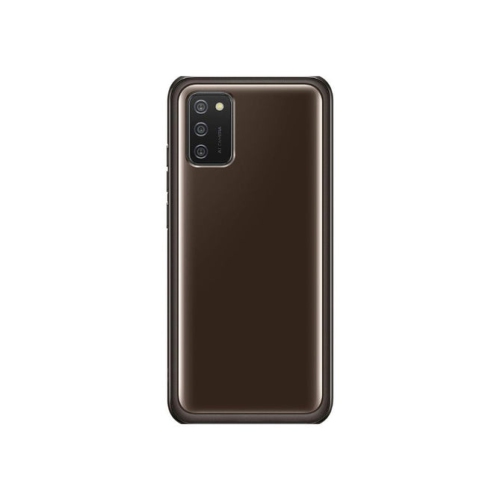 Your price for this item is $43.25
-
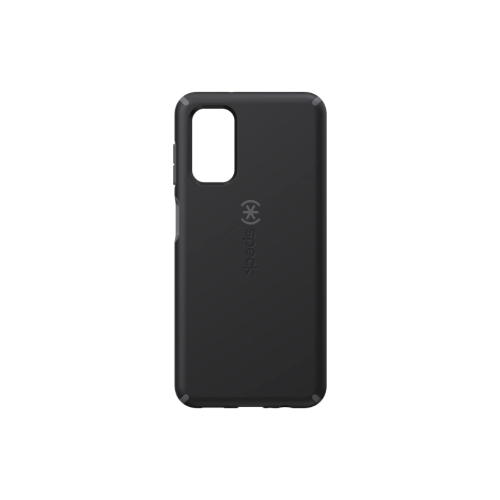 Your price for this item is $48.75
-
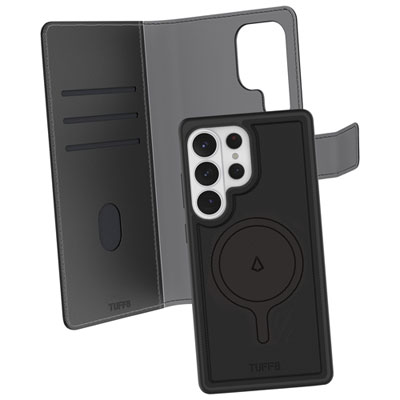 Your price for this item is $34.99
-
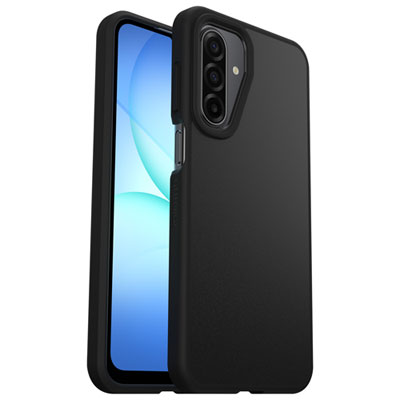 Your price for this item is $39.99
Discover more categories related to Samsung Galaxy A06
Top Collections:
Pokemon Centers, Kindle Devices, Best Cameras for Sports Photography, Pokémon 30th Celebration Cards, Apple iPhones 16, Canon G7X Cameras, iPhone 15 Apple, Flip Phones, Samsung Galaxy Phones, Alarm Clock
Some products may be subject to Environmental Handling Fees
(EHF) depending on your province.
Learn more about EHFs.