Samsung Galaxy Note 3
Experience the perfect blend of performance and style with the Samsung Galaxy Note 3. Designed for those who demand more from their mobile device, the Samsung Galaxy Note 3 offers versatility to keep up with your busy lifestyle. Whether you’re looking to stay productive on the go or enjoy your favorite entertainment, discover a range of options and accessories to enhance your experience with the Samsung Galaxy Note 3. Find the ideal choice to fit your needs and elevate your everyday routine.
Sort
A pocket notebook feel with a built-in stylus
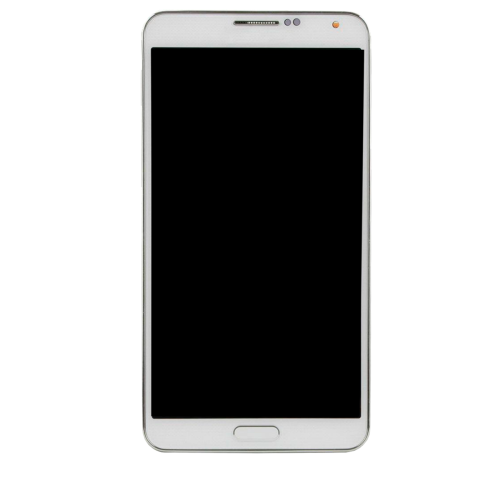
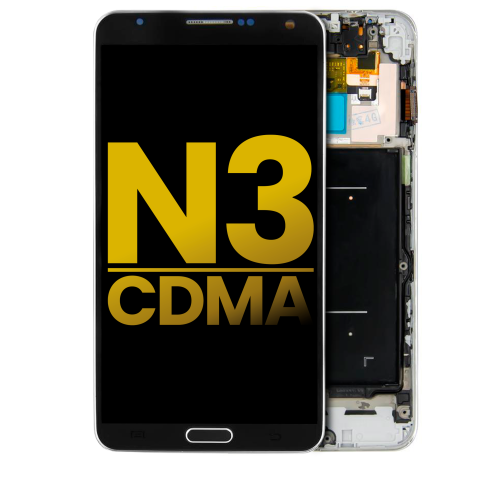
Large-screen smartphones with an integrated stylus bring together the familiar feel of a pocket notebook and the convenience of a touchscreen. Often called phablets, these devices helped establish a phone format with more room for reading, handwriting, photographs, and everyday communication. In the early 2010s, features such as a 5.7-inch display, full HD resolution of 1920 × 1080 pixels, and a pen stored inside the handset made this category especially distinctive. An AMOLED screen delivers strong contrast, with dark backgrounds and vivid colours that suit photo viewing and video playback. The larger display also leaves more space for on-screen controls, although text size and readability depend on the settings and software. Stylus input adds a different kind of precision: a handwritten shopping list, a quick sketch of a room layout, or an annotation on a saved image can feel more natural with a fine pen tip than with a fingertip. Supported functions vary by device and application, and an integrated active stylus is not interchangeable with every general-purpose touchscreen pen. For someone accustomed to this format, the combination of a broad screen, physical controls, and a dedicated pen slot can be as important as processing power. Older hardware may still suit modest tasks, but its usefulness depends on the condition of the phone and whether the required apps and services continue to work. Downloaded music, locally stored photographs, and compatible note-taking tools can offer practical uses without demanding the newest software. A handset of this age is better understood as a legacy mobile device than as a direct substitute for a newly released phone. Its appeal may lie in familiar handling, a particular writing experience, or a role as a dedicated device at home. For collectors and longtime owners, details such as a textured removable back and the shape of the stylus can also be part of the attraction.
Materials, dimensions, and attachment points matter when pairing an older large-screen phone with protective accessories or replacement parts. A textured plastic back can offer a little more grip than a smooth surface while keeping the handset relatively light, but its finish may wear along the corners and around frequently handled edges. A leather-look surface does not necessarily contain leather; the underlying material determines how it responds to cleaning and daily use. Flexible cases made from thermoplastic polyurethane cushion everyday contact and can be easier to remove, while rigid polycarbonate shells hold their shape and provide a firmer outer layer. Neither material makes a phone immune to damage, and protection depends on the case design, fit, and condition. Raised edges can help keep the screen and camera area away from a flat tabletop, while accurate cut-outs preserve access to charging connections, microphones, speakers, and the stylus slot. A case that covers the pen opening can interrupt the very feature that makes this type of handset useful. Similar-looking phones from neighbouring generations may differ in width, button placement, camera position, and rear-cover shape, so screen size alone is not enough to establish compatibility. Screen protectors also need to match the front layout, including the earpiece and any physical buttons. Clear film offers a thin surface layer, while tempered glass adds a more rigid barrier; either can affect the writing feel if its surface is worn or poorly fitted. Gentle care helps preserve these contact surfaces. A soft, lint-free cloth removes fingerprints without the abrasion of a rough paper towel, and moisture should stay clear of openings and exposed contacts. Removable covers need careful handling because ageing clips can become brittle. A loose cover, damaged stylus tip, or cracked case deserves attention before it catches on a pocket lining or scratches another surface. For carrying in a coat pocket or bag, a secure fit and accessible controls are often more useful than extra bulk.
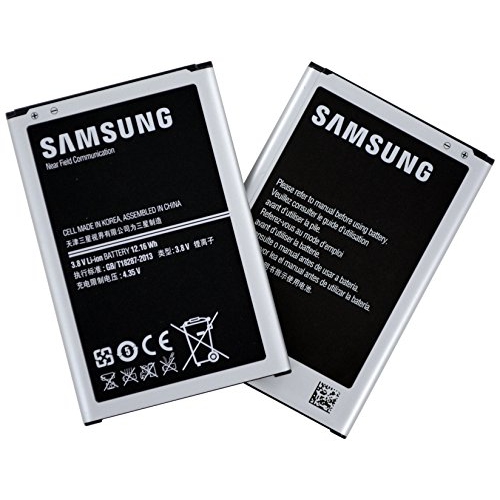
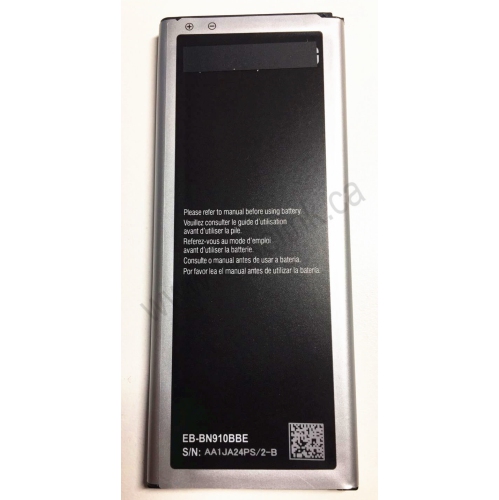
Battery health, charging compatibility, and software support have a substantial effect on the everyday experience of a legacy smartphone. A removable battery can make servicing more straightforward, but the original capacity rating does not reveal how much charge an ageing battery can hold. Time, heat exposure, and past charging habits all influence performance. A phone that works comfortably for a short note-taking session may behave differently during navigation, video playback, or a long call. Swelling, unusual heat, or a back cover that no longer sits flat can indicate a battery problem; a damaged battery should not be charged or used. Replacement batteries need to match the exact handset requirements, including dimensions, voltage, and contact placement. Charging cables likewise need the correct connector rather than a plug that merely looks similar. Some phones of this era use a wider micro-USB 3.0 connection, and charging capability does not by itself establish the speed or reliability of data transfer. Expandable storage can be useful for photographs and audio files, though supported card capacities and formats vary, and a memory card does not make an incompatible app work. Older operating systems may no longer receive security updates or support essential services, making banking, work accounts, and other sensitive tasks a poor fit when adequate protection is absent. Calls and mobile data also depend on the exact regional version, supported network bands, and carrier requirements in Canada; an unlocked handset is not automatically compatible with every network. Wi-Fi can support suitable home uses, but it does not resolve outdated application support. These distinctions matter for anyone considering a familiar spare handset, a collector’s gift, or a device intended mainly for handwriting and saved media. Someone comparing adjacent generations can also explore Galaxy Note 4, while treating cases, batteries, and other fitted accessories as generation-specific unless compatibility is expressly confirmed. The most suitable combination brings together sound physical condition, properly matched accessories, and realistic expectations about what older mobile hardware can do.
Materials, dimensions, and attachment points matter when pairing an older large-screen phone with protective accessories or replacement parts. A textured plastic back can offer a little more grip than a smooth surface while keeping the handset relatively light, but its finish may wear along the corners and around frequently handled edges. A leather-look surface does not necessarily contain leather; the underlying material determines how it responds to cleaning and daily use. Flexible cases made from thermoplastic polyurethane cushion everyday contact and can be easier to remove, while rigid polycarbonate shells hold their shape and provide a firmer outer layer. Neither material makes a phone immune to damage, and protection depends on the case design, fit, and condition. Raised edges can help keep the screen and camera area away from a flat tabletop, while accurate cut-outs preserve access to charging connections, microphones, speakers, and the stylus slot. A case that covers the pen opening can interrupt the very feature that makes this type of handset useful. Similar-looking phones from neighbouring generations may differ in width, button placement, camera position, and rear-cover shape, so screen size alone is not enough to establish compatibility. Screen protectors also need to match the front layout, including the earpiece and any physical buttons. Clear film offers a thin surface layer, while tempered glass adds a more rigid barrier; either can affect the writing feel if its surface is worn or poorly fitted. Gentle care helps preserve these contact surfaces. A soft, lint-free cloth removes fingerprints without the abrasion of a rough paper towel, and moisture should stay clear of openings and exposed contacts. Removable covers need careful handling because ageing clips can become brittle. A loose cover, damaged stylus tip, or cracked case deserves attention before it catches on a pocket lining or scratches another surface. For carrying in a coat pocket or bag, a secure fit and accessible controls are often more useful than extra bulk.
Battery health, charging compatibility, and software support have a substantial effect on the everyday experience of a legacy smartphone. A removable battery can make servicing more straightforward, but the original capacity rating does not reveal how much charge an ageing battery can hold. Time, heat exposure, and past charging habits all influence performance. A phone that works comfortably for a short note-taking session may behave differently during navigation, video playback, or a long call. Swelling, unusual heat, or a back cover that no longer sits flat can indicate a battery problem; a damaged battery should not be charged or used. Replacement batteries need to match the exact handset requirements, including dimensions, voltage, and contact placement. Charging cables likewise need the correct connector rather than a plug that merely looks similar. Some phones of this era use a wider micro-USB 3.0 connection, and charging capability does not by itself establish the speed or reliability of data transfer. Expandable storage can be useful for photographs and audio files, though supported card capacities and formats vary, and a memory card does not make an incompatible app work. Older operating systems may no longer receive security updates or support essential services, making banking, work accounts, and other sensitive tasks a poor fit when adequate protection is absent. Calls and mobile data also depend on the exact regional version, supported network bands, and carrier requirements in Canada; an unlocked handset is not automatically compatible with every network. Wi-Fi can support suitable home uses, but it does not resolve outdated application support. These distinctions matter for anyone considering a familiar spare handset, a collector’s gift, or a device intended mainly for handwriting and saved media. Someone comparing adjacent generations can also explore Galaxy Note 4, while treating cases, batteries, and other fitted accessories as generation-specific unless compatibility is expressly confirmed. The most suitable combination brings together sound physical condition, properly matched accessories, and realistic expectations about what older mobile hardware can do.
Top selling and popular products
-
 Your price for this item is $59.99
 -
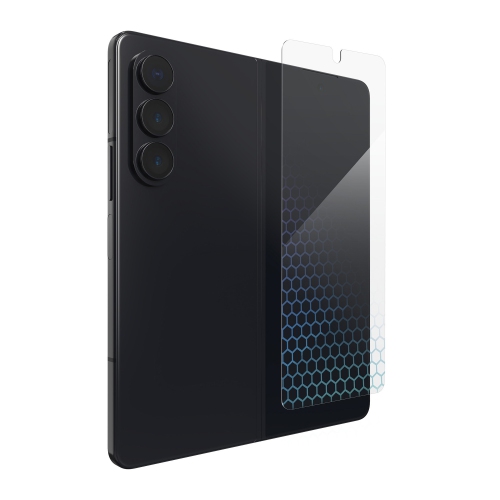 Your price for this item is $59.99
 -
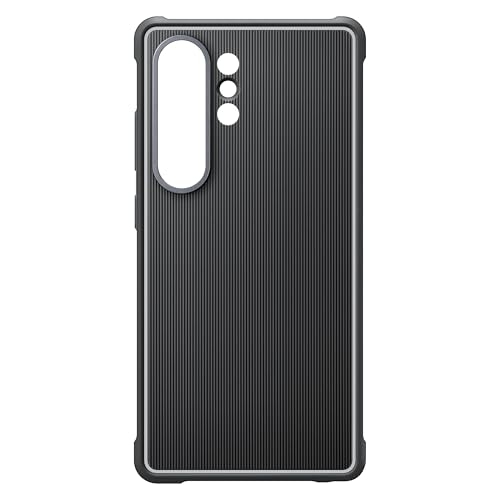 Your price for this item is $89.99
 -
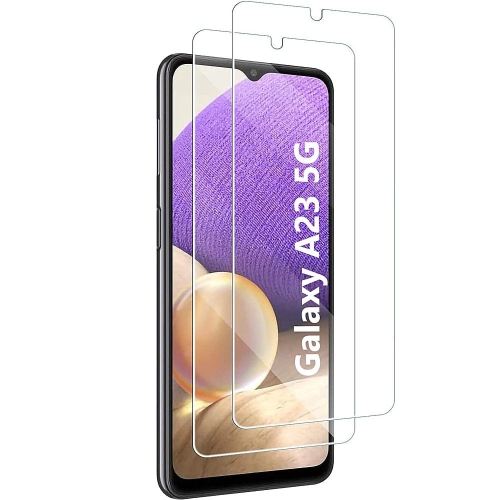 Your price for this item is $52
 -
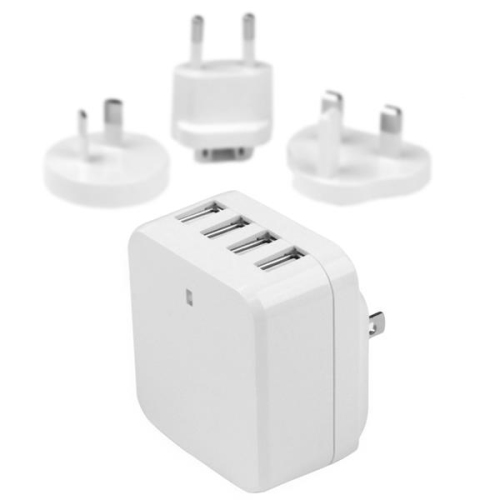 Your price for this item is $49.99
 -
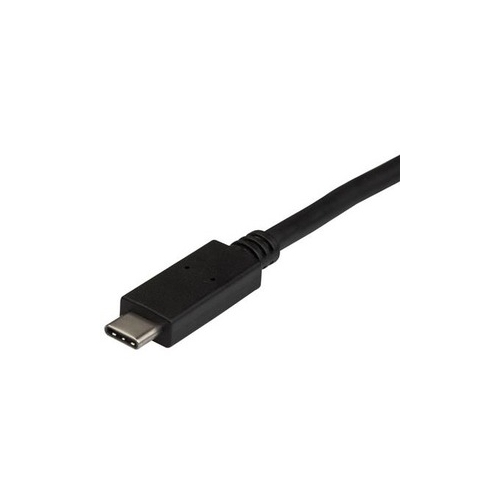 Your price for this item is $14.68
 -
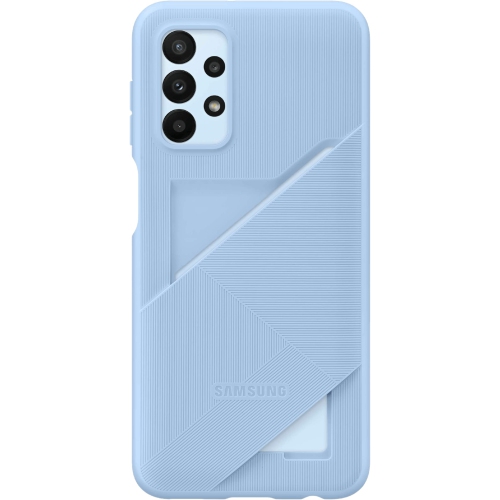 Your price for this item is $52.49
 -
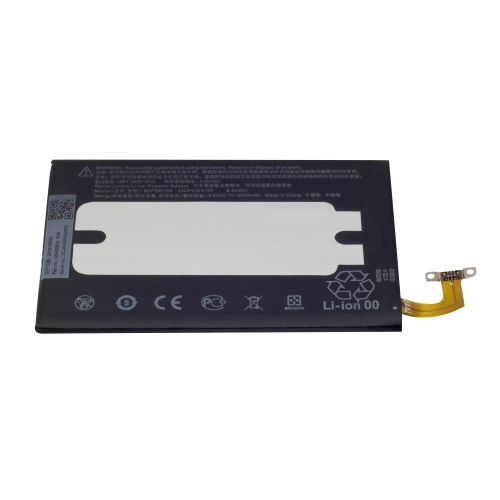 Your price for this item is $30
Discover more categories related to Samsung Galaxy Note 3
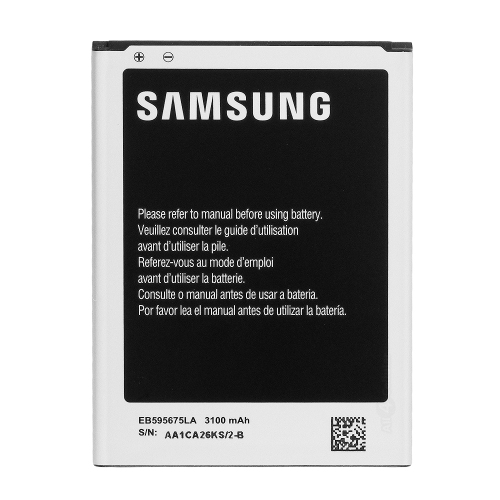
Top Collections:
Pokemon Centers, Kindle Devices, Best Budget Office Chairs, Canon G7X Cameras, Apple iPhones 16, Samsung Galaxy Phones, Refurbished Apple Laptops, Laptops for Students, iPhone 15 Apple, Budget Smartphones
Some products may be subject to Environmental Handling Fees
(EHF) depending on your province.
Learn more about EHFs.