Samsung Samsung Galaxy Note 2
Discover the possibilities with the Samsung Samsung Galaxy Note 2. Designed for those who want both performance and style, this device offers a seamless experience for work, play, and everything in between. Whether you're upgrading your smartphone or looking for a reliable companion for daily tasks, the Samsung Samsung Galaxy Note 2 delivers versatility and convenience. Explore options to find the perfect fit for your needs and enjoy enhanced connectivity on the go.
Sort



![CSMART [] 4Ft/1.2M Micro USB Fast Charging Data Cable for Samsung Galaxy S6 S7 Edge Plus / S3 S4 / Note 2 In White](https://multimedia.bbycastatic.ca/multimedia/products/500x500/134/13497/13497066.jpg)
Why the right fit matters for older stylus phones
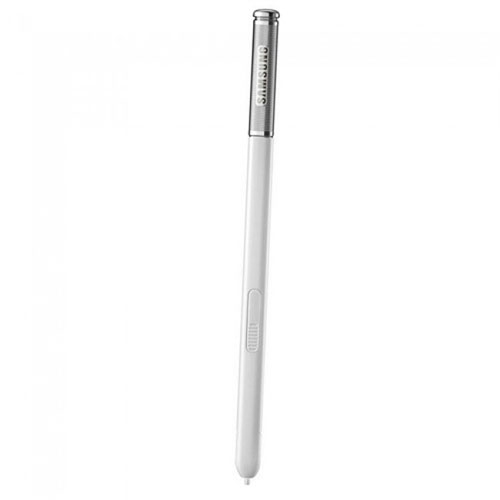
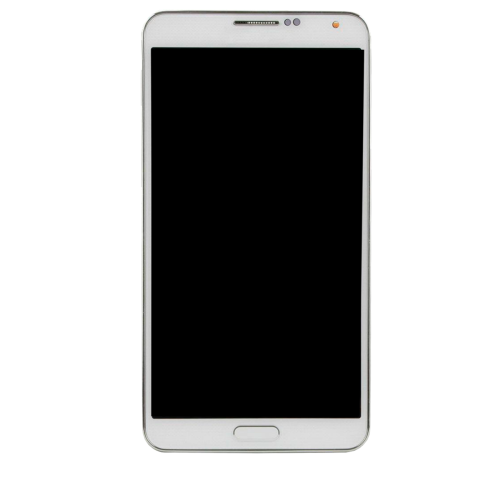
Large-screen smartphones with a built-in stylus bring touch controls and handwriting together in a format suited to reading, taking notes, and keeping everyday information close at hand. Early generations helped establish the appeal of a phone with more room for documents, photos, and handwritten reminders, without moving up to a separate tablet. A 5.5-inch display was notably spacious for its time, offering a comfortable surface for browsing a recipe on the kitchen counter or jotting down measurements beside a sketch. Devices from this period often paired lightweight plastic housings with removable rear covers, expandable storage, and batteries that could be replaced separately from the phone. Those features still appeal to owners maintaining a familiar handset, although an older device is best understood in the context of its original hardware and software. A screen resolution of 1280 × 720 pixels can serve basic reading and photo viewing, but it will not offer the same fine detail as many newer displays. Similarly, the processors, memory, and cameras found in early large-screen phones were designed around the apps and expectations of their era. For someone keeping an older handset as an offline music player, a place for handwritten lists, or a familiar interface for simple tasks, physical condition and compatibility can matter more than headline specifications. Stylus support adds another distinction: an integrated pen can make small annotations and precise selections easier than a fingertip, while pressure-sensitive input may allow variations in line thickness in compatible software. These functions depend on both the screen technology and the pen, rather than the presence of a pen-shaped accessory alone. That distinction is particularly relevant when matching accessories to an existing phone. The most useful assortment for this type of handset centres on its actual design, including the stylus opening, removable back, charging connection, and model-specific dimensions, rather than simply grouping together accessories for phones with similar screen sizes.
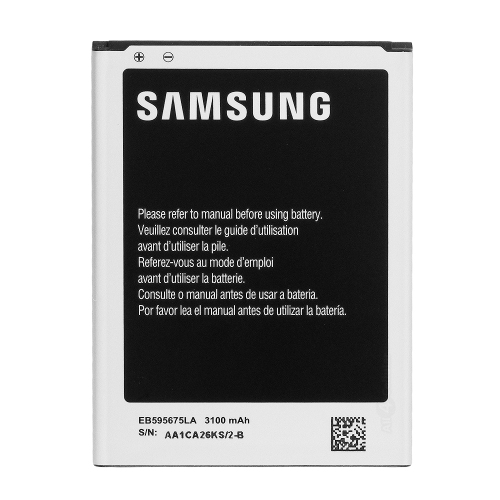
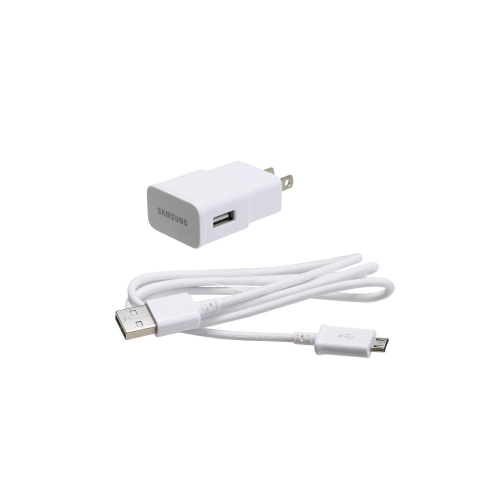
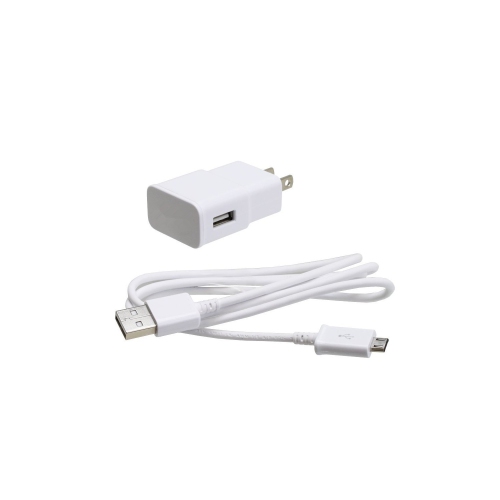
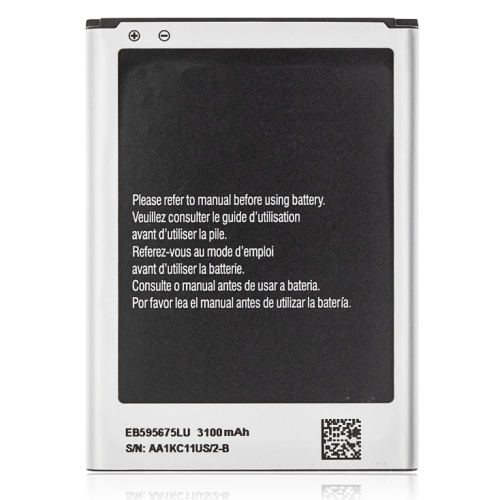
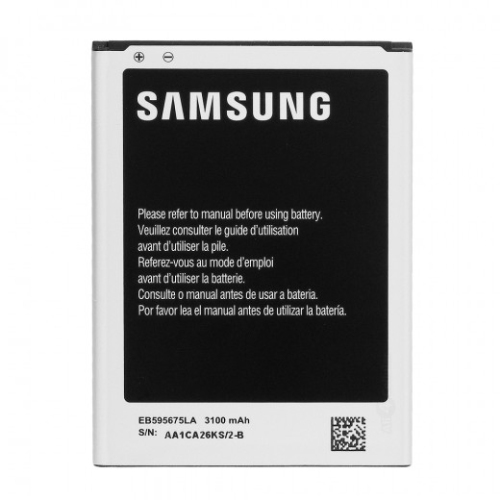
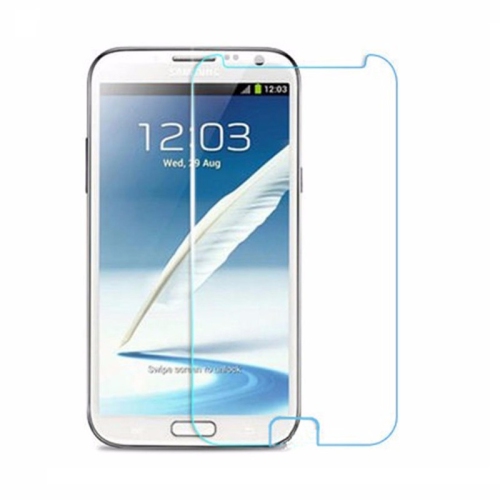
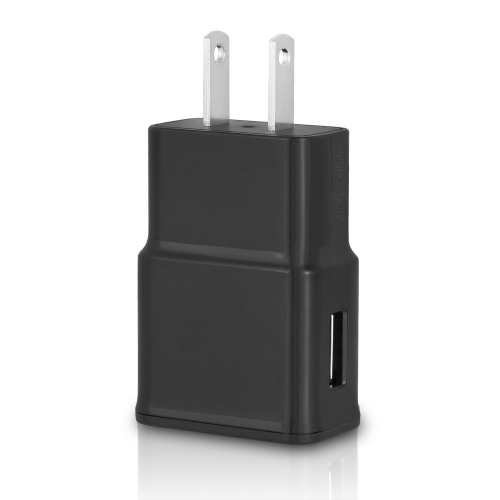
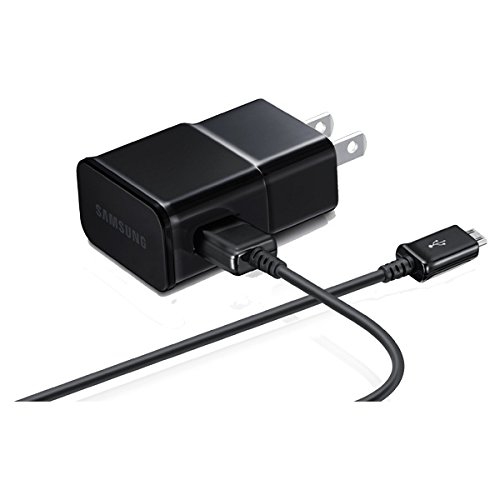
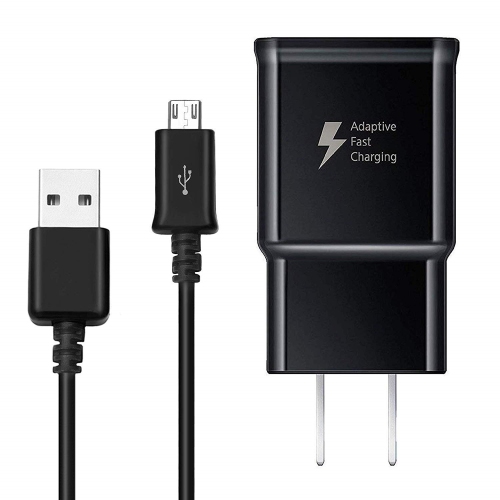
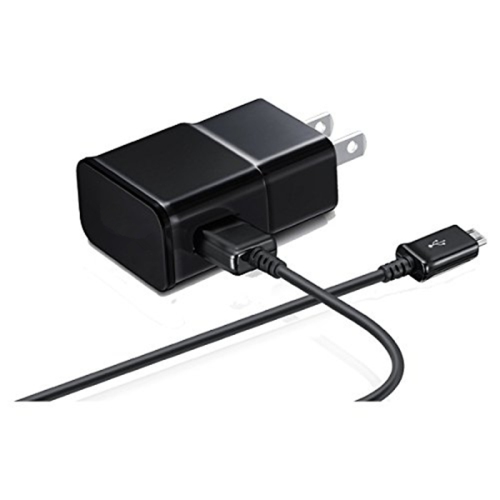
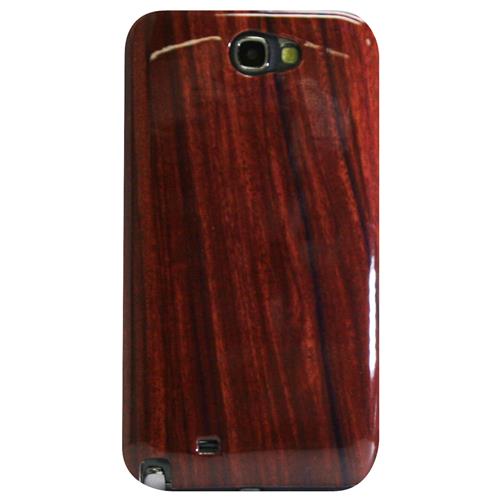
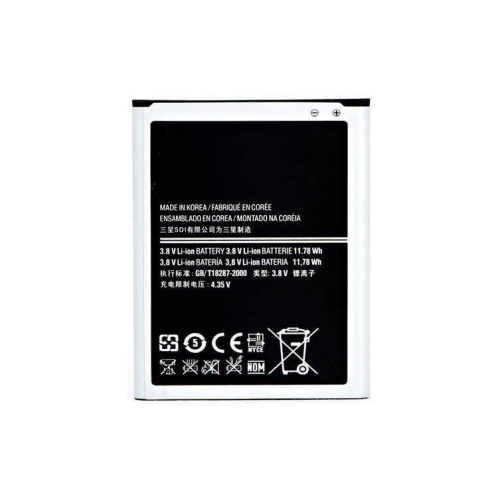
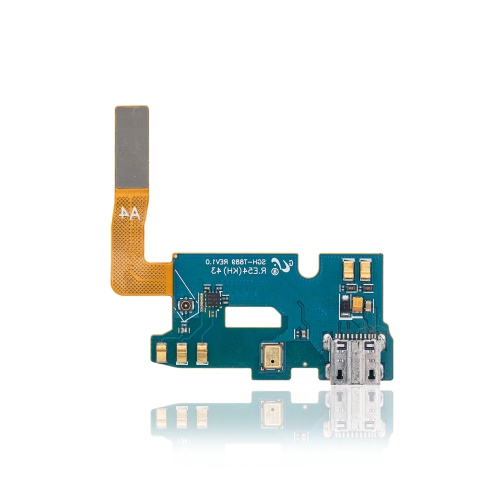
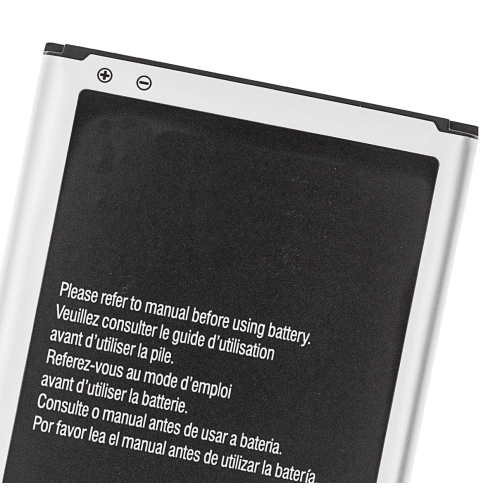
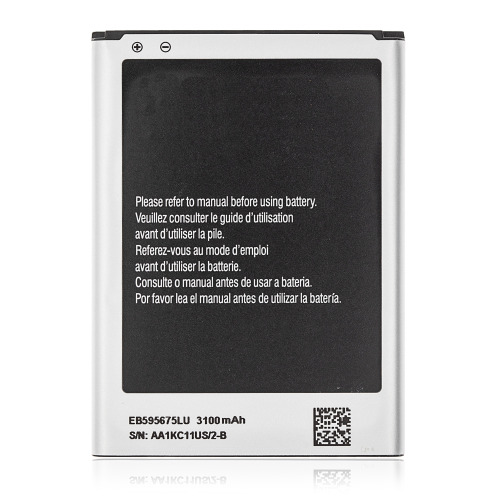
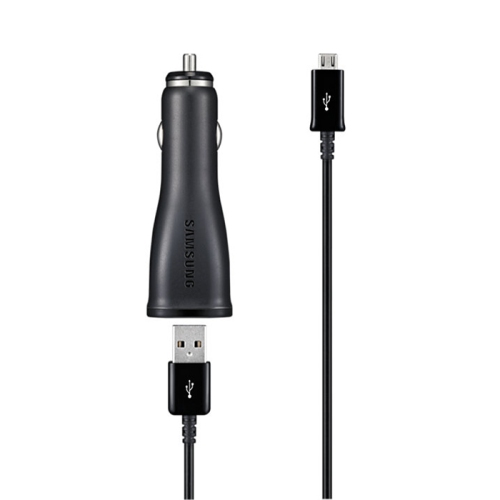
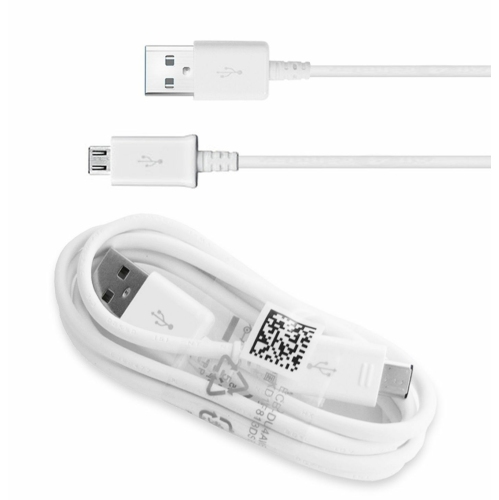
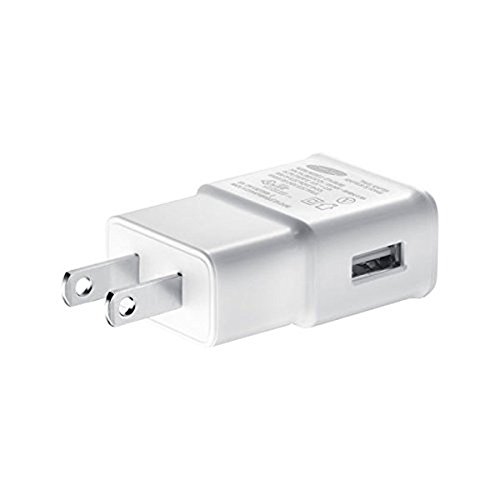
Cases, screen protectors, charging accessories, and replacement components each have different fit requirements for an older stylus-equipped phone. A case needs to match the handset’s height, width, thickness, camera position, speaker openings, and side buttons, while leaving enough clearance to remove and store the pen. Even closely related devices can have different contours or port placements, so a matching display size does not establish compatibility. Soft silicone and flexible thermoplastic polyurethane cases generally offer a grippy feel and some cushioning around the edges. Rigid plastic shells provide a firmer structure, while layered designs combine a hard outer surface with a more flexible inner section. A raised lip can help keep the screen from touching a flat tabletop, although no case makes a phone immune to drops. Folio covers add a flap over the display and may suit a handset carried in a bag alongside keys, notebooks, or charging cables. Their bulk and closure design affect how comfortably the phone sits in one hand, especially during longer reading sessions. Screen protectors also vary in feel: thin film adds little thickness, while compatible tempered glass provides a firmer surface that may feel closer to the uncovered display. Accurate cut-outs and smooth edges matter around the earpiece, front camera, and physical controls. On a phone used for handwriting, the surface should also allow the stylus tip to move smoothly without catching. Charging accessories require equally careful matching, since a micro-USB connector is physically different from the USB-C connection common on newer phones. Cable fit, connector condition, and an appropriate power supply all contribute to dependable charging. A removable battery must match the exact handset variant, contact arrangement, and electrical requirements; similar appearance alone is not enough. Age affects batteries even when they have seen little use, and swelling, leakage, unusual heat, or a back cover that no longer sits flat are reasons to stop using the affected battery. For a handset that spends time in a coat pocket or a bag during the cooler months, a secure case and sound charging connection are practical details that support everyday handling.
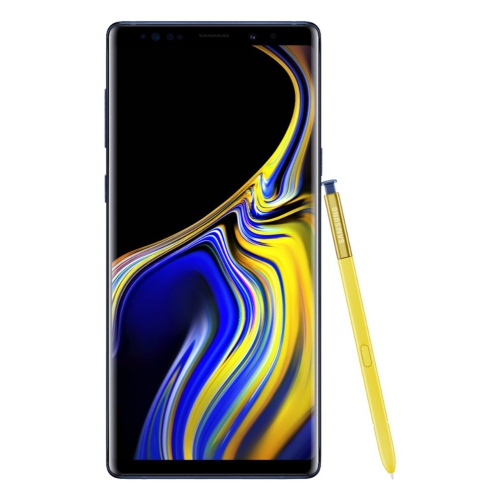
Living with an older smartphone also means distinguishing its physical capabilities from the services it can still access. Wi-Fi connectivity may support some browsing and local network tasks, but it does not guarantee that a modern app will install, sign in, or function correctly. Messaging platforms, banking apps, streaming services, and websites can require software versions or security features that an older operating system does not provide. A phone that powers on and accepts a SIM card may also lack the network bands or voice-calling support required by a Canadian carrier. Carrier compatibility therefore involves the exact device variant and supported calling technology, not just whether the handset is unlocked. These limitations can make a legacy phone better suited to a narrow, familiar role than to being someone’s only means of communication. Offline audio, locally stored photos, and compatible note-taking tools may remain useful, provided the hardware is working properly and important files are backed up elsewhere. Expandable storage can add space for compatible media, although memory-card capacity and formatting requirements vary by handset. Daily care is straightforward but important: a soft, lint-free cloth helps remove fingerprints, while keeping moisture away from openings protects exposed connections. A removable back cover does not imply water resistance, and excessive heat can stress both the battery and the display. Pen tips, charging sockets, buttons, and the rear-cover clips are useful places to assess wear because they receive repeated handling over years of use. For someone choosing an accessory as a gift, the recipient’s exact model number and preferred way of carrying the phone are more useful than a general description such as “large-screen handset.” Owners interested in a later generation of the same stylus-focused phone family can also explore Samsung Galaxy Note 9, while keeping in mind that cases, pens, batteries, and other fitted accessories are not automatically interchangeable between generations. Across older phones and their accessories, precise compatibility, honest expectations about software, and careful attention to condition are what make the difference between a familiar device that remains useful and one that no longer suits its intended role.
Cases, screen protectors, charging accessories, and replacement components each have different fit requirements for an older stylus-equipped phone. A case needs to match the handset’s height, width, thickness, camera position, speaker openings, and side buttons, while leaving enough clearance to remove and store the pen. Even closely related devices can have different contours or port placements, so a matching display size does not establish compatibility. Soft silicone and flexible thermoplastic polyurethane cases generally offer a grippy feel and some cushioning around the edges. Rigid plastic shells provide a firmer structure, while layered designs combine a hard outer surface with a more flexible inner section. A raised lip can help keep the screen from touching a flat tabletop, although no case makes a phone immune to drops. Folio covers add a flap over the display and may suit a handset carried in a bag alongside keys, notebooks, or charging cables. Their bulk and closure design affect how comfortably the phone sits in one hand, especially during longer reading sessions. Screen protectors also vary in feel: thin film adds little thickness, while compatible tempered glass provides a firmer surface that may feel closer to the uncovered display. Accurate cut-outs and smooth edges matter around the earpiece, front camera, and physical controls. On a phone used for handwriting, the surface should also allow the stylus tip to move smoothly without catching. Charging accessories require equally careful matching, since a micro-USB connector is physically different from the USB-C connection common on newer phones. Cable fit, connector condition, and an appropriate power supply all contribute to dependable charging. A removable battery must match the exact handset variant, contact arrangement, and electrical requirements; similar appearance alone is not enough. Age affects batteries even when they have seen little use, and swelling, leakage, unusual heat, or a back cover that no longer sits flat are reasons to stop using the affected battery. For a handset that spends time in a coat pocket or a bag during the cooler months, a secure case and sound charging connection are practical details that support everyday handling.
Living with an older smartphone also means distinguishing its physical capabilities from the services it can still access. Wi-Fi connectivity may support some browsing and local network tasks, but it does not guarantee that a modern app will install, sign in, or function correctly. Messaging platforms, banking apps, streaming services, and websites can require software versions or security features that an older operating system does not provide. A phone that powers on and accepts a SIM card may also lack the network bands or voice-calling support required by a Canadian carrier. Carrier compatibility therefore involves the exact device variant and supported calling technology, not just whether the handset is unlocked. These limitations can make a legacy phone better suited to a narrow, familiar role than to being someone’s only means of communication. Offline audio, locally stored photos, and compatible note-taking tools may remain useful, provided the hardware is working properly and important files are backed up elsewhere. Expandable storage can add space for compatible media, although memory-card capacity and formatting requirements vary by handset. Daily care is straightforward but important: a soft, lint-free cloth helps remove fingerprints, while keeping moisture away from openings protects exposed connections. A removable back cover does not imply water resistance, and excessive heat can stress both the battery and the display. Pen tips, charging sockets, buttons, and the rear-cover clips are useful places to assess wear because they receive repeated handling over years of use. For someone choosing an accessory as a gift, the recipient’s exact model number and preferred way of carrying the phone are more useful than a general description such as “large-screen handset.” Owners interested in a later generation of the same stylus-focused phone family can also explore Samsung Galaxy Note 9, while keeping in mind that cases, pens, batteries, and other fitted accessories are not automatically interchangeable between generations. Across older phones and their accessories, precise compatibility, honest expectations about software, and careful attention to condition are what make the difference between a familiar device that remains useful and one that no longer suits its intended role.
Top selling and popular products
-
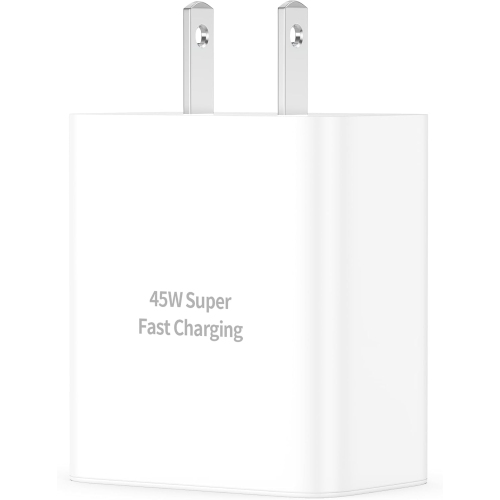 Your price for this item is $27.99
 -
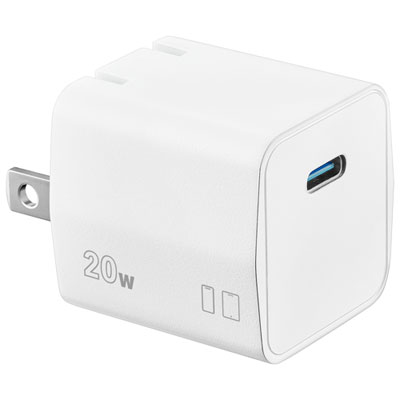 Your price for this item is $16.99
 -
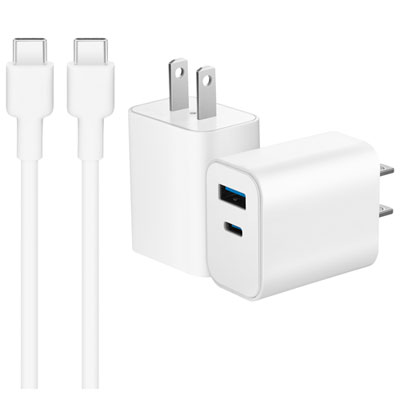 Your price for this item is $24.99
 -
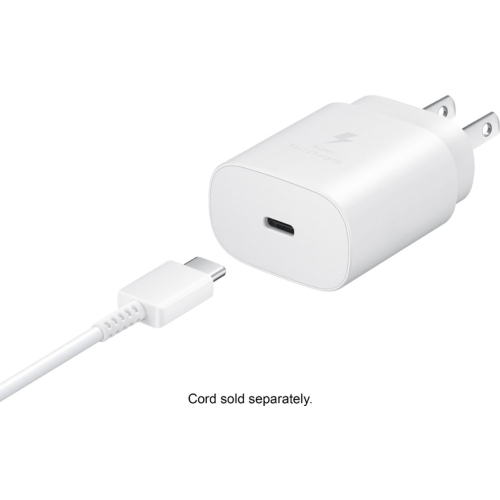 Your price for this item is $25
 -
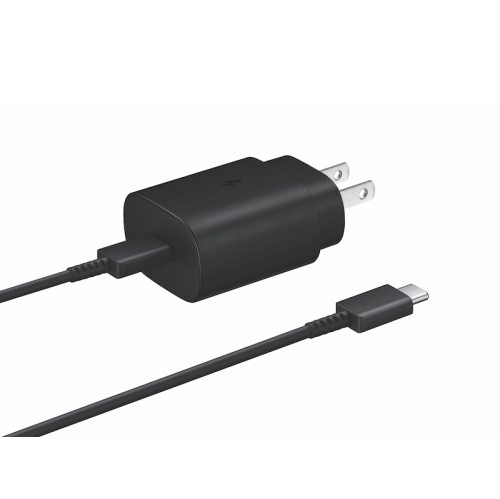 Your price for this item is $14.99
 -
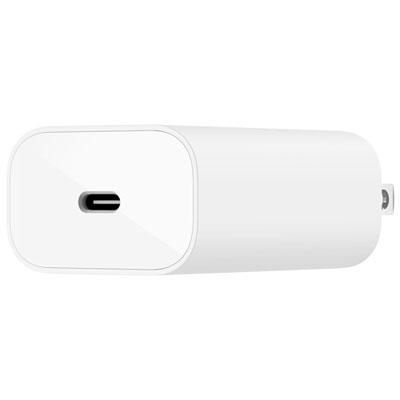 Your price for this item is $24.99
 -
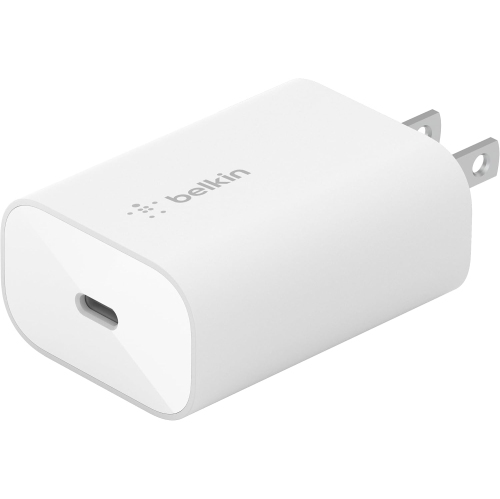 Your price for this item is $61
 -
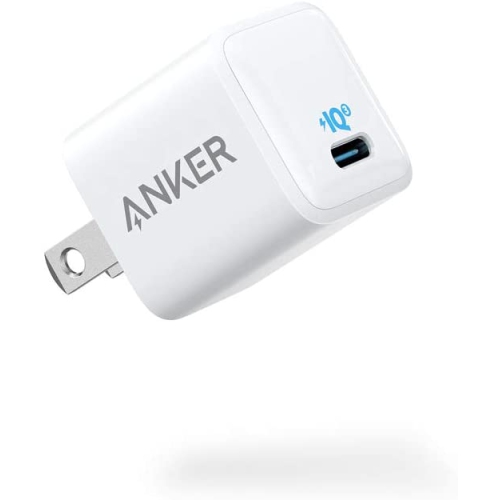 Your price for this item is $80.99
Discover more categories related to Samsung Samsung Galaxy Note 2
Top Collections:
Pokemon Centers, Kindle Devices, Best Budget Office Chairs, Canon G7X Cameras, Apple iPhones 16, Samsung Galaxy Phones, Refurbished Apple Laptops, Laptops for Students, iPhone 15 Apple, Budget Smartphones
Some products may be subject to Environmental Handling Fees
(EHF) depending on your province.
Learn more about EHFs.