Modem And Routers For Library
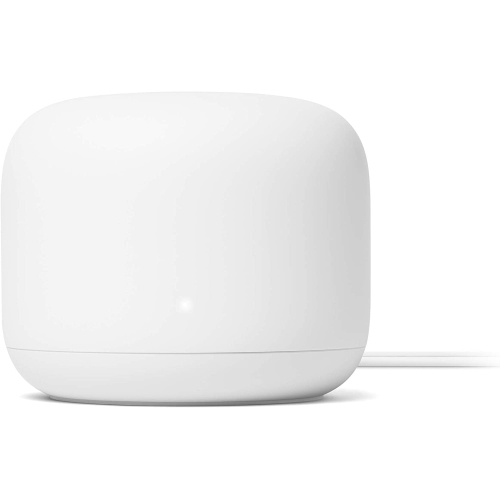
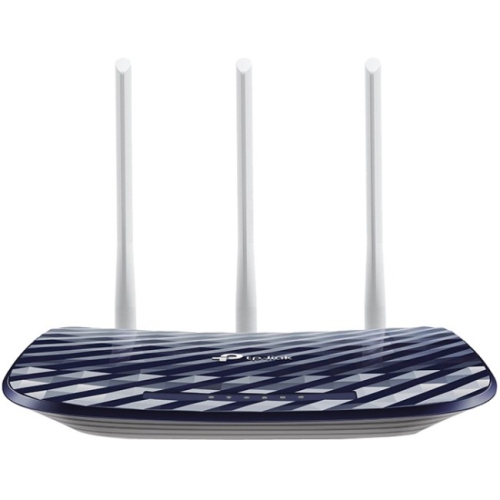
Modem and routers for library settings are essential for creating a reliable and efficient network that supports both staff and visitors. Whether you need to connect multiple devices, enable seamless internet access, or support digital resources, choosing the right modem and routers for library spaces helps maintain smooth operations. Explore options designed to meet the demands of high-traffic environments, ensuring stable connectivity throughout your facility.

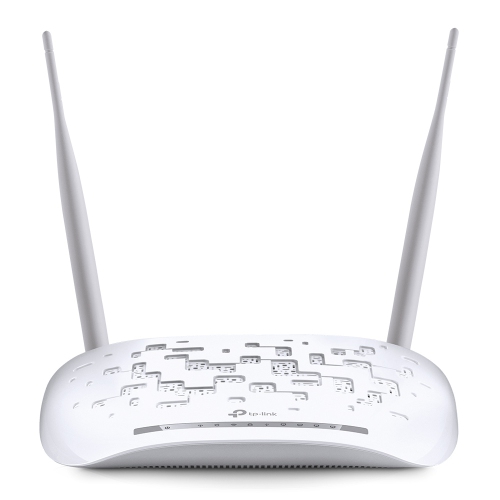
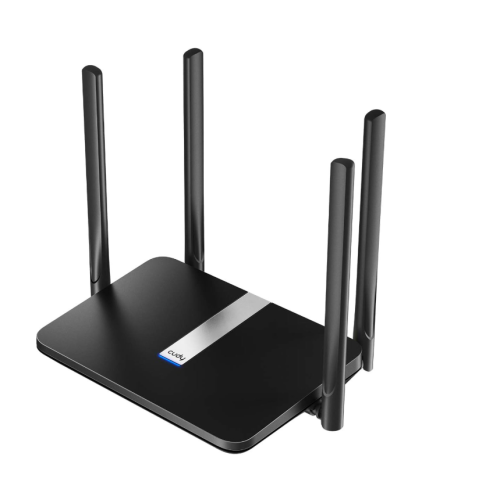
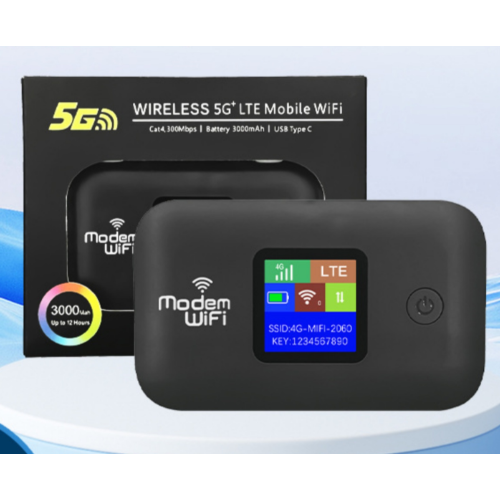
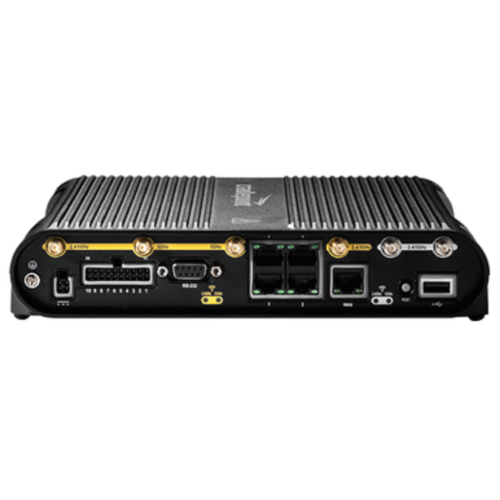
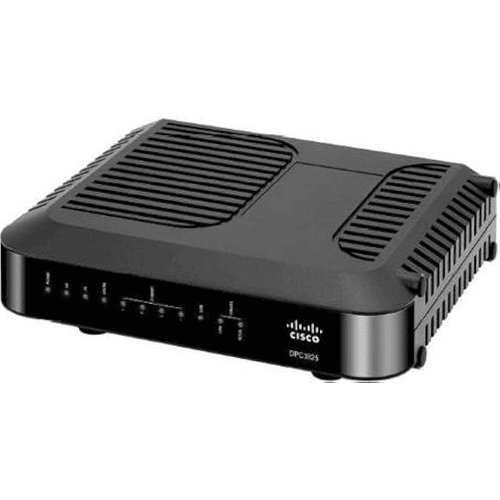


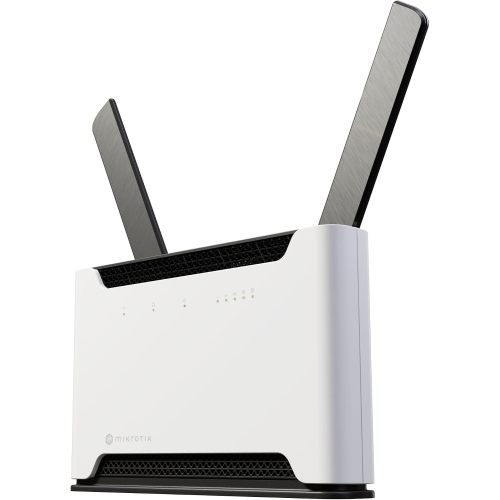
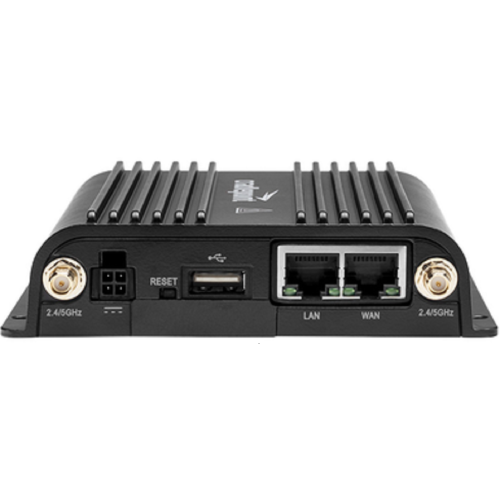
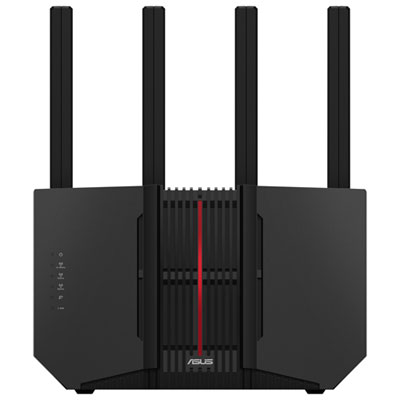
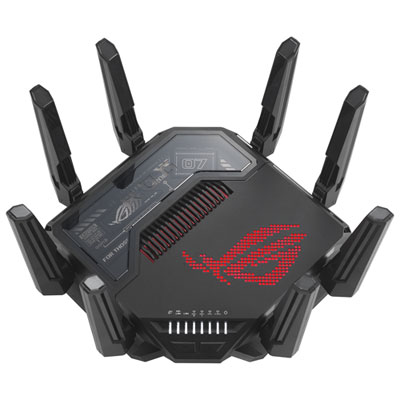

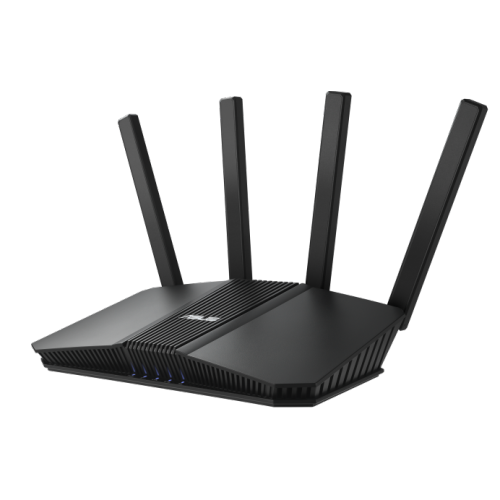
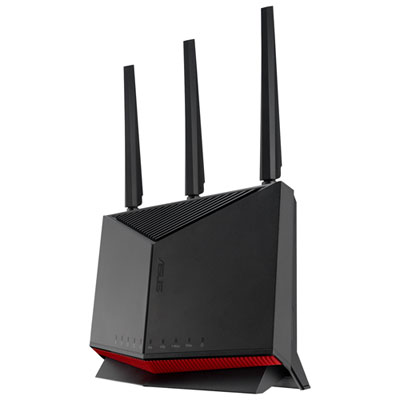
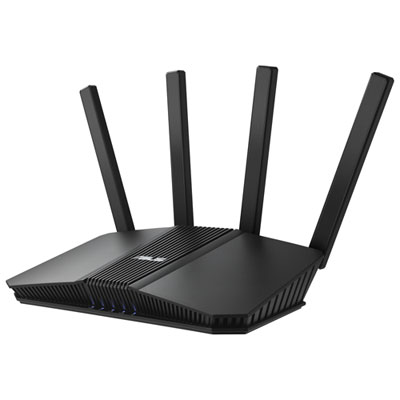
Reliable, secure connectivity for busy library spaces
Another aspect to consider is the diversity of users in a library environment. From students streaming educational videos to patrons accessing cloud-based resources or participating in virtual workshops, the network needs to handle a variety of bandwidth-intensive tasks without interruption. Features like guest networks, parental controls, and advanced security settings can help administrators manage access and protect sensitive information. For library staff, easy-to-use management interfaces and remote troubleshooting capabilities can make daily operations smoother, especially during busier seasons when foot traffic increases. Modems and routers also make thoughtful gifts for educators, librarians, or anyone setting up a new study space at home—especially as more people look for ways to create productive environments outside traditional offices. For those interested in networking solutions designed for business or administrative use, you can explore a range of options tailored to professional settings on the Modem And Routers For Offices page. Whether you’re upgrading technology for a community library, supporting remote learning, or simply ensuring that every visitor has a positive experience, investing in the right networking equipment helps keep everyone connected and focused, no matter the season.
FAQ
What features should libraries look for when choosing modems and routers?
Libraries should prioritize modems and routers that offer strong Wi-Fi coverage, support for multiple simultaneous connections, robust security features, and easy management tools. Dual-band or tri-band routers with advanced parental controls and guest network options are also beneficial for public spaces.
Can library modems and routers handle many users at once?
Yes, many modern modems and routers are designed to support high user density. Look for models with MU-MIMO technology and high bandwidth capabilities to ensure stable connections for multiple patrons accessing the network simultaneously.
How can libraries secure their wireless networks?
Libraries can enhance network security by enabling WPA3 encryption, regularly updating firmware, setting up strong administrator passwords, and creating separate guest networks for public access. Some routers also offer built-in firewalls and intrusion detection systems.
Is it possible to manage library routers remotely?
Many contemporary routers offer remote management through web interfaces or mobile apps. This allows IT staff to monitor network performance, update settings, and troubleshoot issues without being physically present.
Do libraries need both a modem and a router?
Yes, most libraries require both devices: a modem connects the building to the internet service provider, while a router distributes the internet connection wirelessly or via Ethernet to multiple devices within the library.
Top selling and popular products
-
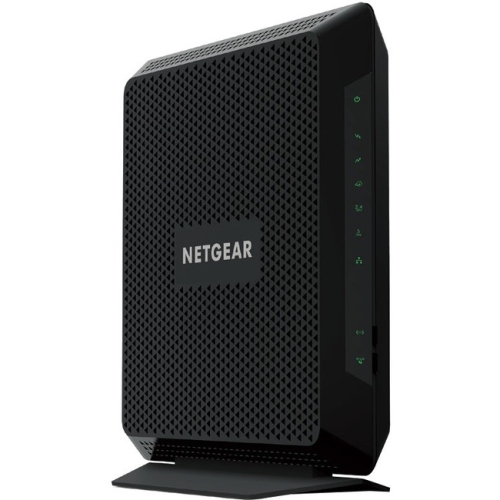 Your price for this item is $189.99
-
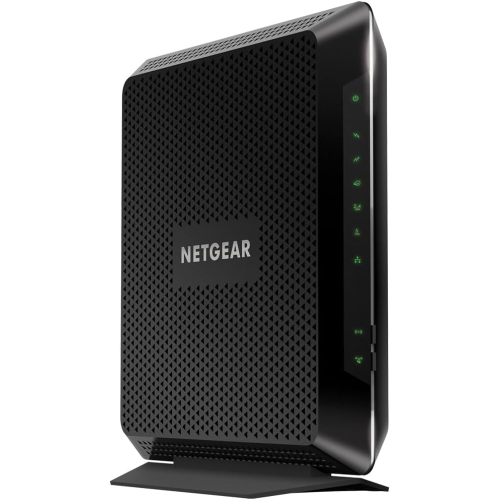 Your price for this item is $189.99
-
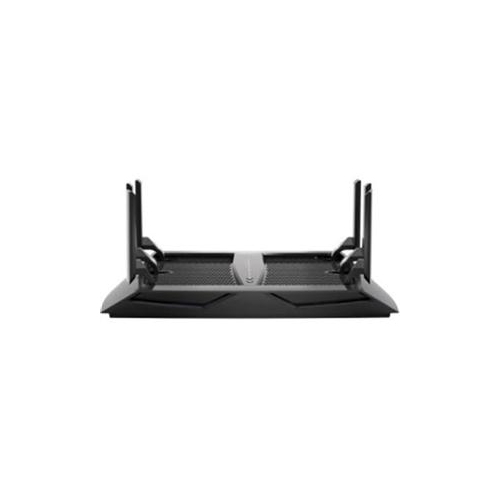 Your price for this item is $219
-
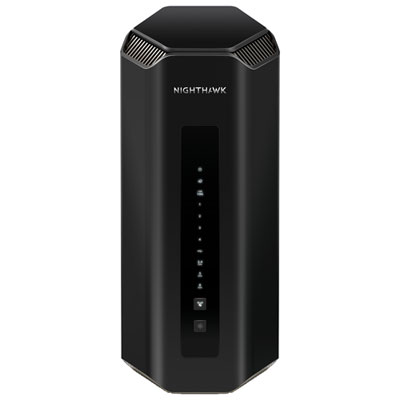 Your price for this item is $899.99
-
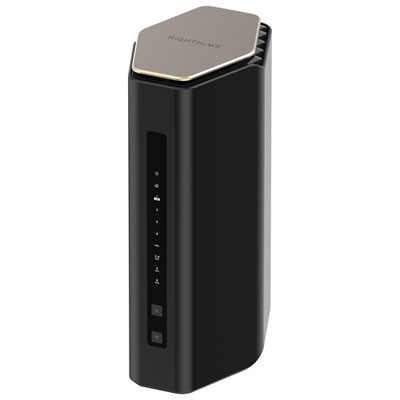 Your price for this item is $299.99
-
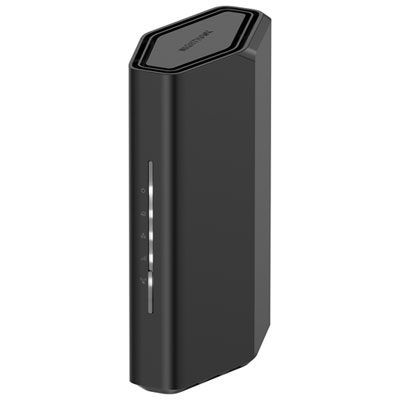 Your price for this item is $139.99
-
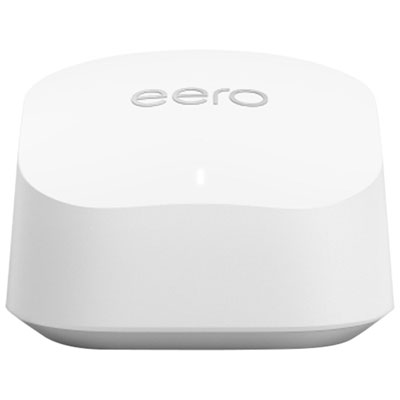 Your price for this item is $189.99
-
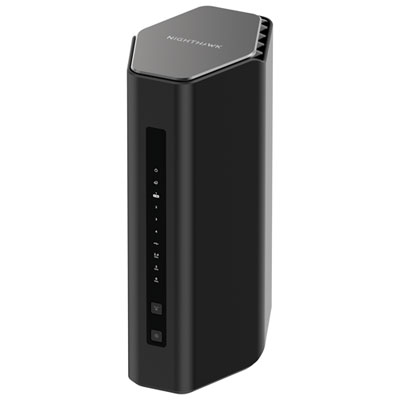 Your price for this item is $499.99