Monitor Arms for Large Monitors
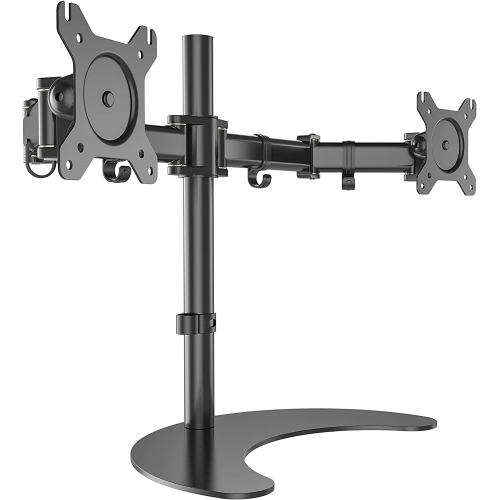
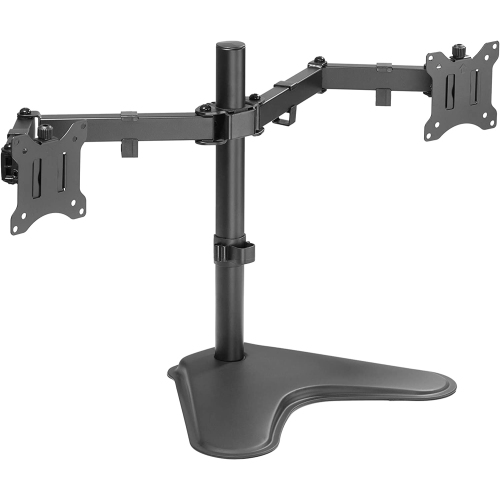
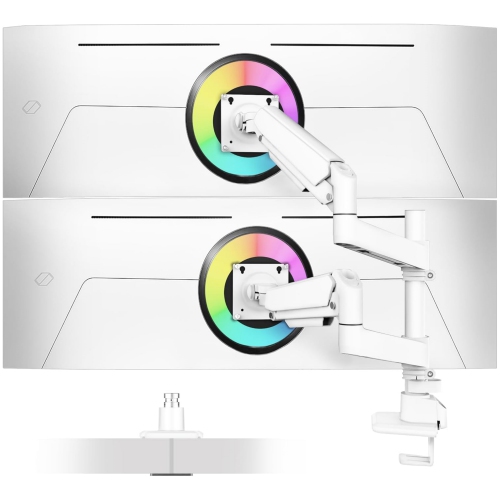
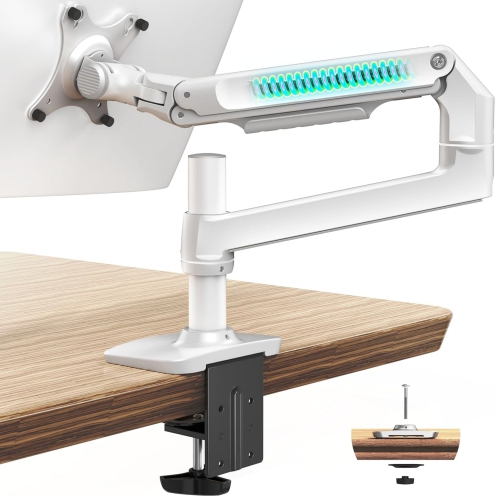
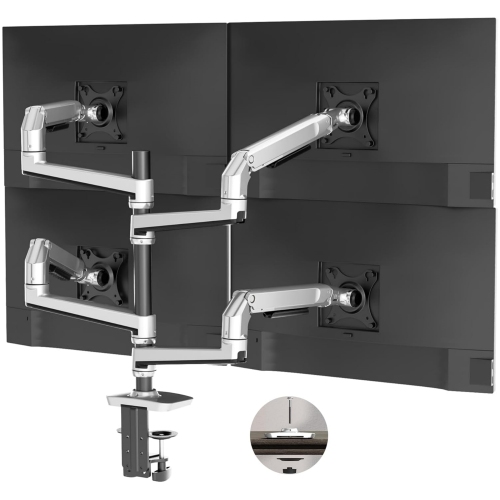
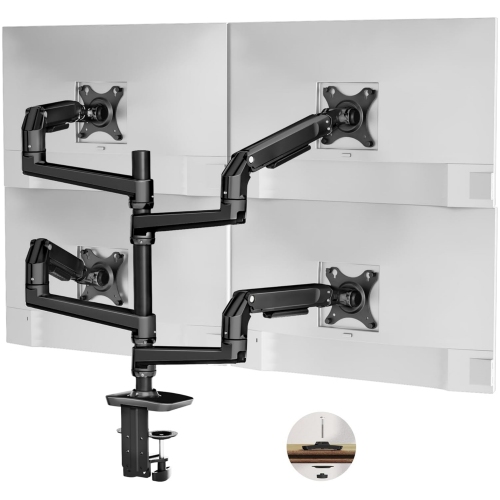
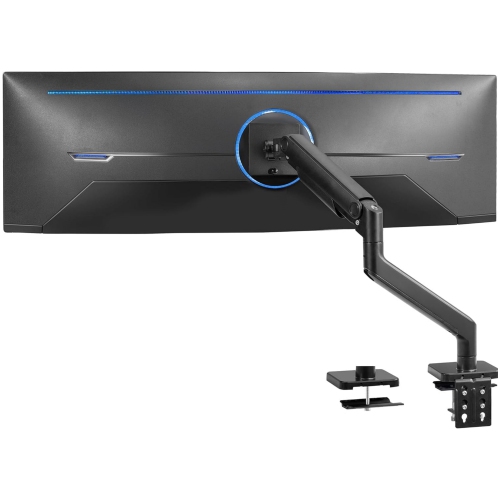
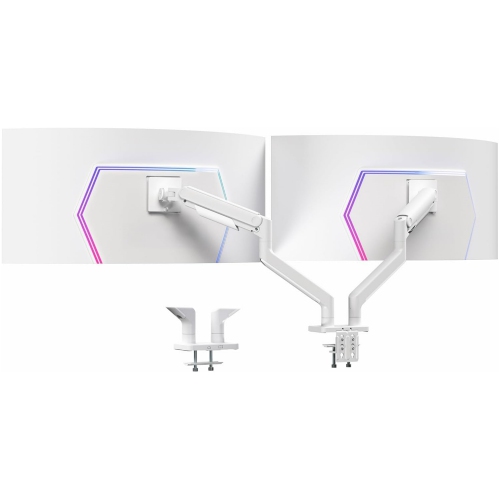
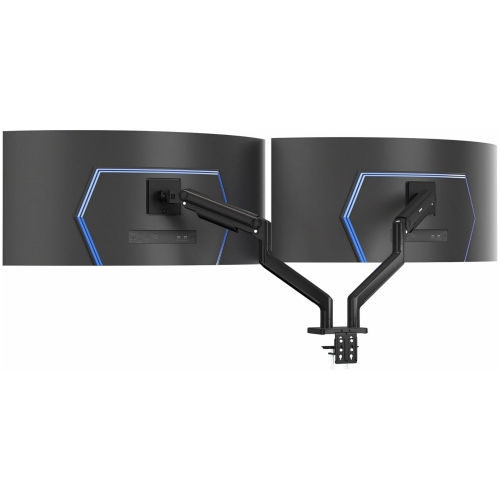
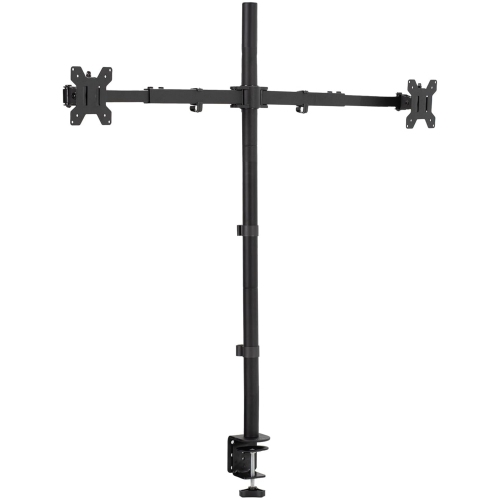
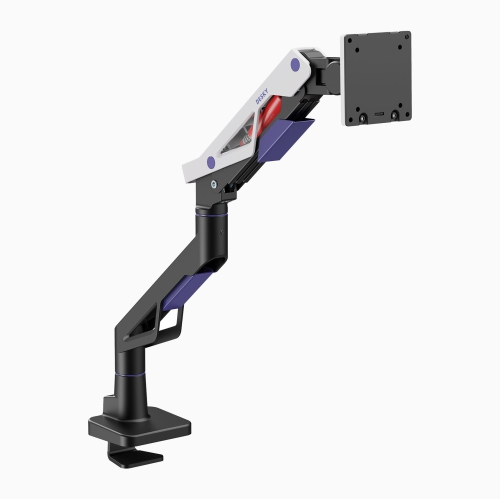
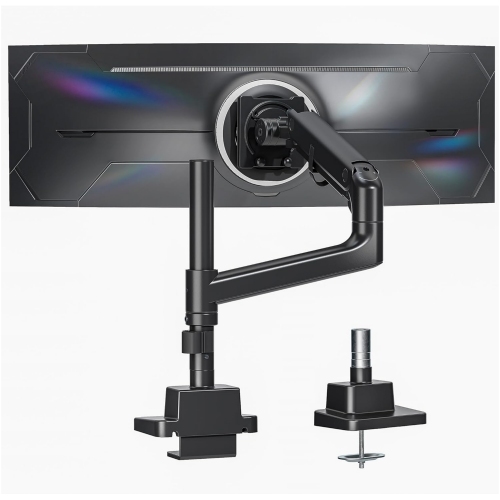
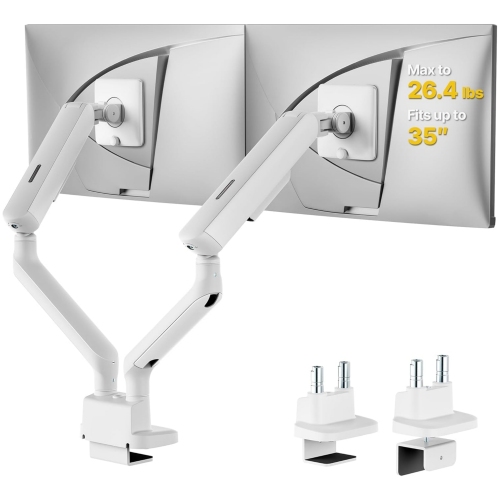
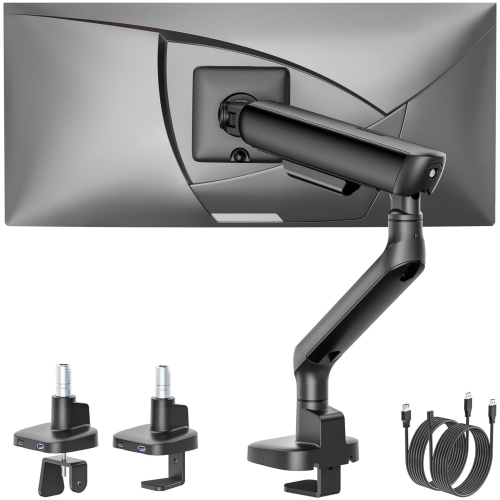
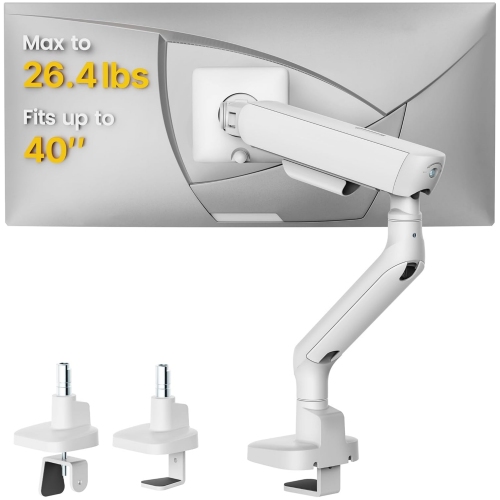
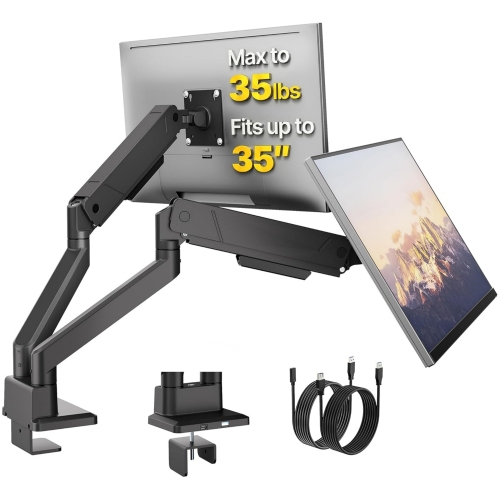
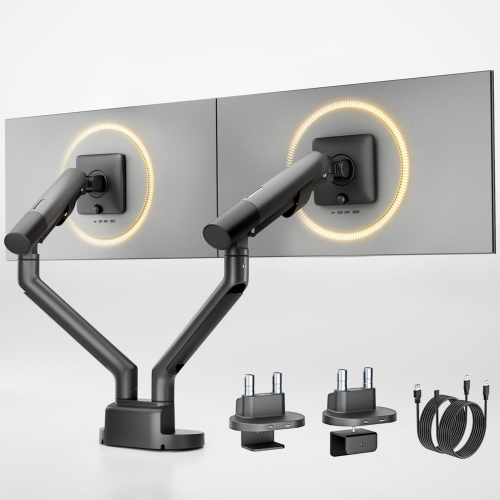
Find monitor arms for large monitors to position your screen comfortably and free up desk space. Browse monitor mounts with your display’s size, weight, and VESA mounting pattern in mind, and compare height adjustment, reach, and tilt to suit your setup. Check desk thickness and mounting requirements before choosing an arm.











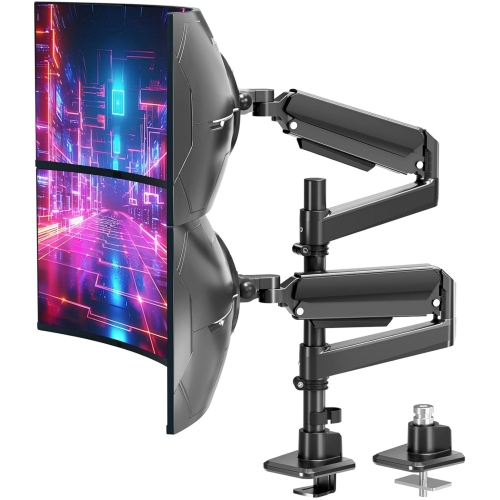
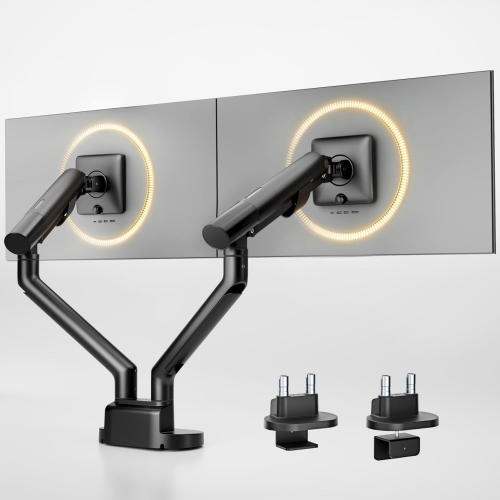
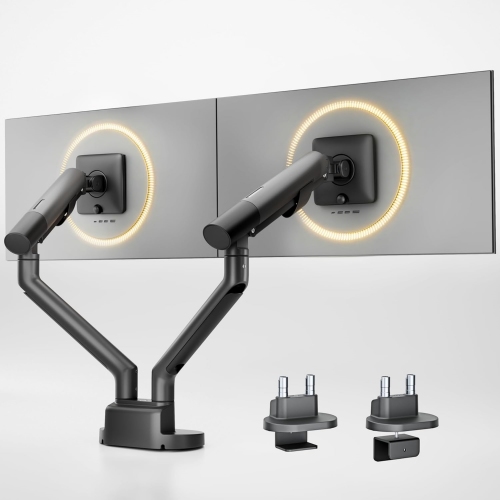
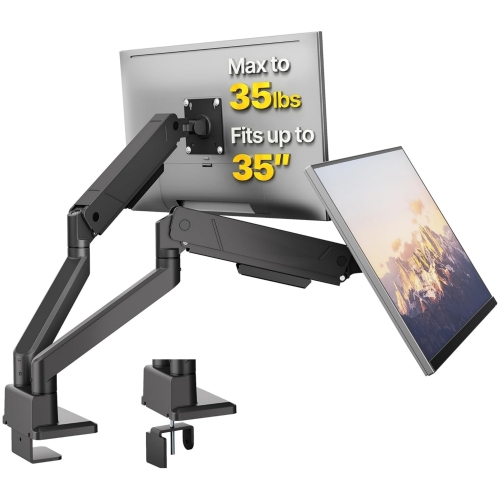
FAQ
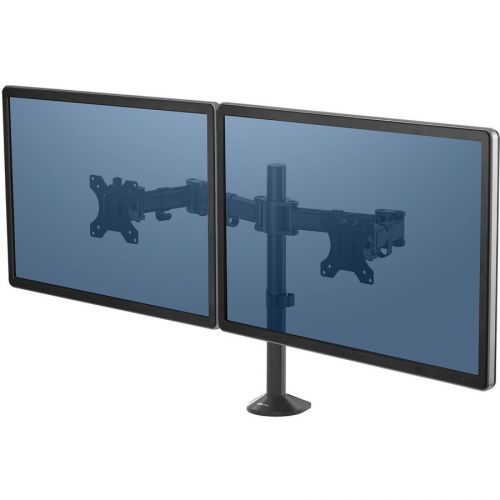
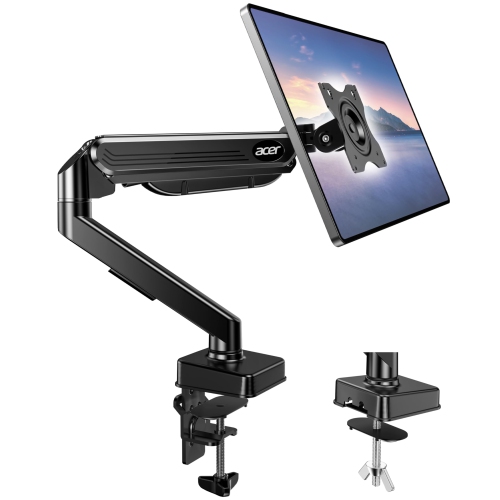
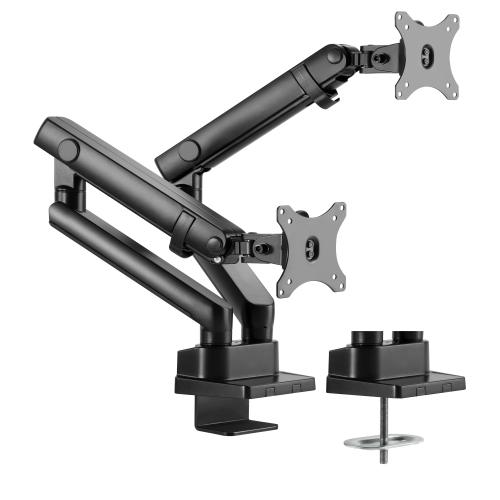
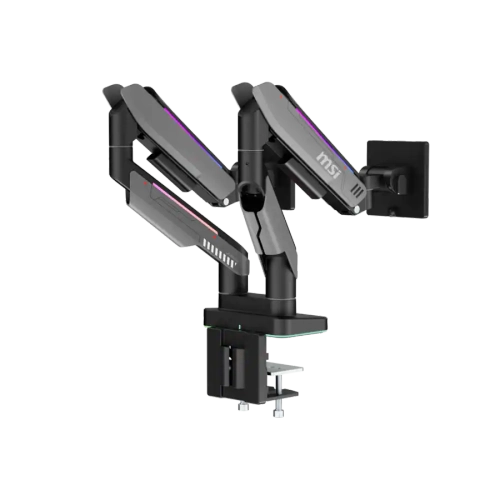
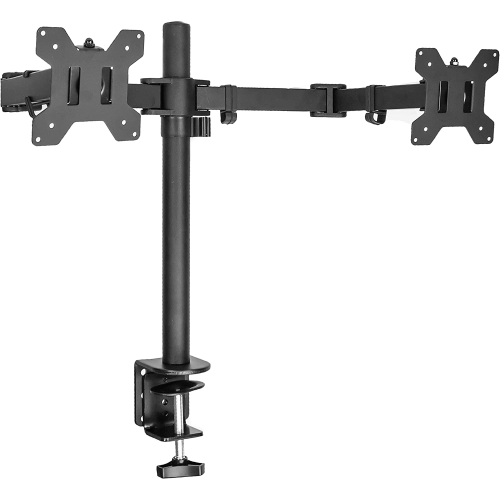
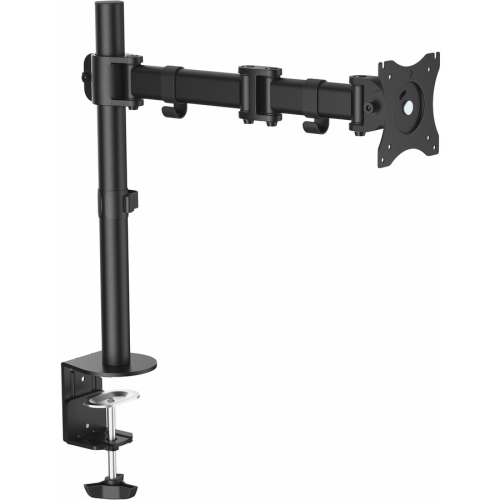
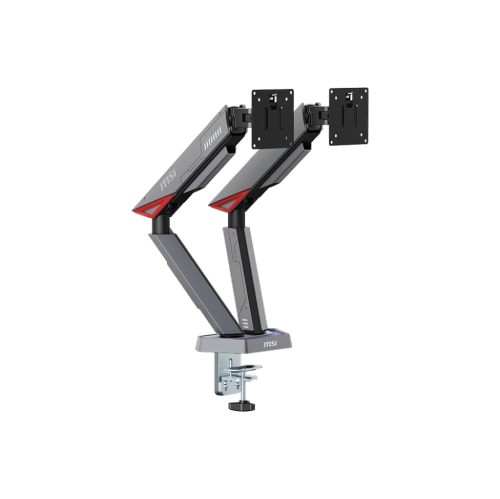
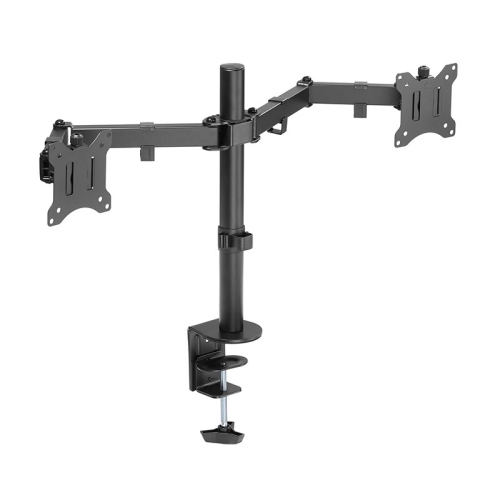
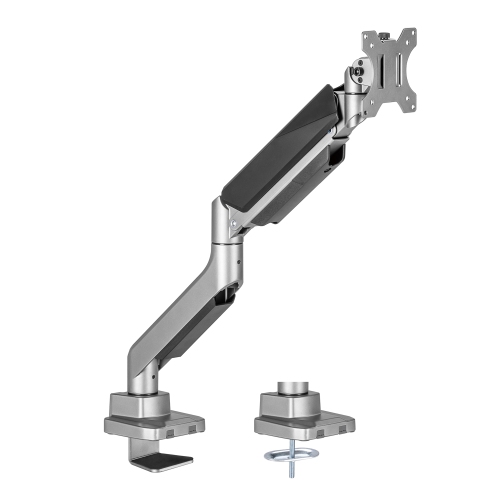
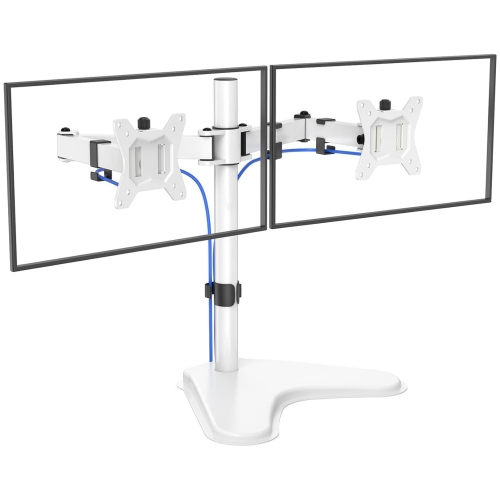
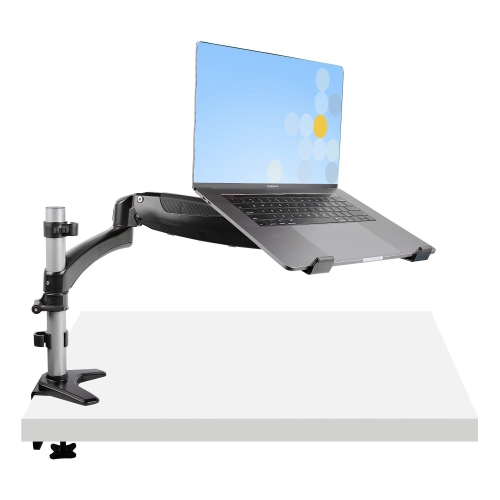
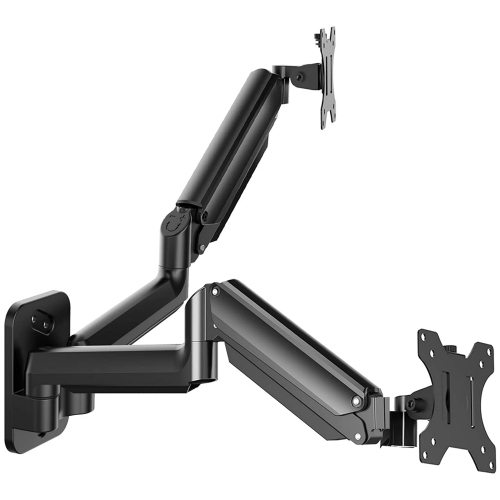
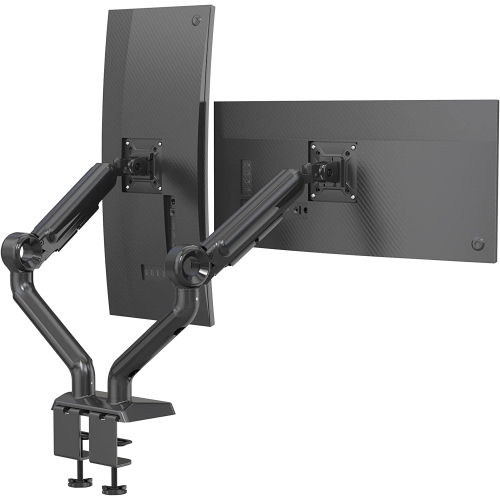
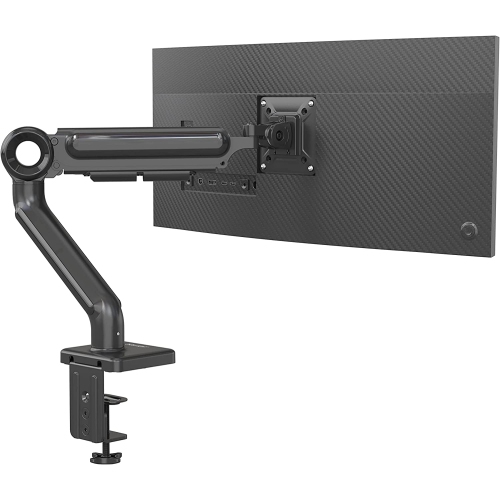
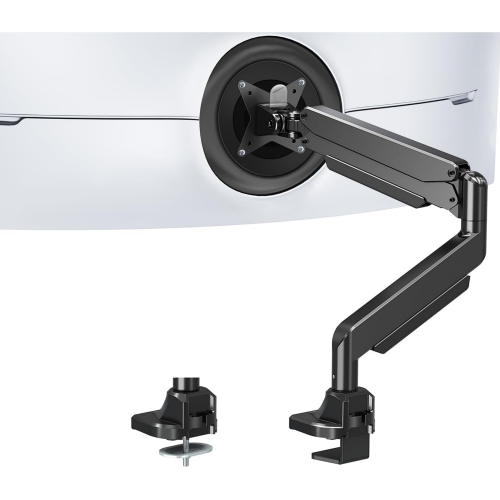
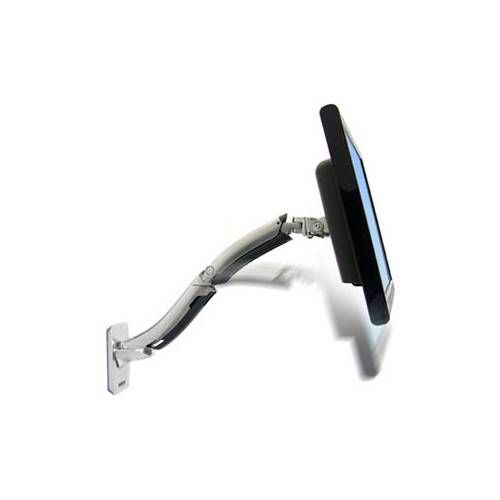
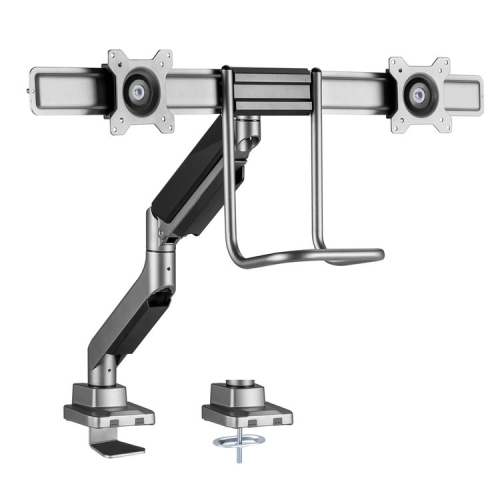
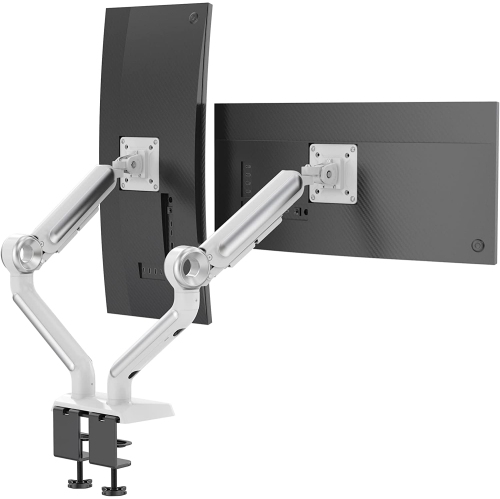
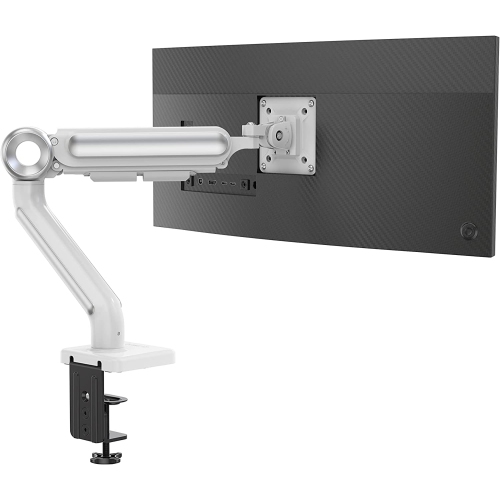
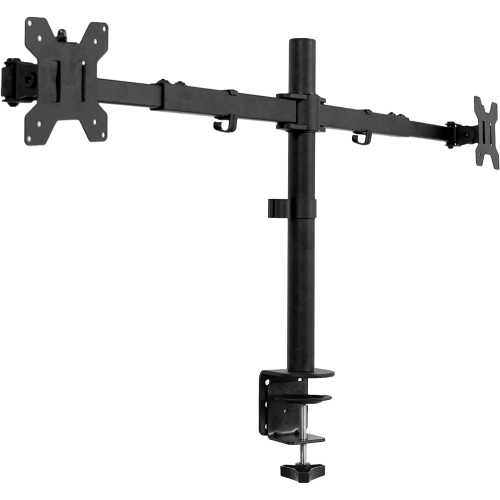
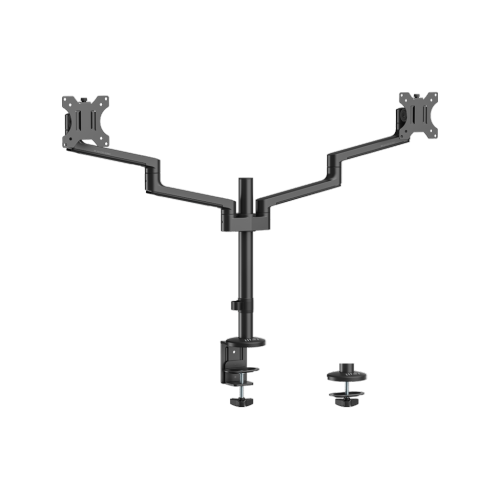
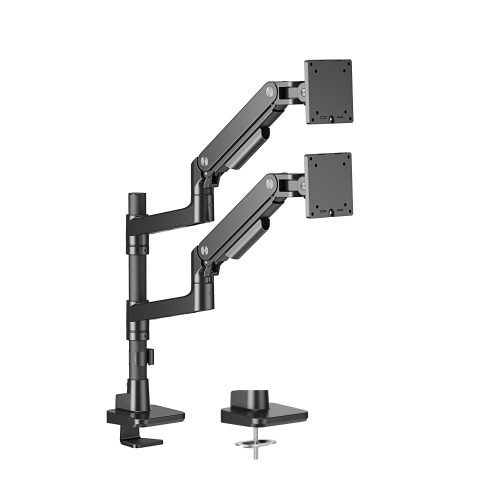
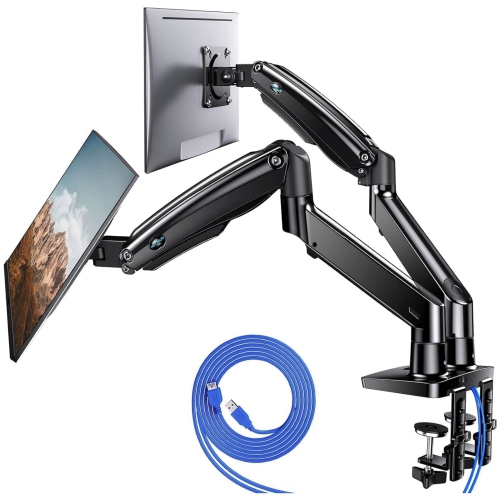
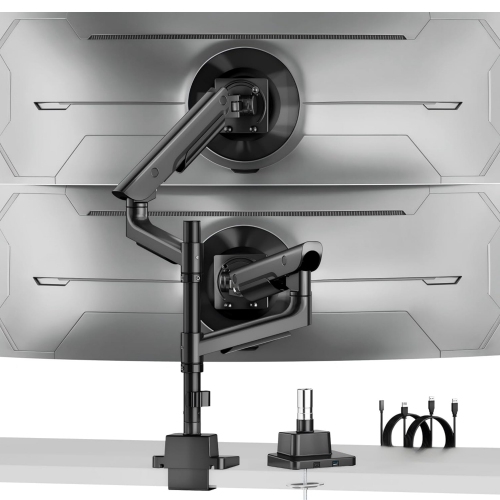
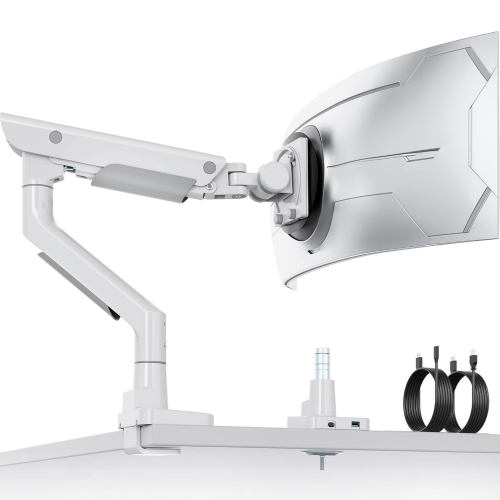
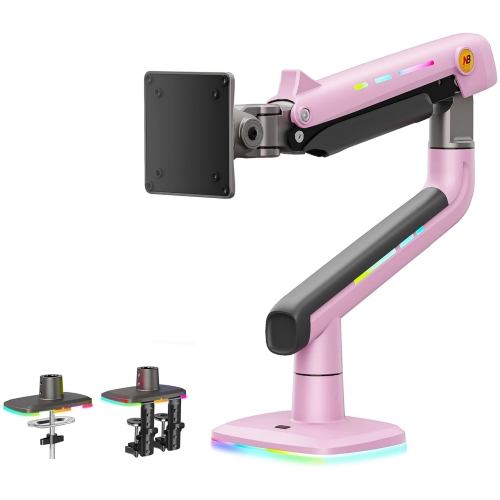
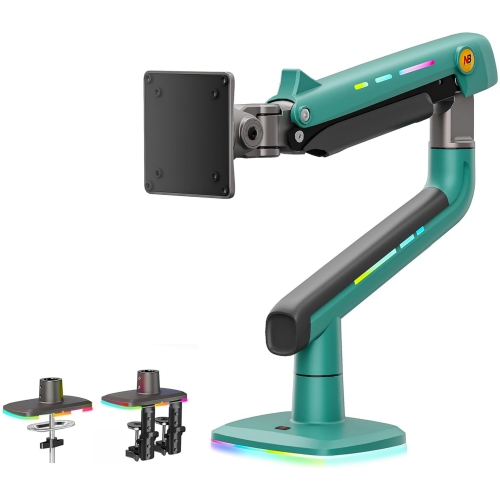
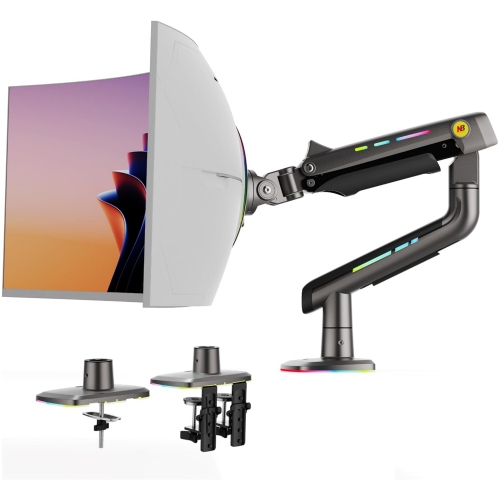
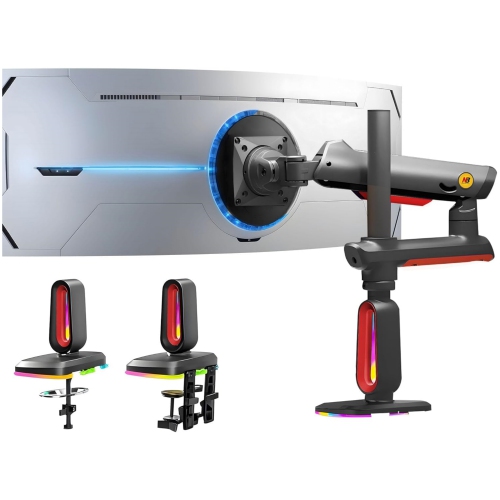
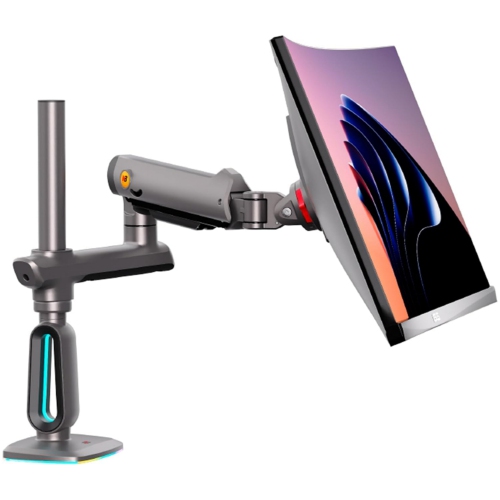
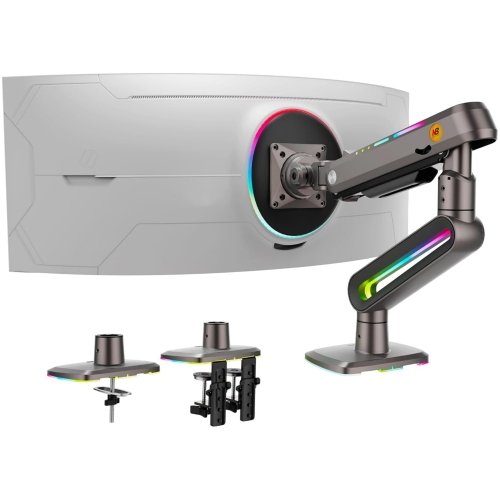
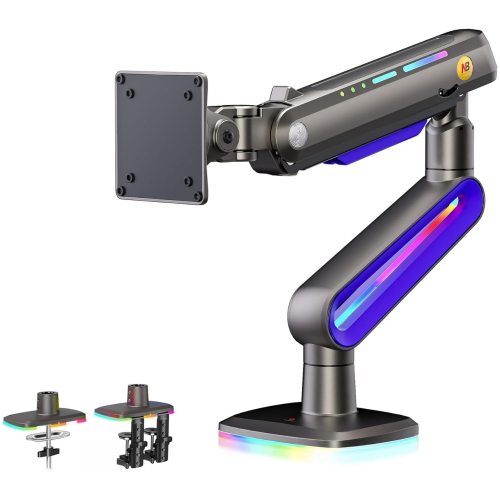
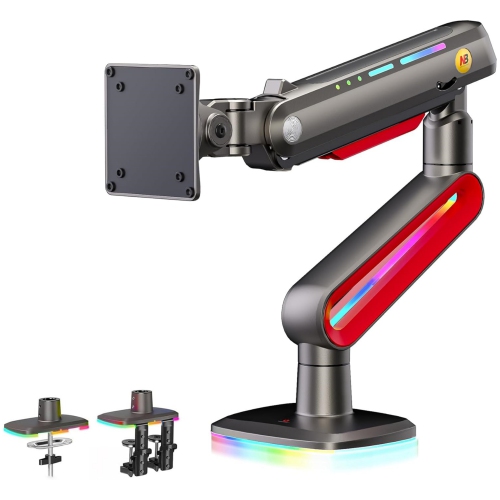
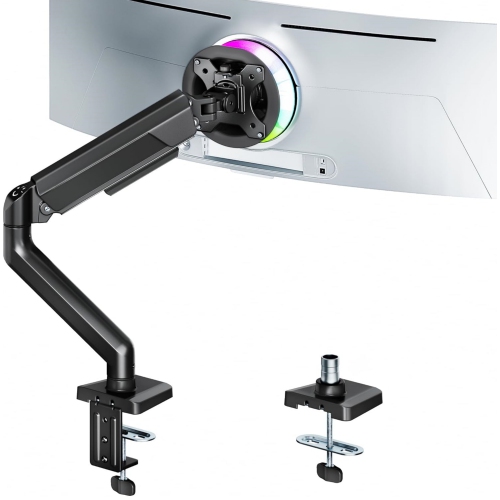
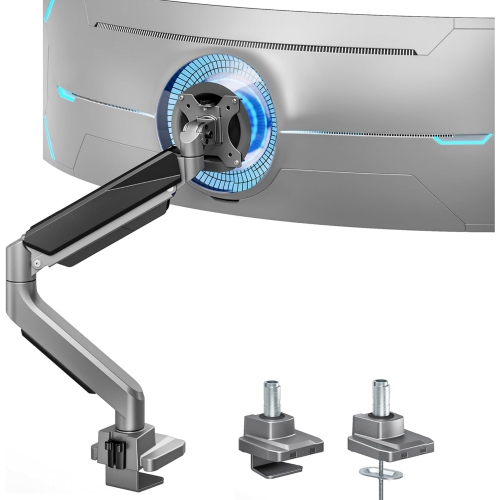
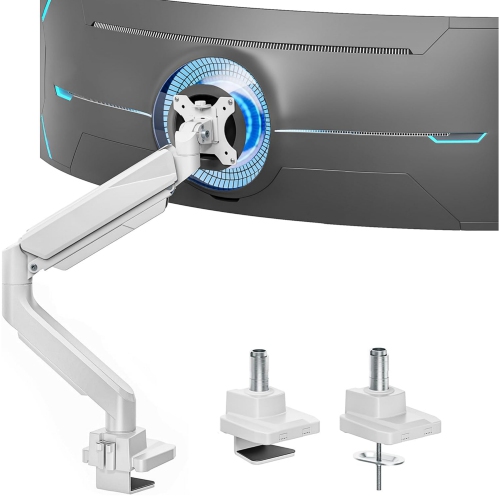
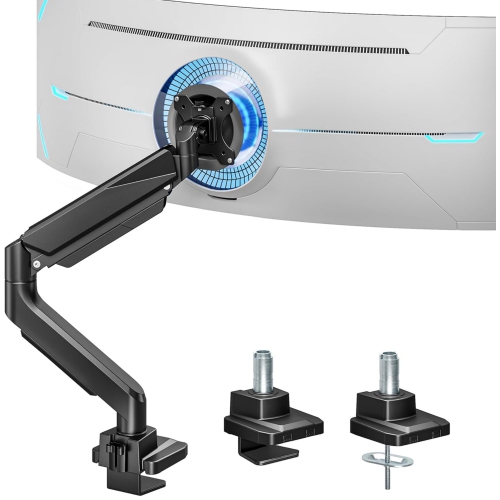
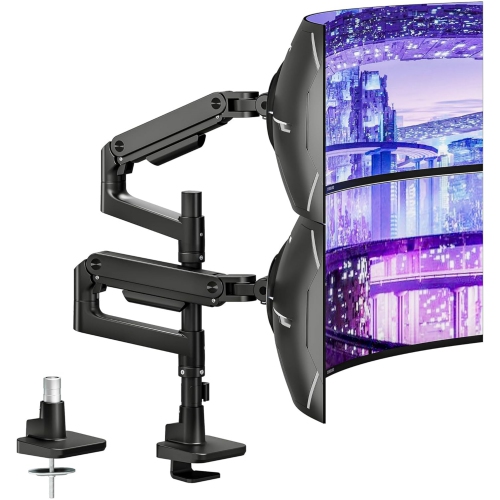
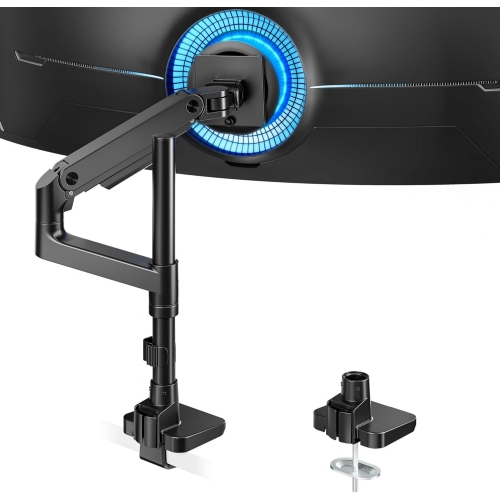
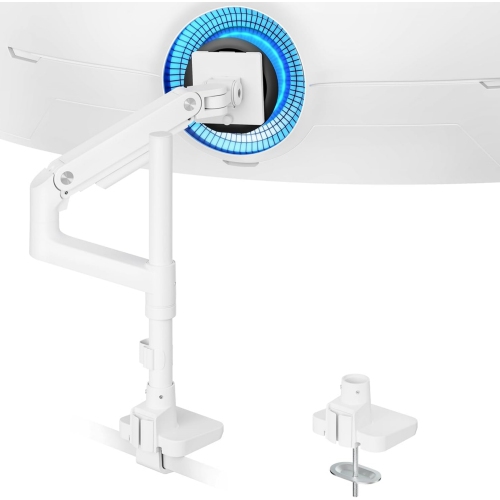
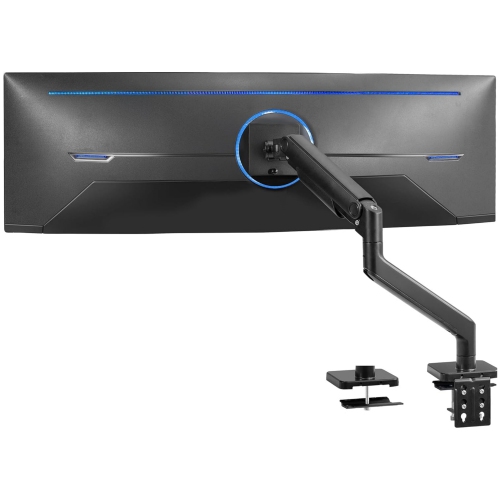
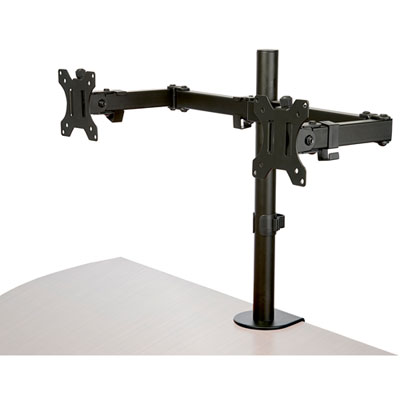
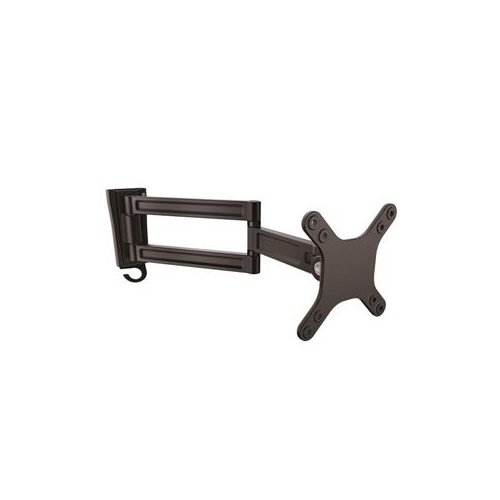
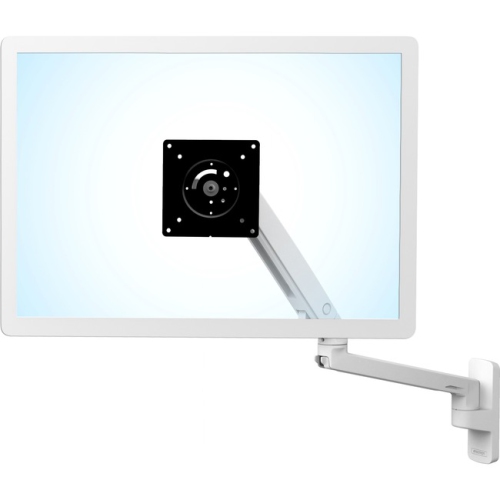
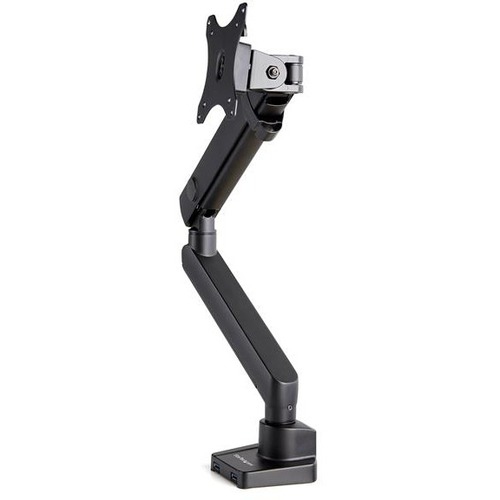
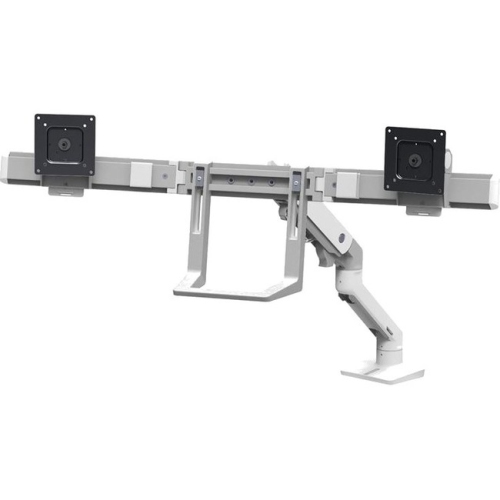
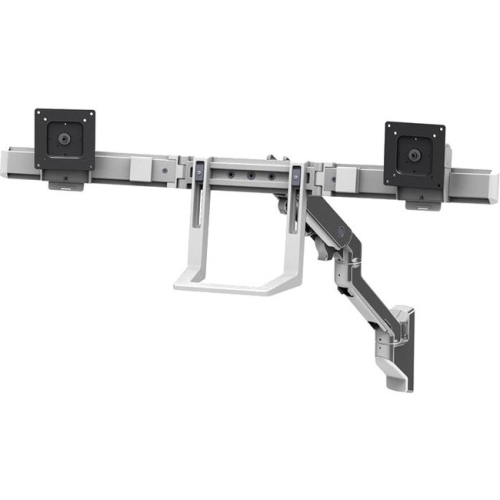
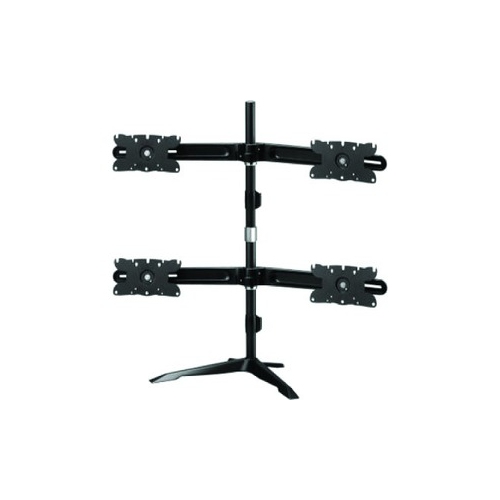
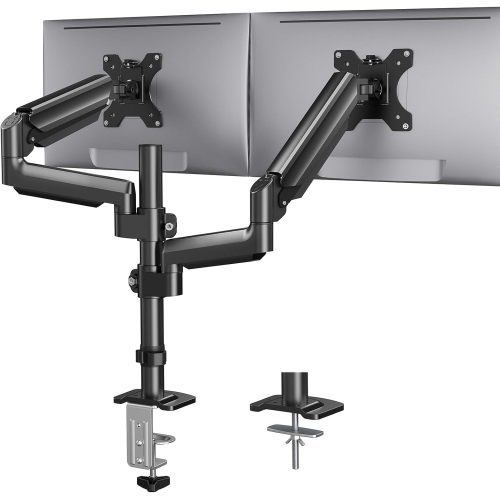
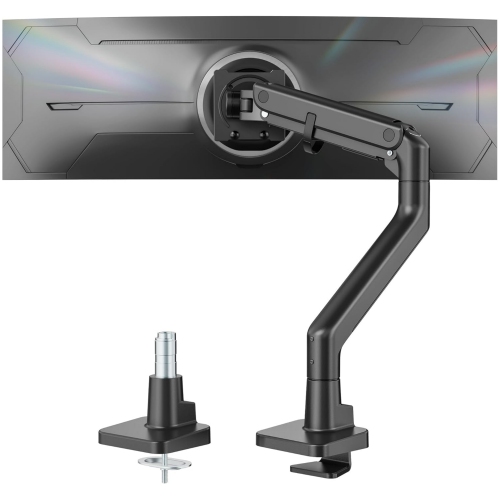
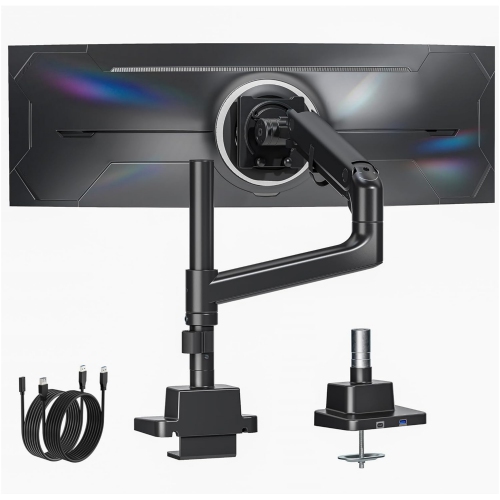
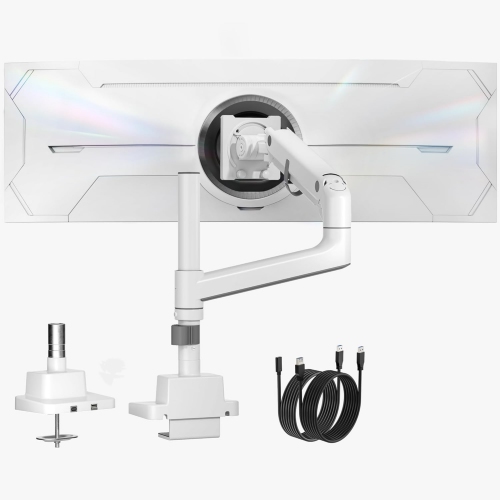
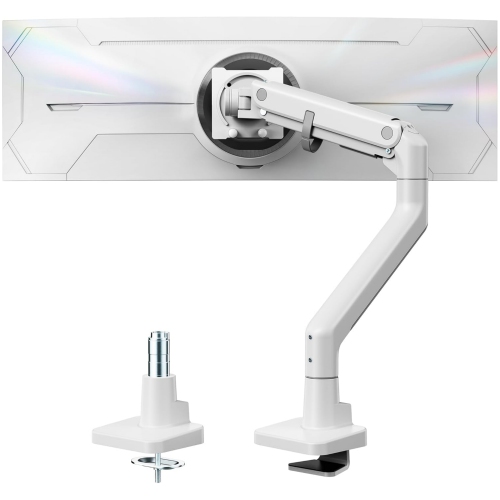
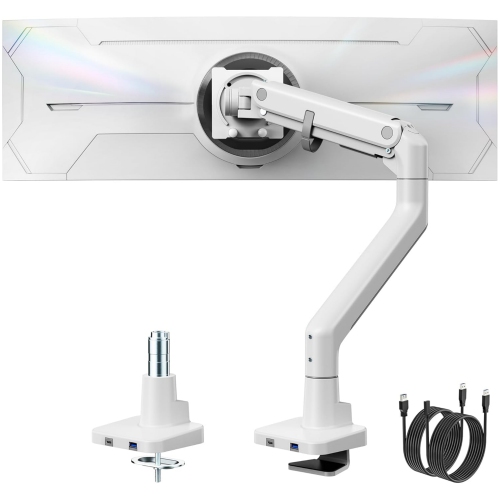
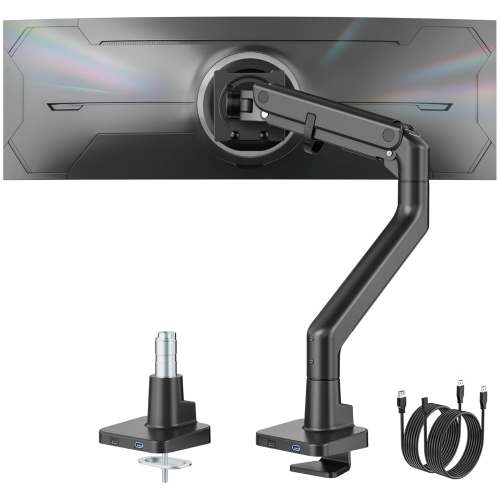
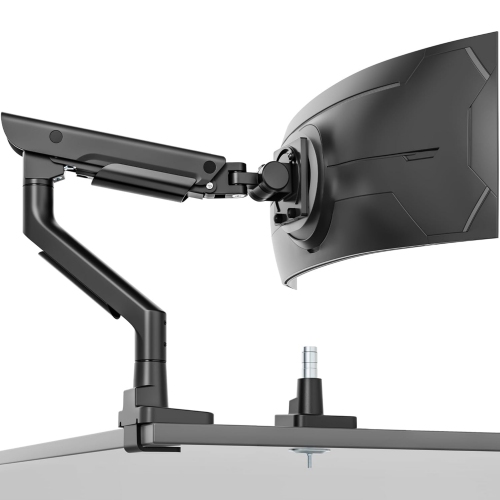
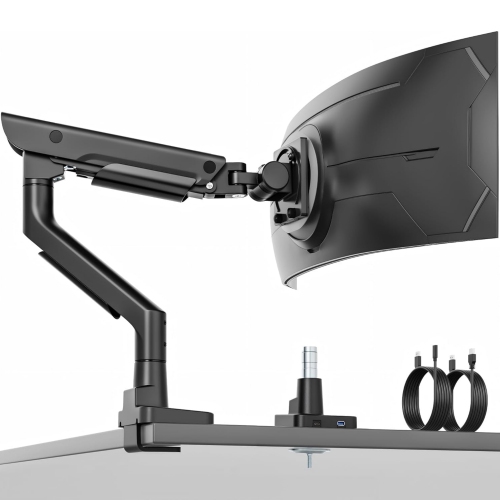
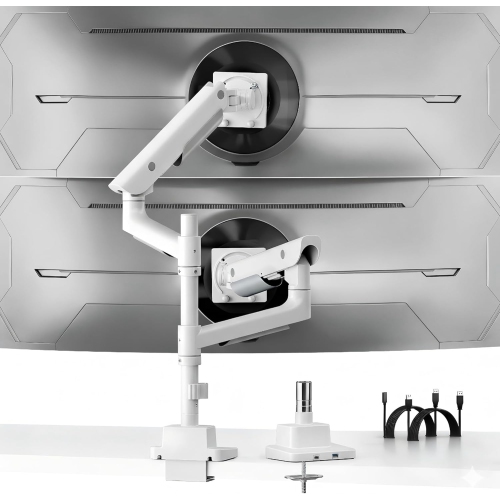
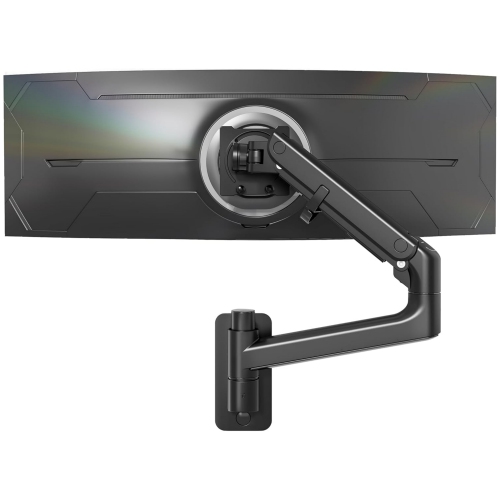
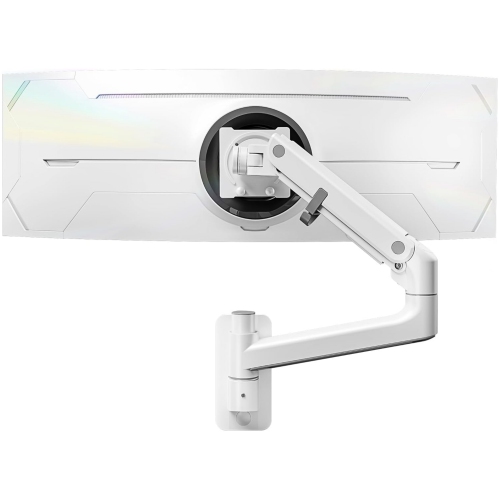
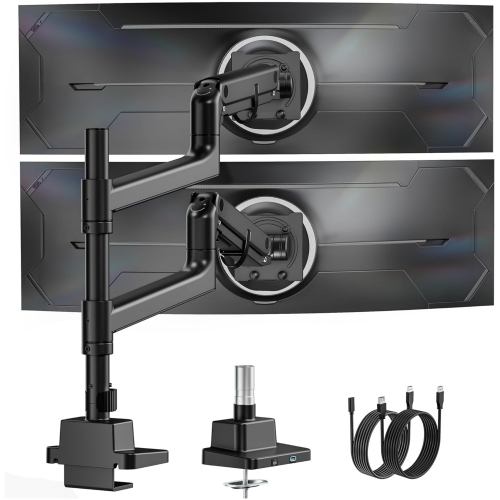
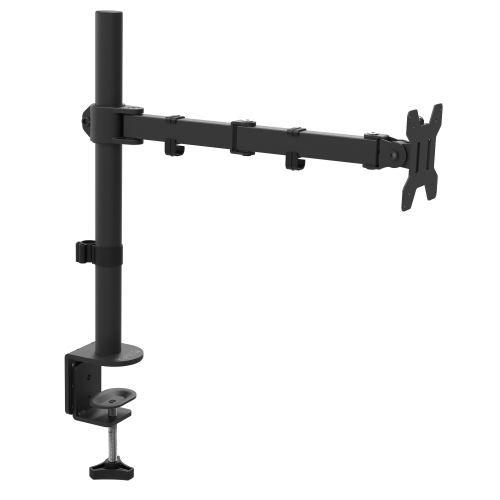
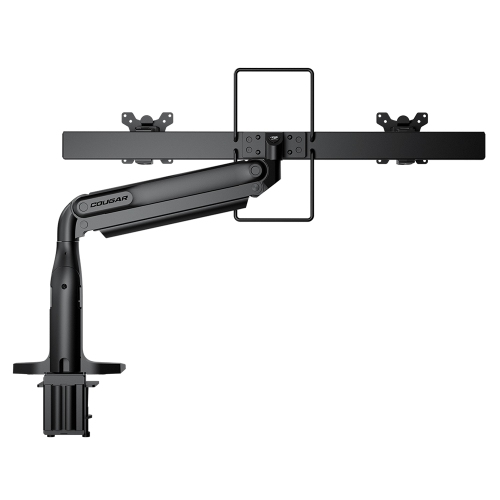
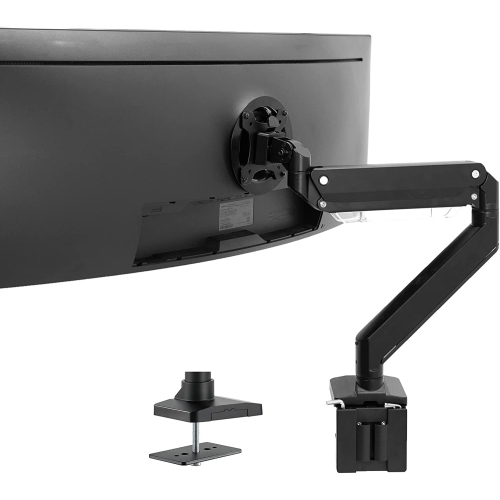
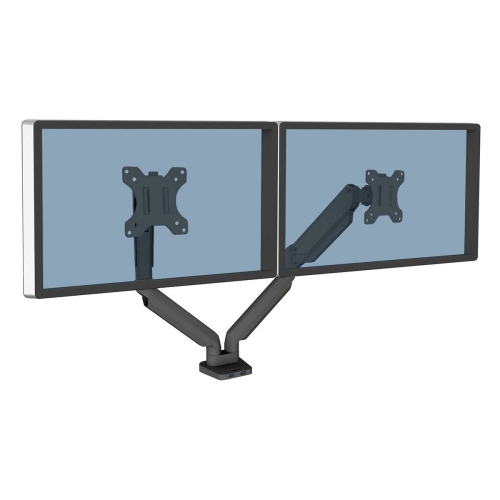
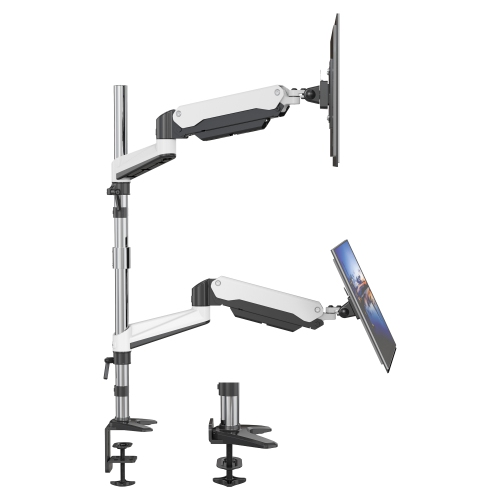
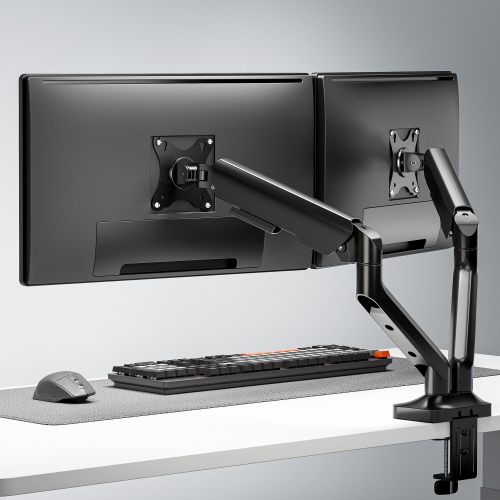
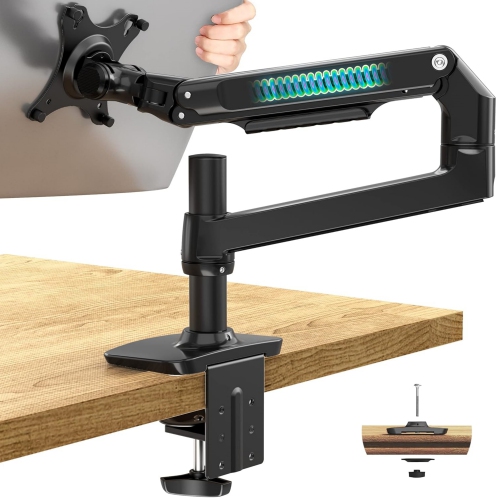
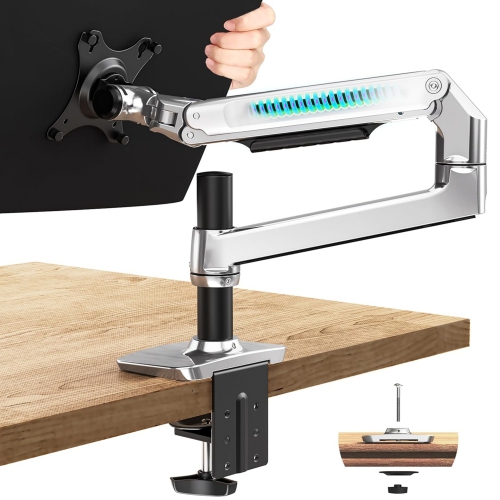
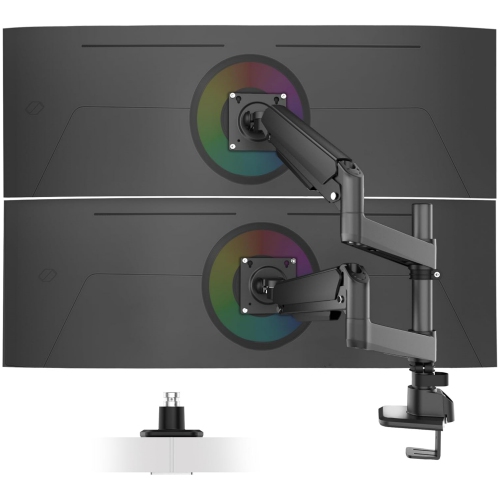
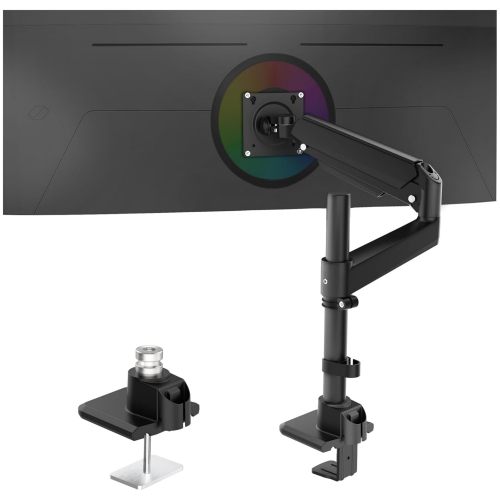
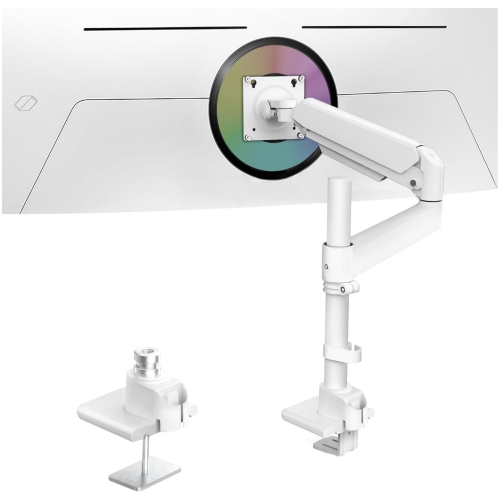
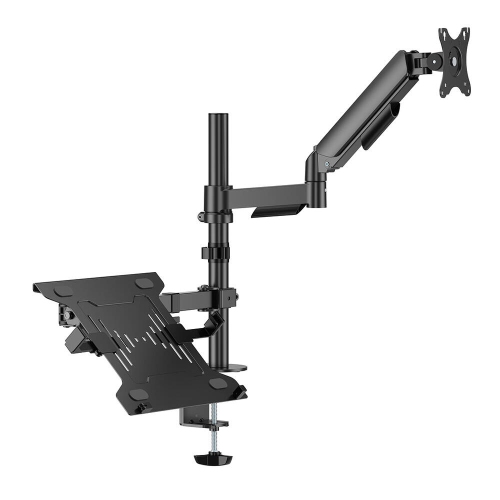
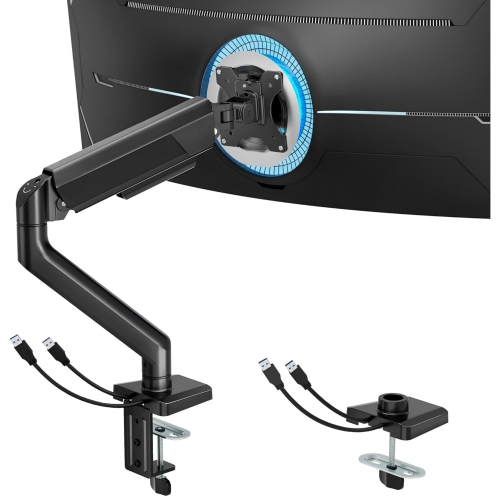
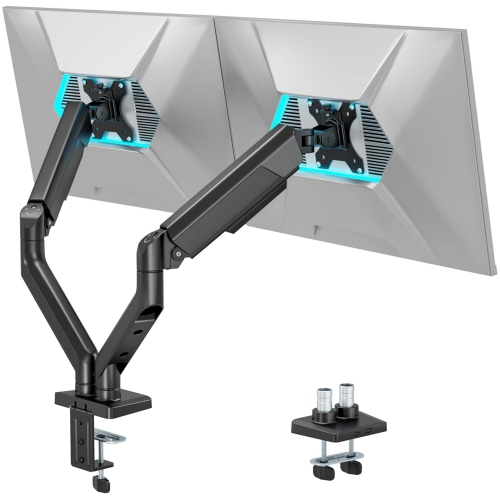
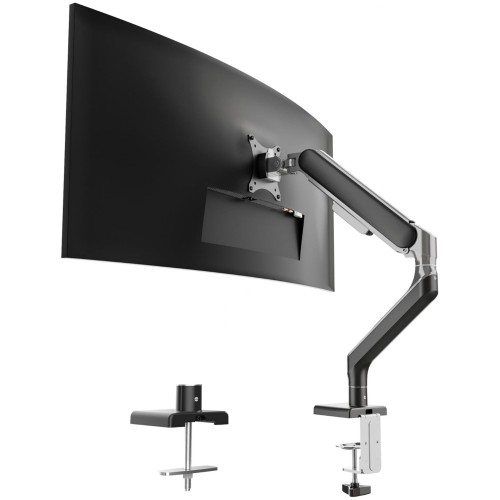
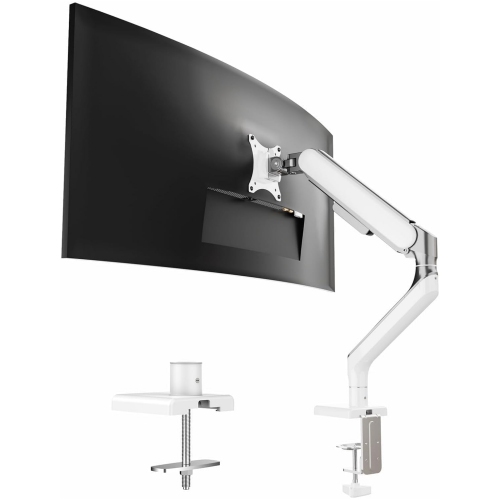
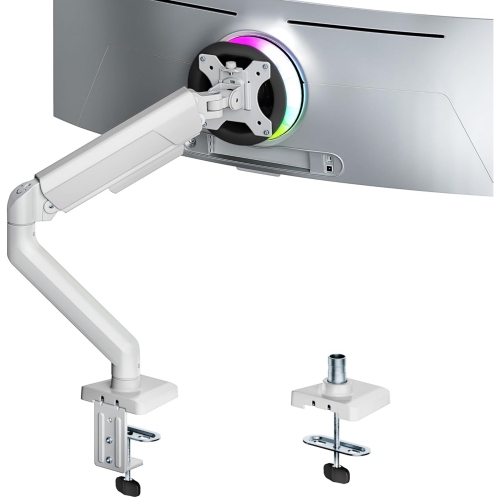
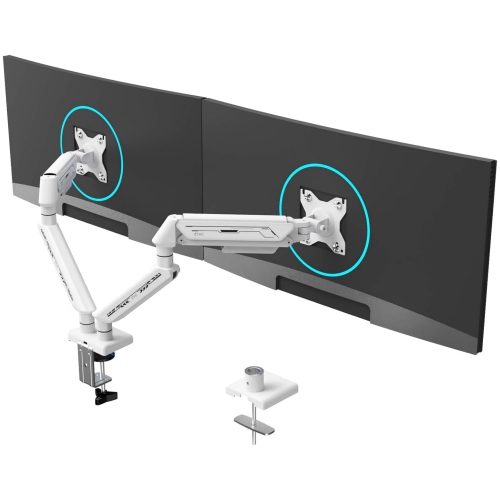
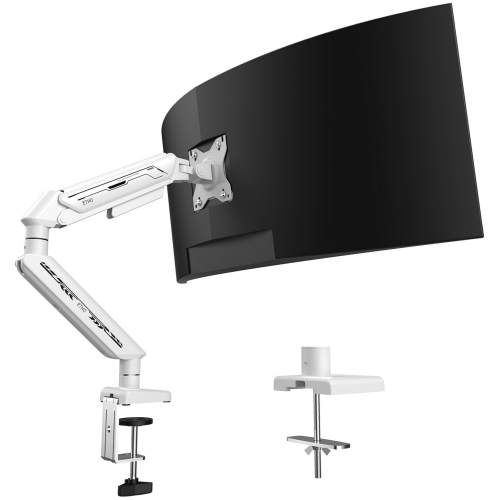
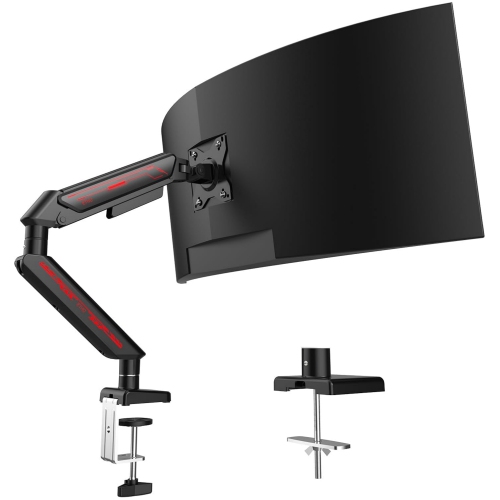
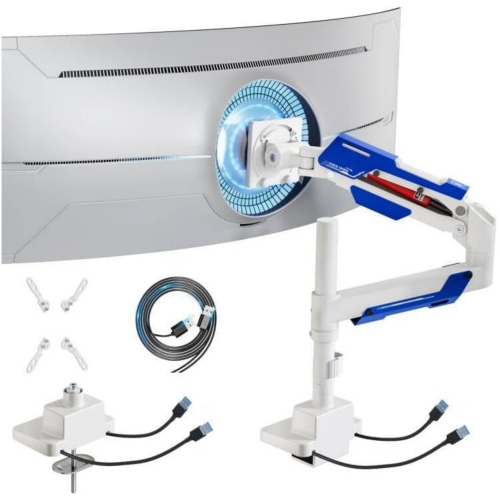
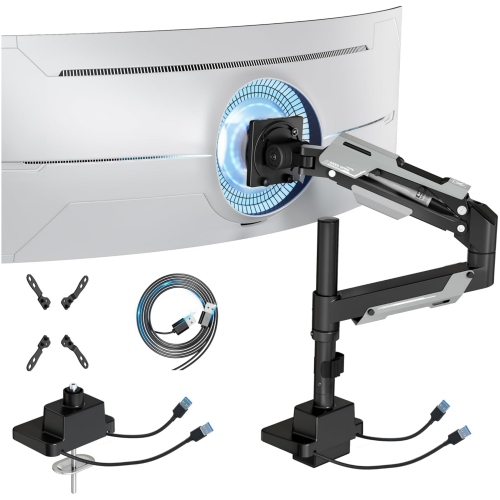
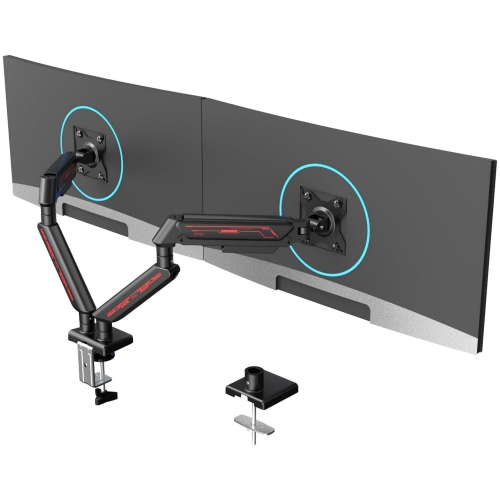
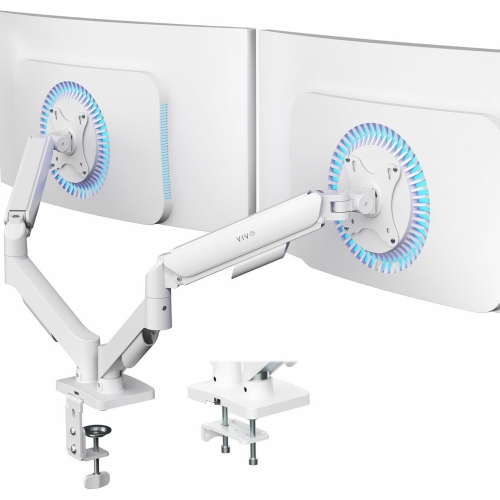
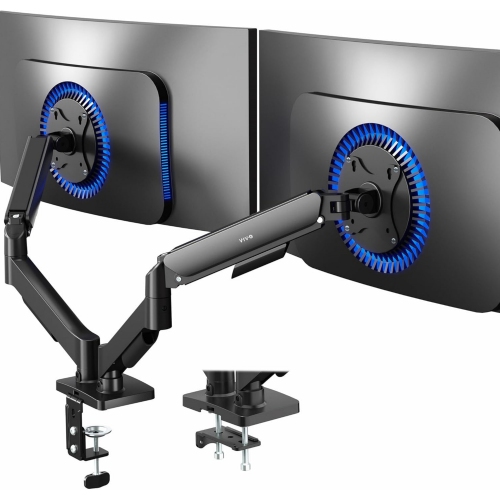
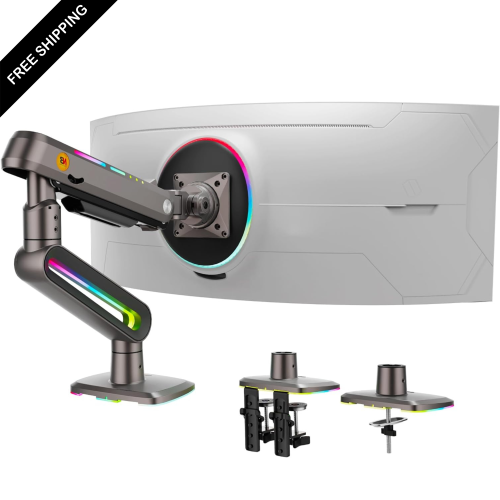
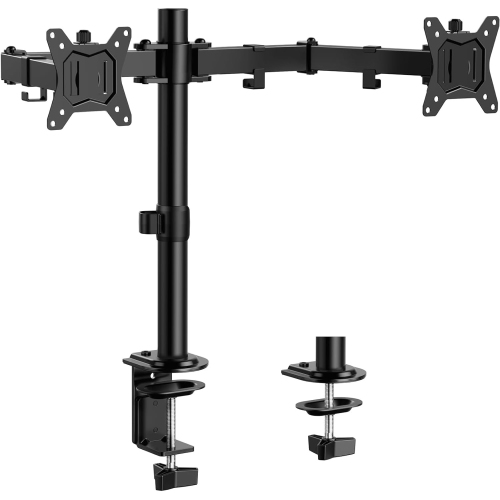
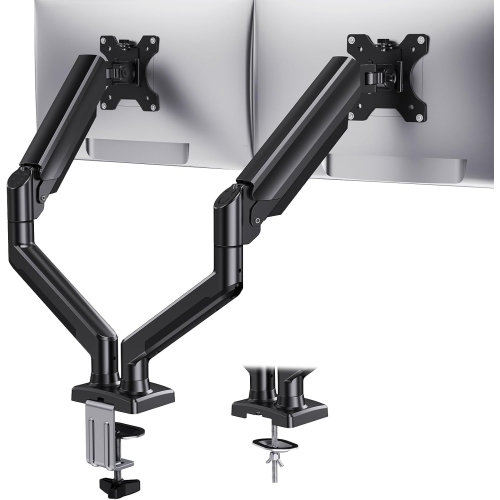
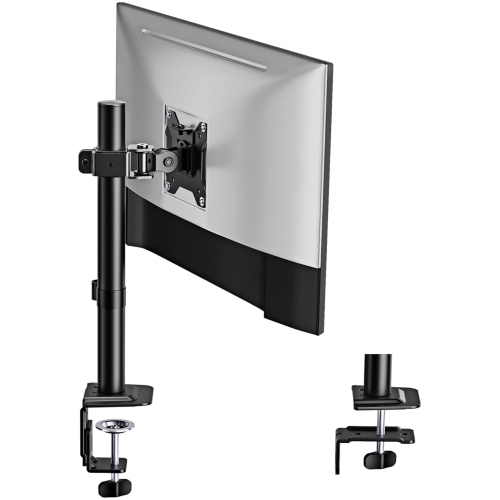
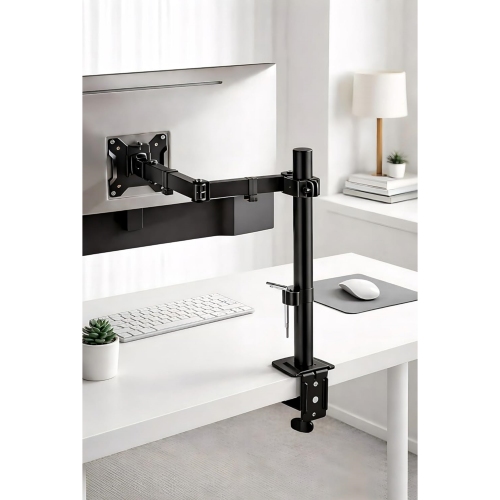
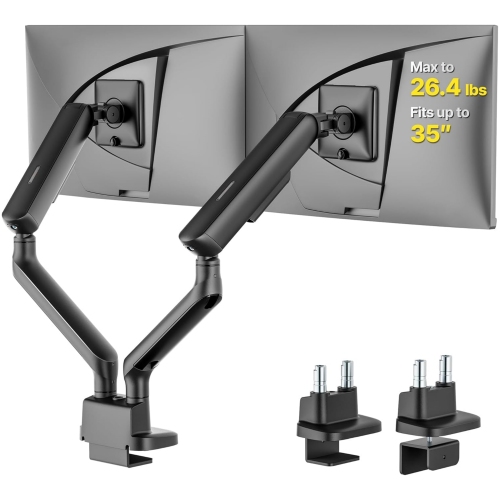
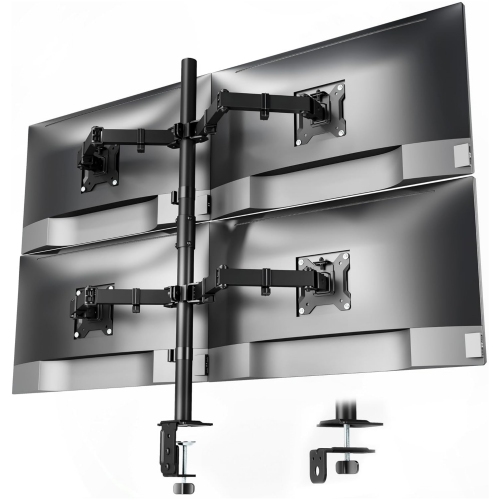
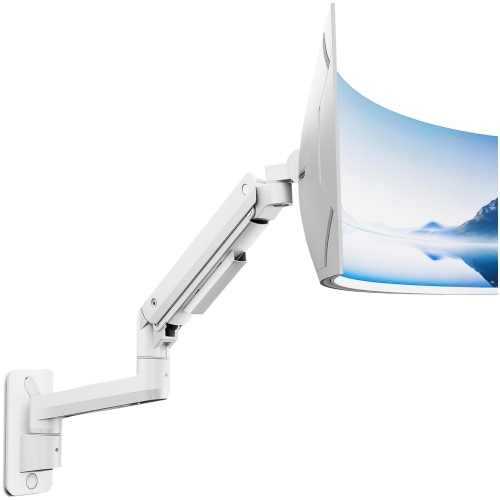
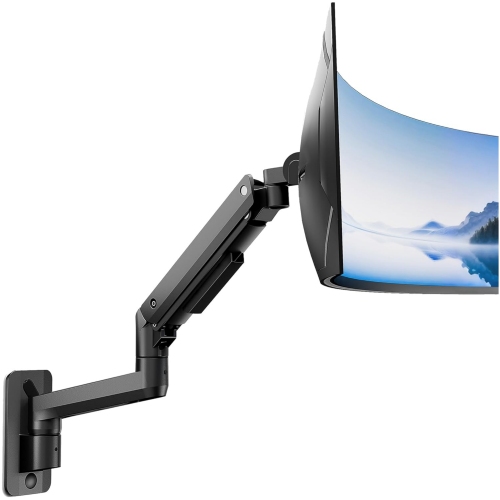
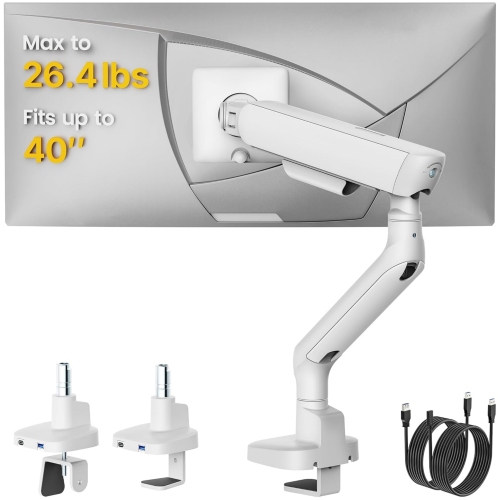
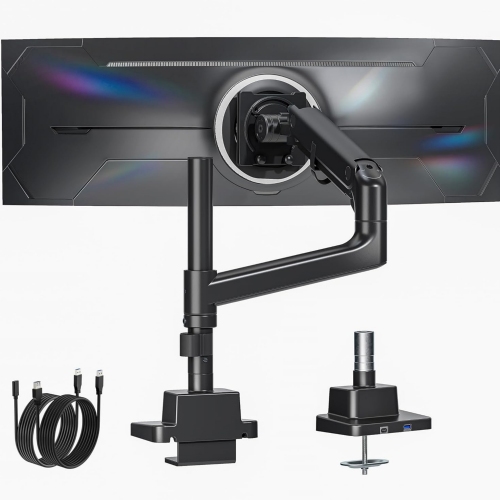
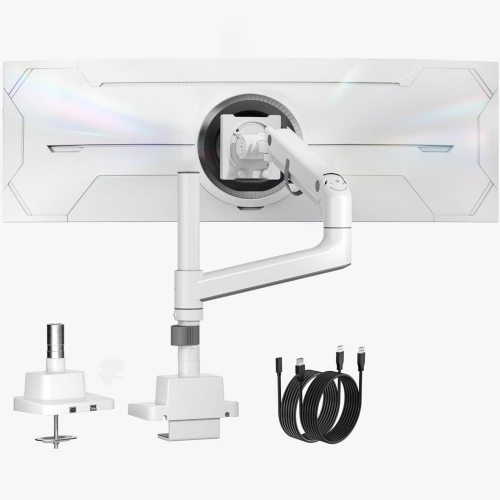
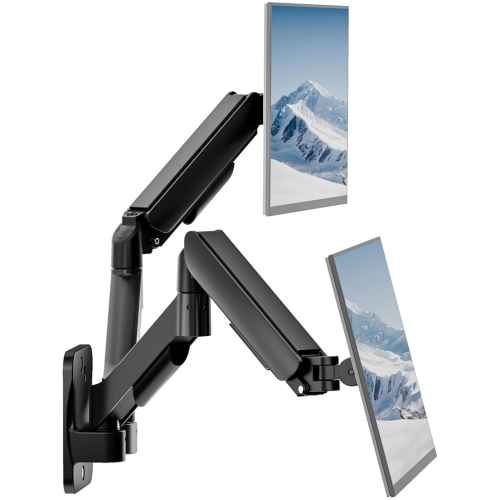
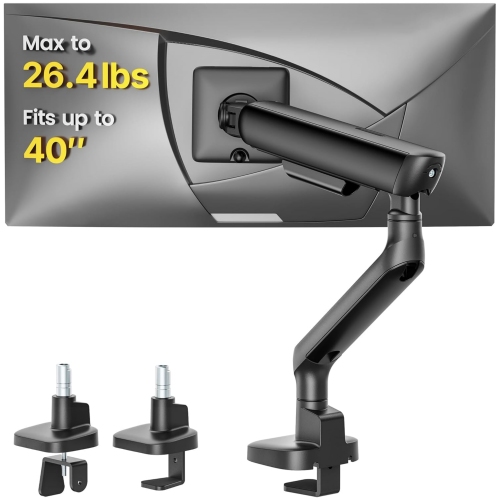
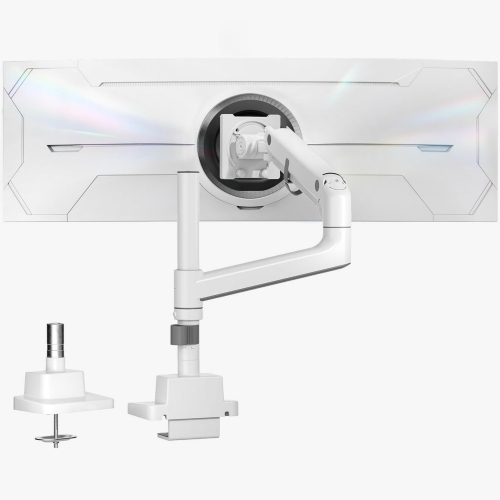
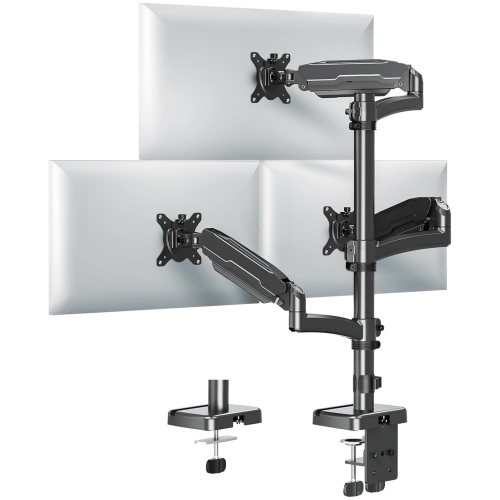
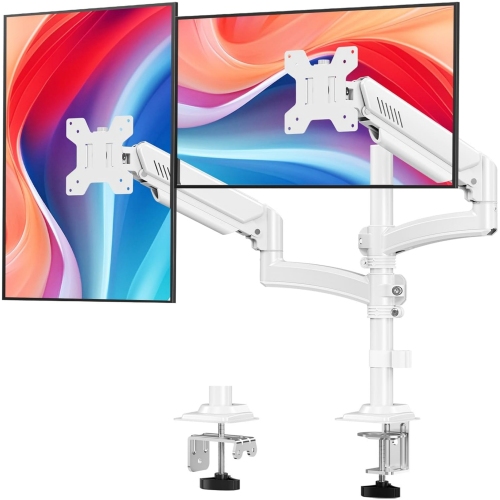
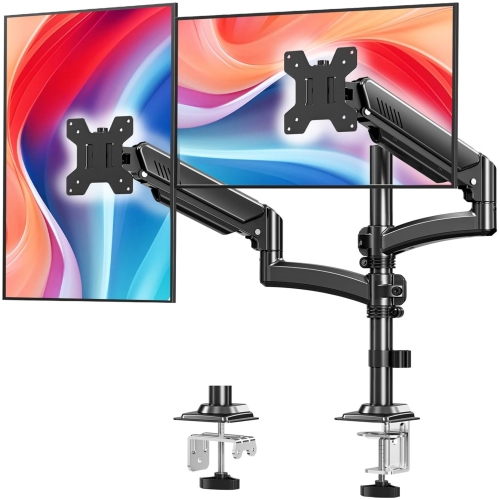
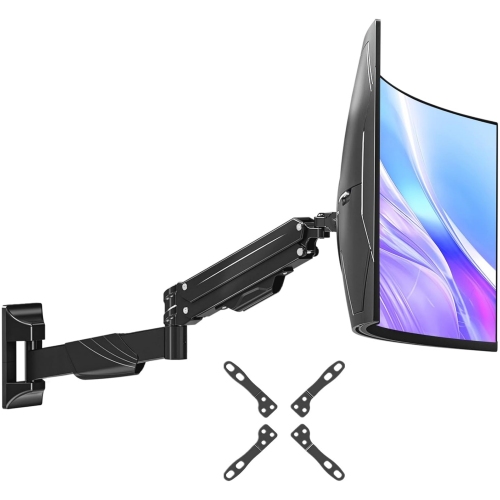
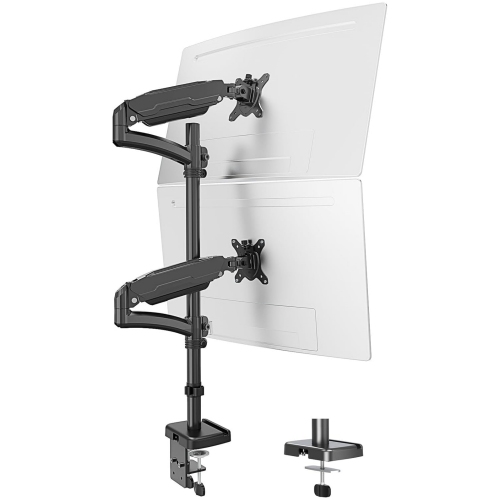
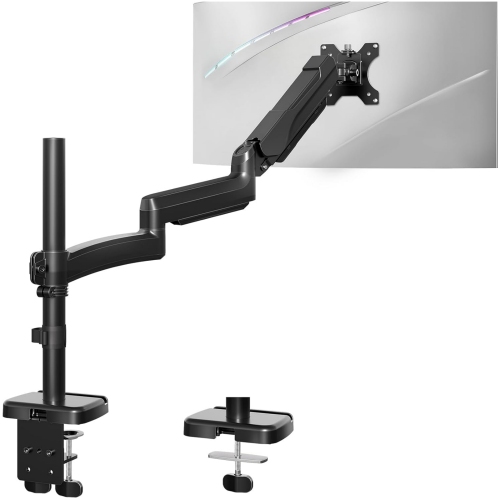
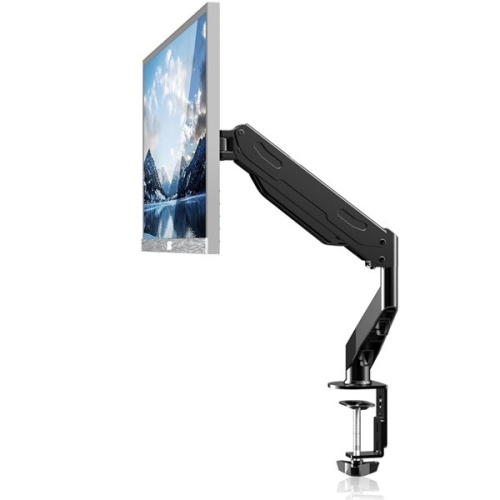
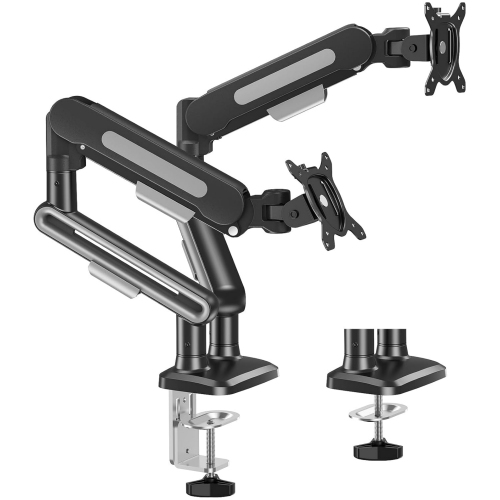
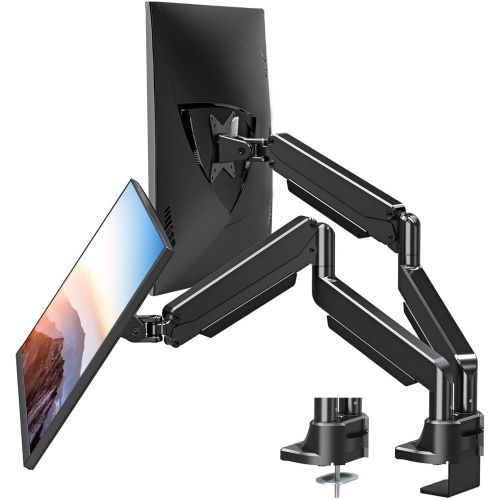
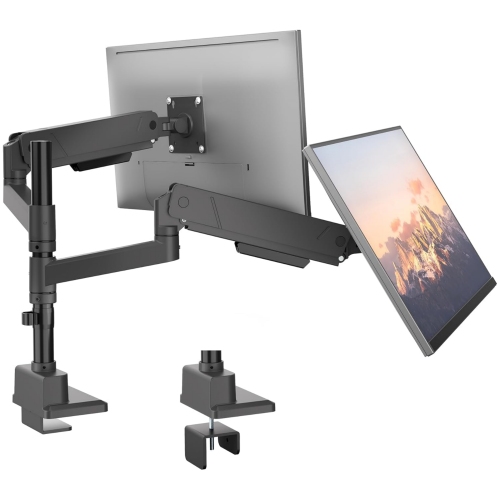
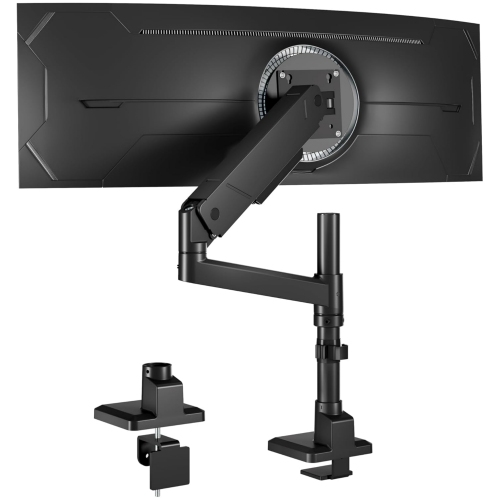
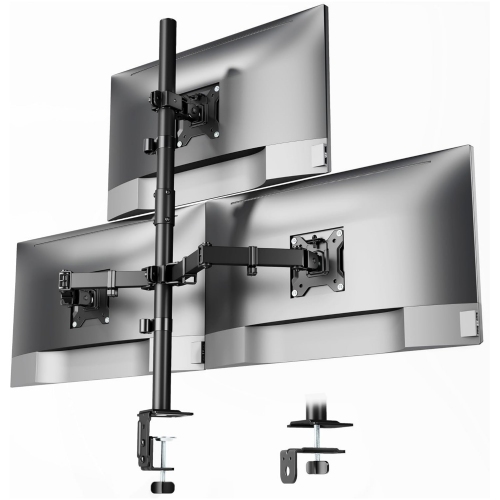
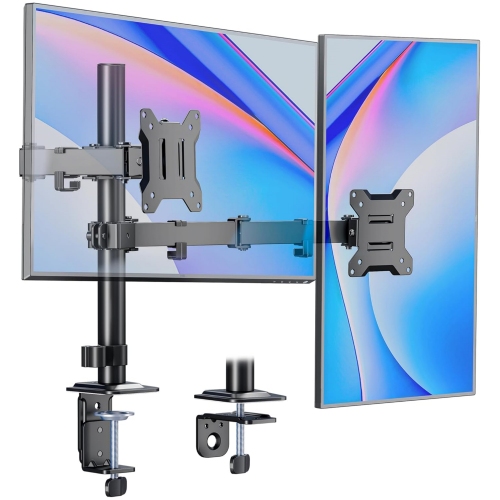
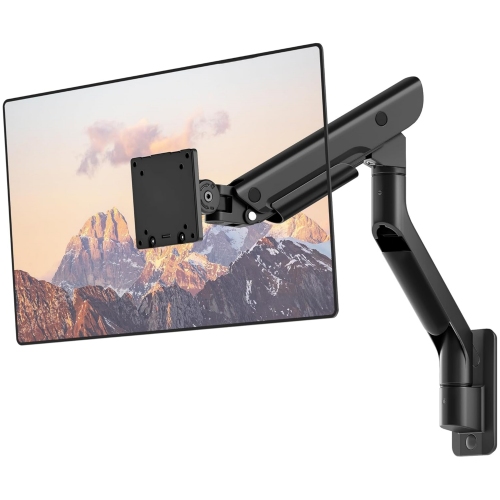
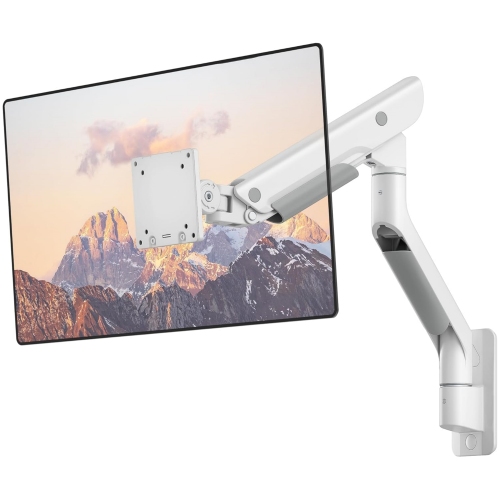
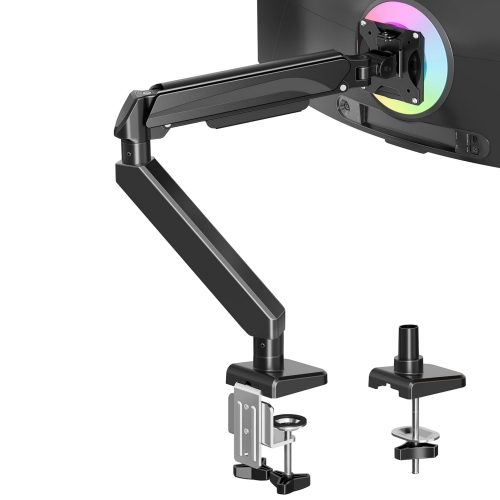
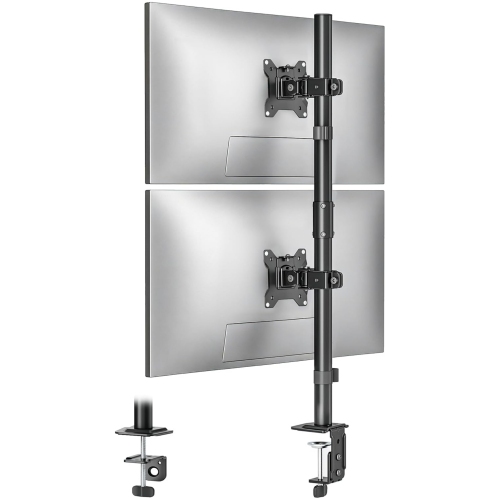
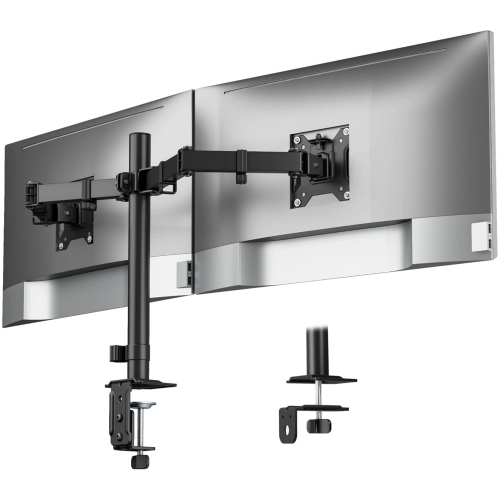
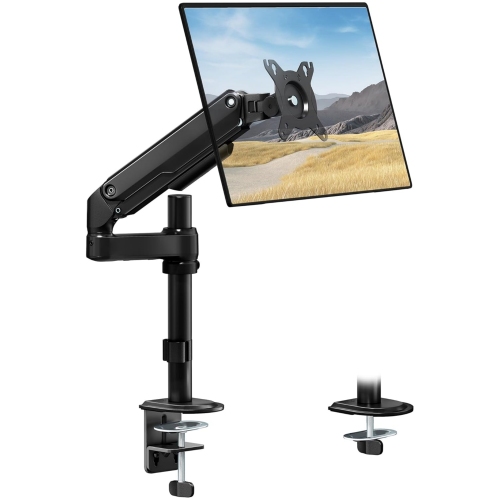
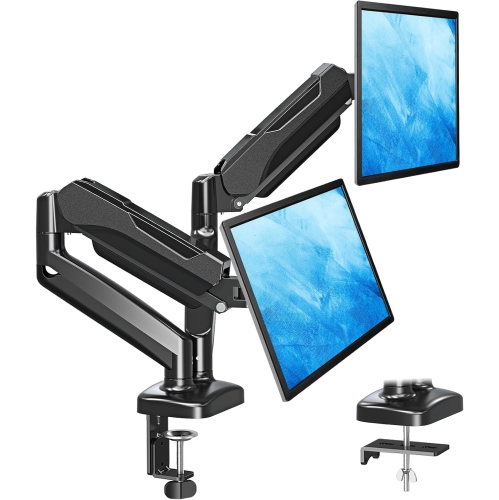
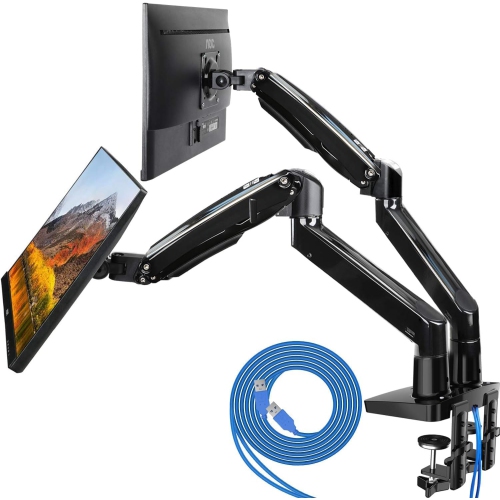
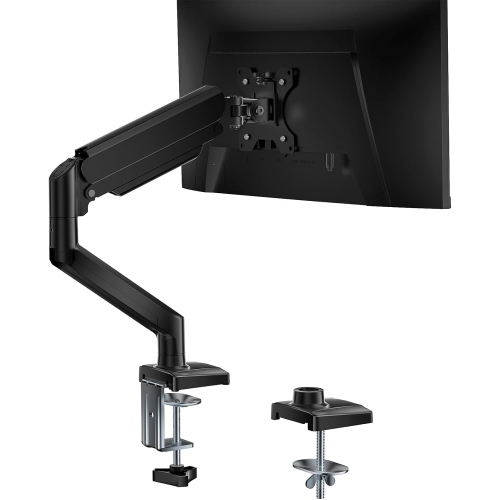
Common options include clamp mounts, which attach to the edge of a desk, and grommet mounts, which fasten through a hole in the desktop. Some monitor arms include both mounting options, while others use a separate wall mount. Check the arm’s mounting requirements and your desk’s construction before choosing a setup.
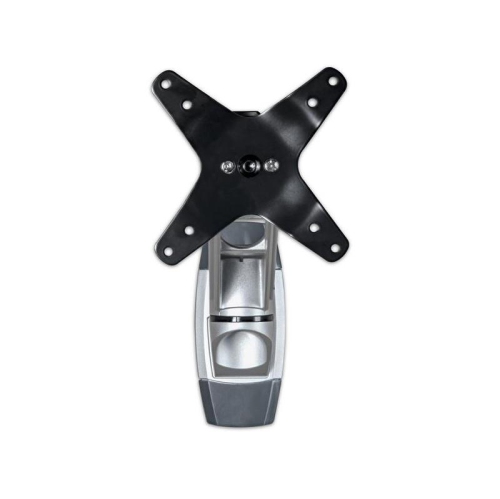
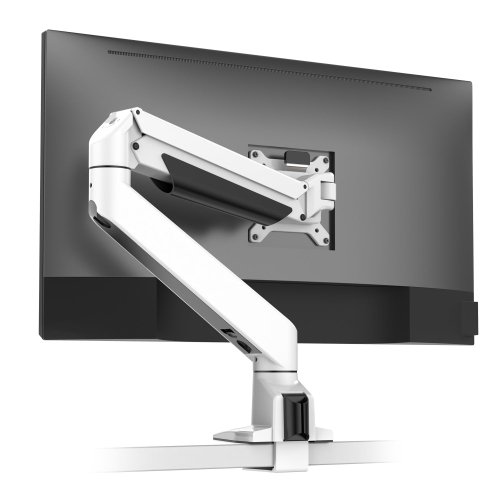
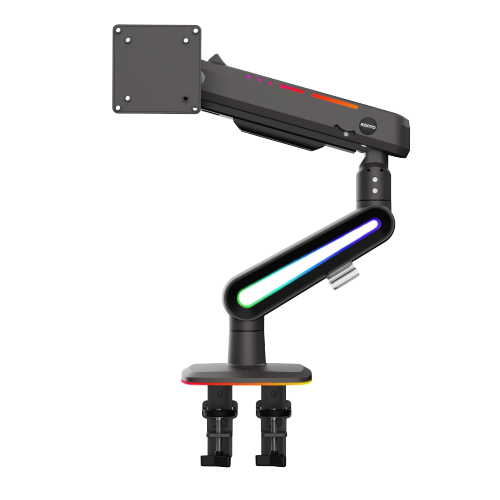
VESA compatibility refers to the standardized mounting-hole pattern on the back of a monitor. The monitor and arm need matching mounting patterns, along with compatible hardware. Some monitors have recessed mounting points or require a manufacturer-approved adapter, so consult the monitor’s documentation.
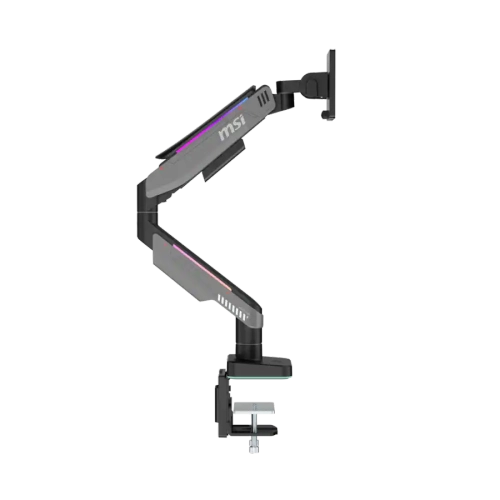
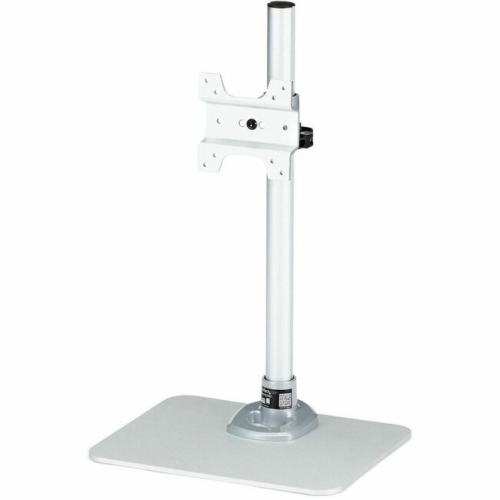
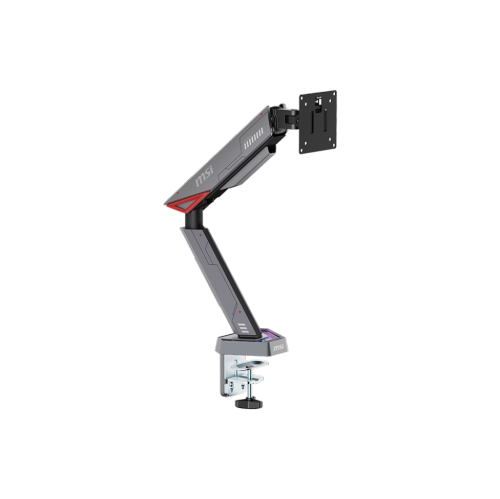
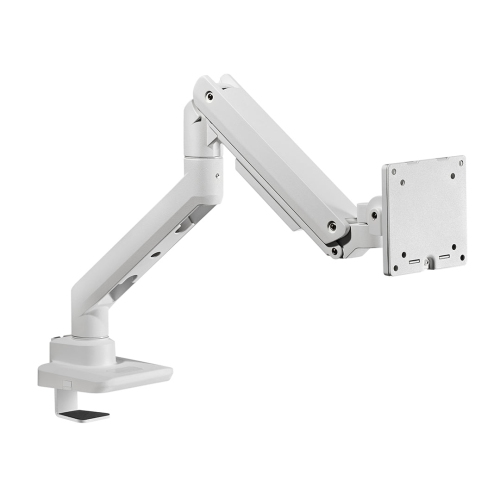
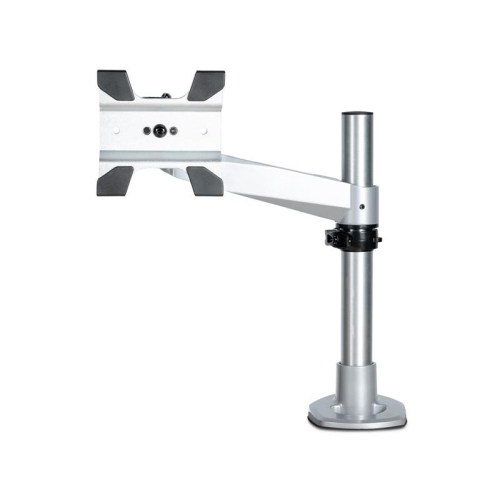
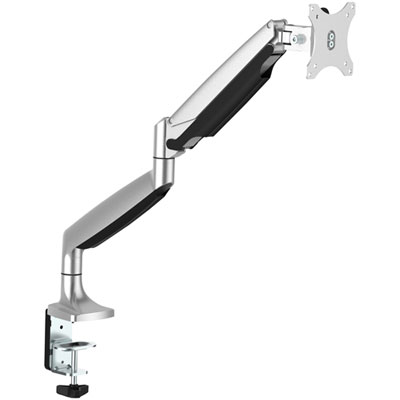
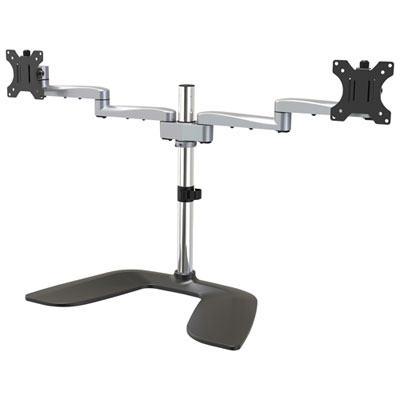
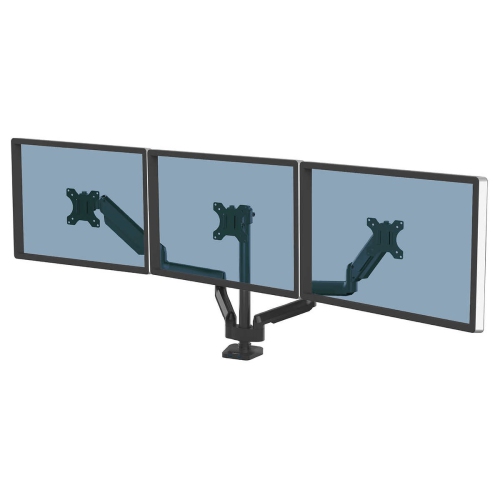
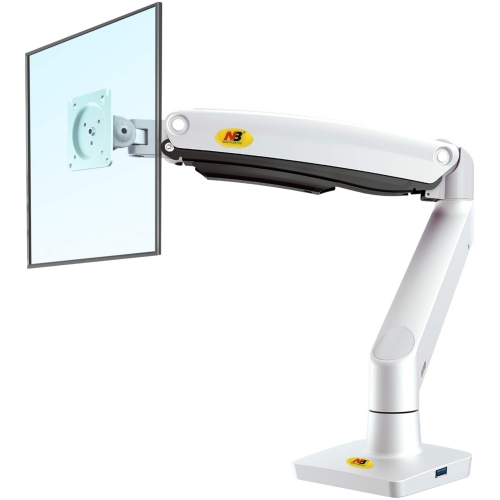
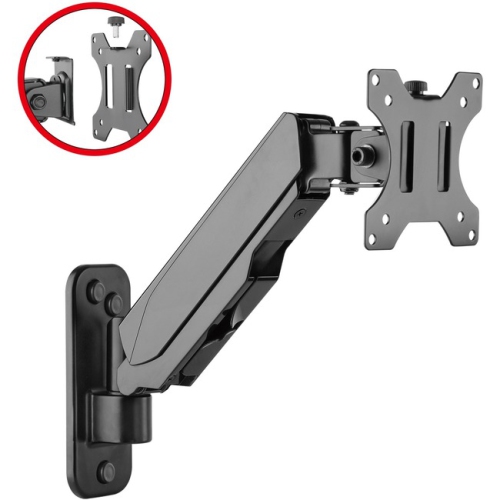
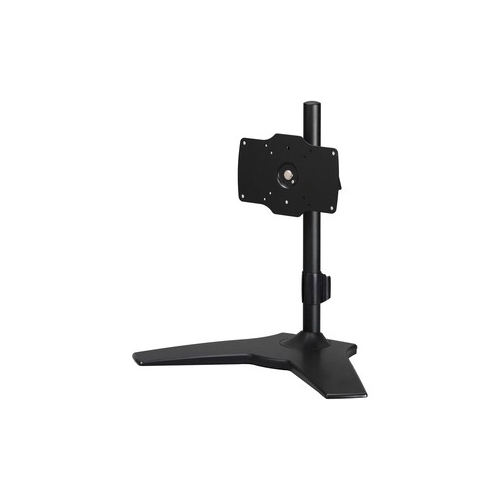
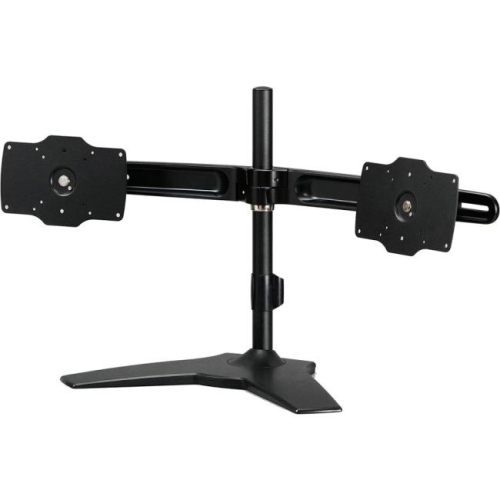
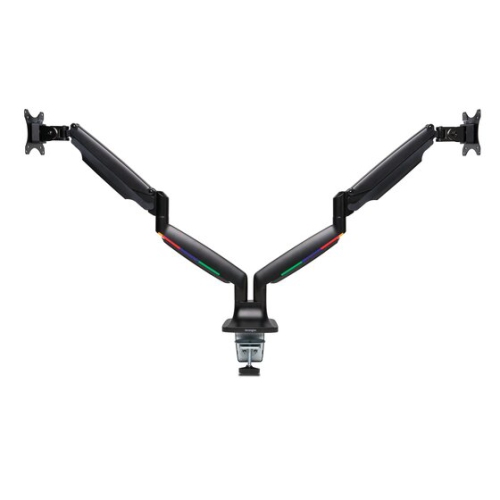
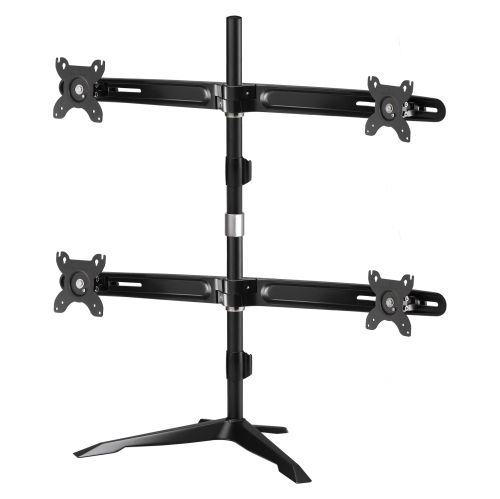
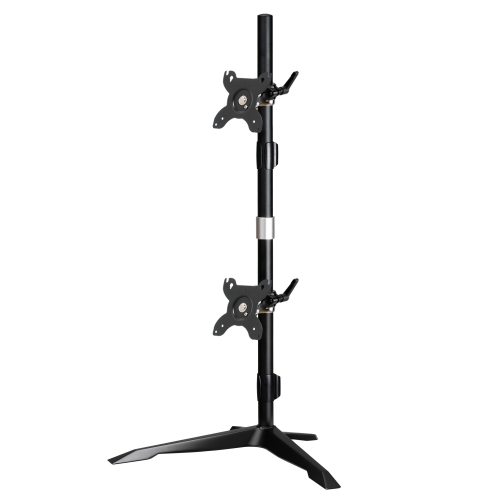
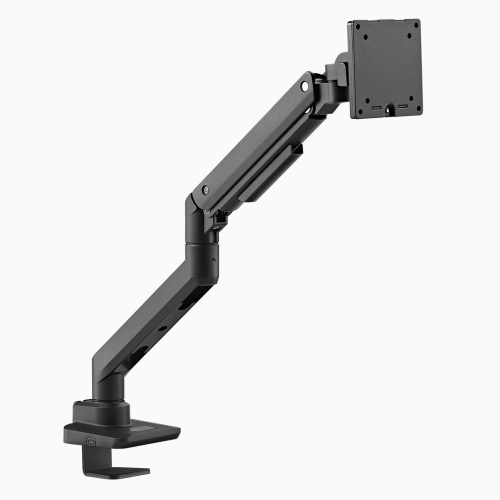
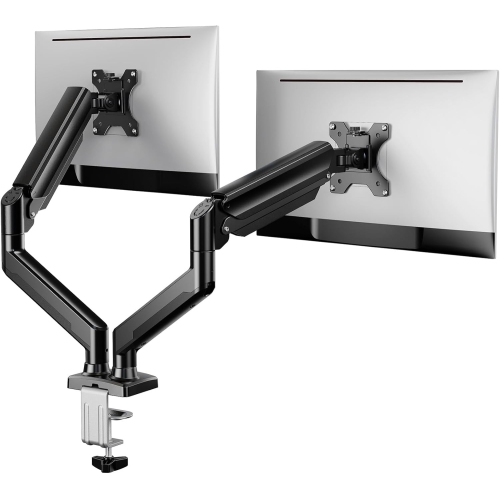
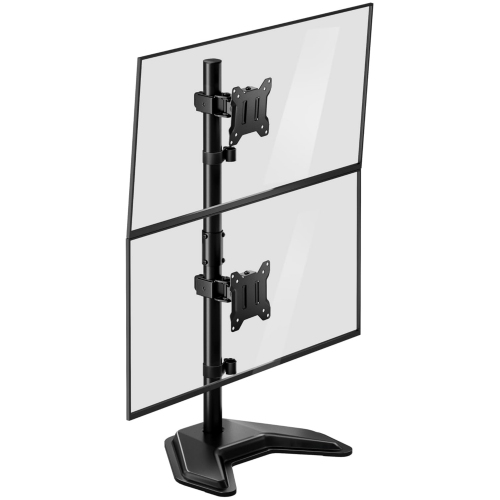
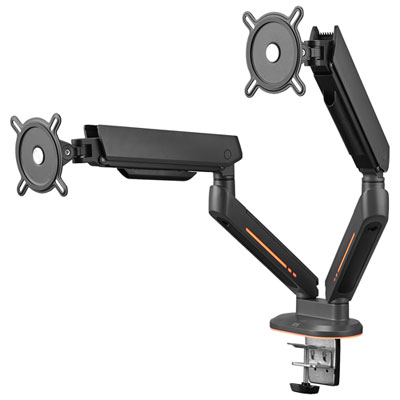
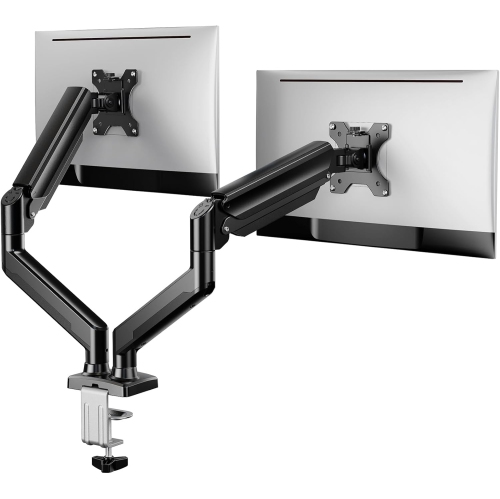
Gas-spring arms use a pressurized cylinder to counterbalance the monitor during adjustment. Mechanical designs may use springs, adjustable joints or a fixed post with a movable bracket. The adjustment method varies by model, and the monitor’s weight must fall within the arm’s supported range.
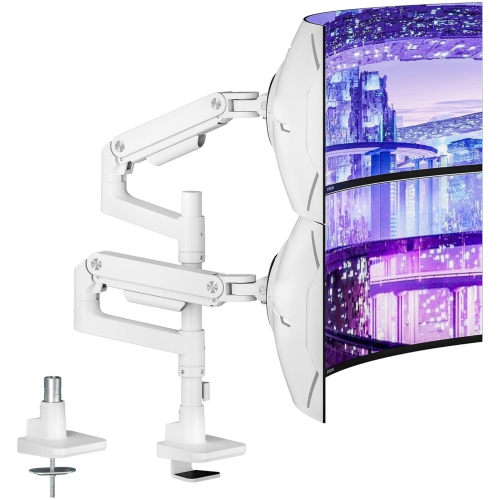
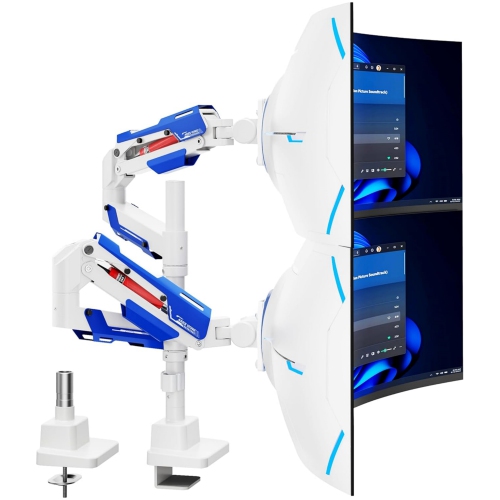
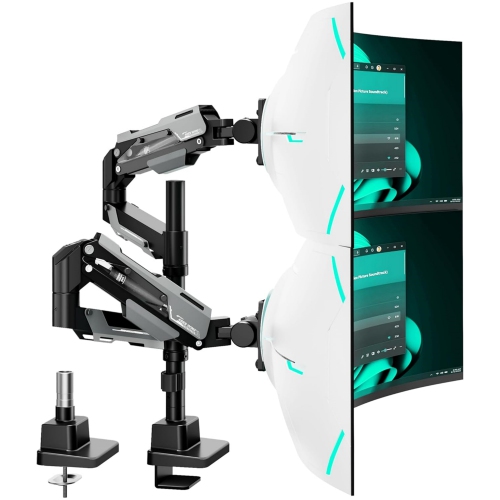
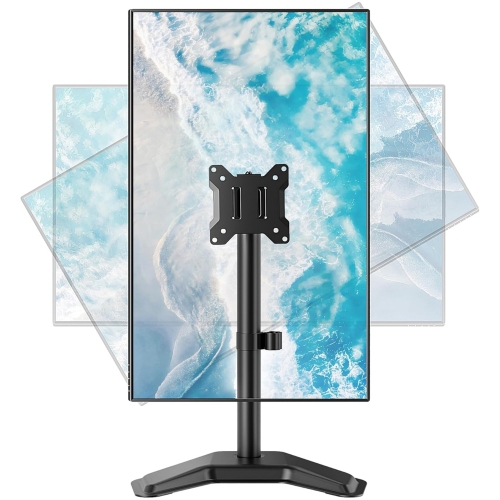
Depending on the model, a monitor arm may offer height adjustment, tilt, swivel, extension and screen rotation. Some support switching between landscape and portrait orientations. Available movement depends on the arm’s design, the attached monitor and the clearance around your desk.
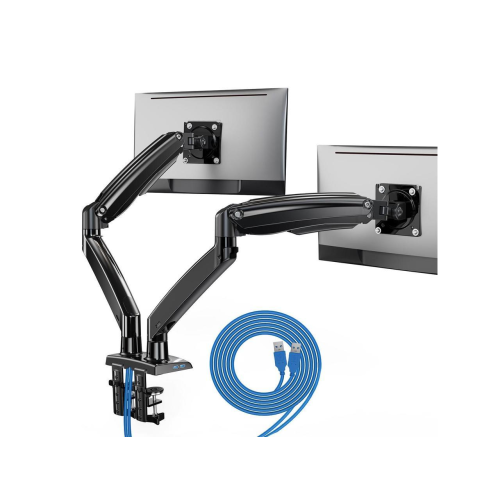
Many monitor arms include clips, channels or removable covers that route cables along the arm. These features vary by model and may accommodate different combinations of power, video and USB cables. Leave enough slack at the joints to allow the arm to move without pulling on the connections.
Top selling and popular products
Discover more categories related to Monitor Arms for Large Monitors

Some products may be subject to Environmental Handling Fees (EHF) depending on your province. Learn more about EHFs.