Big Screen Monitors
Bigger screens are better for gaming, working and watching movies. The best monitors have a high resolution and a fast refresh rate so you can get the most out of your entertainment.
Sort

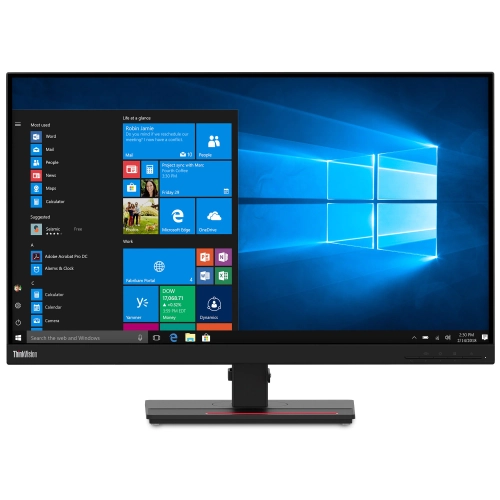

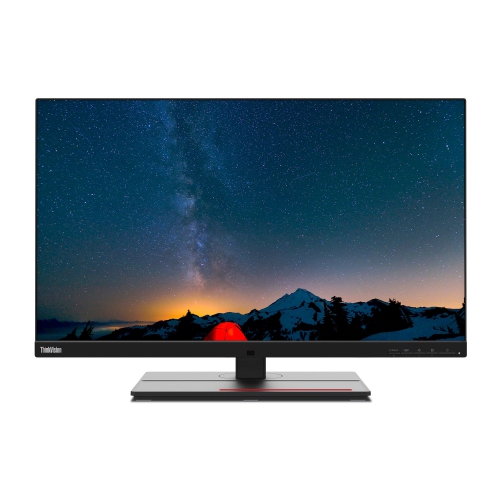
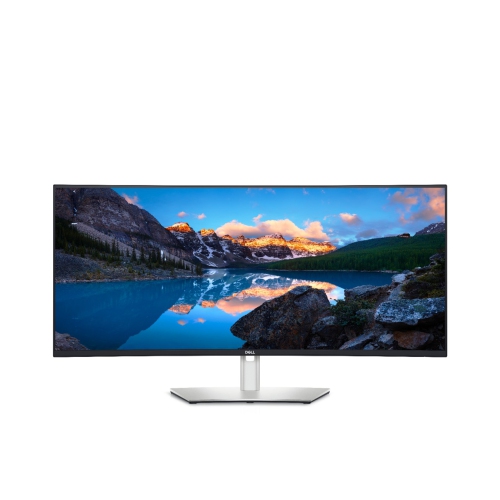
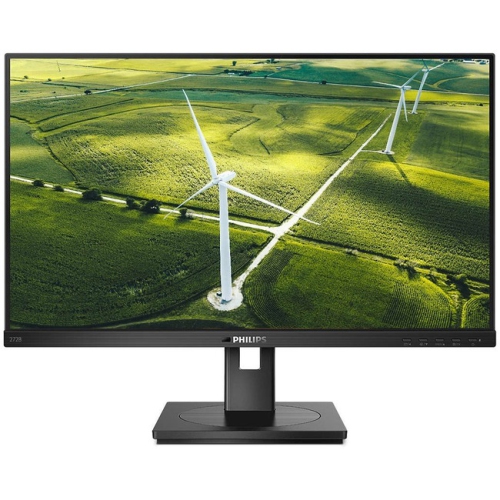


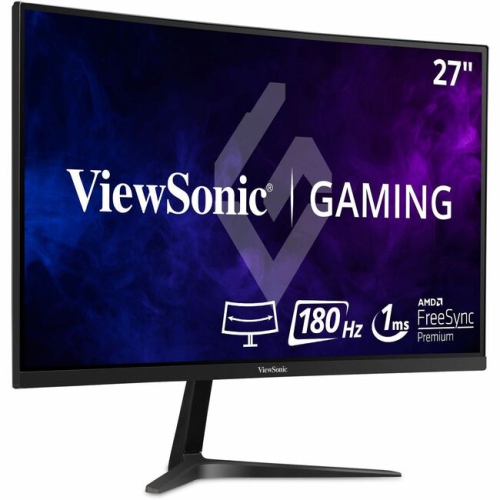
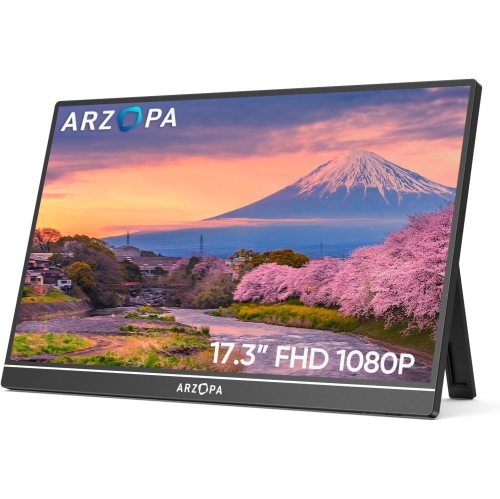
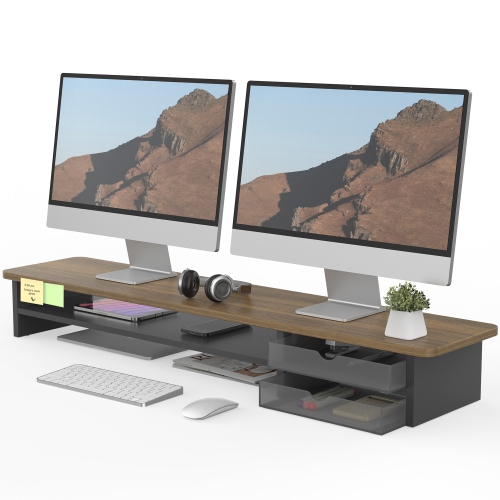


How size, resolution, and connectivity shape your setup
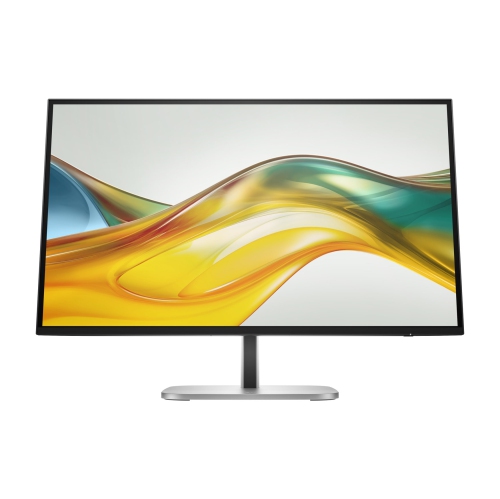
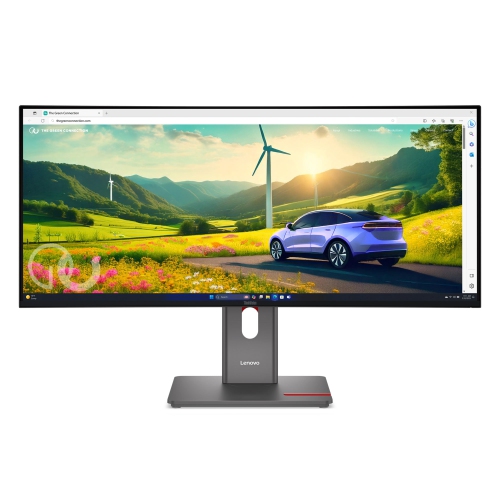
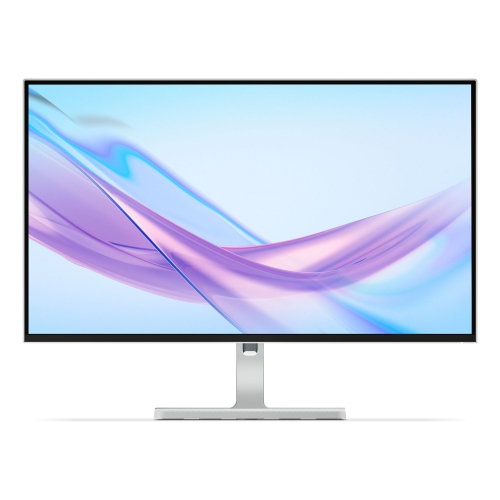
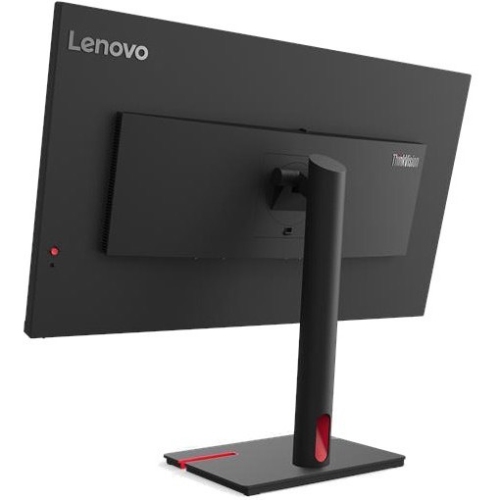
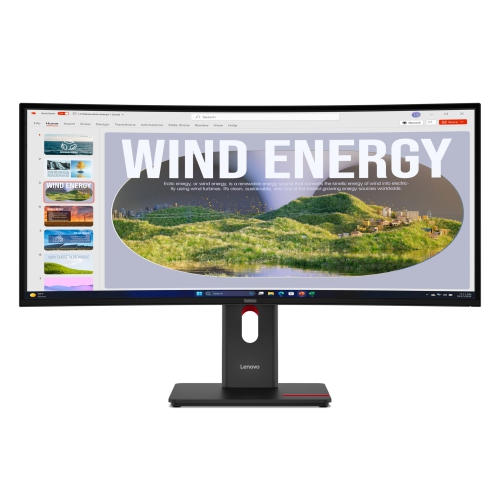
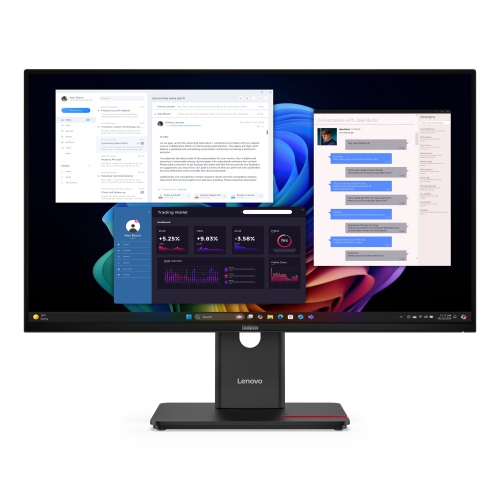
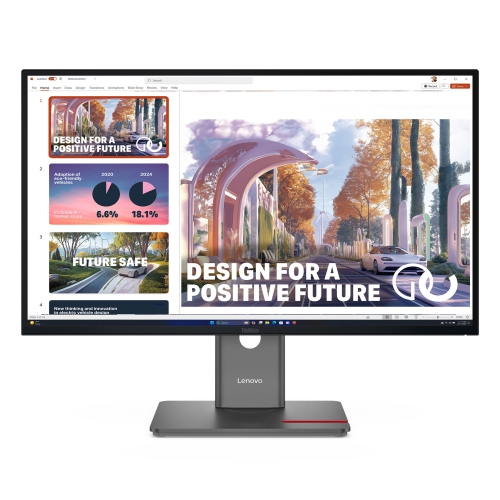
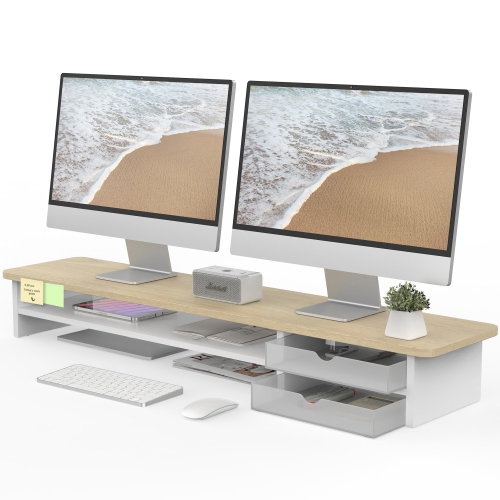
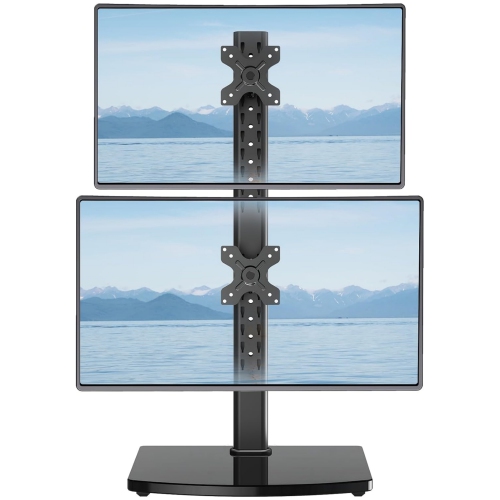
Big screen monitors give your workspace, gaming setup, or creative station a wider and more immersive view without the interruption of a bezel between separate displays. In general, large computer monitors begin around 34 inch and extend to 49 inch or more, with some large-format displays reaching 55 inch to 75 inch for meeting rooms, collaborative spaces, and specialized work areas. An ultrawide monitor with a 21:9 aspect ratio can place several windows side by side, making it easier to compare documents, review a timeline, monitor communications, and keep reference material visible while you work. A super-ultrawide 32:9 screen offers an even broader canvas, often providing a viewing area similar to two 27 inch monitors joined together without a centre frame. For gaming, the extra width can create a more enveloping field of view, while a curved screen can help keep the outer edges at a comfortable visual distance. Big screen monitors can also be useful for photo and video editing, music production, financial dashboards, software development, online learning, and home offices where switching between multiple applications is part of the daily routine. A large display may be a thoughtful gift for a student setting up a study space, a remote worker refining a home office, or a gamer building a more immersive entertainment area. For university work in particular, a generous screen can make it simpler to read research, take notes, view a lecture, and organize several browser tabs at once; explore Large Screen University Study Monitors for displays suited to that kind of setup.
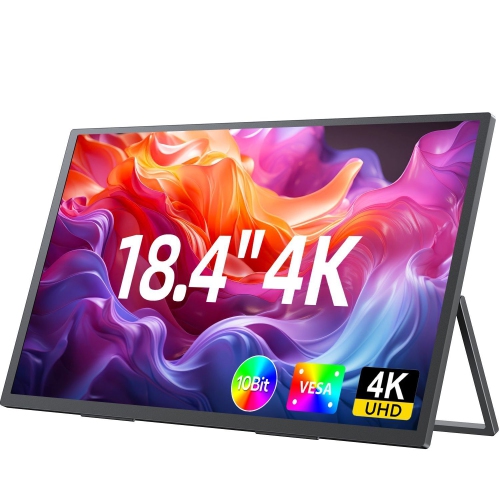
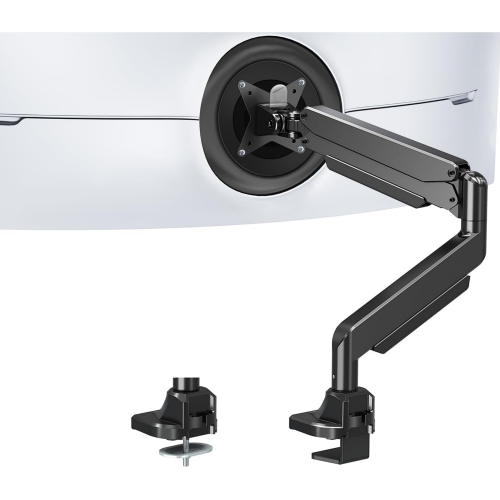
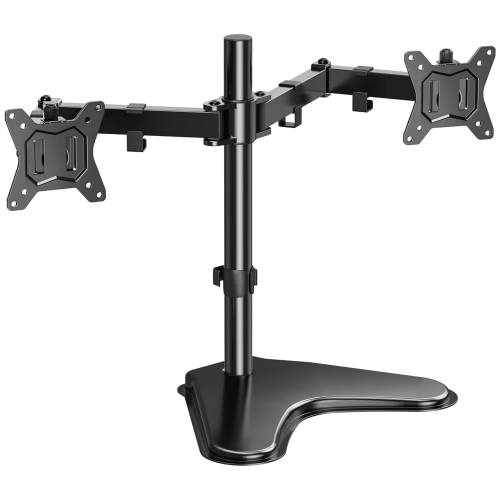
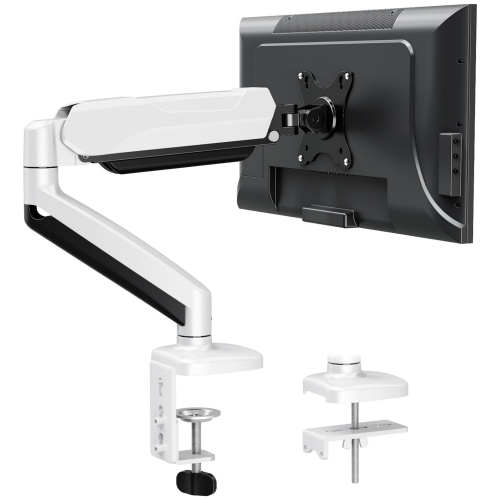
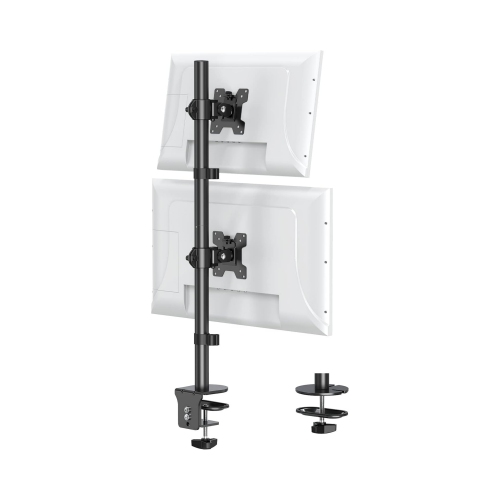
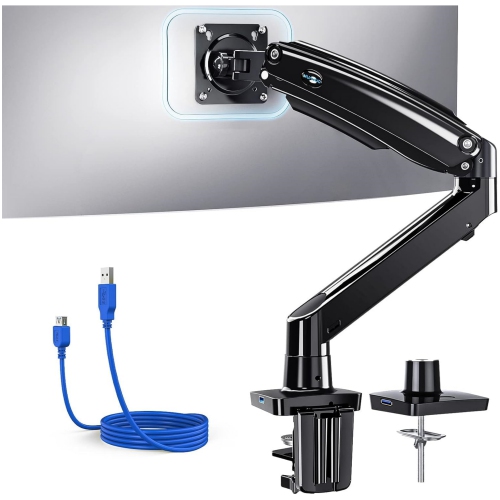
Screen size is only one part of choosing the right big screen monitor. Resolution has a direct effect on how crisp text, icons, photographs, and fine interface details appear across a wide panel. QHD resolution can be a strong fit for many 34 inch displays, while Dual QHD resolution, often shown as 5120 x 1440, helps a 49 inch super-ultrawide screen maintain clear text across its full width. A 4K monitor can provide especially detailed images and is well suited to high-resolution content, design work, spreadsheets, and sharp everyday viewing. Consider the panel’s refresh rate and response time if fast-paced games are part of the plan, as a higher refresh rate can make motion feel smoother and more immediate. Adaptive synchronization features may also help reduce visible tearing when compatible with your computer or gaming hardware. For work and creative tasks, look for practical features such as picture-by-picture viewing, picture-in-picture modes, built-in speakers, USB connectivity, and a built-in hub that can reduce cable clutter. Some monitors include a webcam or microphone for video meetings, while others focus on a clean, streamlined display. Colour accuracy, brightness, contrast, and viewing angles matter when you edit images, create content, or spend long stretches reading. It is also worth checking whether the stand offers height, tilt, and swivel adjustment, since a screen this large should be positioned so that your eyes naturally meet the upper portion of the display without requiring you to lean forward. A monitor arm can free up desk space, but it must be rated for the display’s weight and use the correct VESA mounting pattern.
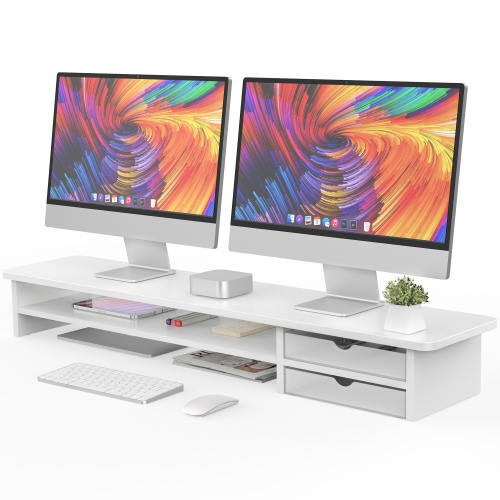
Before bringing a big screen monitor home, measure the desk rather than relying on the diagonal screen size alone. A 34 inch ultrawide may fit comfortably on a standard workstation, but its broad stand and deep curve can still require more room than expected. A 49 inch display needs substantial width, and a curved panel usually benefits from a desk deep enough to keep you at a comfortable viewing distance from the centre and edges. Leave space for the monitor stand, keyboard, speakers, notebooks, and any other equipment you use every day. Confirm that the desk can support the combined weight of the monitor and stand, particularly if the surface is narrow, raised, or attached to a wall. If you are considering wall mounting, check the wall construction, mounting hardware, VESA pattern, and cable reach before installation. Your computer also needs the right graphics capability and ports to drive the chosen resolution and refresh rate; DisplayPort, HDMI, USB-C, and Thunderbolt connections can differ in supported bandwidth, charging, and display output. Think about how the monitor will be used across the day: a wide screen can help a work-from-home professional keep email, documents, and a video call visible together; a creator may value screen area for a detailed editing timeline; and a gamer may prefer a curved display with a fast refresh rate. During the warmer months and cooler months alike, a well-planned setup can become the comfortable centre of a home office, study corner, or entertainment room, with the right size, resolution, connectivity, and mounting approach making the expansive display practical as well as impressive.
Screen size is only one part of choosing the right big screen monitor. Resolution has a direct effect on how crisp text, icons, photographs, and fine interface details appear across a wide panel. QHD resolution can be a strong fit for many 34 inch displays, while Dual QHD resolution, often shown as 5120 x 1440, helps a 49 inch super-ultrawide screen maintain clear text across its full width. A 4K monitor can provide especially detailed images and is well suited to high-resolution content, design work, spreadsheets, and sharp everyday viewing. Consider the panel’s refresh rate and response time if fast-paced games are part of the plan, as a higher refresh rate can make motion feel smoother and more immediate. Adaptive synchronization features may also help reduce visible tearing when compatible with your computer or gaming hardware. For work and creative tasks, look for practical features such as picture-by-picture viewing, picture-in-picture modes, built-in speakers, USB connectivity, and a built-in hub that can reduce cable clutter. Some monitors include a webcam or microphone for video meetings, while others focus on a clean, streamlined display. Colour accuracy, brightness, contrast, and viewing angles matter when you edit images, create content, or spend long stretches reading. It is also worth checking whether the stand offers height, tilt, and swivel adjustment, since a screen this large should be positioned so that your eyes naturally meet the upper portion of the display without requiring you to lean forward. A monitor arm can free up desk space, but it must be rated for the display’s weight and use the correct VESA mounting pattern.
Before bringing a big screen monitor home, measure the desk rather than relying on the diagonal screen size alone. A 34 inch ultrawide may fit comfortably on a standard workstation, but its broad stand and deep curve can still require more room than expected. A 49 inch display needs substantial width, and a curved panel usually benefits from a desk deep enough to keep you at a comfortable viewing distance from the centre and edges. Leave space for the monitor stand, keyboard, speakers, notebooks, and any other equipment you use every day. Confirm that the desk can support the combined weight of the monitor and stand, particularly if the surface is narrow, raised, or attached to a wall. If you are considering wall mounting, check the wall construction, mounting hardware, VESA pattern, and cable reach before installation. Your computer also needs the right graphics capability and ports to drive the chosen resolution and refresh rate; DisplayPort, HDMI, USB-C, and Thunderbolt connections can differ in supported bandwidth, charging, and display output. Think about how the monitor will be used across the day: a wide screen can help a work-from-home professional keep email, documents, and a video call visible together; a creator may value screen area for a detailed editing timeline; and a gamer may prefer a curved display with a fast refresh rate. During the warmer months and cooler months alike, a well-planned setup can become the comfortable centre of a home office, study corner, or entertainment room, with the right size, resolution, connectivity, and mounting approach making the expansive display practical as well as impressive.
Top selling and popular products
-
 Your price for this item is $299
 -
 Your price for this item is $599
 -
 Your price for this item is $94.99
 -
 Your price for this item is $329.99
 -
 Your price for this item is $499
 -
 Your price for this item is $265.99
 -
 Your price for this item is $1299.97
 -
 Your price for this item is $249.99
Discover more categories related to Big Screen Monitors


Top Collections:
Pokemon Centers, Kindle Devices, Best Budget Office Chairs, Apple iPhones 16, Best Laptops for Writers, iPhone 15 Apple, Canon G7X Cameras, Refurbished Apple Laptops, Alarm Clock, Motorola Razr Phones
Some products may be subject to Environmental Handling Fees
(EHF) depending on your province.
Learn more about EHFs.