Monitors for Project
Find the right monitors for project needs, whether you’re setting up a workspace, collaborating with a team, or managing multiple tasks. Explore a wide range of sizes and display options designed to help keep your workflow organized and efficient. With monitors for project use, you can support productivity and clear communication. Browse the selection to discover screens that fit your setup and meet the demands of your next project.



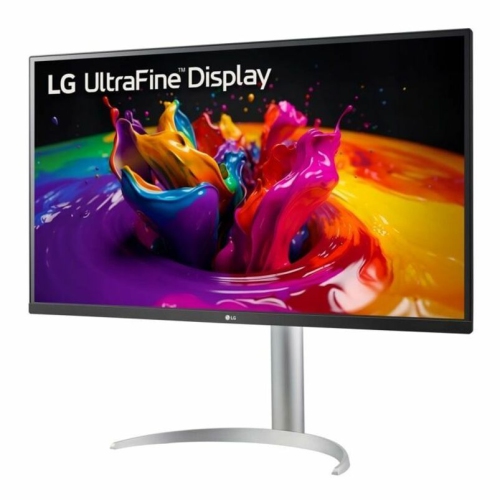
Clearer and more comfortable screen time for project work
Monitors for project use are also a thoughtful gift for anyone starting a new job, heading off to university, or setting up a creative hobby space at home. A well-chosen monitor can become the centrepiece of a productive environment, supporting everything from spreadsheets and coding to digital painting and video calls with friends and family. As routines shift from the relaxed pace of summer to the more structured days of fall, having a reliable monitor can help ease the transition, making it easier to stay focused and organized. Many people find that upgrading their monitor is a simple way to boost motivation and efficiency without overhauling their entire setup. If you’re shopping for a student or someone who works from home, you might also want to explore monitors designed specifically for study spaces, such as those found on the Monitors for Student Workstations page. No matter the project, a quality monitor can help you see your work in a whole new light, making daily tasks more enjoyable and helping you achieve your goals, season after season.
FAQ
What features should I look for in a monitor for project work?
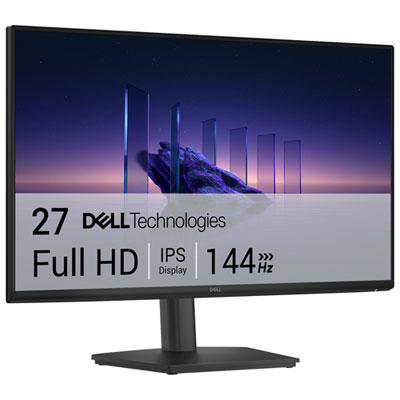
When choosing a monitor for project work, consider features like high resolution for clear visuals, adjustable stands for ergonomic comfort, multiple connectivity options (HDMI, DisplayPort, USB-C), and color accuracy if your projects involve design or photo editing.
Are curved monitors beneficial for managing multiple project windows?
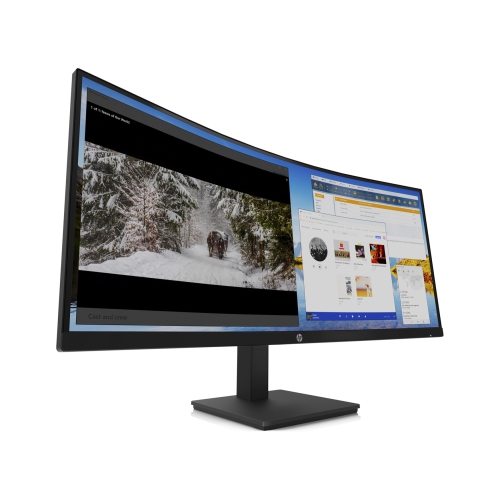
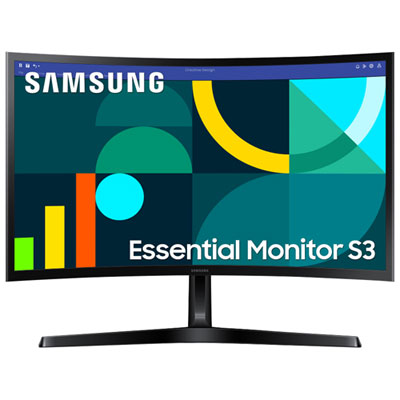
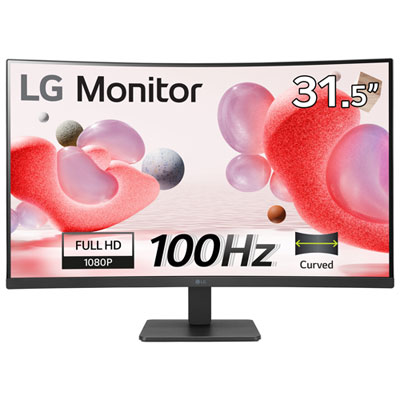
Curved monitors can enhance your workspace by providing a more immersive viewing experience and reducing distortion at the edges, making it easier to manage multiple windows side by side during complex projects.
How does refresh rate impact productivity on project-based tasks?
A higher refresh rate can make scrolling and moving between applications feel smoother, which may improve comfort and efficiency during long hours of project work, especially when dealing with animations or video content.
Can I connect multiple devices to one monitor for my projects?
Many modern monitors offer multiple input ports, allowing you to connect several devices such as laptops, desktops, or tablets. Some even support picture-in-picture or split-screen modes to view content from different sources simultaneously.
What is the advantage of using an ultrawide monitor for projects?
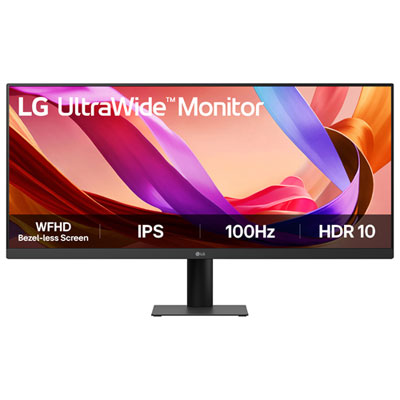
Ultrawide monitors provide extra horizontal screen space, which is ideal for multitasking and comparing documents side by side. This can streamline workflows and reduce the need to switch between tabs or windows frequently during project management.
Top selling and popular products
-
 Your price for this item is $299
 -
 Your price for this item is $469
 -
 Your price for this item is $149.99
 -
 Your price for this item is $329.99
 -
 Your price for this item is $499
 -
 Your price for this item is $199.99
 -
 Your price for this item is $249.99
 -
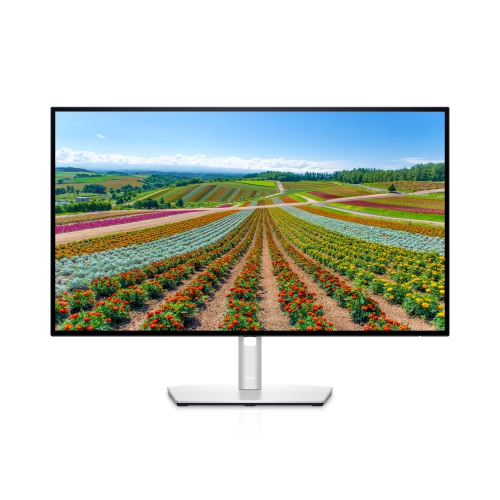 Your price for this item is $569.99