Monitors for Programming
Looking for the perfect monitor to enhance your programming experience? Look no further! These high-quality monitors can make all the difference when it comes to coding, debugging, and designing. Whether you're a seasoned programmer or just starting out, these monitors meet your needs. From crisp resolution and accurate color reproduction to ergonomic design and connectivity options, we have everything you need to take your programming skills to the next level.
Sort
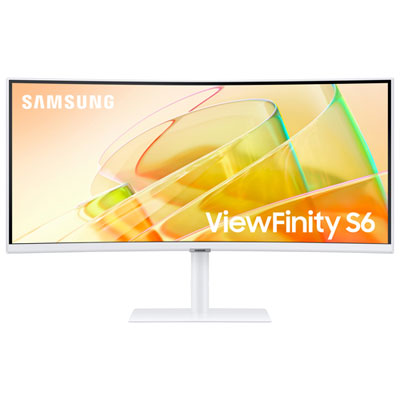
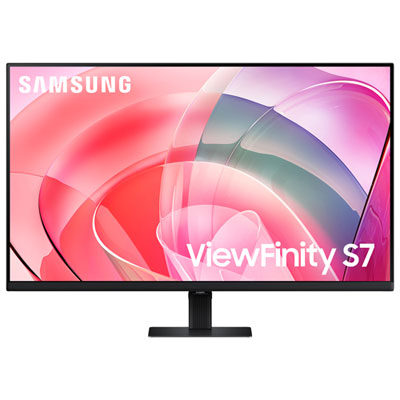
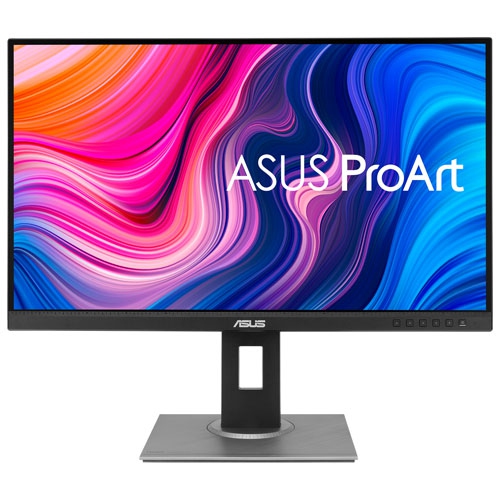

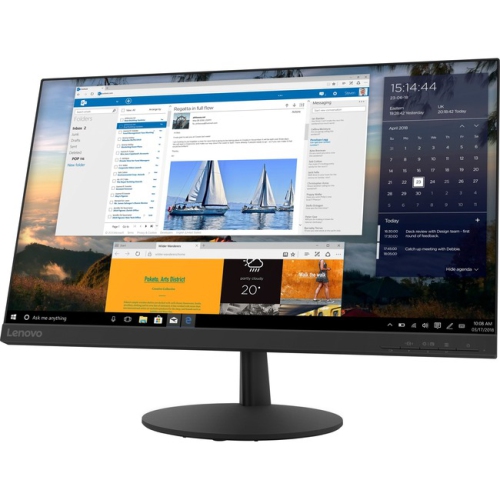

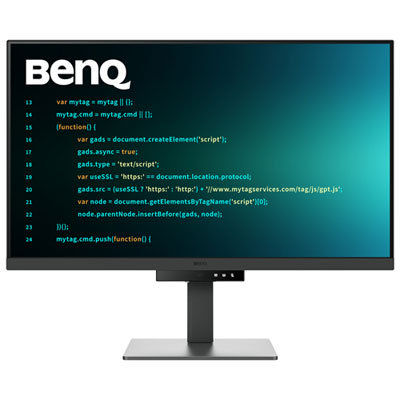
Sharper code and greater comfort for focused multitasking
Whether you’re a seasoned developer, a student learning your first programming language, or a professional who spends long hours coding, finding the right monitor for programming can make a world of difference in your daily workflow. Programmers often look for displays that combine high resolution and generous screen real estate to keep multiple windows, code editors, and documentation visible at the same time. A crisp, high-resolution monitor for coding—such as those with 4K (3840×2160) or QHD (2560×1440) panels—helps ensure every line of code and every detail in your IDE remains sharp and easy to read, even after hours of work. As the days grow shorter in November and you settle in for longer stretches at your desk, ergonomic features become increasingly important. Adjustable stands that allow you to tilt, swivel, and set the height of your programming monitor help you customize your setup for maximum comfort, reducing neck and eye strain during those deep-focus sessions.
Monitors for coding are designed with features that cater specifically to the needs of developers and tech professionals. Eye-care technologies such as flicker-free backlighting and blue light filters can help reduce fatigue during late-night debugging or marathon coding sprints. Many programming monitors now include dedicated “coding modes” that enhance text contrast, making it easier to spot syntax errors or analyze large blocks of code. Ultrawide screens and monitors with a 16:10 aspect ratio give you extra vertical space, so you can view more lines of code without constant scrolling—a subtle but significant boost to productivity. For those who value a streamlined workspace, USB-C connectivity is a popular consideration, allowing you to transmit video, data, and power through a single cable. This is especially handy if you frequently connect a laptop and want to keep your desk clutter-free. Whether you’re building the next big app, managing complex data sets, or simply want a better setup for remote work and online courses, the right monitor for programming can help you stay focused and efficient.
A programmer monitor also makes a thoughtful gift for students, remote workers, or anyone with a passion for technology. As the holiday season approaches, it’s a great time to consider upgrading a loved one’s workspace with a monitor designed for coding, studying, or multitasking. If you’re shopping for a student or someone who splits their time between coding and coursework, you might also want to explore options like our Monitors For Studying page for displays tailored to academic needs. Ultimately, the best programming monitors are those that balance resolution, comfort, and connectivity, helping you stay productive whether you’re working on your latest project, collaborating with a team, or learning something new. With so many options available, you can find a monitor for programming that fits your workflow, your space, and your style—making every coding session a little more enjoyable and a lot more effective.
Monitors for coding are designed with features that cater specifically to the needs of developers and tech professionals. Eye-care technologies such as flicker-free backlighting and blue light filters can help reduce fatigue during late-night debugging or marathon coding sprints. Many programming monitors now include dedicated “coding modes” that enhance text contrast, making it easier to spot syntax errors or analyze large blocks of code. Ultrawide screens and monitors with a 16:10 aspect ratio give you extra vertical space, so you can view more lines of code without constant scrolling—a subtle but significant boost to productivity. For those who value a streamlined workspace, USB-C connectivity is a popular consideration, allowing you to transmit video, data, and power through a single cable. This is especially handy if you frequently connect a laptop and want to keep your desk clutter-free. Whether you’re building the next big app, managing complex data sets, or simply want a better setup for remote work and online courses, the right monitor for programming can help you stay focused and efficient.
A programmer monitor also makes a thoughtful gift for students, remote workers, or anyone with a passion for technology. As the holiday season approaches, it’s a great time to consider upgrading a loved one’s workspace with a monitor designed for coding, studying, or multitasking. If you’re shopping for a student or someone who splits their time between coding and coursework, you might also want to explore options like our Monitors For Studying page for displays tailored to academic needs. Ultimately, the best programming monitors are those that balance resolution, comfort, and connectivity, helping you stay productive whether you’re working on your latest project, collaborating with a team, or learning something new. With so many options available, you can find a monitor for programming that fits your workflow, your space, and your style—making every coding session a little more enjoyable and a lot more effective.
Top selling and popular products
-
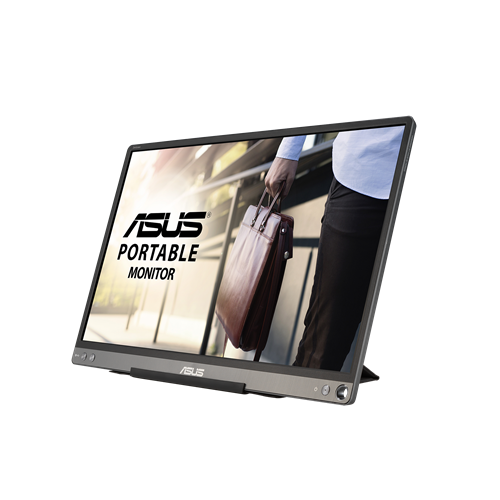 Your price for this item is $299
 -
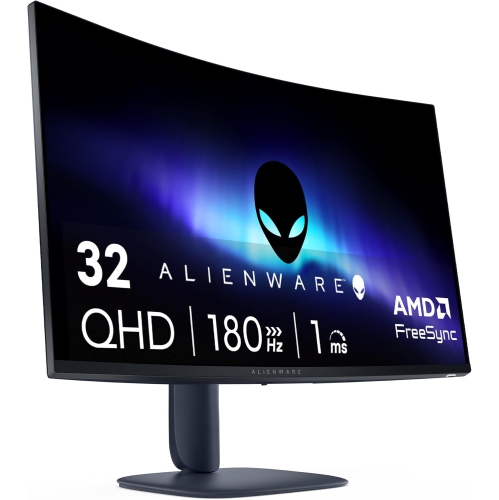 Your price for this item is $599
 -
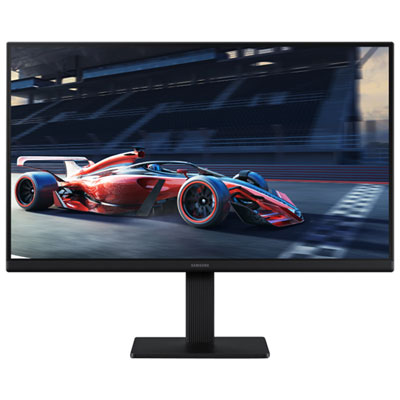 Your price for this item is $149.99
 -
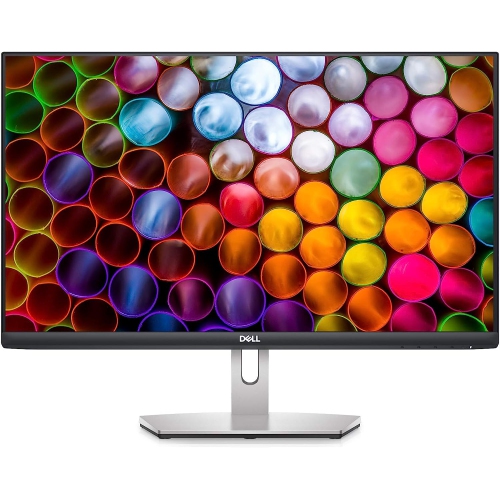 Your price for this item is $329.99
 -
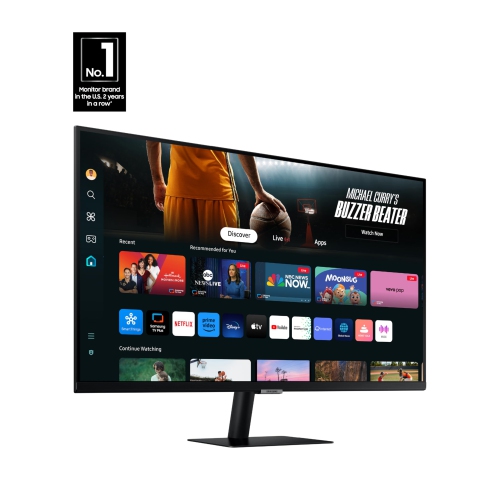 Your price for this item is $499
 -
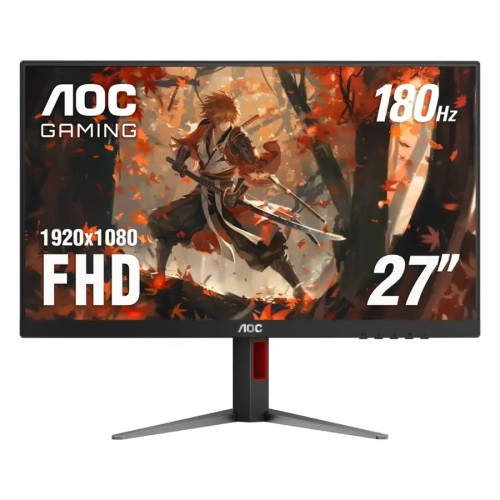 Your price for this item is $249.99
 -
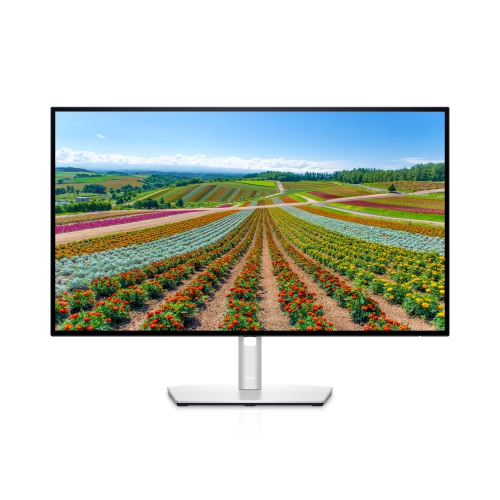 Your price for this item is $569.99
 -
 Your price for this item is $362.68
Discover more categories related to Monitors for Programming
Top Collections:
Pokemon Centers, Budget 4K TVs, Best Budget Office Chairs, Kindle Devices, Canon G7X Cameras, Apple iPhones 16, iPhone 15 Apple, Laptops for Business Work, Xiaomi Phones, Flip Phones
Some products may be subject to Environmental Handling Fees
(EHF) depending on your province.
Learn more about EHFs.