Best 32 Inch Monitors

Find the best 32 inch monitors for work, gaming, and entertainment, ranked by user review ratings. With spacious screens that give you more room to multitask and enjoy your favourite content, these monitors can help you make the most of your desk setup. Compare resolution, refresh rates, and connectivity to find the right fit for your needs.

Read More

What to look for in the best 32-inch monitors

1. Screen Resolution

Resolution makes a noticeable difference on a 32-inch screen, especially when reading text or viewing fine details. A 4K monitor offers sharper images and more desktop workspace, while a QHD model can balance detail, price and gaming performance.

2. Panel Type and Picture Quality

IPS panels typically offer wide viewing angles and consistent colours, while VA panels generally provide stronger contrast. OLED monitors deliver deep blacks and fast pixel response times, though static desktop elements can pose a burn-in risk with prolonged use.

3. Refresh Rate and Gaming Features

A 60Hz refresh rate suits everyday tasks, while 144Hz or higher can make fast-paced games feel smoother. For gaming, look for adaptive sync compatibility with your graphics card and check that your computer can deliver your target frame rate at the monitor’s native resolution.

4. Connectivity and Ergonomics

Check for HDMI, DisplayPort or USB-C connections that support your devices and the monitor’s maximum resolution and refresh rate. USB-C power delivery can simplify a compatible laptop setup, while a height-adjustable stand or VESA mount compatibility helps position the screen comfortably.
  1. 1

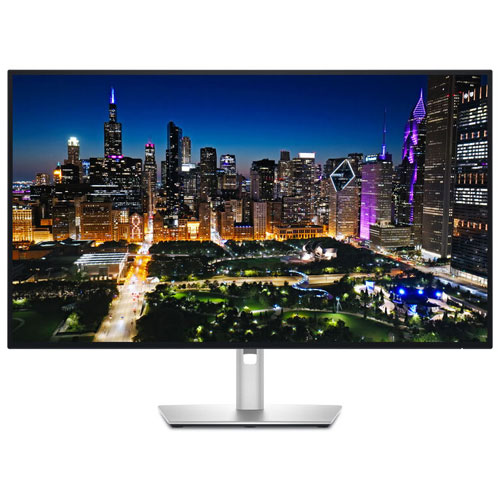
    DELL Ultrasharp 32" 4K Uhd Ips Led Monitor (-U3225Qe) - Light - 120Hz - Displayhdr 600 In Blue

    About this product

    A 32-inch 4K UHD IPS LED monitor with a 120Hz refresh rate for smooth, vibrant visuals.

    (11)
    $1,265.00
    SAVE $234
    Your price for this item is $1265
  2. 2

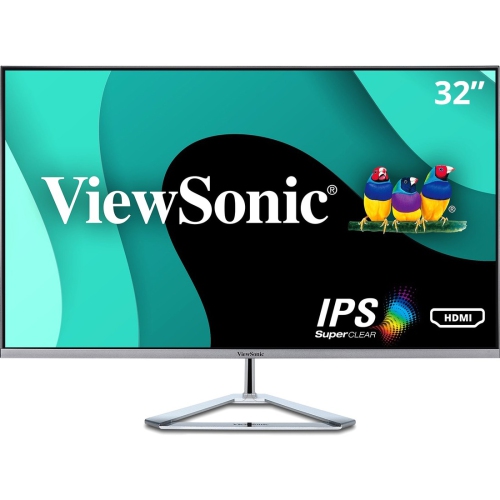
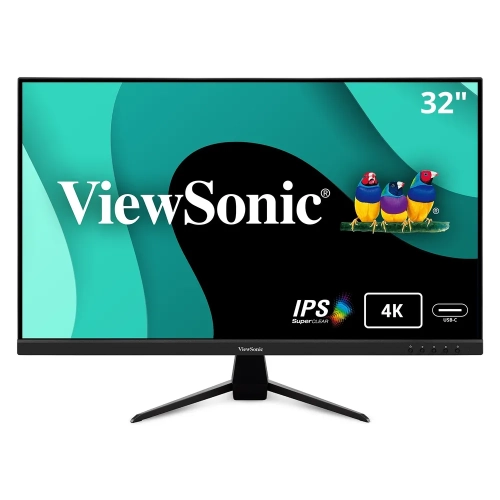
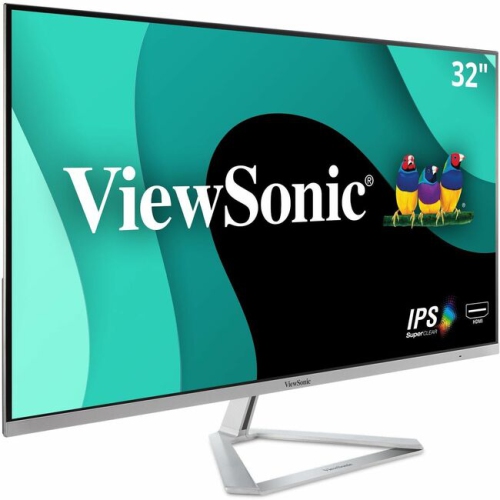
    VIEWSONIC 32" Thin-Bezel 1080P HD Ips Led Monitor (Vx3276-Mhd) - Flicker-Free/blue Light - 75Hz - In Silver

    About this product

    A sleek silver IPS monitor featuring Full HD resolution, 75Hz refresh rate, and multiple connectivity options.

    What customers like

    • Large screen size
    • Clear and vibrant display
    • Versatile connectivity and features
    • Easy setup and installation
    • Affordable price and good value
    (35)
    $252.99
    SAVE $45
    Your price for this item is $252.99
  3. 3

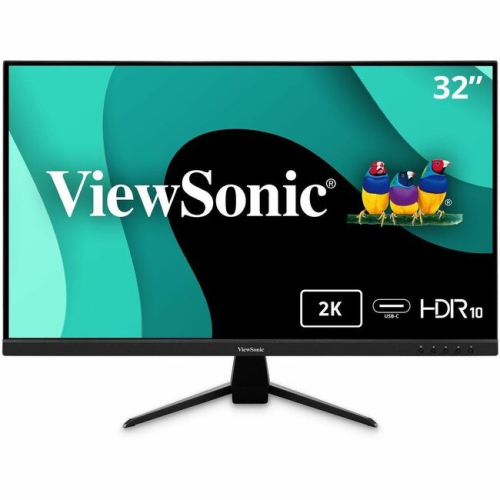
    VIEWSONIC Vx 32" 1440P Qhd Ips Lcd Monitor (Vx3267U-2K) - HDr10

    About this product

    A 32-inch IPS monitor featuring 1440p resolution, HDR10 support, 65W USB-C, HDMI, and DisplayPort connectivity.

    (2)
    $369.99 Your price for this item is $369.99
  4. 4

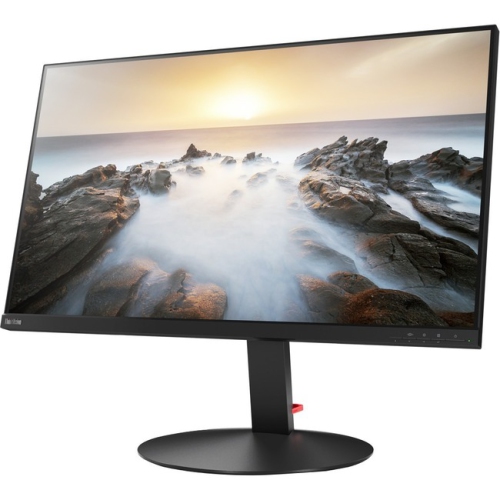
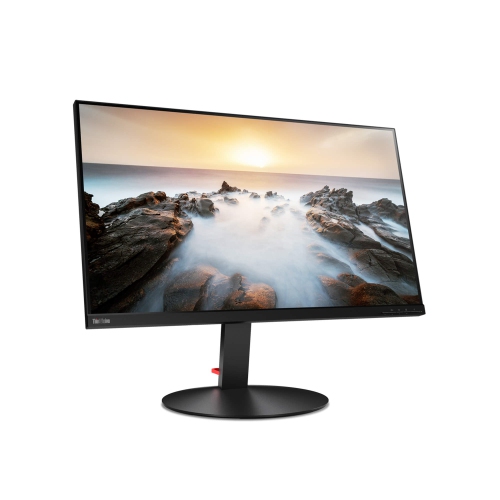
    LENOVO Thinkvision P32U-10 32" 4K Uhd Wled Lcd Monitor (61C1Rar2Us) - Rose In Black

    About this product

    A 32-inch 4K UHD WLED LCD monitor in sleek black, offering vibrant visuals and wide viewing angles.

    (11)
    $1,759.99 Your price for this item is $1759.99
  5. 5

    LENOVO Thinkvision 32" 4K Uhd Wled Lcd Monitor (P32U-10) - Adobe RGB - Rose In Black

    About this product

    A 32-inch UHD 4K monitor with Adobe RGB color and Thunderbolt 3 connectivity for vibrant visuals.

    (11)
    $1,159.99 Your price for this item is $1159.99
  6. 6

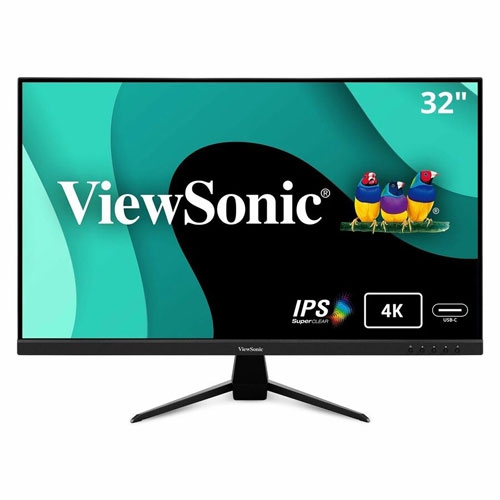
    VIEWSONIC - Vx 32" 4K Uhd Ips Led Monitor (Vx3267U-4K) - HDr10

    About this product

    A 32-inch 4K UHD IPS LED monitor in black offering vibrant visuals and ultra-wide viewing angles.

    $522.99
    SAVE $100
    Your price for this item is $522.99
  7. 7

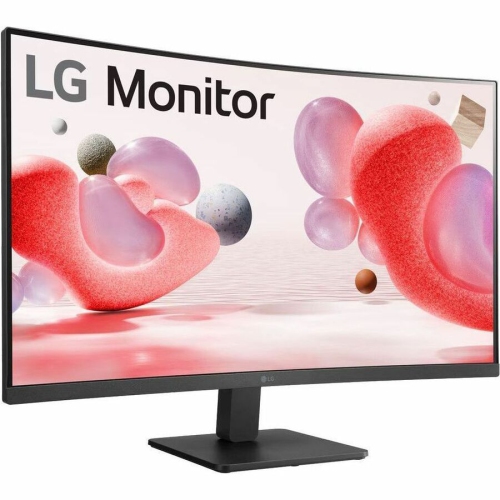
    LG Electronics 32" Curved 1080P HD Va Lcd Monitor (32Mr51Ca-B) - Freesync

    About this product

    A Full HD curved LCD monitor with VA panel, 1920 x 1080 resolution, FreeSync, HDMI, and VGA.

    What customers like

    • Sharp image quality
    • Good value for money
    • Great overall quality
    • Excellent monitor
    (25)
    $249.69
    SAVE $24
    Your price for this item is $249.69
  8. 8

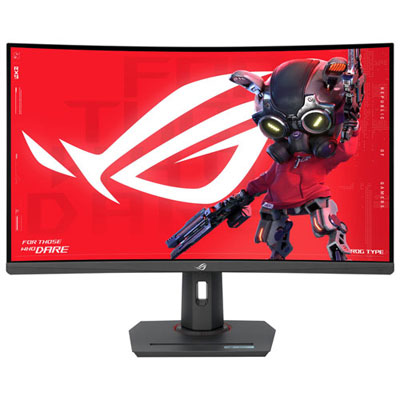
    Open Box - ASUS ROG Strix 32" Curved 1440p QHD VA Gaming Monitor (XG32WCS) - 1ms GTG - 180Hz

    About this product

    A black curved VA gaming monitor offering 1440p resolution, 180Hz refresh rate, and 1ms response time.

    (4)
    $299.99 Your price for this item is $299.99
  9. 9

    VIEWSONIC 32" 4K Uhd Ips Led Monitor (Vx3267U-4K) - HDr10

    About this product

    A black IPS LED monitor delivering 4K UHD resolution, 60Hz refresh rate, and ultra-wide viewing angles.

    (4)
    $479.99
    SAVE $84
    Your price for this item is $479.99
  10. 10

    VIEWSONIC Vx3276-Mhd Vx3276-Mhd - 32" 1080P Thin-Bezel Ips Monitor With HDMI, Displayport, And VGA (Vx3276-Mhd)

    About this product

    A sleek 32" IPS monitor with ultra-thin bezels, 1080p resolution, HDMI, DisplayPort, and VGA connectivity.

    $319.51
    SAVE $95
    Your price for this item is $319.51

One spacious screen for detailed work and smooth gaming

The best 32 inch monitors pair a spacious screen with the resolution, motion clarity, and connections that suit the way they will be used. For office work and detailed creative tasks, a 4K display offers sharp text and room for several windows; for fast-paced gaming, refresh rate and response time carry more weight. A 32 inch screen, measured diagonally, provides a generous canvas without requiring a multi-monitor setup. A spreadsheet can sit beside a report, a video timeline can stretch beneath a large preview, and a game’s landscape can fill more of the view from a comfortable seated position. Resolution makes a noticeable difference at this size. Full HD, or 1920 × 1080, has larger, more visible pixels when viewed up close, while QHD, or 2560 × 1440, provides finer detail and a useful balance between image sharpness and graphics processing demands. A 4K monitor, with 3840 × 2160 pixels, is particularly well suited to fine lettering, high-resolution photographs, and detailed design work. Display scaling can make menus and text easier to read while retaining that crisp appearance, although older applications may handle scaling differently. For students working between research notes and assignments, or anyone moving between documents and video calls, this combination of size and clarity can make a single screen feel much more flexible. Physical fit matters just as much as the picture. Most 32 inch monitors use a familiar 16:9 shape, but the overall width, stand depth, and height vary. Measuring the desk surface and allowing space for a keyboard, speakers, and a comfortable viewing distance helps avoid a cramped arrangement. A larger screen is most useful when its corners remain easy to see without constant head movement. For a workspace where horizontal room matters more than screen height, best 34 inch monitors offer another size to explore, including ultrawide formats that can accommodate broad timelines and side-by-side windows.

Panel technology shapes how a 32 inch monitor looks during everyday use, from reading a pale document to watching a film with dark, detailed scenes. IPS panels generally provide consistent colour and wide viewing angles, making them useful for shared viewing and visual work. VA panels typically offer stronger native contrast, which can give dark scenes greater depth, although motion performance varies and some panels show trailing behind dark moving objects. OLED displays deliver very deep blacks and fast pixel transitions, appealing to gamers and viewers who value contrast and motion clarity. They also require consideration of permanent image retention, often called burn-in, particularly when the same taskbar, application controls, or other static elements remain on screen for extended periods. Text rendering can vary across OLED panel layouts as well, so a screen intended for long writing sessions deserves different attention from one used mainly for games and films. For photo editing, illustration, and video work, colour accuracy, coverage of the relevant colour space, and calibration support matter more than highly saturated colours alone. An sRGB mode can be helpful for everyday web content, while other creative workflows may call for wider colour coverage. HDR performance also depends on more than accepting an HDR signal: brightness, contrast, local dimming where applicable, and content support all influence the result. In gaming, a higher refresh rate allows more frequent image updates, making movement look smoother when the computer or console can supply enough frames. Adaptive sync can reduce visible tearing by matching the display’s refresh behaviour to the frame output within its supported range. Advertised response times do not tell the whole story, since aggressive response settings can introduce bright or dark halos around moving objects. For console play, checking supported resolution and refresh rate through the intended input is essential. A monitor that suits competitive action may favour speed, while one for cinematic adventures may place greater emphasis on contrast, detail, and a comfortable screen shape.

The most useful features often become apparent during an ordinary day at the desk: connecting a laptop, adjusting the screen after changing chairs, or switching from work to an evening game. HDMI and DisplayPort connections need to support the desired resolution and refresh rate on both the monitor and the source device, with a suitable cable between them. USB-C can simplify a laptop setup when the monitor and computer both support video through that connection. Some monitors also provide USB-C power delivery, but the charging output must meet the laptop’s needs; a shared connector shape does not guarantee every function. A built-in USB hub can keep a keyboard and mouse connected at the desk, while a KVM switch, where included, can let those peripherals serve two computers. Built-in speakers may be convenient for calls and casual viewing, though separate speakers or headphones can offer fuller sound. For comfort, a height-adjustable stand with tilt and swivel allows more precise placement than a fixed stand. A compatible VESA mount can free desk space, provided the arm supports the monitor’s weight and mounting pattern. Sturdy plastic housings, reinforced mounting points, and stable metal stand components contribute to a secure setup, especially on a desk that moves between sitting and standing positions. A matte screen finish can help soften reflections from windows and lamps, while room lighting and screen placement still play a large role in visibility. Care should be gentle: switch off the display, use a clean microfibre cloth, and follow the manufacturer’s cleaning directions rather than spraying liquid directly onto the panel. Keeping vents clear and leaving slack in cables helps prevent strain during adjustments. As a gift for a student, home-office user, gamer, or creative hobbyist, a 32 inch monitor is most successful when it matches the recipient’s desk space and existing equipment. The right combination of screen detail, reliable connections, adjustable support, and manageable upkeep can make it a practical centrepiece for both focused work and downtime.
Read More

FAQ

Some products may be subject to Environmental Handling Fees (EHF) depending on your province. Learn more about EHFs.