Best 27 Inch Monitors
Find the best 27 inch monitors for work, gaming, and everyday use, ranked by customer review ratings. A 27 inch screen offers plenty of room for multitasking, viewing documents, and enjoying your favourite entertainment. Compare resolution, refresh rate, and connectivity to find the right fit for your setup, with customer feedback to help guide your choice.
What to look for in the best 27-inch monitors
1. Resolution and Image Clarity
2. Panel Type and Colour Quality
3. Refresh Rate and Response Time
4. Connectivity and Ergonomics
-
1
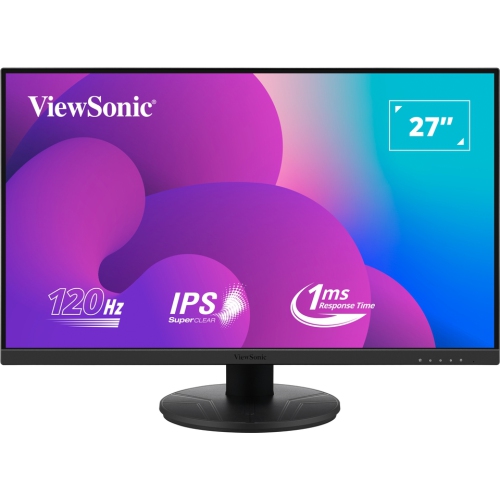
VIEWSONIC 27" 1080P HD Ips Led Gaming Monitor (Vx2716A) - Freesync - 1Ms Gtg - 120Hz
About this product
A Full HD IPS gaming monitor with 120Hz refresh rate, 1ms response time, and versatile connectivity options.
(5)$192.99Your price for this item is $192.99SAVE $34 -
2
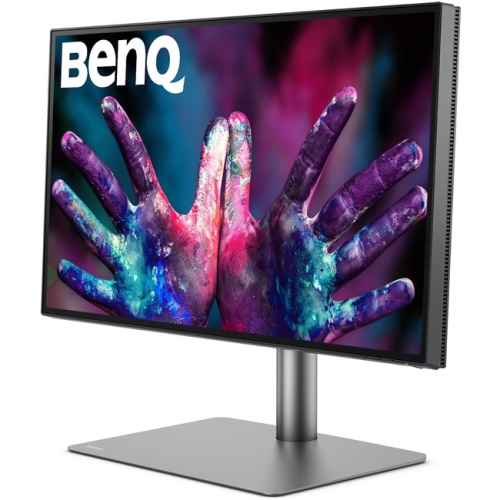
BENQ Pd2725U Pd2725U?27-Inch 4K Uhd P3 Thunderbolt 3 Mac Compatible Designer Monitor (Pd2725U)
About this product
A 27-inch 4K UHD IPS monitor in black with Thunderbolt 3, HDR, and Mac compatibility.
(2)$1,199.99Your price for this item is $1199.99SAVE $235 -
3
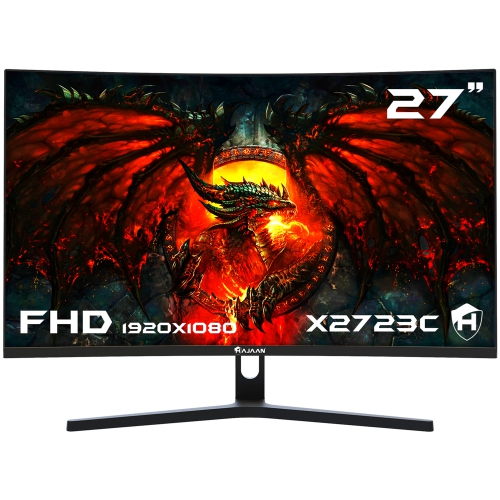
HAJAAN 27" 1080P HD Curved Led Gaming Monitor (X2725C) - 1Ms Gtg - 200Hz
About this product
A curved black monitor with 165Hz refresh rate, RGB lighting, tilt adjustment, and multiple connectivity options.
(2)$179.99Your price for this item is $179.99SAVE $70 -
4
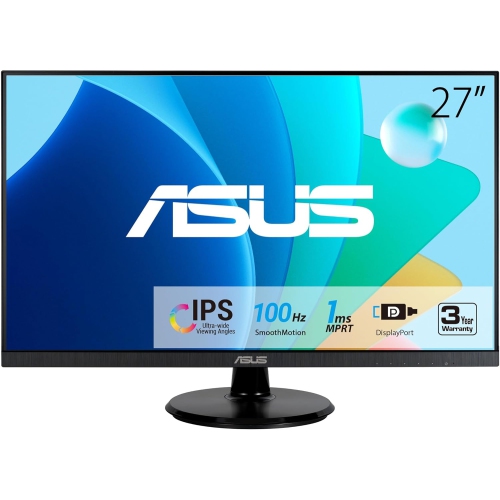
ASUS 27" Va27Dqf Eye Care Monitor
About this product
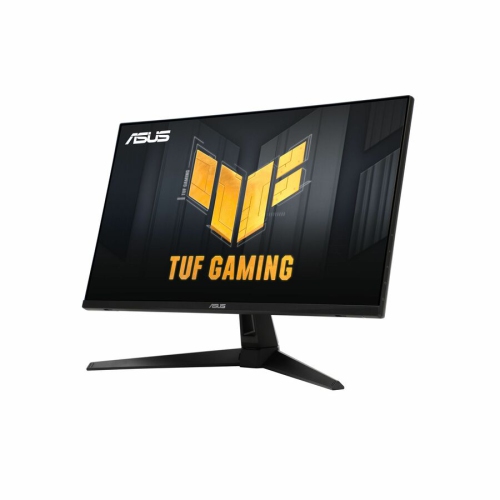
A Full HD IPS gaming monitor with 1ms response time, 100Hz refresh rate, HDMI, and DisplayPort connectivity.
(2)$247.99Your price for this item is $247.99SAVE $27 -
5
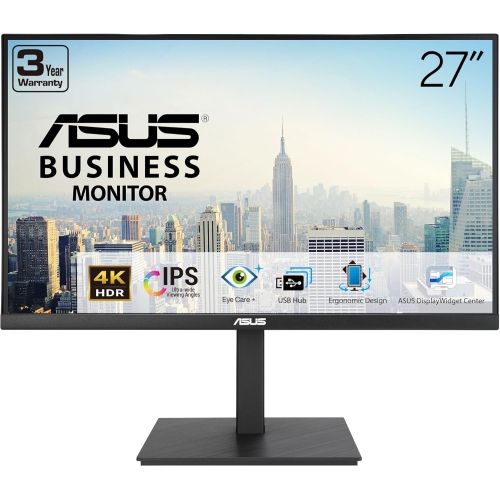
ASUS 27" 4K Uhd Ips Lcd Monitor (Va27Uqsb) - Flicker-Free/blue Light - HDr10 - Adaptivesync
About this product
A 27-inch 4K UHD IPS monitor with HDR-10, ergonomic design, stereo speakers, and blue light filter.
(1)$449.00 Your price for this item is $449 -
6
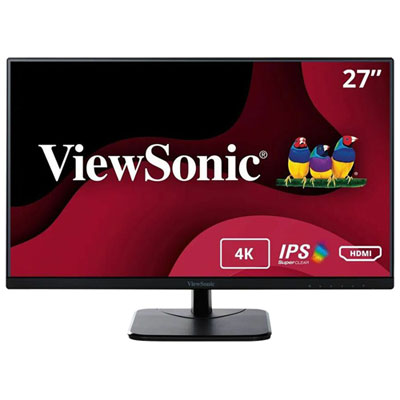
Viewsonic 27" 4K UHD IPS LED Gaming Monitor (VA2756-4K-MHD) - 75Hz
About this product
A black IPS LED monitor delivering 4K Ultra HD visuals, 75Hz refresh rate, and versatile connectivity options.
(1)$344.99 Your price for this item is $344.99 -
7
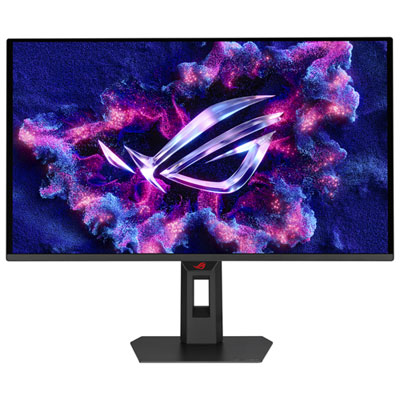
ASUS ROG Strix 27" 1440p QHD QD-OLED Gaming Monitor (XG27AQDPG) - 0.03ms GTG - 500Hz - DisplayHDR 500 True Black
About this product
A 27-inch WQHD gaming monitor with a 500Hz refresh rate, 0.3ms response, and advanced OLED panel.
What customers like
(180)$1,199.99 Your price for this item is $1199.99 -
8
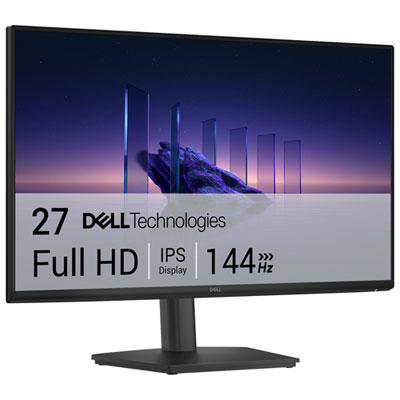
Dell 27" 1080p HD IPS LCD Gaming Monitor (SE2726HS) - 1ms GTG - 144Hz
About this product
A black IPS gaming monitor with 144Hz refresh rate, 1ms response time, and TÜV-certified eye comfort.
What customers like
(162)$199.99 Your price for this item is $199.99 -
9
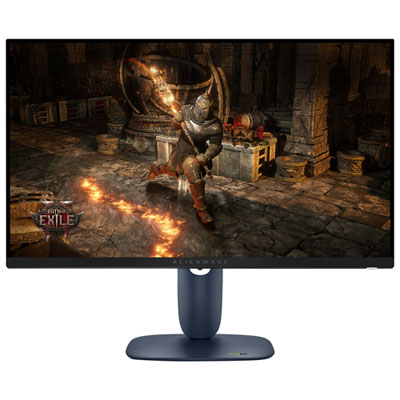
Alienware 27" 1440p QHD IPS LED Gaming Monitor (AW2725DM) - 180Hz - DisplayHDR 400
About this product
A black IPS LED gaming monitor with QHD resolution, 180Hz refresh rate, and VESA DisplayHDR 400 certification.
What customers like
(759)$259.95Your price for this item is $259.95SAVE $140 -
10
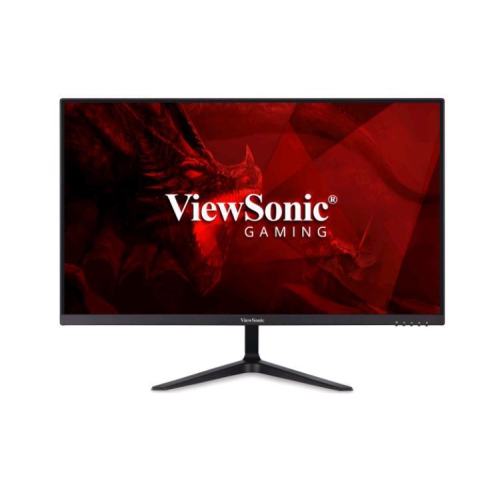
VIEWSONIC 27" Fhd 165Hz Va Adaptive Sync Monitor - (Vx2718-P-Mhd) In Black
About this product
A sleek black monitor featuring Full HD resolution, 165Hz refresh rate, and Adaptive Sync for smooth gaming.
What customers like
(26)$220.99Your price for this item is $220.99SAVE $52
FAQ
Common panel types include IPS, VA, TN and OLED. IPS panels are known for wide viewing angles and consistent colour, while VA panels typically offer higher native contrast. TN panels are often associated with fast pixel response times. OLED panels use individually lit pixels rather than a separate backlight.
Refresh rate, measured in hertz (Hz), describes how many times a display updates its image each second. Common options include 60Hz, 75Hz, 144Hz and higher. The refresh rates available to you depend on the monitor, your computer’s graphics hardware, the connection and the selected resolution.
HDMI and DisplayPort are common connections for video and audio. Some monitors also support video over USB-C, with select models offering laptop charging through the same cable. Built-in USB hubs provide connections for peripherals. Check the supported features of both your computer’s ports and the monitor, as not all USB-C connections carry video or power.
Adaptive sync allows a compatible monitor to vary its refresh rate with the frame output from a graphics processor. AMD FreeSync and NVIDIA G-SYNC are common technologies associated with this feature. Compatibility depends on the monitor, graphics hardware and connection used.
Depending on the model, monitor stands may offer height adjustment, tilt, swivel and pivot. Pivot lets you rotate the display between landscape and portrait orientation. If you plan to use a separate monitor arm, check the monitor’s VESA mounting pattern and weight against the arm’s specifications.
Top selling and popular products
Discover more categories related to Best 27 Inch Monitors
Some products may be subject to Environmental Handling Fees (EHF) depending on your province. Learn more about EHFs.