Best Gaming Monitors under $300
Upgrade your setup without stretching your budget with the best gaming monitors under $300, ranked by user review ratings. Whether you enjoy fast-paced competitive matches or immersive adventures, explore options for your play style and compare screen sizes, refresh rates, and resolutions to find the right fit.
What to look for in gaming monitors under $300
1. Screen Size and Resolution
2. Refresh Rate and Response Time
3. Panel Type and Picture Quality
4. Connectivity and Adaptive Sync
-
1
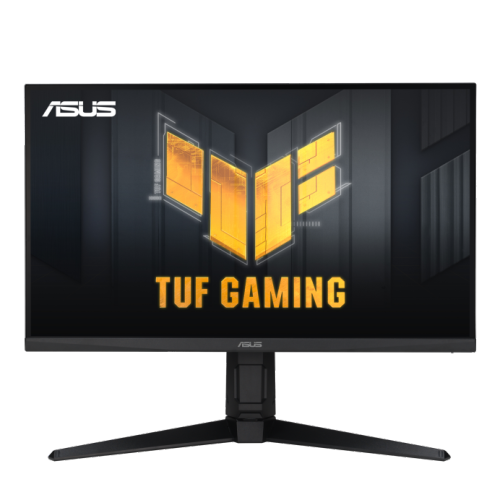
ASUS Tuf Gaming 27" 1080P HD Ips Lcd Gaming Monitor (Vg279Ql3A) - Freesync Premium/g-Sync Compatible - 1Ms Gtg - 180Hz - HDr10
About this product
A 27-inch Full HD gaming monitor with 180Hz refresh rate, Fast IPS panel, and 99% sRGB coverage.
(4)$299.00 Your price for this item is $299 -
2
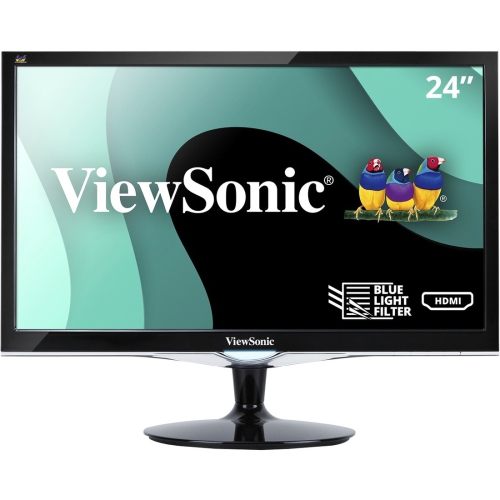
VIEWSONIC Vx2452Mh 24" 2Ms 60Hz 1080P Gaming Monitor With HDMI Dvi And VGA
About this product
A 24" gaming monitor with ultra-fast 2ms response time, Full HD resolution, and versatile connectivity options.
What customers like
(69)$99.99Your price for this item is $99.99SAVE $100 -
3
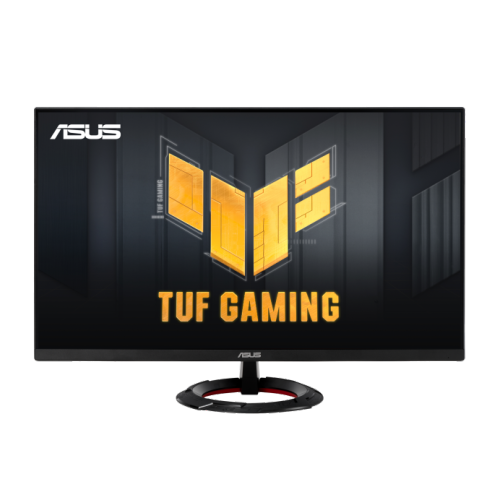
ASUS Tuf Gaming 23.8" 1080P HD Fast Ips Gaming Monitor (Vg249Q3R) - Freesync - 1Ms Gtg - 180Hz
About this product
A 23.8-inch Full HD gaming monitor with 180Hz refresh rate, Fast IPS panel, and FreeSync support.
(4)$189.00 Your price for this item is $189 -
4

VIEWSONIC 22" 1080P HD Mva Lcd Freesync Gaming Monitor (Vx2267-Mhd) - 75Hz
About this product
A black Full HD gaming monitor featuring 75Hz refresh rate, 4ms response time, and AMD FreeSync technology.
(3)$161.42Your price for this item is $161.42SAVE $16 -
5
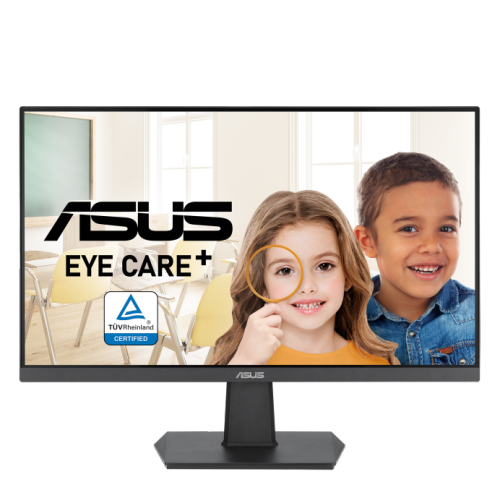
ASUS 23.8" 1080P HD Ips Led Gaming Monitor (Va24Ehf) - Adaptive Sync - 100Hz
About this product
A Full HD IPS gaming monitor with 100Hz refresh rate, 1ms response time, and Adaptive Sync technology.
(2)$96.95Your price for this item is $96.95SAVE $73 -
6
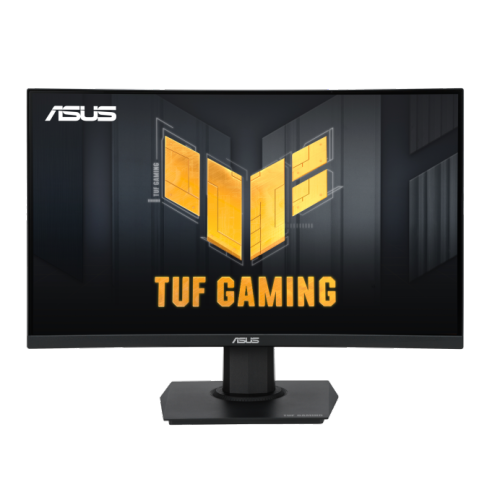
ASUS Tuf Gaming 23.6" Curved 1080P HD Gaming Monitor (Vg24Vqer) - Freesync Premium - 180Hz
About this product
A curved 24-inch Full HD gaming monitor with 180Hz refresh rate, 1ms response, and FreeSync support.
(2)$199.00 Your price for this item is $199 -
7
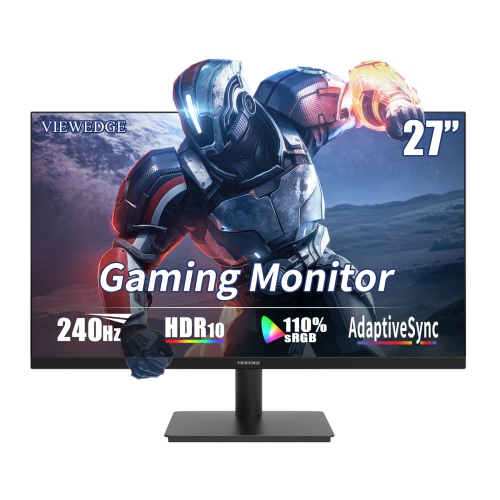
VIEWEDGE 27" 1080P HD Ips Lcd Gaming Monitor - Freesync - 1Ms Gtg - 240Hz - HDr10
About this product
A high-speed black gaming monitor with 240Hz refresh rate, 1ms response, HDR10, and built-in speakers.
(1)$199.99Your price for this item is $199.99SAVE $50 -
8
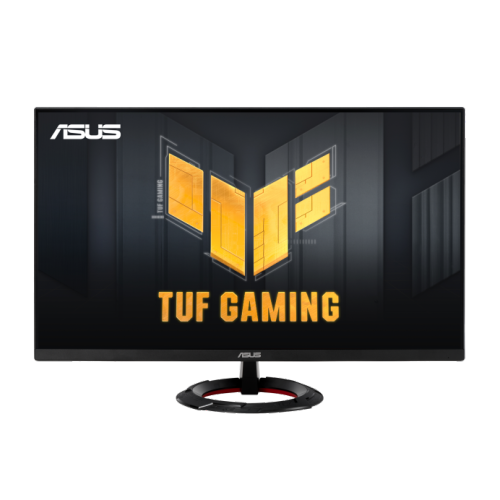
ASUS Tuf Gaming 27" 1080P HD Fast Ips Gaming Monitor (Vg279Q3R) - Freesync Premium - 1Ms Gtg - 180Hz
About this product
A 27-inch Full HD gaming monitor with 180Hz refresh rate, Fast IPS panel, and FreeSync support.
(1)$227.68 Your price for this item is $227.68 -
9
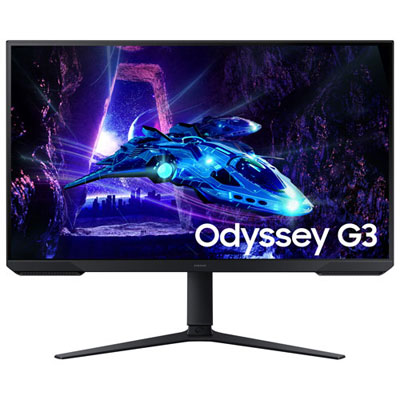
Open Box - Samsung 32" FHD 180Hz 1ms VA LED FreeSync Gaming Monitor (LS32DG302ENXZA) - Black
About this product
An immersive 32-inch gaming monitor with 180Hz refresh rate and 1ms response time in sleek black.
(1)$229.99 Your price for this item is $229.99 -
10
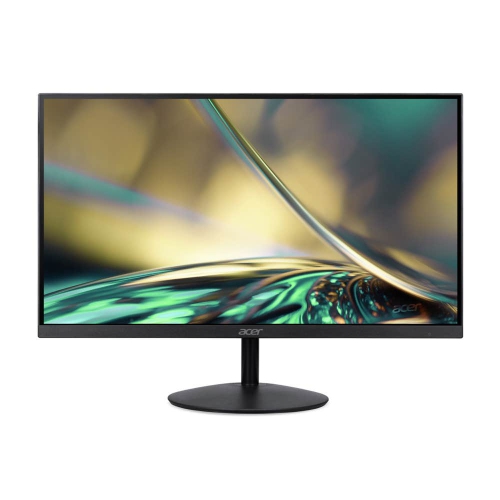
ACER 23.8" 1080P HD Ips Lcd Gaming Monitor (Sa242Y) - Amd Freesync - 75Hz
About this product
A frameless Full HD IPS monitor with 75Hz refresh rate, AMD FreeSync, and eye care technology.
(1)$125.99Your price for this item is $125.99SAVE $74
FAQ
Gaming monitors commonly offer refresh rates of 120Hz, 144Hz, 165Hz or higher. A higher refresh rate lets the screen display more frames each second, provided your gaming system can output them. Check which refresh rates the monitor supports at your preferred resolution and through your chosen connection.
Adaptive sync lets a monitor adjust its refresh rate to match the frames supplied by a compatible graphics card. Common options include AMD FreeSync and NVIDIA G-SYNC Compatible support. Compatibility can depend on your graphics card, connection type and monitor settings.
IPS panels generally offer wide viewing angles and consistent colours. VA panels typically provide higher contrast and deeper blacks, while TN panels often prioritize fast pixel transitions over viewing angles. Performance varies between monitors, so compare specifications rather than relying on panel type alone.
HDMI and DisplayPort are common gaming monitor connections. HDMI is widely used by consoles and computers, while DisplayPort is common on desktop graphics cards. Check that the monitor, gaming system and cable support your intended resolution and refresh rate. A headphone output or USB hub may also be useful for your setup.
Full HD has a resolution of 1920 × 1080 pixels, while QHD has 2560 × 1440 pixels. QHD provides more image detail but generally requires more graphics processing power at the same game settings. Choose a resolution that matches your gaming system’s capabilities and your preferred balance of detail and frame rate.
Top selling and popular products
Discover more categories related to Best Gaming Monitors under $300

Some products may be subject to Environmental Handling Fees (EHF) depending on your province. Learn more about EHFs.