Best Monitors for Macbook Pro

Find the best monitors for MacBook Pro to give your workspace more room for multitasking, creative projects, and everyday tasks. Ranked by user review ratings, this selection highlights options to help you compare what matters most, from sharp resolution and accurate colours to screen size and connectivity that suits your setup.

Read More

What to look for in monitors for MacBook Pro

1. Resolution and Screen Size

A 27-inch 4K monitor offers sharp text and plenty of room for everyday work, while a 5K display can provide crisper detail at a similar size. Choose a screen size and resolution that make text comfortable to read with your preferred macOS scaling settings.

2. Connectivity and Charging

Look for a USB-C monitor that supports video input or a compatible Thunderbolt display for a convenient connection to your MacBook Pro. If you want single-cable charging, check the monitor’s power delivery wattage against your laptop’s requirements, as lower-power displays may charge slowly during demanding tasks.

3. Colour Accuracy

For photo editing, design, and video work, look for strong colour accuracy and coverage of the colour space you use, such as sRGB or P3. Factory calibration can help provide accurate colour out of the box, while brightness and contrast also affect how your work appears.

4. Refresh Rate and Display Support

A refresh rate above 60Hz can make scrolling and motion look smoother. Check that your MacBook Pro model, cable, and chosen port support the monitor’s resolution and refresh rate, especially if you plan to connect multiple displays.
  1. 1

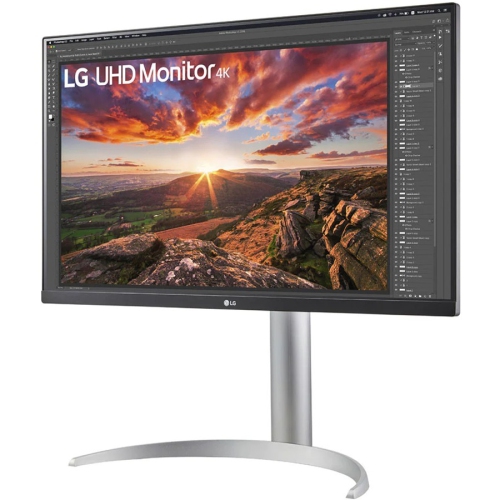
    LG Ultrafine 27Up850N-W 27" 4K Uhd Lcd Monitor With Height Adjustment

    About this product

    A 27" 4K UHD LCD monitor in black with HDR10, FreeSync, and adjustable height for vivid visuals.

    What customers like

    • Adjustable stand and ergonomic design features
    • Easy setup and user-friendly controls
    • Versatile connectivity including USB-C and compatibility with Mac devices
    • Excellent 4K UHD resolution and picture quality
    • Vibrant and accurate color reproduction
    (140)
    $904.68 Your price for this item is $904.68
  2. 2

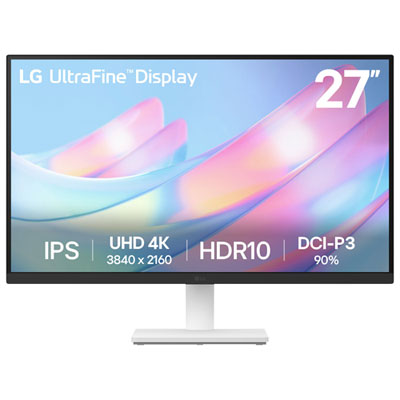
    LG UltraFine 27" 4K UHD IPS Monitor (27US500-W) - HDR10 - White

    About this product

    A white 27-inch 4K UHD IPS monitor offering vibrant DCI-P3 90% colour and a 60Hz refresh rate.

    What customers like

    • Crisp 4K resolution and excellent colour quality
    • Lightweight design with attractive appearance
    • Versatile connectivity and compatibility with MacBook Pro and PS5
    • Reliable performance and LG build quality
    • Good value for money and affordability
    (123)
    $249.99
    SAVE $50
    Your price for this item is $249.99
  3. 3

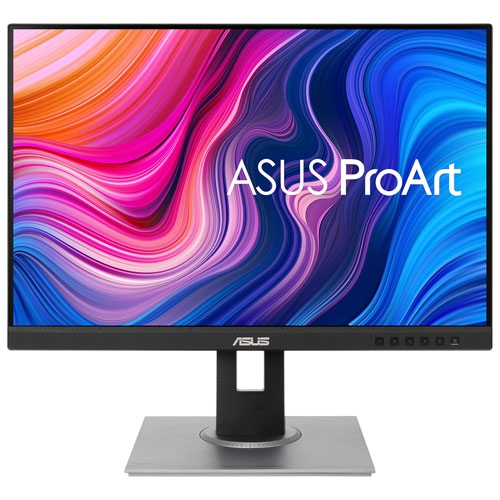
    ASUS - Proart 24.1" Wuxga Ips Led Monitor (Pa248Qv) - 75Hz

    About this product

    A black IPS LED monitor offering WUXGA resolution, 75Hz refresh rate, and Calman Verified color accuracy.

    What customers like

    • Ideal size and aspect ratio for multitasking
    • Highly adjustable and ergonomic stand
    • Easy setup with useful included accessories
    • Excellent color accuracy and vibrant display
    • Great value and budget-friendly price
    (93)
    $303.17
    SAVE $30
    Your price for this item is $303.17
  4. 4

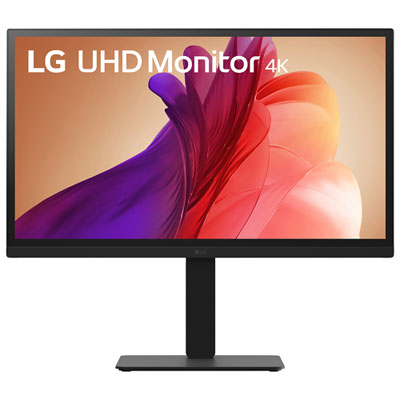
    LG UltraFine 27" 4K UHD IPS LED Monitor (27BA45U-B) - HDR10 - Flicker-Free/Blue Light

    About this product

    A black IPS LED monitor with 4K Ultra HD resolution, HDR10 support, and 90% DCI-P3 colour coverage.

    What customers like

    • Sturdy, adjustable stand and sleek modern design
    • Excellent 4K resolution and outstanding picture clarity
    • Vibrant and accurate colour reproduction
    • Great value for price and reliable performance
    • Easy and quick setup with seamless connectivity
    (84)
    $349.99 Your price for this item is $349.99
  5. 5

    LG 32" 6K IPS LED Monitor (32U990A-S) - Flicker-Free/Blue Light - HDR10 - Silver

    About this product

    A silver IPS LED monitor offering 6K resolution, 60Hz refresh rate, and advanced hardware colour calibration.

    What customers like

    • Large, adjustable screen with slim bezels and sturdy stand
    • Versatile connectivity options including Thunderbolt and multiple ports
    • Easy setup and seamless integration with macOS devices
    • Accurate and vibrant colour reproduction ideal for creative work
    • Stunning 6K resolution with exceptional image clarity
    (40)
    $2,499.99 Your price for this item is $2499.99
  6. 6

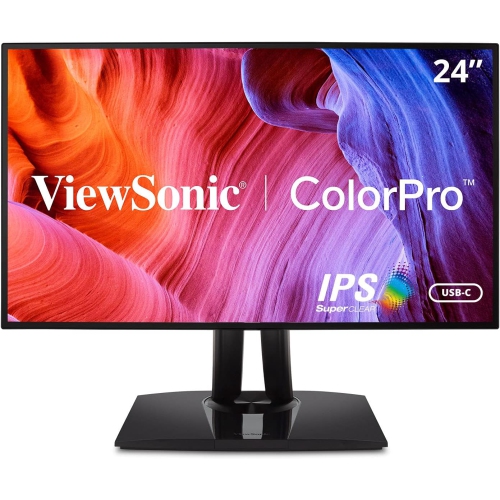
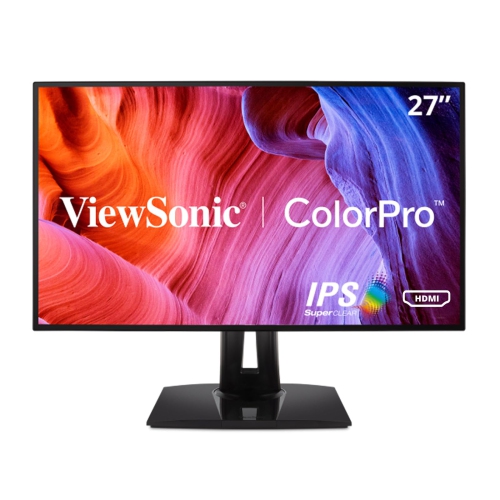
    VIEWSONIC Vp 27" 1440P Wqhd Ips Lcd Monitor (Vp2768A) - 75Hz

    About this product

    A Quad HD IPS monitor with a frameless design, 75Hz refresh rate, and 5ms response time.

    What customers like

    • Excellent color accuracy and vivid imagery
    • Versatile connectivity including USB-C hub
    • High resolution and crisp display quality
    • Attractive frameless and modern aesthetics
    • Ergonomic and adjustable stand design
    (22)
    $554.69
    SAVE $55
    Your price for this item is $554.69
  7. 7

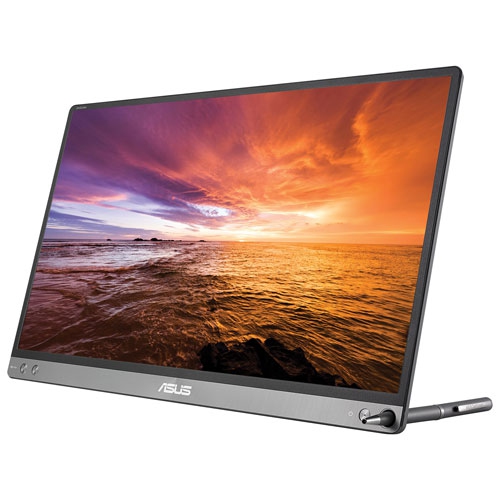
    ASUS Zenscreen 15.6" 1080P Fhd Ips Lcd Portable Monitor (Mb16Ac) - USB-C - Dark In Grey

    About this product

    A lightweight grey portable monitor featuring Full HD IPS display, 60Hz refresh rate, and 5ms response time.

    What customers like

    • Easy to set up and use
    • Versatile and compatible with various devices
    • Comes with a convenient cover/stand
    • Excellent picture and screen quality
    • Highly portable and lightweight
    (21)
    $329.00 Your price for this item is $329
  8. 8

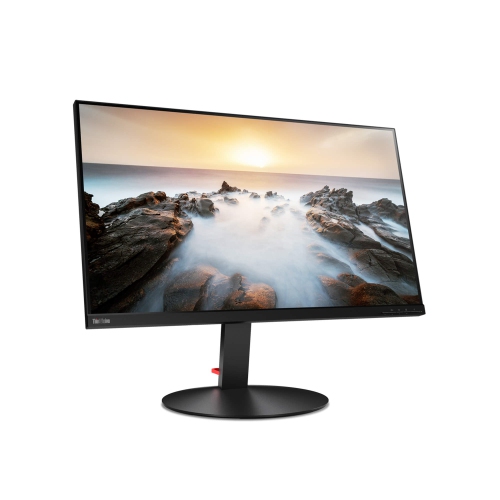
    LENOVO Thinkvision 32" 4K Uhd Wled Lcd Monitor (P32U-10) - Adobe RGB - Rose In Black

    About this product

    A 32-inch UHD 4K monitor with Adobe RGB color and Thunderbolt 3 connectivity for vibrant visuals.

    (11)
    $1,159.99 Your price for this item is $1159.99
  9. 9

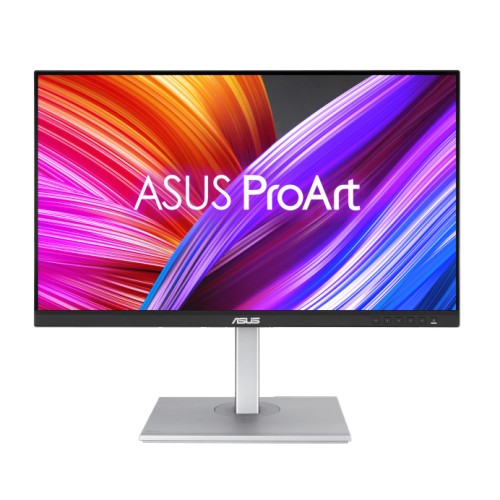
    ASUS Proart Display 27" 1440P Qhd Ips Led Monitor (Pa278Cgv) - HDr400 - 95% Dci-P3 - 144Hz

    About this product

    A 27" WQHD IPS monitor with 144Hz refresh rate, FreeSync Premium, and versatile connectivity options.

    (11)
    $479.00 Your price for this item is $479
  10. 10

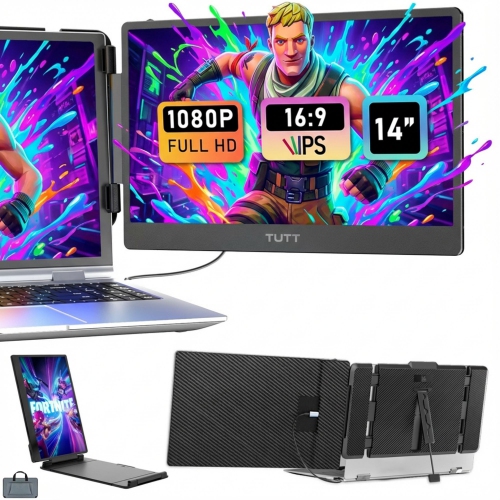
    TUTT S1 14" 1080P HD Ips Led Portable Monitor - USB-C/hdmi

    About this product

    A portable laptop monitor with triple extender, 14" FHD IPS display, built-in stand and speakers, and plug-and-play functionality.

    (8)
    $239.90
    SAVE $80
    Your price for this item is $239.90

Why more screen space does not guarantee sharper text

The best monitors for MacBook Pro combine sharp text, dependable connectivity, accurate colour, and a screen size that suits the way the laptop is used. An external display gives a spreadsheet room to stretch across more columns, keeps a research document beside a draft, or opens up a video timeline without crowding the preview window. For everyday work, a 27-inch screen offers a useful balance between viewing space and desk footprint, while a 32-inch display provides a larger canvas for detailed layouts and side-by-side windows. Resolution matters alongside size: a larger panel does not automatically produce a clearer picture. A 27-inch 4K monitor can deliver detailed images and crisp text, while a 27-inch 5K monitor offers higher pixel density and supports a particularly clean balance of sharpness and workspace through macOS scaling. At a scaled setting that looks like 2560 × 1440, a 5K panel uses four physical pixels for each logical pixel, helping fine lettering and interface elements appear well defined. A 4K display also supports scaled settings, although the apparent size of menus and the amount of desktop space depend on the selected resolution. For someone reading contracts, writing code, or working through long documents, comfortable text size can matter more than maximizing the number of windows on screen. Ultrawide monitors offer another approach, placing several applications across one continuous display, but their resolution deserves close attention because a wider screen is not necessarily as sharp as a higher-density conventional panel. Flat screens suit general office work and layouts where straight lines are important; curved screens can make the outer edges of a wide desktop feel easier to take in from a centred seat. The most suitable format leaves enough room for a keyboard, pointing device, and comfortable viewing distance rather than simply filling every available inch of the desk.

Connectivity helps determine how naturally a monitor fits into a MacBook Pro setup. A USB-C monitor with video support and USB Power Delivery can carry the picture and charge a compatible laptop through one cable, reducing the number of connections needed when moving between a desk and another workspace. However, a USB-C socket alone does not confirm that every feature is supported. The monitor’s specifications need to identify video input, charging output, supported resolution, and refresh rate, while the cable must support the same functions. Thunderbolt connectivity can provide additional bandwidth and docking capabilities, though the actual features depend on the display and laptop. Charging wattage is especially relevant for larger laptops or demanding workloads: a monitor that supplies less power than the computer needs may charge it slowly, or the battery may gradually drain during intensive use. Some setups therefore work better with the laptop’s separate power adapter. HDMI and DisplayPort connections remain useful alternatives, with the achievable resolution and refresh rate determined by the laptop, monitor, cable, and any adapter between them. A built-in USB hub can keep a keyboard, mouse, or other compatible accessory connected at the desk, while an Ethernet port can add wired networking where supported. Integrated speakers, a webcam, and a microphone may simplify calls, but these features vary and should not be assumed from the connection type. Multi-monitor arrangements also require attention to the exact laptop model and processor, since supported display counts and resolutions differ. Two video outputs on a dock do not necessarily mean two independent extended desktops in macOS. For households or shared workspaces using a different laptop, Best Monitors for MacBook Air offers a related selection for that setup. In either case, compatibility is about the complete connection path, not just matching the shape of a plug.

Picture quality, physical construction, and everyday comfort distinguish monitors that look similar on a specification sheet. IPS panels typically offer broad viewing angles and consistent colour, making them useful for collaborative work or moving between an upright typing position and a more relaxed seat. VA panels often provide stronger native contrast, while OLED displays offer deep blacks and fast pixel response, with care requirements worth considering when static toolbars remain visible for long periods. For photography, illustration, and video work, colour accuracy is more useful than an image that merely looks vivid. Coverage of sRGB is relevant to much web content, while wider colour spaces such as P3 can support suitable creative workflows. Gamut coverage and accuracy are different qualities; factory calibration, adjustable picture settings, and support for a calibration device can help when matching images across screens. HDR performance likewise depends on brightness, contrast, and backlight or pixel-level control, rather than the presence of an HDR label alone. A 60 Hz display is suitable for many office tasks, while higher refresh rates can make scrolling, pointer movement, and compatible games feel smoother when the laptop and connection support them. Surface finish also changes the experience: matte coatings soften reflections from nearby lights, whereas glossy finishes can give images a clear appearance but reveal more glare. A height-adjustable stand with tilt and swivel helps place the screen comfortably, and portrait rotation can be useful for documents or code. Metal stand components, sturdy joints, and a stable base can reduce wobble, while well-fitted plastic housings can keep the display lighter without sacrificing practicality. VESA mounting compatibility allows a suitable arm to free desk space, provided the mount supports the monitor’s size and weight. Long-term care is generally straightforward: keep ventilation openings clear, protect ports from cable strain, and clean the screen according to its manufacturer’s instructions with a soft cloth, avoiding sprays applied directly to the panel. For students, remote professionals, designers, and anyone spending substantial time at a laptop, these practical details make an external monitor a useful addition. As a gift, it is most successful when its connections, dimensions, and intended use match the recipient’s existing workspace.
Read More

FAQ

Some products may be subject to Environmental Handling Fees (EHF) depending on your province. Learn more about EHFs.