Best Monitors for Mac
The right monitor can make everyday tasks, creative projects, and entertainment look their best. Explore the best monitors for Mac, ranked by user review ratings to help you compare options with confidence. Consider screen size, resolution, colour accuracy, and compatible connections to find a display that fits your workspace and the way you work or play.
What to look for in monitors for Mac
1. Mac Compatibility and Connectivity
2. Screen Size and Resolution
3. Colour Accuracy and Display Quality
4. Refresh Rate and Ergonomics
-
1
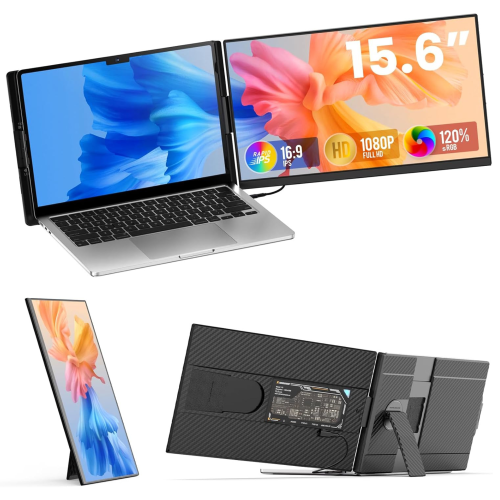
TUTT P5 15.6" 1080P HD Ips Lcd Portable Monitor - USB-C/hdmi
About this product
A portable FHD IPS monitor with USB-C, HDMI, built-in speakers, and rapid technical support.
(9)$249.90Your price for this item is $249.90SAVE $80 -
2
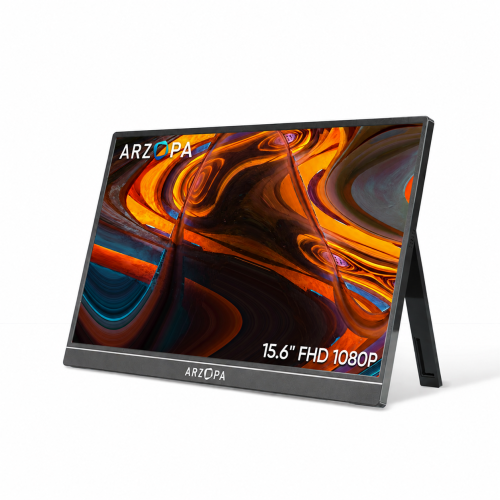
ARZOPA Portable Monitor 15.6" Fhd 1080P Kickstand Portable Laptop Monitor Ips Computer External Screen USB C HDMI Display for PC Mac Phone - A1
About this product
A portable 15.6" FHD 1080P IPS monitor with adjustable metal kickstand and versatile USB-C/HDMI connectivity.
(5)$109.99Your price for this item is $109.99SAVE $60 -
3
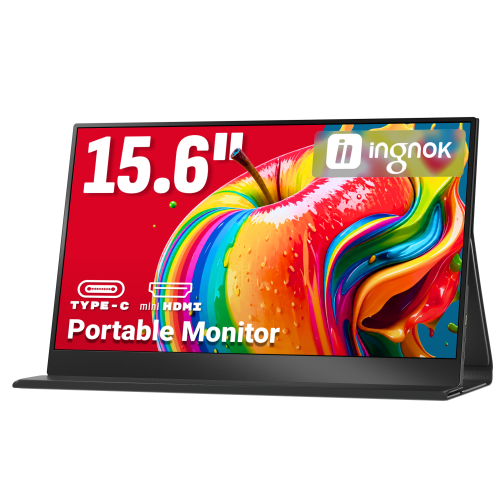
INGNOK Portable Monitor for Laptop, 15.6" Fhd 1080P, w Magnetic Case, Dual USB C, Mini HDMI Port for Laptop Mac, Mini PC, 60Hz, Built-In Speakers, Eyecare
About this product
A portable 15.6" FHD 1080P IPS monitor with USB-C, HDMI, built-in speakers, and smart cover.
(5)$89.99Your price for this item is $89.99SAVE $90 -
4
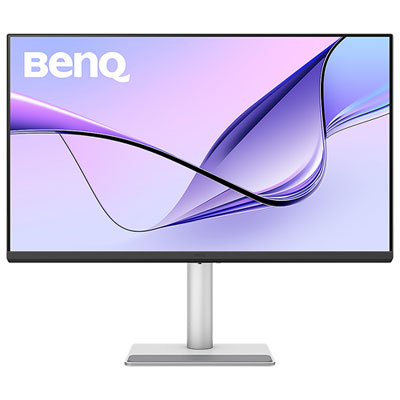
BenQ 31.5" 4K UHD IPS LCD Monitor for MacBook (MA320U) - Silver
About this product
A silver IPS LCD monitor offering 4K Ultra HD resolution, 60Hz refresh rate, and Mac colour tuning.
(5)$779.99 Your price for this item is $779.99 -
5
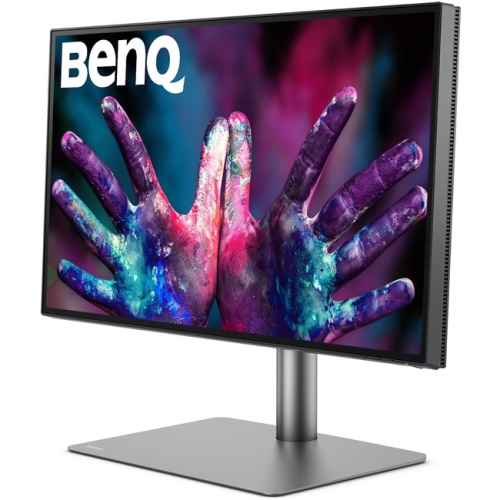
BENQ Pd2725U Pd2725U?27-Inch 4K Uhd P3 Thunderbolt 3 Mac Compatible Designer Monitor (Pd2725U)
About this product
A 27-inch 4K UHD IPS monitor in black with Thunderbolt 3, HDR, and Mac compatibility.
(2)$1,199.99Your price for this item is $1199.99SAVE $235 -
6
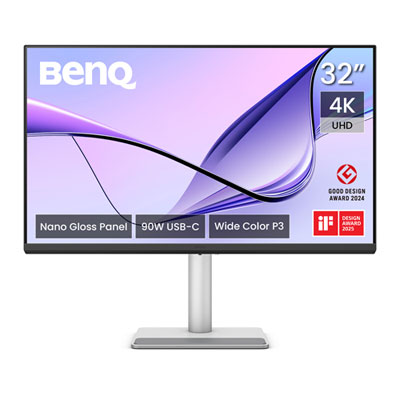
BenQ Nano Gloss 31.5" 4K UHD IPS LED Monitor for MacBook (MA320UP) - Silver
About this product
A silver IPS LED monitor offering 4K Ultra HD resolution and accurate colour tuning for MacBook users.
(2)$859.99 Your price for this item is $859.99 -
7
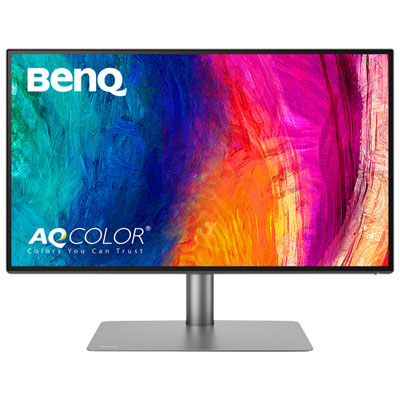
BenQ PD 27" 4K UHD IPS LCD Monitor (PD2725U) - 95% P3 - 100% sRGB
About this product
A 27" 4K Ultra HD IPS LCD monitor with crisp picture quality and smooth actions.
(2)$849.99 Your price for this item is $849.99 -
8
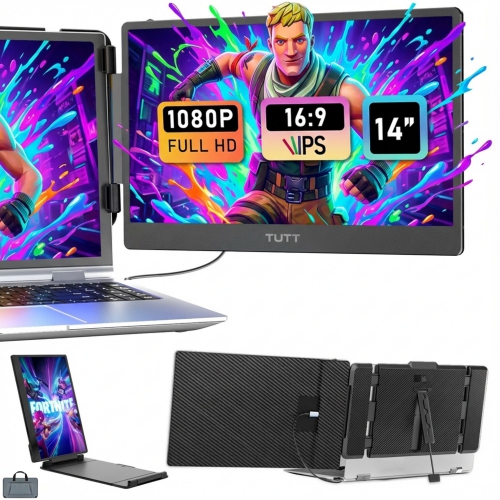
TUTT S1 14" 1080P HD Ips Lcd Portable Monitor (S1) - USB-C/hdmi - Dual Screen Extender - Built-In Stand & Speakers
About this product
A portable 14" FHD IPS monitor with built-in stand and speakers, perfect for on-the-go work.
(1)$249.90Your price for this item is $249.90SAVE $70 -
9
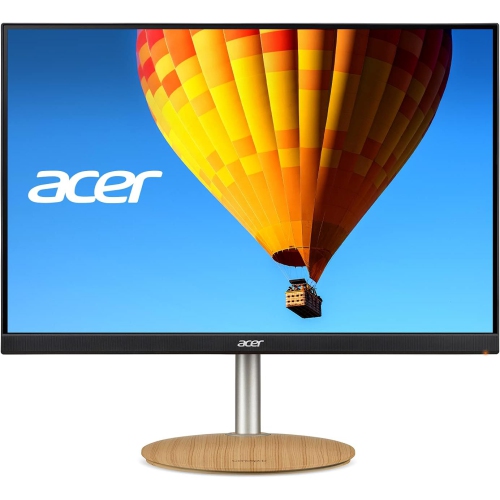
ACER Conceptd Cm2 24" 16:10 1920X1200 Ips Monitor (Cm2241W) - Adaptive-Sync
About this product
An IPS monitor with a 24" WUXGA display and Adaptive-Sync for smooth, vibrant visuals.
(1)$407.55Your price for this item is $407.55SAVE $21 -
10
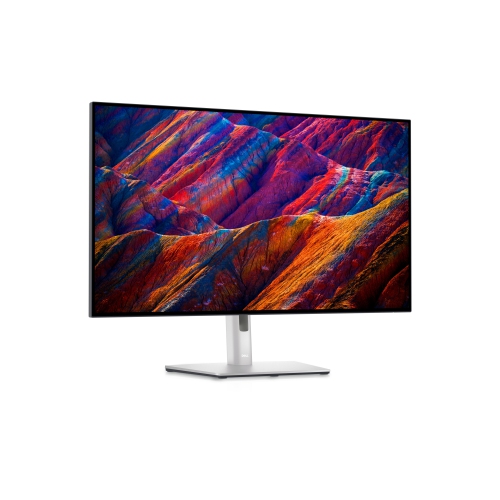
DELL Ultrasharp 32" 4K Uhd Ips Black Lcd Monitor (U3225Qe) - Light - Displayhdr 400 In Blue
About this product
A 32" 4K monitor with USB-C, HDMI, and DP connectivity, featuring IPS technology for stunning visuals.
(1)$1,799.99Your price for this item is $1799.99SAVE $199
FAQ
Check that the monitor has an input compatible with your Mac, such as USB-C, Thunderbolt, HDMI or DisplayPort. Resolution, refresh rate and colour support are also useful considerations. Confirm your Mac model’s external display specifications, as supported resolutions and the number of connected displays vary.
USB-C describes a connector, while Thunderbolt is a connection standard that uses that connector on current Macs. A USB-C monitor needs to support video input through DisplayPort Alt Mode or a compatible Thunderbolt connection. Both types may carry video, USB data and power through one cable, depending on the monitor, cable and Mac.
macOS offers display settings that adjust how text and interface elements appear without necessarily changing the monitor’s native resolution. Higher-resolution monitors can provide more detail for text and images. Available scaling options depend on the monitor and your Mac, and you can adjust them in System Settings under Displays.
Look for coverage of the colour space used in your workflow, such as sRGB for web content or P3 for wide-colour projects. Factory calibration, colour profiles and calibration controls are also worth considering. macOS supports colour management, but appearance still depends on the display settings, application and content.
Yes. Monitors with a built-in USB hub can connect accessories such as a keyboard, mouse or external drive to your Mac. A compatible USB-C or Thunderbolt connection may carry both video and USB data. When using HDMI or DisplayPort for video, a separate upstream USB cable is usually needed to enable the monitor’s USB ports.
Top selling and popular products
Discover more categories related to Best Monitors for Mac

Some products may be subject to Environmental Handling Fees (EHF) depending on your province. Learn more about EHFs.