Best Monitors under $150
Find the best monitors under $150 for everyday work, studying, and casual entertainment. Ranked by customer review ratings, this list makes it easy to compare budget-friendly options and find a monitor that fits your desk and daily needs—all without spending more than $150.
What to look for in monitors under $150
1. Screen Size and Resolution
2. Panel Type and Image Quality
3. Refresh Rate and Response Time
4. Connections and Adjustability
-
1
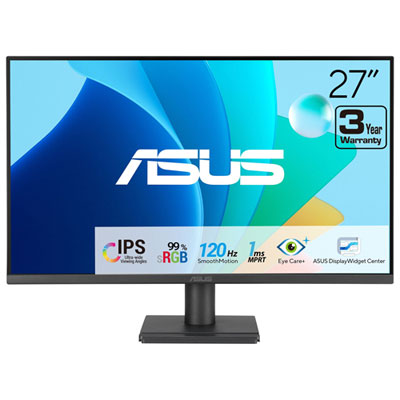
ASUS Eye Care 27" 1080p HD IPS LED Gaming Monitor (VA279HG) - Adaptive-Sync - 1ms - 120Hz
About this product
An FHD IPS gaming monitor with 120Hz refresh rate, 1ms response, and eye care technologies for comfort.
What customers like
(48)$139.99Your price for this item is $139.99SAVE $50 -
2
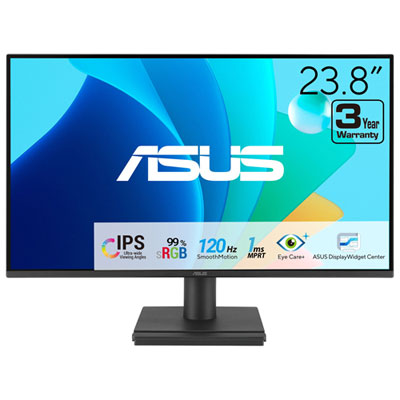
ASUS Eye Care 24" 1080p HD IPS LED Gaming Monitor (VA249HG) - Adaptive-Sync - 1ms GTG - 120Hz
About this product
An FHD IPS gaming monitor with 120Hz refresh rate and eye care features for comfortable viewing.
What customers like
(34)$99.99Your price for this item is $99.99SAVE $10 -
3
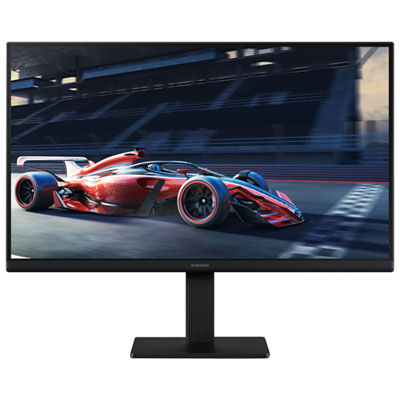
Samsung Essential S3 22" 1080p HD IPS LED Monitor (LS22D300GANXZA) - Flicker-Free/Blue Light - 100Hz
About this product
A black IPS LED monitor offering FHD resolution, 100Hz refresh rate, and eye-friendly viewing technology.
What customers like
(27)$129.99 Your price for this item is $129.99 -
4
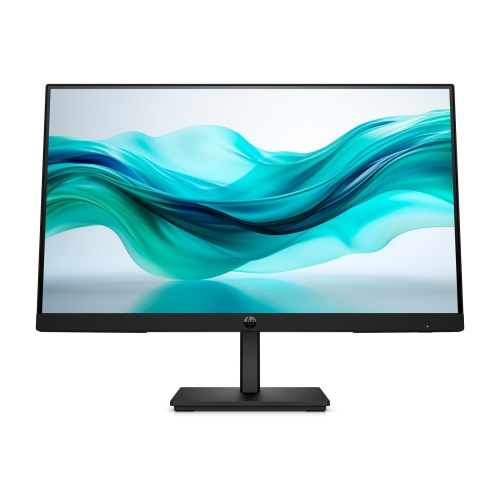
HP Series 3 Pro 322Pf 21.5" 1080P HD Ips Lcd Monitor (9U5B0Ut#aba) - Flicker-Free/low Light - 100Hz In Blue
About this product
A sleek black monitor featuring a 21.5" FHD IPS display, 100Hz refresh rate, and 5ms response time.
(19)$124.99Your price for this item is $124.99SAVE $22 -
5
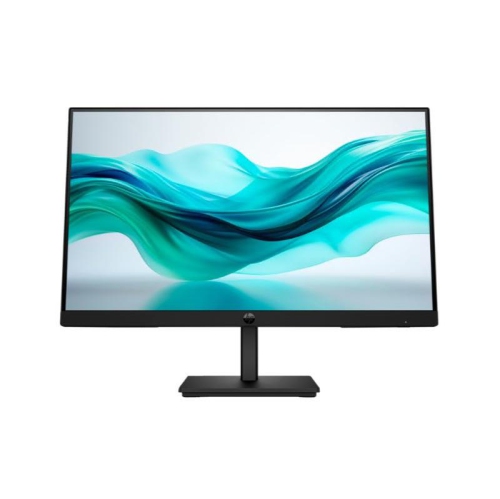
HP 322Pf 22" 1080P HD Lcd Monitor
About this product
A sleek black monitor featuring Full HD resolution, 5 ms response time, and HDMI, VGA, DisplayPort connectivity.
(19)$139.37Your price for this item is $139.37SAVE $13 -
6
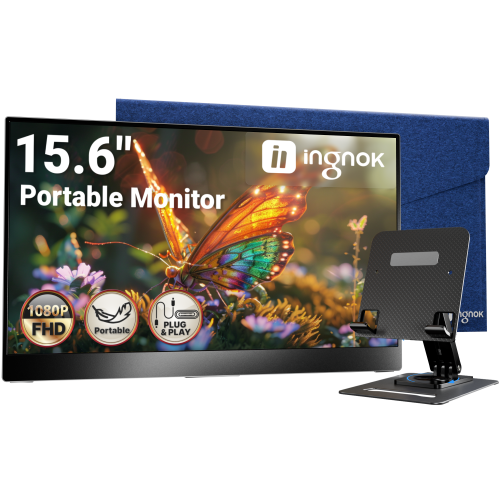
INGNOK Portable Monitor w Adjustable Stand, 15.6 Inch Fhd 1080P, Dual USB C, Mini HDMI Laptop Screen Extender for Laptop, Mini PC, Mac, Built-In
About this product
A portable 15.6" FHD 1080P IPS monitor with 1200:1 contrast, USB-C, HDMI, and adjustable stand.
(3)$109.99Your price for this item is $109.99SAVE $80 -
7
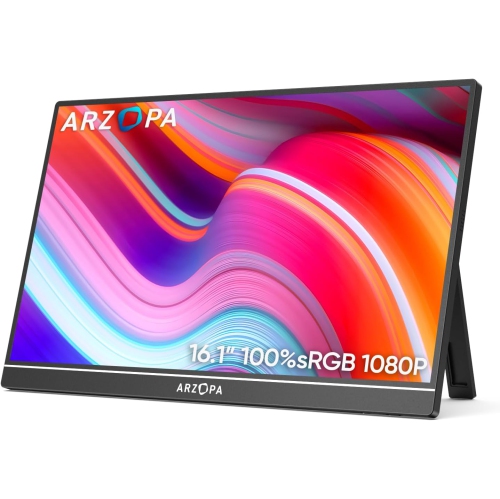
ARZOPA 16.1" 1080P HD Ips Lcd Portable Monitor (Z1C) - USB-C - HDr
About this product
A portable metal monitor with 1080P FHD resolution, 100% sRGB color, and adjustable built-in kickstand.
(1)$109.99Your price for this item is $109.99SAVE $70 -
8
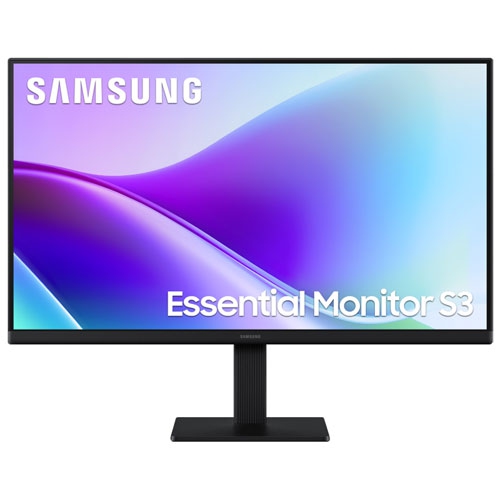
SAMSUNG - Essential F320 24" 1080P HD Ips Led Monitor (Ls24F320Ganxza) - Flicker-Free/blue Light - 120Hz
About this product
A black IPS LED monitor offering FHD resolution, 120Hz refresh rate, and 5ms response time for smooth visuals.
(1)$109.99Your price for this item is $109.99SAVE $60 -
9
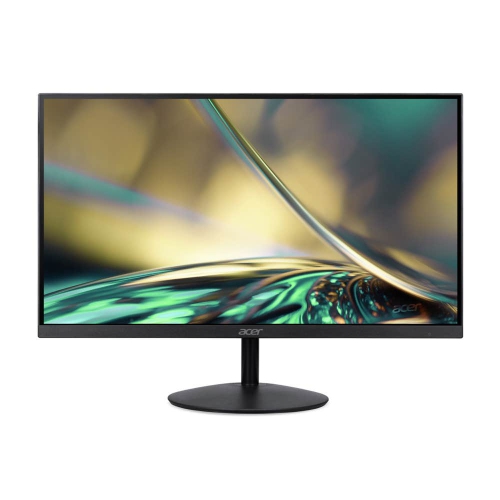
ACER 23.8" 1080P HD Ips Lcd Gaming Monitor (Sa242Y) - Amd Freesync - 75Hz
About this product
A frameless Full HD IPS monitor with 75Hz refresh rate, AMD FreeSync, and eye care technology.
(1)$125.99Your price for this item is $125.99SAVE $74
FAQ
Check that the monitor has an input matching your computer’s video output. HDMI is common, while some monitors also offer DisplayPort or VGA. USB-C video input is less common on entry-level models, so check the specifications if your laptop uses this connection.
Common LCD panel types include IPS, VA and TN. They differ in colour reproduction, contrast, viewing angles and pixel response characteristics. The panel type is usually listed in the monitor’s specifications.
Some monitors include speakers, but many require separate speakers or headphones. HDMI and DisplayPort can carry audio, though the monitor must have built-in speakers or a compatible audio output to play it.
Many monitors support VESA mounting, but compatibility varies. Check whether the monitor has VESA mounting holes, whether its stand is removable and whether the arm or mount supports that model.
Matte screens have a surface treatment that diffuses reflected light, while glossy screens have a smooth finish that shows more distinct reflections. Matte finishes are common on desktop monitors. Product specifications may describe the finish as matte, glossy or anti-glare.
Top selling and popular products
Discover more categories related to Best Monitors under $150

Some products may be subject to Environmental Handling Fees (EHF) depending on your province. Learn more about EHFs.