Best Monitors Under $500

Find the best monitors under $500 for work, gaming, and everyday use, ranked by customer review ratings. Whether you’re looking for crisp visuals, smooth performance, or more screen space for multitasking, explore options that balance features and price. Compare screen sizes, resolutions, and refresh rates to find the right fit for your setup and budget.

Read More

What to look for in monitors under $500

1. Screen Size and Resolution

Choose a screen size that fits your desk and viewing distance. A 24-inch Full HD monitor can suit everyday tasks, while a 27-inch QHD model offers sharper detail and more room for multitasking.

2. Panel Type and Colour Quality

IPS panels typically offer wide viewing angles and consistent colours, while VA panels generally deliver stronger contrast. For photo editing or design, look for good sRGB coverage and factory-calibrated colour accuracy.

3. Refresh Rate and Response Time

For everyday browsing and office work, a 60 Hz or 75 Hz refresh rate can be sufficient; for smoother gaming, consider 144 Hz or higher. Look for low response times and adaptive sync compatibility with your graphics card to help reduce motion blur and screen tearing.

4. Connectivity and Adjustability

Check that the monitor has HDMI, DisplayPort or USB-C connections that work with your devices. If you want a single-cable laptop setup, confirm USB-C video support and sufficient power delivery, and look for an adjustable stand that supports a comfortable viewing position.
Citrus catapult arrow
  1. 1

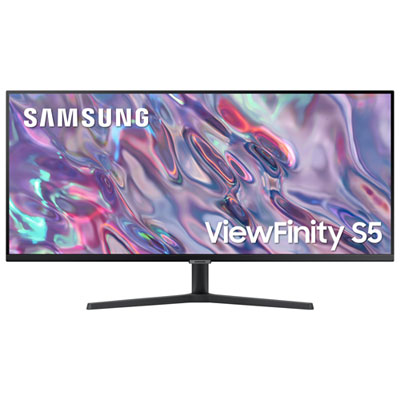
    Samsung 34" Ultrawide UWQHD VA LED Monitor (LS34C50DGANXZA) - 100Hz - HDR10 - FreeSync

    About this product

    A black WQHD LED monitor featuring 100Hz refresh rate, 5ms response time, and FreeSync technology.

    (6)
    $349.97 Your price for this item is $349.97
  2. 2

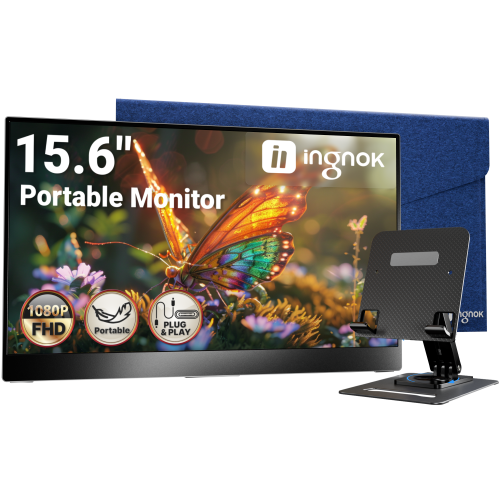
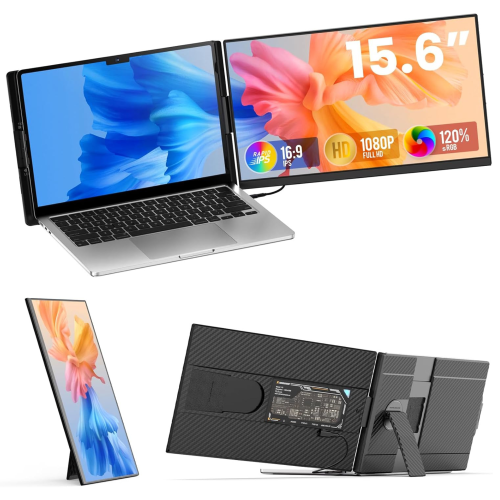
    INGNOK Portable Monitor w Adjustable Stand, 15.6 Inch Fhd 1080P, Dual USB C, Mini HDMI Laptop Screen Extender for Laptop, Mini PC, Mac, Built-In

    About this product

    A portable 15.6" FHD 1080P IPS monitor with 1200:1 contrast, USB-C, HDMI, and adjustable stand.

    (3)
    $109.99
    SAVE $80
    Your price for this item is $109.99
  3. 3

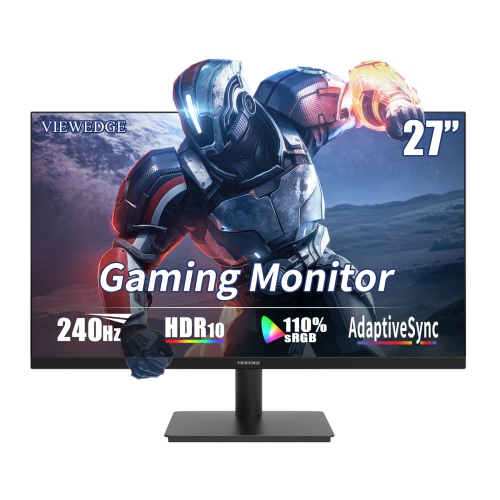
    VIEWEDGE 27" 1080P HD Ips Lcd Gaming Monitor - Freesync - 1Ms Gtg - 240Hz - HDr10

    About this product

    A high-speed black gaming monitor with 240Hz refresh rate, 1ms response, HDR10, and built-in speakers.

    (1)
    $199.99
    SAVE $50
    Your price for this item is $199.99
  4. 4

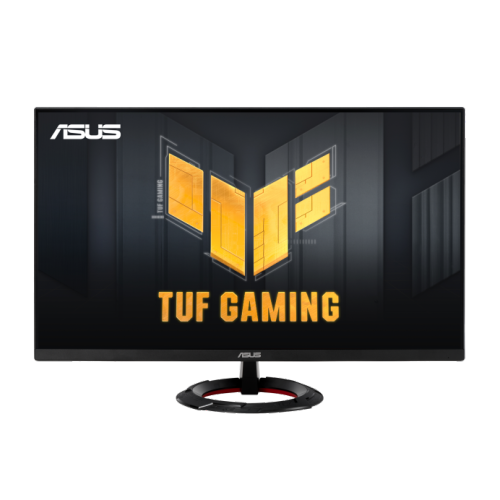
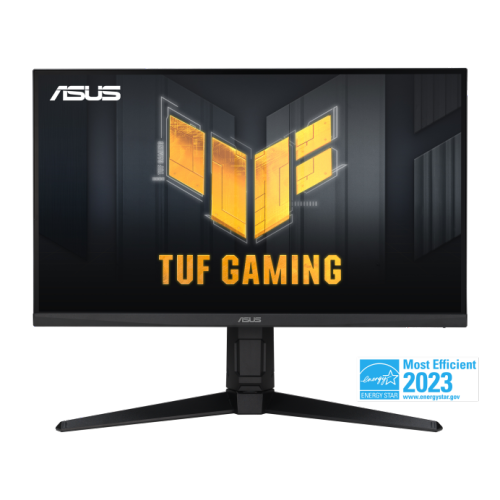
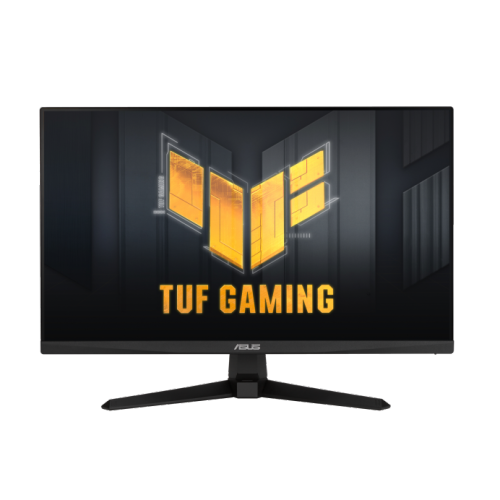
    ASUS Tuf Gaming 27" 1080P HD Fast Ips Gaming Monitor (Vg279Q3R) - Freesync Premium - 1Ms Gtg - 180Hz

    About this product

    A 27-inch Full HD gaming monitor with 180Hz refresh rate, Fast IPS panel, and FreeSync support.

    (1)
    $227.68 Your price for this item is $227.68
  5. 5

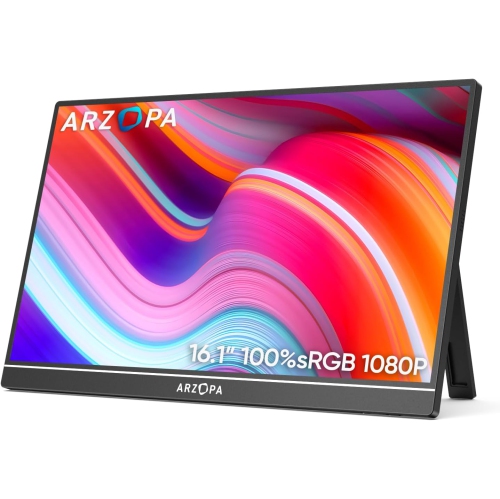
    ARZOPA 16.1" 1080P HD Ips Lcd Portable Monitor (Z1C) - USB-C - HDr

    About this product

    A portable metal monitor with 1080P FHD resolution, 100% sRGB color, and adjustable built-in kickstand.

    (1)
    $109.99
    SAVE $70
    Your price for this item is $109.99
  6. 6

    TUTT P5 15.6" 1080P HD Ips Lcd Portable Monitor - USB-C/hdmi

    About this product

    A portable FHD IPS monitor with USB-C, HDMI, built-in speakers, and rapid technical support.

    (9)
    $249.90
    SAVE $80
    Your price for this item is $249.90
  7. 7

    ASUS Tuf Gaming 27" 1440P Qhd Ips HDr10 Gaming Monitor (Vg27Aqml1A) - Freesync Premium/g-Sync Compatible - 1Ms Gtg - 260Hz Oc

    About this product

    A QHD gaming monitor with 260Hz overclocked refresh rate, 1ms response, and DisplayHDR 400 support.

    (5)
    $499.00 Your price for this item is $499
  8. 8

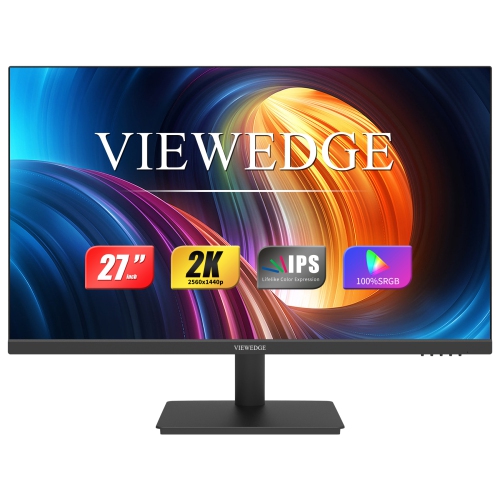
    VIEWEDGE 27" 1440P Qhd Ips Lcd Monitor - Flicker-Free/blue Light - 75Hz - Adaptive Sync

    About this product

    A black QHD IPS monitor with 75Hz refresh rate, eye care technology, HDMI, DP, and wall-mountable design.

    (5)
    $199.99
    SAVE $60
    Your price for this item is $199.99
  9. 9

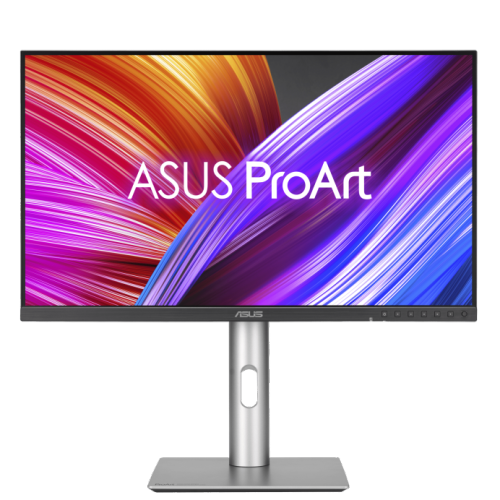
    ASUS Proart 27" 1440P Qhd Ips Creator Monitor (Pa278Cfrv) - Displayhdr 400 - 95% Dci-P3 - 100Hz

    About this product

    A professional 27-inch QHD IPS monitor with 100Hz refresh rate, 95% DCI-P3, and ergonomic stand.

    (3)
    $499.00 Your price for this item is $499
  10. 10

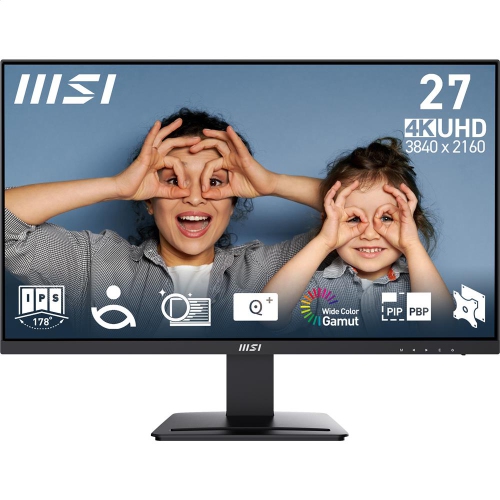
    MSI Pro 27" 4K Uhd Ips Led Monitor (Mp273U) - Flicker-Free - HDr Ready - Adaptive-Sync

    About this product

    A 27-inch UHD IPS monitor with 4ms response time, 60Hz refresh rate, and tilt adjustment.

    (13)
    $279.99 Your price for this item is $279.99

Why bigger screens aren’t always the better fit

The best monitors for everyday work, gaming, and creative projects balance screen clarity, motion performance, colour reproduction, and a comfortable fit on the desk. The right combination depends on what fills the screen most often: spreadsheets and browser tabs, fast-moving multiplayer matches, or photographs with subtle differences in tone. Screen size and resolution work together rather than acting as separate measures of quality. A 24-inch Full HD monitor, with a resolution of 1920 x 1080, can suit a compact study space and routine tasks, while a 27-inch QHD monitor at 2560 x 1440 provides more room for documents, timelines, and side-by-side windows. A 4K display at 3840 x 2160 offers finer detail for sharp text and high-resolution imagery, although operating system scaling may be needed to keep menus and lettering comfortably sized. Larger screens are useful when there is enough viewing distance; on a shallow desk, a display that stretches too far across the field of view can mean frequent head movement. A familiar scenario is working with a report on one side and reference material on the other. More usable screen space can make that arrangement easier without constantly switching windows. Standard widescreen monitors fit many workstations, while ultrawide formats provide a broader canvas for multitasking and compatible games. Curved screens can make the edges of a wide display feel more evenly positioned relative to the viewer, but a flat panel may be preferable for shared viewing or work involving straight lines and precise layouts. Students, remote workers, casual players, and hobby photographers may all use the same broad monitor category differently. Matching the screen to the task matters more than choosing the largest size or highest specification in isolation, especially when the display also needs to leave room for a keyboard, notebook, speakers, and other everyday essentials.

Panel technology helps explain how a monitor looks beyond its resolution. IPS panels generally maintain consistent colours and a clear picture across wider viewing angles, which is useful when sharing a presentation or moving between sitting positions. VA panels typically offer stronger native contrast, giving dark scenes more depth, though some can show trailing behind moving objects in darker transitions. Performance varies by model, so panel type is a starting point rather than a complete description of image quality. For photo editing, illustration, and design, accurate colour reproduction is more useful than colours that simply look vivid. Coverage of the sRGB colour space is relevant to much web content, while wider colour gamuts can support workflows that use them. A wide gamut alone does not guarantee accuracy; suitable colour modes, calibration, and colour-managed software also matter. HDR support similarly needs context. An HDR-compatible monitor can accept an HDR signal, but convincing highlights and shadow detail depend on brightness, contrast, and dimming capabilities, not just the presence of an HDR label. Gaming places greater emphasis on refresh rate, response time, and the computer driving the display. A 144Hz or 165Hz monitor can show motion more smoothly than a 60Hz screen when the system produces enough frames, making camera movements and fast action easier to follow. Refresh rate describes how often the display updates, whereas pixel response time describes how quickly pixels change between shades or colours. Advertised response-time figures do not tell the whole story, and aggressive overdrive settings can introduce visible bright trails or inverse ghosting. Adaptive sync can reduce screen tearing by coordinating the display refresh with a compatible graphics source. Higher resolution also increases the graphics workload, so QHD may offer a practical balance between detail and frame rate for many gaming setups. For a console, the supported resolutions and refresh rates over HDMI deserve particular attention. A screen's maximum advertised refresh rate may not work through every input or with every connected device.

Connections, adjustability, and construction often have the greatest effect on how easily a monitor fits into daily life. HDMI and DisplayPort connect many computers and gaming systems, but the port version, cable capability, and source device all influence the resolution and refresh rate that can be used together. USB-C can simplify a laptop setup by carrying video, data, and charging through one cable when both devices support the necessary functions. The connector shape alone does not confirm those capabilities, and the monitor's power delivery needs to meet the laptop's requirements for dependable charging during use. Built-in USB ports can keep a mouse, keyboard, or webcam connected at the desk, while a monitor with a supported keyboard-video-mouse switch can make sharing peripherals between two computers easier. Integrated speakers are convenient for notifications and occasional calls, though separate speakers or headphones may be better suited to music, games, and detailed audio. Physical fit deserves the same attention as connectivity. A height-adjustable stand helps position the screen with its top at or slightly below eye level, while tilt and swivel adjustments make it easier to find a comfortable angle and limit reflections. Pivot support is useful for reading long documents or writing code in portrait orientation. A compatible VESA mounting pattern creates options for an arm-mounted setup, provided the arm supports the monitor's size and weight. Check the stand footprint as well as screen width, since a deep base can crowd a small desk. Plastic housings are common, while metal stand components can add rigidity; stable joints, secure mounting points, and accessible controls are more meaningful durability details than appearance alone. Matte finishes can help diffuse reflections, but screen placement away from direct light still matters. For care, follow the manufacturer's directions, switch the display off, and use a clean microfibre cloth rather than spraying cleaner directly onto the panel. Avoid pressing hard on the screen, and keep ventilation openings clear. A monitor can also make a thoughtful gift for a student, home-office user, or gamer when its connections and dimensions suit their existing setup. For another collection to compare, browse Best Monitors under $300, keeping the recipient's everyday tasks, computer compatibility, and desk space at the centre of the choice.
Read More

FAQ

Some products may be subject to Environmental Handling Fees (EHF) depending on your province. Learn more about EHFs.