Big Screen Monitors for Work
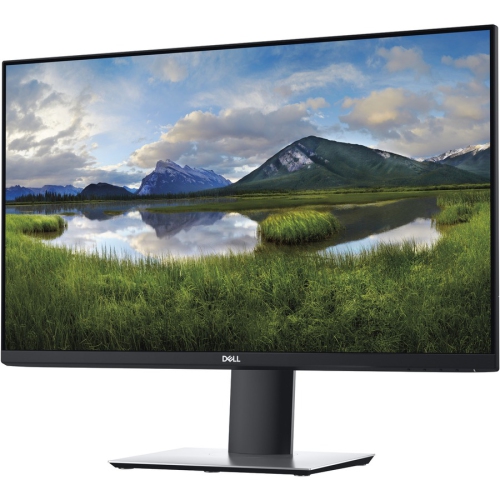
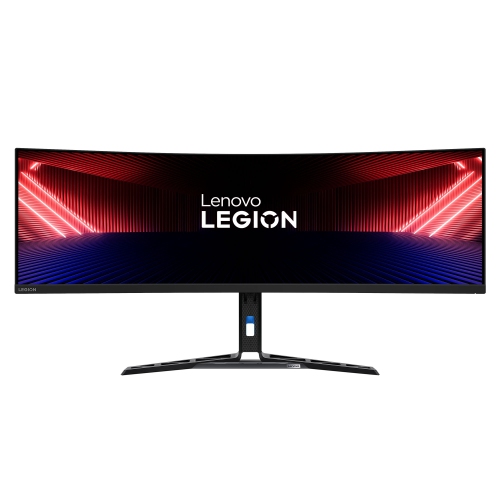
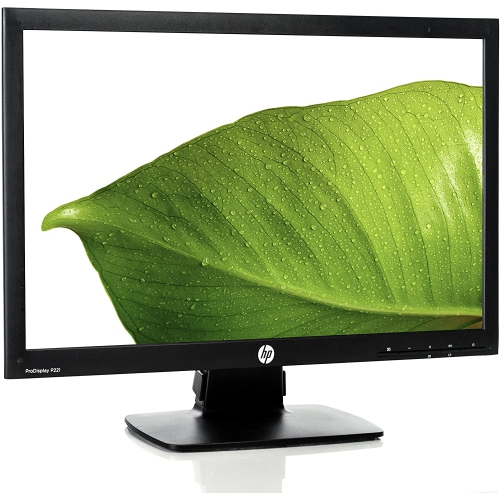
Maximize productivity and enhance your workspace with big screen monitors for work. Designed to provide ample viewing area, these monitors make it easier to manage multiple tasks, view detailed documents, and collaborate efficiently. Whether setting up a home office or upgrading your professional setup, explore a wide selection of big screen monitors for work that help you stay organized and focused throughout the day.
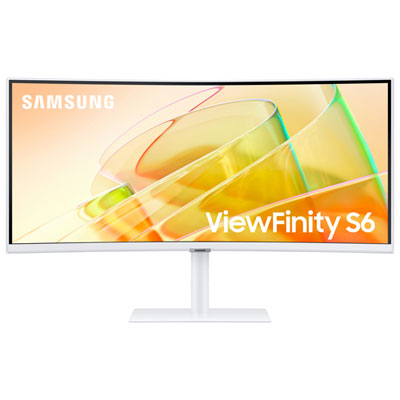
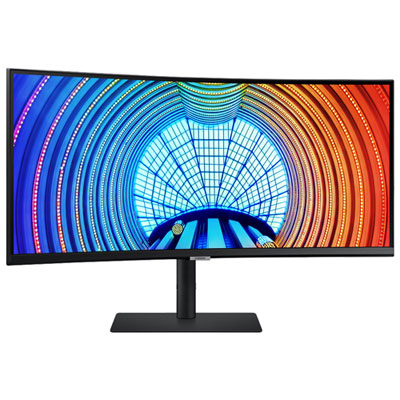
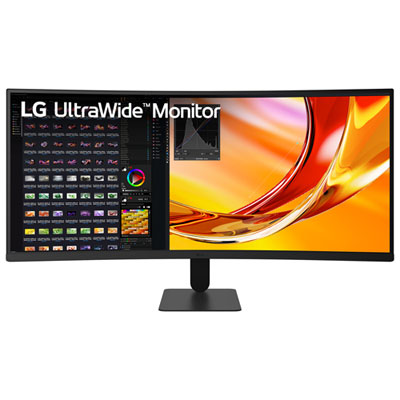
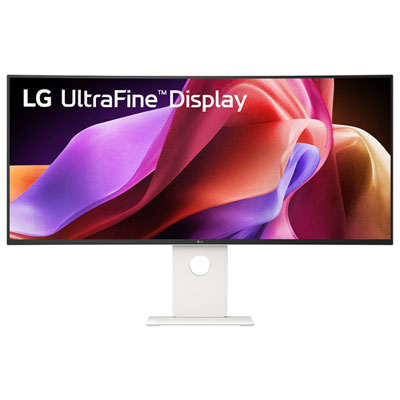
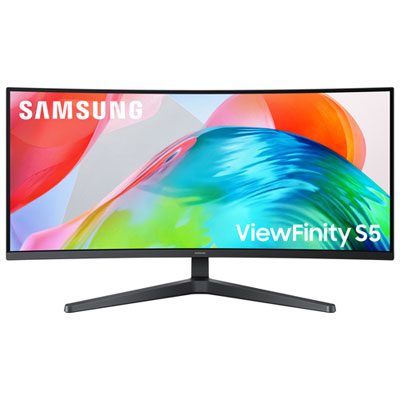

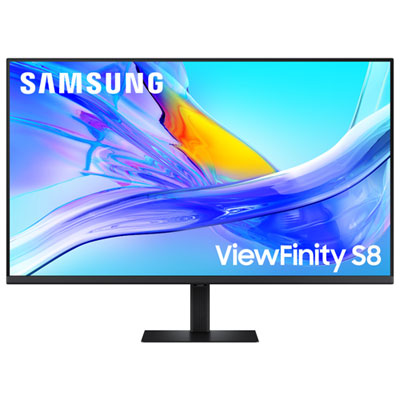
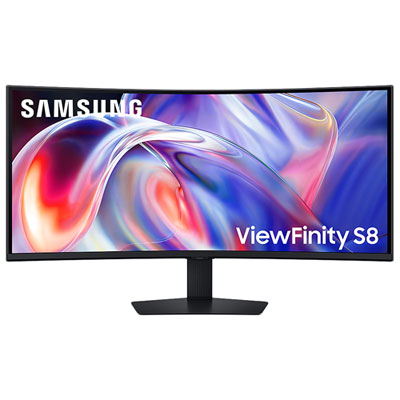
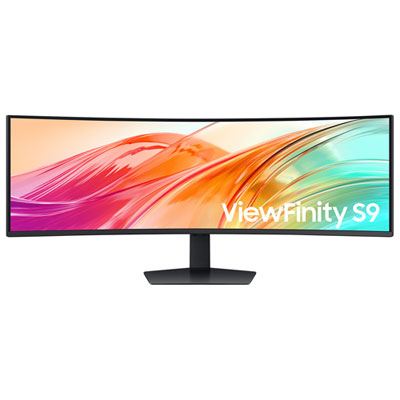
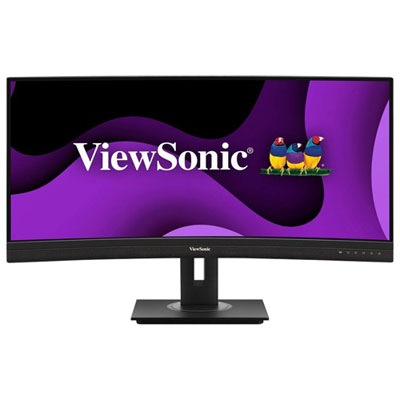
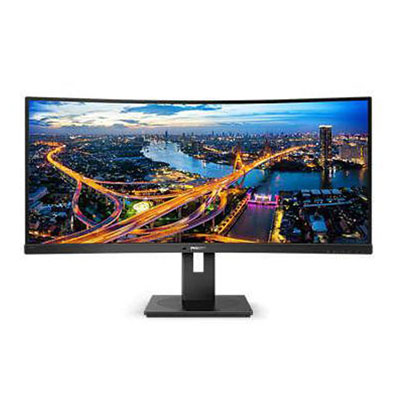
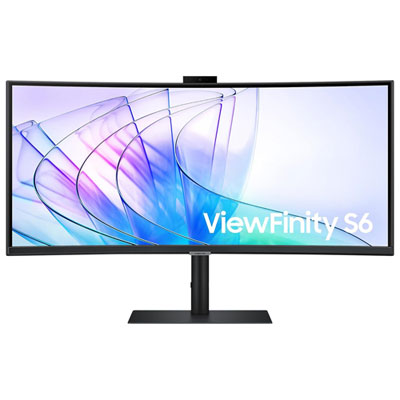
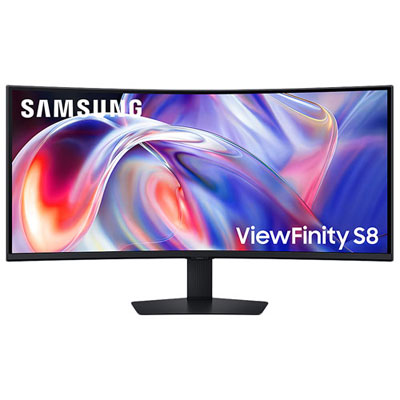
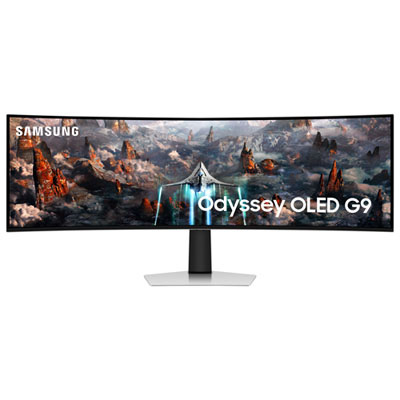
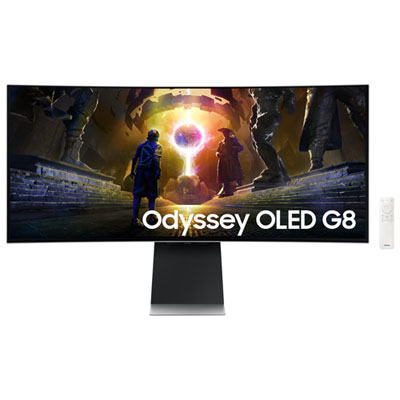
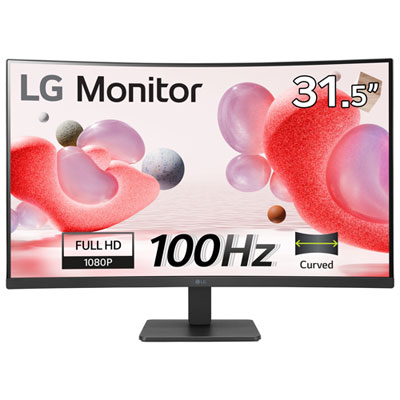
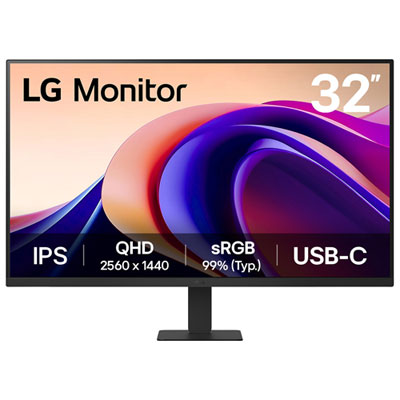
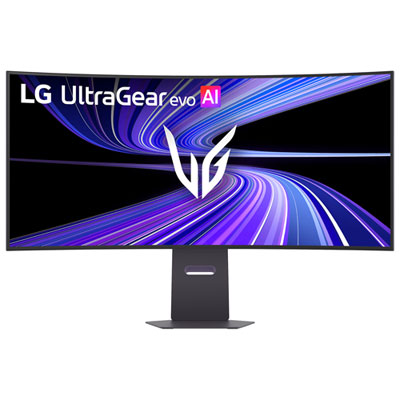
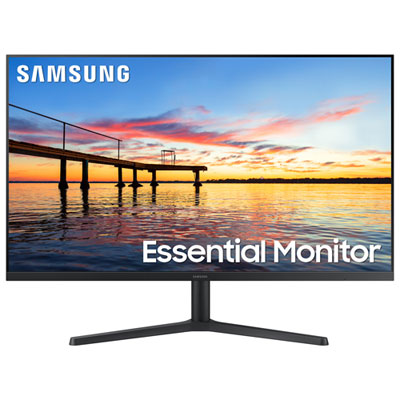
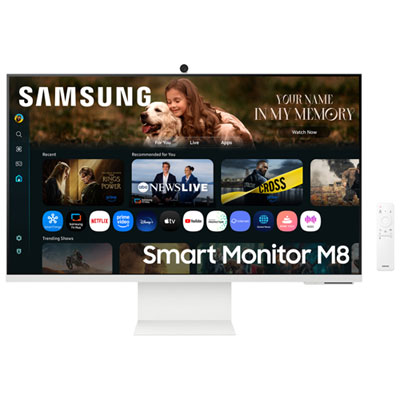
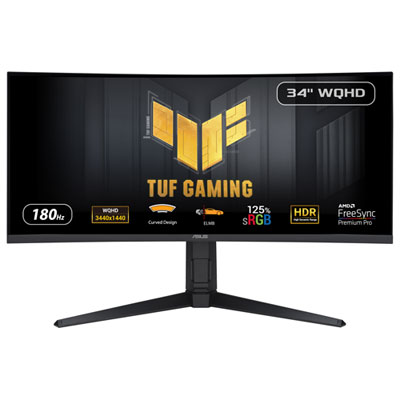
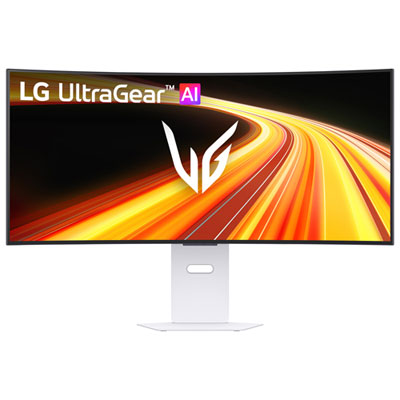
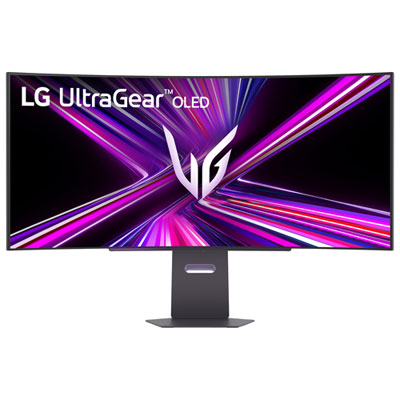
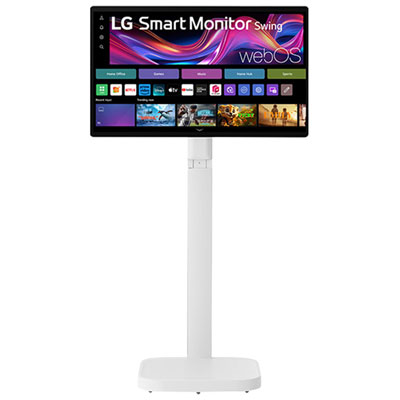
More space for comfortable, focused work all day
Big screen monitors aren’t just practical—they make thoughtful gifts for graduates entering the workforce, remote workers setting up their first home office, or anyone looking to elevate their productivity as the weather warms and routines shift. The versatility of these monitors means they can adapt to a range of needs, from immersive presentations to collaborative virtual meetings. Features like adjustable stands, built-in blue light filters, and high refresh rates cater to both comfort and performance. When considering a purchase, think about screen resolution, connectivity options, and ergonomic adjustments to ensure the monitor fits both the space and the user’s workflow. Whether you’re outfitting a creative studio, upgrading a shared family workspace, or simply seeking a better way to manage daily tasks, big screen monitors offer a blend of functionality and comfort that supports productivity through every season. For those exploring even more options tailored to professional needs, the selection of Computer Monitors for Work provides additional inspiration for building the ideal setup.
FAQ
What are the benefits of using a big screen monitor for work?
Big screen monitors provide more screen real estate, making it easier to multitask, view multiple windows side by side, and reduce the need for constant window switching. This can improve productivity and comfort during long work sessions.
Which features should I look for in a big screen monitor for office tasks?
When choosing a big screen monitor for work, consider features like high resolution for sharp text and images, adjustable stands for ergonomic comfort, multiple connectivity options such as HDMI and USB-C, and built-in blue light filters to reduce eye strain.
Are curved monitors suitable for professional work environments?
Curved monitors can enhance immersion and reduce distortion at the edges of the screen, which is especially beneficial when working with large spreadsheets or design projects. They also help maintain a consistent viewing distance across the entire display.
Can I connect multiple devices to a big screen monitor?
Many big screen monitors offer multiple input ports, allowing you to connect several devices such as laptops, desktops, or docking stations. Some models also support picture-in-picture or split-screen modes to view content from different sources simultaneously.
How do I maintain optimal image quality on a large monitor?
To ensure the best image quality on a big screen monitor, use high-quality cables that match your device's output (such as DisplayPort or HDMI), keep your graphics drivers updated, and calibrate your monitor settings for brightness, contrast, and color accuracy.
Top selling and popular products
-
 Your price for this item is $2237.68
-
 Your price for this item is $320.68
-
 Your price for this item is $469
-
 Your price for this item is $149.99
-
 Your price for this item is $265.99
-
 Your price for this item is $229.99
-
 Your price for this item is $1138.68
-
 Your price for this item is $355.68