Flat Screen Monitors
Flat-screen monitors are the most common type of computer monitor, and they're also the most popular choice among gamers. They're thin, light, and energy-efficient and they have the advantage of being able to be placed flat or upright on a desk or table.
Sort
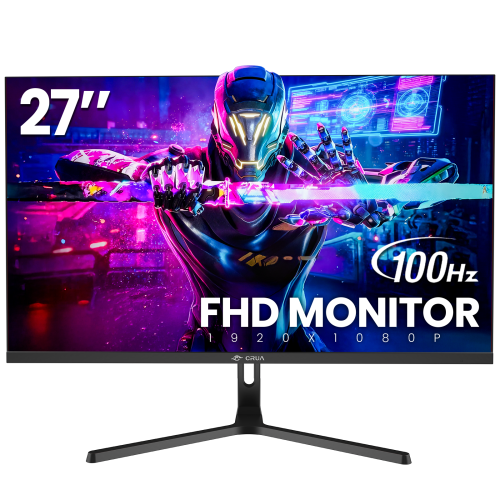
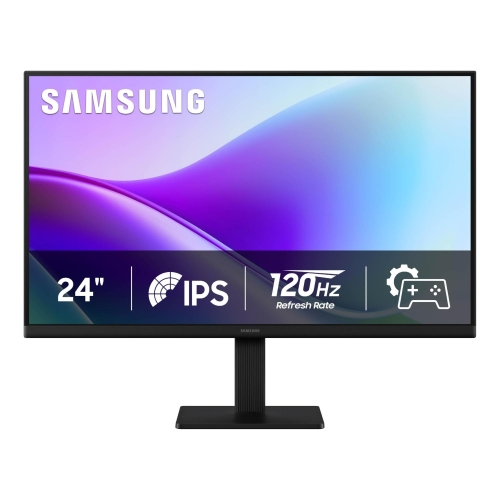
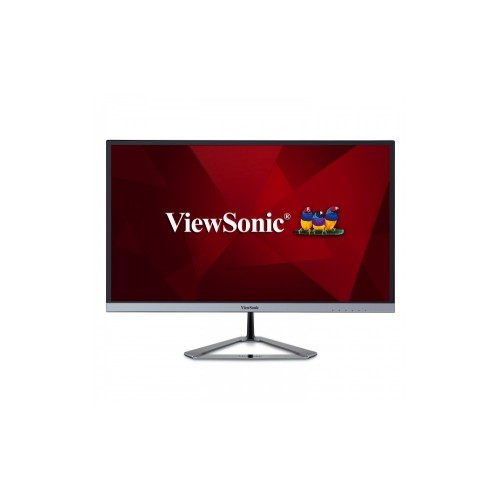
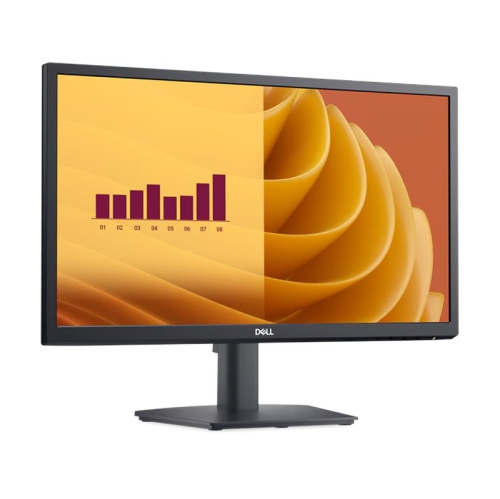
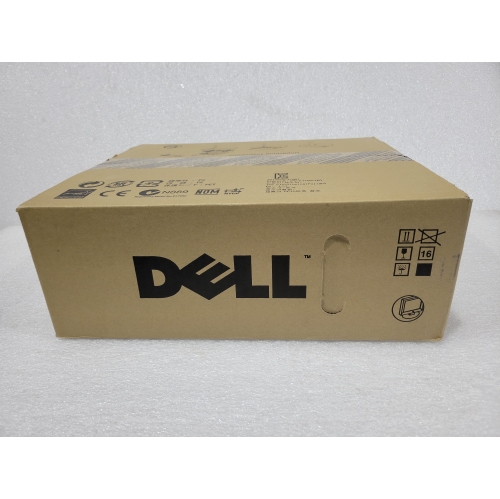
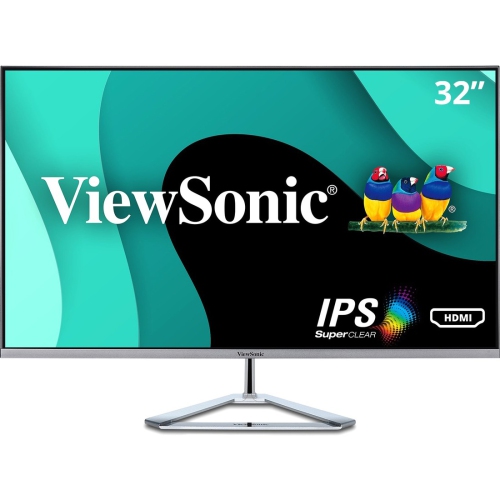
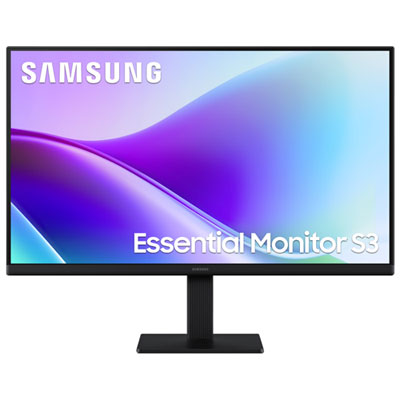
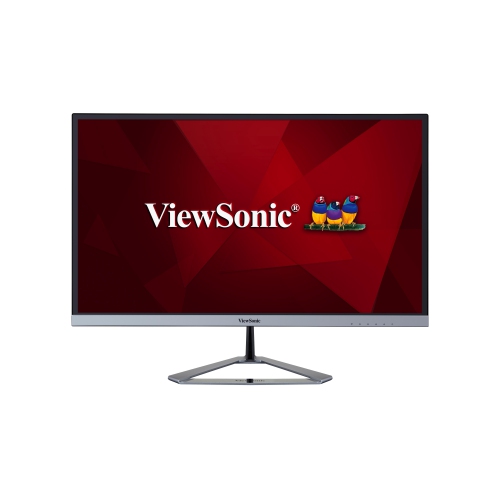

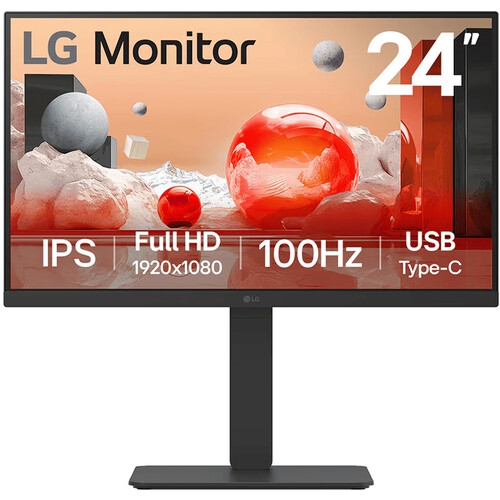

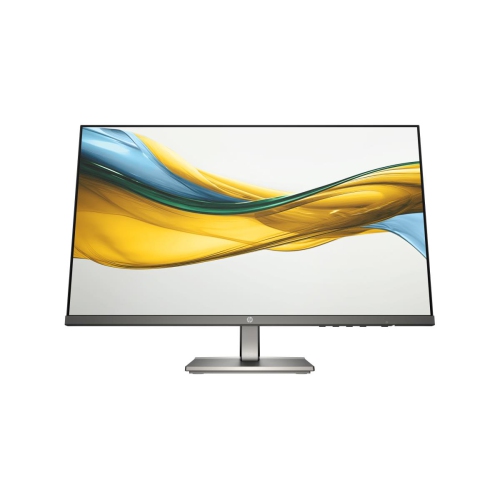
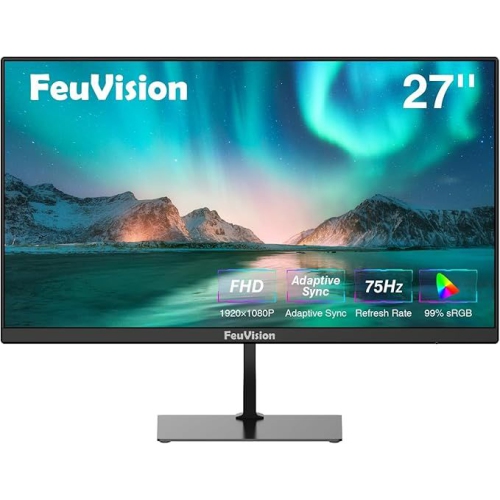
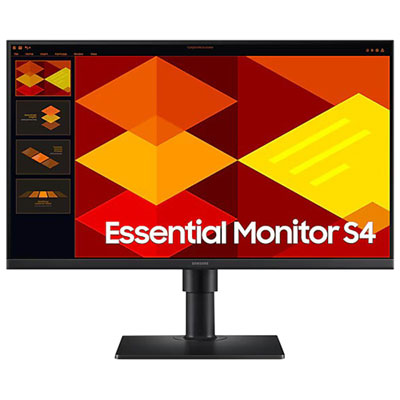
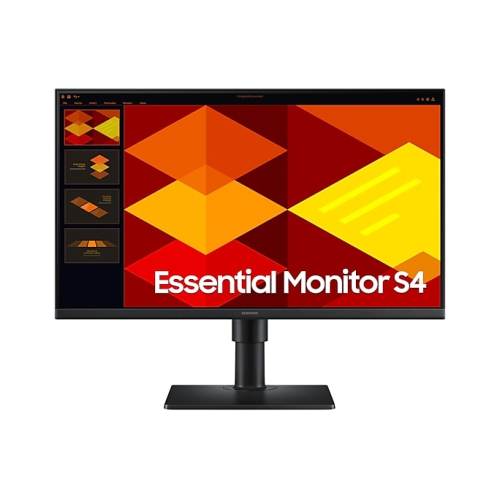
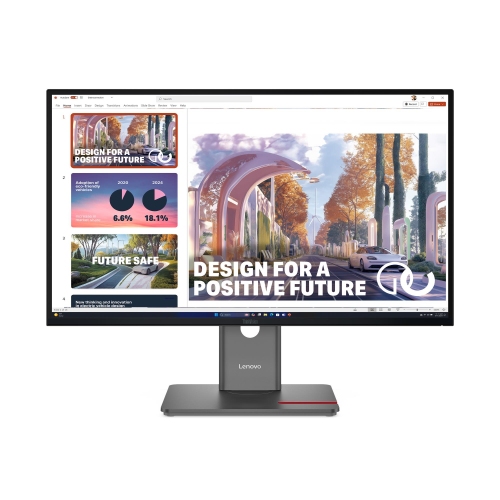

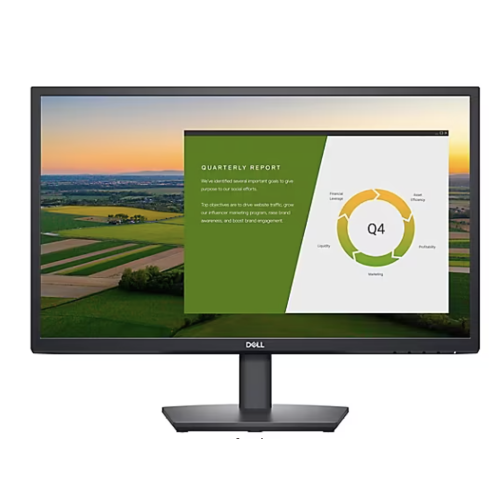
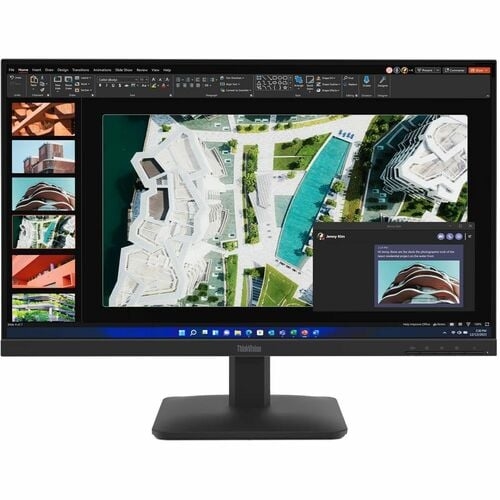
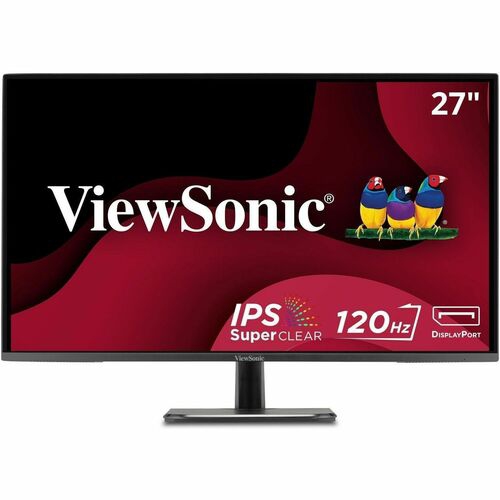
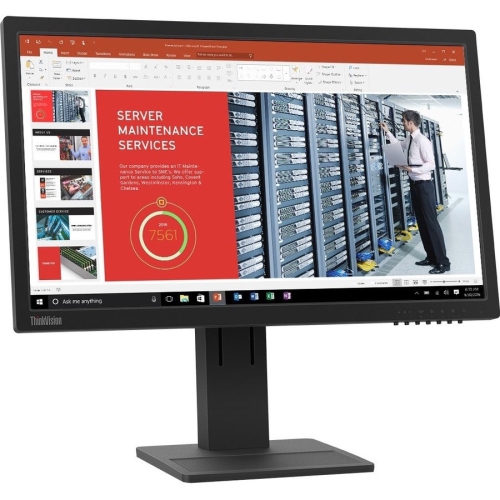
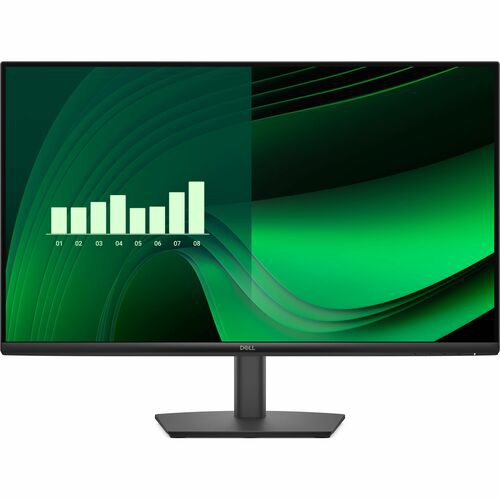

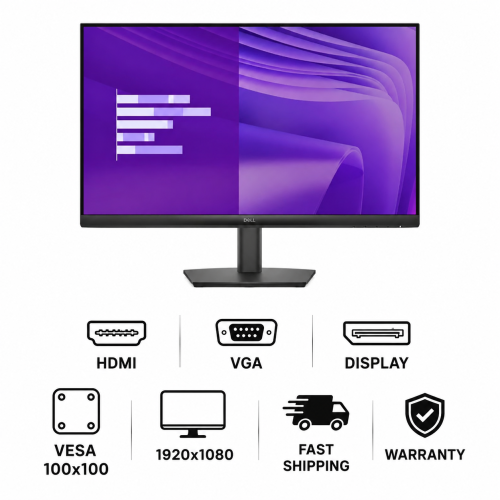

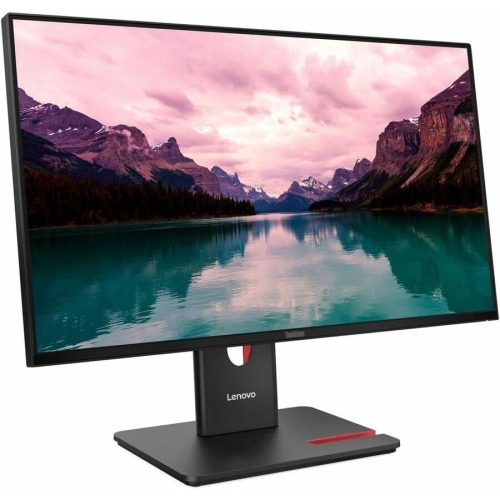
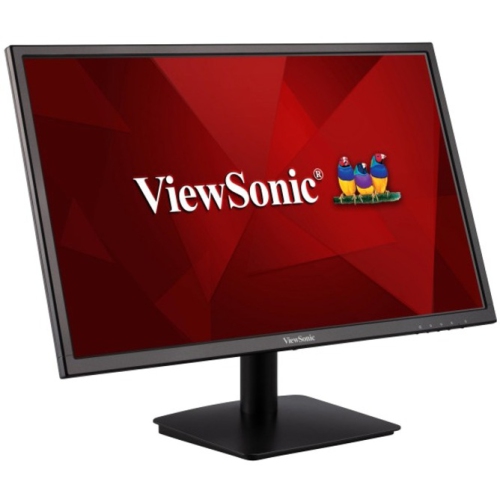
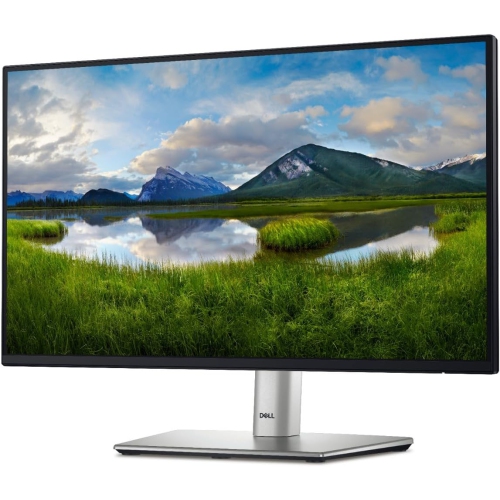


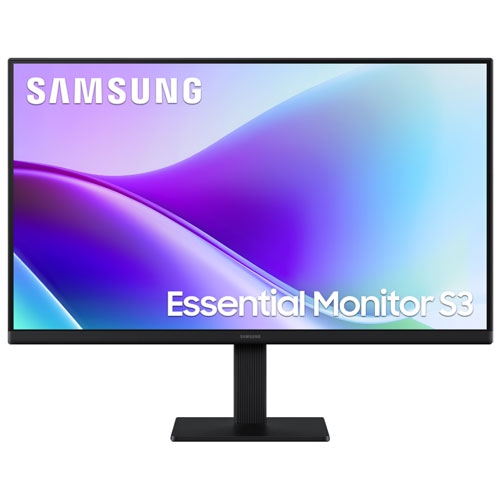
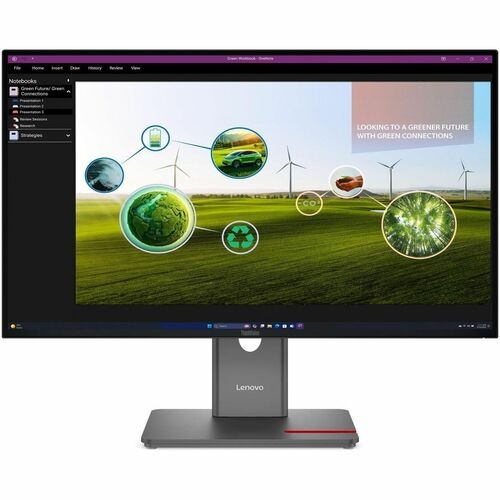
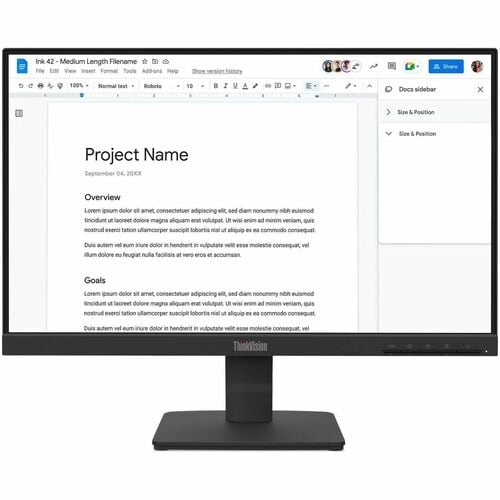

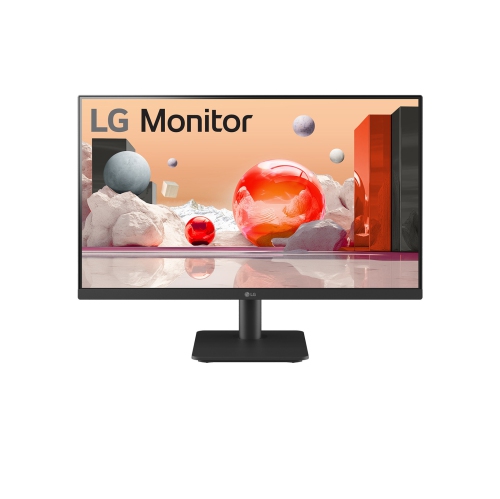

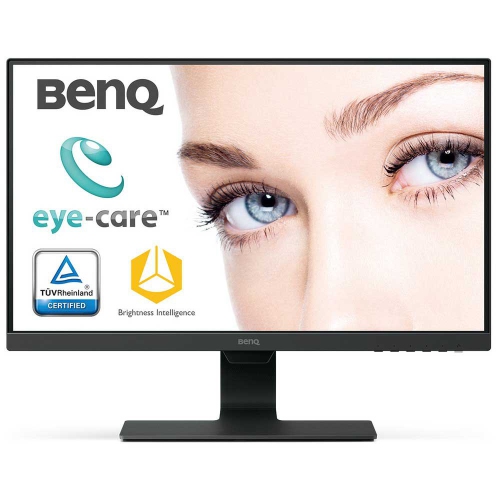
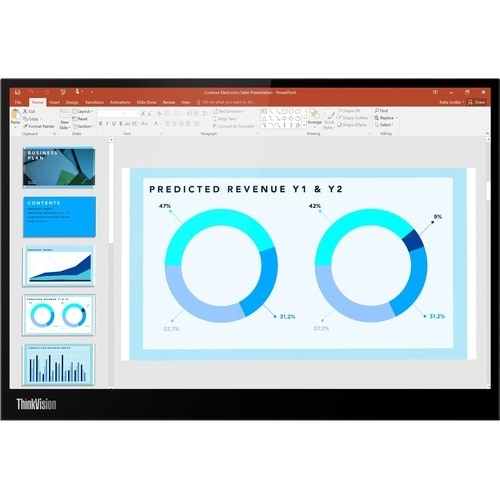
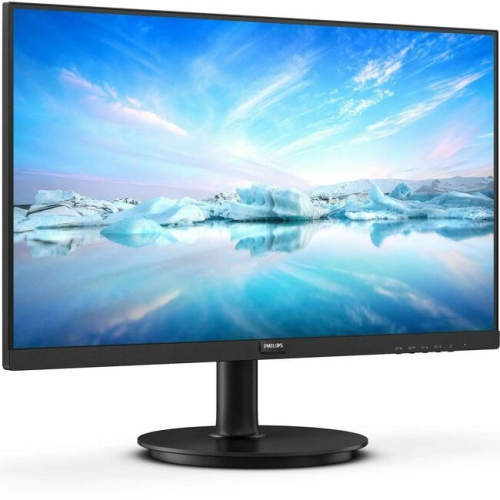

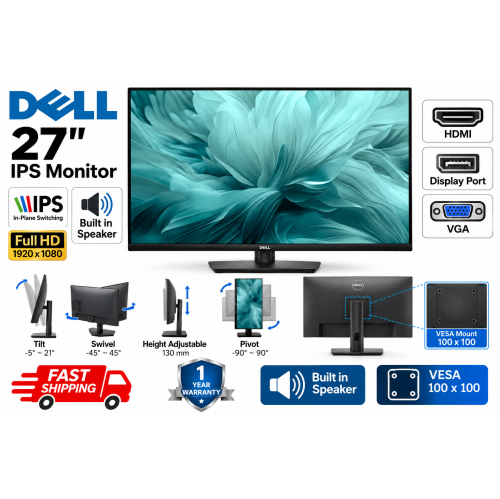


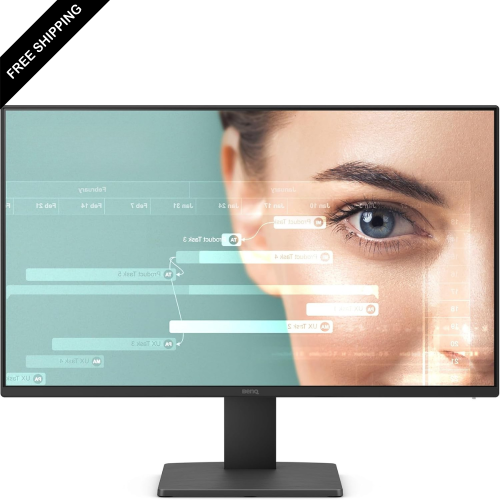
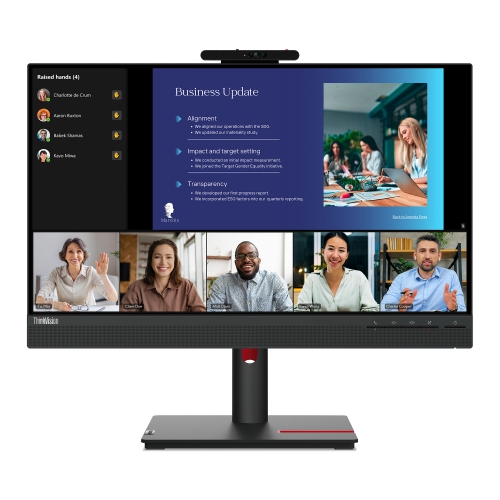

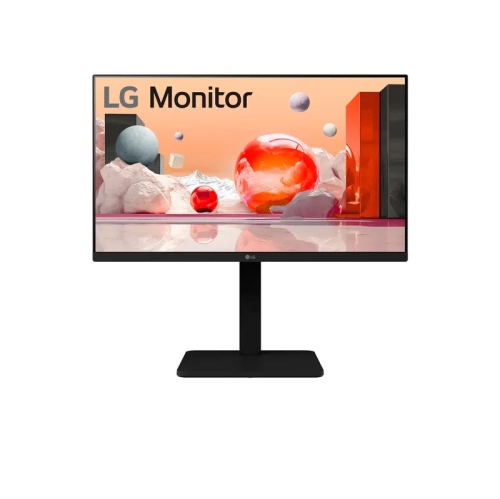


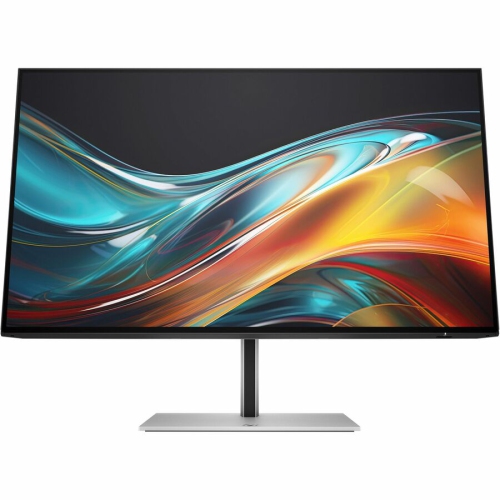


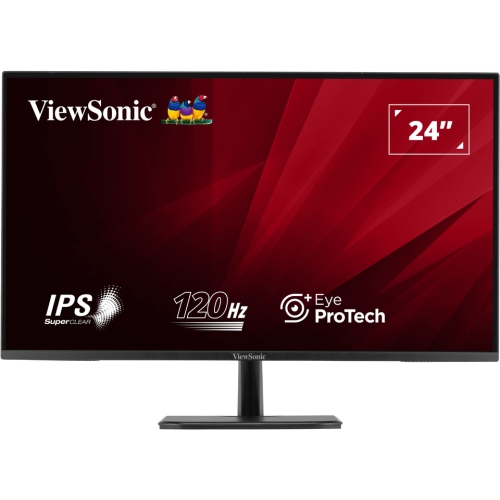
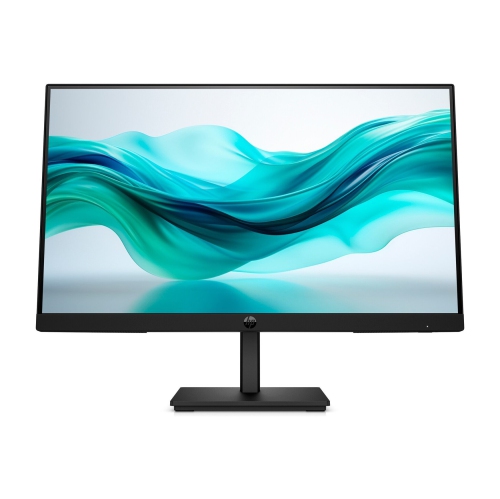

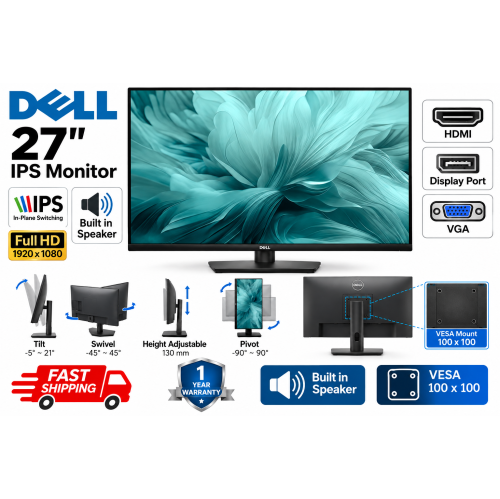
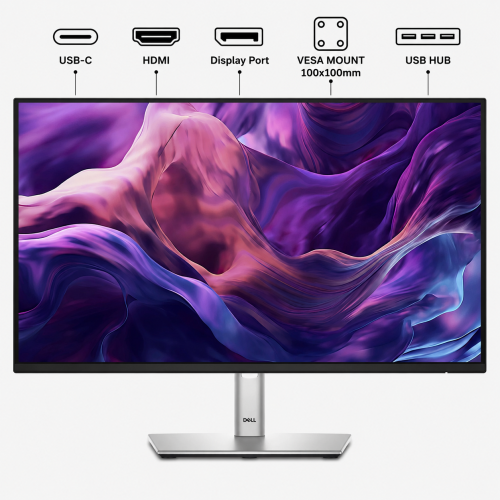
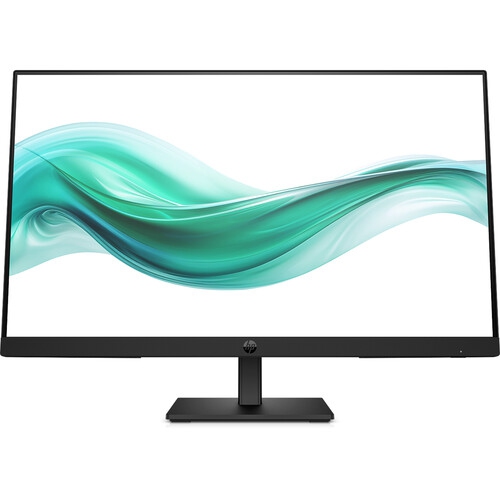
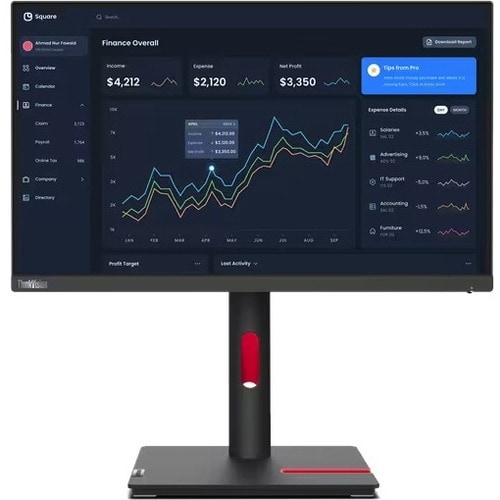

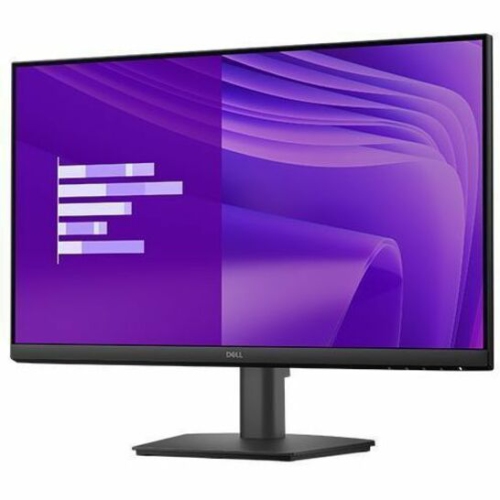

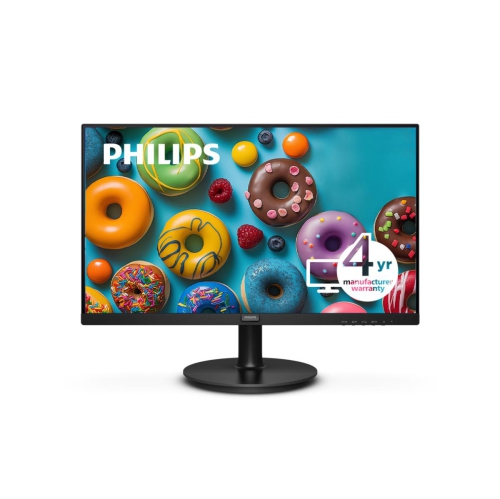

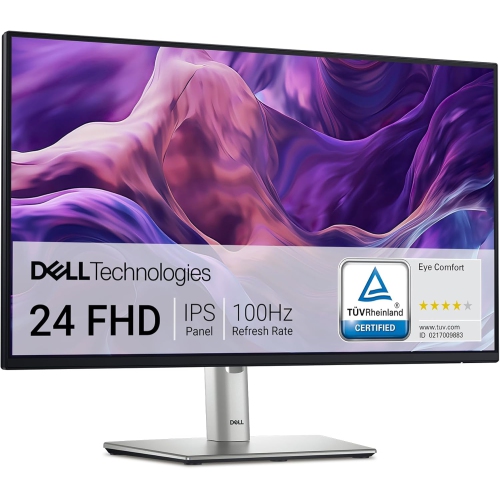
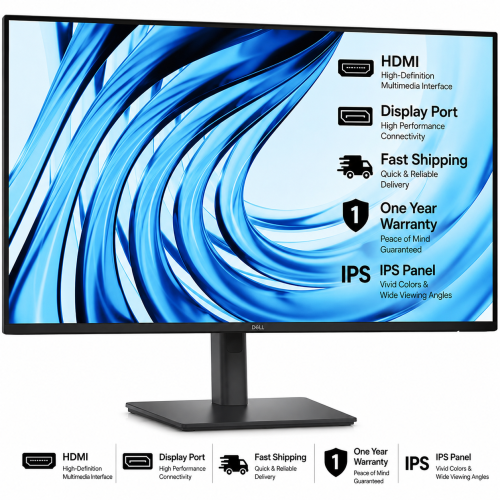
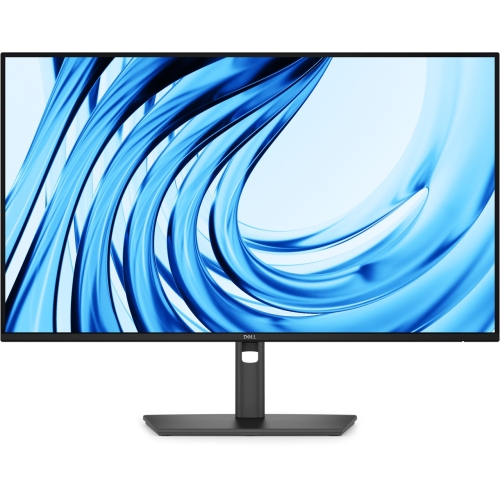
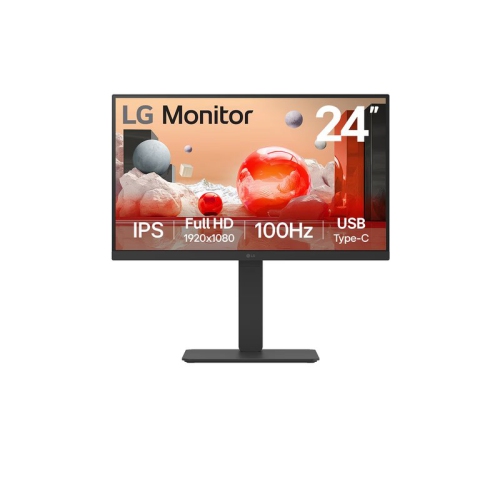

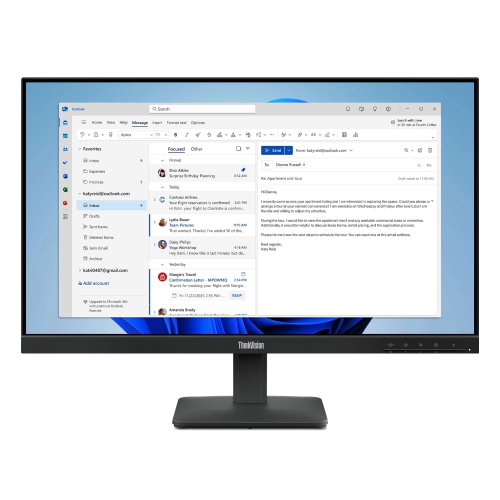
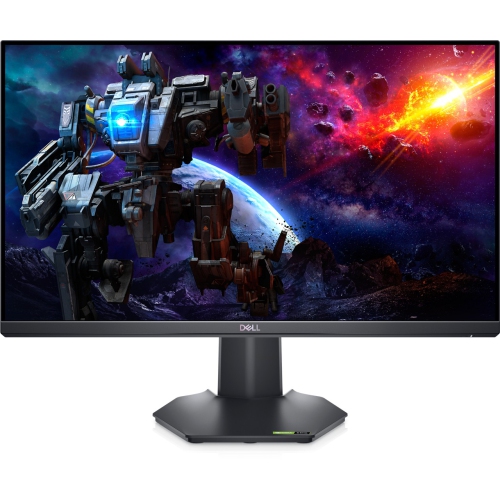
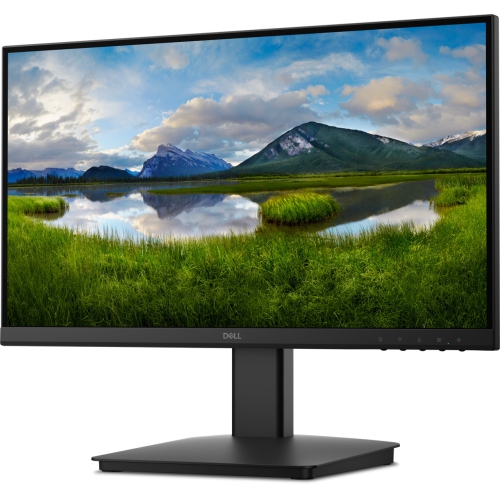



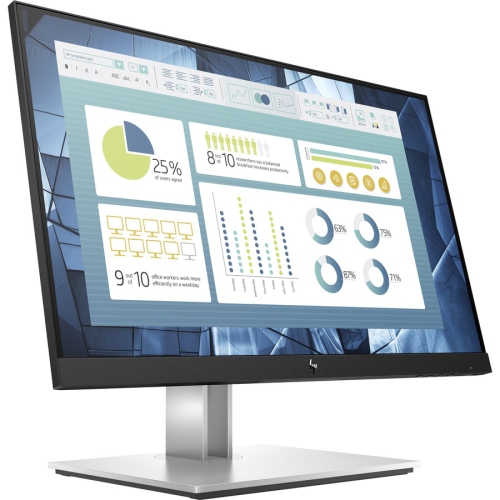

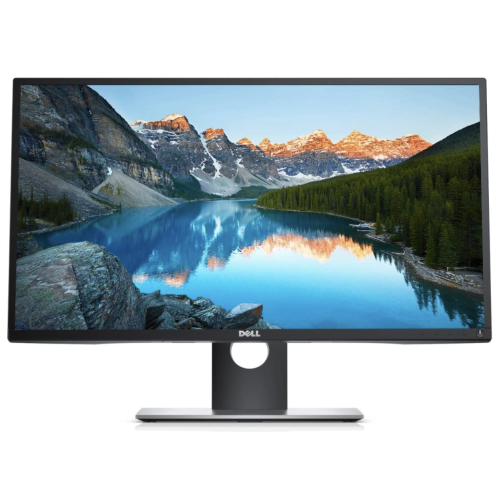
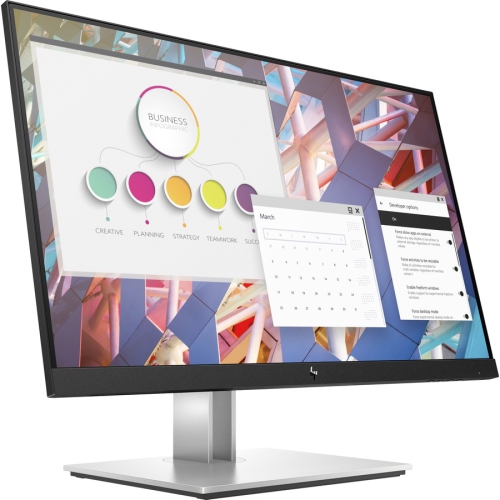
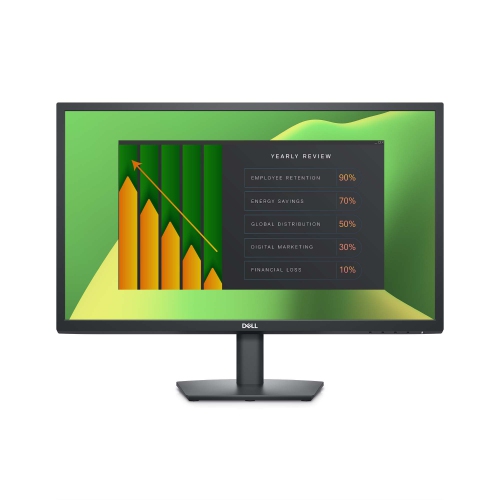

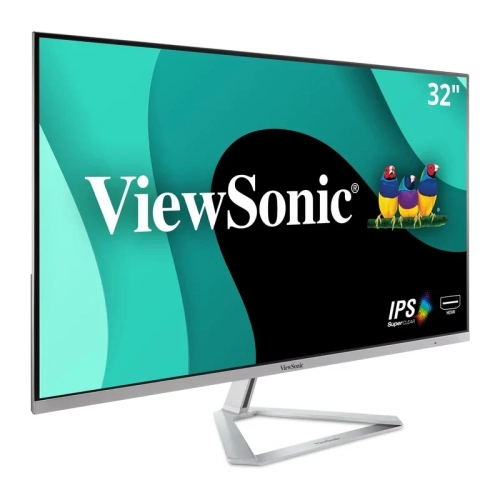
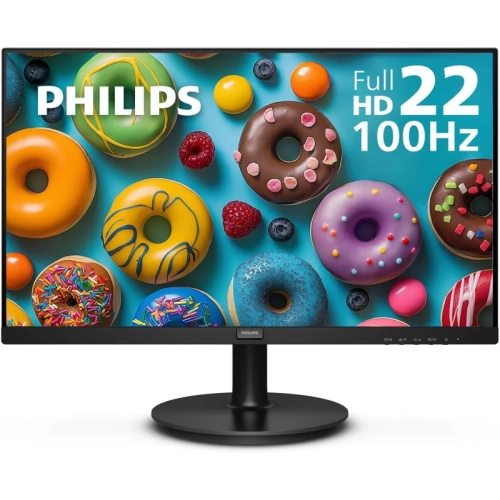
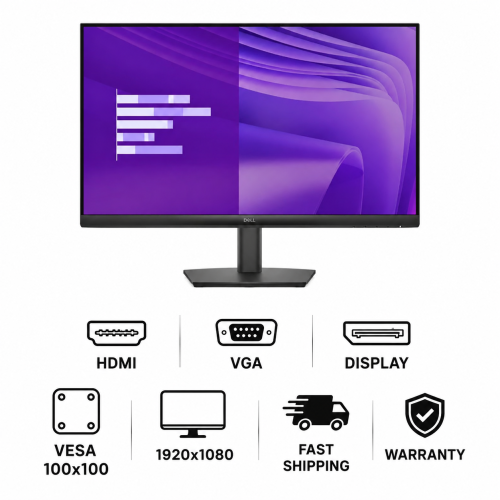
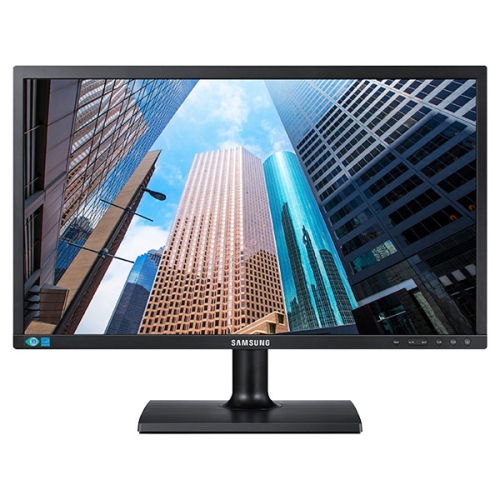
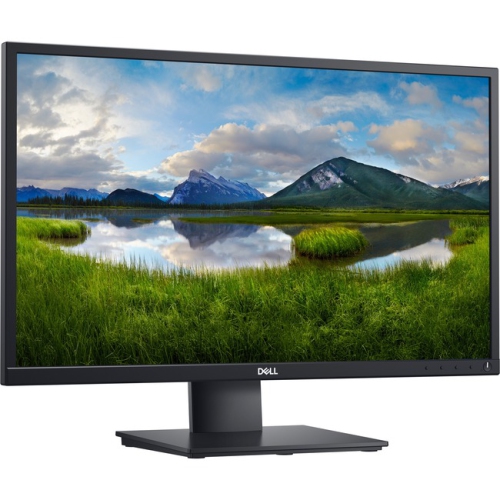
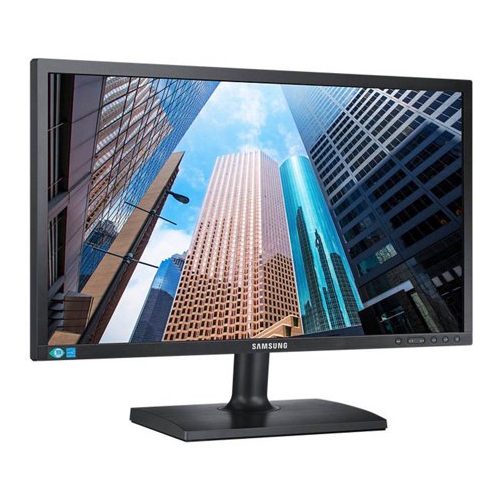

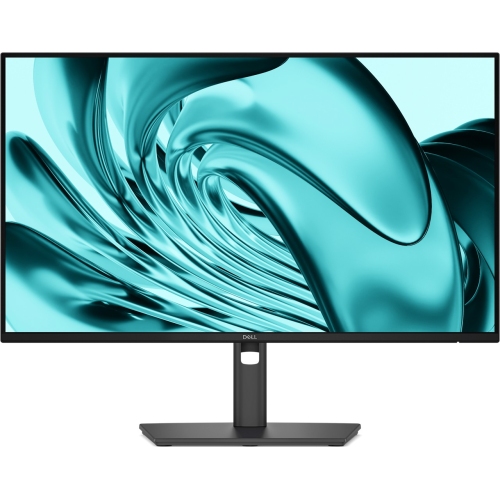
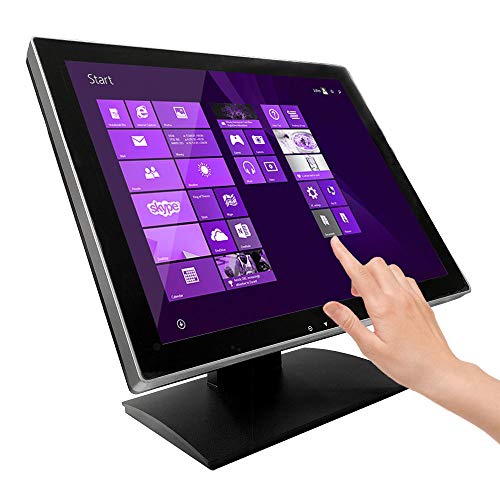
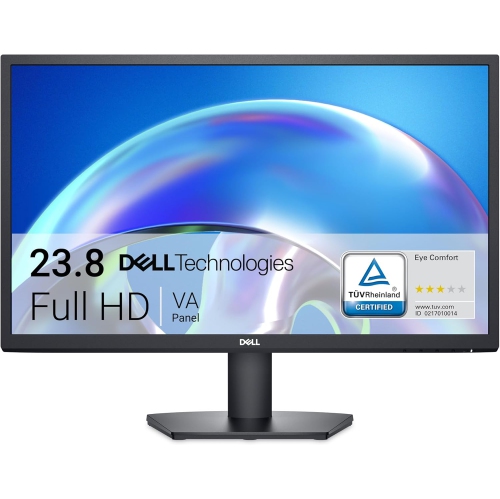
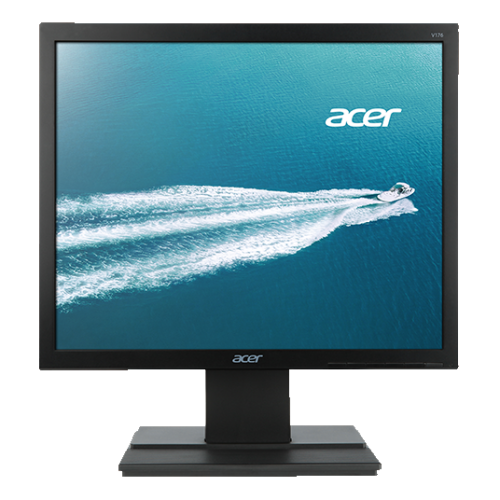
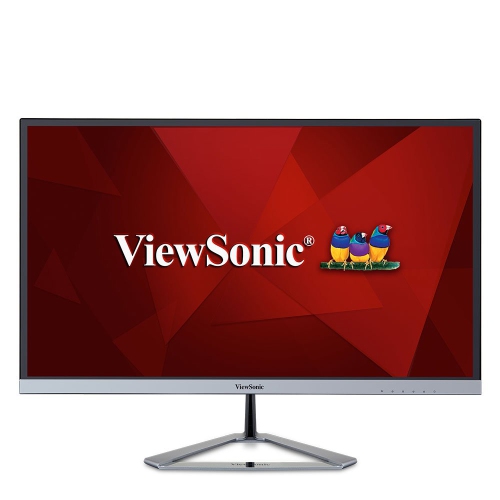
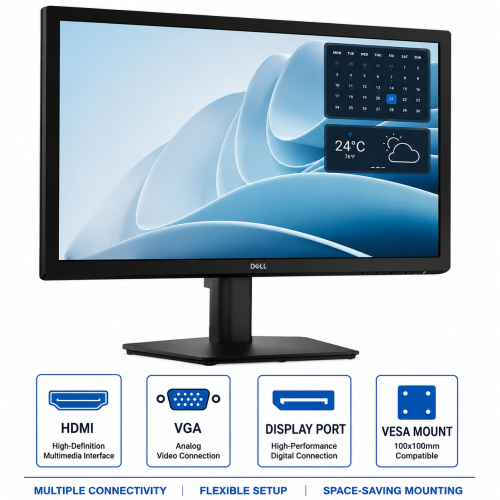
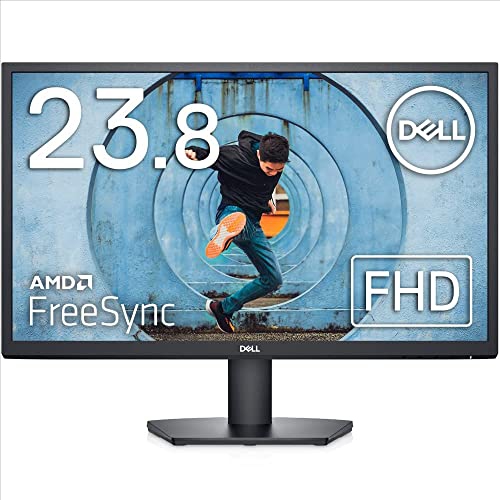
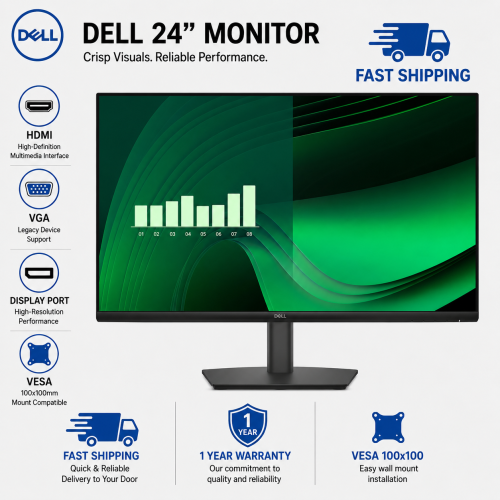

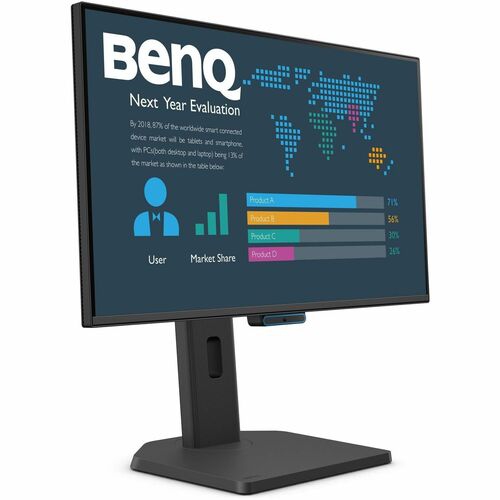
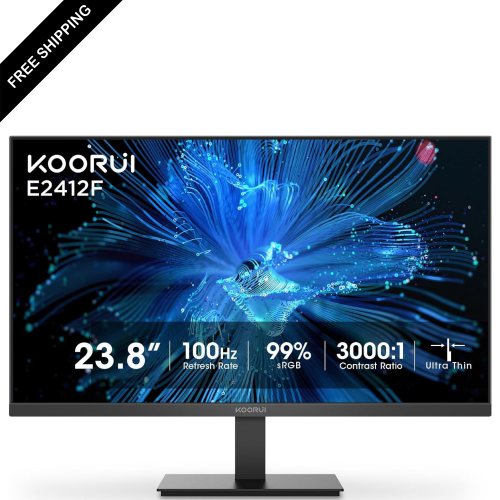
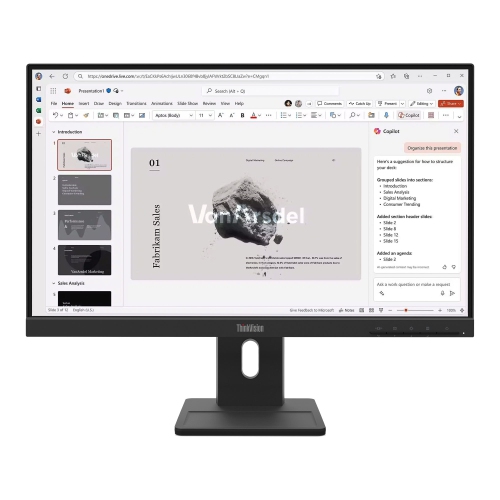

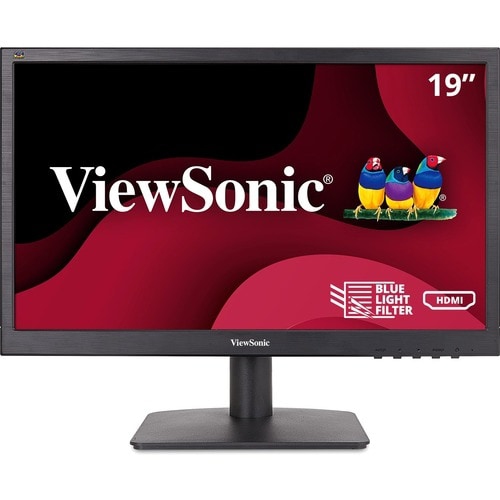
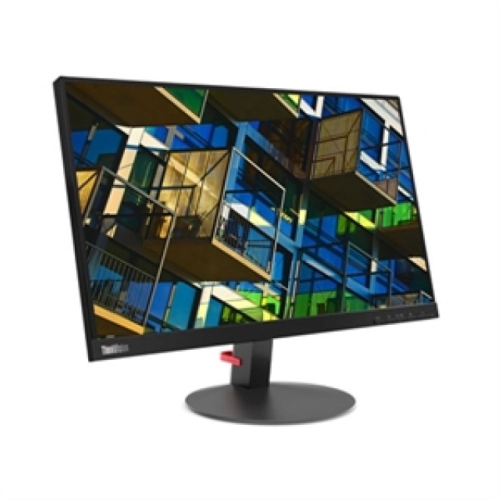
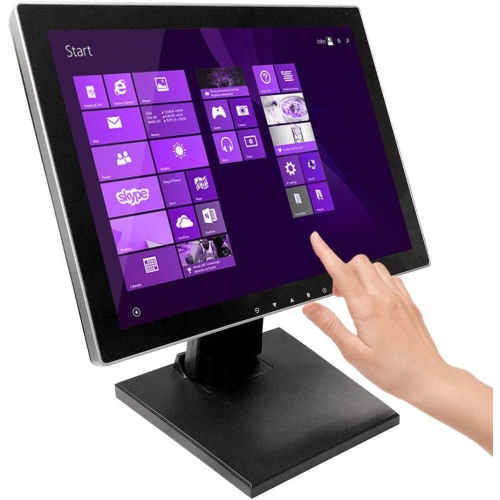
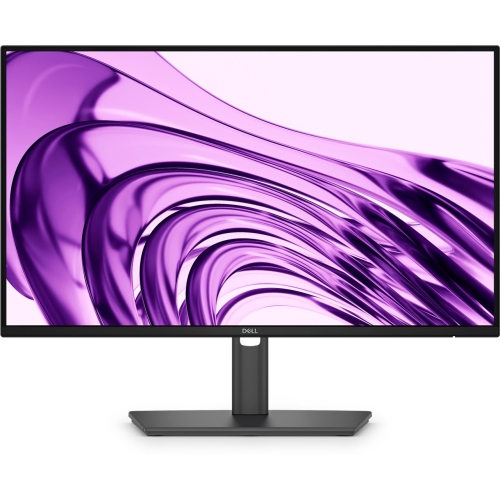
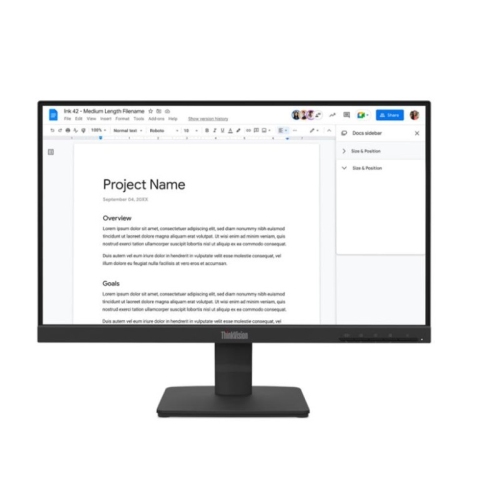
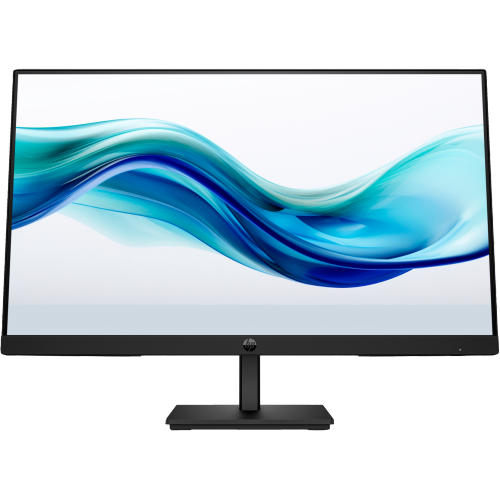
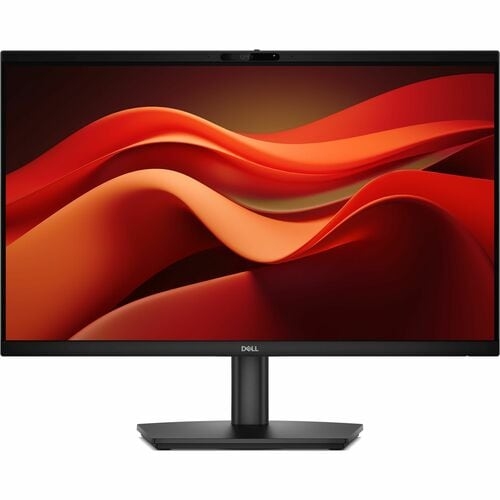
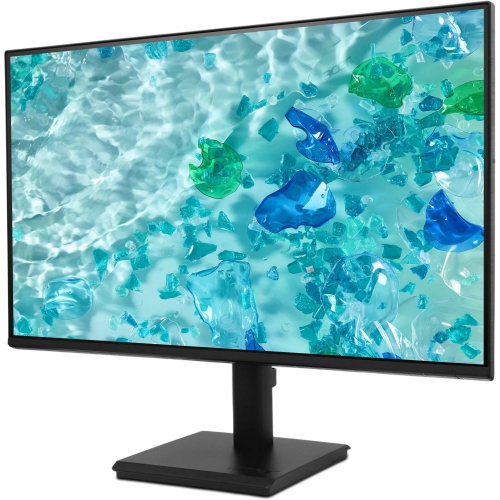

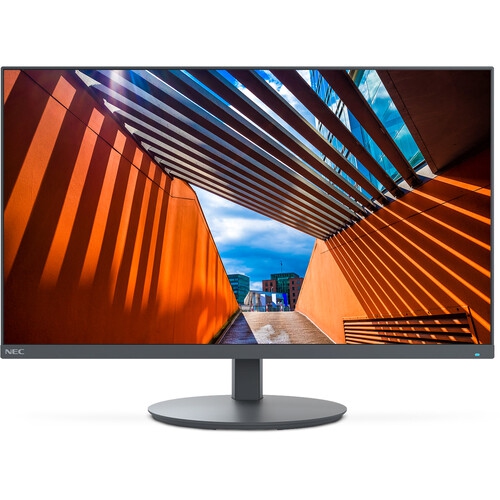
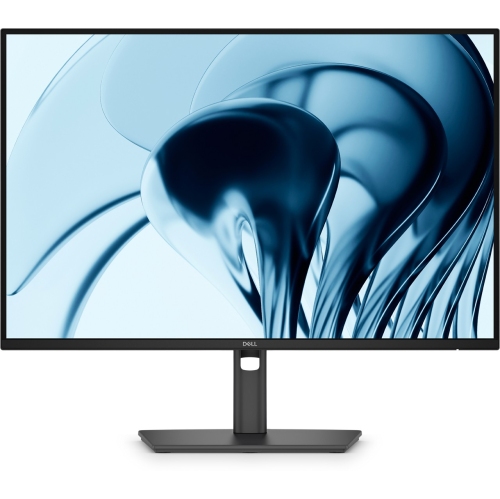
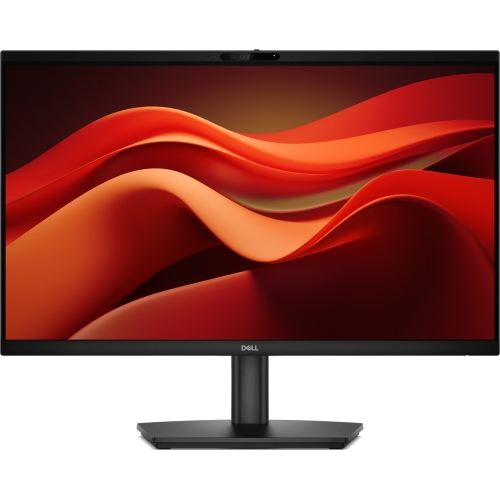

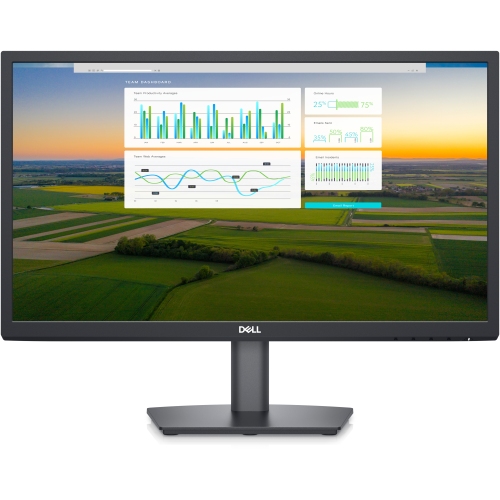


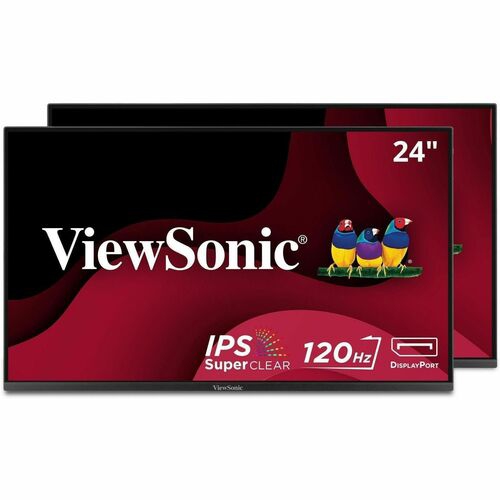
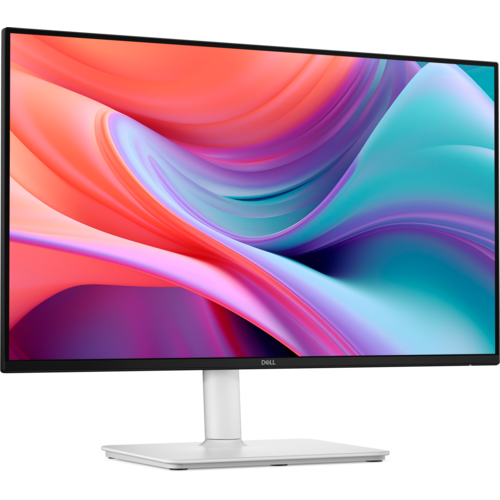
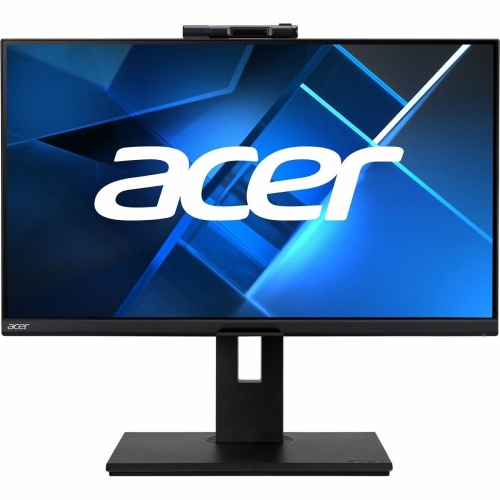
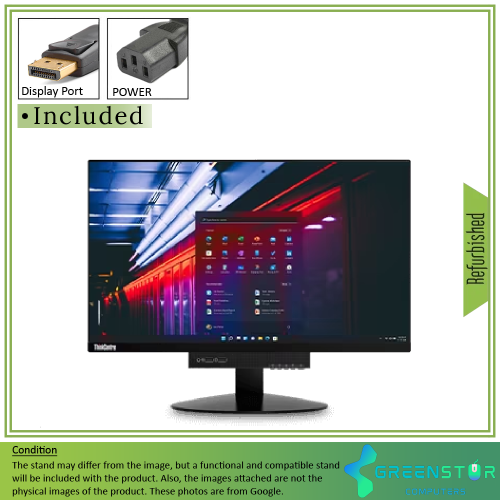
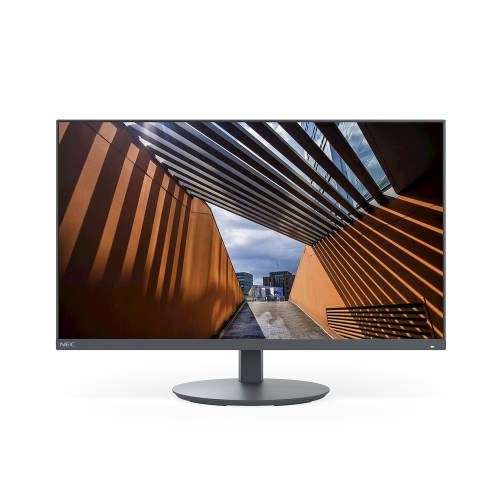
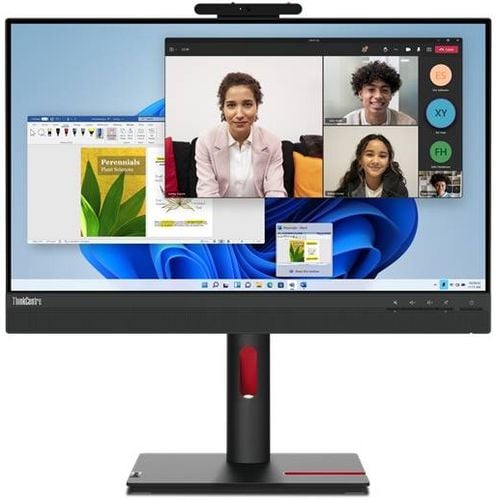
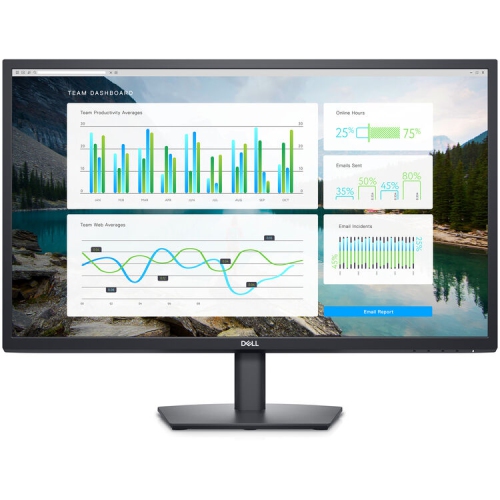
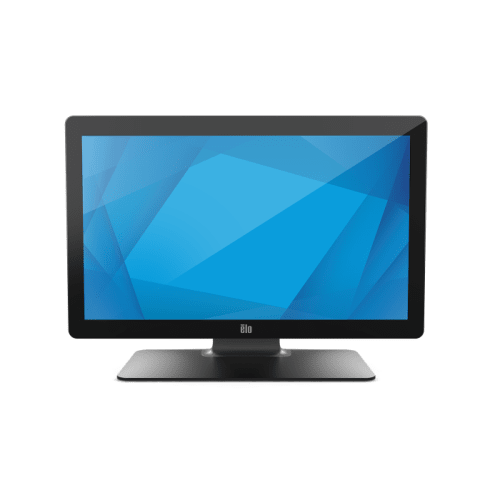
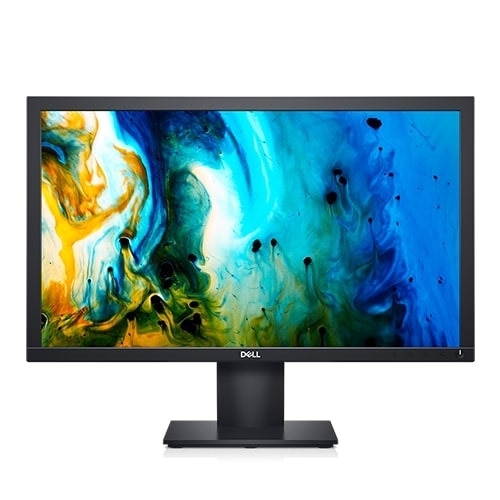


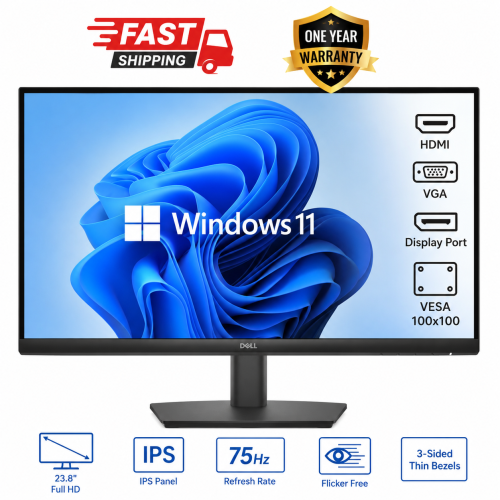
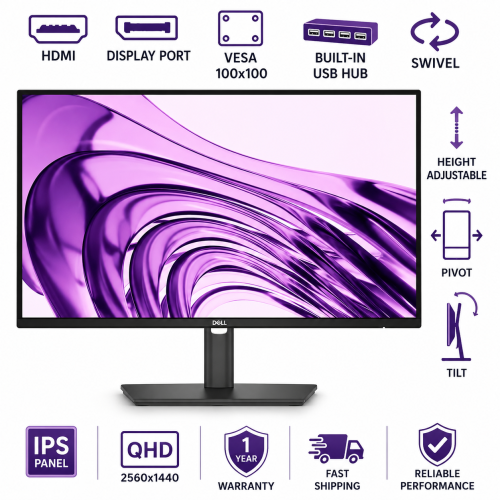
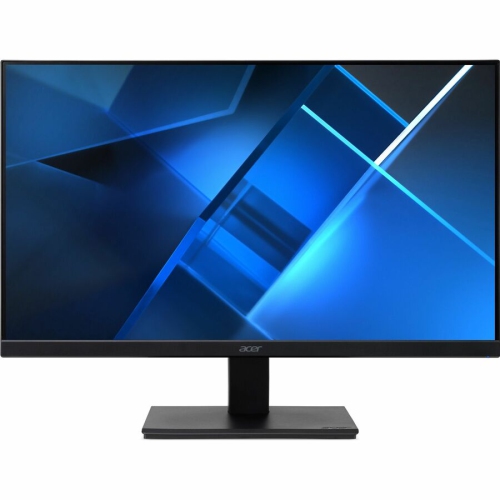
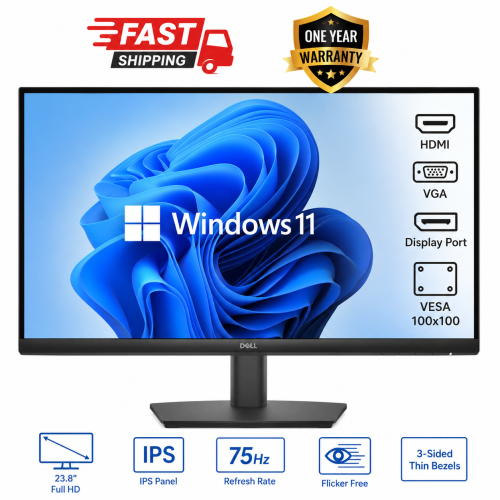

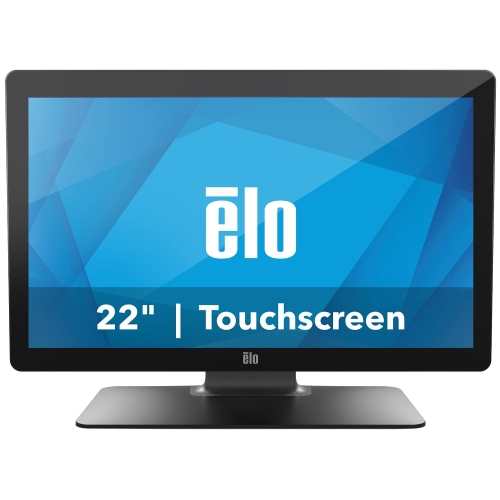
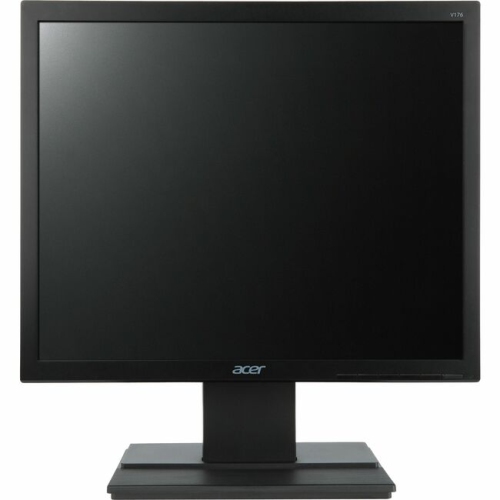

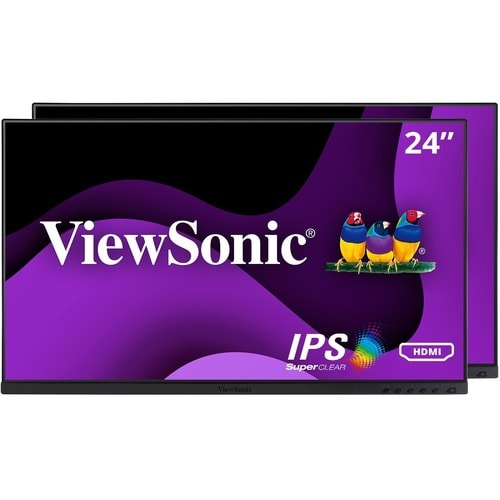
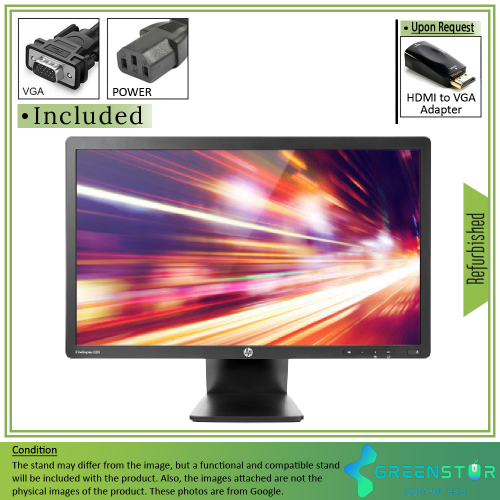

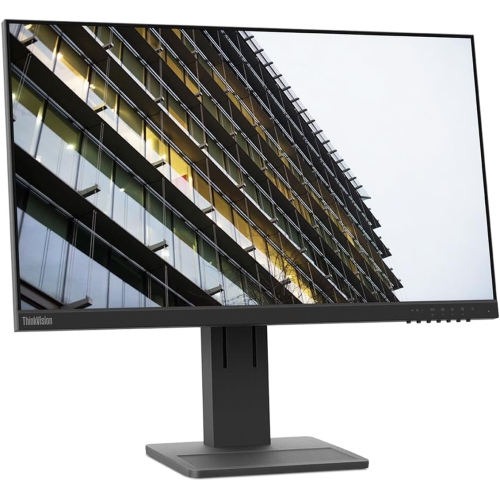



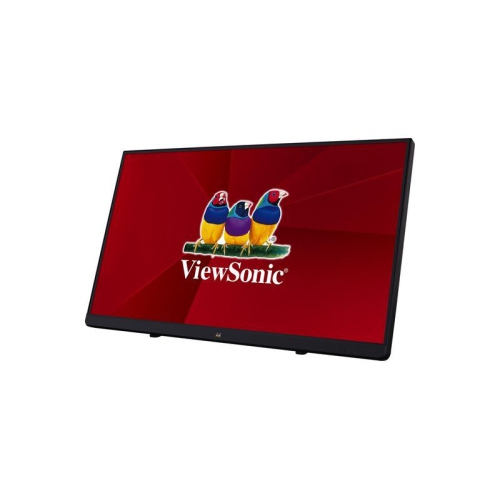
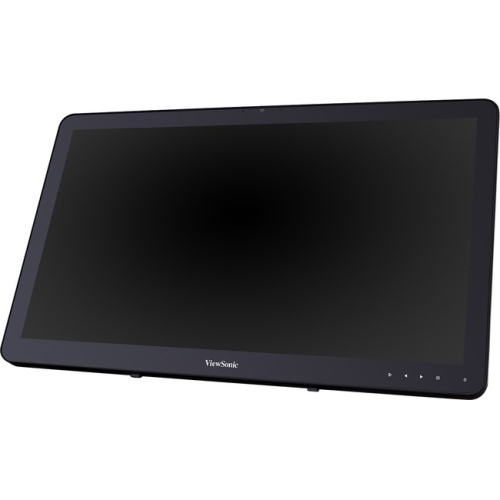
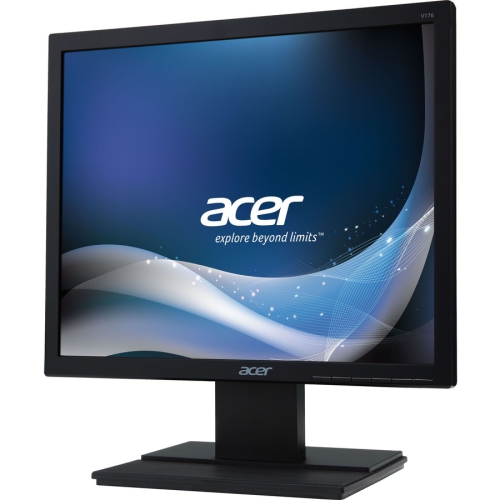
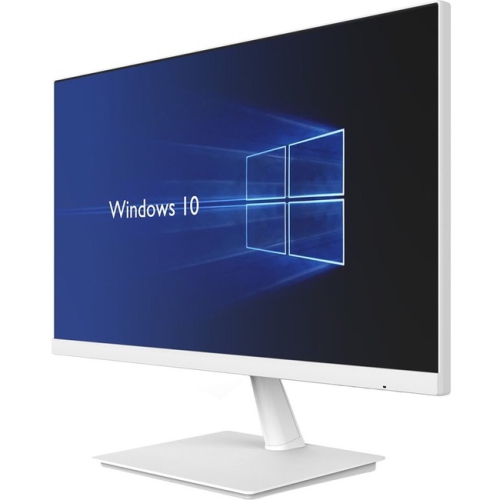

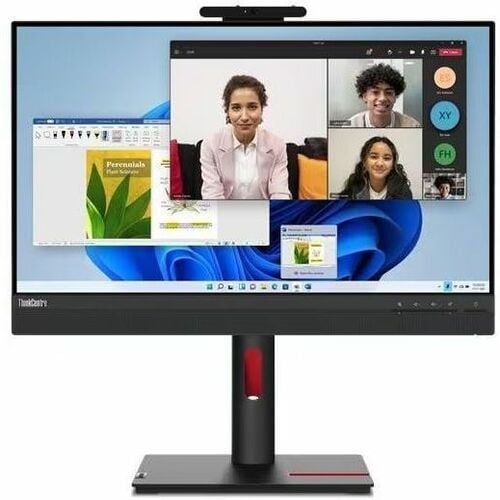
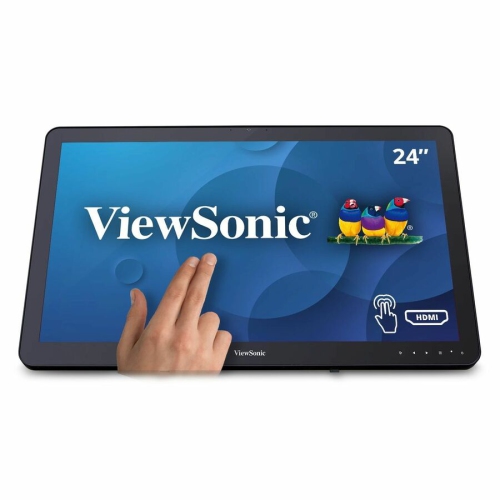
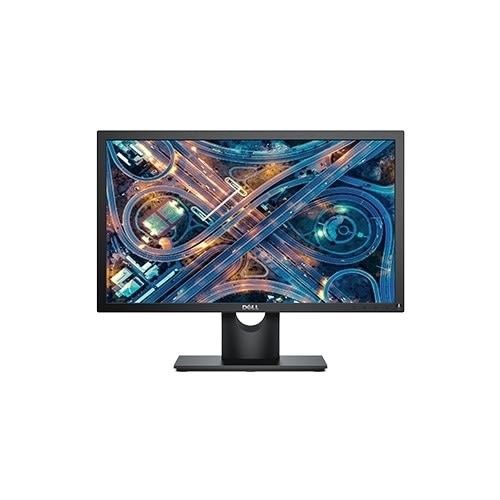

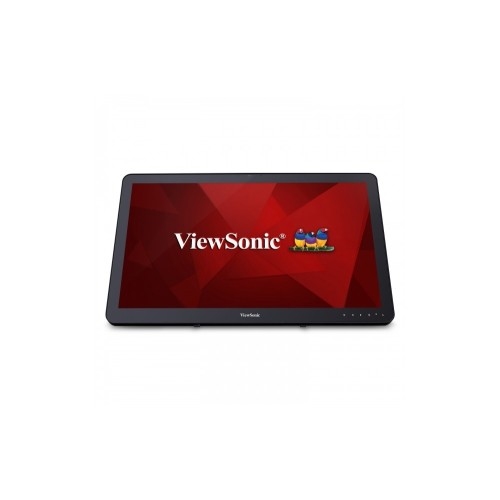

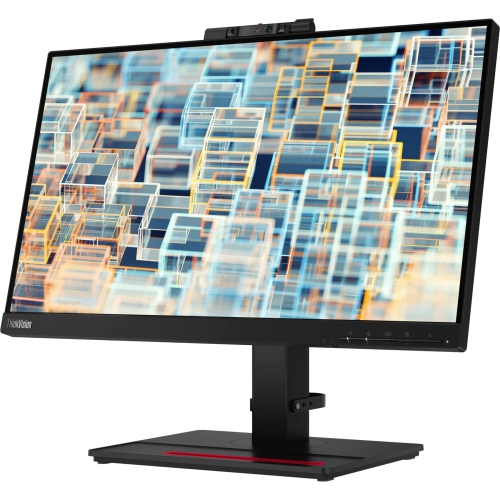
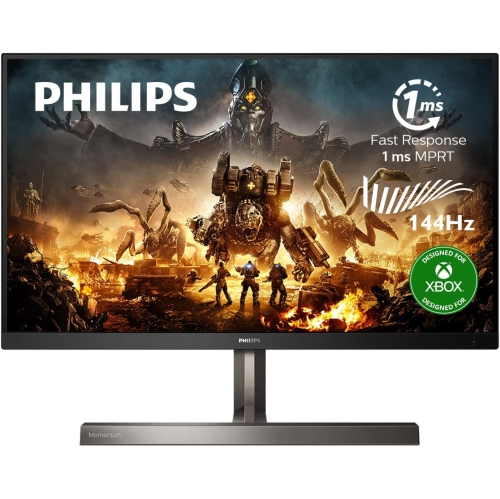

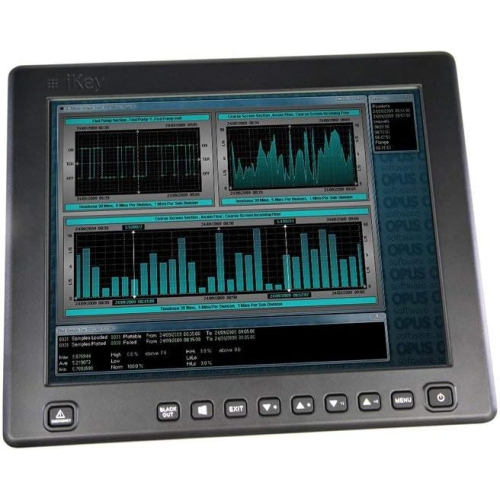
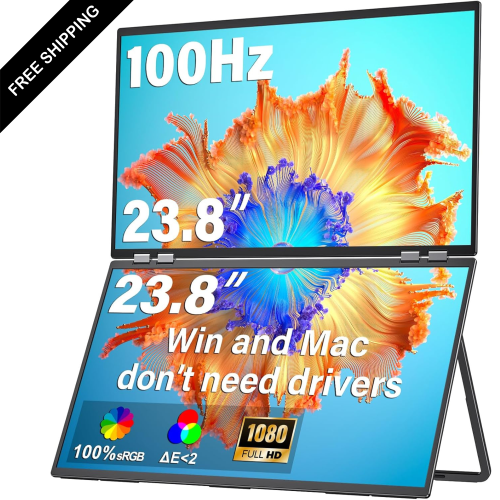

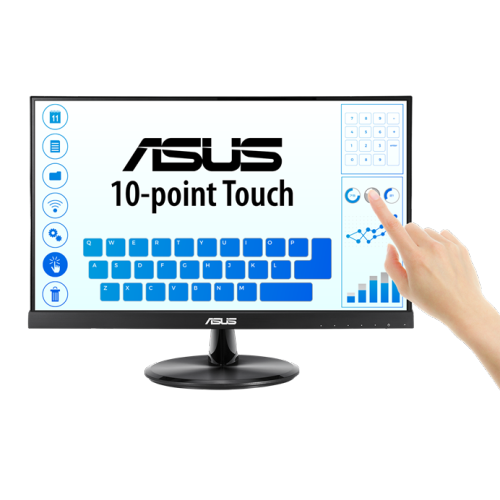
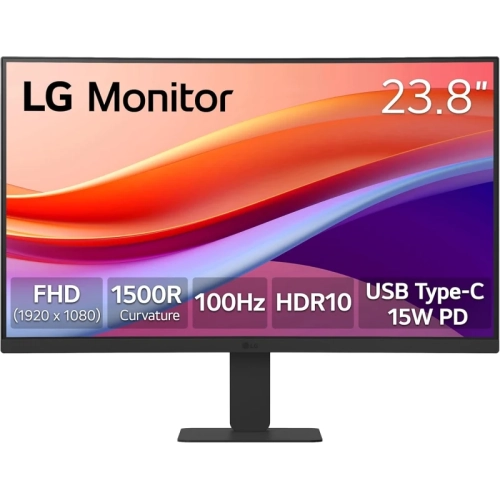
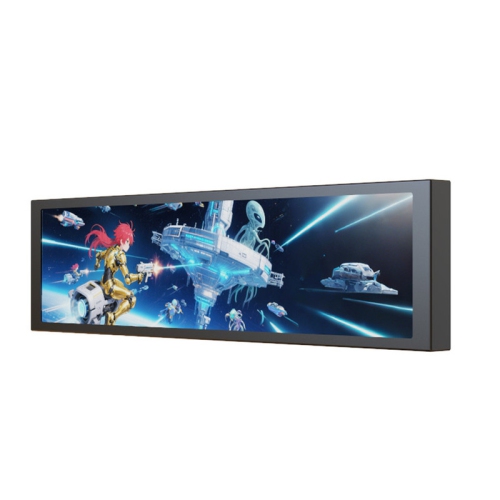


More room to work without crowding your desk
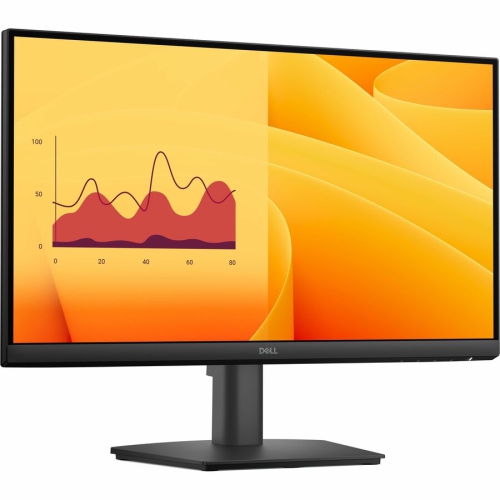
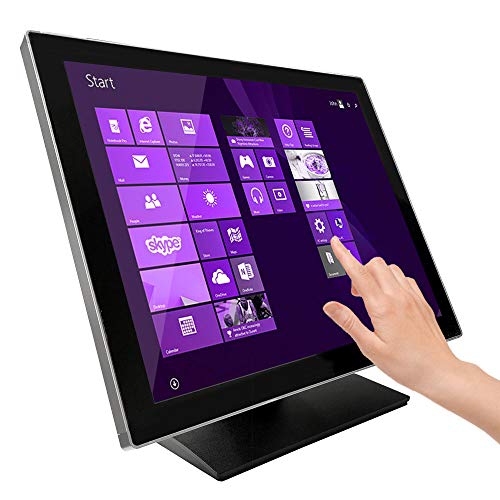
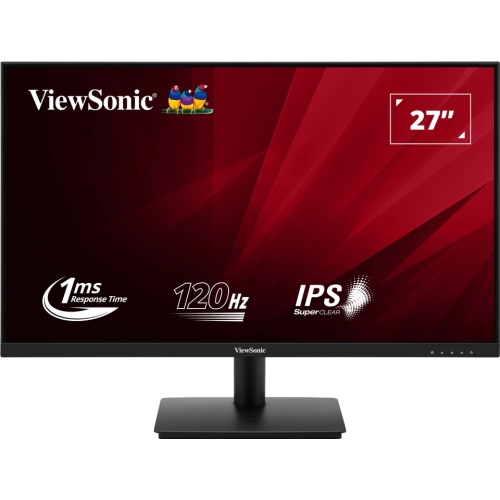
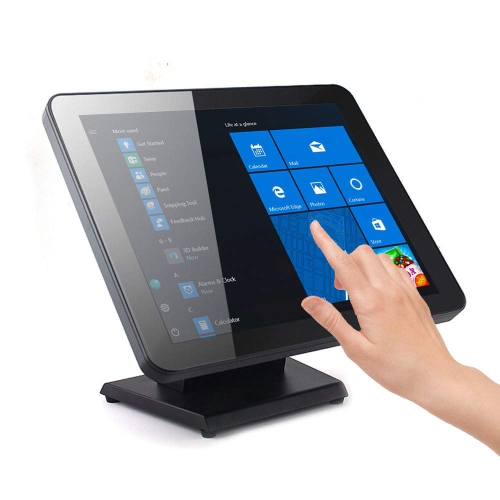
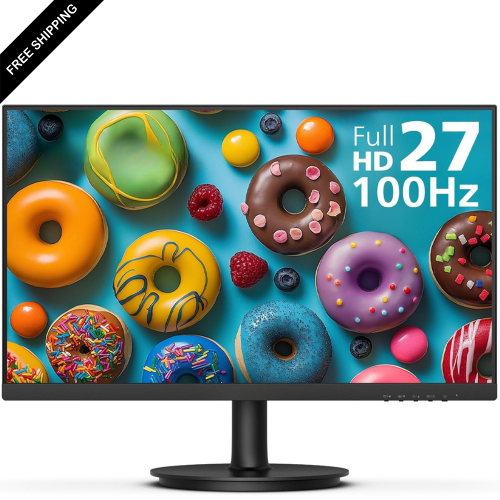
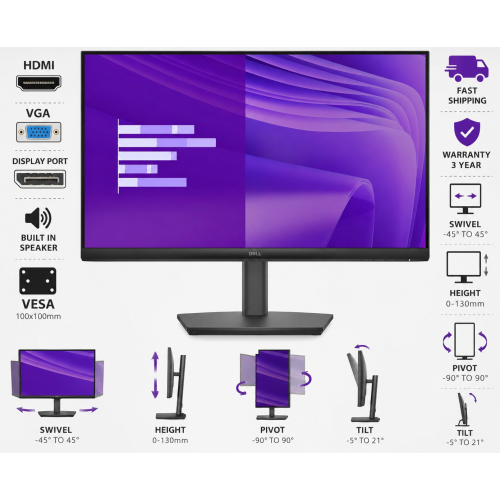
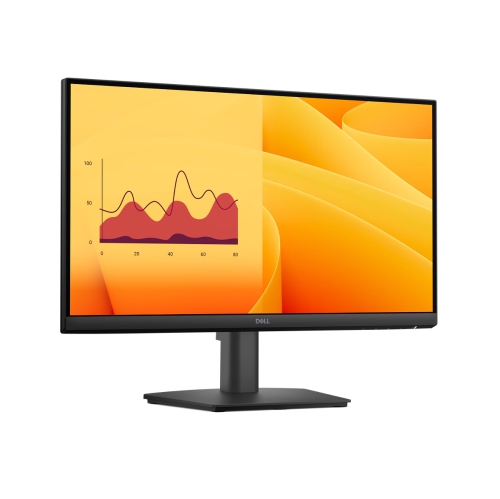
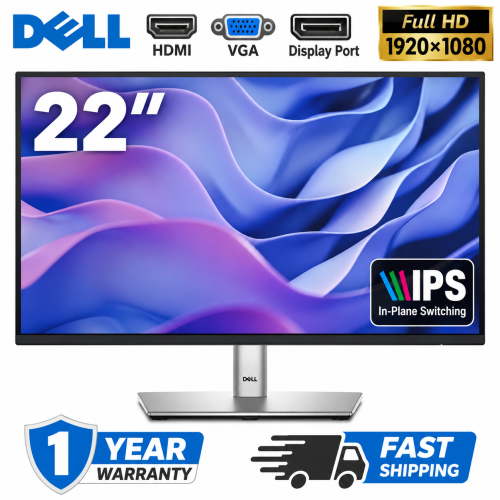
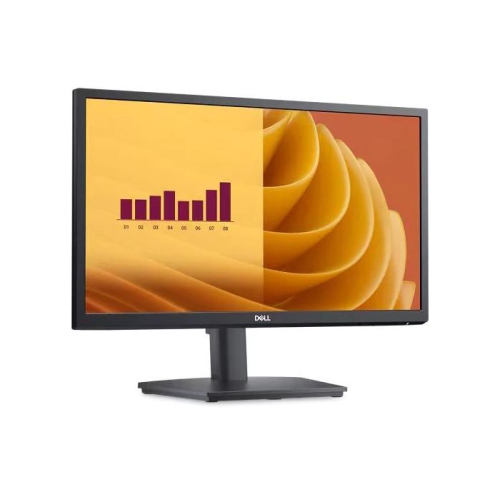
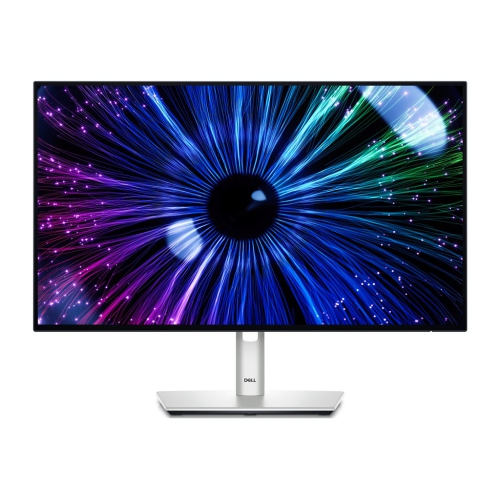
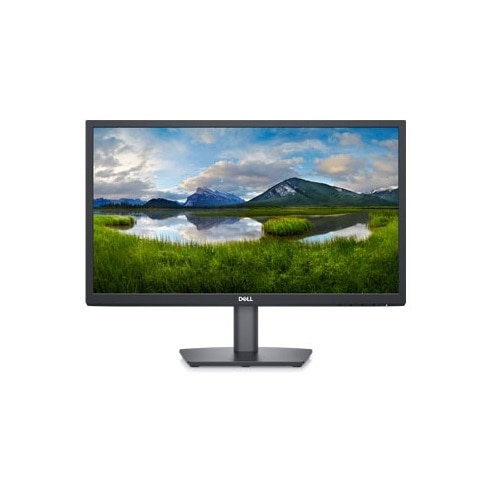
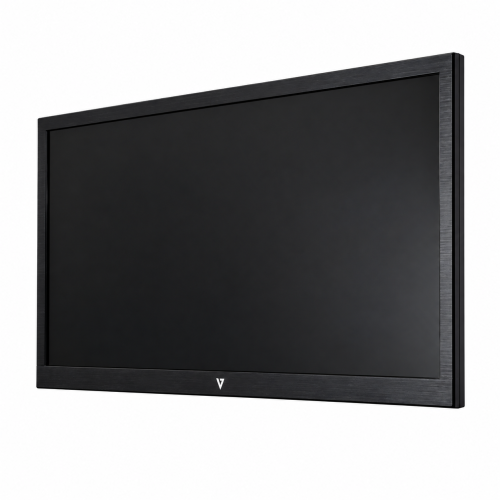
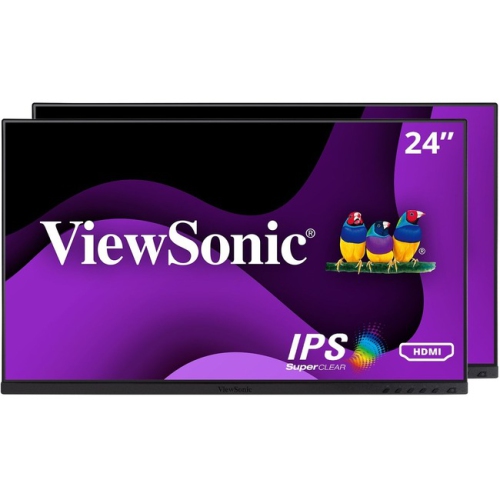
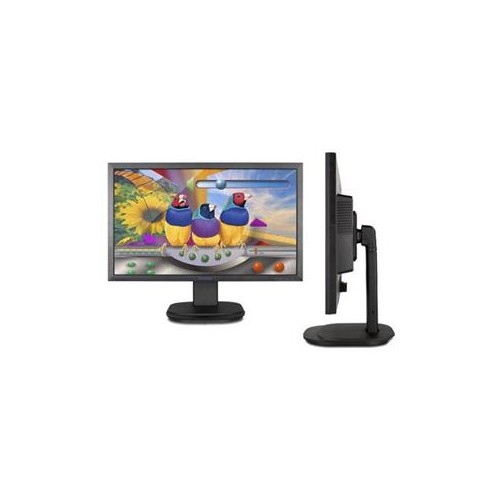
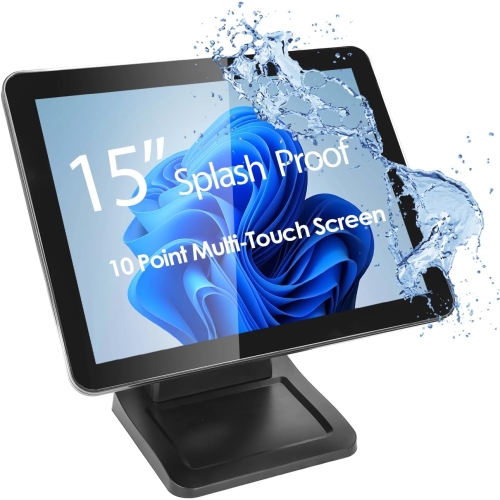
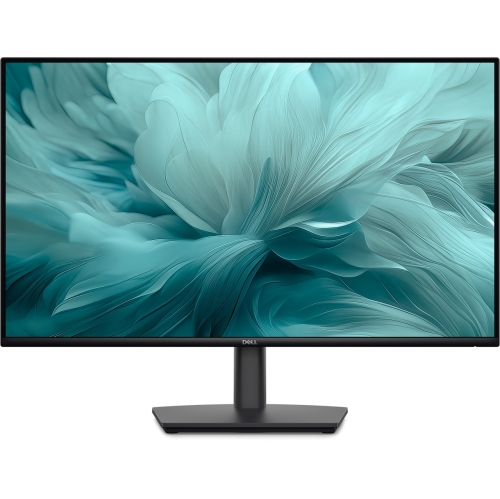
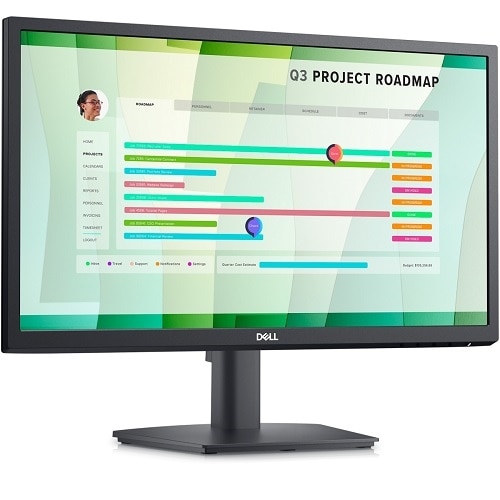
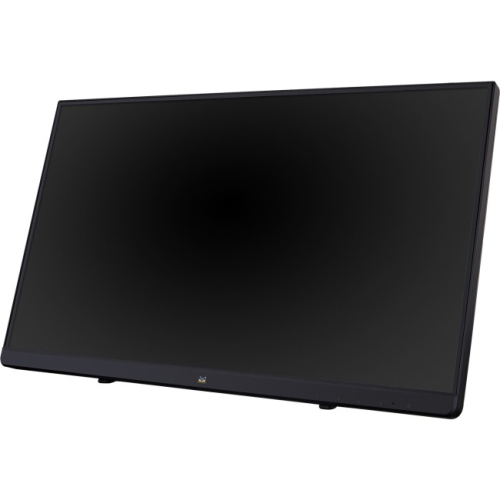
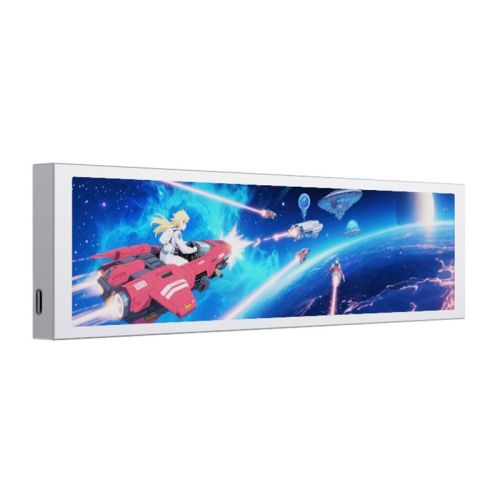
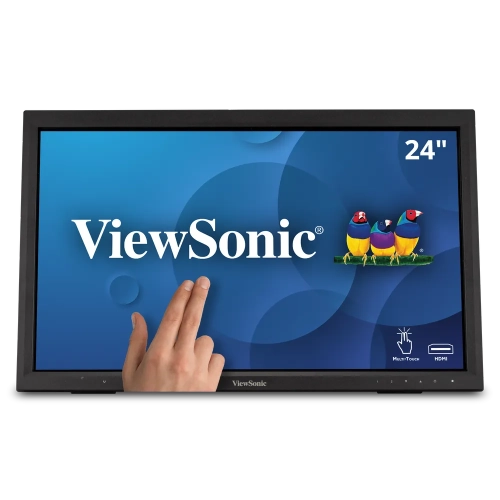
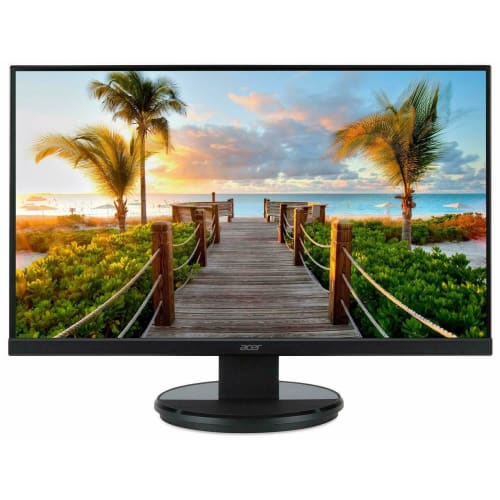
Flat screen monitors are computer displays with slim, flat viewing surfaces that show text, images, video, and games from a connected device. Most use either an LCD panel with an LED backlight or an OLED panel with pixels that produce their own light. Their relatively shallow housings leave room for a keyboard, notebook, and other desktop essentials, while a larger viewing area can make everyday tasks feel less cramped than they do on a laptop screen. For someone working through spreadsheets, attending video meetings, or keeping research beside a document, the benefit is often as simple as seeing more without constantly switching windows. Screen size and resolution work together to shape that experience. A 24-inch Full HD display can suit everyday browsing and office tasks, while a 27-inch screen with a higher resolution can provide additional detail for text, photographs, and complex layouts. Full HD describes a resolution of 1920 x 1080 pixels, QHD typically means 2560 x 1440 pixels, and 4K UHD means 3840 x 2160 pixels. More pixels can produce sharper edges and finer detail, although text size also depends on the display settings used by the connected computer. On a high-resolution screen, scaling can enlarge menus and lettering while retaining crisp outlines. The right physical fit depends on the entire monitor, not just its diagonal measurement: the stand footprint, panel width, and space behind the screen all affect how comfortably it sits on a desk. A wide display can accommodate a document and browser side by side, while two separate monitors can keep a video call visible beside a working file. A flat screen also provides a consistent, uncurved surface for page layouts, diagrams, and other content where straight lines matter. For shared family desks, student workstations, and dedicated home offices, these practical differences help define how a monitor fits into daily routines.
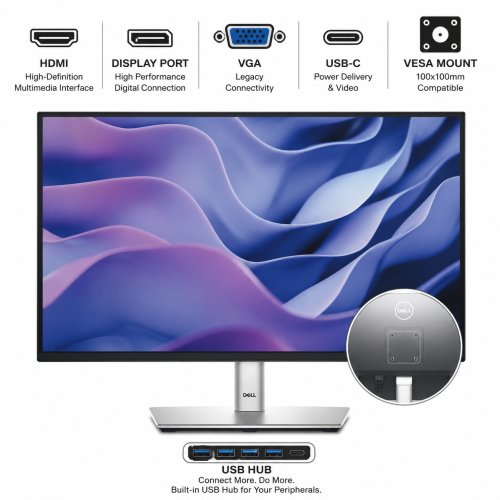
Panel technology influences how a monitor handles colour, contrast, viewing angles, and motion. IPS LCD panels are known for broad viewing angles and generally consistent colour when viewed from different positions, making them useful for collaborative work and image-based tasks. VA LCD panels often deliver stronger native contrast, which can give dark scenes greater depth, although motion handling varies between displays. TN LCD Monitors use twisted nematic panel technology and are often associated with fast response times, with viewing-angle and colour consistency trade-offs compared with many IPS displays. OLED panels control light at the pixel level, allowing very deep blacks and strong contrast, though prolonged static content requires attention to the display’s built-in care features. For photography, illustration, and video work, colour gamut coverage and accuracy are more informative than vividness alone; a highly saturated image is not necessarily a faithful one. For games and fast-moving video, refresh rate describes how often the screen updates each second, while response time describes how quickly pixels change between states. These are different measurements, and neither tells the whole story of motion clarity by itself. Adaptive sync can help reduce visible tearing when supported by both the monitor and the connected graphics hardware. Higher resolutions and refresh rates also place greater demands on the computer and connection, so the usable settings depend on the capabilities of the whole setup. HDMI and DisplayPort are common video connections, while some USB-C monitors can carry video, transfer data, and charge a compatible laptop through a single cable. Those functions depend on the monitor, laptop, and cable rather than the connector shape alone. A built-in USB hub can simplify access to a keyboard, mouse, or external drive, and an audio output can support headphones or separate speakers. Integrated speakers may suit calls and casual listening, while dedicated audio equipment can better serve someone who values fuller sound. Together, these features shape whether a screen feels at home in a quiet study corner, a creative workspace, or a gaming setup.
The construction and adjustability of flat screen monitors matter just as much during everyday use as their display specifications. Housings commonly combine moulded plastic with metal components in the stand or internal structure, while the front surface may have a matte or glossy finish. Matte treatments diffuse reflections from nearby windows and lamps; glossy surfaces can make images appear especially crisp but may show reflections more clearly. Neither finish replaces thoughtful placement, particularly when a bright window sits directly behind the viewer. A stable base helps limit wobble when typing, and height, tilt, swivel, or pivot adjustments make it easier to position the screen for a particular chair and work surface. Portrait orientation can be useful for long documents or coding, provided the monitor supports rotation or a suitable mount is used. VESA mounting compatibility allows some displays to attach to a monitor arm or wall bracket, but the mounting pattern, weight limit, and clearance requirements need to match. An arm can free desktop space and make repositioning easier, though the desk must also support its attachment method. For regular viewing, a comfortable position generally places the screen directly ahead, with its upper edge at or slightly below eye level and text large enough to read without leaning forward. Routine care is straightforward: switch off and unplug the monitor before cleaning, use a clean microfibre cloth, and follow the manufacturer’s directions for any cleaning solution. Liquid should not be sprayed directly onto the screen, and pressure or abrasive materials can damage its surface. Clear ventilation openings, loosely routed cables, and protection from knocks help support dependable use. A monitor can also make a thoughtful gift for a student, remote worker, photographer, or gamer when its connections, dimensions, and capabilities suit the recipient’s existing equipment. The most useful addition is one that makes familiar activities easier, whether that means reading course notes at a comfortable size, arranging editing tools beside an image, or enjoying a game without crowding the rest of the desk.
Panel technology influences how a monitor handles colour, contrast, viewing angles, and motion. IPS LCD panels are known for broad viewing angles and generally consistent colour when viewed from different positions, making them useful for collaborative work and image-based tasks. VA LCD panels often deliver stronger native contrast, which can give dark scenes greater depth, although motion handling varies between displays. TN LCD Monitors use twisted nematic panel technology and are often associated with fast response times, with viewing-angle and colour consistency trade-offs compared with many IPS displays. OLED panels control light at the pixel level, allowing very deep blacks and strong contrast, though prolonged static content requires attention to the display’s built-in care features. For photography, illustration, and video work, colour gamut coverage and accuracy are more informative than vividness alone; a highly saturated image is not necessarily a faithful one. For games and fast-moving video, refresh rate describes how often the screen updates each second, while response time describes how quickly pixels change between states. These are different measurements, and neither tells the whole story of motion clarity by itself. Adaptive sync can help reduce visible tearing when supported by both the monitor and the connected graphics hardware. Higher resolutions and refresh rates also place greater demands on the computer and connection, so the usable settings depend on the capabilities of the whole setup. HDMI and DisplayPort are common video connections, while some USB-C monitors can carry video, transfer data, and charge a compatible laptop through a single cable. Those functions depend on the monitor, laptop, and cable rather than the connector shape alone. A built-in USB hub can simplify access to a keyboard, mouse, or external drive, and an audio output can support headphones or separate speakers. Integrated speakers may suit calls and casual listening, while dedicated audio equipment can better serve someone who values fuller sound. Together, these features shape whether a screen feels at home in a quiet study corner, a creative workspace, or a gaming setup.
The construction and adjustability of flat screen monitors matter just as much during everyday use as their display specifications. Housings commonly combine moulded plastic with metal components in the stand or internal structure, while the front surface may have a matte or glossy finish. Matte treatments diffuse reflections from nearby windows and lamps; glossy surfaces can make images appear especially crisp but may show reflections more clearly. Neither finish replaces thoughtful placement, particularly when a bright window sits directly behind the viewer. A stable base helps limit wobble when typing, and height, tilt, swivel, or pivot adjustments make it easier to position the screen for a particular chair and work surface. Portrait orientation can be useful for long documents or coding, provided the monitor supports rotation or a suitable mount is used. VESA mounting compatibility allows some displays to attach to a monitor arm or wall bracket, but the mounting pattern, weight limit, and clearance requirements need to match. An arm can free desktop space and make repositioning easier, though the desk must also support its attachment method. For regular viewing, a comfortable position generally places the screen directly ahead, with its upper edge at or slightly below eye level and text large enough to read without leaning forward. Routine care is straightforward: switch off and unplug the monitor before cleaning, use a clean microfibre cloth, and follow the manufacturer’s directions for any cleaning solution. Liquid should not be sprayed directly onto the screen, and pressure or abrasive materials can damage its surface. Clear ventilation openings, loosely routed cables, and protection from knocks help support dependable use. A monitor can also make a thoughtful gift for a student, remote worker, photographer, or gamer when its connections, dimensions, and capabilities suit the recipient’s existing equipment. The most useful addition is one that makes familiar activities easier, whether that means reading course notes at a comfortable size, arranging editing tools beside an image, or enjoying a game without crowding the rest of the desk.
Top selling and popular products
-
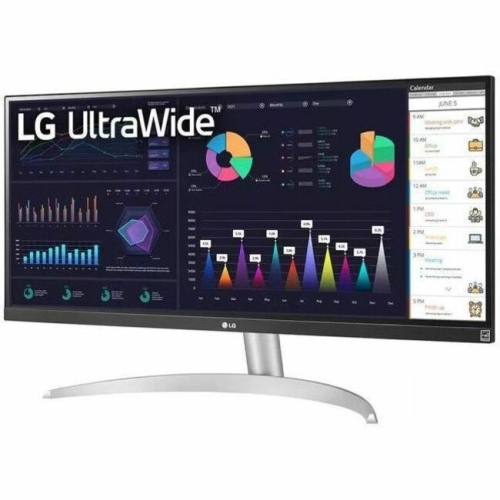 Your price for this item is $2237.68
-
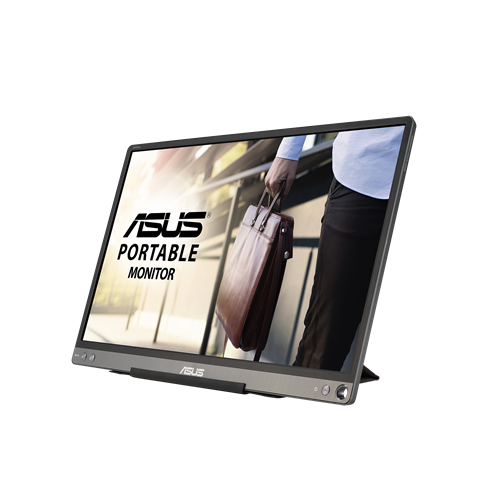 Your price for this item is $299
-
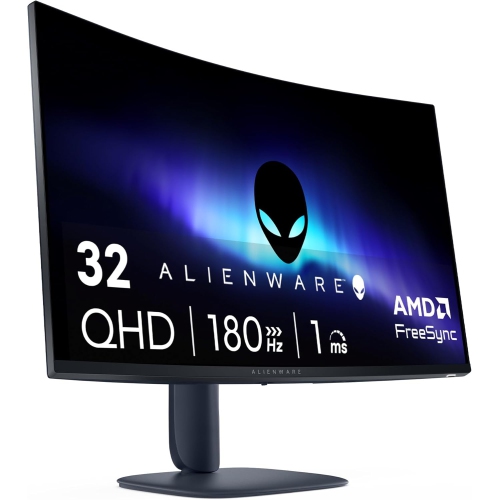 Your price for this item is $469
-
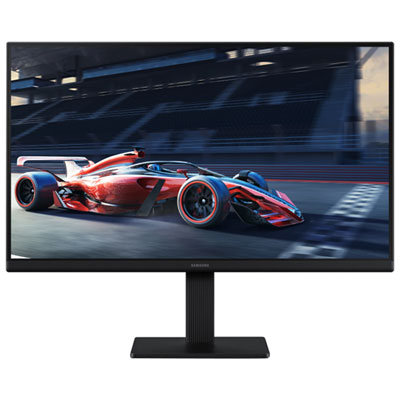 Your price for this item is $94.99
-
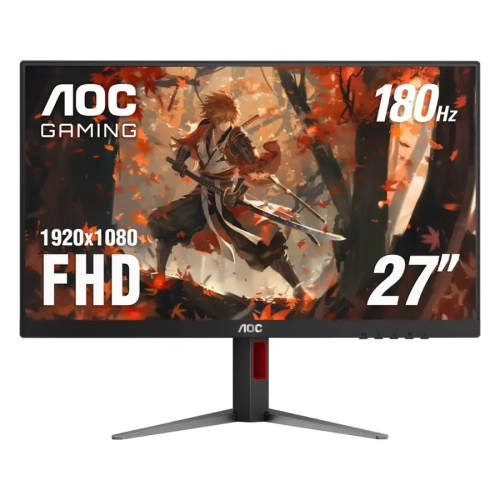 Your price for this item is $229.99
-
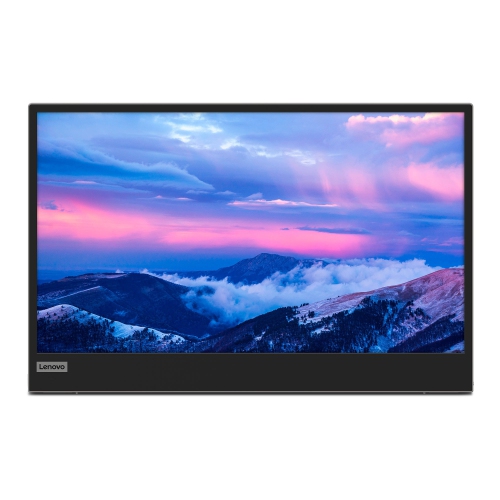 Your price for this item is $355.68
-
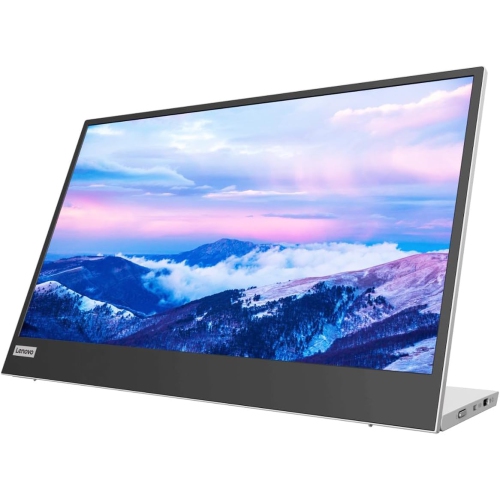 Your price for this item is $313
-
 Your price for this item is $3297.99
Discover more categories related to Flat Screen Monitors
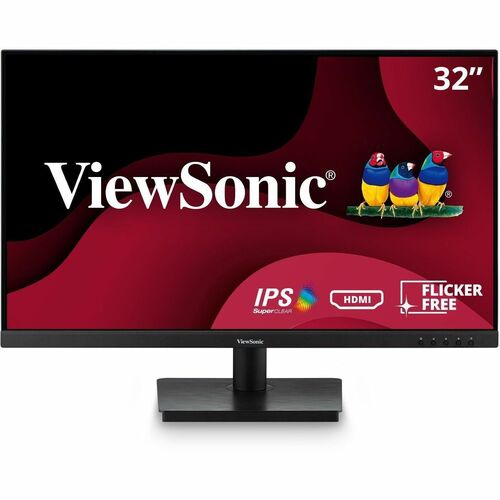

Top Collections:
Pokemon Centers, Kindle Devices, Best Black Friday Deals This Year, Pokémon 30th Celebration Cards, Best Black Friday Deals On Electronics, Best Cameras for Sports Photography, Best Black Friday Deals On Apple Products, Canon G7X Cameras, iPhone 15 Apple, Candle Warmer Lights
Some products may be subject to Environmental Handling Fees
(EHF) depending on your province.
Learn more about EHFs.