Curved Monitors for Photo Editing
Elevate your creative workspace with a curved monitor for photo editing, designed to enhance your visual experience and streamline your editing process. These monitors offer an immersive viewing experience that wraps around your field of vision, providing a more natural and comfortable way to engage with your work. Whether you're a professional photographer or a hobbyist looking to refine your skills, a curved monitor can help bring your images to life with stunning clarity and vibrant colors. Explore the range of options available to find the perfect addition to your setup and take your photo editing capabilities to new heights.
Sort

More room for editing, but colour accuracy comes first
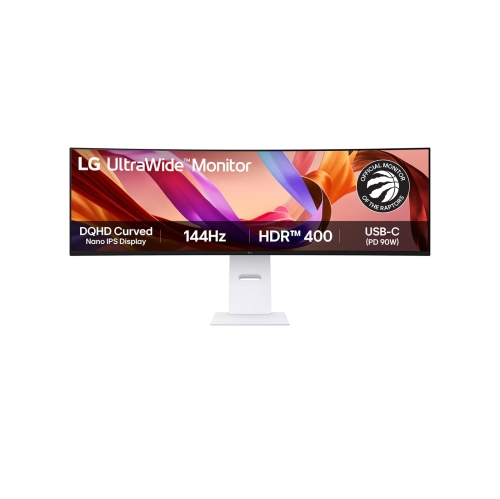
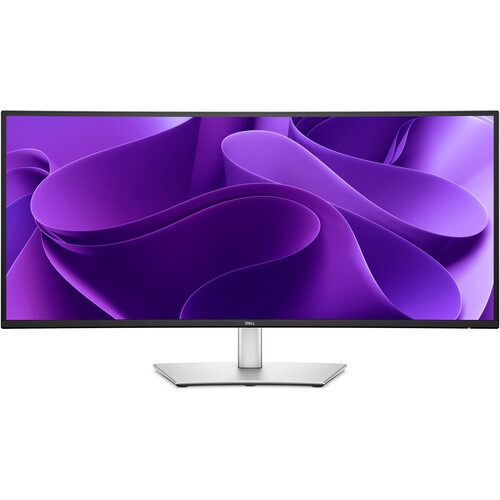
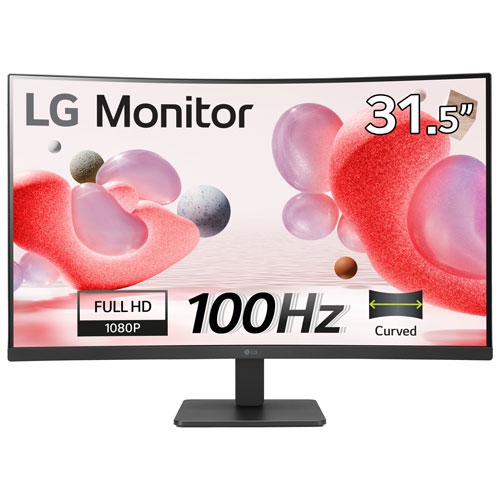
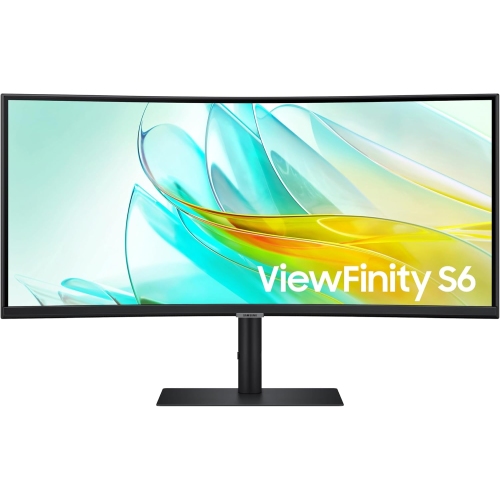
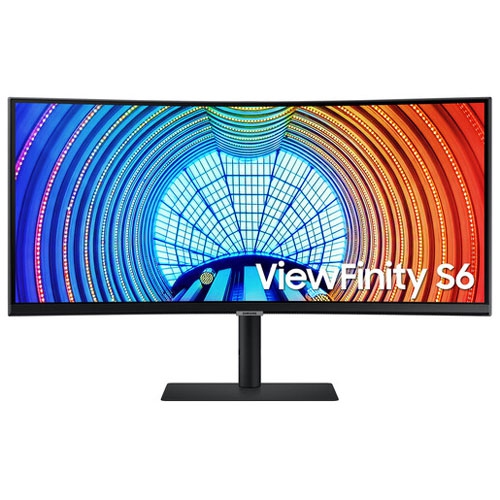
Curved monitors for photo editing combine a wraparound screen shape with room for detailed image work, from sorting a family portrait session to refining landscapes for a portfolio. The curve brings the outer edges of a wide display closer to the viewer, which can make a large workspace feel more cohesive when viewed from a centred position. On an ultrawide screen, that space can hold a large photograph alongside layers, adjustment controls, and a strip of thumbnails without crowding the image. Curved and ultrawide describe different features, however: curvature refers to the screen’s shape, while ultrawide refers to its proportions. Neither feature guarantees accurate colour. For photography, colour accuracy, brightness uniformity, resolution, and calibration support matter more than the curve itself. A curved display can suit hobbyists, portrait photographers, and creators who move between still images and video, especially when a broad workspace is part of their everyday routine. Its suitability is more nuanced for architectural photography, artwork reproduction, or other tasks that depend on judging straight lines and precise geometry. The curve does not alter the image file, but it can affect how lines and perspective appear to the viewer. Some people adjust easily; others prefer a flat reference display for checking building edges, horizons, or print layouts. Curvature ratings help describe the shape: a lower rating, such as 1500R, indicates a tighter curve than 1800R. A gentler curve may feel less pronounced during image editing, though viewing distance and screen width also influence the experience. Someone moving from a small laptop display may notice the extra working room immediately, while someone accustomed to a flat desktop monitor may need time to settle into the shape. The practical appeal is often simple: keeping a portrait large enough to inspect stray hairs while leaving useful editing controls visible at the side. For photographers managing extensive shoots, that layout can also make side-by-side comparisons and image selection feel less cramped.
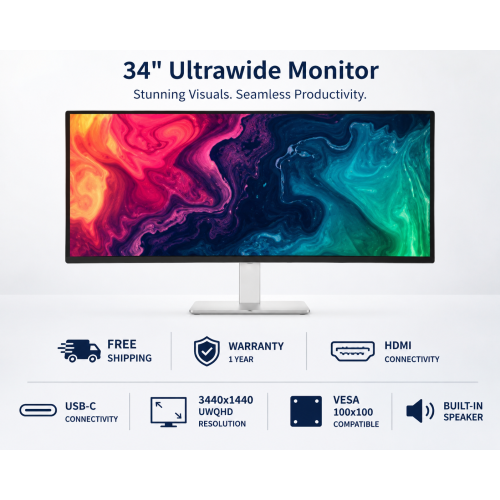
Colour performance determines whether a pleasing image on screen provides a dependable basis for editing decisions. Broad colour gamut coverage describes the range of colours a display can show, not how accurately it reproduces them. Strong sRGB coverage is useful for photographs intended for websites and everyday digital sharing, while Adobe RGB coverage can matter in colour-managed print workflows. DCI-P3 coverage may be valuable for mixed photo and video work, but it is not interchangeable with Adobe RGB coverage. Factory calibration and a stated colour accuracy measurement can provide useful context, although performance may vary between individual displays and change over time. Calibration with a compatible measuring device, together with an appropriate display profile, helps maintain a more consistent starting point. It cannot correct every panel limitation, particularly uneven brightness or colour across the screen. Many curved monitors use VA panels, which often provide strong contrast and deep blacks but may show shifts in tone or colour when viewed off-centre. IPS panels generally offer more stable viewing angles, although panel type alone does not establish professional editing quality. Uniformity is especially noticeable in photographs with broad areas of subtle colour: a pale sky, a white studio backdrop, or softly lit skin can reveal differences that a busy image hides. OLED displays offer another set of characteristics, including strong contrast, but long sessions with fixed editing toolbars make the manufacturer’s image-retention guidance worth considering. Resolution and pixel density also deserve attention. A 34-inch display with 3440 × 1440 resolution provides a wide workspace, but it does not show the same fine detail as a similarly sized display with a higher pixel density. Extra width is useful for arranging tools; additional pixels help render small details more clearly. For a closer look at the wider screen format, Ultrawide Monitors for Photo Editing focuses on that spacious layout. An HDR label, high refresh rate, or fast response time can support other uses, but none replaces accurate, consistent colour for still-photo editing.
The best fit also depends on the desk, computer, and rhythm of the editing session. A wide curved monitor needs enough room for its full width and stand depth, with a viewing position that keeps the user near the centre of the screen. Height adjustment, tilt, and swivel make it easier to place the display comfortably without relying on an improvised riser. A compatible monitor arm can free desk space, provided its mounting pattern and weight capacity match the display. Sturdy stand construction, secure joints, and a stable base matter when typing, using a pen tablet, or adjusting the screen frequently. Plastic housings and metal supports are common, but the overall build and adjustment mechanism are more informative than a material name alone. Surface finish affects daily use as well: an anti-glare coating can soften reflections from nearby windows and lamps, while controlled lighting helps prevent reflections from masking shadow detail. A screen set much brighter than the room can also encourage edits that look too dark in print. For print-focused work, soft proofing with the intended printer and paper profile, followed by a test print where appropriate, remains useful regardless of screen shape. Connections should support the monitor’s native resolution at the intended refresh rate through the computer, cable, and any dock in between. USB-C can simplify a laptop setup when it supports video and sufficient power delivery, but those capabilities vary. Built-in USB ports can keep a card reader or input device within reach during a long editing session. Everyday care is straightforward: power off the display, use a clean microfibre cloth, and follow the manufacturer’s cleaning directions rather than spraying liquid directly onto the panel. Avoiding pressure on the curved surface and leaving ventilation openings clear helps protect the display during regular use. For a photography student, an enthusiastic family historian, or a working creative, a curved monitor can be a thoughtful gift when its dimensions, connections, and colour capabilities match the recipient’s setup. Its lasting value comes from making the actual work more comfortable and consistent, whether that means restoring scanned photographs, preparing client portraits, or bringing out delicate texture in a landscape.
Colour performance determines whether a pleasing image on screen provides a dependable basis for editing decisions. Broad colour gamut coverage describes the range of colours a display can show, not how accurately it reproduces them. Strong sRGB coverage is useful for photographs intended for websites and everyday digital sharing, while Adobe RGB coverage can matter in colour-managed print workflows. DCI-P3 coverage may be valuable for mixed photo and video work, but it is not interchangeable with Adobe RGB coverage. Factory calibration and a stated colour accuracy measurement can provide useful context, although performance may vary between individual displays and change over time. Calibration with a compatible measuring device, together with an appropriate display profile, helps maintain a more consistent starting point. It cannot correct every panel limitation, particularly uneven brightness or colour across the screen. Many curved monitors use VA panels, which often provide strong contrast and deep blacks but may show shifts in tone or colour when viewed off-centre. IPS panels generally offer more stable viewing angles, although panel type alone does not establish professional editing quality. Uniformity is especially noticeable in photographs with broad areas of subtle colour: a pale sky, a white studio backdrop, or softly lit skin can reveal differences that a busy image hides. OLED displays offer another set of characteristics, including strong contrast, but long sessions with fixed editing toolbars make the manufacturer’s image-retention guidance worth considering. Resolution and pixel density also deserve attention. A 34-inch display with 3440 × 1440 resolution provides a wide workspace, but it does not show the same fine detail as a similarly sized display with a higher pixel density. Extra width is useful for arranging tools; additional pixels help render small details more clearly. For a closer look at the wider screen format, Ultrawide Monitors for Photo Editing focuses on that spacious layout. An HDR label, high refresh rate, or fast response time can support other uses, but none replaces accurate, consistent colour for still-photo editing.
The best fit also depends on the desk, computer, and rhythm of the editing session. A wide curved monitor needs enough room for its full width and stand depth, with a viewing position that keeps the user near the centre of the screen. Height adjustment, tilt, and swivel make it easier to place the display comfortably without relying on an improvised riser. A compatible monitor arm can free desk space, provided its mounting pattern and weight capacity match the display. Sturdy stand construction, secure joints, and a stable base matter when typing, using a pen tablet, or adjusting the screen frequently. Plastic housings and metal supports are common, but the overall build and adjustment mechanism are more informative than a material name alone. Surface finish affects daily use as well: an anti-glare coating can soften reflections from nearby windows and lamps, while controlled lighting helps prevent reflections from masking shadow detail. A screen set much brighter than the room can also encourage edits that look too dark in print. For print-focused work, soft proofing with the intended printer and paper profile, followed by a test print where appropriate, remains useful regardless of screen shape. Connections should support the monitor’s native resolution at the intended refresh rate through the computer, cable, and any dock in between. USB-C can simplify a laptop setup when it supports video and sufficient power delivery, but those capabilities vary. Built-in USB ports can keep a card reader or input device within reach during a long editing session. Everyday care is straightforward: power off the display, use a clean microfibre cloth, and follow the manufacturer’s cleaning directions rather than spraying liquid directly onto the panel. Avoiding pressure on the curved surface and leaving ventilation openings clear helps protect the display during regular use. For a photography student, an enthusiastic family historian, or a working creative, a curved monitor can be a thoughtful gift when its dimensions, connections, and colour capabilities match the recipient’s setup. Its lasting value comes from making the actual work more comfortable and consistent, whether that means restoring scanned photographs, preparing client portraits, or bringing out delicate texture in a landscape.
Top selling and popular products
-
 Your price for this item is $299
 -
 Your price for this item is $599
 -
 Your price for this item is $94.99
 -
 Your price for this item is $329.99
 -
 Your price for this item is $499
 -
 Your price for this item is $265.99
 -
 Your price for this item is $1299.97
 -
 Your price for this item is $249.99
Discover more categories related to Curved Monitors for Photo Editing
Top Collections:
Pokemon Centers, Kindle Devices, Best Budget Office Chairs, Apple iPhones 16, Best Laptops for Writers, iPhone 15 Apple, Canon G7X Cameras, Refurbished Apple Laptops, Alarm Clock, Motorola Razr Phones
Some products may be subject to Environmental Handling Fees
(EHF) depending on your province.
Learn more about EHFs.