Curved Monitors for Graphic Design
Curved Monitors for Graphic Design offer an immersive viewing experience that can help bring creative projects to life. Designed to support the needs of graphic artists, illustrators, and visual professionals, these monitors provide a workspace that enhances focus and comfort during long design sessions. Explore a range of screen sizes and resolutions to find the perfect fit for your studio or home office, and elevate your creative workflow with Curved Monitors for Graphic Design.
Sort
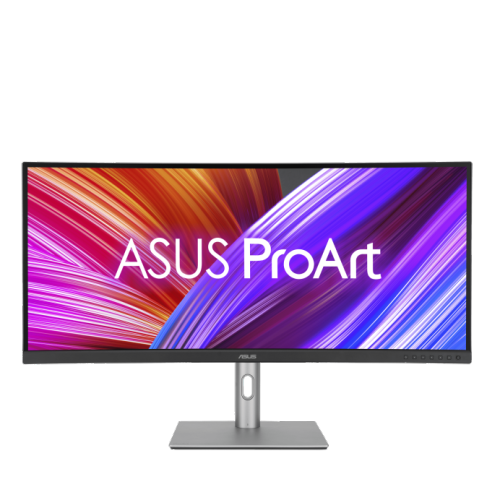
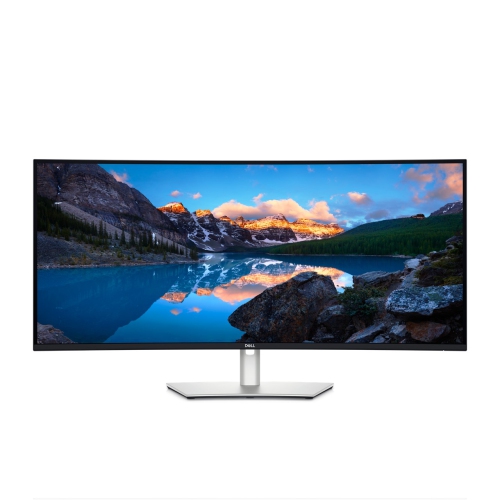
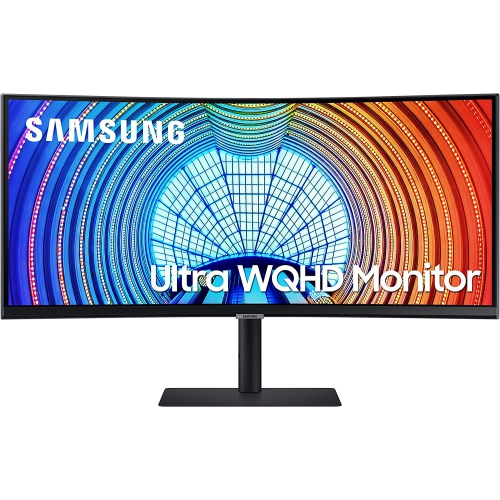
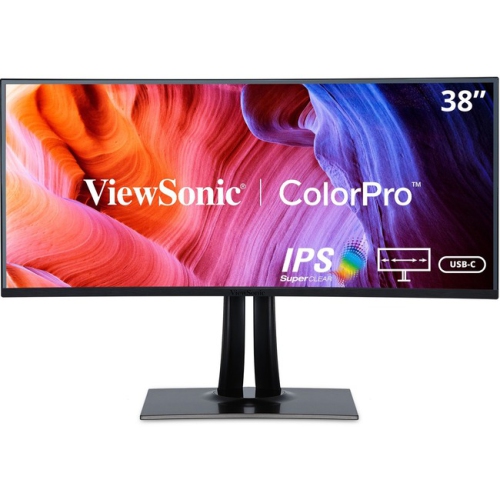
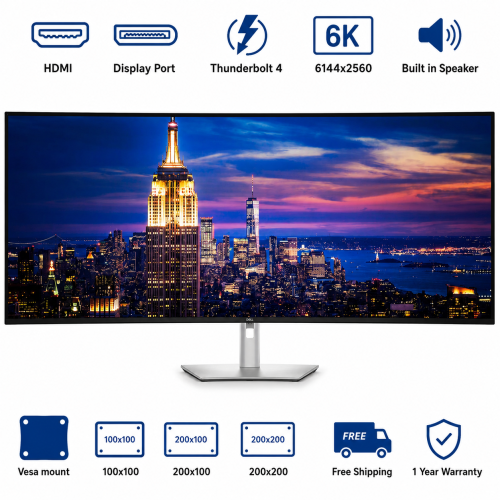
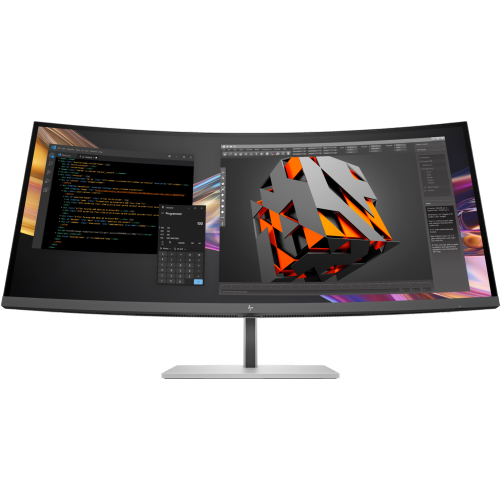
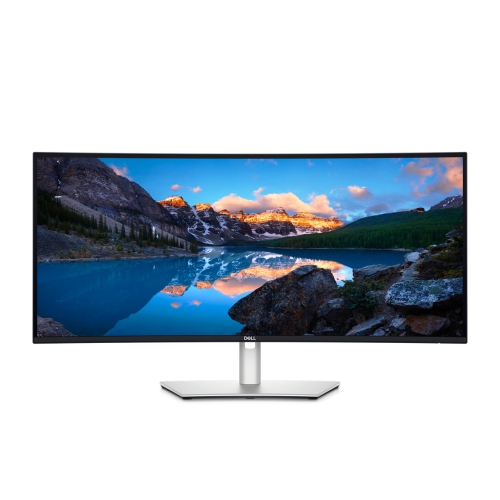
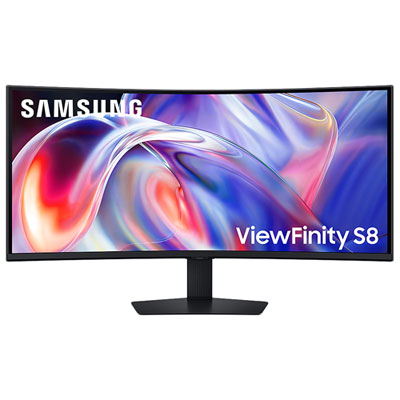
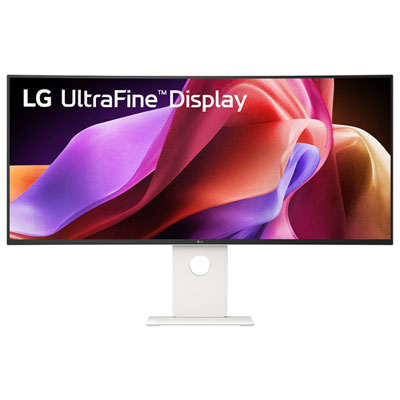
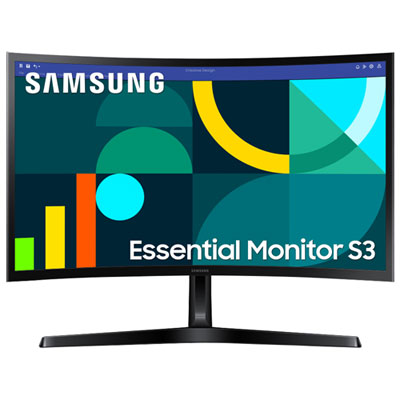
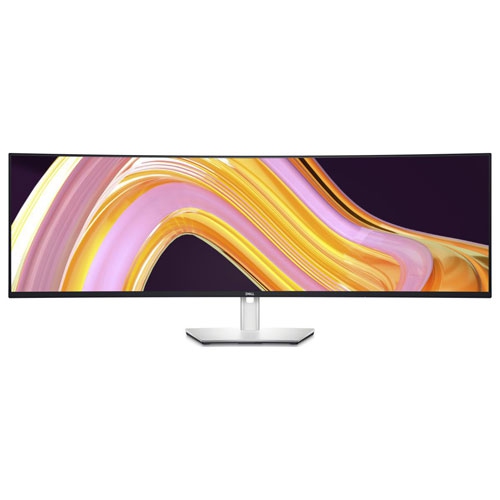

A wider canvas comes with design trade-offs
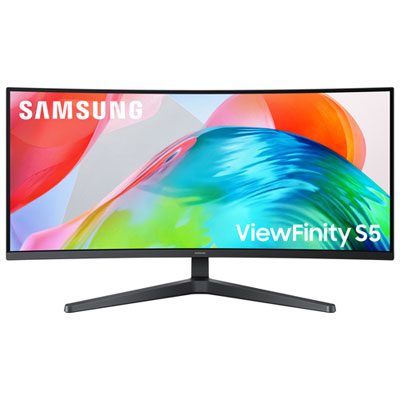
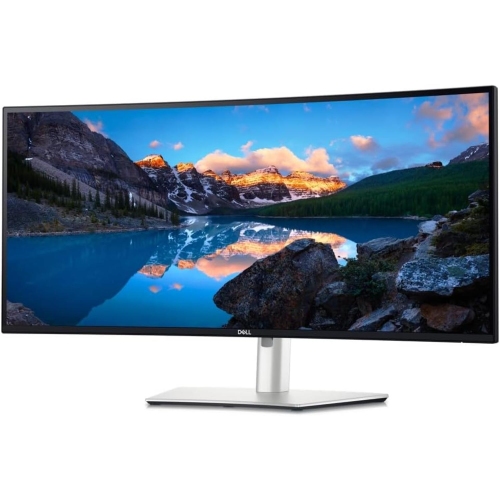
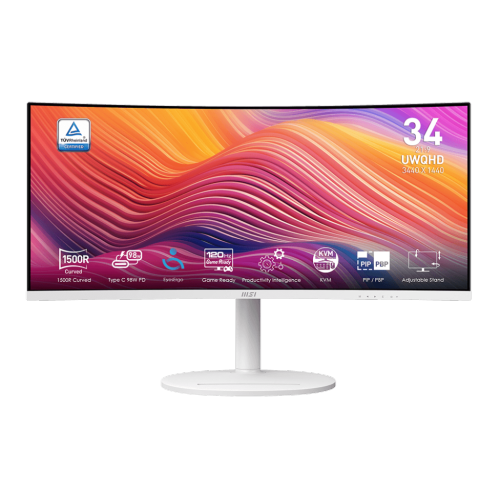
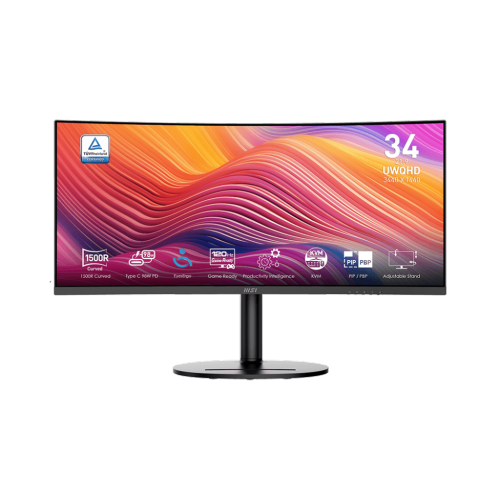
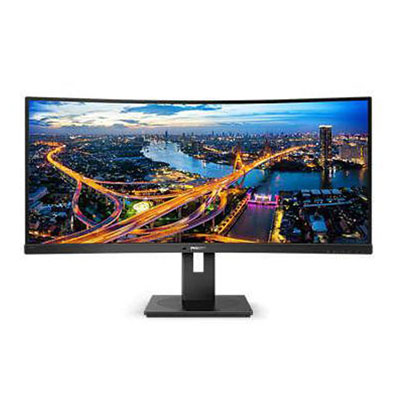
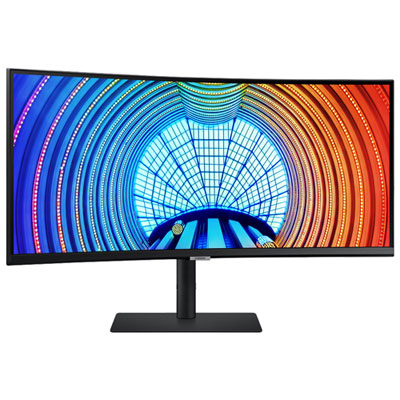
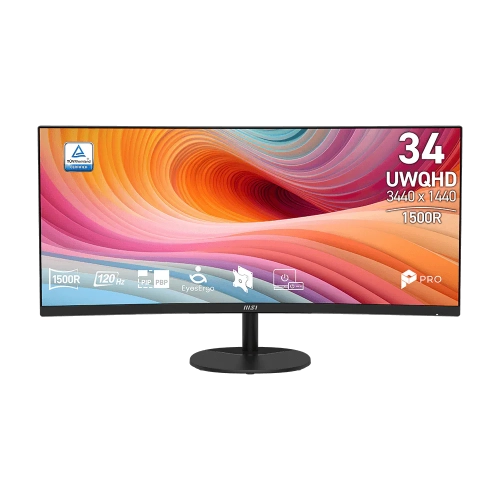
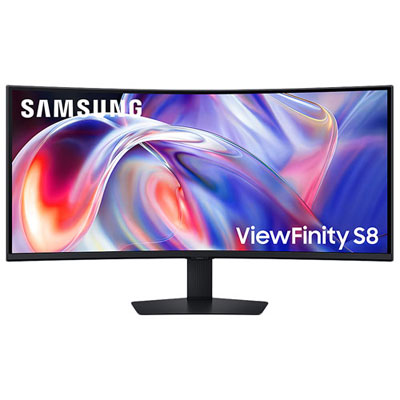
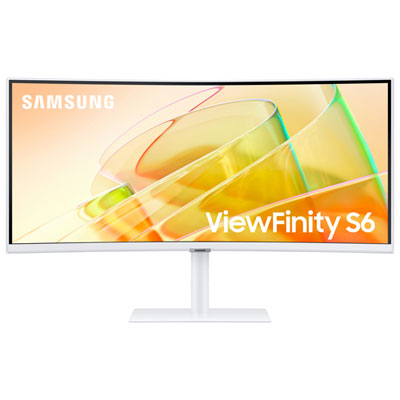
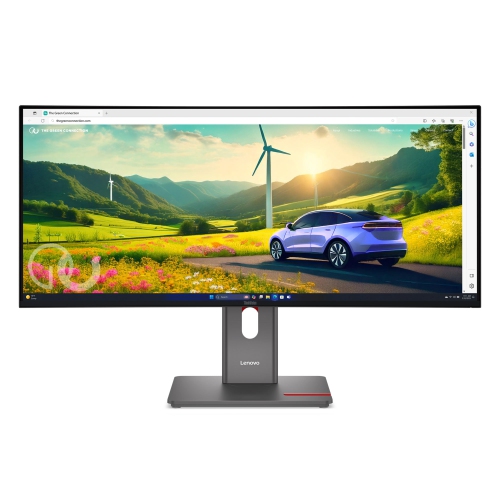
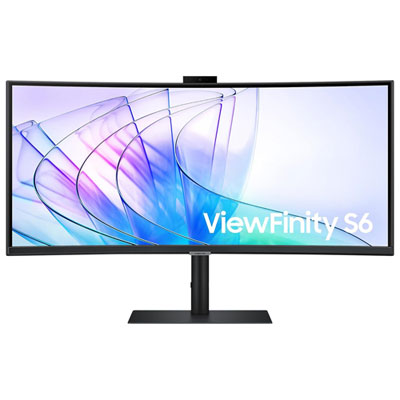
Curved monitors for graphic design provide a wide, wraparound workspace for digital layouts, illustration, web design, and creative multitasking. Their main appeal is the room to keep a canvas, tool panels, reference images, and feedback visible together, especially on an ultrawide screen. A designer developing a website can place a desktop layout beside a mobile preview, while someone assembling a presentation can leave typography controls open without crowding the slide. The curve brings the outer edges of a wide display closer to the viewer’s seated position, which can make a broad workspace feel easier to take in. That shape does not change the geometry of an exported file, but it can affect how straight lines, proportions, and alignment appear on screen. For print-critical layouts, architectural graphics, or work that depends on judging precise geometry, a flat display or an additional flat reference screen may be more suitable. A gentler curve is often less noticeable during layout work than a pronounced curve, although the effect depends on screen size, viewing distance, and personal preference. Curvature ratings describe the radius of the curve: a smaller number indicates a tighter curve, not inherently better image quality. Screen proportions matter just as much. An ultrawide display offers generous horizontal space, whereas a more conventional aspect ratio may fit an established desk arrangement or make comparisons with standard presentation formats simpler. Resolution determines how much detail that space can show. A larger screen with a low pixel density will not render small type as crisply as a similarly sized screen with more pixels. Operating system scaling also affects the balance between readable menus and usable canvas space. For designers moving between detailed vector artwork and busy project dashboards, the most useful combination is enough resolution for clean edges, comfortable text sizing, and a screen shape that suits the way their work is arranged.
Colour performance deserves particular attention because curvature alone says little about whether a monitor can represent artwork faithfully. Coverage of a colour space describes the range of colours a display can reproduce; accuracy describes how closely those colours match their intended values. These are different qualities, and a wide colour gamut does not automatically mean accurate results. For web graphics and many everyday digital assets, reliable sRGB reproduction is especially relevant. Wider-gamut work may benefit from broader coverage, provided the software, display settings, and file workflow support it. An effective sRGB mode can help prevent standard web content from looking excessively saturated on a wide-gamut screen. Factory calibration information is useful, but ongoing colour-sensitive work may also call for a compatible calibration device and correctly applied display profiles. Panel type offers another point of comparison. IPS panels often provide consistent colour at wider viewing angles, while VA panels commonly offer stronger native contrast; actual performance varies between displays. Uniform brightness and colour across the panel are particularly important on a large screen, where a pale background should not appear noticeably warmer at one edge or darker in a corner. A curved panel does not eliminate these variations, and sitting off-centre can make some viewing differences more apparent. An anti-glare finish can soften distracting reflections, though its surface texture may be more noticeable on bright artwork. Controlled room lighting and a sensible brightness setting support more dependable judgements than simply turning the display up as far as it will go. Print projects still require attention to printer profiles, paper characteristics, and proofing, since a luminous screen cannot duplicate ink on paper exactly. Creative work that regularly combines layout with image retouching also overlaps with the considerations described on the Curved Monitors for Photo Editing page, particularly colour accuracy, tonal detail, and consistency across a broad canvas.
Physical fit and everyday connections help determine whether a curved monitor becomes a comfortable part of a design setup. Screen width is only one measurement: stand depth, panel thickness, and the space needed behind the desk can all affect placement. A deep curved display may sit closer than expected on a shallow desktop, leaving less room for a drawing tablet, keyboard, or printed reference sheets. Height adjustment, tilt, and a stable base make it easier to position the screen without stacking objects beneath it. Swivel adjustment can help when sharing a layout with a colleague, although colour and perceived geometry are best assessed from a centred position. A compatible mounting arm can free desktop space, provided its weight capacity and mounting pattern match the display, and there is enough clearance for the panel’s curve. Monitor housings commonly use moulded plastic, while stands may combine plastic covers with metal support structures; sturdy joints and secure adjustment mechanisms matter more to daily stability than a decorative finish. Connection requirements depend on the computer and workflow. A USB-C connection may carry video, data, and laptop charging through one cable, but those functions and the charging output need to be supported by both devices. HDMI and DisplayPort capabilities, cable specifications, and the computer’s graphics hardware can limit the resolution or refresh rate available, particularly on a high-resolution ultrawide display. Higher refresh rates can make scrolling and moving objects feel smoother, but they do not replace accurate colour or sharp text. For freelancers, design students, and shared creative studios, convenient peripheral connections and easy access to settings can be as useful as extra screen area. A monitor intended as a gift is most likely to suit its recipient when it matches their desk space, computer connections, and usual creative tasks. Care is straightforward: a soft microfibre cloth, gentle pressure, and cleaning methods approved for the panel help protect the surface. Supporting the housing rather than pressing on the screen during repositioning also helps prevent damage, especially with a large curved panel.
Top selling and popular products
-
 Your price for this item is $2237.68
-
 Your price for this item is $320.68
-
 Your price for this item is $469
-
 Your price for this item is $149.99
-
 Your price for this item is $265.99
-
 Your price for this item is $229.99
-
 Your price for this item is $1138.68
-
 Your price for this item is $355.68
Discover more categories related to Curved Monitors for Graphic Design
Top Collections:
Best Black Friday Deals This Year, Best Black Friday Deals On Electronics, Kindle Devices, Pokemon Centers, Best Black Friday Deals On Apple Products, Best Cameras for Sports Photography, Dyson Airwrap, Pokémon 30th Celebration Cards, Apple iPhone 17 Pro, Canon G7X Cameras
Some products may be subject to Environmental Handling Fees
(EHF) depending on your province.
Learn more about EHFs.