Dell Monitors for Photo Editing
Elevate your creative process with a Dell monitor for photo editing, designed to bring your visual projects to life with precision and clarity. Whether you're a professional photographer or an enthusiastic hobbyist, finding the right monitor is crucial for ensuring accurate color representation and detail in every image. Discover a range of options that cater to different needs and preferences, helping you achieve stunning results with every edit. Explore this selection to find the perfect Dell monitor that complements your workflow and enhances your artistic vision.
Sort
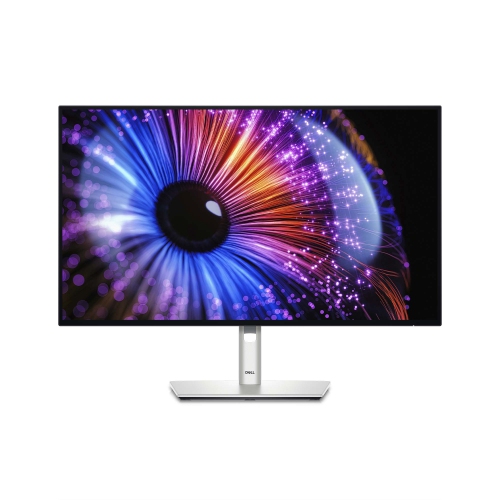
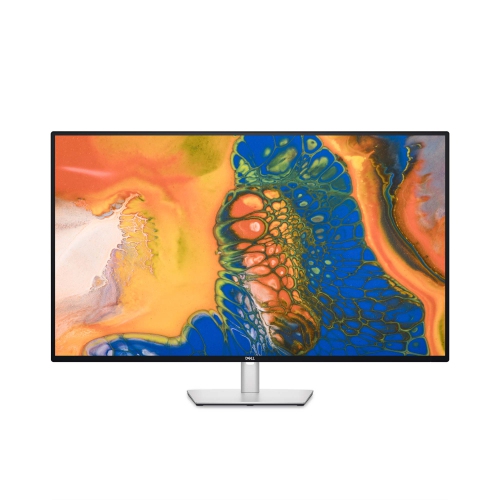
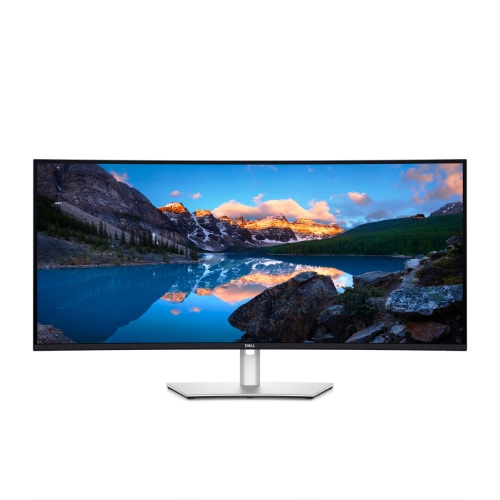
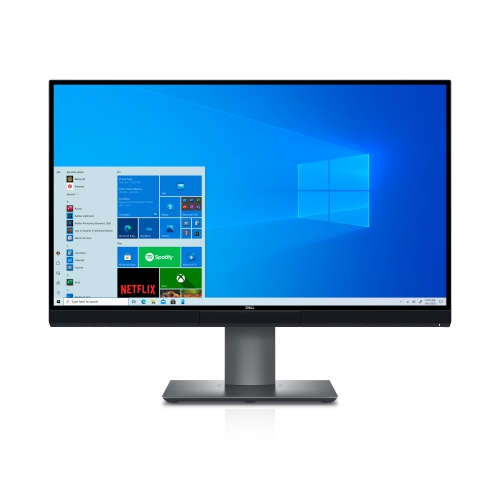
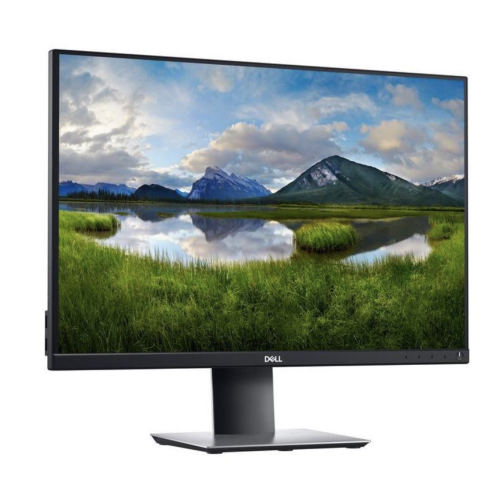
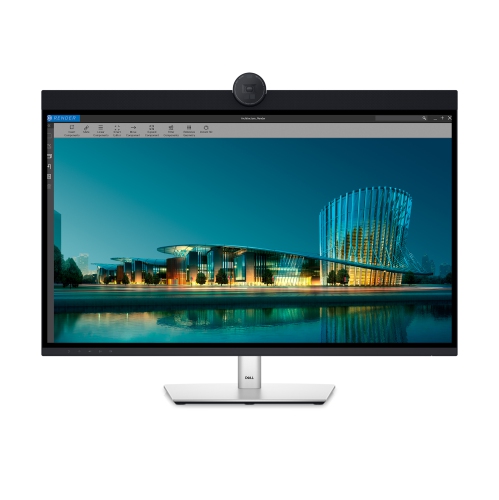
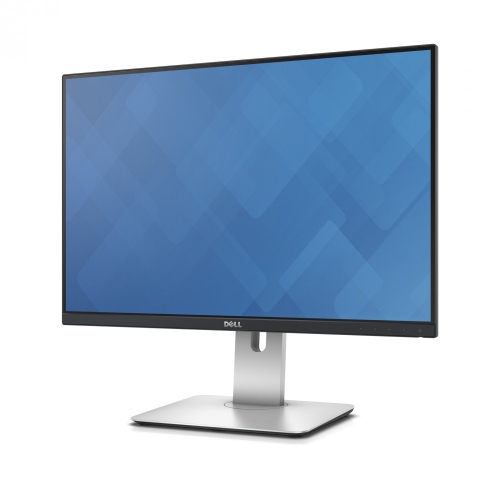
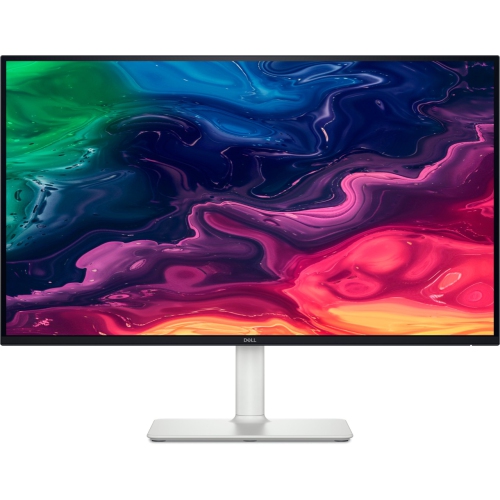
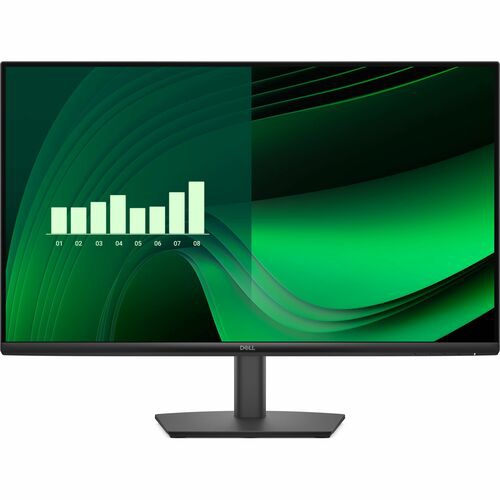

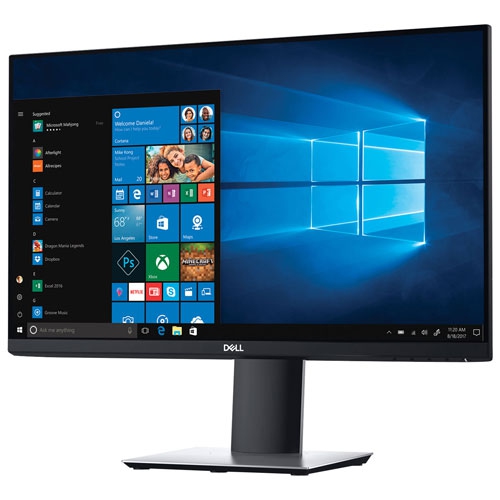
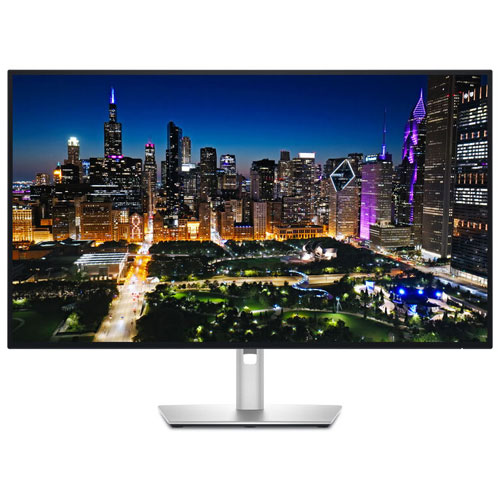
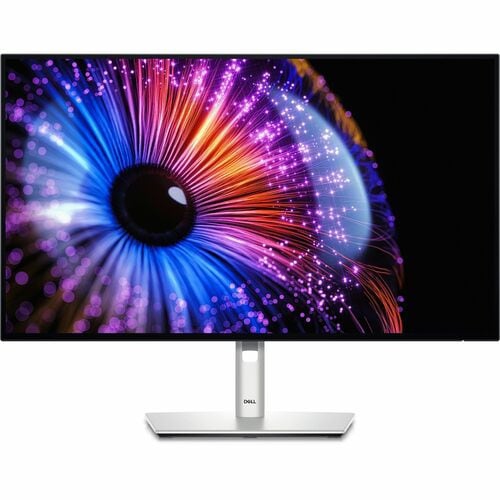
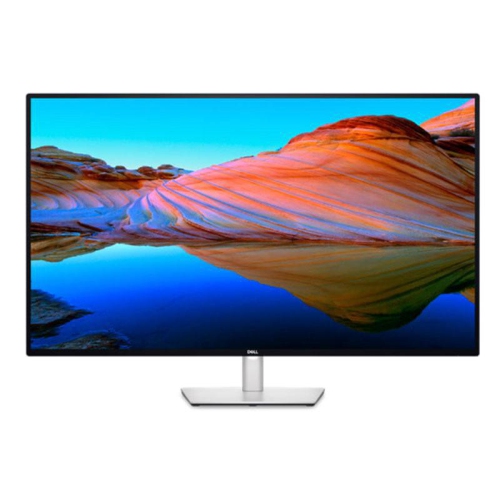
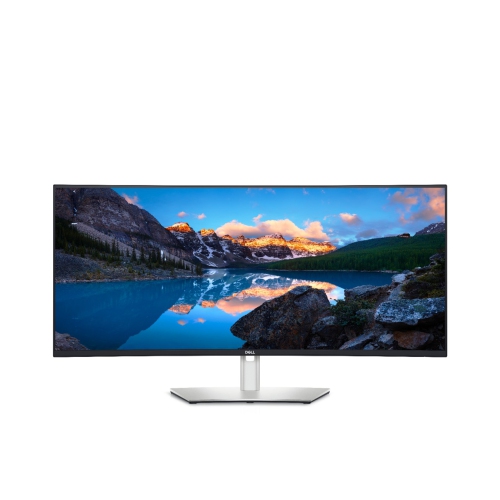
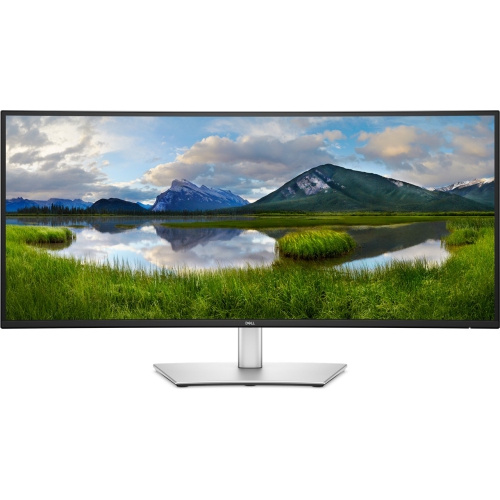
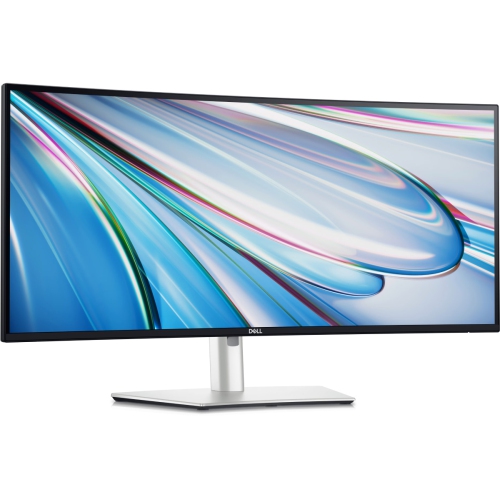
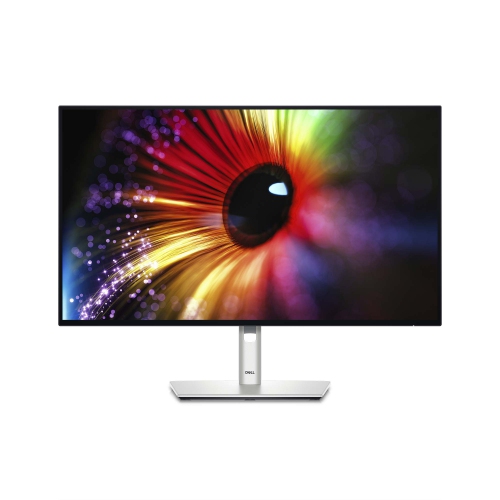
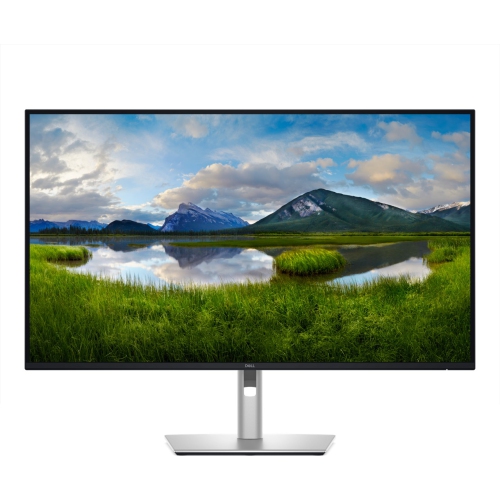
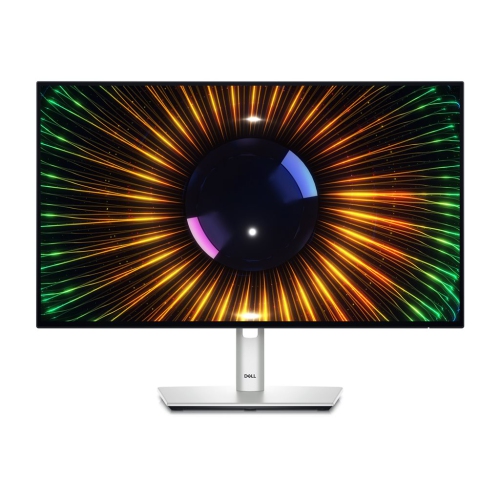
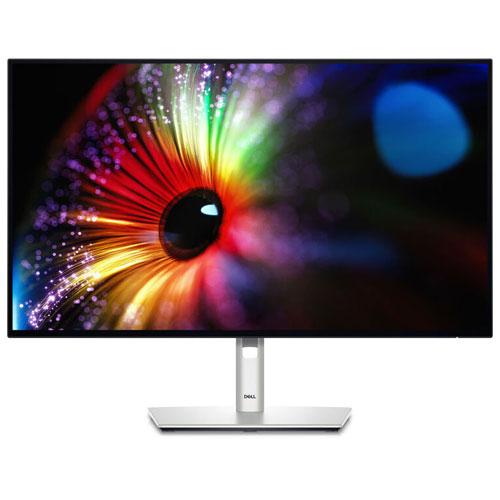
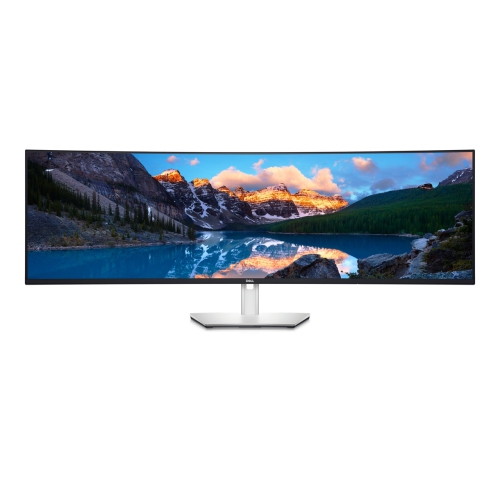
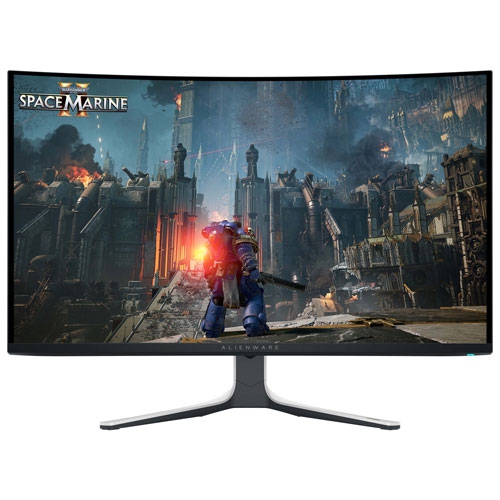
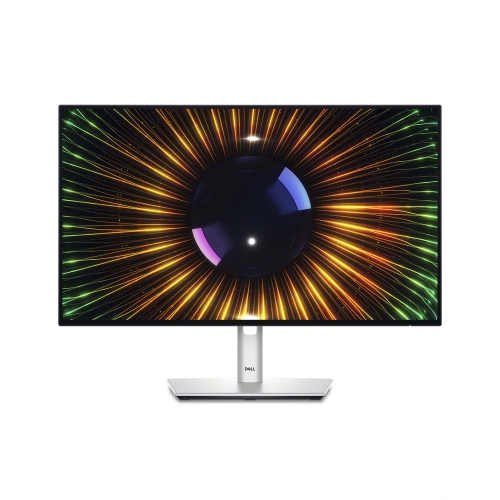
Colour accuracy and resolution shape every editing decision
Monitors for photo editing are designed to make fine differences in colour, tone, texture, and sharpness easier to see while you work. A dependable display can show the subtle blue in a shadowed sky, the warm detail in a skin tone, or the gradual transition between highlights and dark areas without making everything look flat or oversaturated. This is especially useful for photographers who edit RAW files, prepare images for printing, retouch portraits, create product photography, or manage large collections of travel and family photos. A monitor with a sharp image and consistent colour can also make everyday tasks more comfortable, from sorting images and reviewing proofs to arranging layers in editing software. The right screen depends on where finished photos will be viewed. For images intended mainly for websites, social media, online galleries, and digital portfolios, strong sRGB coverage is an important starting point because it matches the colour space used by many browsers and consumer devices. Photographers who print at home or send files to a professional lab may prefer wider colour coverage, such as Adobe RGB or DCI-P3, so that compatible editing applications can display a broader range of colours. Colour coverage is only one part of the picture: factory calibration, support for hardware calibration, uniformity across the panel, and stable brightness can all affect how reliably a monitor represents an image from one corner of the screen to the other.
Resolution also deserves careful consideration. A 4K display provides 3840 x 2160 pixels, giving photographs a crisp appearance and making small details easier to inspect. On a 27-inch or 32-inch screen, this pixel density can be particularly helpful when removing dust spots, refining hair and fabric, checking landscape textures, or sharpening an image for print. Higher resolution also creates more room for toolbars and panels without taking the entire workspace away from the photograph. Larger or ultra-wide displays can be useful for photographers who like to keep an image open beside a file browser, editing controls, reference material, or a second application. A wide 5K2K-style workspace can reduce the need to switch between windows, while a conventional 16:9 panel may fit more easily on a smaller desk or in a shared home office. IPS-style panels are commonly favoured for creative work because they tend to offer wide viewing angles and consistent colour when you move slightly from side to side. Deep contrast can help reveal detail in darker areas, although photographers should also consider how ambient lighting affects what they see. A bright room with daylight falling directly on the screen can make blacks look washed out, while a dim room can encourage overly bright edits. Positioning the display away from windows, reducing glare, and keeping surrounding lighting reasonably consistent can make colour decisions more dependable. A height-adjustable stand, tilt and swivel controls, and a matte or low-glare coating can add comfort during long editing sessions. An ergonomic setup is easy to appreciate after several hours of selecting, cropping, and fine-tuning images.
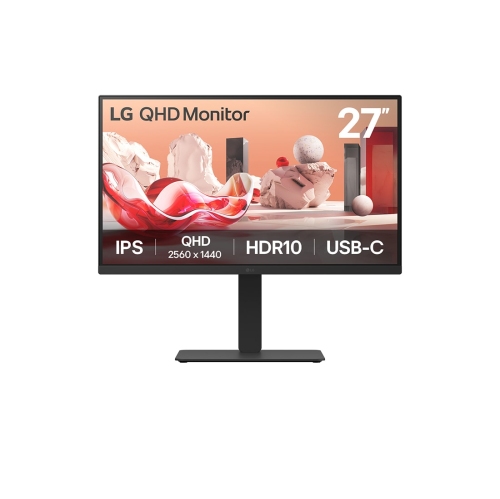
Connectivity can shape the way a monitor fits into a photographer’s workflow. USB-C can allow a compatible laptop to send video, data, and power through one cable, helping keep a desk tidy and making it easier to move between a home workstation and a mobile setup. Thunderbolt connectivity can support fast data transfers and daisy-chaining with compatible devices, which may suit photographers working with large RAW libraries, external drives, card readers, and other accessories. Built-in USB ports can keep a keyboard, mouse, calibration device, or memory-card reader within easy reach, while a built-in hub may reduce the number of adapters required. Before choosing a display, check the ports on the computer and confirm the resolution, refresh rate, power delivery, and cable requirements that are supported. A monitor is also a thoughtful gift for a photographer, design student, content creator, or remote worker who has outgrown a small laptop screen. It can be especially helpful for someone building a first editing station, preparing a portfolio, or spending more time photographing during the warmer seasons and organizing images during the cooler months. Those comparing different display options may also wish to explore LG Monitors for Photo Editing to review another range of features and screen sizes. Whether the priority is accurate colour for print, crisp detail for retouching, a generous workspace for multitasking, or simple one-cable laptop connectivity, choosing a monitor around the photographer’s files, software, desk, and viewing environment can make every stage of the editing process feel more precise and natural.
Resolution also deserves careful consideration. A 4K display provides 3840 x 2160 pixels, giving photographs a crisp appearance and making small details easier to inspect. On a 27-inch or 32-inch screen, this pixel density can be particularly helpful when removing dust spots, refining hair and fabric, checking landscape textures, or sharpening an image for print. Higher resolution also creates more room for toolbars and panels without taking the entire workspace away from the photograph. Larger or ultra-wide displays can be useful for photographers who like to keep an image open beside a file browser, editing controls, reference material, or a second application. A wide 5K2K-style workspace can reduce the need to switch between windows, while a conventional 16:9 panel may fit more easily on a smaller desk or in a shared home office. IPS-style panels are commonly favoured for creative work because they tend to offer wide viewing angles and consistent colour when you move slightly from side to side. Deep contrast can help reveal detail in darker areas, although photographers should also consider how ambient lighting affects what they see. A bright room with daylight falling directly on the screen can make blacks look washed out, while a dim room can encourage overly bright edits. Positioning the display away from windows, reducing glare, and keeping surrounding lighting reasonably consistent can make colour decisions more dependable. A height-adjustable stand, tilt and swivel controls, and a matte or low-glare coating can add comfort during long editing sessions. An ergonomic setup is easy to appreciate after several hours of selecting, cropping, and fine-tuning images.
Connectivity can shape the way a monitor fits into a photographer’s workflow. USB-C can allow a compatible laptop to send video, data, and power through one cable, helping keep a desk tidy and making it easier to move between a home workstation and a mobile setup. Thunderbolt connectivity can support fast data transfers and daisy-chaining with compatible devices, which may suit photographers working with large RAW libraries, external drives, card readers, and other accessories. Built-in USB ports can keep a keyboard, mouse, calibration device, or memory-card reader within easy reach, while a built-in hub may reduce the number of adapters required. Before choosing a display, check the ports on the computer and confirm the resolution, refresh rate, power delivery, and cable requirements that are supported. A monitor is also a thoughtful gift for a photographer, design student, content creator, or remote worker who has outgrown a small laptop screen. It can be especially helpful for someone building a first editing station, preparing a portfolio, or spending more time photographing during the warmer seasons and organizing images during the cooler months. Those comparing different display options may also wish to explore LG Monitors for Photo Editing to review another range of features and screen sizes. Whether the priority is accurate colour for print, crisp detail for retouching, a generous workspace for multitasking, or simple one-cable laptop connectivity, choosing a monitor around the photographer’s files, software, desk, and viewing environment can make every stage of the editing process feel more precise and natural.
Top selling and popular products
-
 Your price for this item is $299
 -
 Your price for this item is $599
 -
 Your price for this item is $94.99
 -
 Your price for this item is $329.99
 -
 Your price for this item is $499
 -
 Your price for this item is $265.99
 -
 Your price for this item is $1299.97
 -
 Your price for this item is $249.99
Discover more categories related to Dell Monitors for Photo Editing
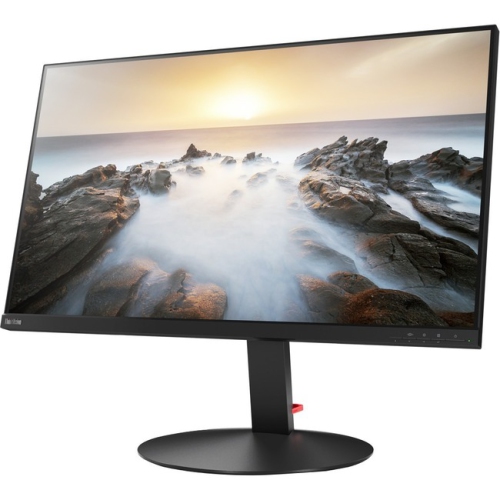

Top Collections:
Pokemon Centers, Kindle Devices, Best Budget Office Chairs, Apple iPhones 16, Best Laptops for Writers, iPhone 15 Apple, Canon G7X Cameras, Refurbished Apple Laptops, Alarm Clock, Motorola Razr Phones
Some products may be subject to Environmental Handling Fees
(EHF) depending on your province.
Learn more about EHFs.