Audio Interfaces for Live Streaming
Audio Interfaces for Live Streaming are essential tools for creators looking to elevate their sound quality during broadcasts. Whether you’re sharing music, hosting podcasts, or engaging with your audience in real time, the right audio interface can make a significant difference in your streaming experience. Explore a wide selection designed to help you achieve clear, professional audio for every live session. Find the perfect match for your setup and take your live streaming to the next level.
Sort
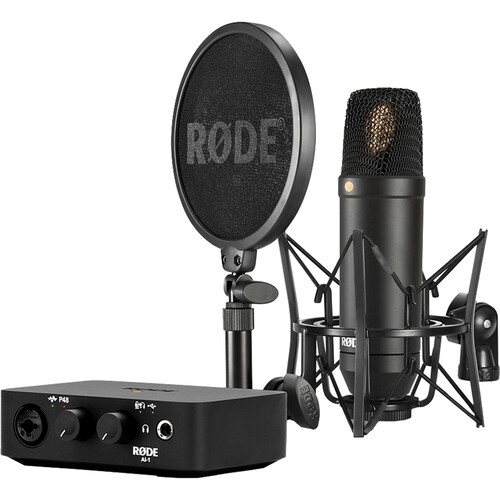
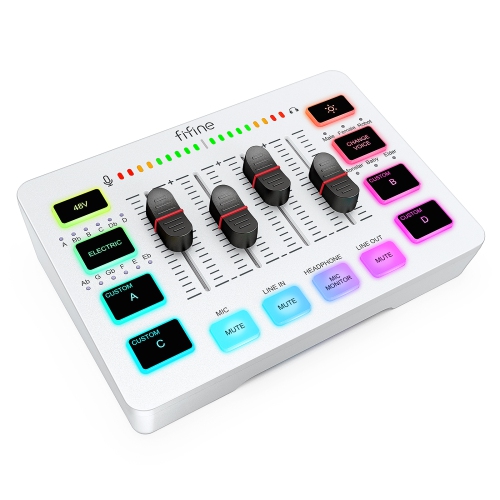
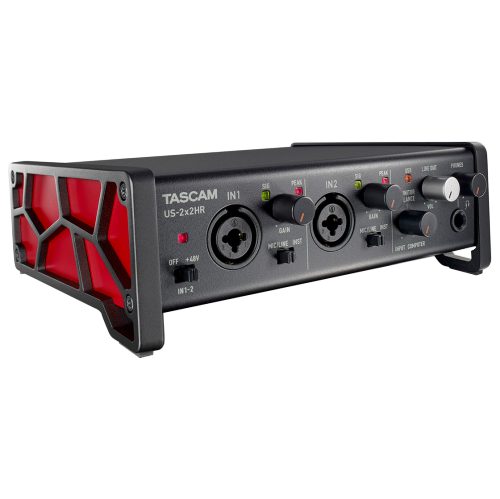
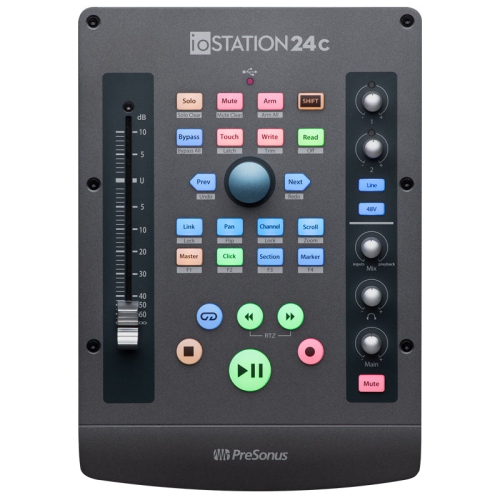
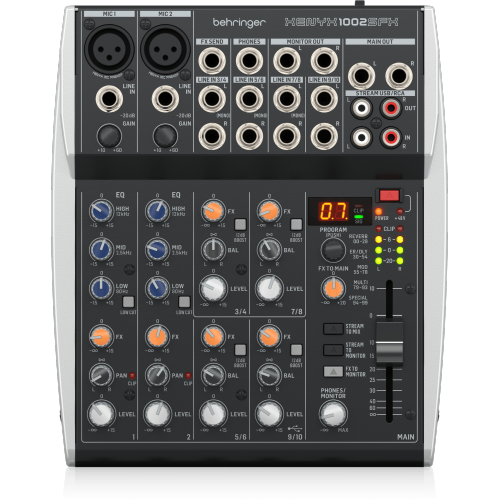
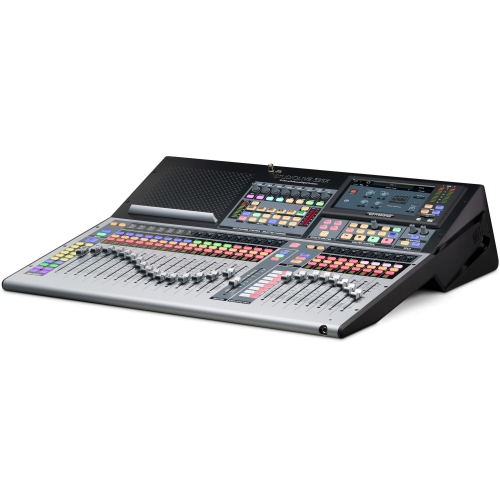
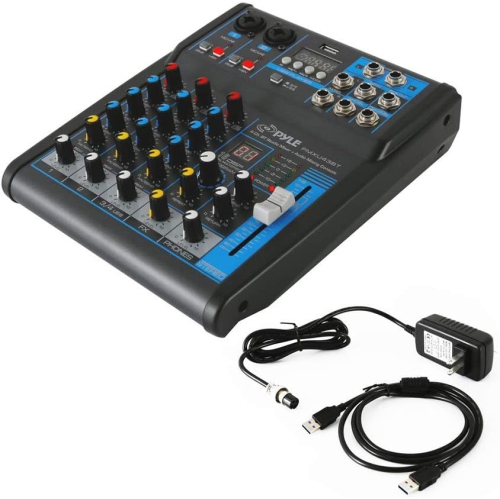
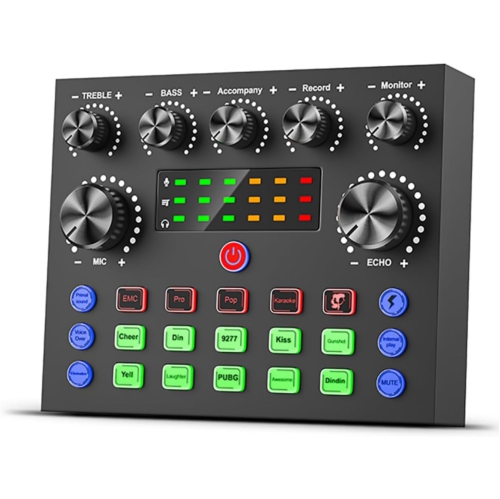

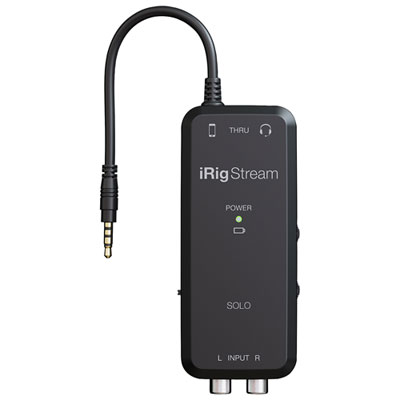
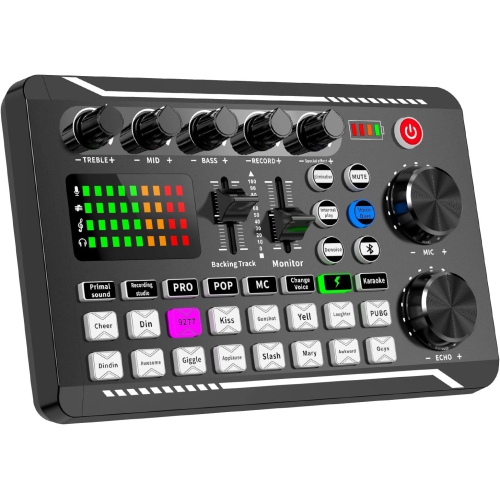
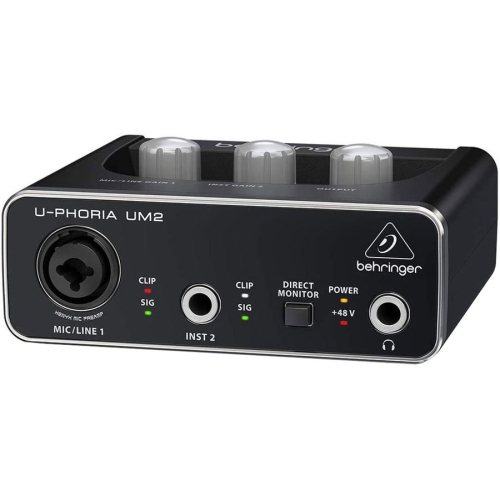
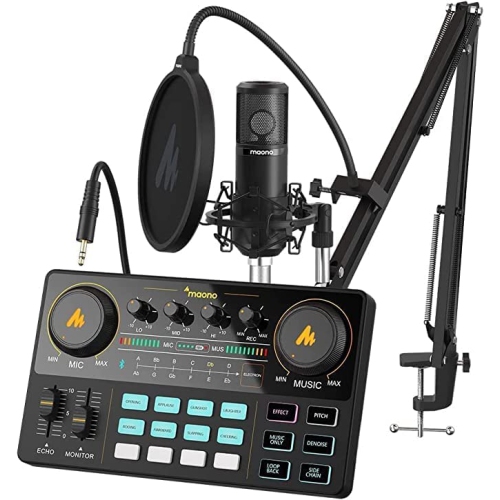
More control over what your live audience hears
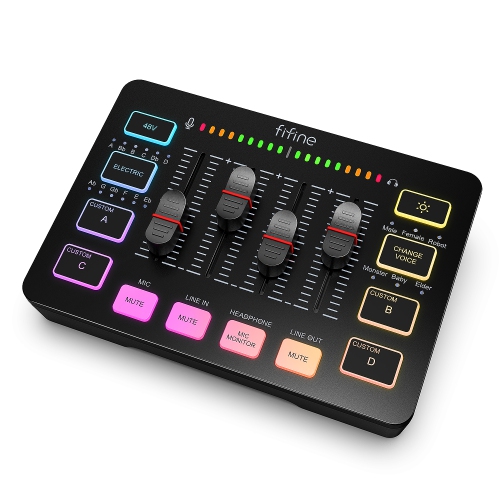
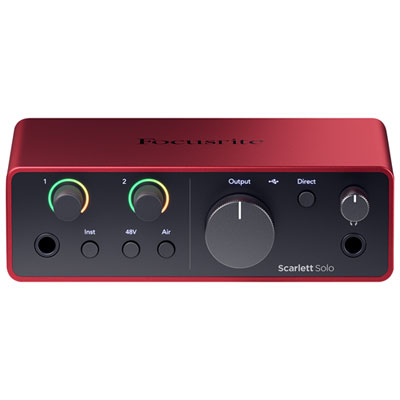
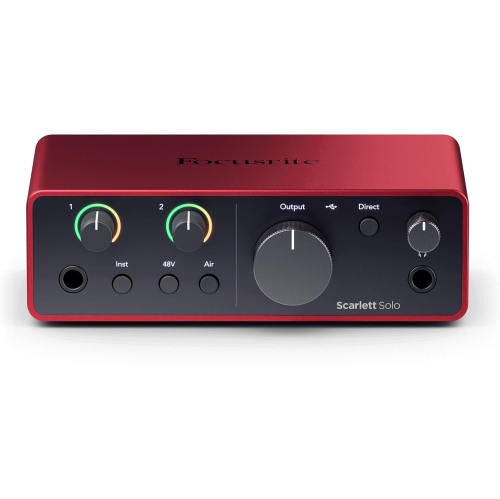
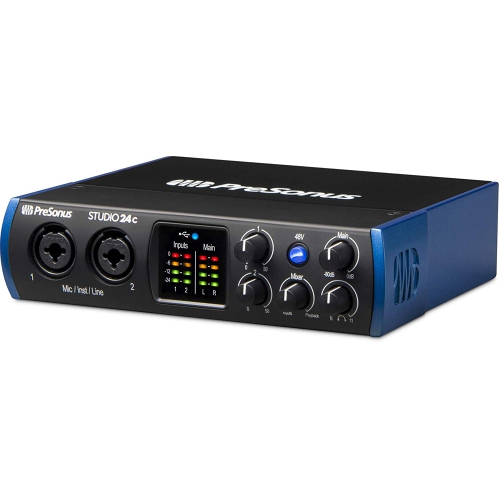
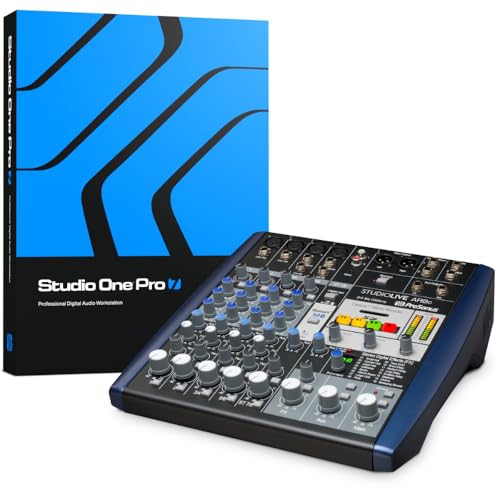
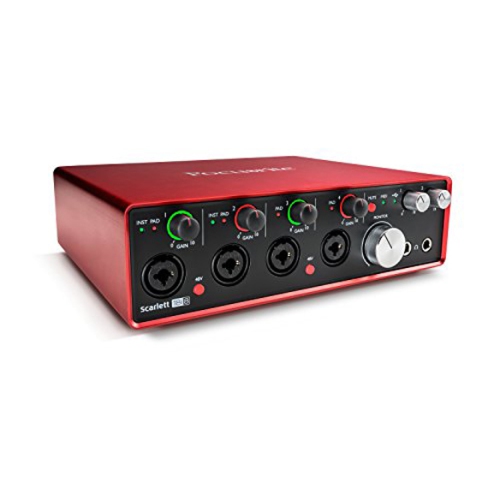
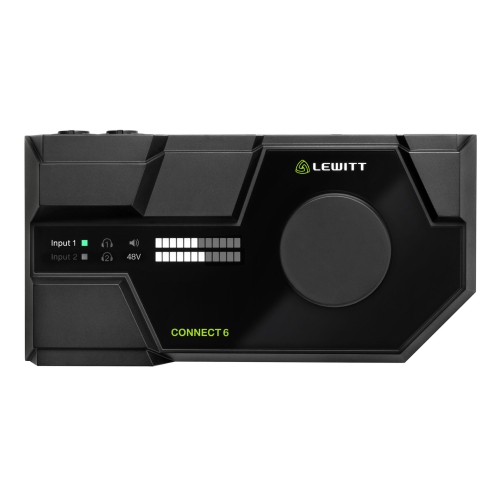
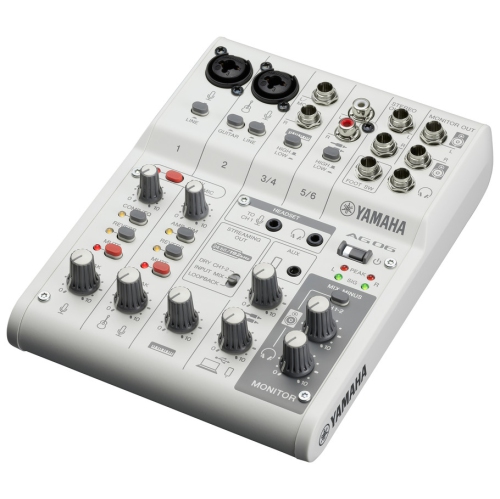
Audio interfaces for live streaming connect microphones, instruments, and other audio sources to a computer, turning analogue signals into digital audio for a broadcast. They also provide outputs for headphones or speakers, making it easier to hear a voice, performance, or conversation while it goes out live. For a gaming creator, that might mean keeping commentary clear above game sound; for a musician, it could mean capturing a vocal microphone and guitar together without relying on a laptop’s built-in microphone. Online instructors, interview hosts, and creators broadcasting demonstrations can benefit from the same control. The most useful features depend on what needs to be heard: microphone inputs with suitable preamp gain, reliable computer connectivity, headphone monitoring, and flexible routing are central considerations. Built-in loopback is particularly useful for streaming because it can bring computer playback, such as application sound or a remote guest’s voice, back into the audio sent to broadcasting software. Loopback capabilities vary, however, and some interfaces offer more independent channels or routing options than others. An interface does not automatically improve every part of a broadcast; microphone placement, room noise, and sensible level settings still matter. A microphone positioned close to the speaker generally captures a more direct voice than one sitting across the desk beside a clicking keyboard. Clean preamps help raise a microphone’s signal without excessive added hiss, while enough gain is important for microphones with lower output. Clear level meters make it easier to spot peaks before they overload the input and produce distortion. A compact interface with one microphone input may suit a solo presenter, while two or more inputs give an interviewer or performer room for additional sources. These differences make audio interfaces useful for both simple desk setups and more involved productions, with the right fit determined by the number of sources, the software involved, and how much hands-on control a creator wants during a live session.
Input types and compatibility deserve attention because similar-looking connections can serve different purposes. XLR inputs commonly accept microphones, line inputs accommodate suitable outputs from keyboards or mixers, and instrument inputs are designed for sources such as an electric guitar or bass connected directly. A combination socket may accept more than one connector type, but its supported signal levels and settings still need to match the source. Many condenser microphones require 48-volt phantom power, which should only be enabled according to the microphone manufacturer’s requirements. A USB microphone generally connects directly to a computer rather than to a conventional interface’s XLR input, so an interface is not necessarily an upgrade path for an existing USB-only microphone. Computer operating system support, driver requirements, and the supplied cable also affect fit. A USB-C connector describes the physical connection, not a guarantee that every computer, tablet, or phone will support the interface in the same way. Mobile use may require an adapter, a compatible application, or additional power. For creators who move between a desktop workstation and a laptop, bus-powered designs can reduce the number of power connections, while units with separate power supplies may better suit a fixed setup with greater connection needs. Headphone output strength and headphone compatibility matter when monitoring quiet speech or a detailed musical performance. Direct monitoring lets a creator hear incoming audio through the interface without the delay of a full round trip through computer software. It does not remove delays elsewhere in a broadcast, but it can make speaking or playing feel more natural. Where available, a blend control balances the live input against computer playback. Separate headphone mixes can be helpful when a guest needs a different listening balance from the host. Physical fit is equally practical: accessible gain knobs, readable meters, and enough space behind the unit for cables can make an interface easier to use on a crowded desk without blocking a keyboard, display, or microphone arm.
Streaming-focused routing features become especially valuable when several sounds need to reach different destinations. A host may need the audience to hear a remote guest, background music, and a local microphone, while preventing the guest’s own voice from being sent back to them. A suitable mix-minus routing setup leaves that guest’s return audio out of the feed they receive, helping prevent an echo. Not every interface offers this flexibility, so independent mixes and supported loopback channels are more meaningful than a broad claim of streaming compatibility. Hardware digital signal processing, often called DSP, can provide effects such as equalization and compression without relying on the computer for those particular effects. Equalization can adjust tonal balance, and gentle compression can help manage the difference between a quiet comment and an excited reaction. Neither replaces careful input gain, and available effects, routing, and processing delay differ between designs. Convenient mute buttons and tactile controls can be valuable during a cough, interruption, or unexpected jump in playback volume, especially when broadcasting software already fills the screen. Construction also affects everyday ownership. Metal housings can offer useful protection during transport, while lightweight housings may be easier to carry; in either case, firmly mounted sockets and stable controls matter more than appearance alone. Rubber feet help keep a desktop unit in place, and a protective case helps prevent knobs and connectors from catching on other equipment in a bag. Cables should have enough slack to avoid pulling on ports, and drinks are best kept away from the controls. For routine care, disconnect the interface and follow the manufacturer’s cleaning instructions, typically using a soft, dry cloth rather than spraying cleaner near openings. An audio interface can make a thoughtful gift for a podcaster, music teacher, or aspiring broadcaster when their microphone connections and computer compatibility are known. Alongside an interface, complementary Equipment for Live Streaming can help bring the wider setup together, from microphone placement and camera framing to lighting and monitoring. The result is a workspace where sound is easier to manage, leaving the creator free to concentrate on the conversation or performance.
Input types and compatibility deserve attention because similar-looking connections can serve different purposes. XLR inputs commonly accept microphones, line inputs accommodate suitable outputs from keyboards or mixers, and instrument inputs are designed for sources such as an electric guitar or bass connected directly. A combination socket may accept more than one connector type, but its supported signal levels and settings still need to match the source. Many condenser microphones require 48-volt phantom power, which should only be enabled according to the microphone manufacturer’s requirements. A USB microphone generally connects directly to a computer rather than to a conventional interface’s XLR input, so an interface is not necessarily an upgrade path for an existing USB-only microphone. Computer operating system support, driver requirements, and the supplied cable also affect fit. A USB-C connector describes the physical connection, not a guarantee that every computer, tablet, or phone will support the interface in the same way. Mobile use may require an adapter, a compatible application, or additional power. For creators who move between a desktop workstation and a laptop, bus-powered designs can reduce the number of power connections, while units with separate power supplies may better suit a fixed setup with greater connection needs. Headphone output strength and headphone compatibility matter when monitoring quiet speech or a detailed musical performance. Direct monitoring lets a creator hear incoming audio through the interface without the delay of a full round trip through computer software. It does not remove delays elsewhere in a broadcast, but it can make speaking or playing feel more natural. Where available, a blend control balances the live input against computer playback. Separate headphone mixes can be helpful when a guest needs a different listening balance from the host. Physical fit is equally practical: accessible gain knobs, readable meters, and enough space behind the unit for cables can make an interface easier to use on a crowded desk without blocking a keyboard, display, or microphone arm.
Streaming-focused routing features become especially valuable when several sounds need to reach different destinations. A host may need the audience to hear a remote guest, background music, and a local microphone, while preventing the guest’s own voice from being sent back to them. A suitable mix-minus routing setup leaves that guest’s return audio out of the feed they receive, helping prevent an echo. Not every interface offers this flexibility, so independent mixes and supported loopback channels are more meaningful than a broad claim of streaming compatibility. Hardware digital signal processing, often called DSP, can provide effects such as equalization and compression without relying on the computer for those particular effects. Equalization can adjust tonal balance, and gentle compression can help manage the difference between a quiet comment and an excited reaction. Neither replaces careful input gain, and available effects, routing, and processing delay differ between designs. Convenient mute buttons and tactile controls can be valuable during a cough, interruption, or unexpected jump in playback volume, especially when broadcasting software already fills the screen. Construction also affects everyday ownership. Metal housings can offer useful protection during transport, while lightweight housings may be easier to carry; in either case, firmly mounted sockets and stable controls matter more than appearance alone. Rubber feet help keep a desktop unit in place, and a protective case helps prevent knobs and connectors from catching on other equipment in a bag. Cables should have enough slack to avoid pulling on ports, and drinks are best kept away from the controls. For routine care, disconnect the interface and follow the manufacturer’s cleaning instructions, typically using a soft, dry cloth rather than spraying cleaner near openings. An audio interface can make a thoughtful gift for a podcaster, music teacher, or aspiring broadcaster when their microphone connections and computer compatibility are known. Alongside an interface, complementary Equipment for Live Streaming can help bring the wider setup together, from microphone placement and camera framing to lighting and monitoring. The result is a workspace where sound is easier to manage, leaving the creator free to concentrate on the conversation or performance.
Top selling and popular products
-
 Your price for this item is $989
 -
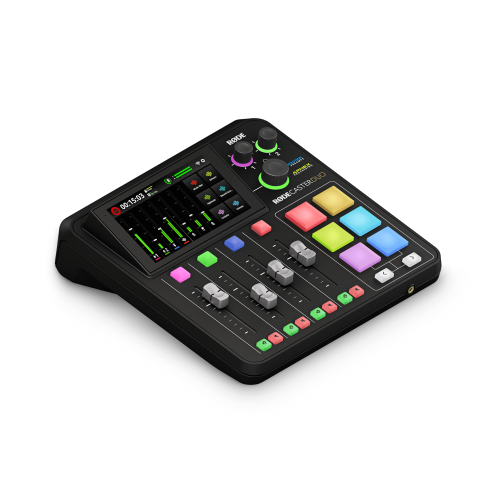 Your price for this item is $699
 -
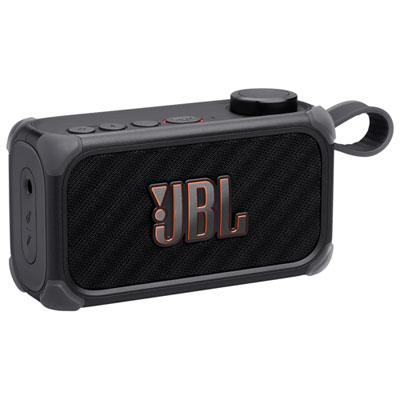 Your price for this item is $329.99
 -
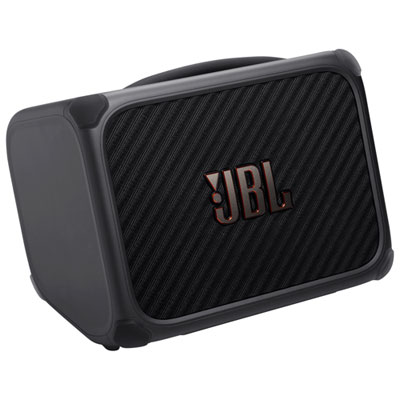 Your price for this item is $799.99
 -
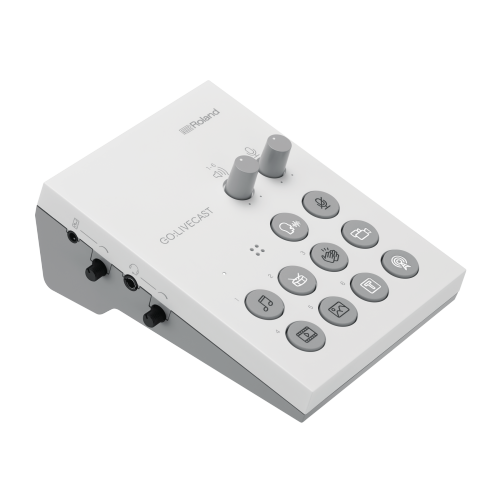 Your price for this item is $69
 -
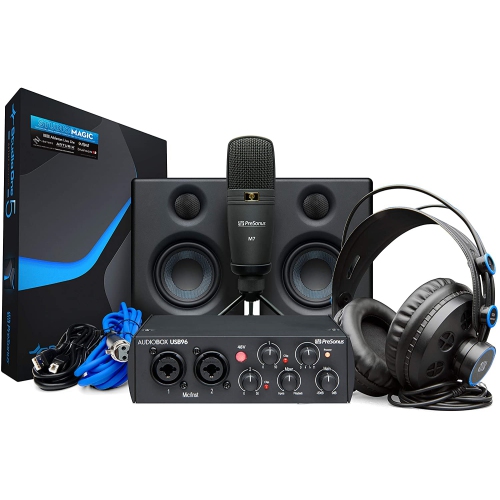 Your price for this item is $459.99
 -
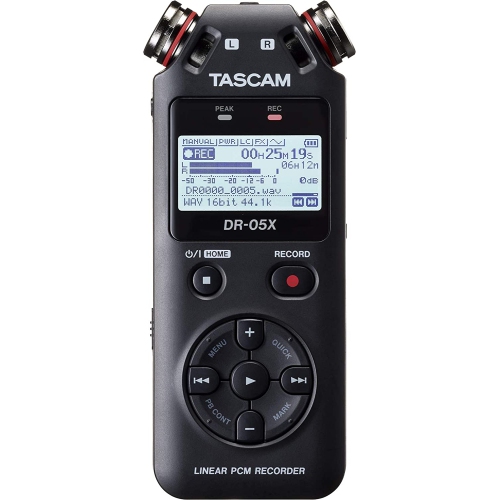 Your price for this item is $299
 -
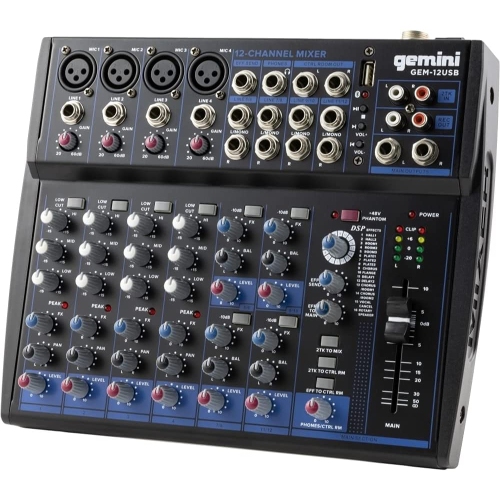 Your price for this item is $205.95
Discover more categories related to Audio Interfaces for Live Streaming
Top Collections:
Pokemon Centers, Kindle Devices, Best Budget Office Chairs, Apple iPhones 16, Best Laptops for Writers, iPhone 15 Apple, Canon G7X Cameras, Refurbished Apple Laptops, Alarm Clock, Motorola Razr Phones
Some products may be subject to Environmental Handling Fees
(EHF) depending on your province.
Learn more about EHFs.