Audio Interfaces for Recording
Enhance your recording setup with our selection of audio interfaces designed to deliver professional-grade sound quality and seamless connectivity. Whether you're a musician, podcaster, or content creator, these audio interfaces are essential tools for capturing crystal-clear audio and enhancing your recordings. With a range of features such as high-resolution preamps, low-latency monitoring, and versatile connectivity options, you can easily elevate the quality of your recordings and take your projects to the next level. Explore our collection of audio interfaces for recording and unlock the potential of your creative endeavors.
Sort
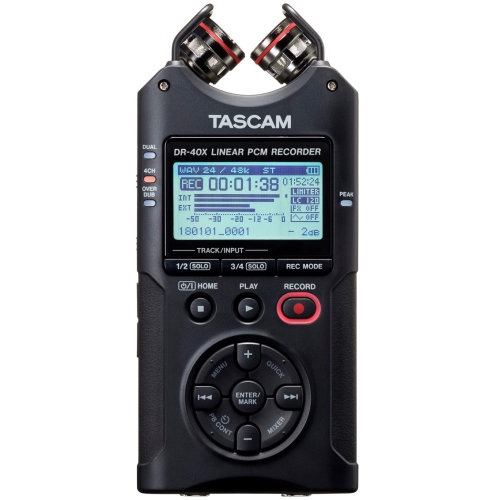
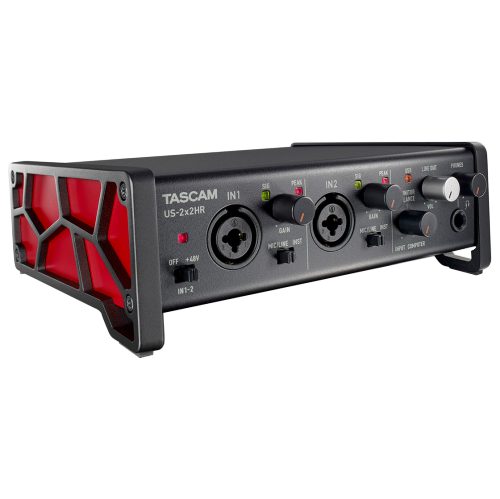
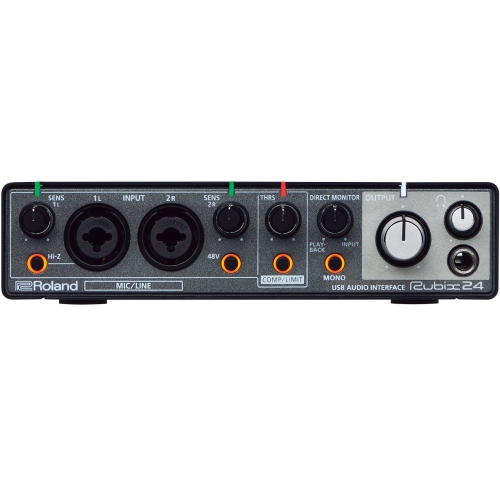
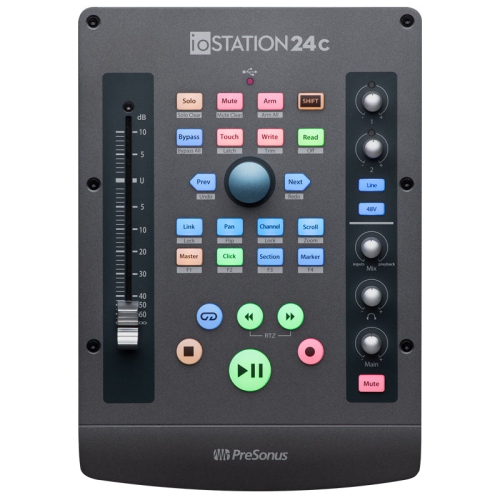
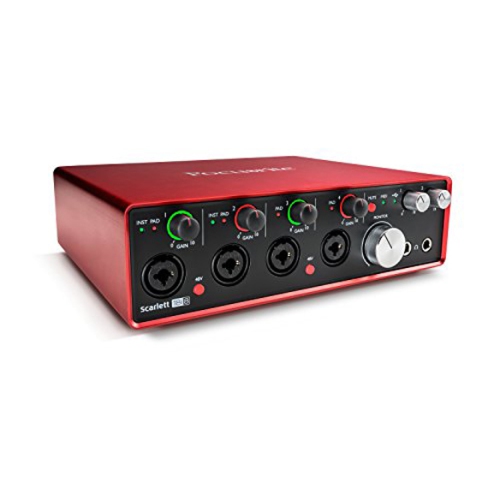
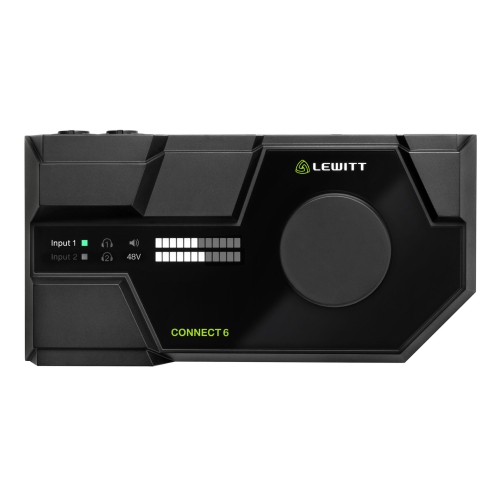
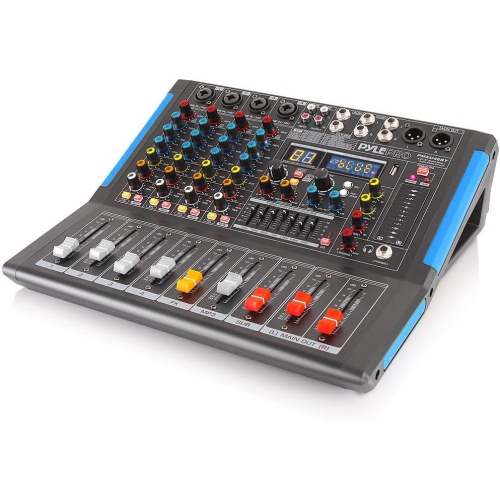
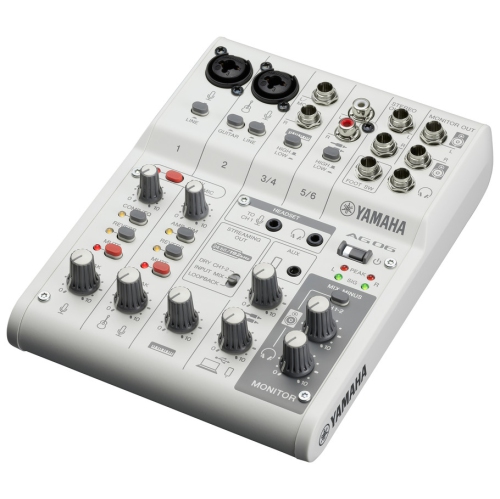
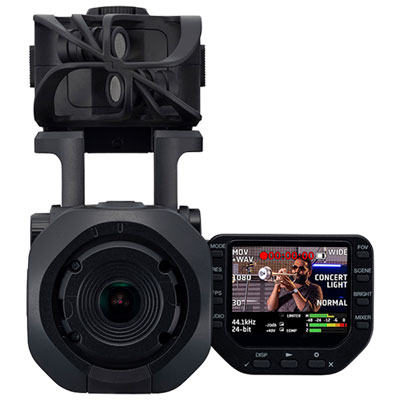
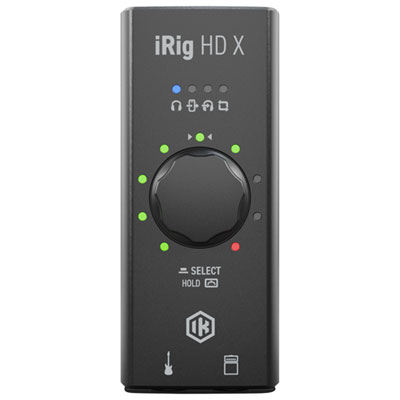
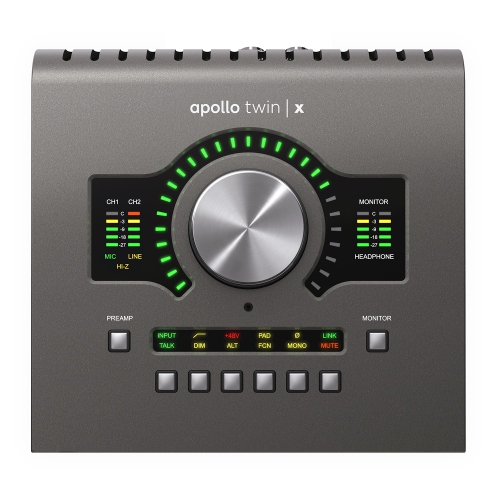
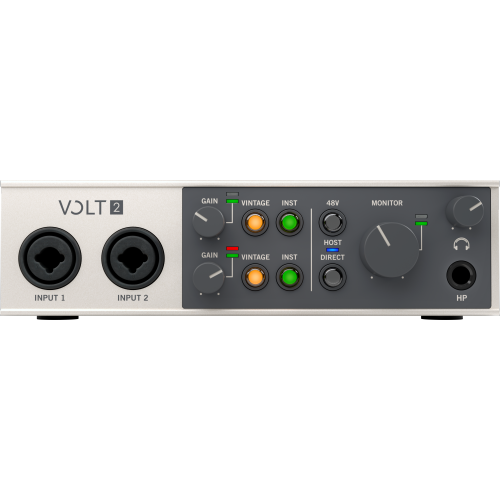
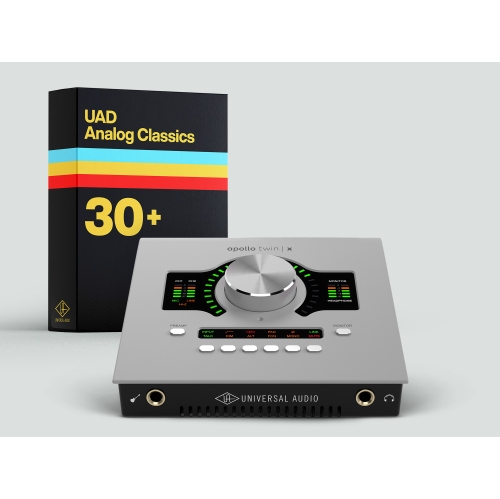
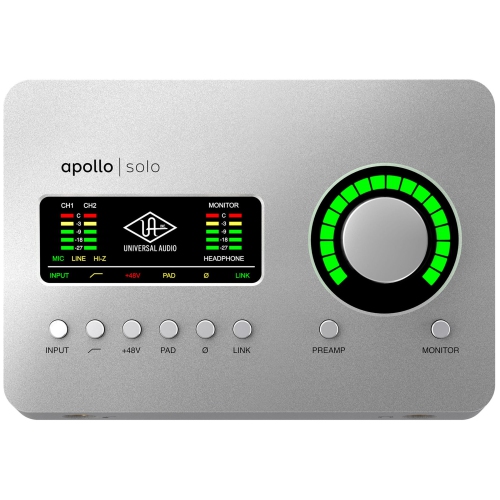

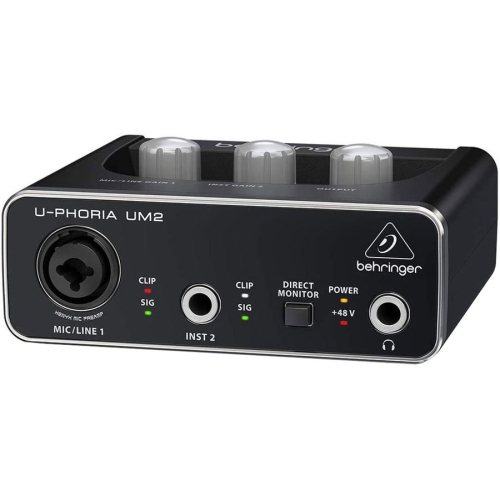
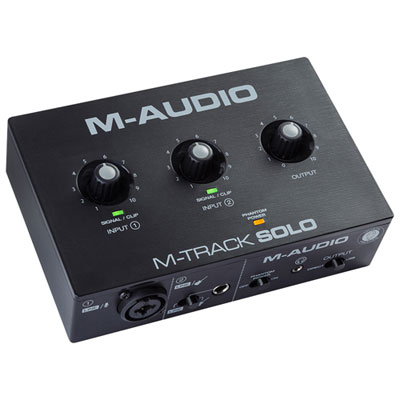
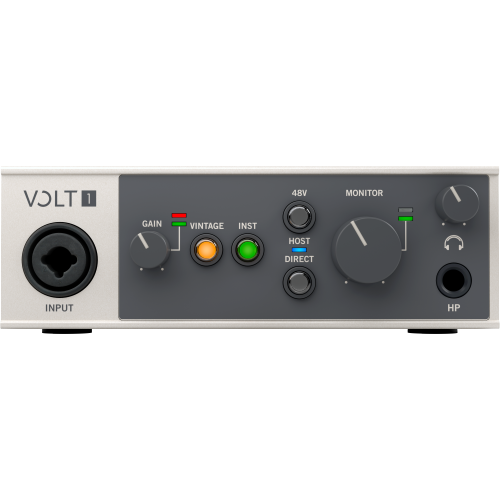
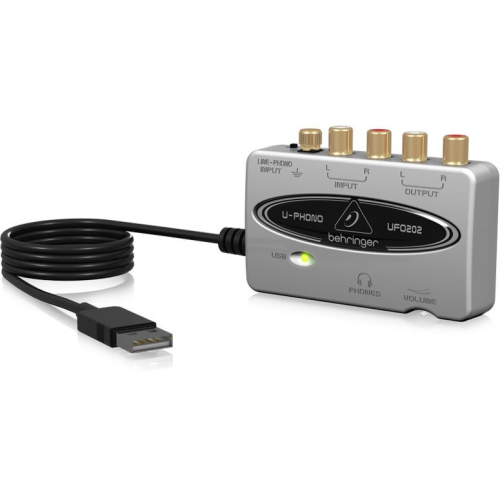
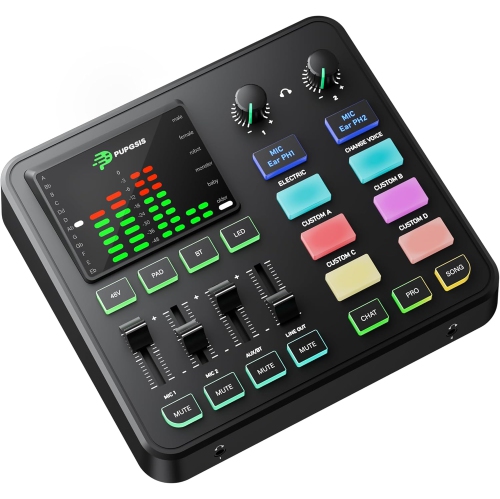
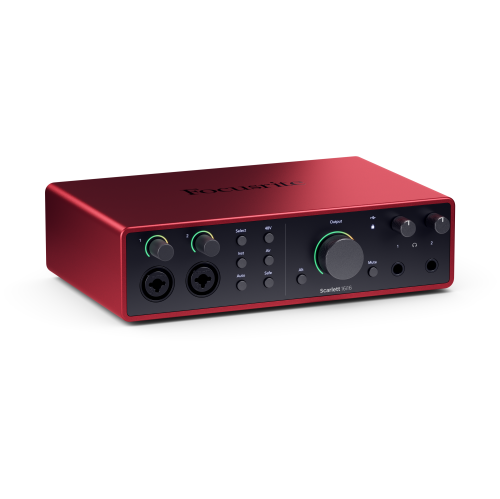
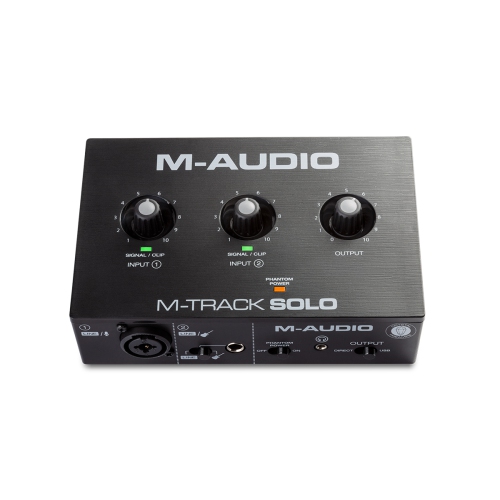
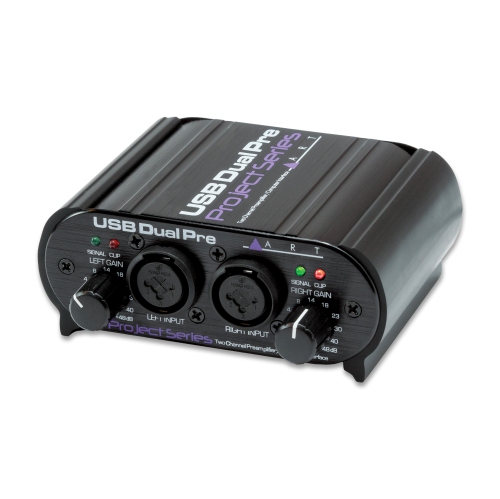
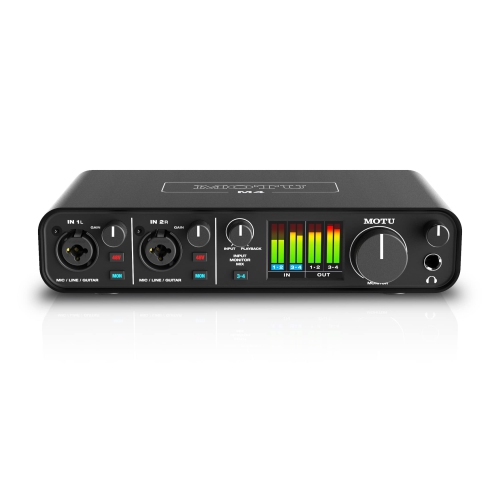
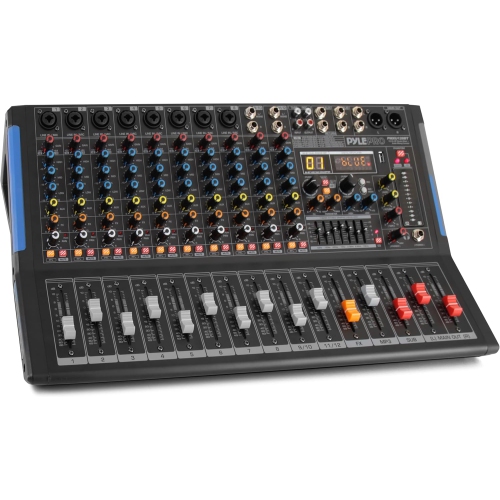
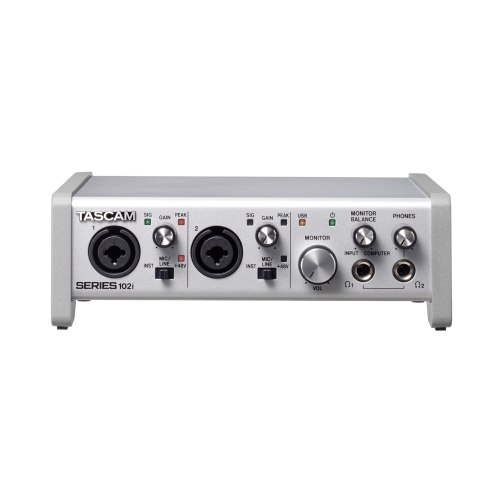
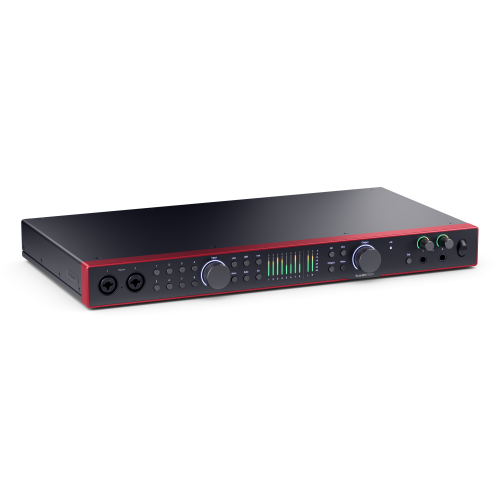
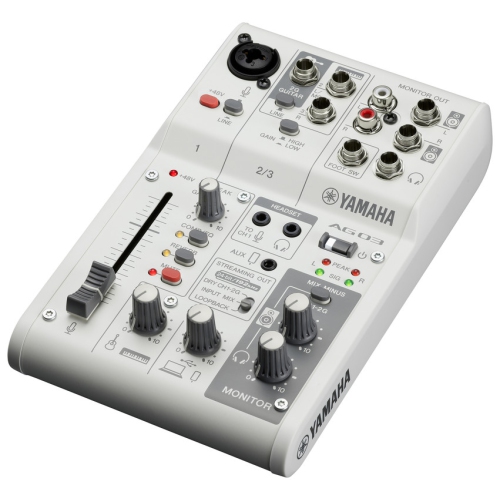
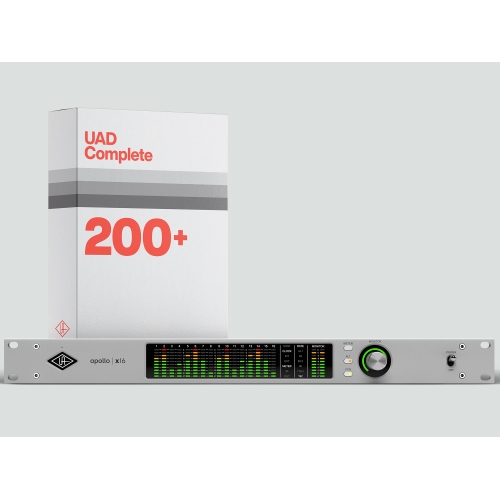
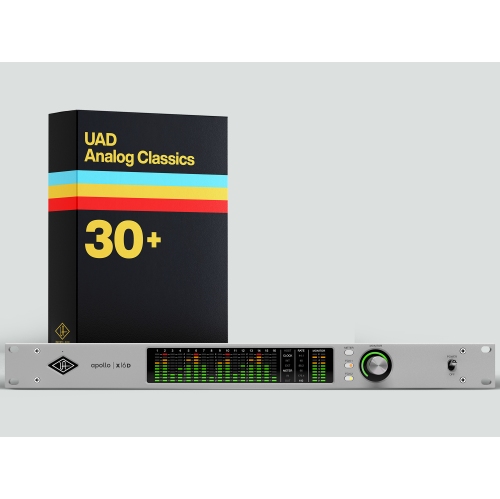
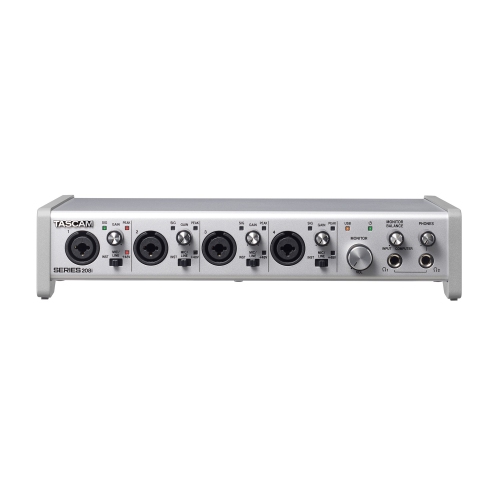
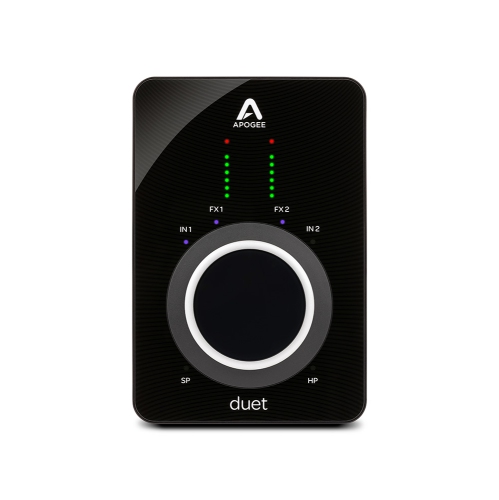
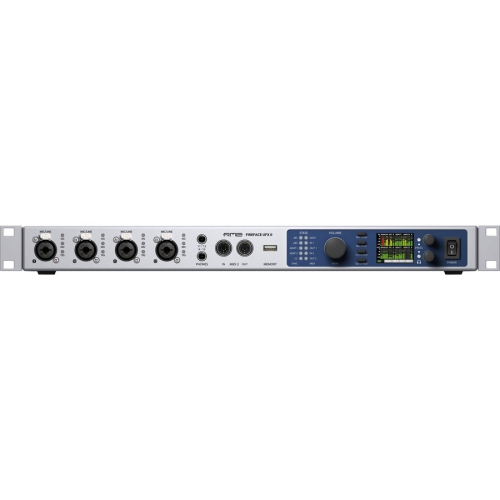
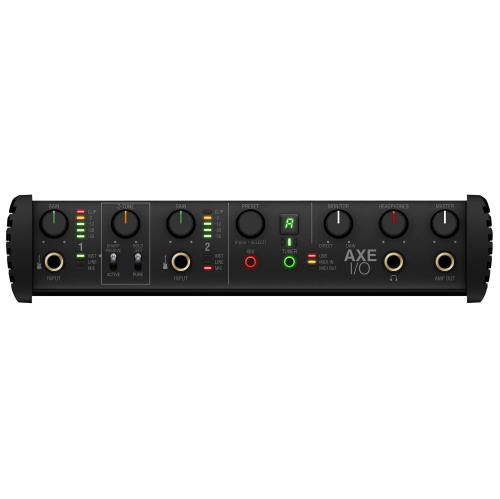
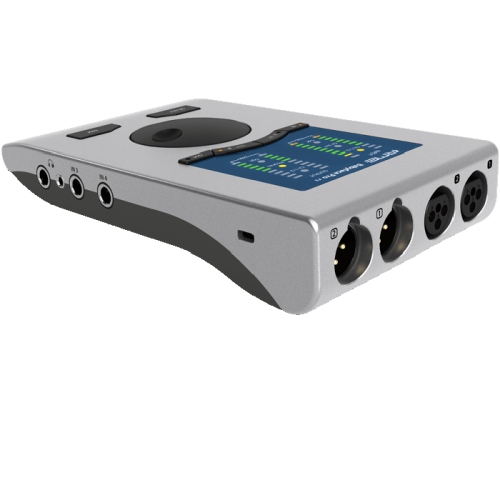
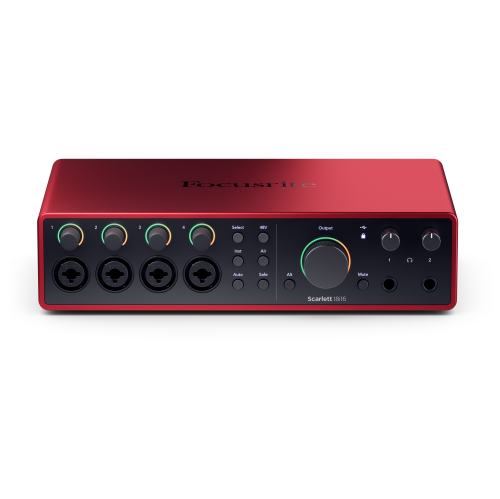
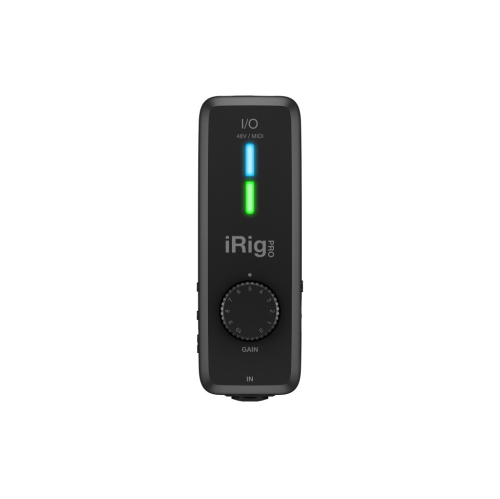
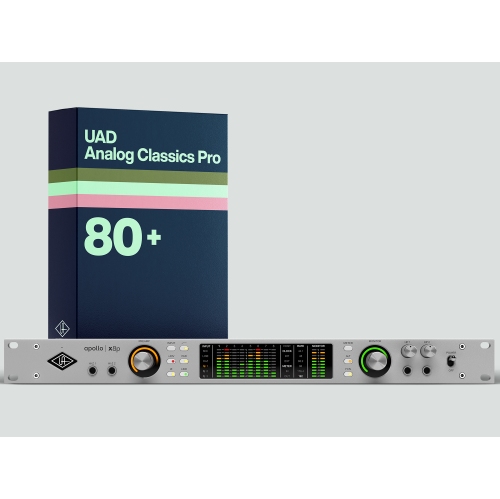
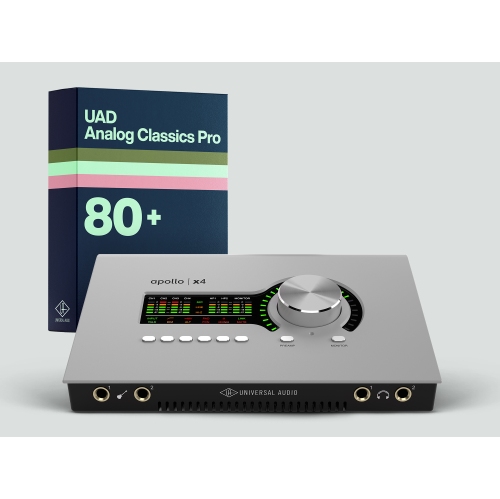
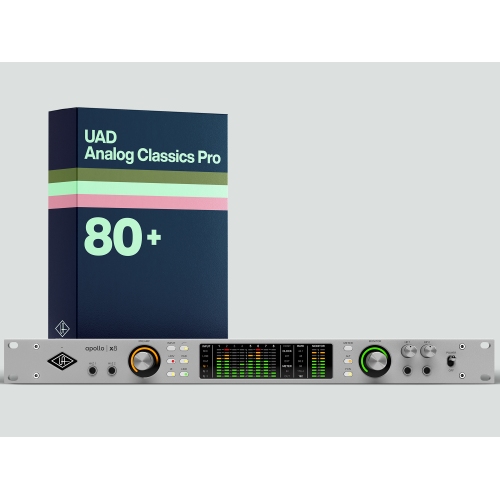
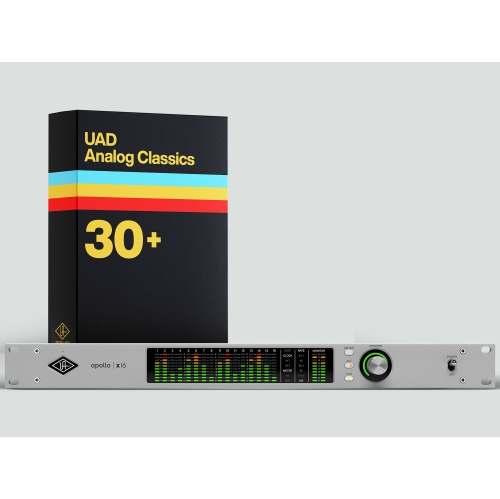
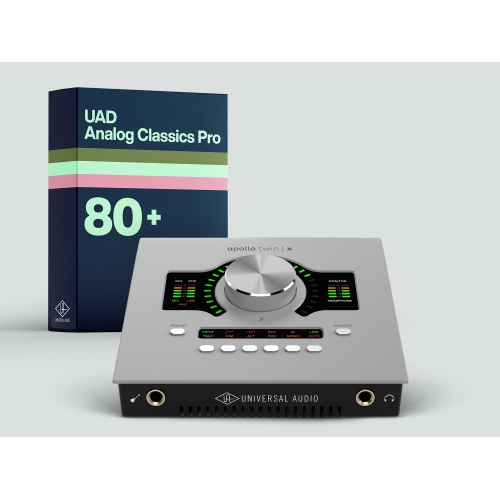
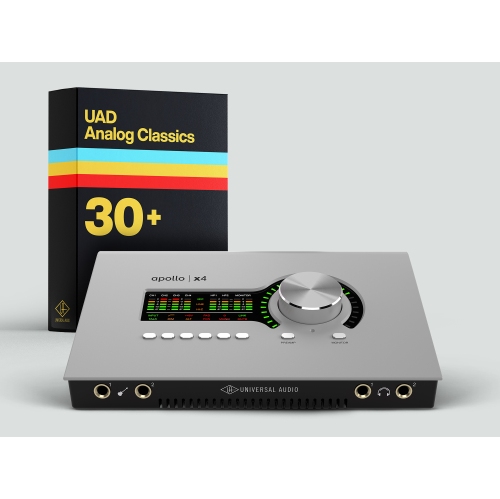
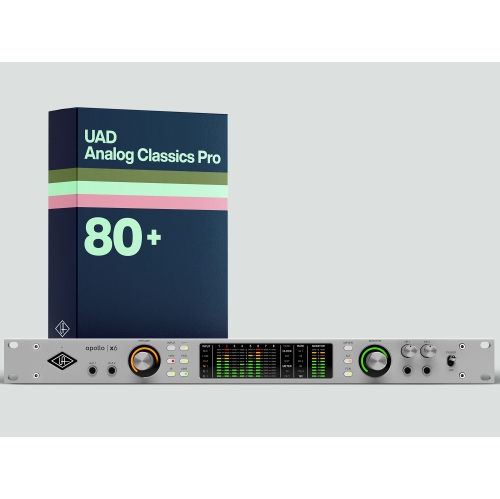
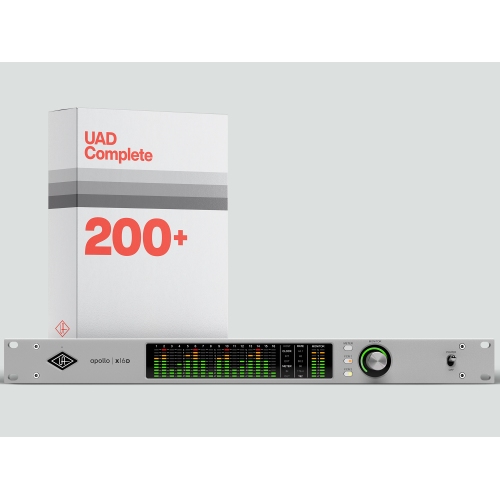
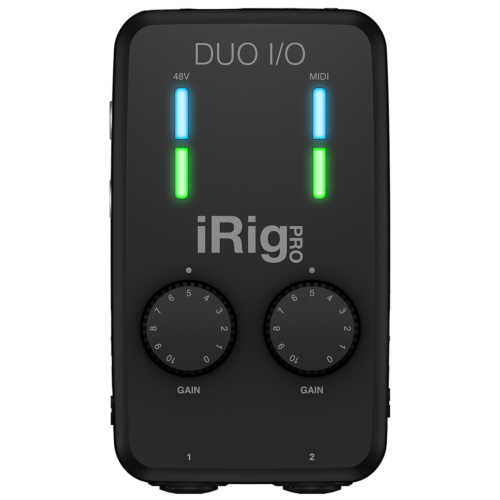
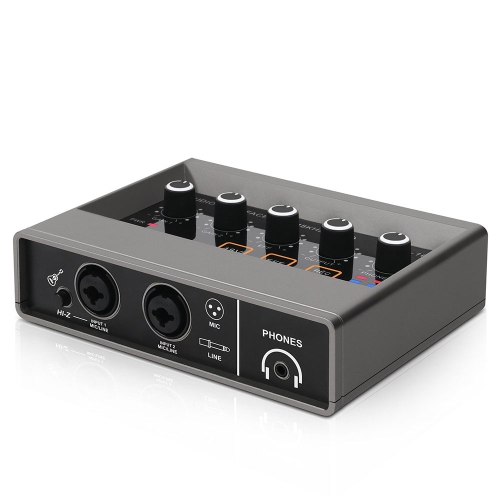
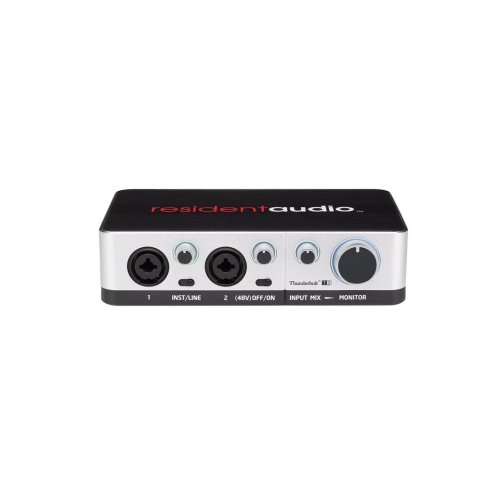
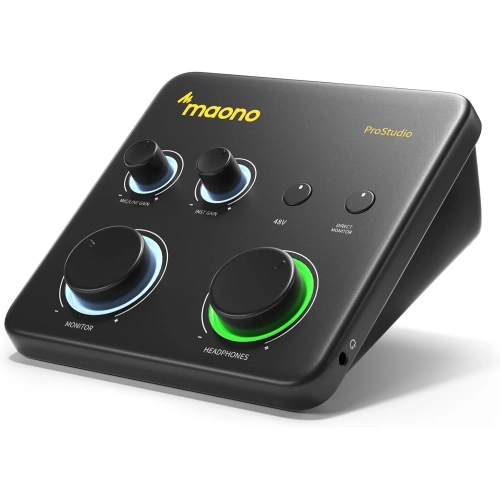
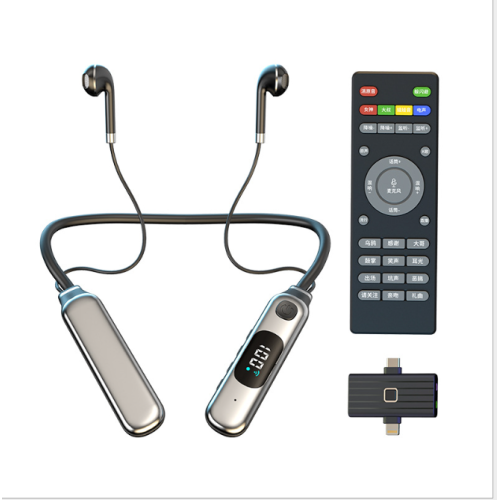
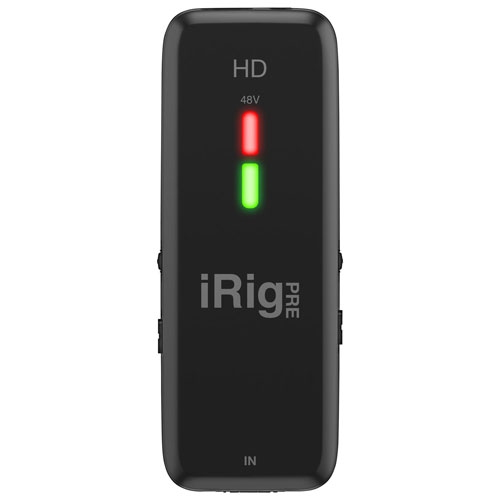
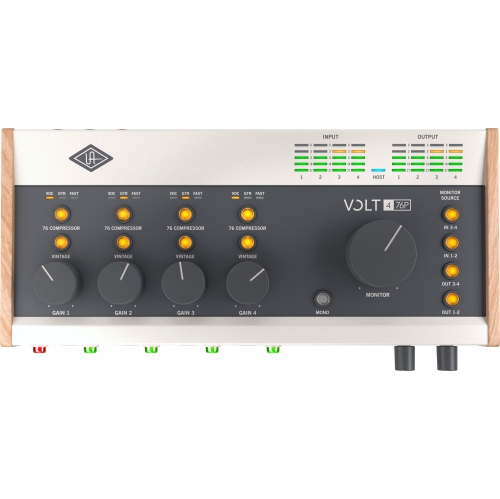
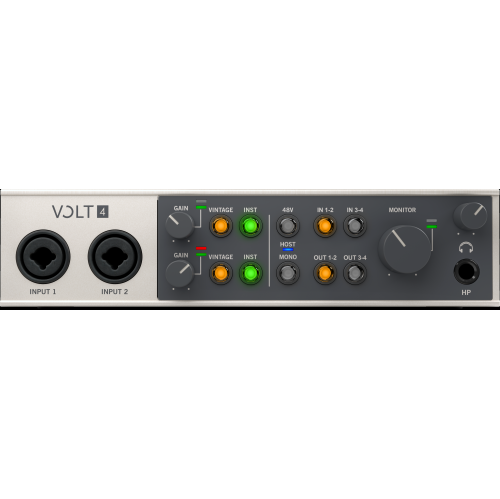
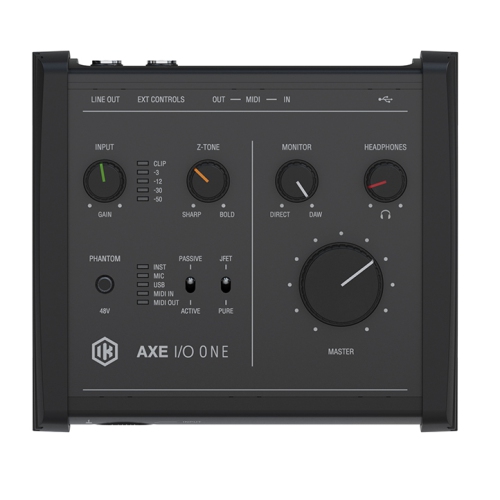
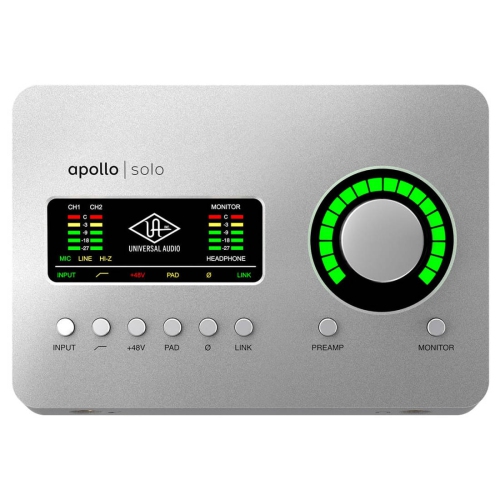

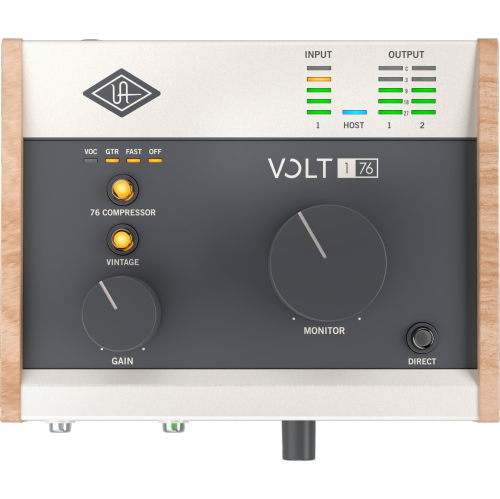
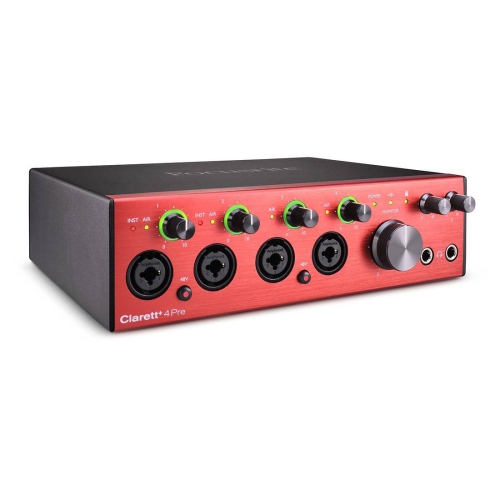
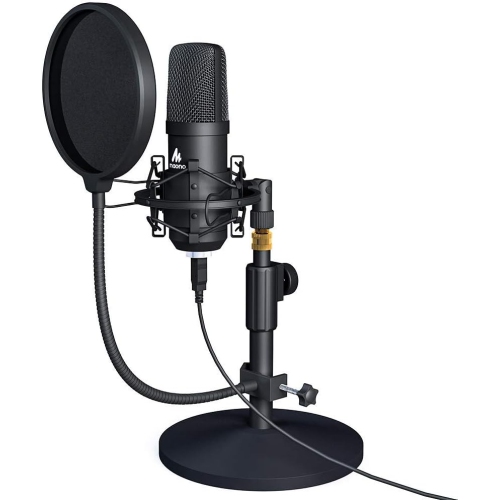
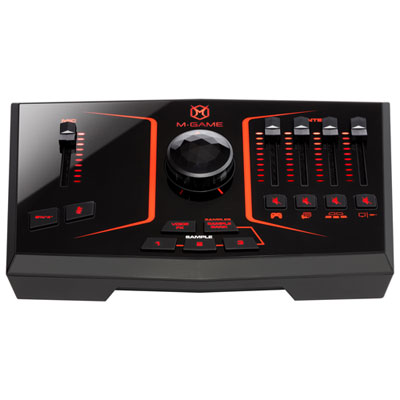
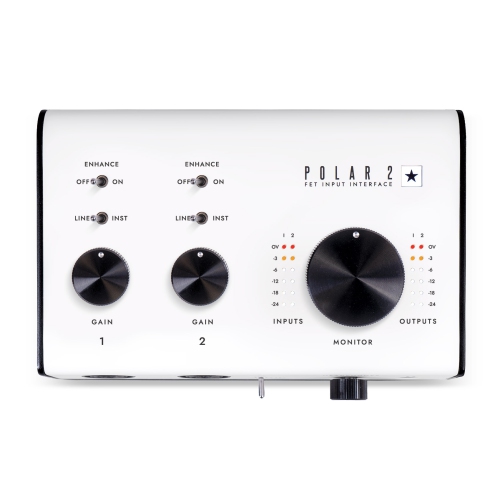
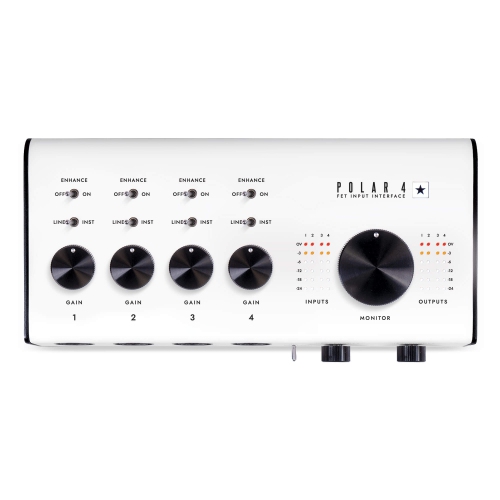
How your sound reaches the computer and comes back
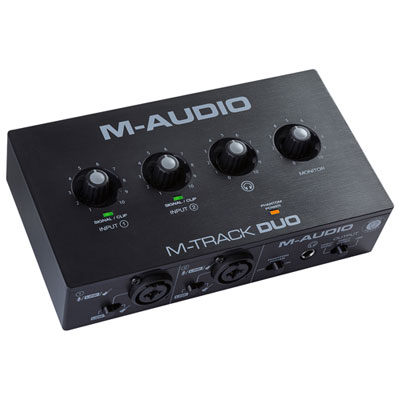
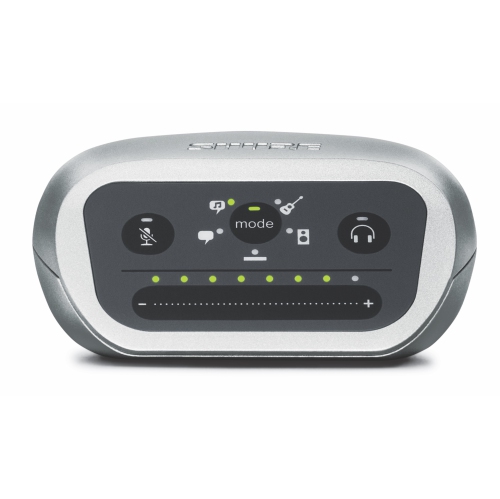
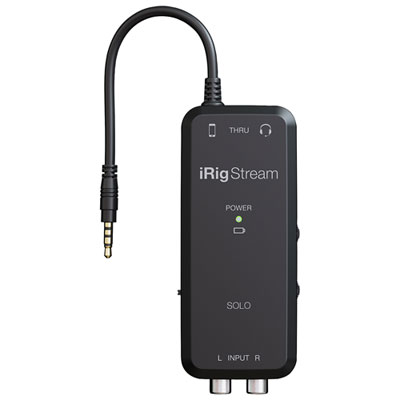
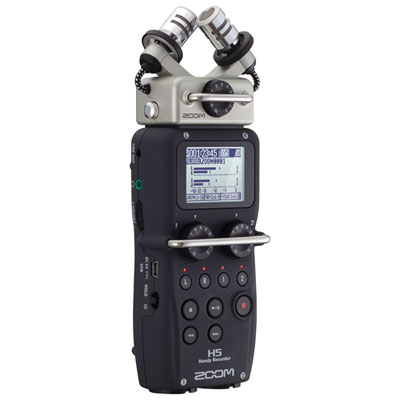
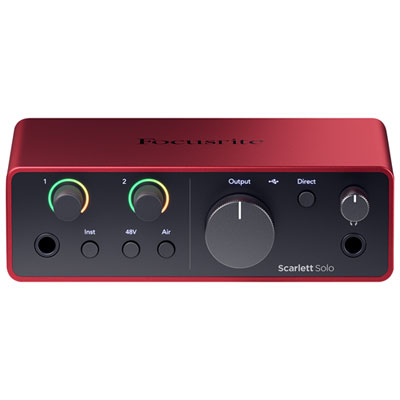
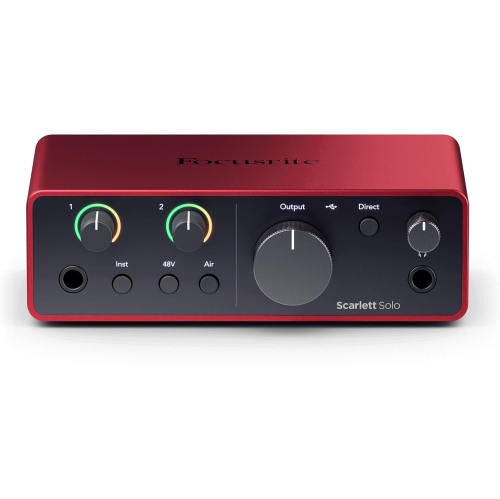
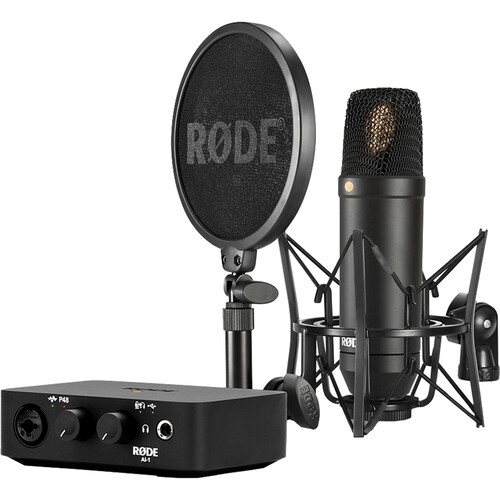
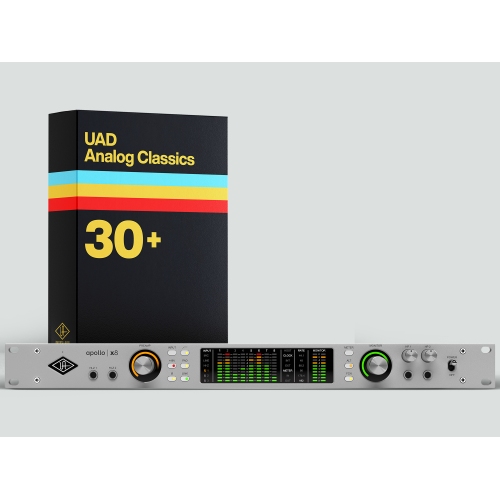
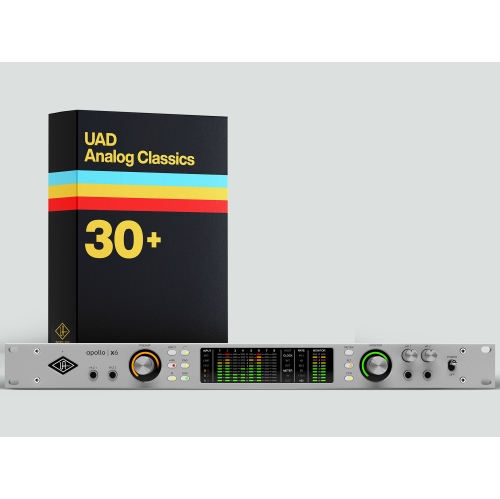
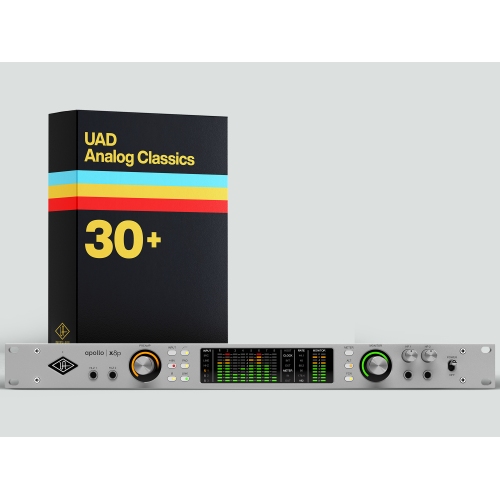
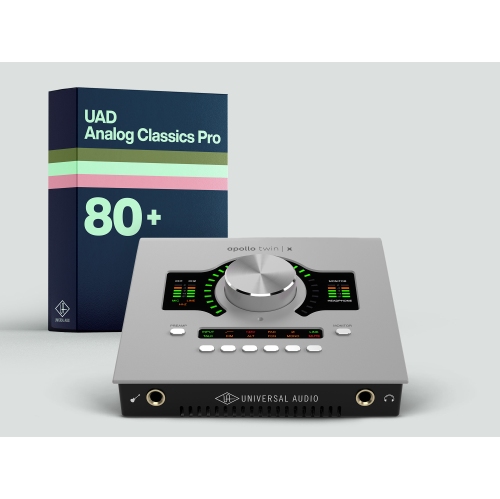
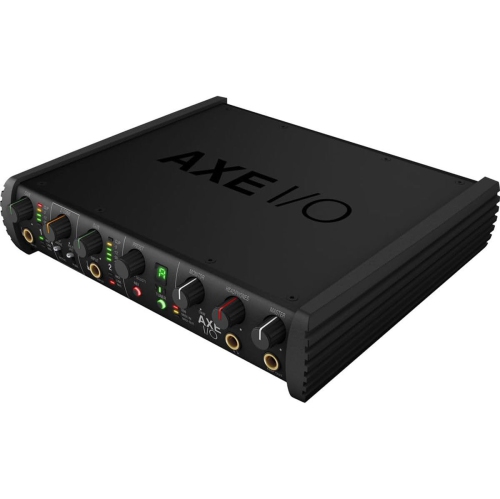
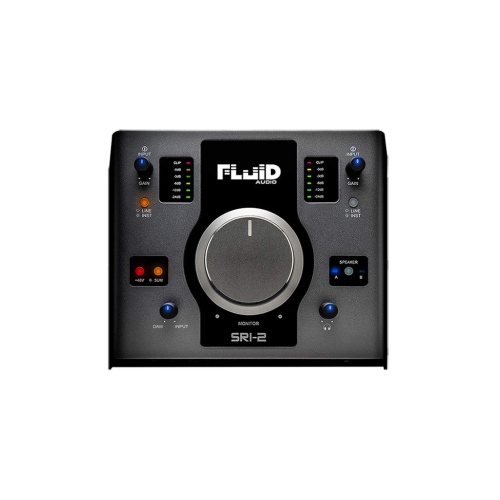
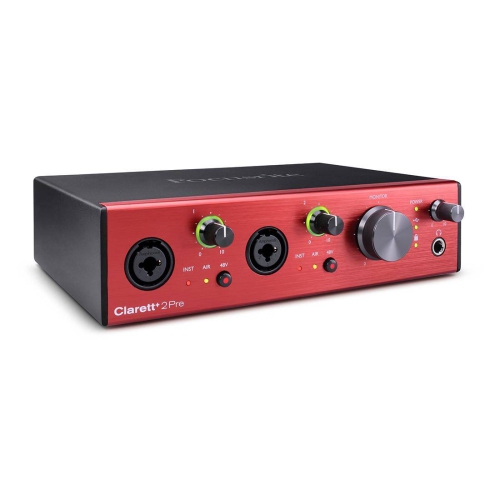
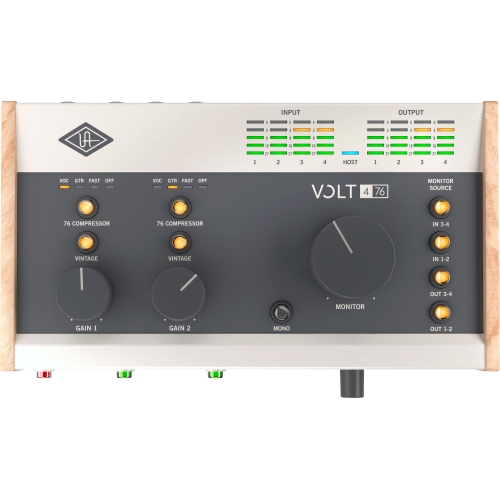
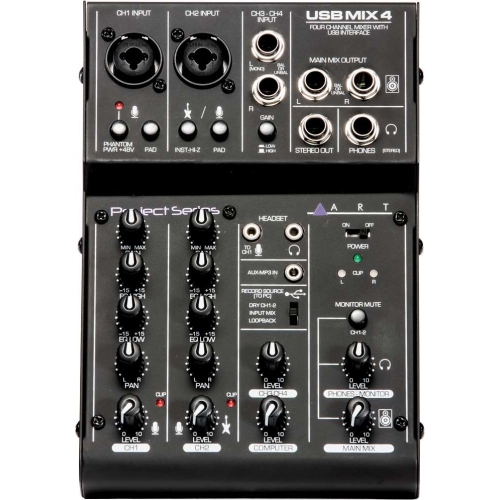
Audio interfaces for recording connect microphones, instruments, headphones, and studio monitors to a computer, providing the inputs and outputs needed to capture and hear audio with greater control. An interface converts analogue signals from a voice or instrument into digital audio for recording software, then converts digital playback into an analogue signal for listening. For a singer recording vocals beside a desk, a podcaster interviewing a guest, or a musician layering keyboard and guitar parts, this hardware brings the essential connections together in one place. Microphone preamps raise a microphone’s signal to a usable recording level, while gain controls and input meters help keep loud passages from clipping. Clean preamps with sufficient gain are especially useful for quiet speech and microphones with low output, although the microphone, room acoustics, and recording technique still have a major influence on the finished sound. Many condenser microphones require 48-volt phantom power, so matching the interface’s power options to the microphone’s requirements matters. Input count is another practical distinction: two microphone inputs can accommodate a two-person conversation, while a singer playing an acoustic guitar might use one input for vocals and another for an instrument microphone. Recording a drum kit with separate microphones or capturing several performers at once requires more simultaneous inputs. The total input count does not always equal the number of microphone preamps, since some connections may be line-level or digital inputs. Combination sockets accept different plug types, but each socket generally records only one source at a time. A stereo keyboard usually needs two line inputs to preserve its left and right channels. For musicians recording electric guitar or bass directly, guitar audio interfaces offer a more focused category to explore. A high-impedance instrument input is designed for the signal from a guitar or bass pickup, helping preserve its character before it reaches amp simulation software or other processing.
The right connection makes an audio interface a practical fit for the rest of a recording setup. USB and Thunderbolt interfaces can serve similar recording needs, but computer compatibility involves more than finding a socket that looks correct. USB-C describes a connector shape rather than a guarantee of a particular data protocol, and a Thunderbolt interface requires a compatible host connection. Supported operating systems, driver requirements, and the supplied cable all deserve attention, particularly when connecting to a tablet or moving between computers. Some interfaces draw power through their computer connection, keeping a compact setup simple, while others use a separate power supply. Mobile devices may need an adapter or additional power, depending on the hardware. In everyday recording, low-latency performance helps a performer hear the result without a distracting delay. Direct monitoring routes the incoming signal to headphones or speakers without waiting for a round trip through the computer, which is useful when recording spoken word or a vocal over an existing backing track. However, that direct signal will not normally include software effects unless the interface provides suitable routing or onboard processing. Hearing an amplifier simulation while playing guitar instead depends on responsive software monitoring, with performance affected by the computer, driver, session workload, and buffer settings. Headphone outputs with accessible volume controls make it easier to set a comfortable listening level, and separate headphone mixes can help when two performers need to hear different balances. Balanced line outputs provide suitable connections to compatible studio monitors and can help reduce noise picked up along cable runs. For podcasting, screen recordings, and remote collaborations, loopback functionality can route computer playback into recording or streaming software alongside a microphone. Its implementation varies, so the routing options matter as much as the feature name. MIDI connections can also be useful for keyboards and other compatible equipment, although MIDI carries performance instructions rather than recorded sound. These distinctions help match an interface to the work happening at the desk, whether that is narrating a presentation, building a song track by track, or capturing a live rehearsal.
Physical design becomes important once an audio interface is part of a regular routine. A compact desktop enclosure can sit beside a laptop without taking over the workspace, while a larger unit may provide more space between controls and room for additional connections. Front-facing inputs make microphone and instrument cables easy to swap; rear connections can keep a more permanent studio arrangement tidy. Clearly marked controls, readable meters, and a prominent monitor volume knob are useful when attention is divided between a performance and a recording session. Metal enclosures can offer useful protection during transport, while lighter housings may suit a setup that stays on a desk or travels in a padded compartment. Durability also depends on secure sockets, well-supported controls, and sensible cable handling rather than enclosure material alone. Leaving enough room behind the interface prevents tightly bent cables from putting pressure on ports, and a stable surface keeps the unit from sliding when headphones or an instrument are connected. For care, disconnect power before cleaning and follow the manufacturer’s directions; a soft, dry cloth is generally suitable for removing surface dust. Liquids, cleaning sprays applied directly to the unit, and force on knobs or connectors can cause damage. A protective case or padded bag is helpful when carrying an interface to lessons, rehearsals, or another recording space, with cables packed so their plugs do not press against the controls. Beyond its physical fit, an interface should suit the intended workflow. A voice-over artist may value quiet microphone gain and straightforward monitoring more than numerous inputs, while a small ensemble may need several preamps and flexible headphone routing. Digital expansion connections can provide room to add compatible equipment later, but they do not replace the need to check supported formats and channel limits. An interface can also be a thoughtful gift for a songwriter, music student, or aspiring podcast host when their computer, microphones, and recording needs are known. Matching those essentials makes the hardware easier to put to use, from capturing a first vocal take to keeping a familiar recording setup ready whenever an idea arrives.
The right connection makes an audio interface a practical fit for the rest of a recording setup. USB and Thunderbolt interfaces can serve similar recording needs, but computer compatibility involves more than finding a socket that looks correct. USB-C describes a connector shape rather than a guarantee of a particular data protocol, and a Thunderbolt interface requires a compatible host connection. Supported operating systems, driver requirements, and the supplied cable all deserve attention, particularly when connecting to a tablet or moving between computers. Some interfaces draw power through their computer connection, keeping a compact setup simple, while others use a separate power supply. Mobile devices may need an adapter or additional power, depending on the hardware. In everyday recording, low-latency performance helps a performer hear the result without a distracting delay. Direct monitoring routes the incoming signal to headphones or speakers without waiting for a round trip through the computer, which is useful when recording spoken word or a vocal over an existing backing track. However, that direct signal will not normally include software effects unless the interface provides suitable routing or onboard processing. Hearing an amplifier simulation while playing guitar instead depends on responsive software monitoring, with performance affected by the computer, driver, session workload, and buffer settings. Headphone outputs with accessible volume controls make it easier to set a comfortable listening level, and separate headphone mixes can help when two performers need to hear different balances. Balanced line outputs provide suitable connections to compatible studio monitors and can help reduce noise picked up along cable runs. For podcasting, screen recordings, and remote collaborations, loopback functionality can route computer playback into recording or streaming software alongside a microphone. Its implementation varies, so the routing options matter as much as the feature name. MIDI connections can also be useful for keyboards and other compatible equipment, although MIDI carries performance instructions rather than recorded sound. These distinctions help match an interface to the work happening at the desk, whether that is narrating a presentation, building a song track by track, or capturing a live rehearsal.
Physical design becomes important once an audio interface is part of a regular routine. A compact desktop enclosure can sit beside a laptop without taking over the workspace, while a larger unit may provide more space between controls and room for additional connections. Front-facing inputs make microphone and instrument cables easy to swap; rear connections can keep a more permanent studio arrangement tidy. Clearly marked controls, readable meters, and a prominent monitor volume knob are useful when attention is divided between a performance and a recording session. Metal enclosures can offer useful protection during transport, while lighter housings may suit a setup that stays on a desk or travels in a padded compartment. Durability also depends on secure sockets, well-supported controls, and sensible cable handling rather than enclosure material alone. Leaving enough room behind the interface prevents tightly bent cables from putting pressure on ports, and a stable surface keeps the unit from sliding when headphones or an instrument are connected. For care, disconnect power before cleaning and follow the manufacturer’s directions; a soft, dry cloth is generally suitable for removing surface dust. Liquids, cleaning sprays applied directly to the unit, and force on knobs or connectors can cause damage. A protective case or padded bag is helpful when carrying an interface to lessons, rehearsals, or another recording space, with cables packed so their plugs do not press against the controls. Beyond its physical fit, an interface should suit the intended workflow. A voice-over artist may value quiet microphone gain and straightforward monitoring more than numerous inputs, while a small ensemble may need several preamps and flexible headphone routing. Digital expansion connections can provide room to add compatible equipment later, but they do not replace the need to check supported formats and channel limits. An interface can also be a thoughtful gift for a songwriter, music student, or aspiring podcast host when their computer, microphones, and recording needs are known. Matching those essentials makes the hardware easier to put to use, from capturing a first vocal take to keeping a familiar recording setup ready whenever an idea arrives.
Top selling and popular products
-
 Your price for this item is $989
 -
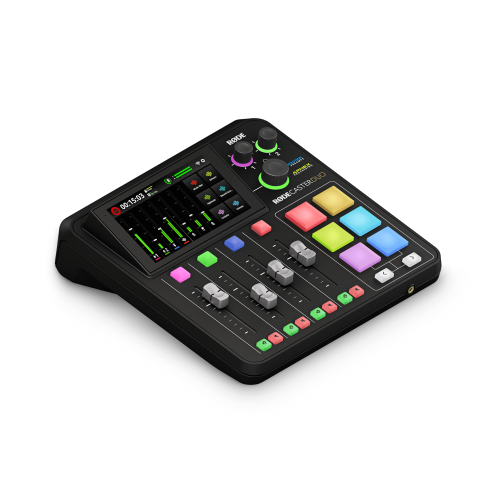 Your price for this item is $699
 -
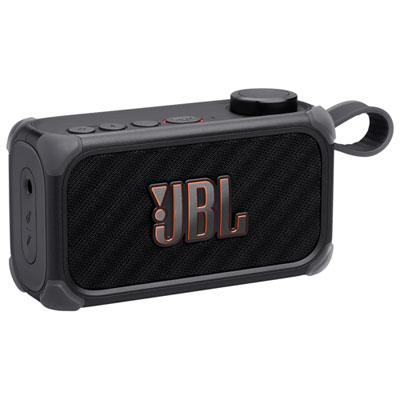 Your price for this item is $329.99
 -
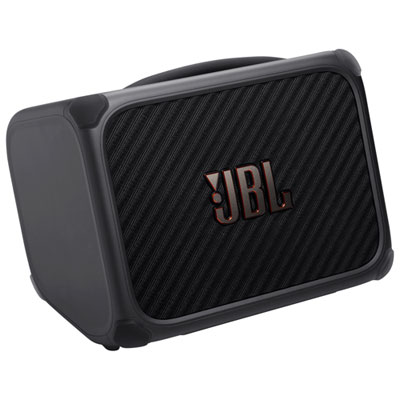 Your price for this item is $799.99
 -
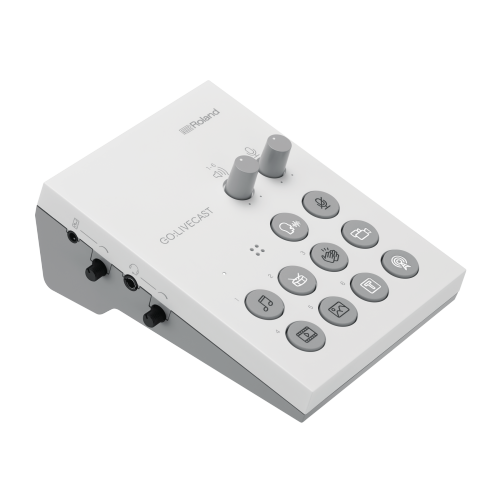 Your price for this item is $69
 -
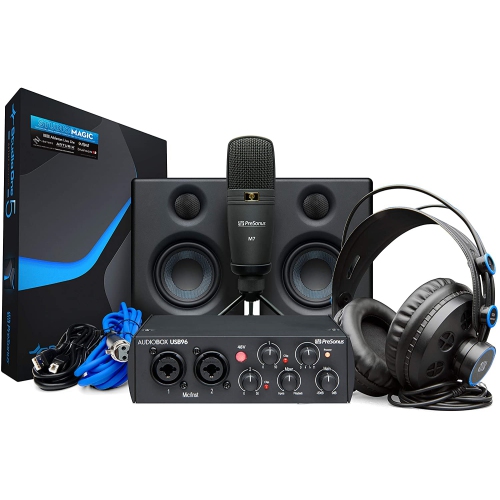 Your price for this item is $459.99
 -
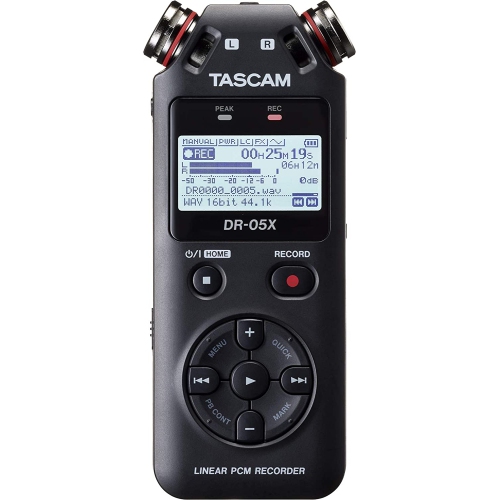 Your price for this item is $299
 -
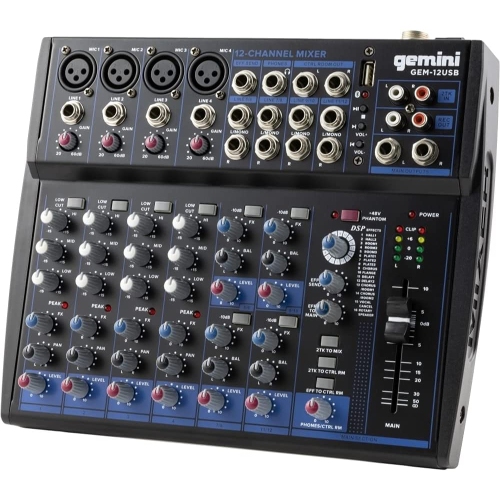 Your price for this item is $205.95
Discover more categories related to Audio Interfaces for Recording
Top Collections:
Pokemon Centers, Kindle Devices, Best Budget Office Chairs, Apple iPhones 16, Best Laptops for Writers, iPhone 15 Apple, Canon G7X Cameras, Refurbished Apple Laptops, Alarm Clock, Motorola Razr Phones
Some products may be subject to Environmental Handling Fees
(EHF) depending on your province.
Learn more about EHFs.