Midi Control Keyboards
Unlock your musical creativity with our diverse selection of MIDI controller keyboards, designed to elevate your music production experience. Whether you're a seasoned producer or just starting out, these versatile tools offer seamless integration with your digital audio workstation, providing intuitive control over your sound. Explore options that cater to every level of expertise and budget, ensuring you find the perfect fit for your studio setup. Dive into a world where innovation meets performance, and let your compositions come to life with precision and ease.
Sort
![NOVATION Launchkey 88 [Mk3] Midi Keyboard Controller for Ableton Live In Black](https://multimedia.bbycastatic.ca/multimedia/products/500x500/179/17985/17985359.jpeg)
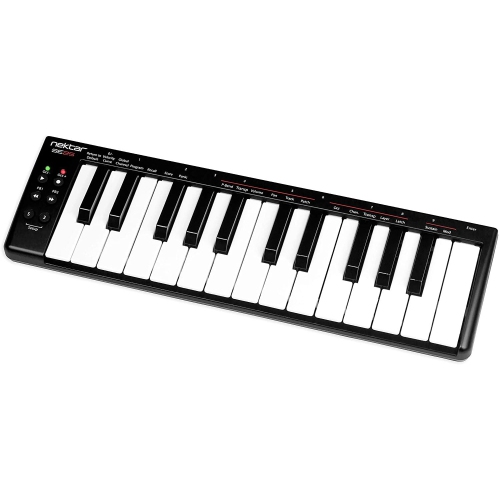
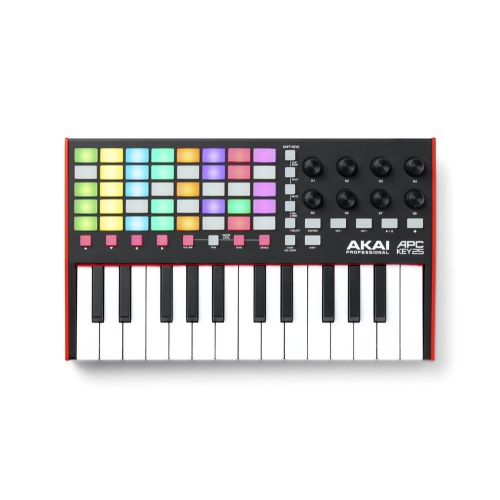
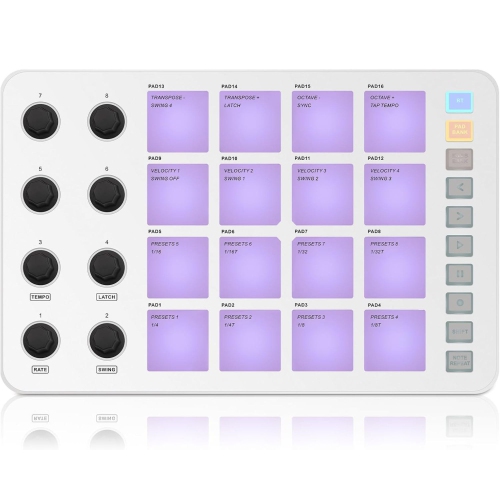
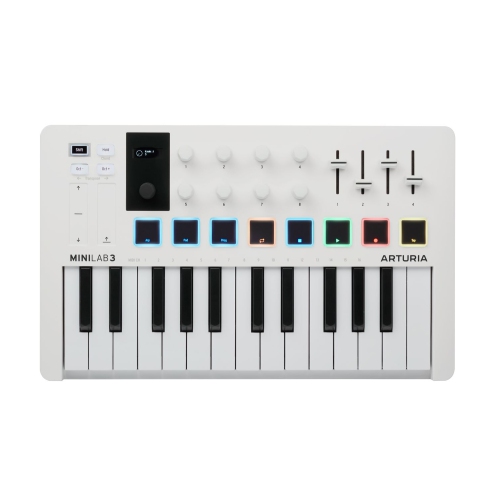
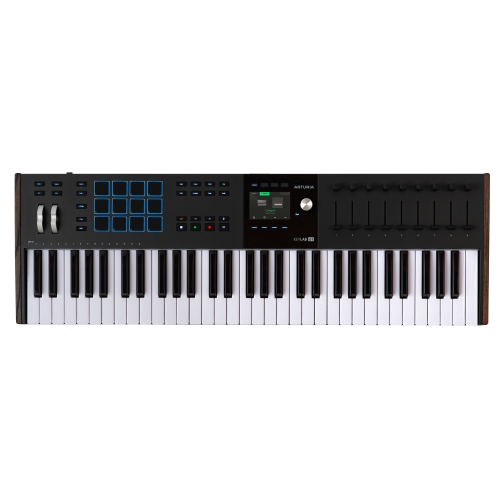
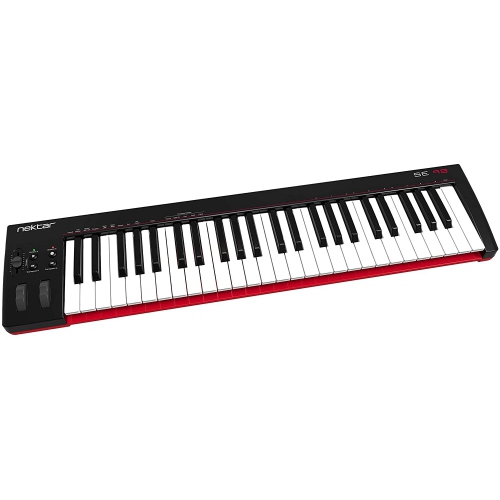
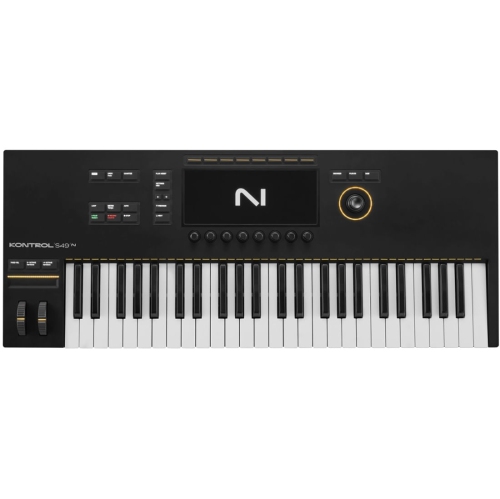
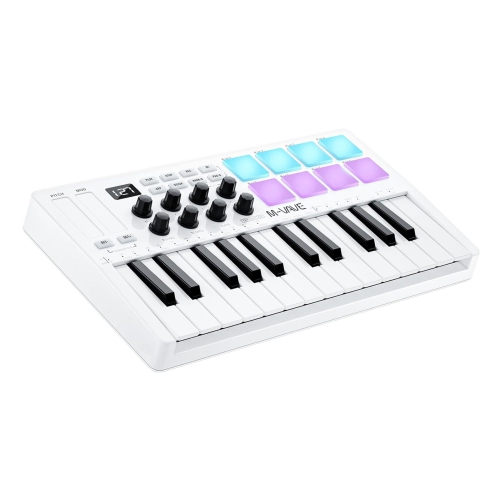
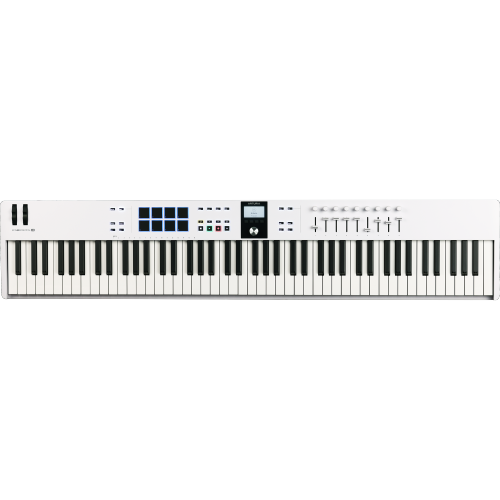
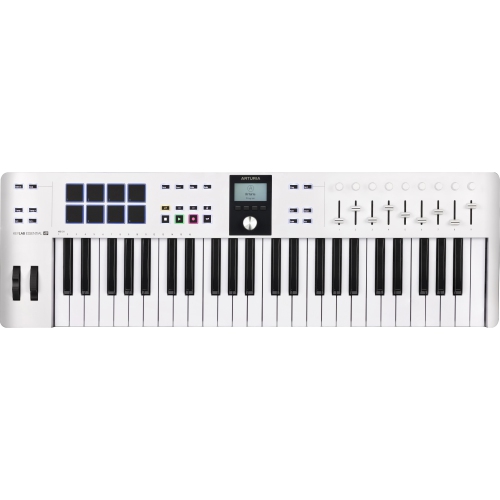
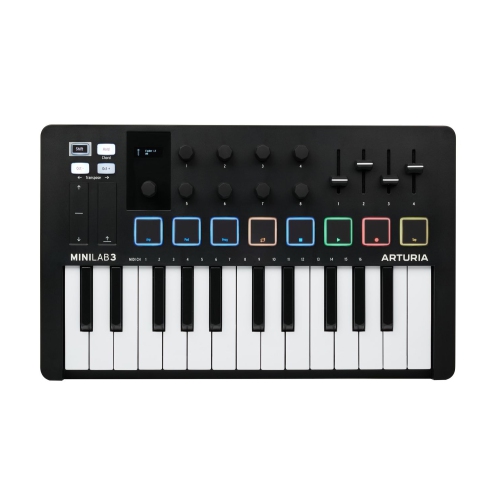
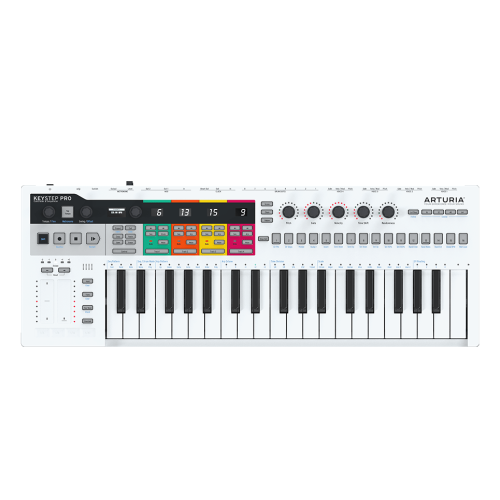
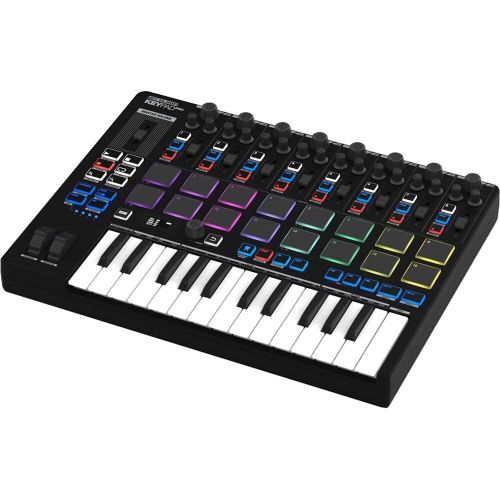

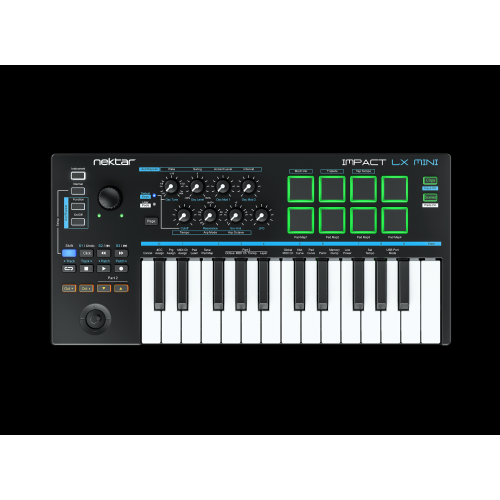
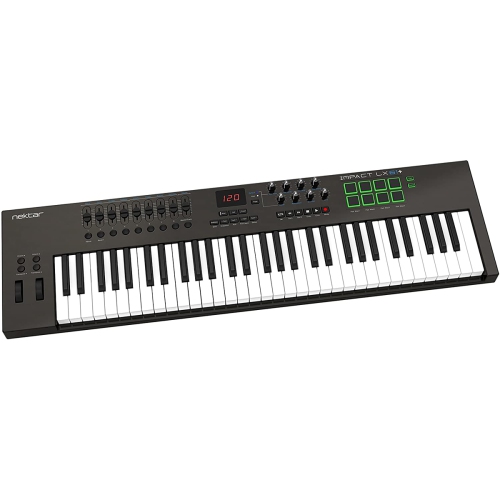
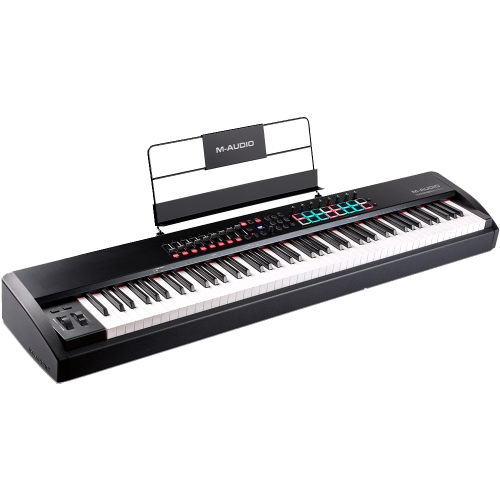
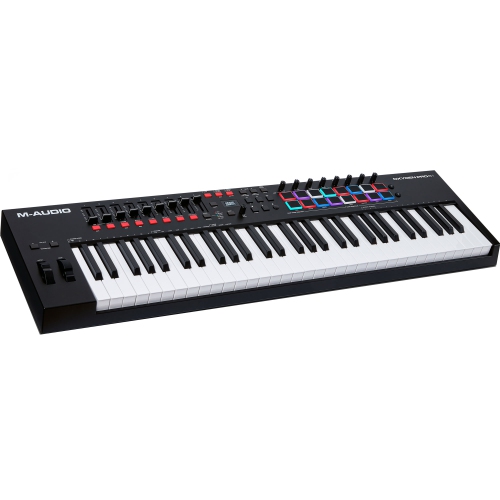
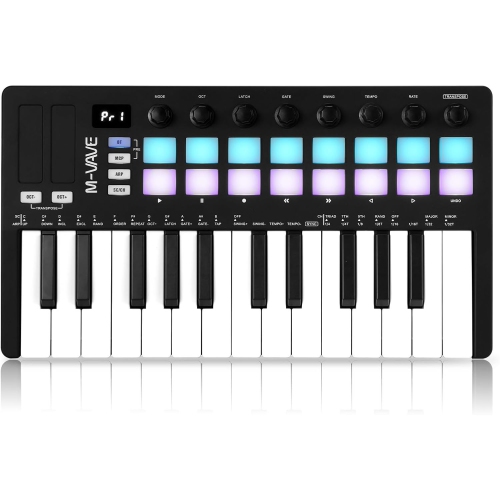
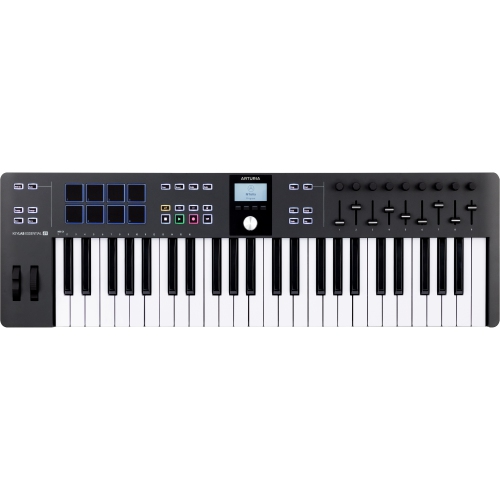
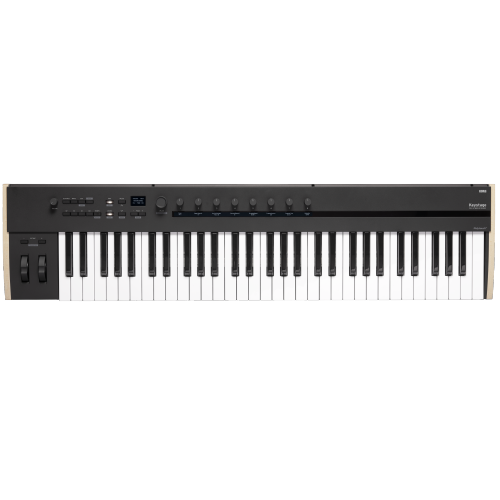
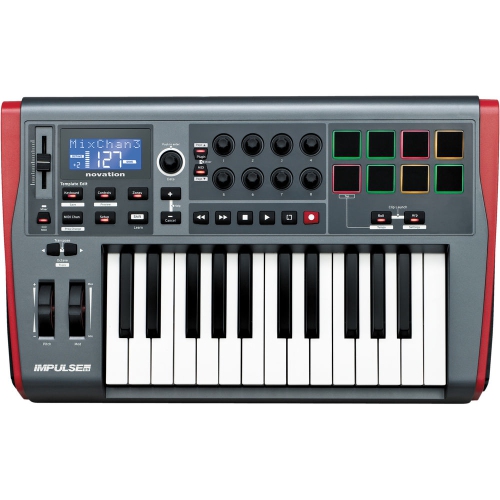
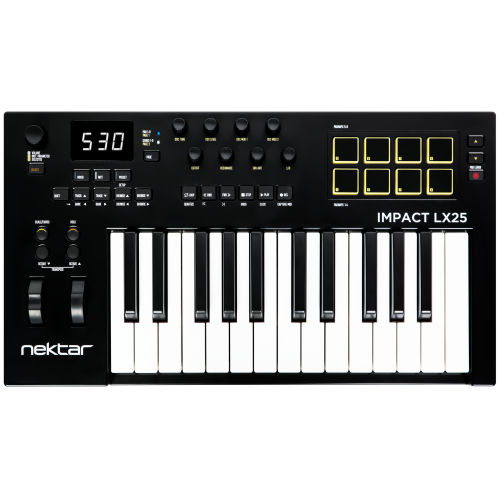
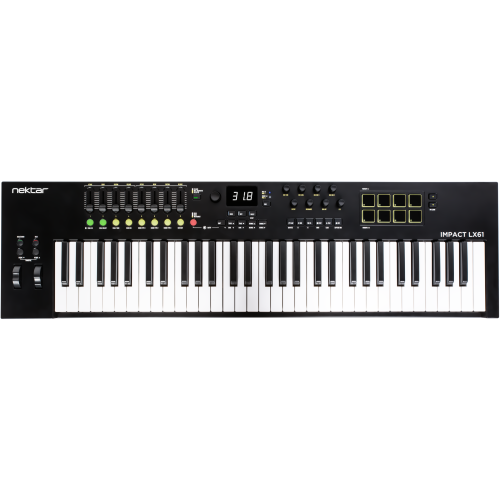
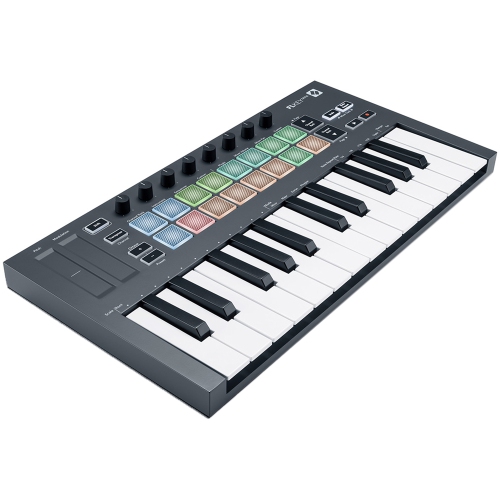
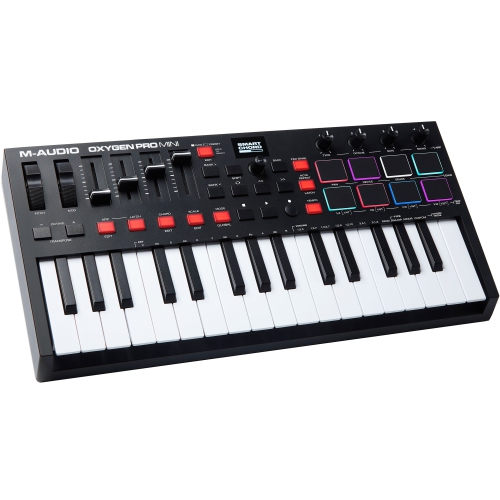
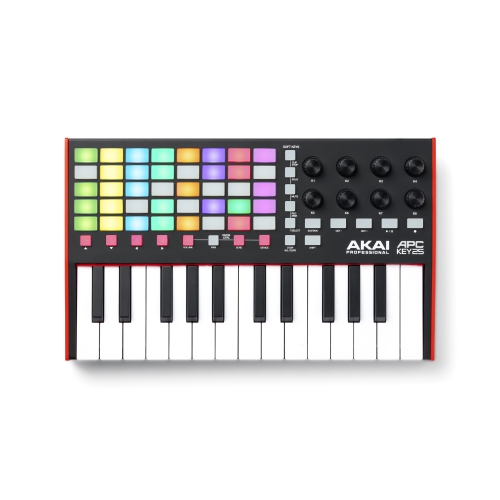
Piano-style playing puts digital instruments at your fingertips
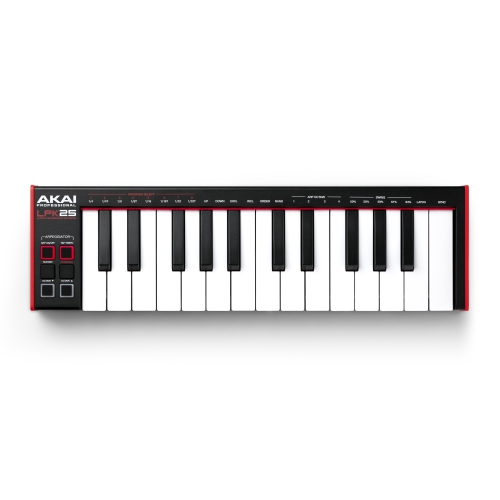
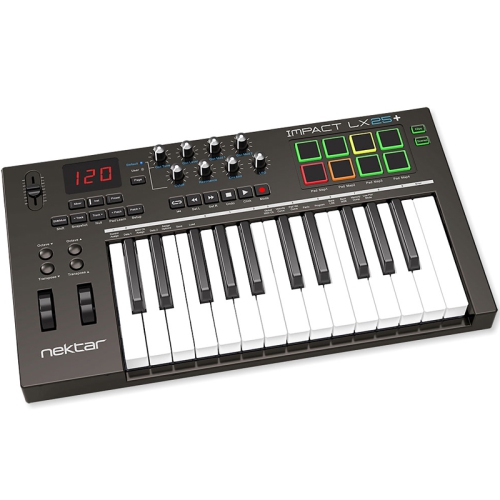
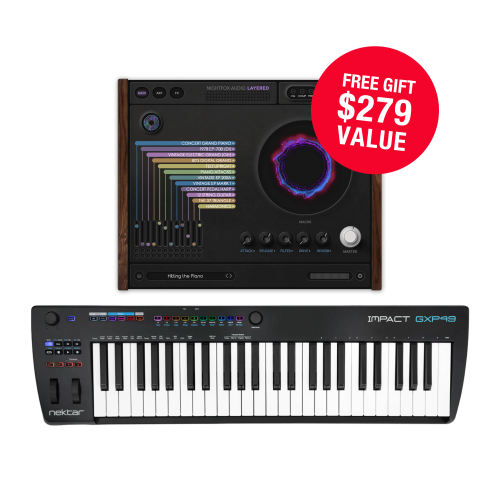
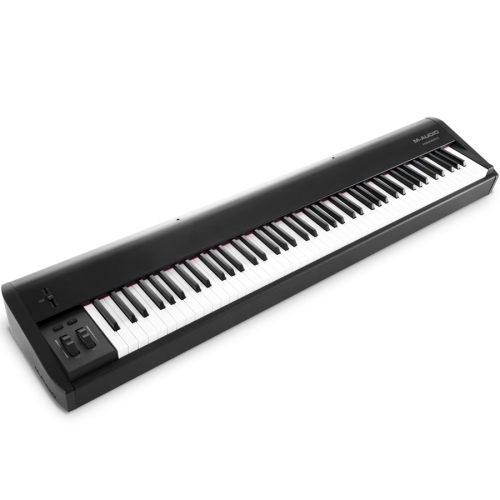
MIDI controller keyboards bring piano-style playing and hands-on control to a digital music setup. Rather than creating sound themselves, most send performance information to a computer, compatible mobile device, synthesizer, or other sound-generating equipment. MIDI, short for Musical Instrument Digital Interface, communicates details such as which note is played, how firmly a key is struck, and when the note is released. The connected instrument or software turns those instructions into sound, whether that is an acoustic piano, a layered string arrangement, a bass line, or a drum pattern. This makes MIDI control keyboards useful for songwriters sketching melodies, producers building tracks, keyboard players performing with software instruments, and beginners exploring music creation. A single keyboard can serve many musical roles without needing a separate physical instrument for every sound. In a digital audio workstation, often called a DAW, recorded MIDI notes can usually be moved, shortened, lengthened, or assigned to a different instrument after a performance. A simple chord progression can become a soft piano accompaniment or a bright synthesizer part without being played again. Unlike an audio recording, however, MIDI data does not contain the sound of the performance itself; it needs a compatible sound source for playback. For someone working at a desk, keys provide a more direct way to try melodies than entering each note with a mouse. For a performer, knobs, pads, and wheels can put musical changes within reach while playing. The most suitable layout depends on how the keyboard will be used: entering a few notes between editing tasks calls for a different setup than practising two-handed arrangements or controlling several instruments onstage. The Best MIDI Keyboards page offers a related starting point for comparing keyboard formats and performance features. Key count, playing feel, connection options, and software compatibility are the main distinctions that shape how comfortably a controller fits into an existing music setup.
Keyboard size affects both playing freedom and the amount of room needed around a workstation. Compact 25-key layouts suit short melodic phrases, bass parts, and portable setups, while 49-key and 61-key formats give both hands more space for chords and melodies. An 88-key controller provides a full piano range and can be especially useful for players working with piano repertoire or broad orchestral arrangements. Octave buttons extend the notes accessible on a smaller keyboard, but changing octaves during a passage is different from having the entire range under the fingers. Mini keys help reduce the overall footprint, whereas full-size keys offer more familiar spacing for someone accustomed to a piano. Key action matters just as much as dimensions. Synth-action keys generally feel light and quick, semi-weighted keys add some resistance, and hammer-action designs aim to reproduce aspects of an acoustic piano’s feel. These descriptions are not interchangeable, and the response can vary between designs. Velocity-sensitive keys let compatible instruments respond to playing strength, making it possible to shape a phrase from gentle notes to stronger accents. Aftertouch, where supported, uses pressure applied after a key is pressed to control an assigned parameter, such as vibrato or a filter. Some controllers transmit one pressure value across the keyboard, while others offer individual-note expression when paired with compatible software or hardware. Drum pads can make tapping out a rhythm feel more immediate, and assignable knobs or faders can adjust instrument settings, track levels, or effects. Transport buttons may provide access to playback and recording without reaching for the computer. These controls are particularly helpful when they match frequently used tasks rather than simply filling the panel. Physical fit also includes room for the mouse, an accessible screen, and enough clearance for cables. A stable stand or desk surface, with the keys at a comfortable playing height, helps support longer sessions without an awkward reach. Pedal placement deserves space too, especially for piano-style playing that relies on sustain.
Connections and software support determine how smoothly a MIDI keyboard becomes part of a music system. USB commonly carries MIDI data and may also power the controller, making a single-cable desktop setup possible. Traditional five-pin MIDI connections are useful for compatible hardware instruments, while some compact equipment uses smaller MIDI sockets that require the correct adapter. A USB connection alone does not guarantee direct communication between two instruments, since USB MIDI generally needs a host such as a computer or a dedicated host device. Mobile setups also depend on the device’s port, operating system, app support, and power requirements. Some controllers work with standard system drivers, while others need additional software to access all their functions. Integration with a particular DAW may include automatic control assignments, but those functions can differ across applications. Included software, when provided, may require registration and have its own system requirements. For responsive playing, the computer’s audio settings matter alongside the keyboard: a noticeable delay between pressing a key and hearing a note can interrupt timing, and an appropriate audio setup can help reduce that delay. Construction and care are equally practical considerations. Moulded plastic housings can keep a controller light for travel, while metal panels or reinforced frames may suit frequent transport and heavier use. Overall durability also depends on the quality of the keys, controls, sockets, and carrying protection rather than the housing material alone. A fitted bag or padded case helps protect exposed knobs and keys in transit; cables should be disconnected before packing so the ports are not under strain. Routine care usually means removing dust with a soft, dry cloth, keeping drinks away from the controls, and following the manufacturer’s cleaning directions. For a gift recipient, knowing their preferred software, available desk space, and playing background is more useful than choosing by key count alone. A beat maker may appreciate responsive pads and a compact footprint, while a pianist may value full-size weighted keys and pedal support. Matching those everyday habits helps make the controller a comfortable, useful part of writing, practising, and performing music.
Keyboard size affects both playing freedom and the amount of room needed around a workstation. Compact 25-key layouts suit short melodic phrases, bass parts, and portable setups, while 49-key and 61-key formats give both hands more space for chords and melodies. An 88-key controller provides a full piano range and can be especially useful for players working with piano repertoire or broad orchestral arrangements. Octave buttons extend the notes accessible on a smaller keyboard, but changing octaves during a passage is different from having the entire range under the fingers. Mini keys help reduce the overall footprint, whereas full-size keys offer more familiar spacing for someone accustomed to a piano. Key action matters just as much as dimensions. Synth-action keys generally feel light and quick, semi-weighted keys add some resistance, and hammer-action designs aim to reproduce aspects of an acoustic piano’s feel. These descriptions are not interchangeable, and the response can vary between designs. Velocity-sensitive keys let compatible instruments respond to playing strength, making it possible to shape a phrase from gentle notes to stronger accents. Aftertouch, where supported, uses pressure applied after a key is pressed to control an assigned parameter, such as vibrato or a filter. Some controllers transmit one pressure value across the keyboard, while others offer individual-note expression when paired with compatible software or hardware. Drum pads can make tapping out a rhythm feel more immediate, and assignable knobs or faders can adjust instrument settings, track levels, or effects. Transport buttons may provide access to playback and recording without reaching for the computer. These controls are particularly helpful when they match frequently used tasks rather than simply filling the panel. Physical fit also includes room for the mouse, an accessible screen, and enough clearance for cables. A stable stand or desk surface, with the keys at a comfortable playing height, helps support longer sessions without an awkward reach. Pedal placement deserves space too, especially for piano-style playing that relies on sustain.
Connections and software support determine how smoothly a MIDI keyboard becomes part of a music system. USB commonly carries MIDI data and may also power the controller, making a single-cable desktop setup possible. Traditional five-pin MIDI connections are useful for compatible hardware instruments, while some compact equipment uses smaller MIDI sockets that require the correct adapter. A USB connection alone does not guarantee direct communication between two instruments, since USB MIDI generally needs a host such as a computer or a dedicated host device. Mobile setups also depend on the device’s port, operating system, app support, and power requirements. Some controllers work with standard system drivers, while others need additional software to access all their functions. Integration with a particular DAW may include automatic control assignments, but those functions can differ across applications. Included software, when provided, may require registration and have its own system requirements. For responsive playing, the computer’s audio settings matter alongside the keyboard: a noticeable delay between pressing a key and hearing a note can interrupt timing, and an appropriate audio setup can help reduce that delay. Construction and care are equally practical considerations. Moulded plastic housings can keep a controller light for travel, while metal panels or reinforced frames may suit frequent transport and heavier use. Overall durability also depends on the quality of the keys, controls, sockets, and carrying protection rather than the housing material alone. A fitted bag or padded case helps protect exposed knobs and keys in transit; cables should be disconnected before packing so the ports are not under strain. Routine care usually means removing dust with a soft, dry cloth, keeping drinks away from the controls, and following the manufacturer’s cleaning directions. For a gift recipient, knowing their preferred software, available desk space, and playing background is more useful than choosing by key count alone. A beat maker may appreciate responsive pads and a compact footprint, while a pianist may value full-size weighted keys and pedal support. Matching those everyday habits helps make the controller a comfortable, useful part of writing, practising, and performing music.
Top selling and popular products
-
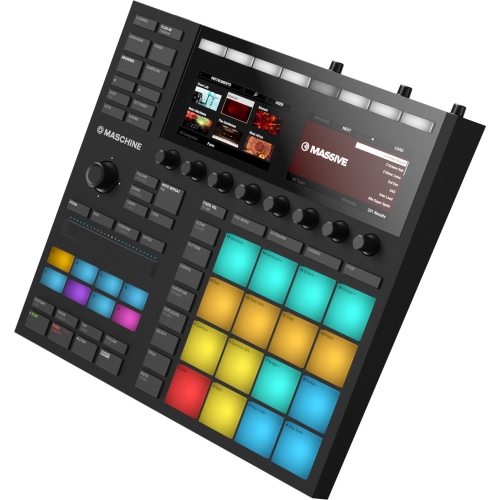 Your price for this item is $609
 -
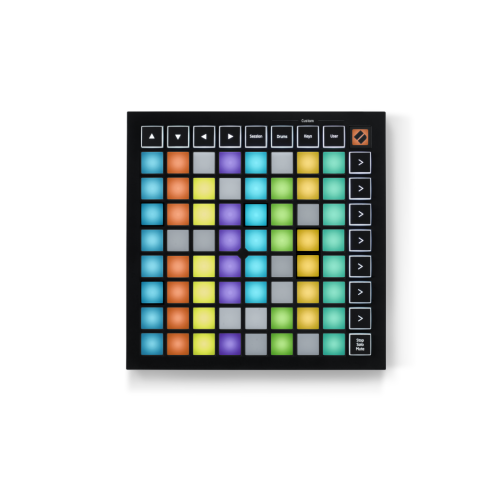 Your price for this item is $129.99
 -
![NOVATION Launchkey 25 [Mk3] Midi Keyboard Controller for Ableton Live](https://multimedia.bbycastatic.ca/multimedia/products/500x500/175/17552/17552265.png) Your price for this item is $169
Your price for this item is $169 -
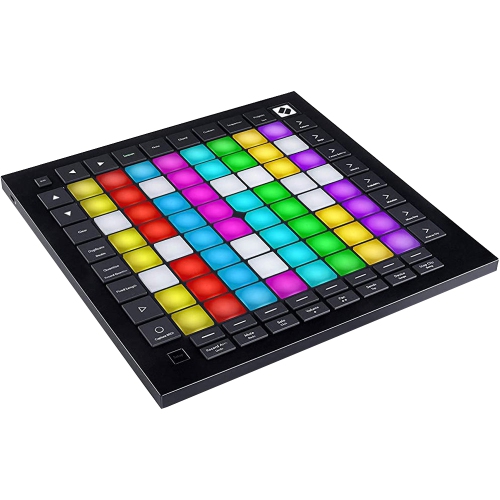 Your price for this item is $399.99
 -
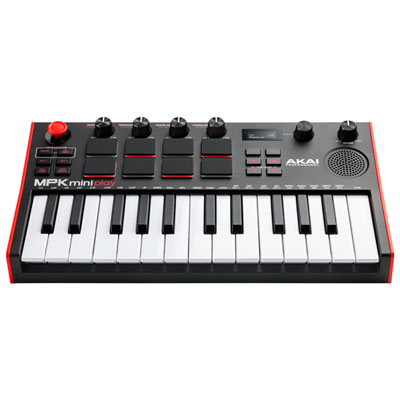 Your price for this item is $189.99
 -
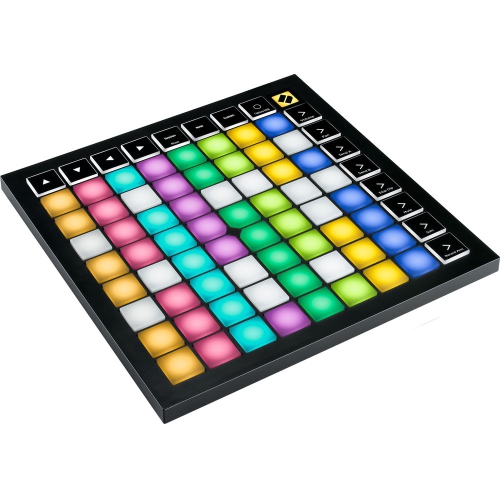 Your price for this item is $219.99
 -
![NOVATION Launchkey Mini 37 [Mk4] — Portable 37 Mini-Key, USB, Midi Keyboard Controller w Daw Integration. Chord Mode, Scale Mode, Drum Pads, And](https://multimedia.bbycastatic.ca/multimedia/products/500x500/196/19623/19623149.jpeg) Your price for this item is $229
Your price for this item is $229 -
![NOVATION Launchkey 61 [Mk4] – 61 Key Semi-Weighted, USB, Midi Keyboard Controller w Daw Integration. Chord & Scale Modes, 8 Drum Pads, &](https://multimedia.bbycastatic.ca/multimedia/products/500x500/196/19623/19623154.jpeg) Your price for this item is $399.99
Your price for this item is $399.99
Discover more categories related to Midi Control Keyboards
Top Collections:
Pokemon Centers, Kindle Devices, Best Budget Office Chairs, Apple iPhones 16, Best Laptops for Writers, iPhone 15 Apple, Canon G7X Cameras, Refurbished Apple Laptops, Alarm Clock, Motorola Razr Phones
Some products may be subject to Environmental Handling Fees
(EHF) depending on your province.
Learn more about EHFs.