Good MIDI Keyboards
Discover the perfect tool to elevate your music production with a Good MIDI Keyboard. Whether you're a beginner exploring digital composition or an experienced musician looking to expand your studio setup, you'll find versatile options designed to suit every skill level and creative workflow. Browse a curated selection of keyboards that make it easy to connect, compose, and control your favorite software instruments, helping you bring your musical ideas to life with ease. Find the right Good MIDI Keyboard to enhance your creative process and enjoy seamless integration into your music environment.
Sort
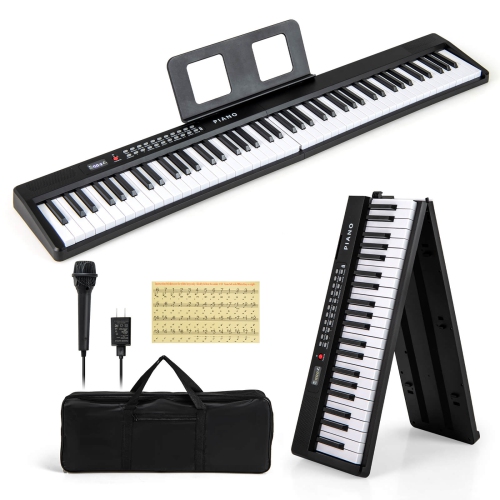
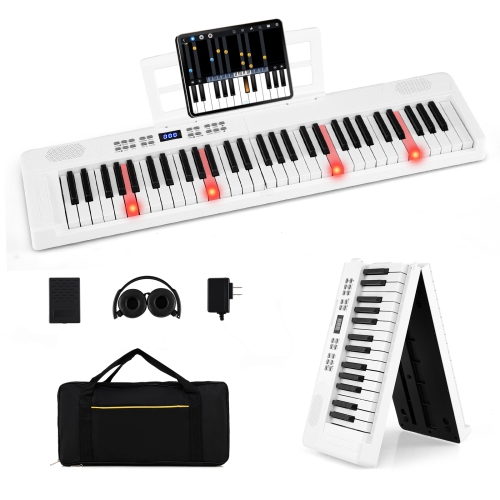
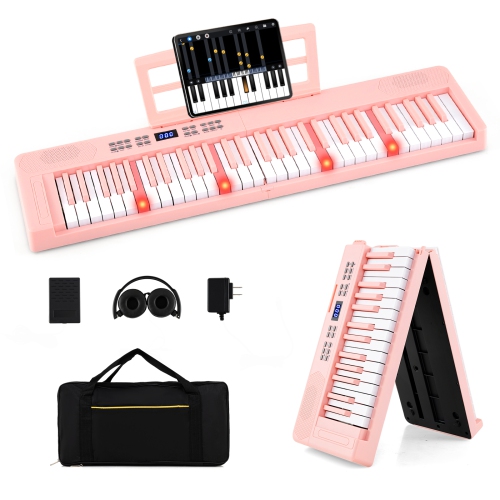
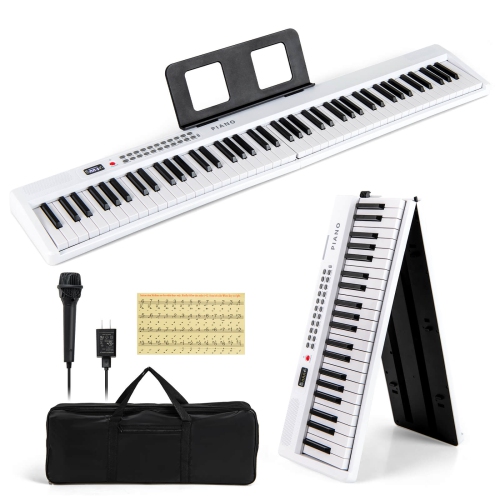
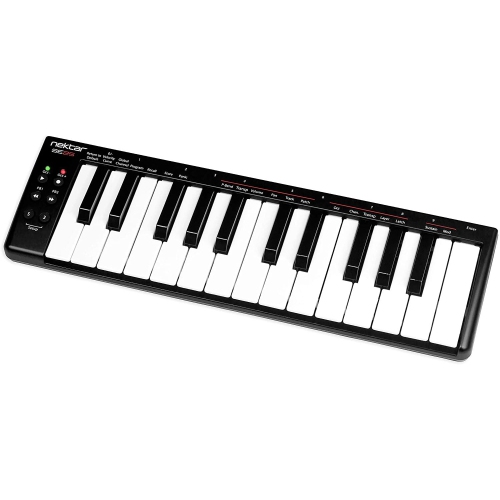
How key feel and software compatibility shape your setup
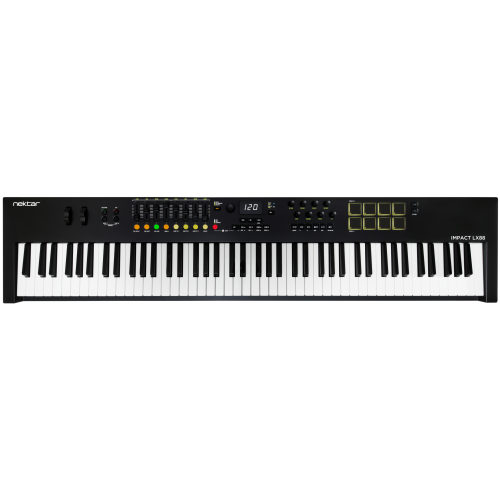
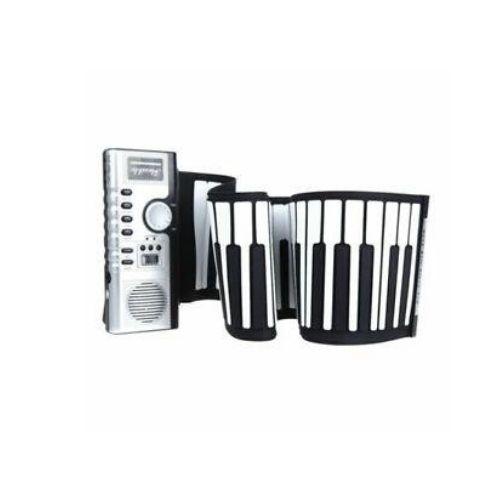
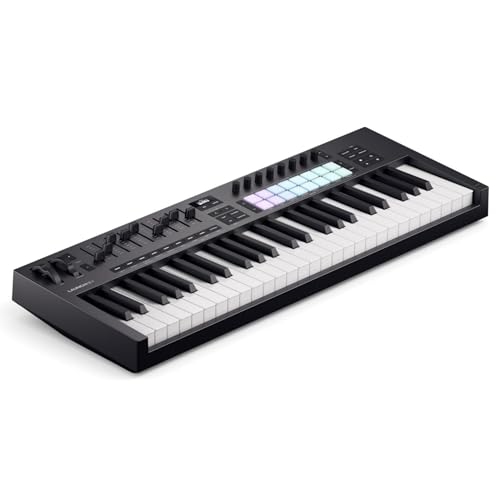
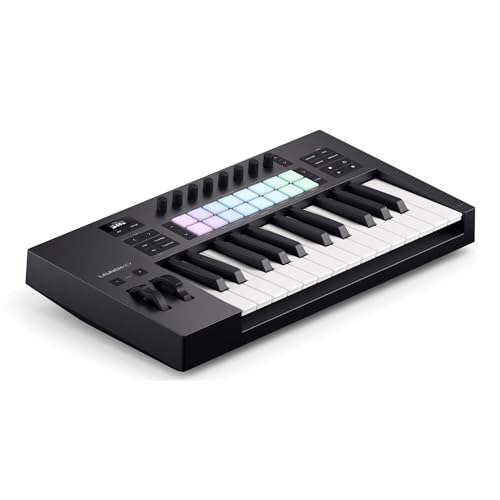
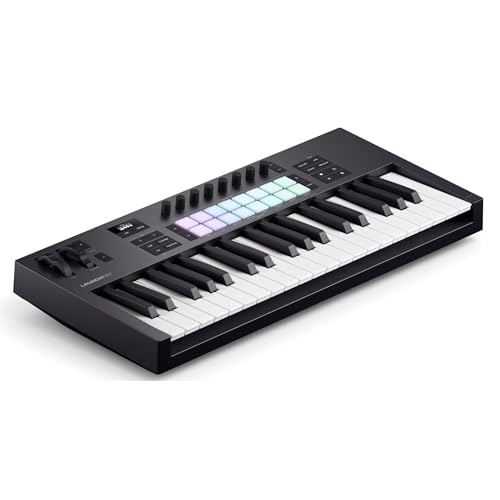
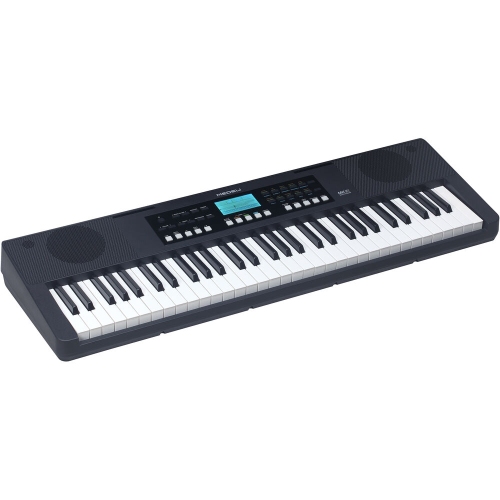
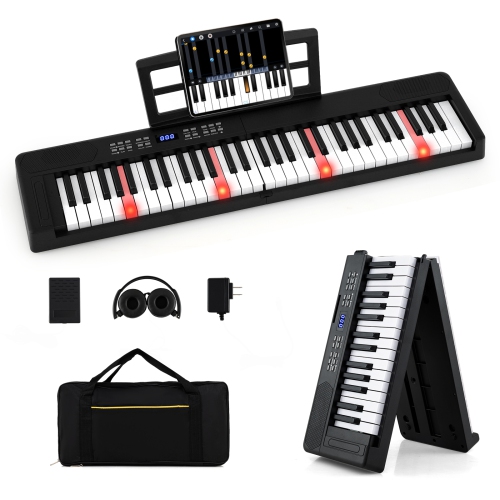
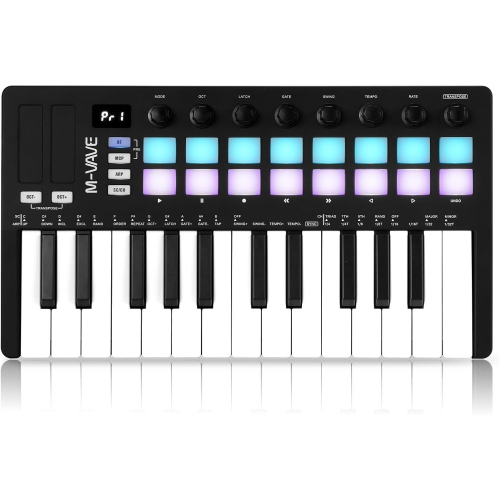
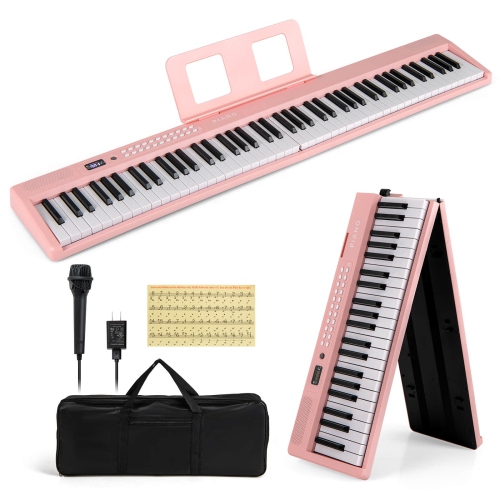
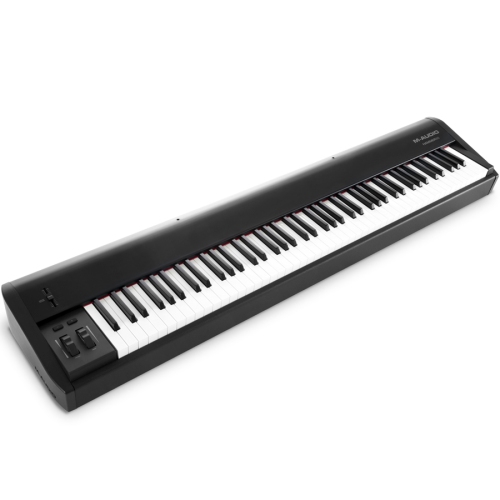
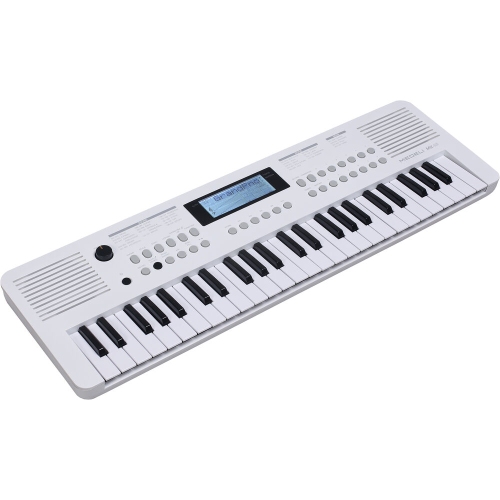
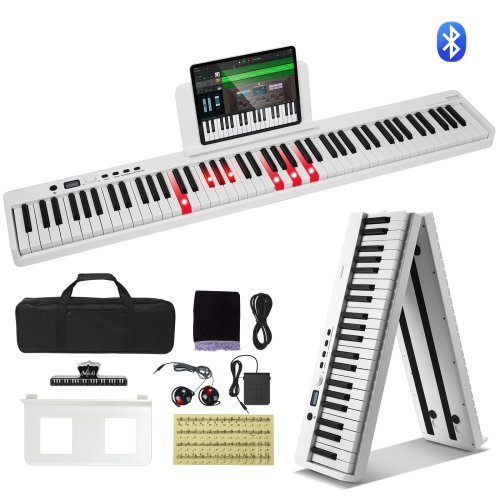
Good MIDI keyboards combine responsive keys, dependable connections, and controls that suit the way music is made. They translate playing gestures into instructions for compatible music software or hardware, making them useful for writing melodies, layering chords, programming drums, and performing virtual instruments. A MIDI controller keyboard generally does not produce sound on its own unless it also includes a sound engine; the connected computer, tablet, or hardware instrument supplies the sounds. That distinction matters for anyone expecting to plug in headphones and start playing without another device. Key count and key feel are central to how a keyboard fits into a musical setup. Compact 25-key and 32-key layouts suit bass lines, short melodies, and music production beside a laptop, while 37-key and 49-key layouts provide more room for chords and melodic phrases without taking over a work surface. A 61-key keyboard offers a broader playing range for two-handed parts, and an 88-key layout provides the full note range of a standard piano. Octave buttons let a smaller keyboard reach higher and lower notes, although they cannot replace the physical space needed to play widely separated parts simultaneously. Mini keys help keep a controller compact, while full-size keys may feel more familiar to pianists. Synth-action keys typically have a light, springy response; semi-weighted designs add resistance; and fully weighted hammer-action designs aim for a more piano-like feel. These descriptions do not guarantee identical resistance across keyboards, so touch remains a personal preference. Velocity sensitivity lets playing strength influence volume or tone when the receiving instrument supports it. For a songwriter sketching a quiet verse and a stronger chorus, that response can make a part feel expressive before any editing begins. A sustain-pedal input can also be valuable for piano-style playing, with pedal compatibility and polarity support worth checking alongside the keyboard’s other connections.
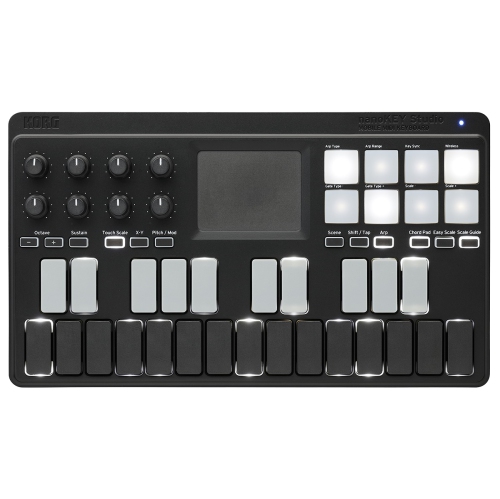
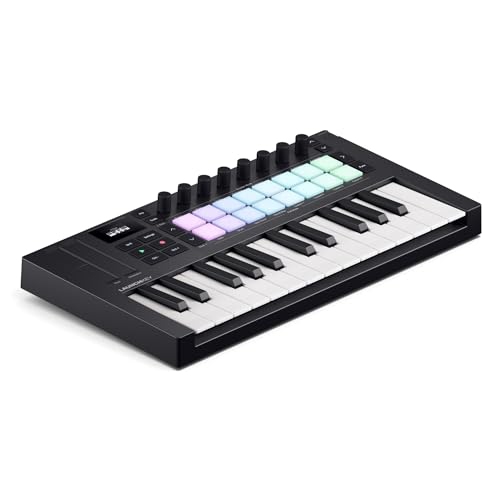
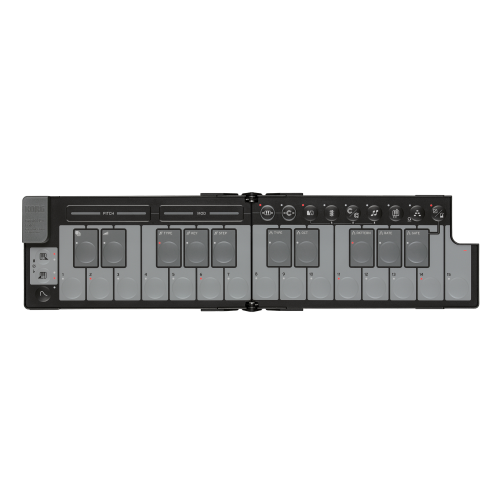
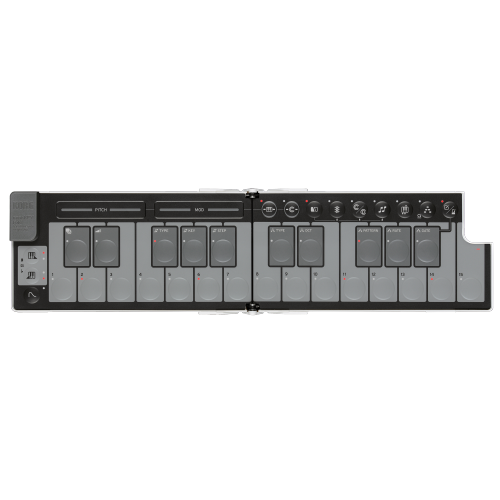
The most useful controls depend on what happens around the keys. Drum pads provide a separate surface for tapping out kick, snare, and hi-hat patterns, triggering samples, or launching clips in compatible software. Velocity-sensitive pads can capture differences between a soft tap and a firm strike, while pressure-sensitive pads may offer additional expression when both the controller and software support it. Knobs, faders, and encoders bring frequently used settings within reach: a knob might open a filter during a sustained chord, while a fader adjusts a track level without moving the mouse. Transport buttons can handle playback and recording, and deeper digital audio workstation integration may extend to track selection, mixer control, or feedback on a display. Integration varies by controller, software, and software version; automatic mapping in one application does not necessarily mean the same controls work identically in another. Customizable assignments are helpful for musicians who prefer a consistent layout across projects. Pitch-bend and modulation controls add movement to lead lines and sustained notes, whether they take the form of wheels, strips, or a joystick. Aftertouch adds another layer of expression through pressure applied after a key is played, but it is not included on every keyboard. Channel aftertouch sends a shared pressure message, while polyphonic aftertouch can send separate pressure information for individual notes when supported. Scale modes, chord functions, and arpeggiators can support experimentation, though their behaviour and routing differ between designs. Connectivity deserves equal attention. USB often carries MIDI data and may power the controller, but a USB-C connector alone does not confirm compatibility with every device or cable. Tablet setups may need an adapter or additional power. Traditional MIDI connections can be useful for external synthesizers, while a USB-only controller generally needs a suitable host rather than a simple passive cable to communicate with traditional MIDI hardware. Bundled software can provide a starting point for making music, with operating-system requirements, licence terms, and included features varying between packages. MIDI data is also separate from audio: recording a microphone or guitar usually requires an appropriate audio input or interface, not just a MIDI keyboard.
Physical construction and everyday fit make a noticeable difference once a keyboard becomes part of a regular routine. Plastic housings can keep weight manageable for carrying between a rehearsal room and a home studio, while metal chassis panels can add rigidity for frequent setup and transport. Neither material alone determines durability; secure connections, stable controls, and protection in transit matter too. A padded case helps protect keys and knobs from knocks, and cables are best disconnected before packing so the ports are not carrying sideways pressure. On a desktop, the keyboard needs enough depth for comfortable hand placement as well as clearance for cables at the rear. Larger controllers benefit from a stable stand with an appropriate load rating, especially when playing with both hands or using a weighted action. For a laptop-based workspace or a setup that travels between locations, small MIDI keyboards can leave more room for a computer keyboard, audio interface, and speakers. Portability still involves more than key count: overall width, weight, protruding controls, and power requirements all affect how easily a controller fits into a bag. Routine care is straightforward, with a soft, dry cloth for dust and any further cleaning carried out according to the manufacturer’s directions. Liquids should stay away from keys, pads, and sockets, and a cover can help keep dust out between sessions. MIDI keyboards can suit beginners learning to build tracks, experienced pianists adding software instruments, beatmakers recording rhythms by hand, and performers controlling several sounds from one playing surface. They can also make thoughtful gifts for musicians when the recipient’s preferred software, available space, and playing style are known. A piano-focused player may value key feel and pedal support most, while a producer working with loops may get more use from pads and assignable controls. The strongest fit is a keyboard whose playing surface, connections, and hands-on controls feel useful throughout an ordinary music-making session.
Top selling and popular products
-
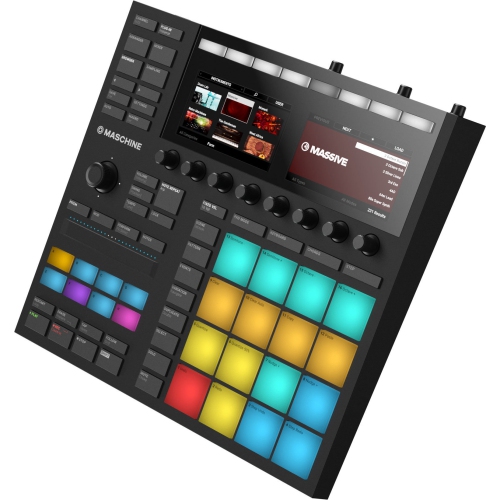 Your price for this item is $609
-
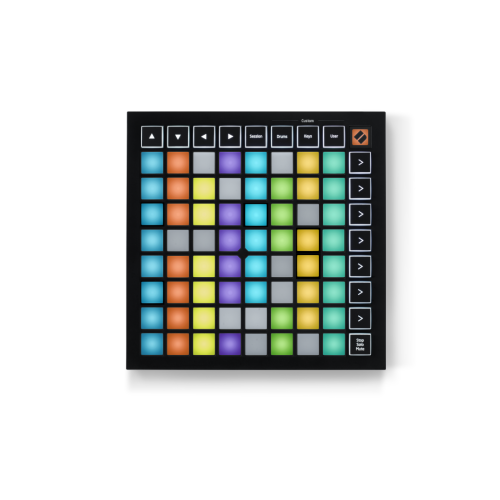 Your price for this item is $129.99
-
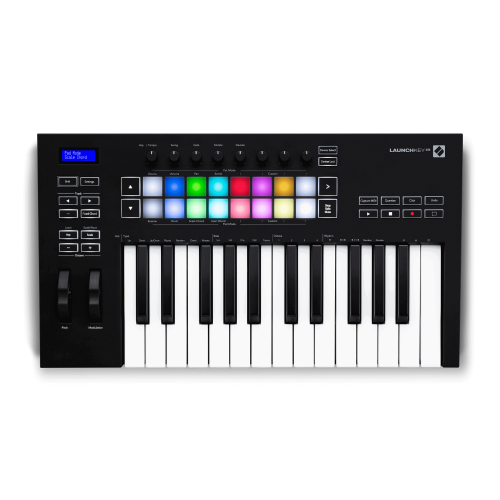 Your price for this item is $239
-
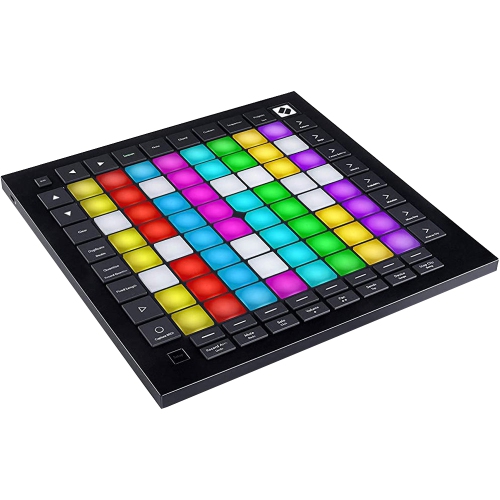 Your price for this item is $529
-
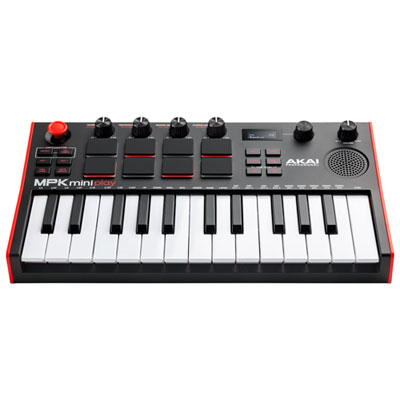 Your price for this item is $189.99
-
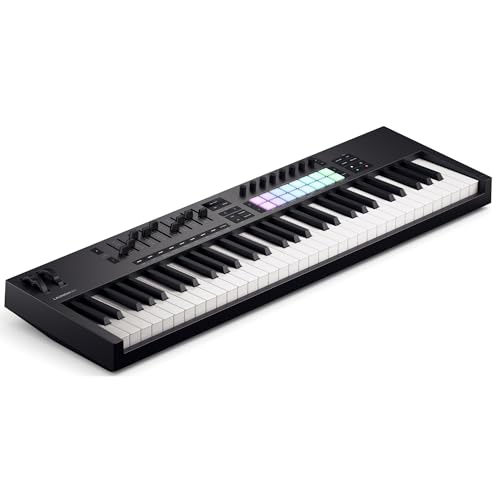 Your price for this item is $399
-
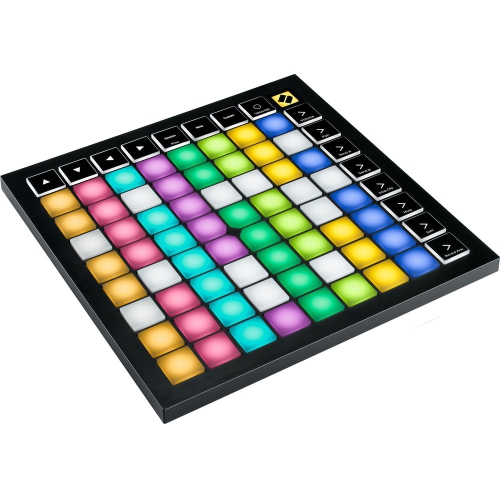 Your price for this item is $239.99
-
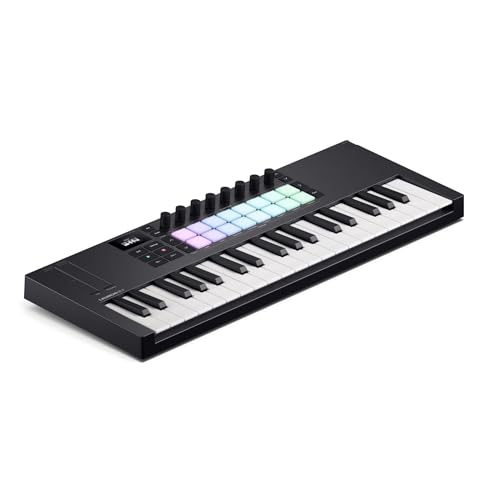 Your price for this item is $184.99
Discover more categories related to Good MIDI Keyboards
Top Collections:
Best Black Friday Deals This Year, Best Black Friday Deals On Electronics, Kindle Devices, Pokemon Centers, Best Black Friday Deals On Apple Products, Best Cameras for Sports Photography, Dyson Airwrap, Pokémon 30th Celebration Cards, Apple iPhone 17 Pro, Canon G7X Cameras
Some products may be subject to Environmental Handling Fees
(EHF) depending on your province.
Learn more about EHFs.